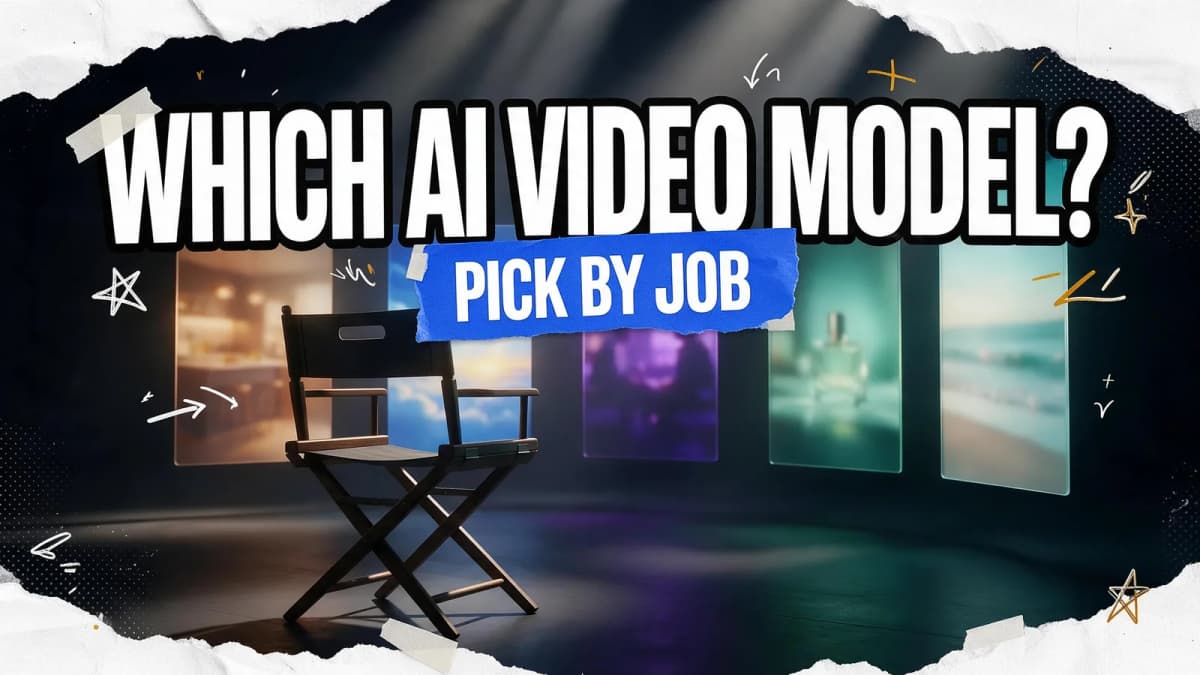
Pick the model by the job, not the leaderboard. For ads with spoken lines and on-screen product names, start with Kling 3.0 or Veo 3.1. For anime and stylized work, start from a reference image and use Seedance 2.5 or Kling 3.0. For realistic people talking, Kling 3.0 and Veo 3.1 lead because they generate lip-synced dialogue natively. For product shots, Veo 3.1's first-and-last-frame control is hard to beat, and for long social stories Seedance 2.5 and Wan 3.0 make 30-second takes in one pass. Runway Gen-4.5 is the pick when the footage is headed into a professional edit.
That's the short version of Seedance vs Kling vs Veo vs Wan vs Runway in 2026. Below, each use case gets a first pick, a backup, the reason, and a prompt you can copy. If you want the raw specs (max length, resolution, audio, inputs), read the companion technical comparison of Seedance, Kling, Veo, Runway and Wan.
Quick picker: which AI video model for which job
| Your job | First pick | Backup | Why |
|---|---|---|---|
| Ads with dialogue or product names | Kling 3.0 | Veo 3.1 | Native lip-synced speech, multilingual voices, on-screen text rendering |
| Anime and stylized animation | Seedance 2.5 | Kling 3.0 | Style, motion and clay-render references lock the look |
| Realistic people talking | Kling 3.0 | Veo 3.1 | Multi-character dialogue with matching lip-sync; Veo adds always-on sound |
| Product videos | Veo 3.1 | Kling 3.0 | First and last frame control, up to 3 reference images, 4K |
| Social shorts (9:16) | Veo 3.1 | Seedance 2.5 | Native vertical output and sound in one pass |
| Long single takes and stories | Seedance 2.5 | Wan 3.0 | 30 seconds per generation with consistent characters |
| Explainers from slides or docs | Wan 3.0 | Seedance 2.5 | Accepts PDFs, decks and spreadsheets as input |
| Editing footage you already shot | Runway Aleph 2.0 | Seedance 2.5 | Video-to-video edits vs timestamp-level edits |
| Running models on your own GPU | Wan 2.2 | — | Open weights, 720p on a 24 GB card |
All specs come from the makers' official pages, linked in each section and in the sources below.
Ads and performance creative
Ads live or die on three things: a clear product, a line of dialogue or voiceover, and a hook in the first seconds. Kling 3.0 covers the first two natively: it renders on-screen text, generates speech with character-level lip-sync, and handles multiple languages and accents, which helps when one concept has to run in several markets. Up to 15 seconds per generation is enough for most paid social placements.
Veo 3.1 is the backup, and sometimes the better pick when the ad is driven by sound design rather than a spokesperson. Its audio is always on, and you can prompt for specific effects and ambience.
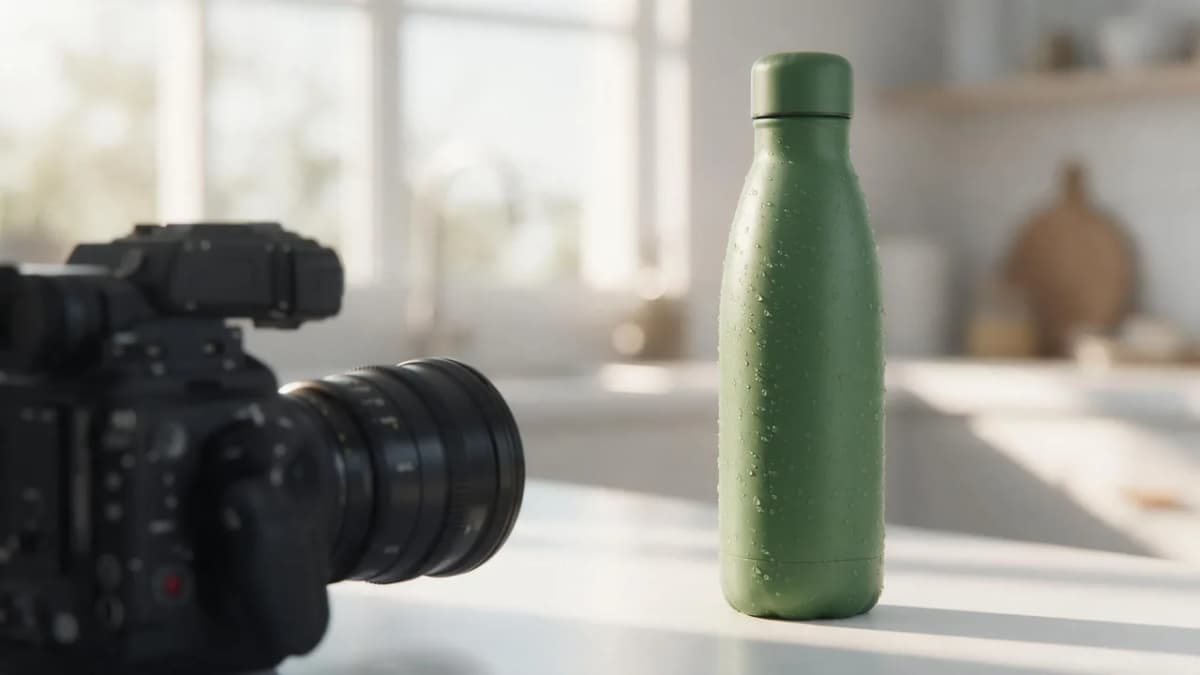
AI Prompt RecipeFlux.1 Pro16:9“A young woman in a bright kitchen holds up a matte green water bottle and says, "Cold for twenty-four hours. Seriously." She takes a sip, smiles, and sets it on the counter. Medium shot, natural window light, crisp product focus, upbeat room tone.”
For full campaigns (hooks, variations, sizes), Kenerate's Ads Studio and the AI ads generator wrap these models in an ad-specific workflow.
Anime and stylized animation
None of these makers publishes an "anime mode" for their flagship model, so the reliable route is reference-first. Generate or draw a clean character still, then animate it.
- Seedance 2.5 accepts up to 30 images plus video and audio references in one request, including style, motion and clay-render references (ByteDance Seed). That's the most control over a consistent drawn look.
- Kling 3.0 supports character references and keyframe motion control, useful when the same character appears across several shots.
Start your still in the AI anime generator, then bring it into image-to-video.
AI Prompt RecipeFlux.1 Pro16:9“Animate this character: she turns toward the camera as cherry blossom petals swirl around her, hair and scarf moving in the wind. Keep the hand-drawn cel-shaded look, flat colors and clean line art from the reference. Gentle slow push-in, soft afternoon light.”
Keep anime motion simple. Large, fast actions are where drawn styles tend to drift toward realism.
Realistic people, dialogue and lip-sync
If a person has to speak on camera, use a model that generates the voice and the mouth movement together. Kling 3.0 lets you assign lines to different characters in the same scene and matches each voice to the right face, so it's the first pick for two-person conversations. Veo 3.1 also generates dialogue from the prompt and adds ambient sound on every clip.
Seedance 2.5 generates audio and picture together as well, but ByteDance notes the model still has room to improve on scenes where several subjects interact. For a single speaker it's a solid option; for two people touching, passing objects or fighting, expect more retakes.
AI Prompt RecipeFlux.1 Pro16:9“Two coworkers stand by an office window at sunset. The man says, "Did you send the final cut?" The woman nods and says, "Ten minutes ago. They loved it." Natural handheld camera, warm light, realistic skin texture, quiet office ambience.”
If you need a talking presenter from a photo rather than a generated scene, a dedicated lip-sync tool is often a better fit. Kenerate's Avatar studio runs OmniHuman 1.5, Kling Avatar 2 Pro and other lip-sync models.
Product videos
Product shots need the product to look exactly like the product. Veo 3.1 gives you the tightest control: up to three reference images for content and style, or a first frame and a last frame so the camera move lands precisely where you want. At 8 seconds you can render 1080p or 4K.
Kling 3.0 is the backup when you need native 4K at longer lengths (up to 15 seconds) or readable text on packaging.
AI Prompt RecipeFlux.1 Pro16:9“Start frame: a perfume bottle on a black marble plinth. End frame: the same bottle in close-up with light refracting through the glass. Slow orbit from left to right, glossy reflections, faint mist drifting across the base. Sound: soft airy synth pad and a subtle glass chime.”
Tip: create your start and end frames as stills first, then pass them in. You'll waste far fewer generations than prompting from text alone. The AI product photo generator is a quick way to make those frames.

Social shorts: TikTok, Reels and YouTube Shorts
For 9:16 social content, Veo 3.1 has native vertical output and sound on every clip, which covers most Shorts and Reels in one pass. Google also put Veo 3.1 Ingredients to Video into YouTube Shorts and the YouTube Create app in January 2026 (Google).
Seedance 2.5 is the backup when the post needs a mini story: its 30-second single takes can carry setup, development and payoff without stitching clips.
AI Prompt RecipeFlux.1 Pro16:9“Vertical 9:16. A golden retriever in sunglasses rides a skateboard down a sunny beach boardwalk, camera tracking alongside at ground level. People cheer as he passes. Upbeat summer energy, surf sounds and skateboard wheels on wood.”
Long single takes and story clips
Seedance 2.5 and Wan 3.0 both generate up to 30 seconds in a single pass. Seedance 2.5 adds multi-round extension that keeps characters and environments consistent, plus timestamp-level edits so you can fix one moment without regenerating the rest.
Wan 3.0 is the better fit for explainers: it can build a video from slides, PDFs, spreadsheets or text files, at up to 1080p. Alibaba says its audio texture and on-screen text are still improving, so add voiceover and titles in editing if they matter.
Editing footage you already have
This is where Runway stands apart. Runway Gen-4.5 generates from text or an image, and Aleph 2.0 edits existing video with text or image guidance. Runway's API also outputs HDR, 12-bit masters and ProRes (Runway API docs), which matters if your project finishes in a color-grading suite. Runway doesn't list audio as a Gen-4.5 feature, so plan to score or sound-design in post.
If you just need to restyle a clip, Kenerate's video-to-video tools are a lighter option.
Budget, volume and running locally
If you generate a lot of drafts, use a cheaper or faster tier for iteration and the flagship only for finals: Veo 3.1 Fast, Seedance 2.0 Fast or Mini, and Wan 3.0's lower resolutions all exist for this reason. If you want no per-clip cost at all and have the hardware, Wan 2.2 runs at 720p on a single 24 GB consumer GPU.
Try these models in the Video Studio
A simple three-step test before you commit
- Write one prompt for the real job, with subject, action, camera, light and sound.
- Run it on your first pick and your backup from the table above, same aspect ratio and length.
- Judge on the thing that matters for this job: lip-sync for dialogue, label accuracy for products, style consistency for anime. Ignore everything else.
On Kenerate you can run Seedance, Kling, Veo 3.1 and Wan 3.0 side by side from one account, along with Ken 1, Kenerate's own 1080p model for clips up to 15 seconds. New accounts get 25 free credits on sign-up, and credits never expire. Runway's models are only available in Runway's own app.
Bottom line
In Seedance vs Kling vs Veo vs Wan vs Runway, the right answer changes with the job. Use Kling 3.0 for talking people and ads, Veo 3.1 for products, sound and vertical shorts, Seedance 2.5 for anime from references and long one-take stories, Wan 3.0 for explainers from documents, and Runway for editing footage that ends up in a professional finish. Test your first pick against one backup, then commit.