Unblur text · Real-ESRGAN
Unblur text in an image — deblur soft screenshots and scans
Make slightly blurry text readable again in about 25 seconds. We tested three kinds of blur on the same slip, so you can see what this fixes and what it can't.


- Screenshots and scans
- Signs and menus
- Real test results
- No watermark
Updated by the Kenerate AI team




On this page
Quick answer

How do you unblur text in an image?
To unblur text in an image, upload it to Kenerate AI and run Real-ESRGAN, a faithful upscaler that sharpens the strokes already there. On a slightly soft test slip, every letter and digit came back right. Heavy blur stayed unreadable, and camera shake became overlapping letters. AI cannot reveal redacted or pixelated text, so check every character by eye.
Key facts
- Works on
- Slightly soft screenshots, scans and photos
- Start with
- Real-ESRGAN, about 25 seconds
- Soft blur test
- Every letter and digit right
- Heavy blur test
- Still unreadable
- Camera shake test
- Overlapping letters, digits unreliable
- Redacted or pixelated text
- Can't be recovered
- Upload
- JPG, PNG or WEBP up to 25 MB
- Watermark
- None
How it works
How to unblur text
Three steps. Real-ESRGAN is already selected when you open the tool from this page.
- Time needed
- Steps
- 3 steps
Step 1
Upload the image with the blurry text
Add a JPG, PNG or WEBP up to 25 MB. This page opens the tool on Real-ESRGAN. Crop to the text first if it only fills part of the picture.
Step 2
Run Real-ESRGAN
Press Upscale. In about 25 seconds it sharpens the strokes already in the image and returns a larger copy.
Step 3
Check every character
Compare the result with the original at 100%, above all digits, names and codes. Download with no watermark, or retake the photo if the text is still unclear.
See it in the app

Open Image Upscaler and upload a photo, or pick one from your library or a link.


Watch the tour · 1:47
7 engines, 2K · 4K · 8K & exact size, portraits, old-photo restore, before/after & chat
Chapters
Real results
What kind of blurry text can AI fix?
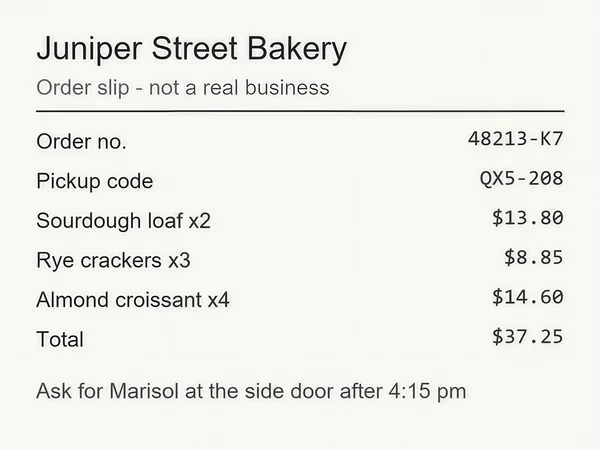
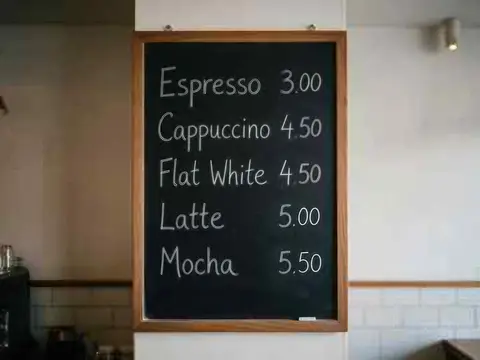
One fictional slip, blurred three ways, one Real-ESRGAN run each, plus a tiny photo of a chalkboard menu.
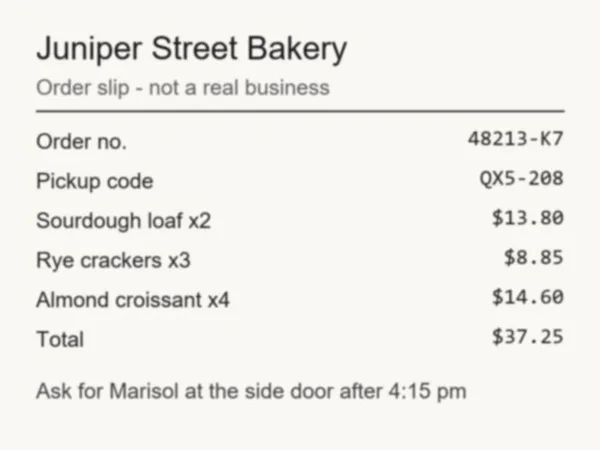
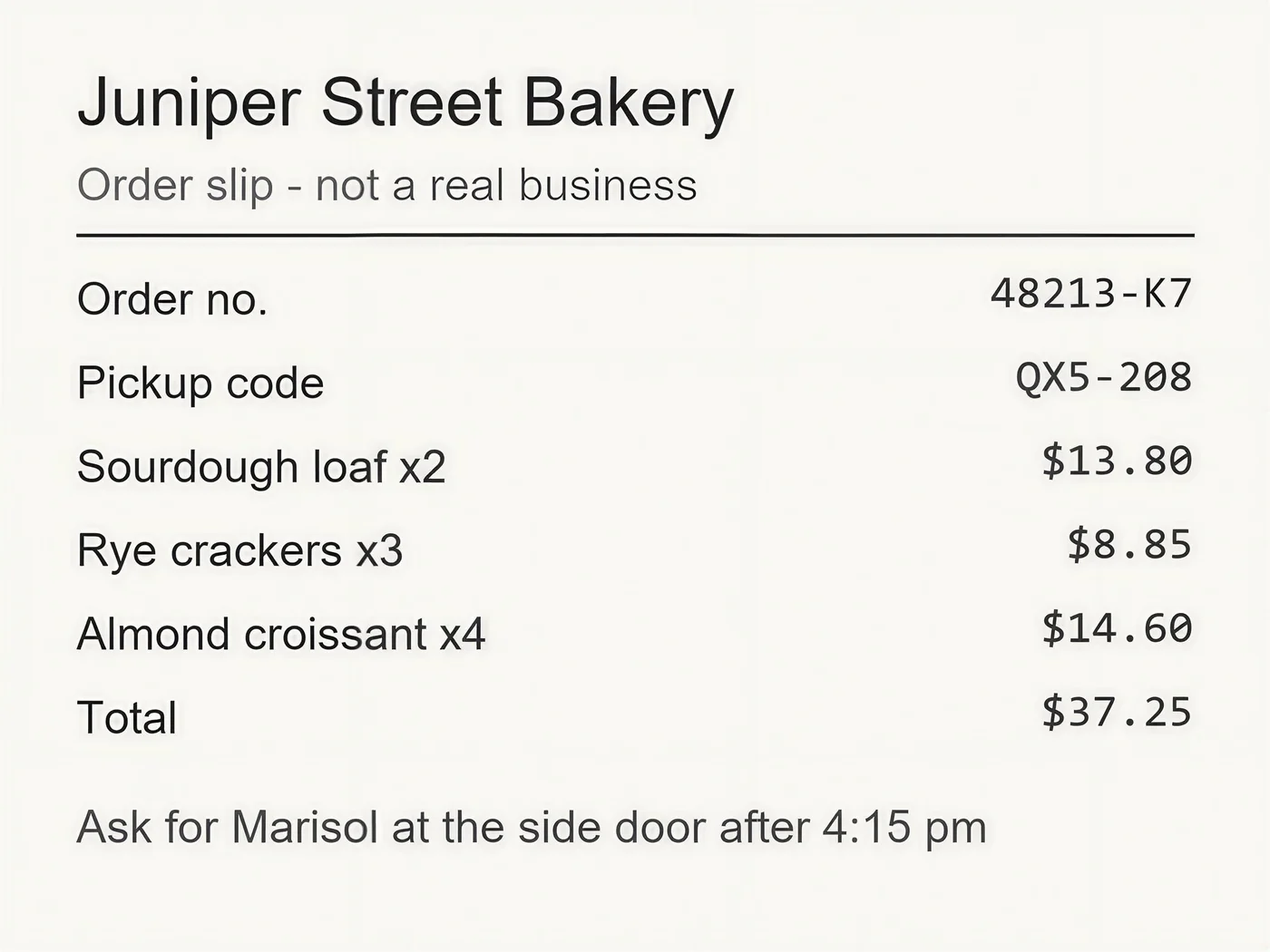
- Before · 700 px JPEG, softAfter · 2365 × 1774
Slightly soft: fixed
Every letter and digit came back right, with a faint halo around the strokes.
Real-ESRGAN
Try this photo 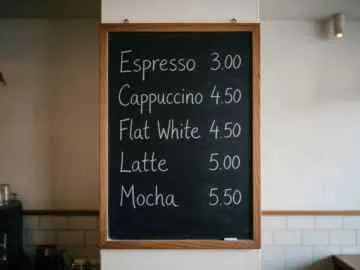 Before · 360 px JPEGAfter · 4K · 4730 × 3547
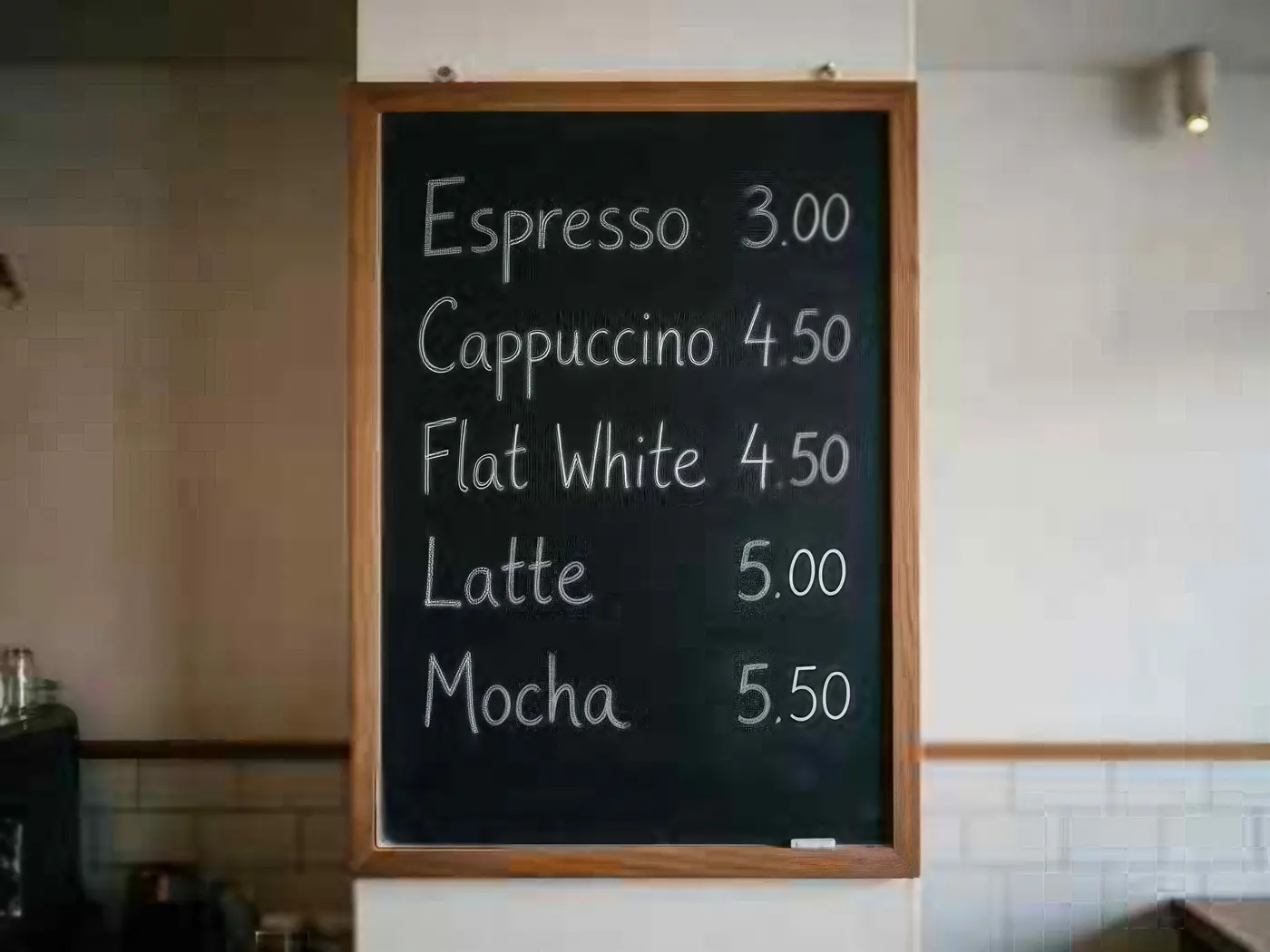
Tiny but clean: fixed
A 360 px chalkboard menu at 4K with Image Upscaler.
Image Upscaler
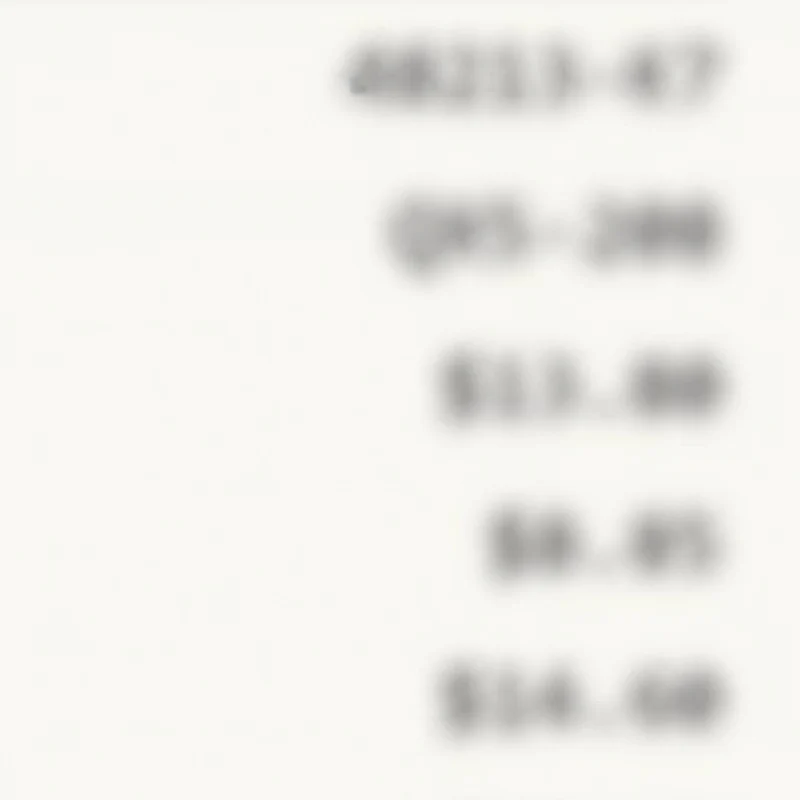
Try this photo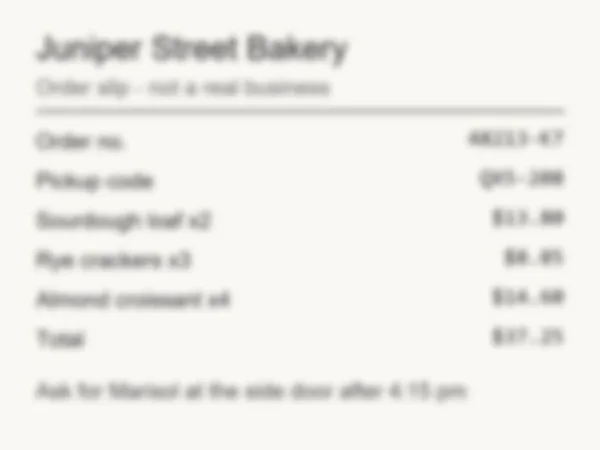 Before · 700 px JPEG, heavy blurAfter · 2365 × 1774
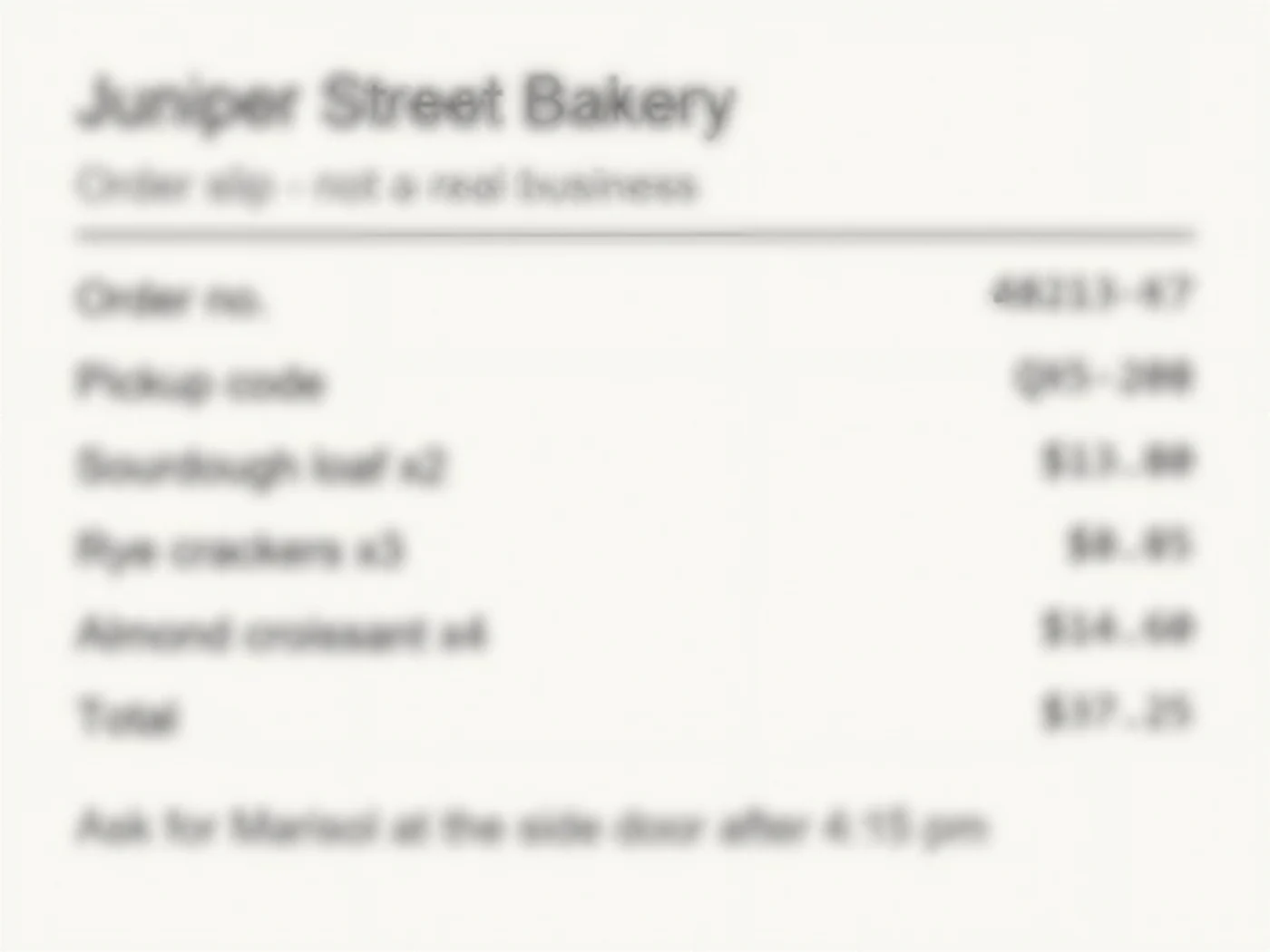
Heavy blur: not fixed
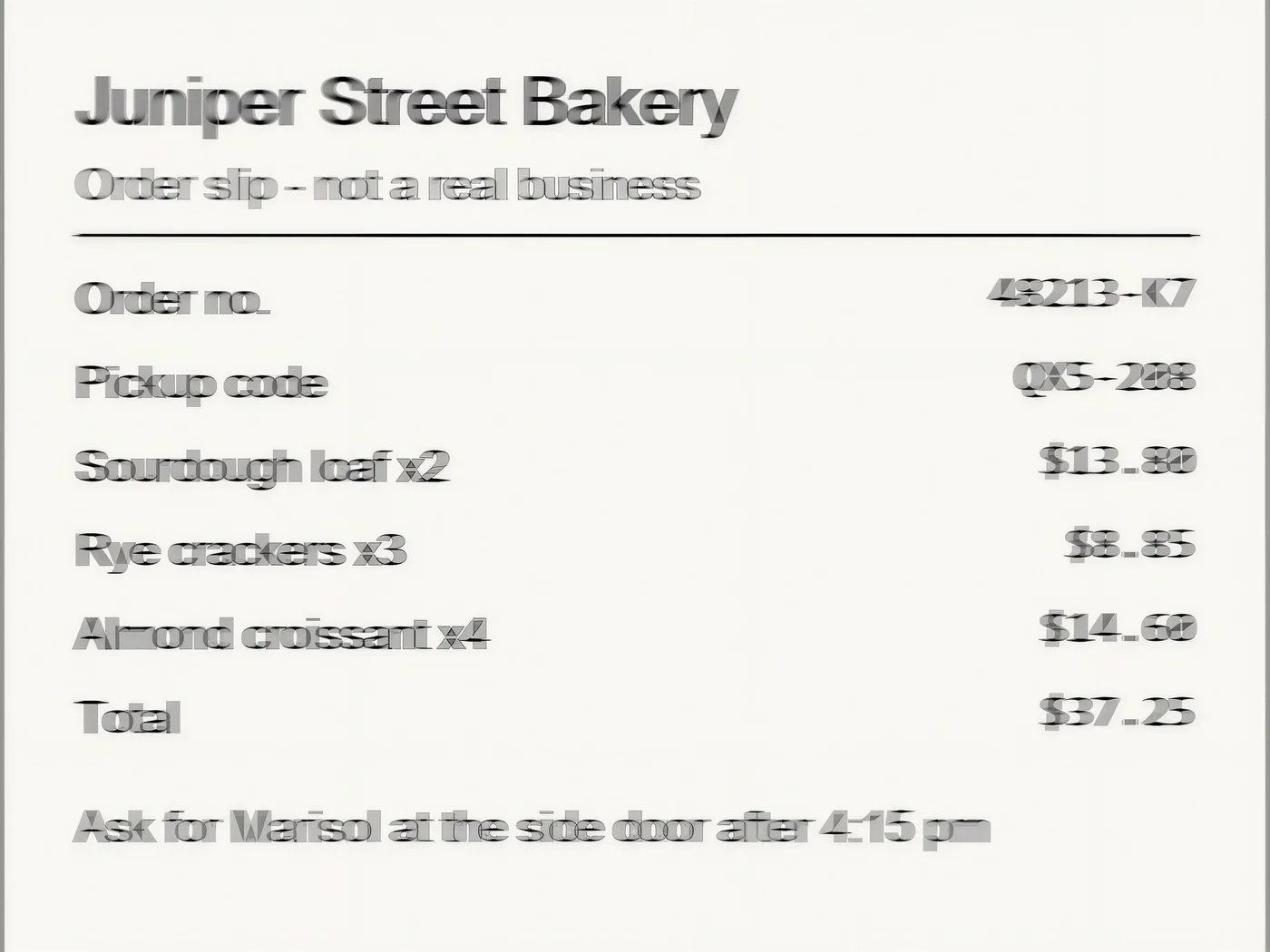
Still blurry. No letters were invented, but the digits can't be read.
Real-ESRGAN
Try this photo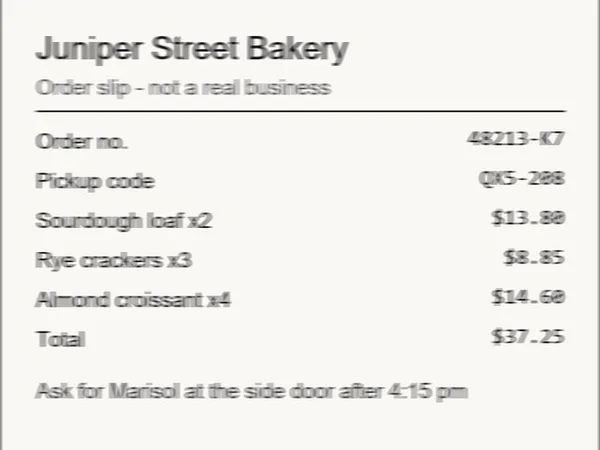 Before · 700 px JPEG, shakenAfter · 2365 × 1774
Camera shake: not fixed
The smear became hard, overlapping letters. Headings read, small digits don't.
Real-ESRGAN
Try this photo
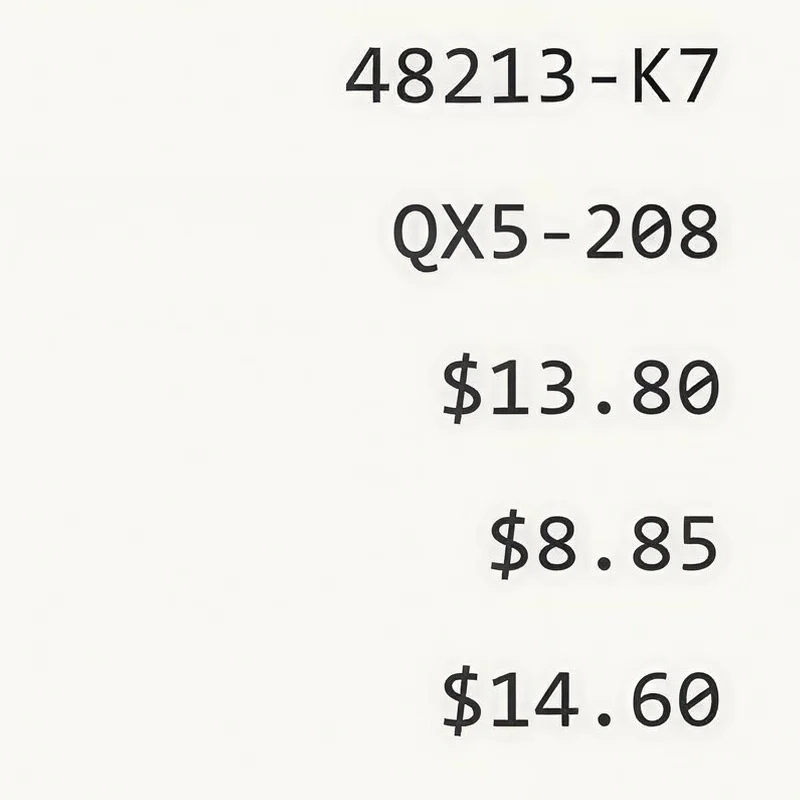
At 100%
The digits up close
The same crop of each slip: a normal resize against Real-ESRGAN.
Our test
What happened to each blurred slip
We rendered a fictional order slip, blurred three copies ourselves, ran each once and read the results by eye against the original. Three runs on printed type is a small test, not a benchmark.
| Blur | Result | Could we read the digits? |
|---|---|---|
| Slightly soft | Clean text, faint halo | Yes, all correct, including 48213-K7 and QX5-208 |
| Heavy blur | Still blurred, nothing invented | No: 8 and 0 look alike, K7 looks like 47 |
| Camera shake | Hard, overlapping letters | Not reliably: headings read, small digits are doubled |
Honest limits
What can't AI unblur in text?
- Redacted, censored or pixelated text. Hiding text on purpose removes the information. An image AI can only paint plausible letters over it, so it can't show what was written. Don't use it to try to read other people's private or hidden text.
- Text you can't read at all. A faithful engine leaves it blurry. A generative engine may give you crisp letters, but they are a guess.
- Smudged handwriting. In an earlier test on blurry handwritten notes, Phota Enhance produced crisp but partly different words. We haven't run this slip through it.
- Anything where one wrong digit matters. Check invoices, codes, names and dates against the original, or get a fresh copy.
For photos rather than text, unblur image covers missed focus and camera shake. For overall quality, try the AI image enhancer, and if the text is clear but small, the AI image upscaler.
Best for
Which fix does your blurry text need?
Match the engine to the damage.
| Your text | Use | What to expect |
|---|---|---|
| Slightly soft screenshot, scan or photo | Real-ESRGAN | Sharper strokes in about 25 seconds |
| Clean but tiny, like a small web image | Image Upscaler | 2K, 4K or 8K that keeps the original texture |
| Blurry handwriting or an old document | Phota Enhance, with care | Crisp results that may change words |
| Heavy blur or camera shake on small type | Retake or rescan | A new photo beats any model here |
| Redacted or pixelated on purpose | No | Nothing to recover |
Prevent it
How to get sharp text next time
- Hold the phone parallel to the page and tap the text to focus.
- Use bright, even light, so the shutter stays fast and your hand doesn't smear the letters.
- Move closer rather than zooming in, and brace your elbows on the table.
- Use your phone's document scan mode for paper, and save screenshots as PNG so compression doesn't soften small type.
Engines
Which engine should I use to deblur text?
Start faithful. Engines that redraw detail are the ones that can change letters.
Open source
Real-ESRGAN
- Style
- Faithful
- Speed
- About 25 s
- Output
- 2048 px
Open Real-ESRGANBest for
Quick clean-ups of small AI renders, web images and product shots (under 2048 px).
WaveSpeed
Image Upscaler
- Style
- Faithful
- Speed
- About 45 s
- Output
- 2K · 4K · 8K
- Size
- 2048+ px, 4096+ px, 8192+ px
Open Image UpscalerBest for
Everyday photos and AI art to a standard 2K, 4K or 8K size.
Kenerate AI
Phota Enhance
- Style
- Restore
- Speed
- About 37 s
- Output
- 2048 px
Open Phota EnhanceBest for
Old family photos, archives and low-res pictures you want to print.
Checked 4 November 2026
AI text deblur vs a sharpen filter vs retaking the photo
Three ways to deal with blurry text.
| Kenerate Real-ESRGAN · AI upscaler | Sharpen filter · Photoshop, phone editors | Retake or rescan · if you can | |
|---|---|---|---|
| Slightly soft text | Clean in our test | Adds edge contrast only | Yes |
| Heavy blur | Stayed unreadable | Can't rebuild strokes | Yes |
| Camera shake | Overlapping letters | Makes double edges worse | Yes |
| Exact text guaranteed | No | No | Yes |
Sources: Deblurring — Wikipedia · Gaussian blur — Wikipedia
Related
More fixes for text and soft images
FAQ
Unblur text questions
9 questions

How do I unblur text in an image?
Upload the image to Kenerate's upscaler with Real-ESRGAN selected (this page opens it that way) and press Upscale. In about 25 seconds you get a larger, sharper copy. Compare it with the original before you rely on it. On our slightly soft test slip, every letter and digit came back right.
Link to this answerCan AI deblur text that is completely unreadable?
No. If you can't make out the letters, the shapes that separate them are mostly gone. On our heavily blurred slip, Real-ESRGAN returned text that was still unreadable. A generative model may give you crisp letters instead, but those letters are a guess, and a clean-looking guess is easy to mistake for the truth.
Link to this answerCan I unblur redacted, censored or pixelated text?
No. Text that was blurred, pixelated or covered on purpose has had its information removed, and an image AI can only paint plausible letters over the gap. It can't show what was written. Don't use Kenerate to try to read other people's private or hidden text.
Link to this answerWill AI change the letters or numbers?
It can. Real-ESRGAN changed nothing on our soft slip, but in an earlier test on smudged handwriting, Phota Enhance turned words into clean, partly different words. Similar digits are the biggest risk: on our heavy blur test, 8 and 0 looked alike, so $13.80 could be read as $13.88.
Link to this answerWhich engine is best for blurry text?
Start with Real-ESRGAN, a faithful engine that works from the pixels you already have. Use Image Upscaler when the text is clean but tiny, like a small web image of a menu. Treat Phota Enhance and creative engines such as Clarity Pro with care on text, because they redraw detail.
Link to this answerIs there a free way to unblur text?
New accounts get free sign-up credits, which cover Real-ESRGAN runs, and downloads have no watermark. After that, credits come in one-time packs that never expire, with no subscription required.
Link to this answerCan I unblur a screenshot or a PDF?
Screenshots work directly: upload the PNG or JPG. The tool takes JPG, PNG or WEBP, so export a PDF page as an image first. If the PDF has real text in it rather than a scan, copy the text instead, because that is exact.
Link to this answerDoes the tool copy the text out of the image?
No. It returns an image, not editable text. To copy the words, run the sharpened image through a text recognition tool such as the one built into your phone's photo app, then proofread what it gives you.
Link to this answerCan I use unblurred text as proof?
No. Treat the result as a reading aid, not a record of what the document says. For contracts, receipts, medical notes or anything official, get the original or a fresh scan. A Washington State judge excluded AI-enhanced video from a 2024 trial for similar reasons.
Link to this answerIn depth
Why text blurs, and why sharp isn't always right
Why small digits fail first, the scanners that swapped numbers, and what the research says about restored images.
On this page
Why small digits go first
Blur spreads each stroke into its neighbours. A large heading survives because its letters are far wider than the blur, while small type doesn't: the gap that separates 8 from 0, or K from 4, is only a pixel or two wide. That is what happened in our heavy blur test. The heading could still be guessed, but K7 looked like 47 and $14.60 looked like $14.68.
It is also why the same blur can be fixable in a headline and hopeless in a footnote. Judge the smallest text you need, not the page as a whole.
Machines have changed numbers before
This risk isn't new to AI. In 2013, computer scientist David Kriesel found that some Xerox WorkCentre scanners were swapping digits in scanned documents, for example turning a 6 into an 8, and in one test a room size went from 21.11 m to 14.13 m [1]. Xerox traced it to JBIG2 compression at the lowest quality setting, and said small, low-quality, hard-to-read documents made it worse [2].
The scans looked clean, and that was the danger. A sharp digit feels trustworthy whether or not it is right, which is exactly the trap with AI text restoration.
Why sharper doesn't mean truer
Restoration models learn from clean images that were deliberately damaged; Real-ESRGAN, for example, was trained on synthetic blur, noise, resizing and JPEG damage [3]. There is a proven trade-off between how natural a restored image looks and how faithful it is to the original [4]. Push a model towards crisp text and it has more room to be wrong.
Courts have noticed. In March 2024 a Washington State judge excluded AI-enhanced video from a triple-murder trial, saying the tool used opaque methods to show what the model thinks should be shown [5].
By the Kenerate AI teamLast updated and reviewed
We build and run the Kenerate image tools. Every slip on this page is a real Real-ESRGAN output from the blurred input shown.
Sources: Deblurring — Wikipedia · Gaussian blur — Wikipedia

Unblur your text
Real-ESRGAN: about 25 seconds, no watermark, no subscription required. Check every character before you rely on it.
Tried it? Tell us how it went