

Free teal backgrounds · hex codes · AI
Teal background: free PNGs, hex codes and AI designs
Five named teals and blue-greens as flat PNGs for phone, desktop and square posts, eight AI teal backgrounds with the prompts that made them, and a quick way to put your own photo on teal.


- Teal #008080 · light sea green #20B2AA
- 15 solid PNGs
- 8 AI backgrounds
- Your photo on teal in about 5 s
Updated by the Kenerate AI team




Made with Kenerate

On this page
Quick answer

How do you make a teal background?
To make a teal background, download a solid PNG from this page (teal #008080, dark cyan #008B8B, light sea green #20B2AA) in 1920 × 1080, 1080 × 1920 or 1080 × 1080, or describe one in Kenerate's Image Studio with Qwen Image 3.0 for a gradient, sea or velvet. To put a photo on teal, cut it out with Cutout HD and pick the colour.
Key facts
- Teal
- #008080 · RGB 0, 128, 128
- Light sea green
- #20B2AA · RGB 32, 178, 170
- Free PNG sizes
- 1920×1080 · 1080×1920 · 1080×1080
- AI models
- Qwen Image 3.0 · Seedream 5.0 Pro
AI teal backgrounds
Teal background ideas: 8 AI backgrounds
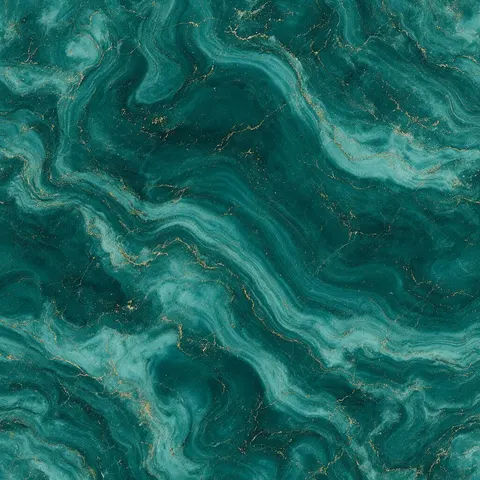
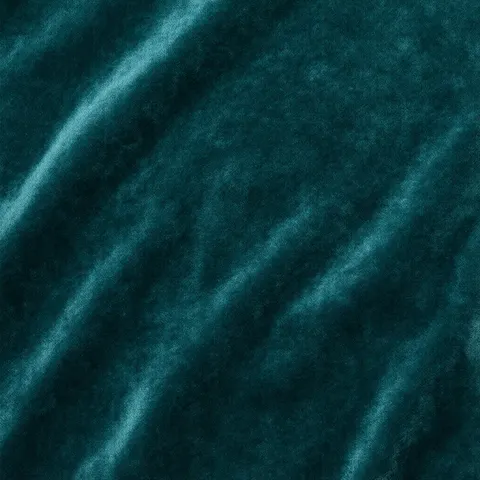
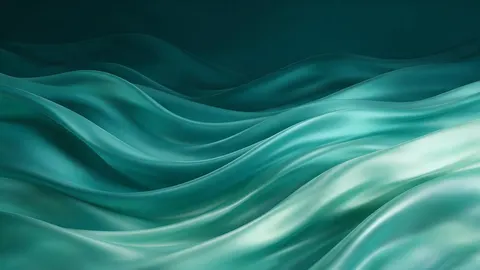
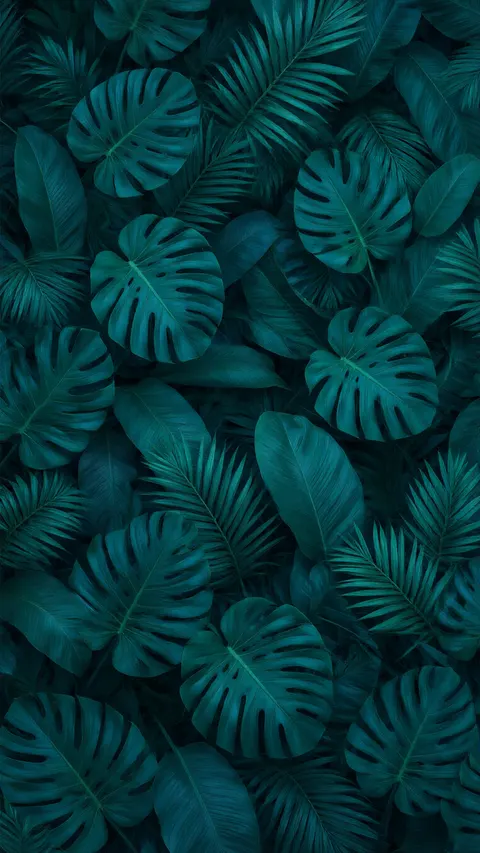
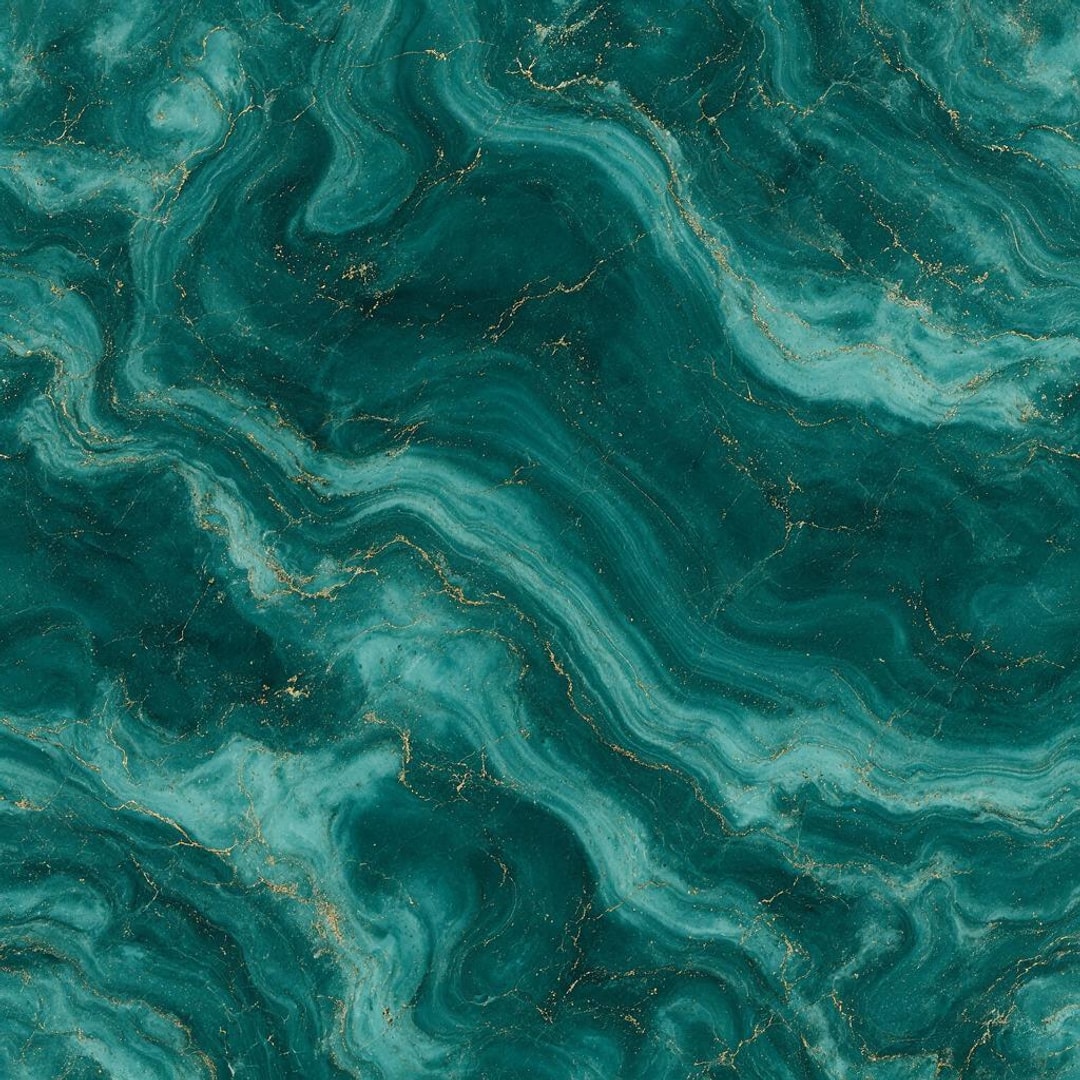
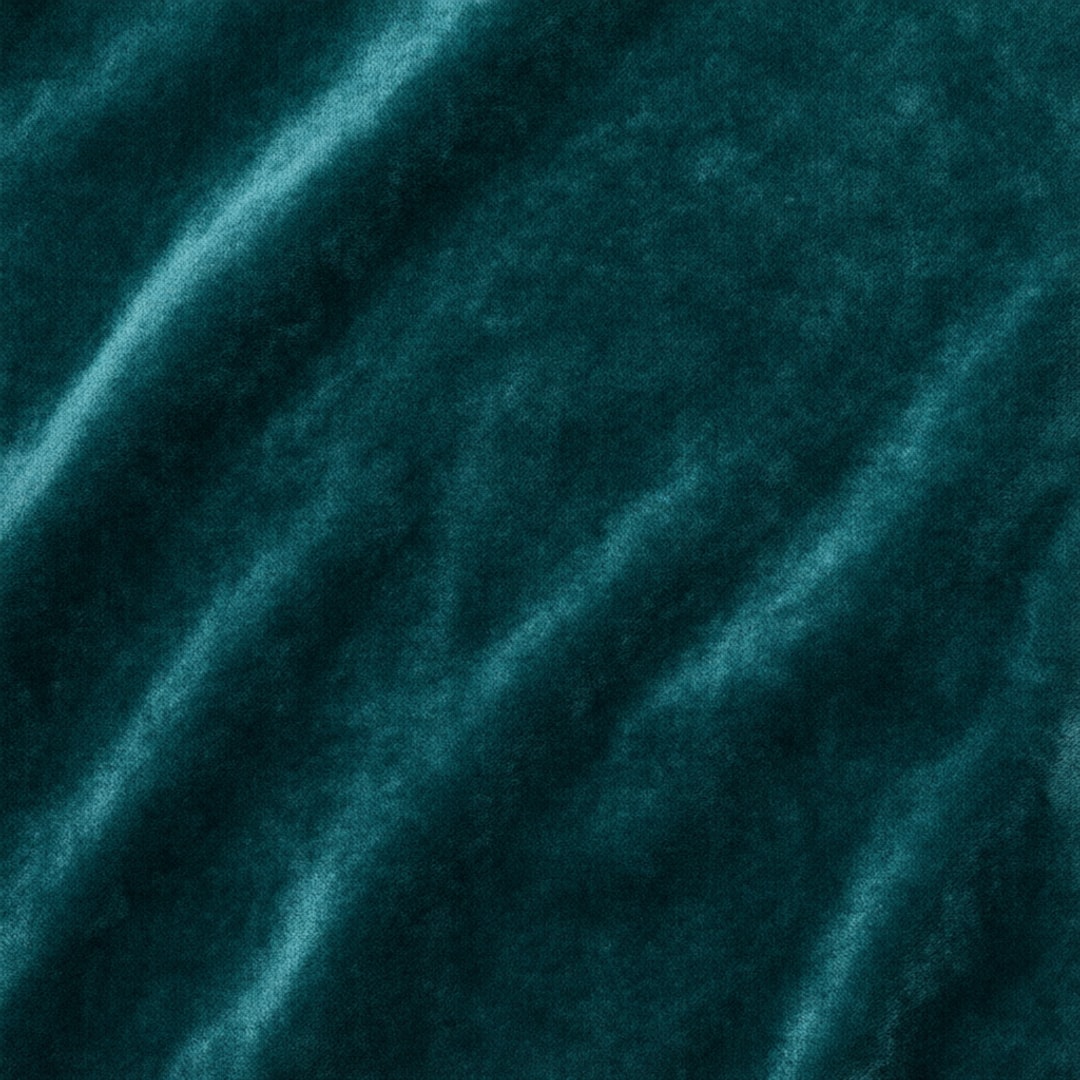
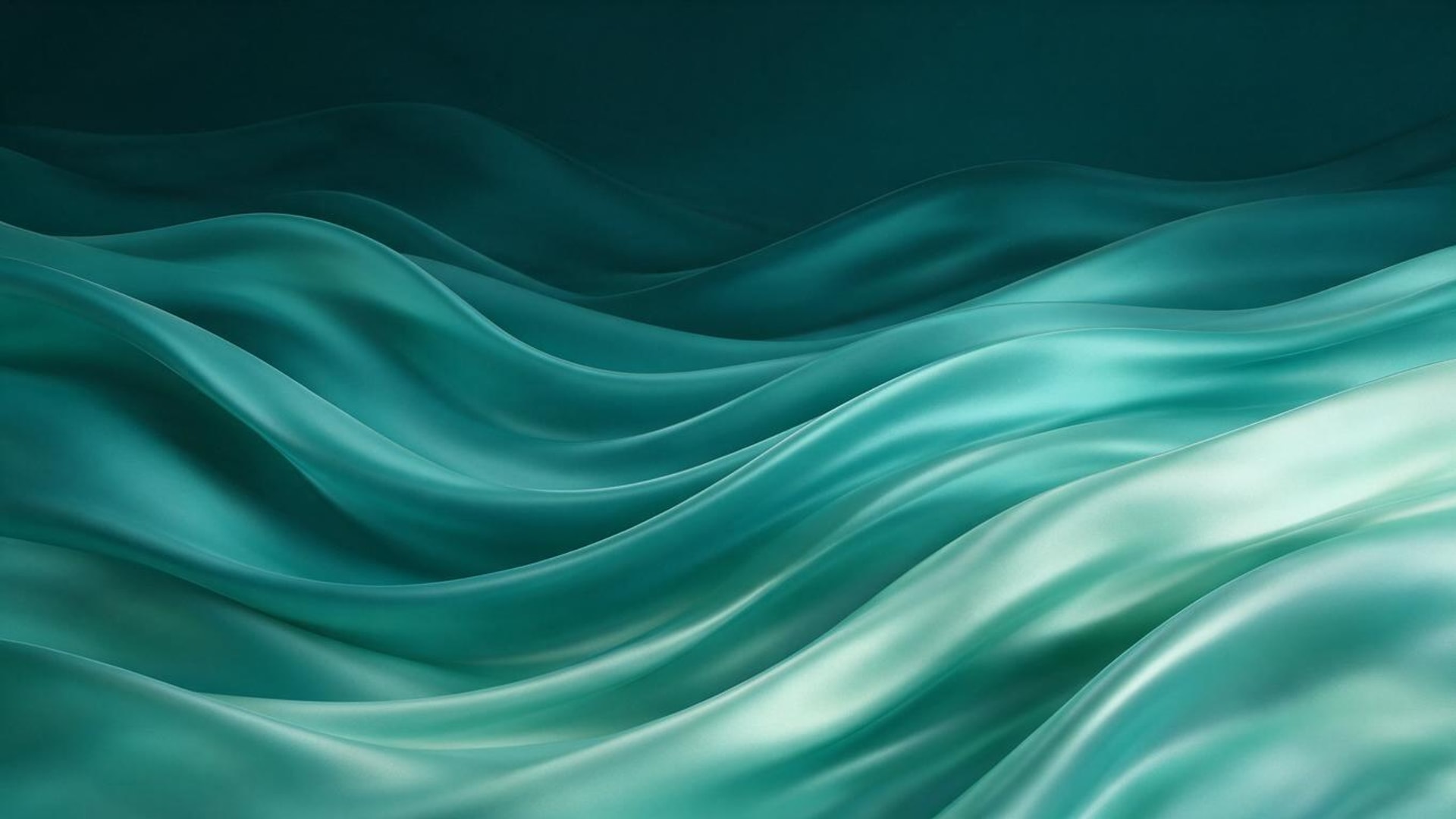
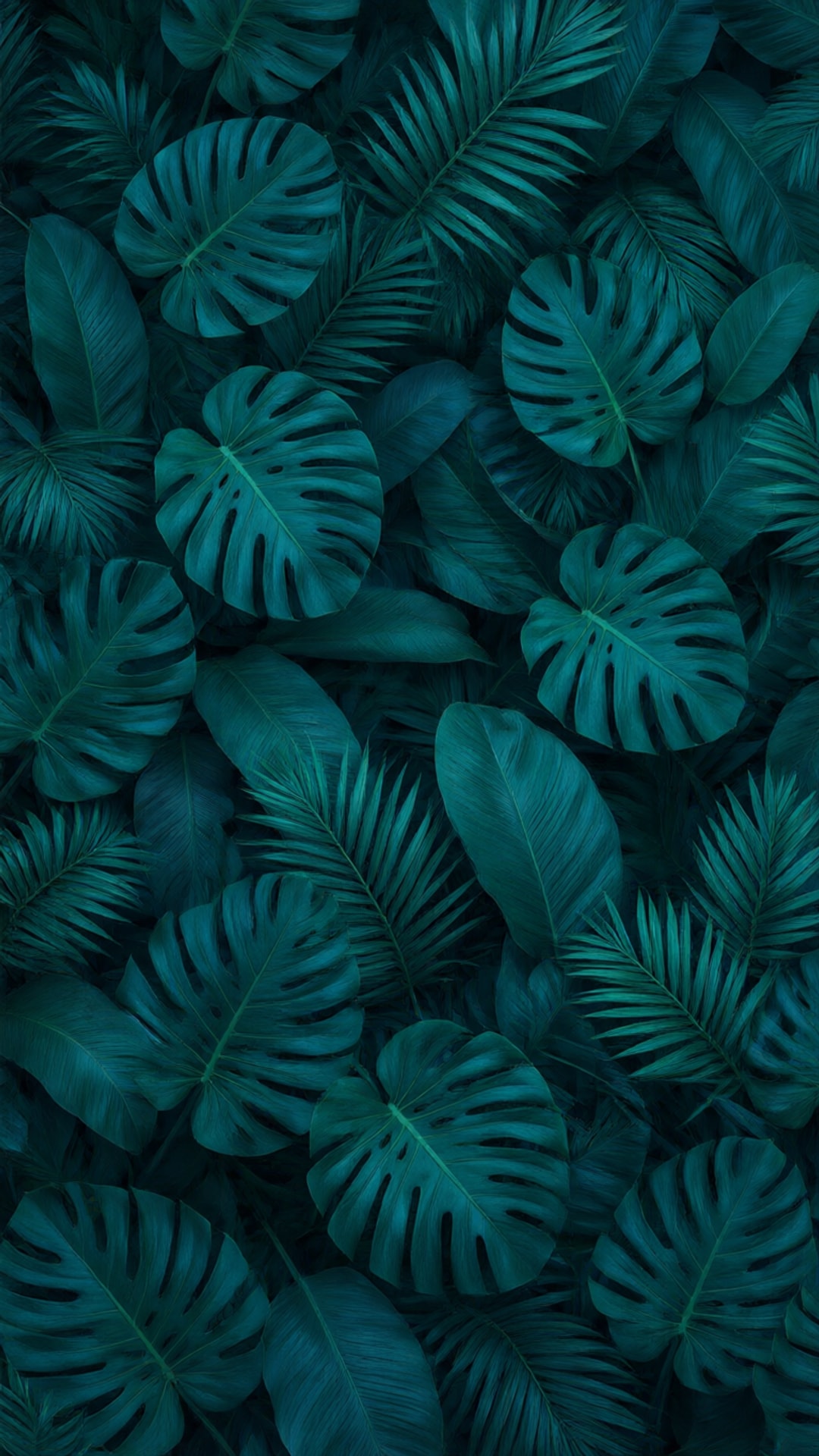
Every teal background here was made in Kenerate with Qwen Image 3.0 or Seedream 5.0 Pro: aesthetic sea from above, gradient, glitter, gold-veined marble, velvet, silk waves, tropical leaves and watercolour, in phone (9:16), desktop (16:9) and square (1:1). Open one to copy its prompt.
Download
Download the AI teal backgrounds
Each one resized to a standard size as a JPG. Free to download and use.
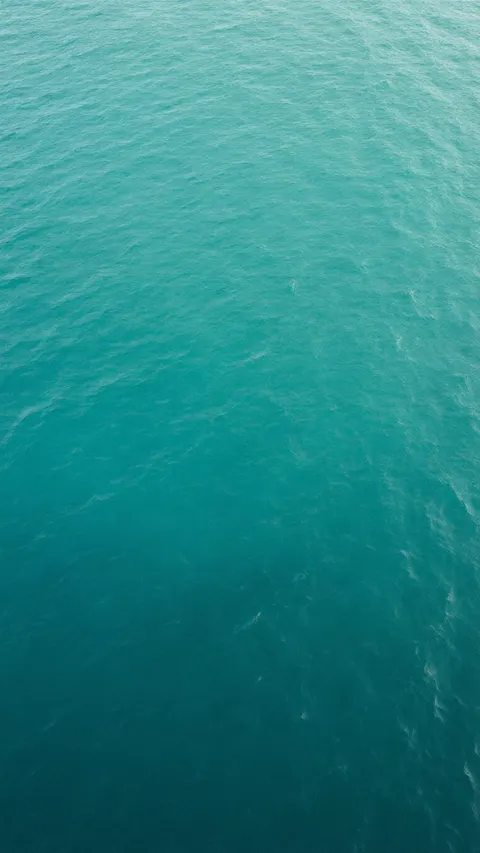
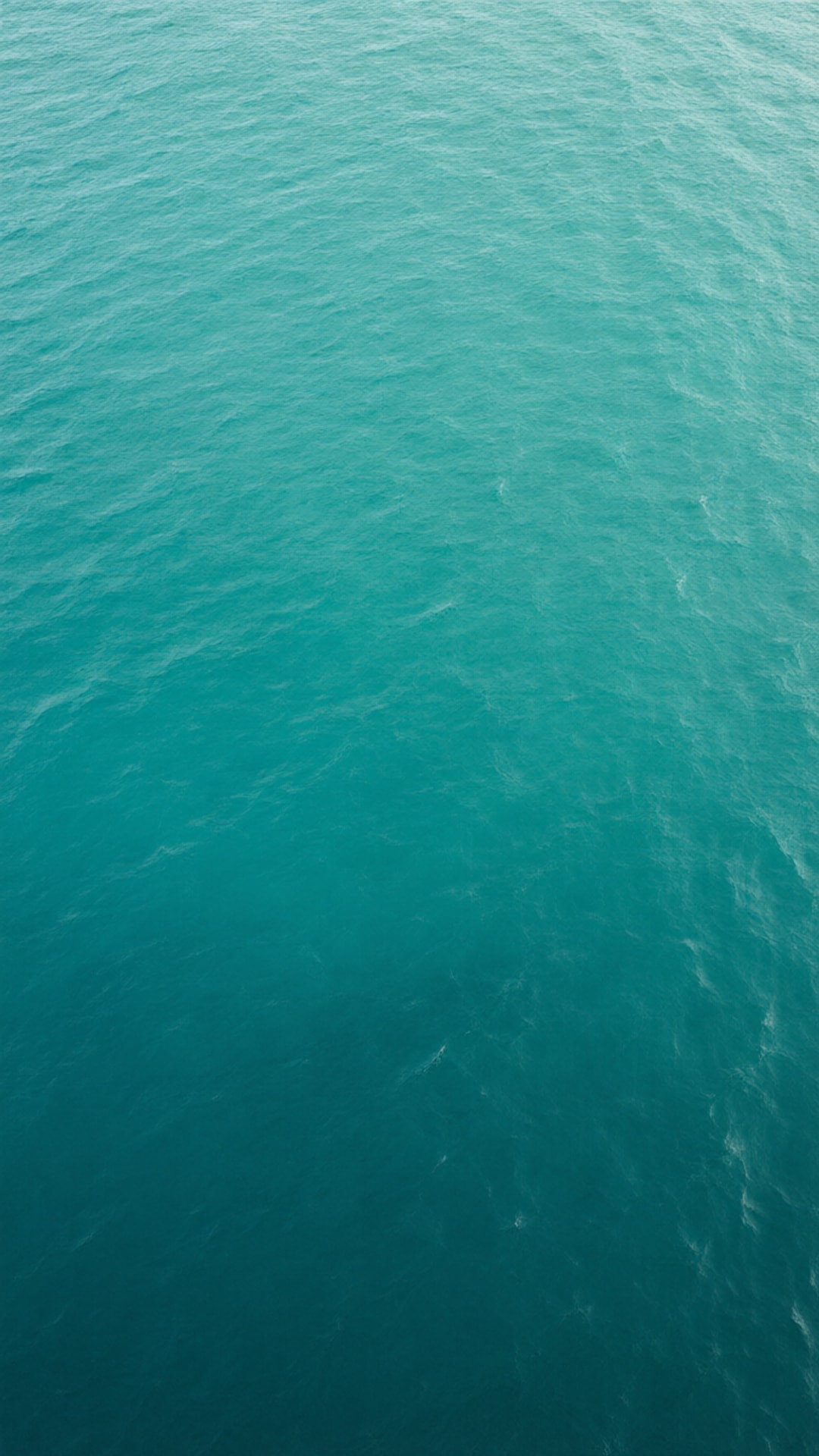
- Teal sea from above — phone 9:16, 1080 × 1920 JPG (Qwen Image 3.0)
- Teal gradient — desktop 16:9, 1920 × 1080 JPG (Qwen Image 3.0)
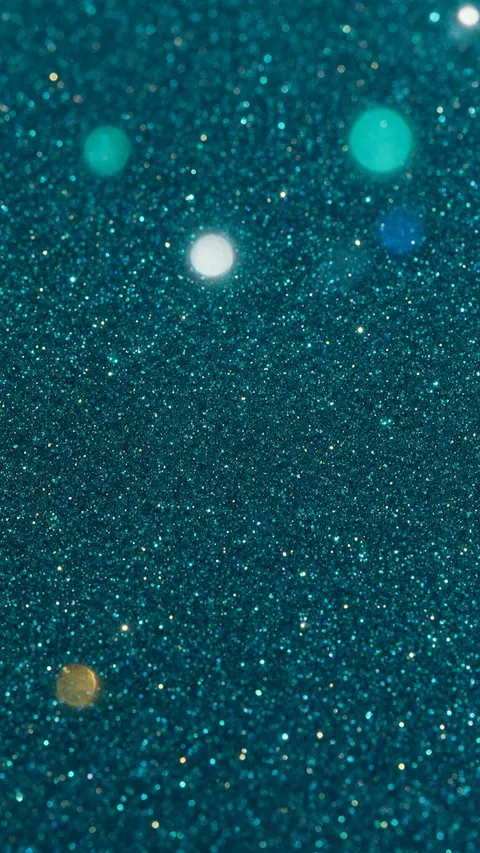
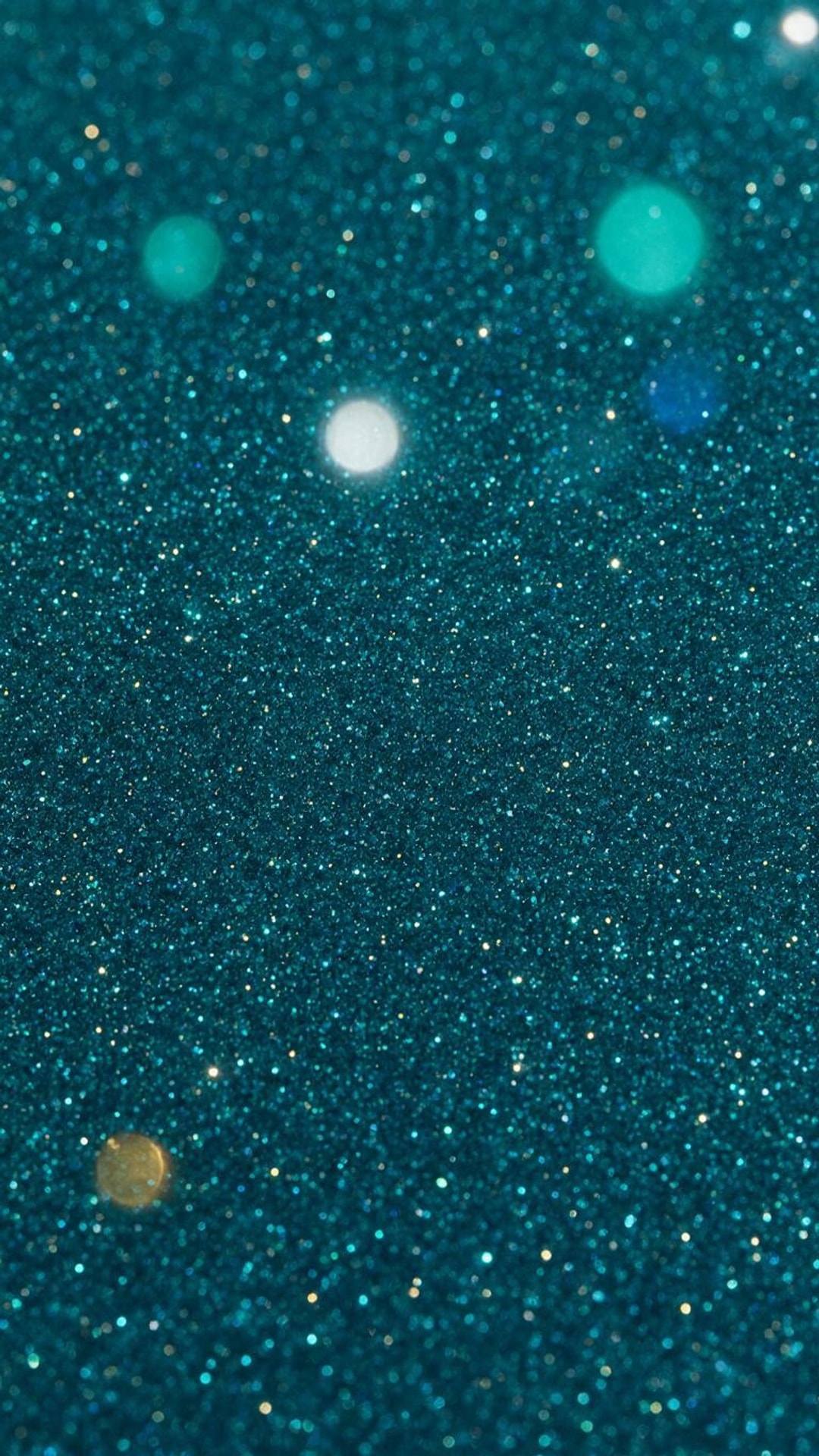
- Teal glitter — phone 9:16, 1080 × 1920 JPG (Seedream 5.0 Pro)
- Teal and gold marble — square 1:1, 1080 × 1080 JPG (Seedream 5.0 Pro)
- Teal velvet — square 1:1, 1080 × 1080 JPG (Qwen Image 3.0)
- Abstract teal waves — desktop 16:9, 1920 × 1080 JPG (Seedream 5.0 Pro)
- Teal tropical leaves — phone 9:16, 1080 × 1920 JPG (Qwen Image 3.0)
- Teal watercolour — desktop 16:9, 1920 × 1080 JPG (Qwen Image 3.0)
Want another shade or size? Open the image in the gallery above and choose “Use this prompt” to make your own version.
Free downloads
What is the hex code for teal? Solid teal PNGs
Five named teals and blue-greens as flat PNGs, each in three sizes: 1920 × 1080 (desktop, slides, Zoom), 1080 × 1920 (phone, Stories) and 1080 × 1080 (square post). Free for any use.
| Shade | Hex | RGB | Download PNG |
|---|---|---|---|
| Teal | #008080 | 0, 128, 128 | 1920 × 1080 · 1080 × 1920 · 1080 × 1080 |
| Dark cyan | #008B8B | 0, 139, 139 | 1920 × 1080 · 1080 × 1920 · 1080 × 1080 |
| Light sea green | #20B2AA | 32, 178, 170 | 1920 × 1080 · 1080 × 1920 · 1080 × 1080 |
| Cadet blue | #5F9EA0 | 95, 158, 160 | 1920 × 1080 · 1080 × 1920 · 1080 × 1080 |
| Dark slate grey | #2F4F4F | 47, 79, 79 | 1920 × 1080 · 1080 × 1920 · 1080 × 1080 |
The names and values are the CSS named colours, so #008080 means the same teal in Canva, Figma, PowerPoint or a web page. For greener shades see the green background page, and for bluer ones the blue background page.
Photo → teal
Can I change a photo's background to teal?
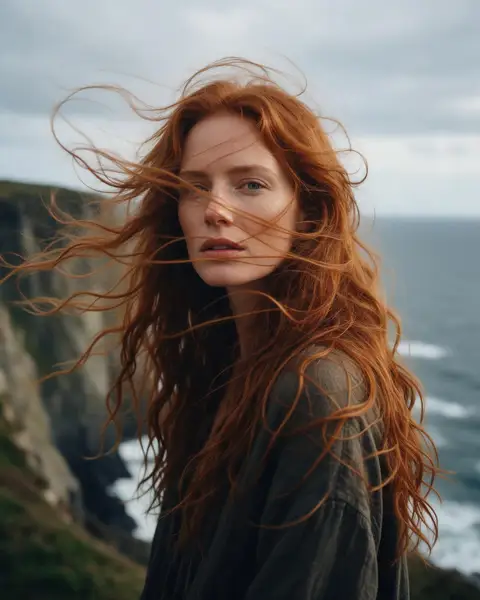
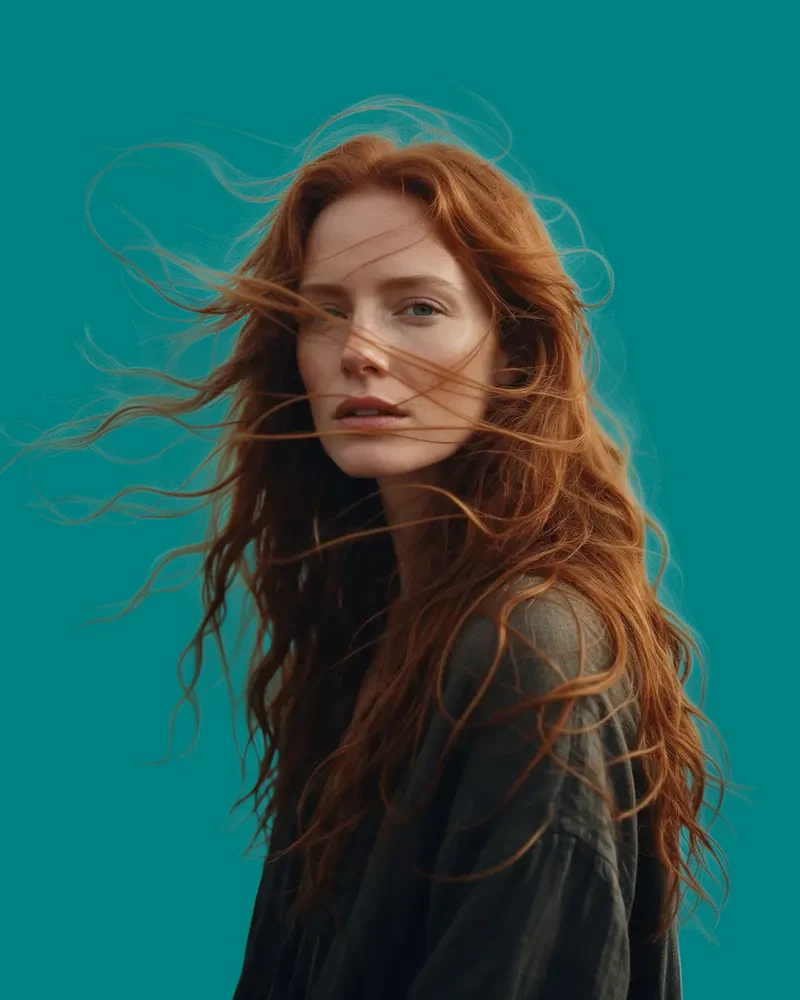
Yes. Four real photos cut out with Cutout HD and put on teal: three solid shades and one AI teal gradient. Tap “Original” to see the scene.
- OriginalCut out
Sea cliff → teal
Cutout HD, then the custom colour set to #008080. Red hair is the classic contrast for teal.
Kenerate Cutout HD
Try this photo  OriginalCut out

City street → AI teal gradient
The teal gradient background from this page, uploaded under Photos.
Kenerate Cutout HD
Try this photo OriginalCut out

Office headshot → light sea green
Cutout HD on #20B2AA: a brighter teal behind a navy blazer.
Kenerate Cutout HD
Try this photo OriginalCut out
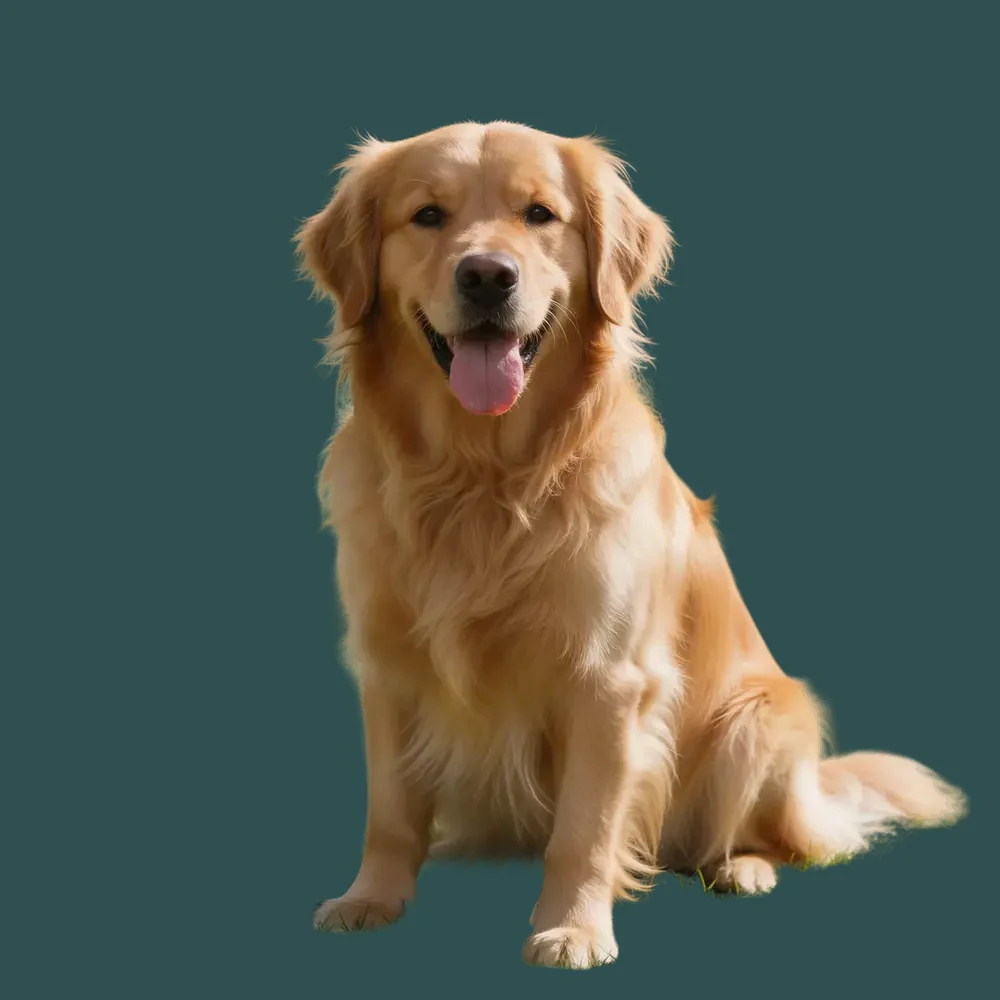
Park → dark slate grey
Fur kept with Cutout HD, on the near-black teal #2F4F4F.
Kenerate Cutout HD
Try this photo
Photo → teal
How to change a photo's background to teal
Step 1: Upload the photo
Add a JPG, PNG or WEBP: a portrait, a pet or a product, on any background.
Step 2: Cut it out
Use Cutout HD for hair and fur, or Cutout for simple products. The result is a transparent cut-out.
Step 3: Pick a teal
Under “Add new background”, type a hex such as #008080 or #20B2AA into the custom colour. Photos lets you upload an AI teal background instead.
Tip: Teal flatters red and auburn hair, warm skin and gold; if the subject wears green or blue, pick dark slate grey #2F4F4F or light sea green #20B2AA so the outline stays visible.
Step 4: Download
The photo is saved as a PNG at the cut-out's size, with the teal behind it.
With AI
How to make your own teal background with AI
Step 1: Open Image Studio and pick a model
Qwen Image 3.0 is on the free plan; Seedream 5.0 Pro is good for glitter, agate marble and 3D waves.
Step 2: Choose the shape
9:16 for a phone or Stories, 16:9 for a desktop or slides, 1:1 for a square post.
Step 3: Describe the teal
Name the shade and the texture, for example “deep teal velvet” or “teal sea from above”, and add “no text”.
Tip: Add “empty space in the middle” for a lock screen, or “calm darker top third” for a desktop with icons.
Step 4: Generate and download
Most images arrive in under a minute. Download it, or run it through the image upscaler for 4K.
Checked 16 November 2026
Solid PNG, AI background or your photo on teal?
Three kinds of teal background, for three different jobs.
| Solid teal PNG | AI teal background | Your photo on teal | |
|---|---|---|---|
| Best for | Slides, Zoom, a base for your own design | Phone and desktop backgrounds, posts | Headshots, pets, product photos |
| Exact hex colour | Yes | No | Yes |
| Sizes | 1920×1080, 1080×1920, 1080×1080 | 9:16, 16:9, 1:1 and more | The photo's own size |
| Time | Instant download | Under a minute | About 5 s |
Look closer
Curly hair on a teal background, up close
Saturated backgrounds show any leftover fringe. Zoom in on the backlit curls over the AI teal gradient.
- Backlit curls kept strand by strand
- No grey fringe from the original street
- The teal gradient background, cover-fitted behind the cut-out
How it works
How it works in the app
Step 1
Add your image
Open Remove & Erase and drop in a photo — products, people and pets all work.
Step 2
Choose what should happen
Pick Cutout for a fast transparent PNG, HD for hair and fur, Pick for one object or Erase to remove something.
Step 3
Click Remove background
Press the button and the cut-out lands in your results in seconds.
Step 4
Compare and download the PNG
Drag the slider to compare, add a new background if you like, then download the transparent PNG.
See it in the app

Open Remove & Erase and drop in a photo — products, people and pets all work.


FAQ
Teal background questions
8 questions

















How do I make a teal background?
Download one of the solid teal PNGs on this page, or open Kenerate's Image Studio, pick Qwen Image 3.0, choose 9:16, 16:9 or 1:1 and describe it, for example “teal gradient, subtle grain, no text”. Qwen Image 3.0 is on the free plan and uses 9 credits per image.
Link to this answerWhat is the hex code for teal?
Teal is #008080 (RGB 0, 128, 128) in CSS: equal parts green and blue at half strength, with no red. The other named blue-greens are dark cyan #008B8B, light sea green #20B2AA, cadet blue #5F9EA0 and dark slate grey #2F4F4F.
Link to this answerIs teal blue or green?
Both, in equal measure. Teal's green and blue channels are both 128, so it sits exactly halfway between green and blue. Turquoise is a lighter, brighter blue-green; light sea green #20B2AA is the closest named colour to it.
Link to this answerHow do I change a photo's background to teal?
Upload it to Kenerate's background remover, cut it out with Cutout HD, then under “Add new background” type a teal hex such as #008080 into the custom colour and download the PNG. Cutout HD uses 3 credits per photo; new accounts get 25 free credits.
Link to this answerAre these teal backgrounds free to download?
Yes. The 15 solid teal PNGs and the 8 AI teal backgrounds on this page are free to download and use. Making new AI backgrounds uses credits.
Link to this answerWhat colour text goes on a teal background?
White, just. White on teal #008080 has a contrast ratio of 4.77:1, a little above the 4.5:1 WCAG asks for body text; black on teal is 4.40:1, slightly below. On the lighter light sea green #20B2AA use black (8.01:1).
Link to this answerWhat colours go with teal?
Coral, orange and gold are the classic contrasts because they sit opposite blue-green on the colour wheel; cream, white and charcoal are the calm neutrals. The auburn-hair example on this page shows how warm reds stand out on teal.
Link to this answerCan I use a teal background in Zoom or Teams?
Yes. Zoom asks for a PNG or JPG cropped to your camera's shape, for example 1920 × 1080 for a 16:9 camera. The 1920 × 1080 teal PNGs and the 16:9 AI backgrounds here fit.
Link to this answerIn depth
Teal shades, contrast and compositing
What the named teals are, which text colour works on each, and what happens when a photo goes on teal — with sources.
On this page
Which colour is “teal”?
CSS defines teal as #008080, in sRGB [1]: no red, and green and blue both at 128, so it sits exactly between green and blue. Dark cyan #008B8B is the same hue a touch brighter; light sea green #20B2AA is lighter and closer to turquoise; cadet blue #5F9EA0 is a greyed, dusty teal; dark slate grey #2F4F4F is a near-black teal. Names such as “turquoise teal” or “peacock” have no fixed value, so copy the hex code rather than the name.
Text on teal
WCAG 2.2 asks for a contrast ratio of at least 4.5:1 for normal text and 3:1 for large text [2]. Teal is a mid-tone, so it is the awkward case: white text on #008080 passes body-text contrast and black does not, while on the lighter teals the order flips.
- Teal #008080: white 4.77:1, black 4.40:1
- Dark cyan #008B8B: white 4.15:1, black 5.07:1
- Light sea green #20B2AA: white 2.62:1, black 8.01:1
- Cadet blue #5F9EA0: white 3.05:1, black 6.88:1
- Dark slate grey #2F4F4F: white 8.93:1, black 2.35:1
Putting a photo on teal
Changing a background is a cut-out followed by the “over” operation that Porter and Duff defined for the alpha channel [3]: the cut-out is drawn over the new colour, and partly transparent hair or fur pixels blend with it. Teal is opposite red-orange on the colour wheel, so red hair, warm skin and gold jewellery stand out strongly on it; green or blue clothes fade into it. Keep the transparent PNG [4] too, so you can try other teals later without cutting out again.
By the Kenerate AI teamLast updated and reviewed
Written by the Kenerate team. The AI backgrounds are real Qwen Image 3.0 and Seedream 5.0 Pro outputs; the photo examples are real Cutout HD cut-outs placed on teal.
Sources: W3C — CSS Color Module Level 4, named colours · W3C — WCAG 2.2, Contrast (Minimum) · Zoom Support — Changing your virtual background image

Put your photo on teal
Upload a photo, cut it out, pick a teal, download. Free credits on sign-up.
Tried it? Tell us how it went