

Hunyuan 3D 3.1 · Rapid edition
Hunyuan 3D fast geometry drafts from Tencent
The quickest way to see an idea in 3D: Tencent's Hunyuan 3D 3.1 Rapid turns one photo or a short prompt into a clean, untextured mesh in about a minute — then rebuild the keeper on a textured engine.



- About 1 minute per model
- Untextured clay GLB
- Photo or short prompt
- paid plans & credit packs
Updated by the Kenerate AI team
Made with Kenerate


On this page
Quick answer
Updated
What is Hunyuan 3D?
Hunyuan 3D is Tencent's family of AI 3D generators. Kenerate AI's 3D Studio runs Hunyuan 3D 3.1 in its hosted Rapid edition, the studio's fastest engine: one front-view photo or a prompt of up to 200 characters becomes an untextured GLB in about a minute, made for drafts and blockouts. Version 3.1 was released in January 2026.
Key facts
- Engine here
- Hunyuan 3D 3.1 Rapid (hosted)
- Released
- 3.1: Jan 2026 · 3.0: Sep 2025 · 2.1 (open weights): Jun 2025
- Inputs
- One front-view photo (≤8 MB) or a prompt up to 200 characters
- Output
- Untextured (geometry-only) GLB
- Speed
- About 1 minute — our test runs took 27–69 s
- Open source
- Weights published up to 2.1; 3.x is hosted only
Start from a picture
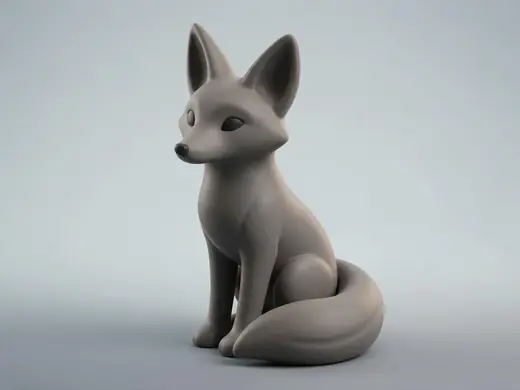
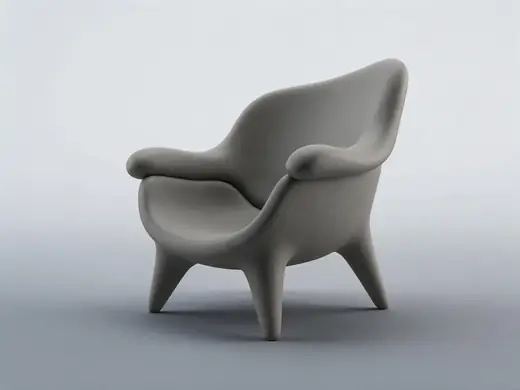
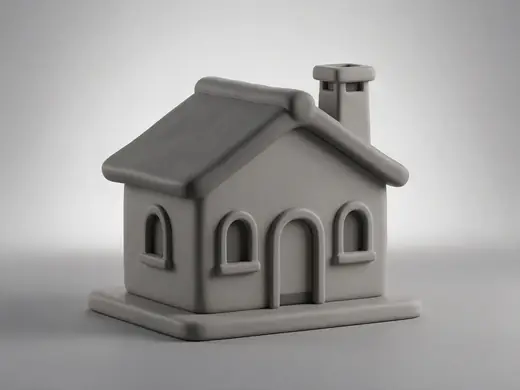
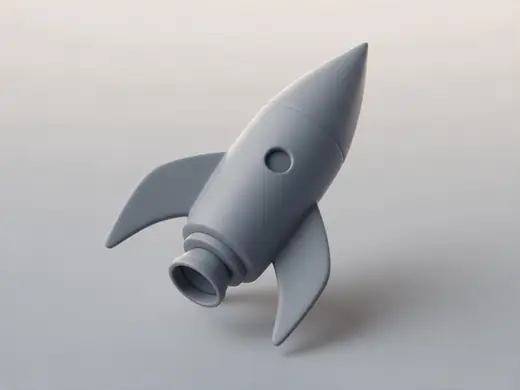
Shapes to draft with Hunyuan 3D
Simple, clear forms — ideal for fast, untextured drafts and blockouts.
Reference images made with Seedream 5.0 Pro. “To 3D” opens Image to 3D in the 3D Studio with that picture.
Why Kenerate
When Hunyuan 3D is the right engine
Speed and shape first, textures later.
Drafts in about a minute
Try several shapes quickly — a simple draft can take under half a minute — then rebuild the best on Tripo, Meshy or Rodin.
Try it
Clean clay geometry
The Rapid edition returns geometry only — no textures — which is exactly what you want for blockouts, sculpt bases and print tests.
Try it
Also
What else it does
No settings to tune
One photo or a short prompt in, a mesh out.
Good for printing
Untextured meshes go straight to GLB to STL for a quick print.
Versions
The Hunyuan 3D engine in the studio
We run the hosted 3.1 Rapid edition — the fastest Hunyuan option, geometry only.
Hunyuan 3D 3.1 Rapid
Released Jan 2026 (Rapid edition). One front-view photo or text to an untextured GLB in about a minute.
Engines
Nine engines in one 3D Studio
Pick per job — draft fast, then rebuild your favourite on a stronger engine.
- This page
Tencent
Hunyuan 3D 3.1 Rapid
- Inputs
- Text · Photo
- Files
- GLB (untextured)
- Typical time
- about 1 min
The fastest geometry — an untextured (clay) GLB for quick blockouts, drafts and ideas.
Open Hunyuan 3D 3.1 Rapid 
Meshy
Meshy 7.1
- Inputs
- Text · Photo · Multi-view (up to 4 views)
- Files
- GLB, FBX, OBJ, USDZ
- Typical time
- about 3–4 min
Production assets with the finest Meshy geometry (2K / 4K), smart topology, rigging and animation.
Open Meshy 7.1
Meshy
Meshy 7
- Inputs
- Text · Photo · Multi-view (up to 4 views)
- Files
- GLB, FBX, OBJ, USDZ
- Typical time
- about 3–4 min
Detailed game and product assets, with an Ultra detail switch, low-poly mode and auto-rigging.
Open Meshy 7
Meshy
Meshy 6
- Inputs
- Text · Photo
- Files
- GLB, FBX, OBJ, USDZ
- Typical time
- about 3–4 min
Reliable textured meshes with a polygon budget you control — the engine 3D Studio started on.
Open Meshy 6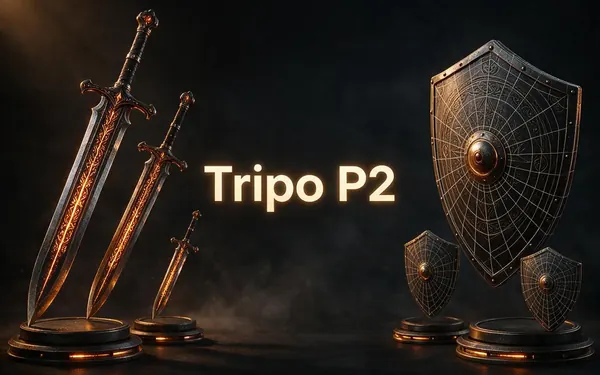
Tripo
Tripo P2
- Inputs
- Text · Photo
- Files
- GLB, FBX
- Typical time
- about 3–4 min
Crisp, game-ready meshes with pro texture tiers up to Extreme and clean quad remeshing.
Open Tripo P2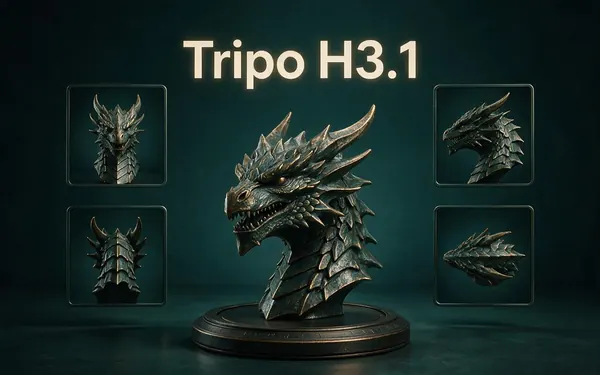
Tripo
Tripo H3.1
- Inputs
- Text · Photo · Multi-view (up to 4 views)
- Files
- GLB
- Typical time
- about 4–5 min
High-quality meshes, with detailed geometry and a four-view mode for exact shapes.
Open Tripo H3.1
All models (9)

OpenAI
GPT-6 Astra
- Inputs
- Text · Photo · Multi-view (up to 10 views)
- Files
- GLB
- Typical time
- about 5–6 min
OpenAI's general GPT-6 Astra model run as a 3D job — follows long, detailed briefs and up to 10 reference photos, returns a GLB with PBR textures at real-world size. The slowest engine.
Open GPT-6 Astra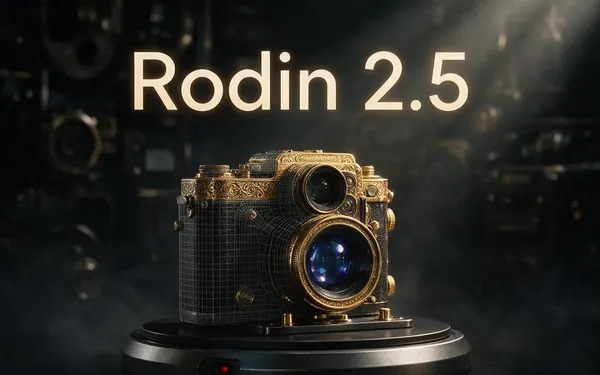
Hyper3D
Rodin 2.5
- Inputs
- Text · Photo · Multi-view (up to 5 views)
- Files
- GLB, FBX, OBJ, USDZ, STL
- Typical time
- about 2–3 min
Studio-grade meshes from 2K to 500K faces, quad or triangle, with a HighPack for 4K textures.
Open Rodin 2.5
Hyper3D
Rodin 2
- Inputs
- Text · Photo · Multi-view (up to 5 views)
- Files
- GLB, FBX, OBJ, USDZ, STL
- Typical time
- about 2–3 min
Clean, detailed meshes — the first photo drives the materials.
Open Rodin 2
Typical times are the studio’s own estimates; real runs vary with load and settings. Formats are what each engine returns — GLB previews in the browser, other formats download.
How it works
How a Hunyuan job runs
Short and simple.
Input
One clean, front-on photo, or a short description.
Shape
Hunyuan's shape model builds a closed mesh.
No texture
The Rapid edition skips texturing — you get clean clay geometry.
Deliver
A GLB lands in your gallery in about a minute.
How to
How to use the Hunyuan 3D Generator
- Time needed
- Steps
- 4 steps
Step 1
Open 3D Studio
Pick Text to 3D or Image to 3D.
Step 2
Pick Hunyuan 3D
Choose Hunyuan 3D 3.1 Rapid.
Step 3
Add a photo or prompt
A front-on photo of one object, or up to 200 characters.
Step 4
Generate
Inspect the clay model, then rebuild it textured on another engine if you like it.
Watch the tour · 1:48
Text, photo or multi-view to a textured GLB, nine engines, the viewer & lighting, compare engines, gallery, download & chat
Chapters
Use cases
Popular with Hunyuan 3D
Blockouts
Level and scene layout pieces.
Idea sketches
Compare several shapes fast.
Sculpt bases
Start a sculpt from clean clay.
Print tests
Check size and shape before a detailed run.
Tips
Tips for Hunyuan 3D
Use a front-on photo — the Rapid edition reads a single front view.
Keep prompts short: up to 200 characters.
Need colour? Rebuild the same input on Tripo H3.1, Meshy or Rodin.
Use it to try several variations before spending on a slower engine.
Prompt guide
Prompts that make good 3D models
A low-poly stylised fox sit…
A low-poly stylised fox sitting with its tail around its paws
A chunky armchair with roun…
A chunky armchair with rounded arms
A small cottage with a chim…
A small cottage with a chimney and a pitched roof
Compare
Hunyuan 3D vs the other engines
Fastest — but without textures.
| Need | Hunyuan 3D Rapid | Better elsewhere |
|---|---|---|
| Fastest result | About 1 minute | — |
| Textures and PBR | No (geometry only) | Every other engine |
| Multi-view input | No | Tripo H3.1, Meshy, Rodin, GPT-6 Astra |
| Mesh controls | None | Rodin, Tripo, Meshy |
Example uses
How creators use the hunyuan 3D generator
Illustrative examples of typical workflows, not customer reviews.
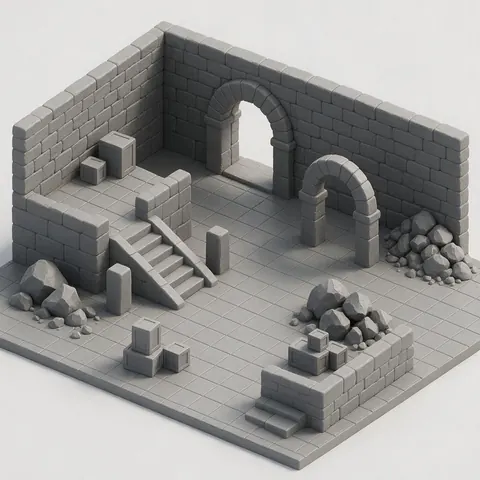
Level designer
A level designer could block out a scene with quick clay pieces, then rebuild the keepers on a textured engine.
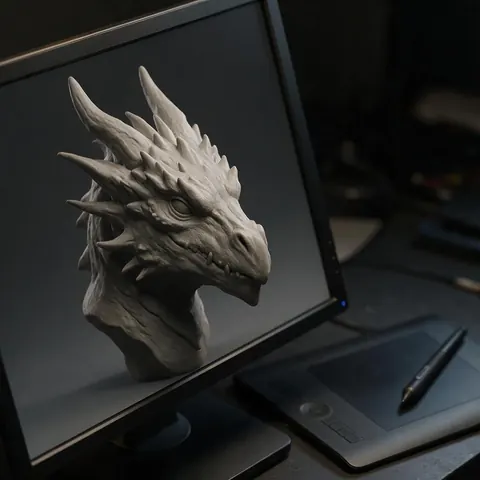
Digital sculptor
A sculptor could start from a clean untextured mesh as a sculpt base instead of a blank sphere.
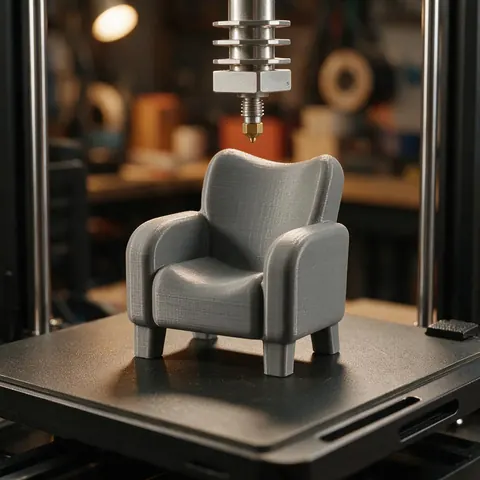
3D printing hobbyist
A maker could check size and shape with a fast draft, convert the GLB to STL and run a quick test print.
FAQ
Hunyuan 3D Generator questions
8 questions
What is Hunyuan 3D?
Hunyuan 3D (Hunyuan3D) is Tencent's family of AI 3D generation models, with releases from 1.0 in 2024 to 3.x in 2025–2026.
Link to this answerWhich version does Kenerate use?
Hunyuan 3D 3.1 in its hosted Rapid edition — fast, geometry-only output. Tencent also offers other editions and has listed a newer 3.5 line.
Link to this answerIs Hunyuan 3D open source?
Partly. Tencent published open weights up to Hunyuan3D 2.1 (June 2025) under the Tencent Hunyuan 3D 2.1 Community License. Versions 2.5, 3.0 and 3.1 are hosted services, not open weights.
Link to this answerWhat does the open-source licence restrict?
The 2.1 community licence doesn't apply in the EU, UK or South Korea, requires a separate licence above 1 million monthly users, and forbids using outputs to improve other AI models. It covers the open weights, not the hosted 3.1 engine.
Link to this answerWhy is my model grey?
The Rapid edition returns geometry only. Rebuild on a textured engine for colour.
Link to this answerCan I find Hunyuan 3D on Hugging Face?
The open 2.x weights are on Hugging Face; to use 3.1 without setup, run it in the 3D Studio.
Link to this answerCan I use a Hunyuan 3D model in Blender?
Yes. Download the GLB and import it with File → Import → glTF 2.0. The Rapid edition's mesh is untextured clay, which suits sculpting, blockouts and print tests; rebuild it on Tripo, Meshy or Rodin if you need colour. Apply scale after import, since glTF uses metres.
Link to this answerDo I need a Tencent account?
No — Hunyuan 3D runs inside Kenerate's 3D Studio on any paid plan or credit pack.
Link to this answerIn depth
Hunyuan 3D Generator, explained
Hunyuan 3D's version history, open-source status and why the Rapid edition is untextured.
On this page
Timeline
Open weights vs hosted
Only Hunyuan3D up to 2.1 (plus some side models) has public weights, under the Tencent Hunyuan 3D 2.1 Community License — which excludes the EU, UK and South Korea, needs a separate licence above 1 million monthly users and bans using outputs to train other models [29]. The 3.1 engine in the studio is a hosted service, so that licence governs the weights, not this engine.
Why “Rapid” means untextured here
The Rapid endpoint we use takes one image or a short prompt and returns a mesh fast [35]. Our own test runs all came back as geometry with no materials or textures, which makes it ideal for drafts and printing tests.
Try the Hunyuan 3D Generator
3D generation is part of every paid plan and credit pack. The free 3D tools — viewers, converters, image to STL — need no account.
Tried it? Tell us how it went