

Rodin Gen-2.5 · launched May 2026
Rodin AI Gen-2.5 and Gen-2 by Hyper3D
Hyper3D's Rodin engines for studio-grade detail: choose a quality tier and an exact mesh budget — quads or triangles — and download GLB, FBX, OBJ, USDZ or STL, ready for printing.



- Rodin Gen-2.5 + Gen-2
- Up to 500K triangles
- STL, OBJ, USDZ, FBX, GLB
- paid plans & credit packs
Updated by the Kenerate AI team
Made with Kenerate

On this page
Quick answer
Updated
What is Rodin AI?
Rodin is the AI 3D generator from Hyper3D (by Deemos). Kenerate AI's 3D Studio runs Rodin Gen-2.5 and Gen-2, which take text or up to 5 photos and let you set the mesh exactly, in quads or triangles, with PBR or shaded materials. It's the studio's only engine that returns STL directly, alongside GLB, FBX, OBJ and USDZ.
Key facts
- Engines here
- Rodin Gen-2.5 · Rodin Gen-2
- Released
- Gen-2.5: May 2026 · Gen-2: Oct 2025
- Inputs
- Text (up to 1,000 characters) · 1–5 photos
- Mesh
- 4K / 8K / 18K / 50K quads or 2K / 20K / 150K / 500K triangles
- Materials
- PBR, shaded, both (or none on Gen-2.5); HighPack for 4K textures
- Files
- GLB, FBX, OBJ, USDZ, STL
Start from a picture
Detailed pieces for Rodin
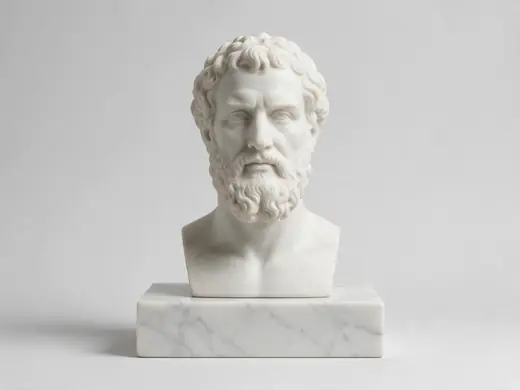
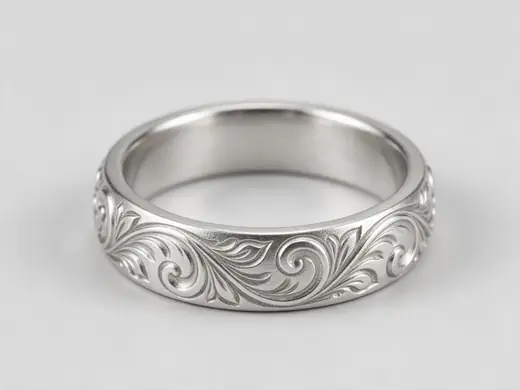
Sculpted, detailed objects — where Rodin’s dense meshes and STL output shine.
Reference images made with Seedream 5.0 Pro. “To 3D” opens Image to 3D in the 3D Studio with that picture.
Why Kenerate
What Rodin is best at
Rodin gives you the most control over the final mesh — and the most file formats.

Exact mesh budgets
Pick quads (4K–50K) for editing and animation, or triangles (2K–500K) for detail and printing.
Try it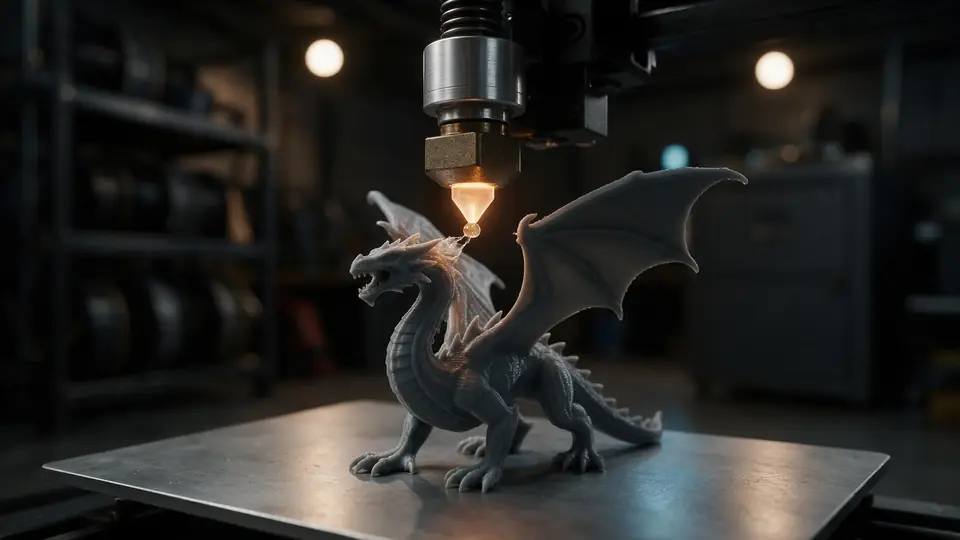
Also
What else it does
Five quality tiers
Gen-2.5 runs from Extreme-low to Extreme-high; micro detail is available at the top tier.
Faithful or creative
Follow your photo closely, or let the engine interpret it more freely.
Versions
Rodin Gen-2.5 vs Gen-2
Both are in the studio.
Rodin 2.5
Launched May 2026. Five quality tiers, faithful or creative geometry, HD texture pass, baked-light removal, micro detail at Extreme-high.
Rodin 2
Launched Oct 2025. Clean, detailed meshes; the first photo drives the materials.
Engines
Nine engines in one 3D Studio
Pick per job — draft fast, then rebuild your favourite on a stronger engine.
- This page
Hyper3D
Rodin 2.5
- Inputs
- Text · Photo · Multi-view (up to 5 views)
- Files
- GLB, FBX, OBJ, USDZ, STL
- Typical time
- about 2–3 min
Studio-grade meshes from 2K to 500K faces, quad or triangle, with a HighPack for 4K textures.
Open Rodin 2.5 - This page
Hyper3D
Rodin 2
- Inputs
- Text · Photo · Multi-view (up to 5 views)
- Files
- GLB, FBX, OBJ, USDZ, STL
- Typical time
- about 2–3 min
Clean, detailed meshes — the first photo drives the materials.
Open Rodin 2 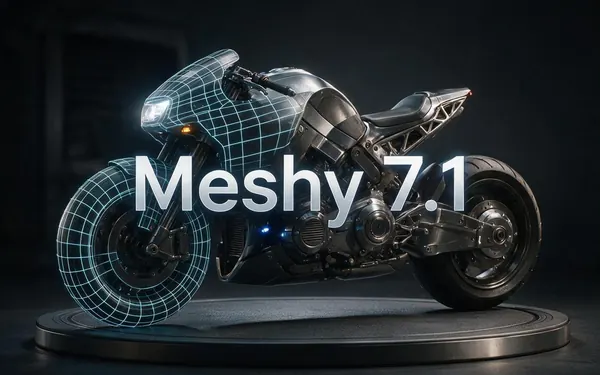
Meshy
Meshy 7.1
- Inputs
- Text · Photo · Multi-view (up to 4 views)
- Files
- GLB, FBX, OBJ, USDZ
- Typical time
- about 3–4 min
Production assets with the finest Meshy geometry (2K / 4K), smart topology, rigging and animation.
Open Meshy 7.1
Meshy
Meshy 7
- Inputs
- Text · Photo · Multi-view (up to 4 views)
- Files
- GLB, FBX, OBJ, USDZ
- Typical time
- about 3–4 min
Detailed game and product assets, with an Ultra detail switch, low-poly mode and auto-rigging.
Open Meshy 7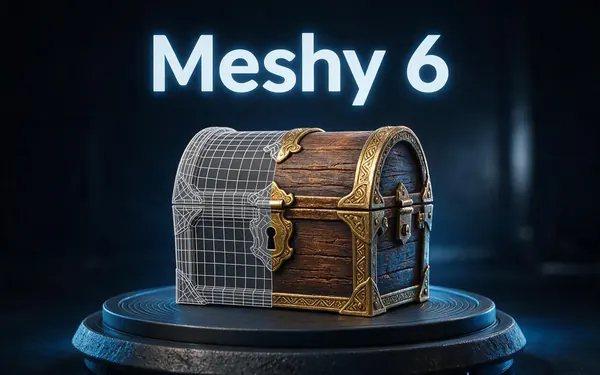
Meshy
Meshy 6
- Inputs
- Text · Photo
- Files
- GLB, FBX, OBJ, USDZ
- Typical time
- about 3–4 min
Reliable textured meshes with a polygon budget you control — the engine 3D Studio started on.
Open Meshy 6
Tripo
Tripo P2
- Inputs
- Text · Photo
- Files
- GLB, FBX
- Typical time
- about 3–4 min
Crisp, game-ready meshes with pro texture tiers up to Extreme and clean quad remeshing.
Open Tripo P2
All models (9)
Tripo
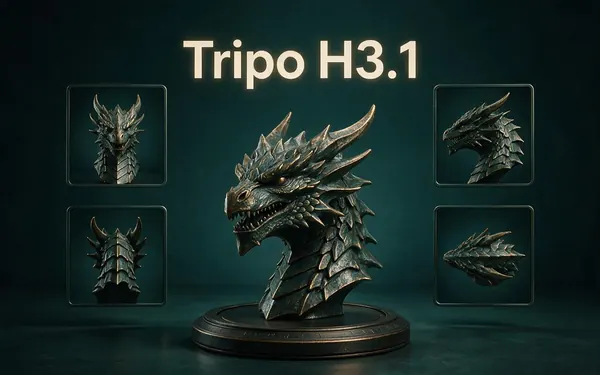
Tripo H3.1
- Inputs
- Text · Photo · Multi-view (up to 4 views)
- Files
- GLB
- Typical time
- about 4–5 min
High-quality meshes, with detailed geometry and a four-view mode for exact shapes.
Open Tripo H3.1
OpenAI
GPT-6 Astra
- Inputs
- Text · Photo · Multi-view (up to 10 views)
- Files
- GLB
- Typical time
- about 5–6 min
OpenAI's general GPT-6 Astra model run as a 3D job — follows long, detailed briefs and up to 10 reference photos, returns a GLB with PBR textures at real-world size. The slowest engine.
Open GPT-6 Astra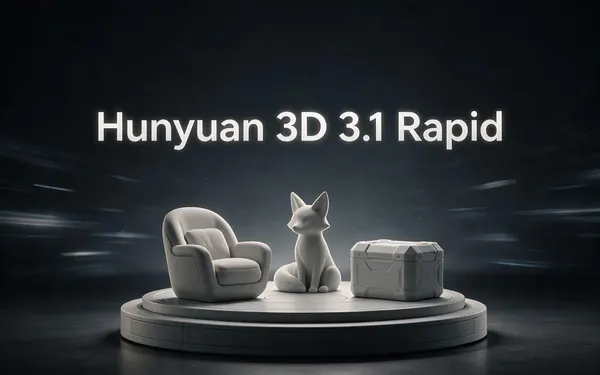
Tencent
Hunyuan 3D 3.1 Rapid
- Inputs
- Text · Photo
- Files
- GLB (untextured)
- Typical time
- about 1 min
The fastest geometry — an untextured (clay) GLB for quick blockouts, drafts and ideas.
Open Hunyuan 3D 3.1 Rapid
Typical times are the studio’s own estimates; real runs vary with load and settings. Formats are what each engine returns — GLB previews in the browser, other formats download.
How it works
How a Rodin job runs
In the 3D Studio.
Input
A prompt, or up to five photos of the object.
Tier and mesh
Choose a quality tier (Gen-2.5) and a quad or triangle budget.
Materials
PBR, shaded, or both — HighPack for 4K textures and denser geometry.
Format
Download GLB, FBX, OBJ, USDZ or STL.
How to
How to use the Rodin AI 3D Generator
- Time needed
- Steps
- 4 steps
Step 1
Open 3D Studio
Pick Text to 3D, Image to 3D or Multi-view.
Step 2
Pick Rodin
Choose Rodin 2.5 or Rodin 2.
Step 3
Set mesh and format
Quad or triangle budget, materials, and the file format you need.
Step 4
Generate and download
Inspect the GLB preview and download your format.
Watch the tour · 1:48
Text, photo or multi-view to a textured GLB, nine engines, the viewer & lighting, compare engines, gallery, download & chat
Chapters
Use cases
Popular with Rodin
3D printing
STL straight from the engine.
Miniatures and collectibles
Dense triangle budgets.
Animation-ready props
Quad meshes at a set density.
Product visuals
USDZ for iPhone AR.
Tips
Tips for Rodin
Pick triangles (150K–500K) for printing detail, quads (8K–18K) for meshes you'll edit.
The viewer previews GLB; other formats are for download.
Use “Faithfully” for product replicas, “Creatively” for concept pieces.
Add up to five photos from different sides for asymmetric objects.
Prompt guide
Prompts that make good 3D models
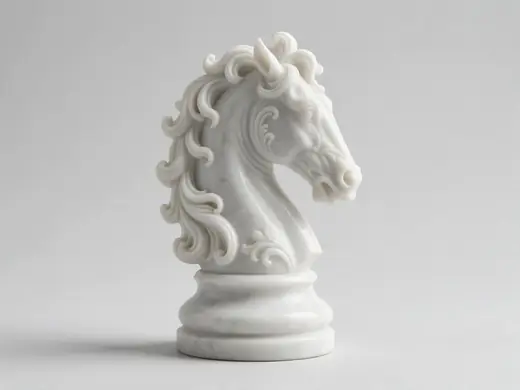
An ornate chess knight piec…
An ornate chess knight piece in white marble on a round base
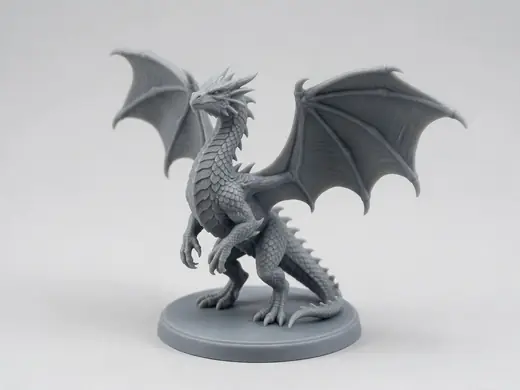
A detailed dragon miniature…
A detailed dragon miniature on a round base for tabletop games
A vintage brass oil lamp wi…
A vintage brass oil lamp with a glass chimney
Compare
Rodin vs the other engines
When Rodin is the right pick.
| Need | Rodin | Better elsewhere |
|---|---|---|
| STL directly | Yes | — |
| Exact quad or triangle budget | Yes, 2K–500K tris / 4K–50K quads | Tripo P2 for native quads |
| Rigging | A/T-pose only | Meshy auto-rigs humanoids |
| Most photos | Up to 5 | GPT-6 Astra: up to 10 |
| Fastest draft | About 2–3 min | Hunyuan 3D Rapid, about 1 min |
Example uses
How creators use the rodin AI 3D generator
Illustrative examples of typical workflows, not customer reviews.
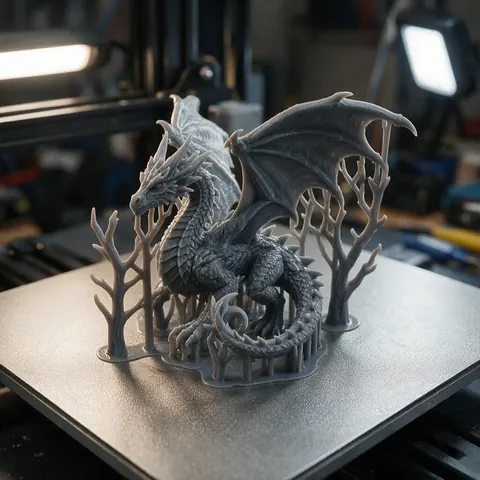
Tabletop miniature maker
A miniature maker could pick a high triangle budget and download STL straight from Rodin, skipping the conversion step.
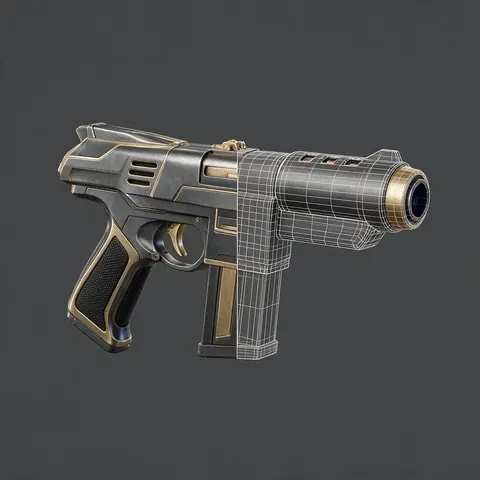
Game modder
A modder could choose a quad mesh at a set budget so the model is easy to edit and animate.

Chess set designer
A designer could generate each piece with Rodin and print a full set.
FAQ
Rodin AI 3D Generator questions
8 questions
What is Rodin AI?
Rodin is Hyper3D's AI 3D generator, developed by Deemos. It creates textured 3D models from text or images.
Link to this answerWhat's new in Rodin Gen-2.5?
Gen-2.5 (May 2026) adds selectable quality tiers, more detailed geometry and textures, and options like faithful or creative geometry. In the studio you get five tiers, mesh budgets up to 500K triangles and the HighPack add-on.
Link to this answerCan Rodin make 10M-polygon models here?
No. Hyper3D advertises very high polygon counts on its own platform; through the studio, Rodin's maximum is 500K triangles or 50K quads, with HighPack for 4K textures.
Link to this answerWhat is BANG?
BANG is Deemos's research method for splitting a 3D asset into parts using generative “exploded views” (SIGGRAPH 2025). It underpins Rodin's part features on Hyper3D's own platform; part splitting isn't an option in the studio.
Link to this answerCan I 3D print Rodin models?
Yes — choose STL as the file format, or convert GLB with the free tools.
Link to this answerDo I need a Hyper3D account?
No — Rodin runs inside Kenerate's 3D Studio on any paid plan or credit pack.
Link to this answerIs Rodin AI safe to use?
Yes, as it runs here. You sign in to Kenerate only — no separate Hyper3D account — and each model is saved to your gallery as a standard GLB, FBX, OBJ, USDZ or STL file. Prompts are checked before a job runs, and adult 3D content is blocked.
Link to this answerCan I use Rodin models commercially?
Use generated models in your projects; check Hyper3D's terms for any limits on its engines' output.
Link to this answerIn depth
Rodin AI 3D Generator, explained
Rodin's research roots, its version history, and how to choose a mesh budget.
On this page
Timeline
Research roots: BANG
Deemos's BANG paper (SIGGRAPH 2025) shows how a model can “explode” a 3D asset into meaningful parts, steerable with boxes, points or text [26]. On Hyper3D's platform this powers part splitting; in the studio you get Rodin's generation, tiers and mesh budgets.
Choosing a mesh budget
More faces hold more surface detail but make heavier files. For printing, 150K–500K triangles keep fine detail; for real-time use, 8K–18K quads stay light and editable. STL output skips conversion for printing [1].
Try the Rodin AI 3D Generator
3D generation is part of every paid plan and credit pack. The free 3D tools — viewers, converters, image to STL — need no account.
Tried it? Tell us how it went