

Meshy 7.1 · released 10 Sep 2026
Meshy AI 7.1, 7 and 6 in one studio
Meshy's engines for production assets: up to 4K geometry detail, smart topology, low-poly mode, PBR textures and auto-rigging for characters — run from the same studio as Tripo, Rodin, Hunyuan and GPT-6 Astra.
- Meshy 7.1, 7 and 6
- Rigging + preset animation
- GLB · FBX · OBJ · USDZ
- paid plans & credit packs
Updated by the Kenerate AI team
Made with Kenerate

On this page
Quick answer
Updated
What is Meshy AI?
Meshy is an AI 3D generator from the company Meshy that turns text, one photo or several views into PBR-textured models. Kenerate AI's 3D Studio runs Meshy 7.1, 7 and 6, with standard, low-poly and smart-topology meshes, humanoid auto-rigging with a preset animation, and downloads in GLB, FBX, OBJ and USDZ.
Key facts
- Engines here
- Meshy 7.1 · Meshy 7 · Meshy 6
- Released
- 7.1: 10 Sep 2026 · 7: Aug 2026 · 6: Jan 2026 (preview Oct 2025)
- Inputs
- Text · 1 photo · 1–4 views (7.1 and 7)
- Mesh
- Standard, low-poly or smart topology; quad or triangle; 1k–300k polygon budget
- Extras
- PBR maps, A/T-pose, humanoid auto-rigging + preset animation
- Files
- GLB, FBX, OBJ, USDZ
Start from a picture
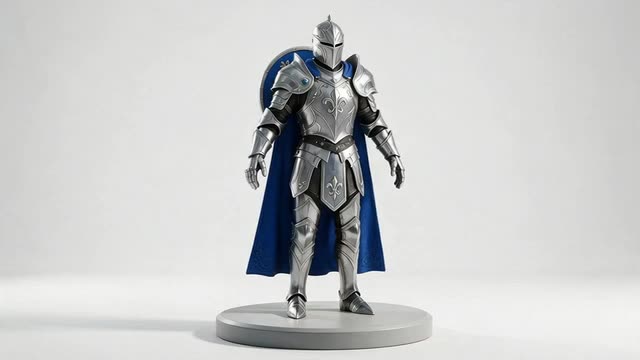
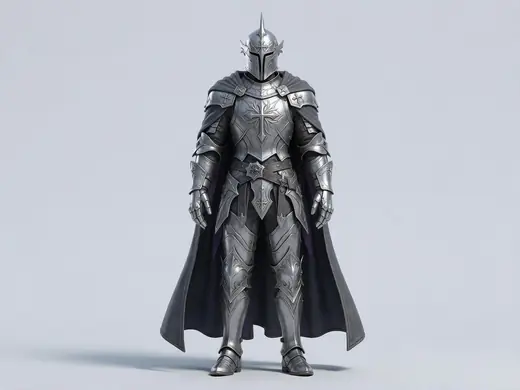
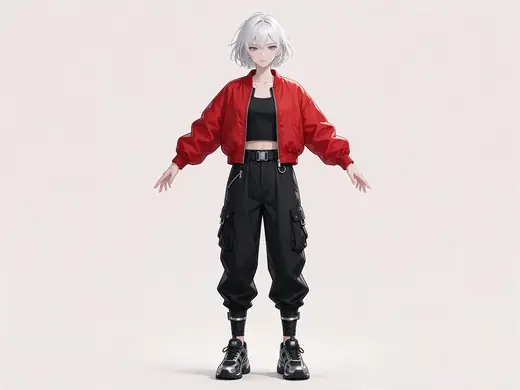
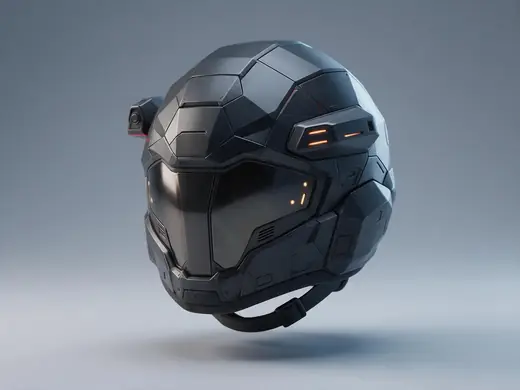
Characters and assets for Meshy
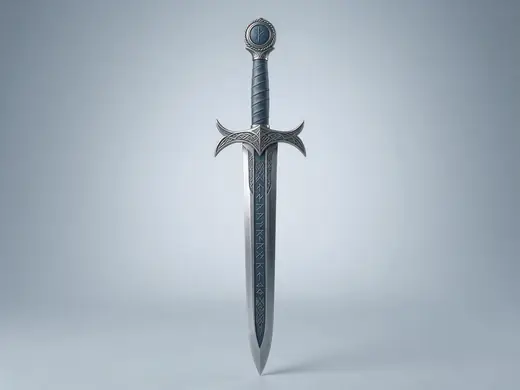
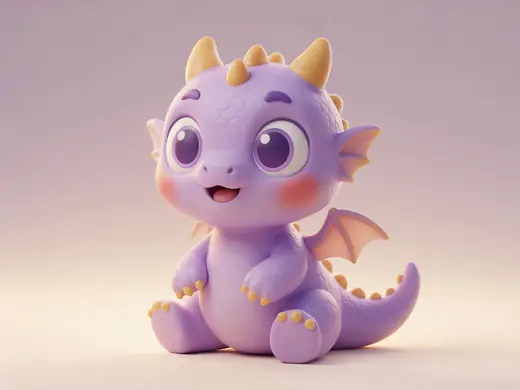
Reference pictures in the styles Meshy handles well — characters, props and hard-surface pieces.
Reference images made with Seedream 5.0 Pro. “To 3D” opens Image to 3D in the 3D Studio with that picture.
Why Kenerate
What Meshy is best at
Pick Meshy when the model has to go into a pipeline — game, animation or product — not just look good in a viewer.

Also
What else it does
Topology choices
Standard meshes, a low-poly mode for stylised assets, or smart topology for cleaner, artist-like edge flow; remesh to quads or triangles at a polygon budget.
Faithful to your image
Meshy 7 was built around matching the input image's proportions and placement, and added four-view input.
Versions
Meshy 7.1 vs 7 vs 6
All three are in the studio. Newer isn't always needed — Meshy 6 is still a solid, well-understood engine.
Meshy 7.1
Released 10 Sep 2026. Highest geometry detail (2K / 4K; 4K from a single image), plus everything in Meshy 7.
Meshy 7
Released Aug 2026. Focus on matching the input image, four-view input, Ultra detail switch, rigging.
Meshy 6
The classic: reliable textured meshes with a polygon budget you control (preview Oct 2025, full release Jan 2026).
Engines
Nine engines in one 3D Studio
Pick per job — draft fast, then rebuild your favourite on a stronger engine.
- This page
Meshy
Meshy 7.1
- Inputs
- Text · Photo · Multi-view (up to 4 views)
- Files
- GLB, FBX, OBJ, USDZ
- Typical time
- about 3–4 min
Production assets with the finest Meshy geometry (2K / 4K), smart topology, rigging and animation.
Open Meshy 7.1 - This page
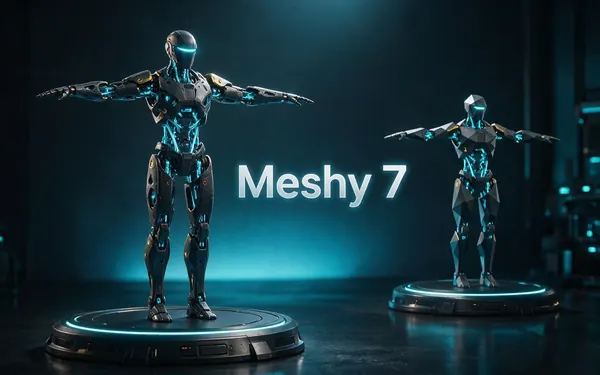
Meshy
Meshy 7
- Inputs
- Text · Photo · Multi-view (up to 4 views)
- Files
- GLB, FBX, OBJ, USDZ
- Typical time
- about 3–4 min
Detailed game and product assets, with an Ultra detail switch, low-poly mode and auto-rigging.
Open Meshy 7 - This page
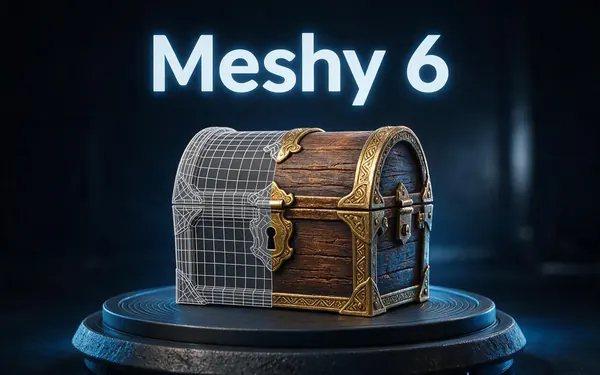
Meshy
Meshy 6
- Inputs
- Text · Photo
- Files
- GLB, FBX, OBJ, USDZ
- Typical time
- about 3–4 min
Reliable textured meshes with a polygon budget you control — the engine 3D Studio started on.
Open Meshy 6 
Tripo
Tripo P2
- Inputs
- Text · Photo
- Files
- GLB, FBX
- Typical time
- about 3–4 min
Crisp, game-ready meshes with pro texture tiers up to Extreme and clean quad remeshing.
Open Tripo P2
Tripo
Tripo H3.1
- Inputs
- Text · Photo · Multi-view (up to 4 views)
- Files
- GLB
- Typical time
- about 4–5 min
High-quality meshes, with detailed geometry and a four-view mode for exact shapes.
Open Tripo H3.1
OpenAI
GPT-6 Astra
- Inputs
- Text · Photo · Multi-view (up to 10 views)
- Files
- GLB
- Typical time
- about 5–6 min
OpenAI's general GPT-6 Astra model run as a 3D job — follows long, detailed briefs and up to 10 reference photos, returns a GLB with PBR textures at real-world size. The slowest engine.
Open GPT-6 Astra
All models (9)
Hyper3D
Rodin 2.5
- Inputs
- Text · Photo · Multi-view (up to 5 views)
- Files
- GLB, FBX, OBJ, USDZ, STL
- Typical time
- about 2–3 min
Studio-grade meshes from 2K to 500K faces, quad or triangle, with a HighPack for 4K textures.
Open Rodin 2.5
Hyper3D
Rodin 2
- Inputs
- Text · Photo · Multi-view (up to 5 views)
- Files
- GLB, FBX, OBJ, USDZ, STL
- Typical time
- about 2–3 min
Clean, detailed meshes — the first photo drives the materials.
Open Rodin 2
Tencent
Hunyuan 3D 3.1 Rapid
- Inputs
- Text · Photo
- Files
- GLB (untextured)
- Typical time
- about 1 min
The fastest geometry — an untextured (clay) GLB for quick blockouts, drafts and ideas.
Open Hunyuan 3D 3.1 Rapid
Typical times are the studio’s own estimates; real runs vary with load and settings. Formats are what each engine returns — GLB previews in the browser, other formats download.
How it works
How a Meshy job runs in the studio
Same studio flow, Meshy's options.
Input
A prompt (up to 600 characters), one photo, or 1–4 views.
Geometry
Meshy builds the mesh at your detail level — standard, 2K or 4K — in standard, low-poly or smart topology.
Texture
Colour and optional PBR maps; a texture prompt can steer the look on image jobs.
Rig (optional)
Humanoid characters can be auto-rigged with a preset animation, then downloaded.
How to
How to use the Meshy AI 3D Generator
- Time needed
- Steps
- 4 steps
Step 1
Open 3D Studio
Choose Text to 3D, Image to 3D or Multi-view.
Step 2
Pick Meshy
Choose Meshy 7.1, 7 or 6 in the engine list.
Step 3
Set options
Mesh style, topology, polygon budget, PBR, pose and rigging.
Step 4
Generate and download
Inspect in the viewer and download GLB, FBX, OBJ or USDZ.
Watch the tour · 1:48
Text, photo or multi-view to a textured GLB, nine engines, the viewer & lighting, compare engines, gallery, download & chat
Chapters
Use cases
Popular with Meshy
Game characters
A-pose models with auto-rigging.
Props and hard-surface
Clean topology for engines.
Stylised low-poly
Mobile and indie art styles.
Detailed collectibles
4K geometry for figures and prints.
Tips
Tips for Meshy
Use A-pose for characters you'll rig; arms away from the body rig more cleanly.
Auto-rigging is for humanoids — animals and objects won't rig.
Choose smart topology when someone will edit or animate the mesh.
Use 4K geometry with a single, sharp photo; multi-view runs top out at 2K.
Prompt guide
Prompts that make good 3D models
A stylised fantasy knight c…
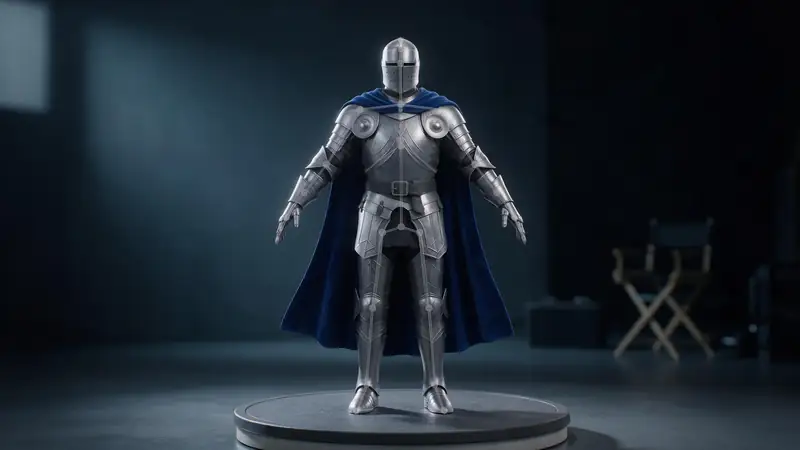
A stylised fantasy knight character in silver armour with a blue cape, full body
A carved wooden treasure ch…
A carved wooden treasure chest with iron straps
A sci-fi helmet with a tint…
A sci-fi helmet with a tinted visor and panel lines
Compare
Meshy vs the other engines
Where Meshy stands out — and when another engine fits better.
| Need | Meshy | Better elsewhere |
|---|---|---|
| Rig and animate a character | Yes — humanoid auto-rig + preset animation | Others offer A/T-pose only |
| Native quad mesh | Quad remesh | Tripo P2 generates native quads |
| STL straight from the engine | No (convert GLB to STL) | Rodin outputs STL |
| Fastest draft | About 3 min | Hunyuan 3D Rapid, about 1 min |
| Very long brief / 10 photos | 600-character prompt, up to 4 views | GPT-6 Astra |
Example uses
How creators use the meshy AI 3D generator
Illustrative examples of typical workflows, not customer reviews.
Indie game developer
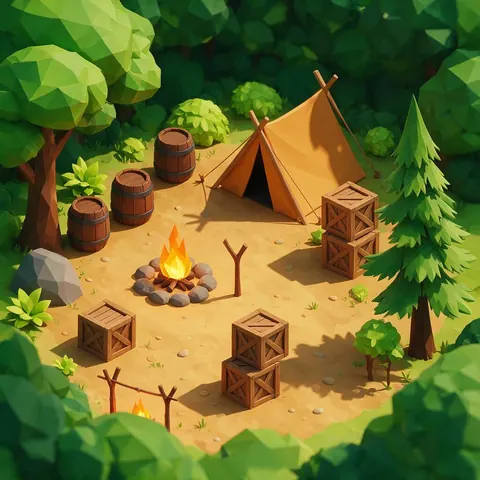
A game developer could use low-poly mode and a polygon budget to make stylised props that drop straight into a level.
Animator
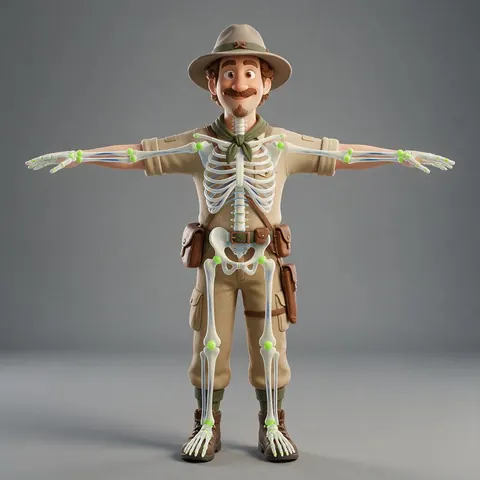
An animator could generate a humanoid character in T-pose, auto-rig it and test a preset animation.

Product marketer
A product marketer could export USDZ so customers can place a 3D product on their own table in AR.
FAQ
Meshy AI 3D Generator questions
10 questions
What is Meshy AI?
Meshy is an AI 3D model generator made by the company Meshy. It turns text or images into textured 3D models, with options for topology, PBR materials and rigging.
Link to this answerWhen did Meshy 7.1 come out?
Meshy released 7.1 on 10 September 2026. Meshy 7 became available in August 2026, and Meshy 6 in January 2026 after an October 2025 preview.
Link to this answerCan Meshy rig and animate models?
Yes, for humanoid characters: auto-rigging adds a skeleton and you can apply one preset animation. Non-humanoid models aren't rigged.
Link to this answerCan I 3D print Meshy models?
Yes. Download GLB or OBJ and convert to STL or 3MF with the free tools; check thin parts first.
Link to this answerDo I need a Meshy account?
No. Meshy runs inside Kenerate's 3D Studio on your Kenerate plan (any paid plan or credit pack).
Link to this answerIs Meshy AI free?
Not on Kenerate. Meshy 7.1, 7 and 6 run in the 3D Studio, and 3D generation is part of every paid plan and credit pack. What is free, with no account, are the tools you use after you download a Meshy model: the GLB viewer, GLB to STL, the STL editor and the other converters.
Link to this answerIs Meshy AI safe to use?
Yes, as it runs here. You sign in to Kenerate only — no separate Meshy account — and every model is saved to your gallery as a standard GLB, FBX, OBJ or USDZ file that opens in Blender, Unity or Unreal. Prompts are checked before a job runs, and adult 3D content is blocked.
Link to this answerDoes Meshy AI have restrictions?
Yes. Prompts are checked and sexual or adult 3D content is blocked; nothing involving minors is allowed, and photos of real people should only be used with their consent. There are technical limits too: prompts up to 600 characters, up to 4 views on Meshy 7.1 and 7, and auto-rigging for humanoid characters only.
Link to this answerWhich Meshy version should I use?
Meshy 7.1 for the most detail, Meshy 7 for faithful image matching, Meshy 6 for dependable results with a polygon budget.
Link to this answerCan I use Meshy models commercially?
Use generated models in your projects; check Meshy's terms for any limits on its engines' output.
Link to this answerIn depth
Meshy AI 3D Generator, explained
Meshy's version history, what changed in 7 and 7.1, and how its options affect the mesh.
On this page
Timeline
Geometry detail vs polygon count
Geometry resolution sets how much detail the engine can carve; the polygon budget and remesh decide how many faces the final file keeps. A 4K run with a 30k remesh keeps the silhouette and bakes fine detail into normal maps.
Topology modes
Standard keeps the engine's own mesh; low-poly simplifies for stylised assets; smart topology aims for clean edge flow that's easier to edit and rig. Quad remeshing converts the result to quads — different from engines that generate quads natively.
Try the Meshy AI 3D Generator
3D generation is part of every paid plan and credit pack. The free 3D tools — viewers, converters, image to STL — need no account.
Tried it? Tell us how it went