

OpenAI · rolled out 3 Sep 2026
GPT-6 Astra 3D from long briefs and many photos
When the object needs a detailed brief — exact parts, materials, proportions — or you have many reference photos, run GPT-6 Astra as a 3D job and get a PBR-textured GLB at real-world size.
- Briefs up to 4,000 characters
- Up to 10 photos
- Real-world size
- Slowest engine — plan for minutes
Updated by the Kenerate AI team
Made with Kenerate

On this page
Quick answer
Updated
What is GPT-6 Astra?
GPT-6 Astra is OpenAI's general frontier model, rolled out from 3 September 2026; it builds 3D by planning and writing the geometry rather than being a dedicated 3D model. Kenerate AI's 3D Studio runs it as a 3D job: a brief of up to 4,000 characters or up to 10 photos returns one GLB with PBR textures.
Key facts
- What it is
- OpenAI's general model, run here as a 3D job (not a dedicated 3D model)
- Released
- Rolling out from 3 Sep 2026
- Inputs
- Prompt up to 4,000 characters · 1–10 photos (+ optional prompt)
- Output
- One GLB with PBR textures; can be a small scene
- Size
- Longest side set in metres (10 cm to 20 m in the studio)
- Speed
- Slowest engine — our runs: 3.5–8.6 min; long jobs can take more
Start from a picture
Detailed objects for a long brief
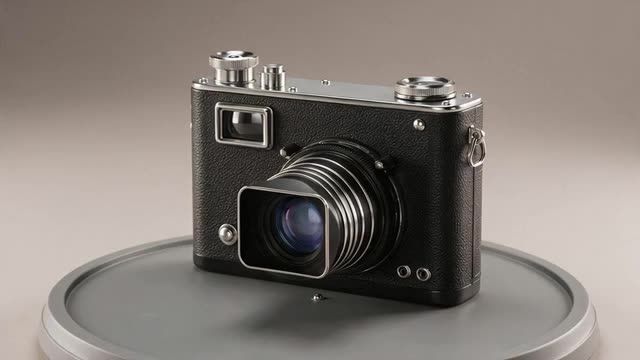
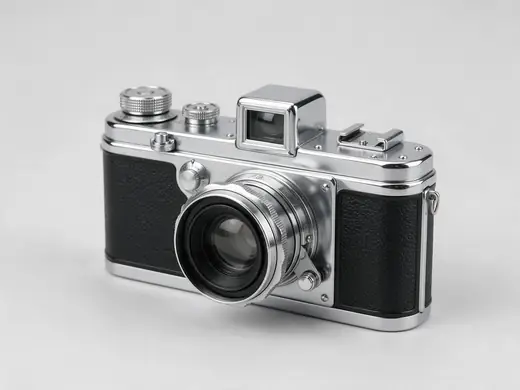
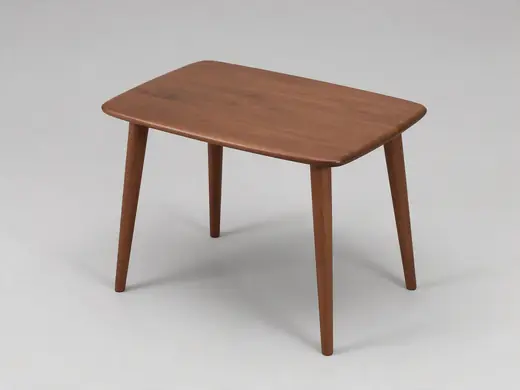
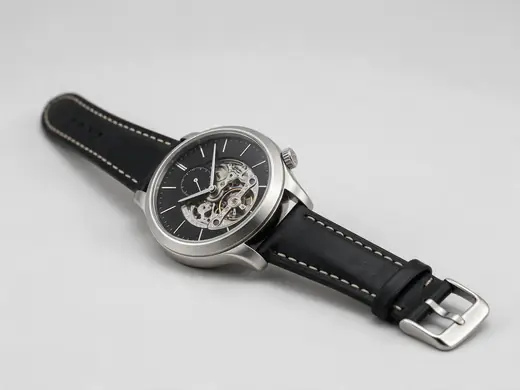
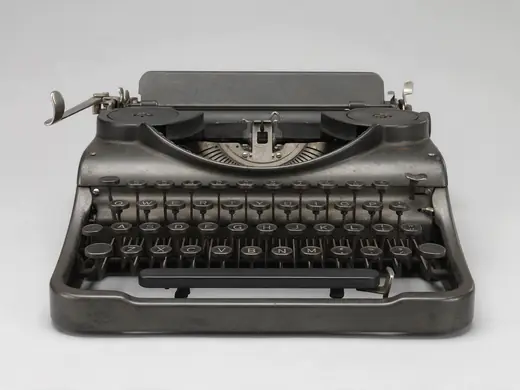
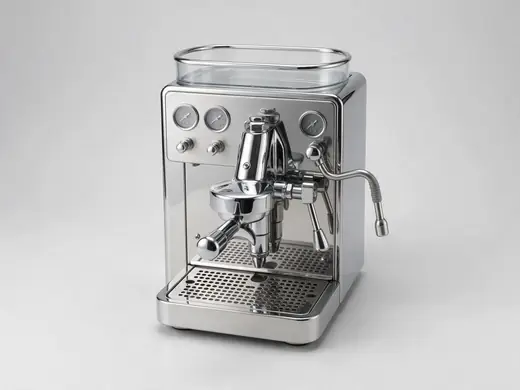
Objects with many parts and materials — the kind of thing worth describing in detail to GPT-6 Astra.
Reference images made with Seedream 5.0 Pro. “To 3D” opens Image to 3D in the 3D Studio with that picture.
Why Kenerate
When GPT-6 Astra is worth the wait
It's the slowest engine in the studio — use it where precision of the brief matters.
Also
What else it does
Real-world size
Set the longest side in metres so the model arrives at the right scale for AR and printing.
Objects or small scenes
Describe surroundings and it can return a small scene in one GLB.
Versions
GPT-6 Astra in the studio
One engine, two modes.
GPT-6 Astra
OpenAI's GPT-6 Astra, run as text-to-3D or image-to-3D (up to 10 photos). PBR-textured GLB at real-world size. Expect several minutes.
Engines
Nine engines in one 3D Studio
Pick per job — draft fast, then rebuild your favourite on a stronger engine.
- This page
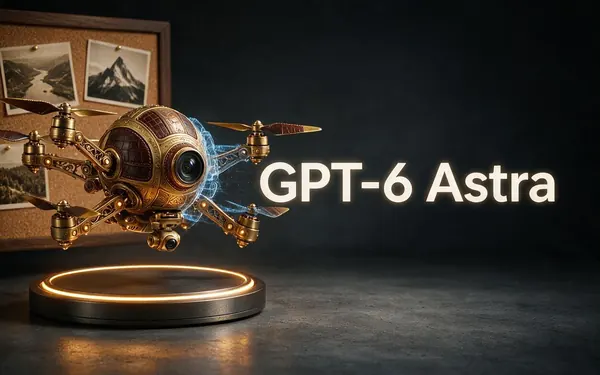
OpenAI
GPT-6 Astra
- Inputs
- Text · Photo · Multi-view (up to 10 views)
- Files
- GLB
- Typical time
- about 5–6 min
OpenAI's general GPT-6 Astra model run as a 3D job — follows long, detailed briefs and up to 10 reference photos, returns a GLB with PBR textures at real-world size. The slowest engine.
Open GPT-6 Astra 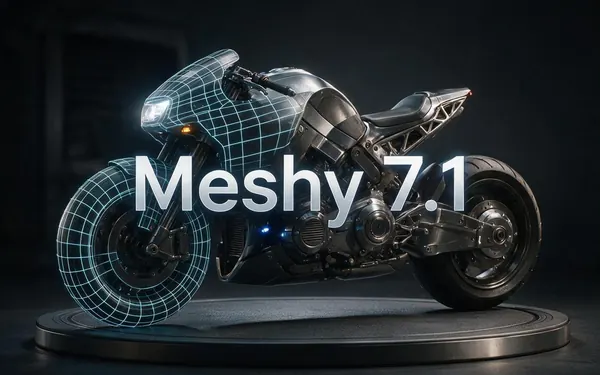
Meshy
Meshy 7.1
- Inputs
- Text · Photo · Multi-view (up to 4 views)
- Files
- GLB, FBX, OBJ, USDZ
- Typical time
- about 3–4 min
Production assets with the finest Meshy geometry (2K / 4K), smart topology, rigging and animation.
Open Meshy 7.1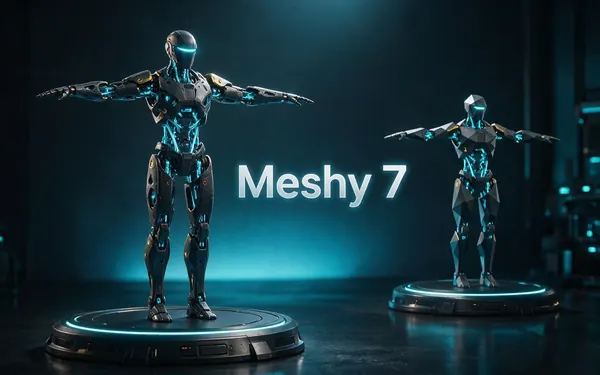
Meshy
Meshy 7
- Inputs
- Text · Photo · Multi-view (up to 4 views)
- Files
- GLB, FBX, OBJ, USDZ
- Typical time
- about 3–4 min
Detailed game and product assets, with an Ultra detail switch, low-poly mode and auto-rigging.
Open Meshy 7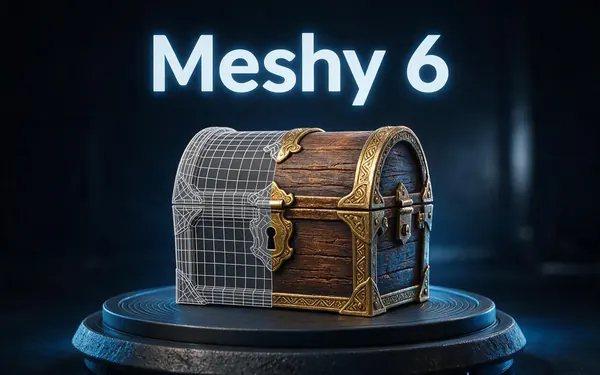
Meshy
Meshy 6
- Inputs
- Text · Photo
- Files
- GLB, FBX, OBJ, USDZ
- Typical time
- about 3–4 min
Reliable textured meshes with a polygon budget you control — the engine 3D Studio started on.
Open Meshy 6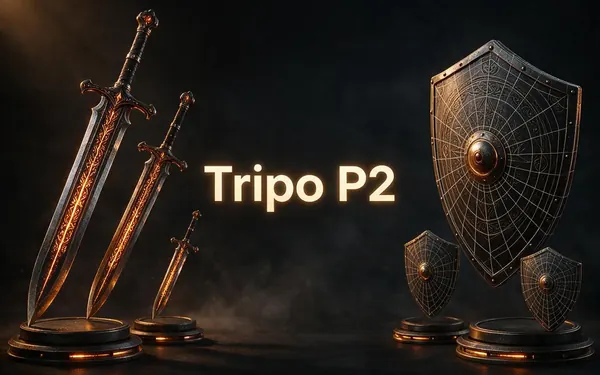
Tripo
Tripo P2
- Inputs
- Text · Photo
- Files
- GLB, FBX
- Typical time
- about 3–4 min
Crisp, game-ready meshes with pro texture tiers up to Extreme and clean quad remeshing.
Open Tripo P2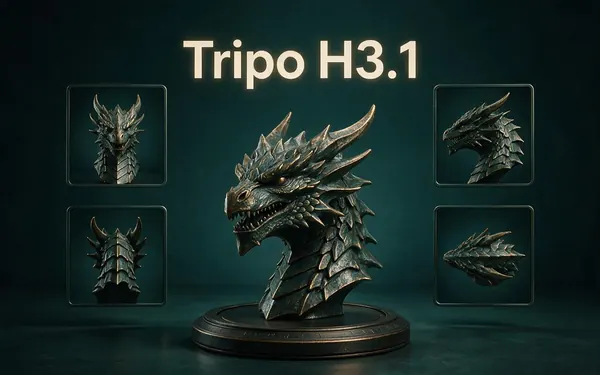
Tripo
Tripo H3.1
- Inputs
- Text · Photo · Multi-view (up to 4 views)
- Files
- GLB
- Typical time
- about 4–5 min
High-quality meshes, with detailed geometry and a four-view mode for exact shapes.
Open Tripo H3.1
All models (9)
Hyper3D
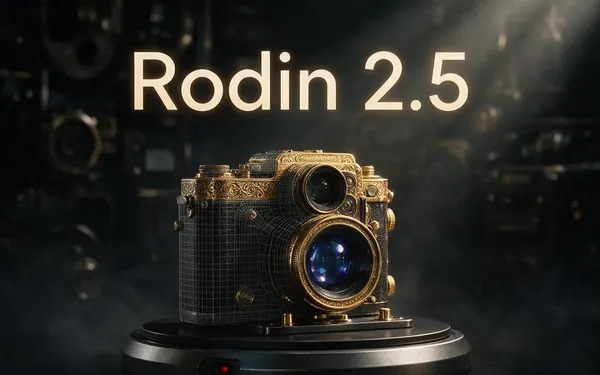
Rodin 2.5
- Inputs
- Text · Photo · Multi-view (up to 5 views)
- Files
- GLB, FBX, OBJ, USDZ, STL
- Typical time
- about 2–3 min
Studio-grade meshes from 2K to 500K faces, quad or triangle, with a HighPack for 4K textures.
Open Rodin 2.5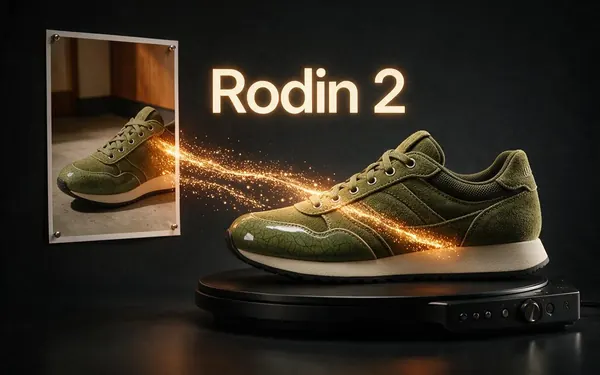
Hyper3D
Rodin 2
- Inputs
- Text · Photo · Multi-view (up to 5 views)
- Files
- GLB, FBX, OBJ, USDZ, STL
- Typical time
- about 2–3 min
Clean, detailed meshes — the first photo drives the materials.
Open Rodin 2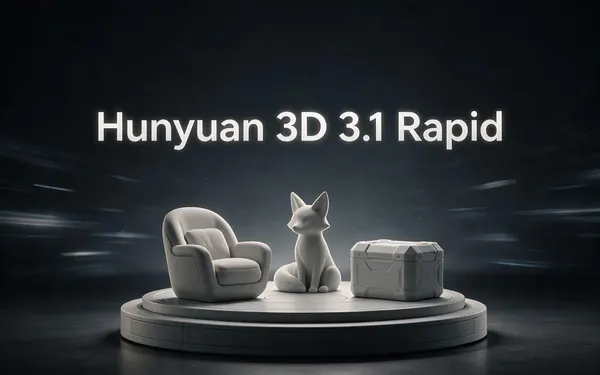
Tencent
Hunyuan 3D 3.1 Rapid
- Inputs
- Text · Photo
- Files
- GLB (untextured)
- Typical time
- about 1 min
The fastest geometry — an untextured (clay) GLB for quick blockouts, drafts and ideas.
Open Hunyuan 3D 3.1 Rapid
Typical times are the studio’s own estimates; real runs vary with load and settings. Formats are what each engine returns — GLB previews in the browser, other formats download.
How it works
How an Astra 3D job works
Different from the other engines.
Brief
Your prompt and/or photos describe the object, its parts and materials.
Plan
The model reasons about the parts and how they fit together.
Build
Geometry and PBR materials are produced as one GLB at your chosen size.
Deliver
The model lands in your gallery — usually after several minutes.
How to
How to use the GPT-6 Astra 3D Generator
- Time needed
- Steps
- 4 steps
Step 1
Open 3D Studio
Pick Text to 3D, Image to 3D or Multi-view.
Step 2
Pick GPT-6 Astra
Choose GPT-6 Astra in the engine list.
Step 3
Write the brief
List parts, materials, colours and proportions; add up to 10 photos.
Step 4
Set size and wait
Choose the real-world size, generate, and check back in a few minutes.
Watch the tour · 1:48
Text, photo or multi-view to a textured GLB, nine engines, the viewer & lighting, compare engines, gallery, download & chat
Chapters
Use cases
Popular with GPT-6 Astra
Precise replicas
Objects described part by part.
Many-photo references
Products shot from every side.
Small scenes
A desk set-up or a diorama in one GLB.
Design concepts
Furniture and products from a spec.
Tips
Tips for GPT-6 Astra
Write it like a spec: overall size, parts, materials, finishes, then small details.
Say what to leave out — logos, straps, backgrounds.
Set the real-world size to match the object.
Use faster engines for quick tries; save Astra for the final, detailed version.
Prompt guide
Prompts that make good 3D models
A 1950s 35 mm rangefinder c…
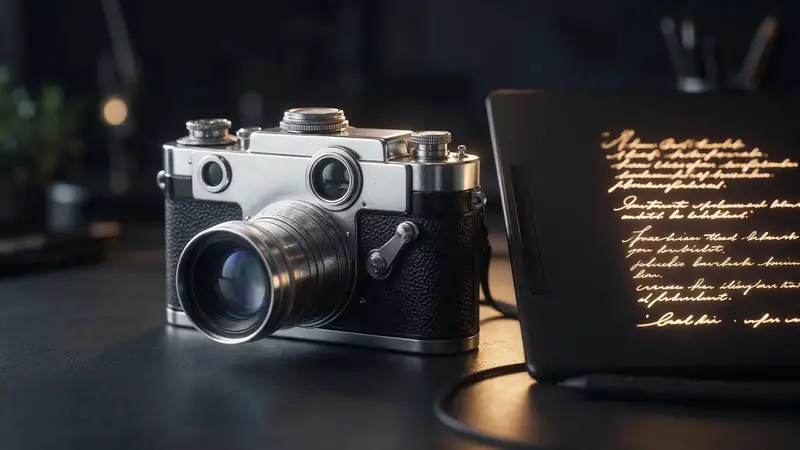
A 1950s 35 mm rangefinder camera with a chrome top plate, black leatherette body and a collapsible 50 mm lens, no logos
A mid-century walnut side t…
A mid-century walnut side table with tapered legs, a brass-capped foot on each leg and one shallow drawer
A vintage brass ship's lant…
A vintage brass ship's lantern with a ring handle, ribbed glass and a small hinged door
Compare
GPT-6 Astra vs the other engines
Where Astra stands out.
| Need | GPT-6 Astra | Better elsewhere |
|---|---|---|
| Very long, specific brief | Up to 4,000 characters | — |
| Most reference photos | Up to 10 | — |
| Speed | Slowest (minutes, sometimes more) | Hunyuan 3D Rapid, Tripo P2 |
| File formats | GLB only | Rodin: STL, OBJ, FBX, USDZ |
| Rigging | No | Meshy auto-rigs humanoids |
Example uses
How creators use the gpt-6 astra 3D generator
Illustrative examples of typical workflows, not customer reviews.

Furniture designer
A furniture designer could paste a long spec of parts, woods and finishes and get a PBR-textured GLB at real-world size to review in AR.
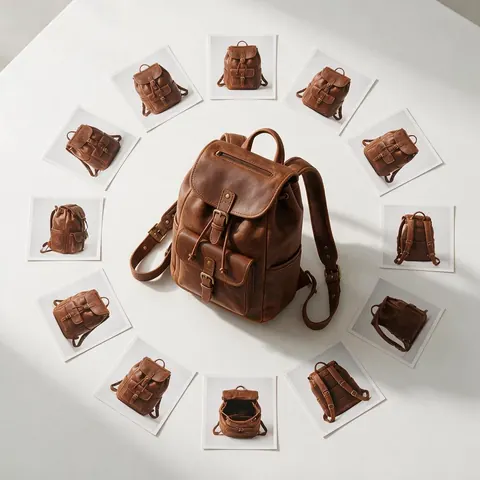
Online product seller
A seller with photos of a product from every side could feed up to 10 of them to GPT-6 Astra for a closer 3D replica.
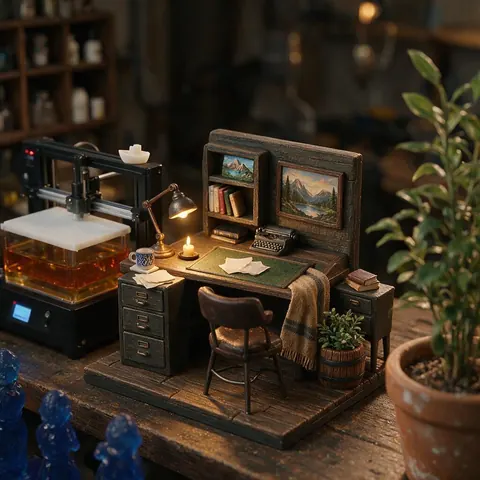
Diorama maker
A diorama maker could describe a small desk scene and get it back as one GLB to print or place in a game.
FAQ
GPT-6 Astra 3D Generator questions
7 questions
Is GPT-6 Astra a 3D model?
Not a dedicated one. GPT-6 Astra is OpenAI's general model; it creates 3D by planning and writing geometry. Through WaveSpeed it's offered as a 3D job that returns a GLB, which is how the studio runs it.
Link to this answerWhen was GPT-6 Astra released?
OpenAI began rolling it out on 3 September 2026.
Link to this answerHow long does an Astra 3D job take?
Longer than other engines. Our test runs took between about 3.5 and 9 minutes; complex jobs can take more.
Link to this answerCan GPT-6 Astra make models for Blender?
Yes — download the GLB and import it into Blender (File → Import → glTF 2.0).
Link to this answerDoes it make CAD files?
Press reports describe Astra writing CAD code in OpenAI's demos; in the studio the output is a GLB mesh, not a CAD file.
Link to this answerCan I use it with ChatGPT?
The studio runs Astra for you — no ChatGPT or OpenAI account needed. Generation is part of every paid plan and credit pack.
Link to this answerIs likeness to my photos exact?
Not guaranteed. Several clear photos and a precise brief give the closest result.
Link to this answerIn depth
GPT-6 Astra 3D Generator, explained
What GPT-6 Astra is, how it makes 3D, and when it beats dedicated 3D engines.
On this page
A general model doing 3D
OpenAI rolled out GPT-6 Astra on 3 September 2026 as its frontier model for coding, computer use and professional work [31]; its published model card lists text output rather than a 3D modality [32]. Press coverage describes it reconstructing objects by writing CAD code and operating tools such as Blender [33].
How the studio runs it
WaveSpeed wraps Astra in text-to-3D and image-to-3D endpoints that return one GLB with PBR textures, with the size set in metres; WaveSpeed notes that exact likeness and physical accuracy aren't guaranteed [34].
When to choose it
Choose Astra when the brief is long and precise or you have many reference photos. For speed, drafts or specific file formats, Hunyuan, Tripo or Rodin fit better.
Try the GPT-6 Astra 3D Generator
3D generation is part of every paid plan and credit pack. The free 3D tools — viewers, converters, image to STL — need no account.
Tried it? Tell us how it went