AI University 2026 • Image-to-Video (I2V) Animation Masterclass
AI Image-to-Video Workflow — Keyframing & Motion Guide 2026
The complete 2026 AI image-to-video (I2V) workflow: convert an image to video with AI using keyframe anchoring, Wan 3.0 motion prompting and 4K video upscaling, with minimal warping or identity drift.
By Kenerate AIUpdated 3 min read
Try it in Kenerate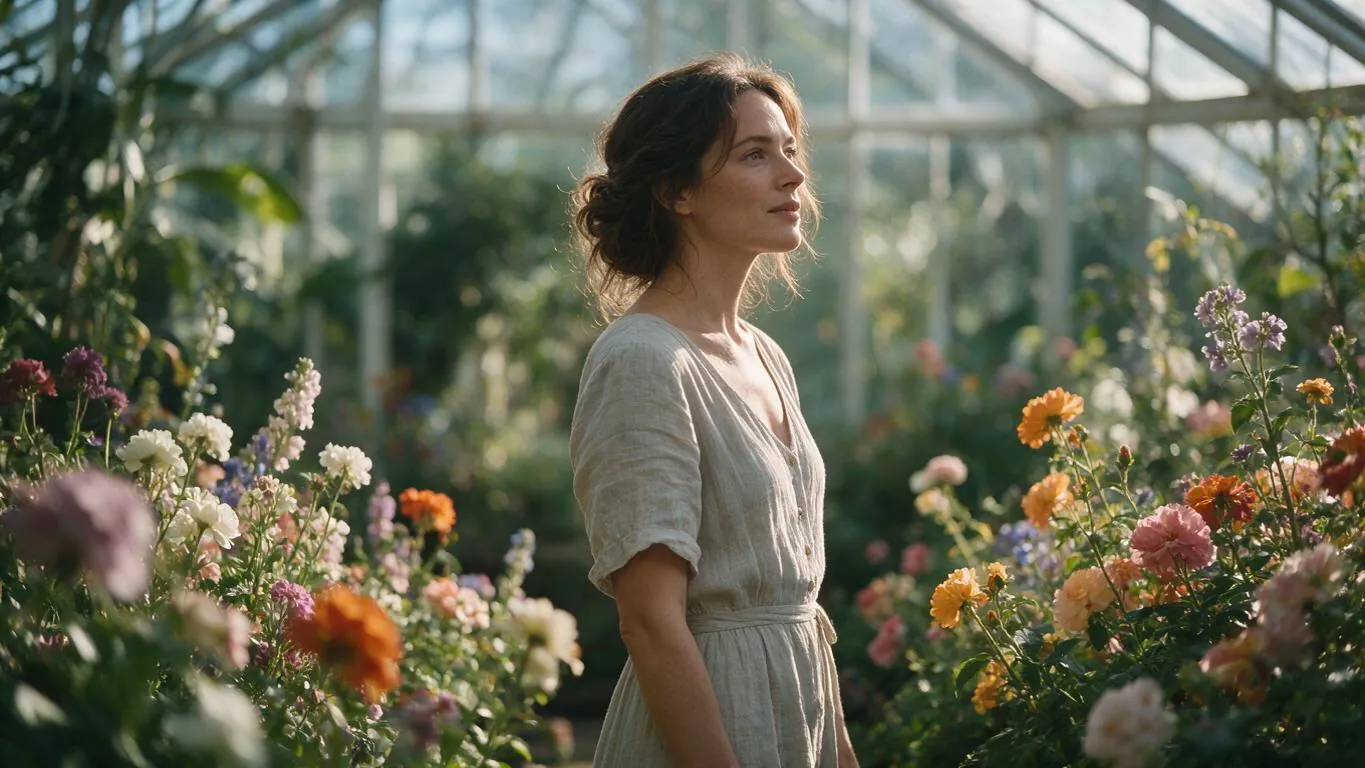
On this page
On this page
AI Image-to-Video Complete Workflow Guide
The 4-Step Master Image-to-Video Workflow
How VFX studios and digital creators transform static stills into cinematic video clips.
Generate or Select a High-Resolution Anchor Keyframe
Always start with a clean, high-resolution image. The keyframe establishes character anatomy, environmental lighting, and color grading, so the video model doesn't have to invent identity.
Formulation: Greatly reduces facial morphing & jitter
Formulate Motion Vectors & Camera Trajectories
Describe only the kinetic delta: 'Subject slowly turns head toward camera with soft smile, camera performs gentle dolly-in, soft wind rustles cherry blossom branches in background.'
Formulation: Clear motion vector separates camera from subject
Select Engine: Seedance 2.5 vs Wan 3.0
Use Seedance 2.5 for delicate micro-expressions, lipsync, and intimate character interactions. Use Wan 3.0 for sweeping landscape drone shots, high-speed vehicle action, and complex fluid physics.
Formulation: Match the underlying engine to your scene goal
Render & 4K Video Upscaling
Upscale your animation to 4K and export it with zero watermarks, ready for broadcast, commercial ads, or viral TikTok/Instagram Reels.
Formulation: Watermark-free, and you own the result for commercial use
Best Image to Video AI Tools Compared
Side-by-side comparison of video models, monthly pricing and how credits work. Kenerate AI also upscales finished clips to 4K.
| Platform | Video Models | Monthly Pricing | Credits |
|---|---|---|---|
| Kenerate AI (Video Studio) | ✅ Wan 3.0, Seedance 2.5, Kling v3, Veo 3.1 and more | ✅ No subscription required | One-time packs that never expire |
| Runway Gen-4.5 | Runway's own Gen models | $15.00 to $95.00/mo | Credits expire monthly |
| Luma Dream Machine | Luma's own Ray models | $29.99 to $99.99/mo | Monthly token resets |
| Pika Labs 2.0 | Pika's own models | $10.00 to $70.00/mo | Monthly credits |
| ZenCreator | Wan 2.7 Standard | $19.99/mo | Monthly plan |
| Kling 3.0 | Kling's own models | $10.00 to $60.00/mo | Monthly resets |
Prompts
Curated Image-to-Video Showcases
Compare botanical walking keyframes, sci-fi plasma exhausts, sunset ocean waves, and the 4-stage flowchart.
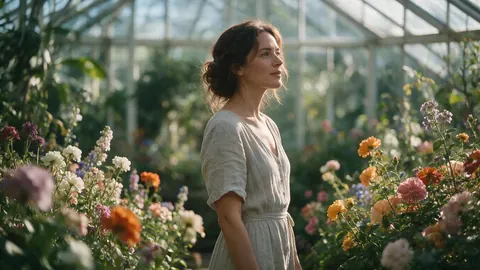
Botanical Garden Walking Keyframe Transition
Keyframe anchor image of a woman in a garden transitioning seamlessly into a smooth walking video with blooming flowers, 16:9.
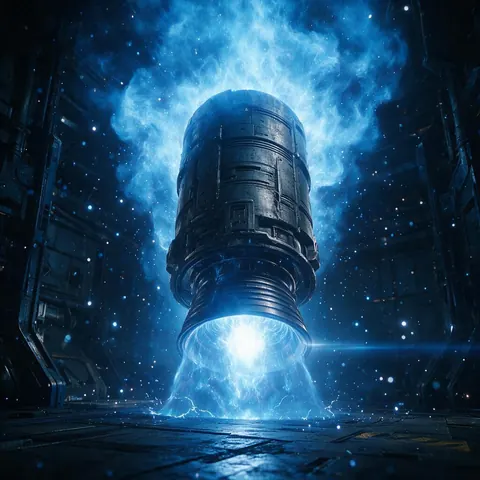
Sci-Fi Spaceship Plasma Exhaust Particle Ignition
Sci-fi spaceship engine ignition with realistic plasma plume and particle physics, 16:9.
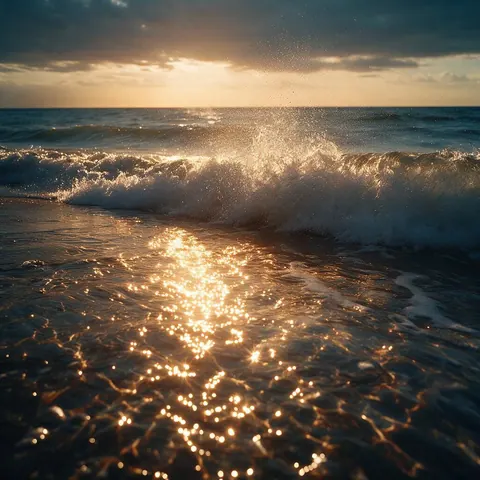
Sunset Ocean Shoreline Golden Caustic Shoreline Crash
Ocean sunset wave crashing with realistic water spray and golden caustics, 16:9.
Complete 4-Stage Image-to-Video Production Pipeline
Complete 4-stage Image-to-Video pipeline flowchart from keyframe creation to motion prompting and 4K upscaling, 16:9.
Real results
Curated Image-to-Video Showcases
Compare botanical walking keyframes, sci-fi plasma exhausts, sunset ocean waves, and the 4-stage flowchart.
How it works
How it works in the app
Step 1
Describe the scene
Open Video Studio in Text to Video mode and write the shot — subject, action, camera move and light.
Step 2
Or start from an image
Switch to Image to Video and add a start frame; an end frame is optional.
Step 3
Pick a video model
Open the model card to choose the video model and version that fits your shot.
Step 4
Set ratio and length, then Create
Pick the aspect ratio and clip length, turn audio on or off, and press Create.
See it in the app

Open Video Studio in Text to Video mode and write the shot — subject, action, camera move and light.


FAQ
Frequently Asked Questions
8 questions
Why is Image-to-Video (I2V) superior to Text-to-Video (T2V) for professional creators?
Text-to-video models must synthesize both character identity and 3D motion from scratch, frequently resulting in morphing faces, inconsistent lighting, and erratic compositions. Image-to-video locks the visual composition into a high-resolution anchor image, so the AI can focus on generating natural forward motion.
Link to this answerWhat is the optimal aspect ratio for AI Image-to-Video generation?
For social media (TikTok, Instagram Reels, YouTube Shorts), use 9:16 vertical framing. For cinematic films, YouTube, and website banners, use 16:9 horizontal framing. Ensure your starting image matches your desired target video aspect ratio.
Link to this answerHow do I prevent background elements from warping during camera pans?
Specify camera motion and environmental stability in your prompt: `Smooth steady camera dolly-in, maintaining background architectural geometry, cinematic lighting, fluid natural motion`.
Link to this answerWhat content can I animate with Image-to-Video?
Kenerate AI's Video Studio handles action stunts, cinematic drama, romance and product shots within its content rules: no illegal or non-consensual content, nothing involving minors, and no real people without their consent.
Link to this answerDo credits on Kenerate AI expire at the end of the month?
No! All credits purchased on Kenerate AI remain permanently in your balance with zero expiration dates.
Link to this answerIs there a free trial available to animate my first photo into video?
Not for video. Kenerate AI is free to start, and the sign-up credits cover image models and tools, so you can make your start image first; animating it in the Video Studio needs a one-time credit pack. Packs never expire, and there is no subscription required.
Link to this answerHow does image to video AI work?
Image to video AI takes your still image as the first frame and predicts how it should move, guided by your motion prompt. The model keeps the subject, lighting and composition from the image and adds camera moves and motion in a short clip — up to 30 seconds on models such as Wan 3.0 and Seedance 2.5.
Link to this answerDoes Grok do image to video AI?
Yes. Grok Imagine and Grok Imagine 1.5 both support image-to-video, and you can run them in Kenerate AI's Video Studio next to Wan 3.0, Seedance 2.5 and Kling. Grok Imagine 1.5 makes clips of up to 15 seconds at up to 1080p.
Link to this answerAnimate Any Photo into Video
Free to start: create images free; video runs on a one-time credit pack. No watermark, no subscription required, and credits that never expire.
Tried it? Tell us how it went