AI University 2026 • Wan 2.1 & 3.0 Prompt Architecture Masterclass
Best Wan 2.1 & 3.0 Prompts for Realistic Motion — Guide 2026
Master the 5-part prompt formula for Wan AI video generation (Wan 2.1 and 3.0). Learn camera trajectory cues, fluid physics, and image-to-video anchor prompts with minimal motion drift.
By Kenerate AIUpdated 3 min read
Try it in Kenerate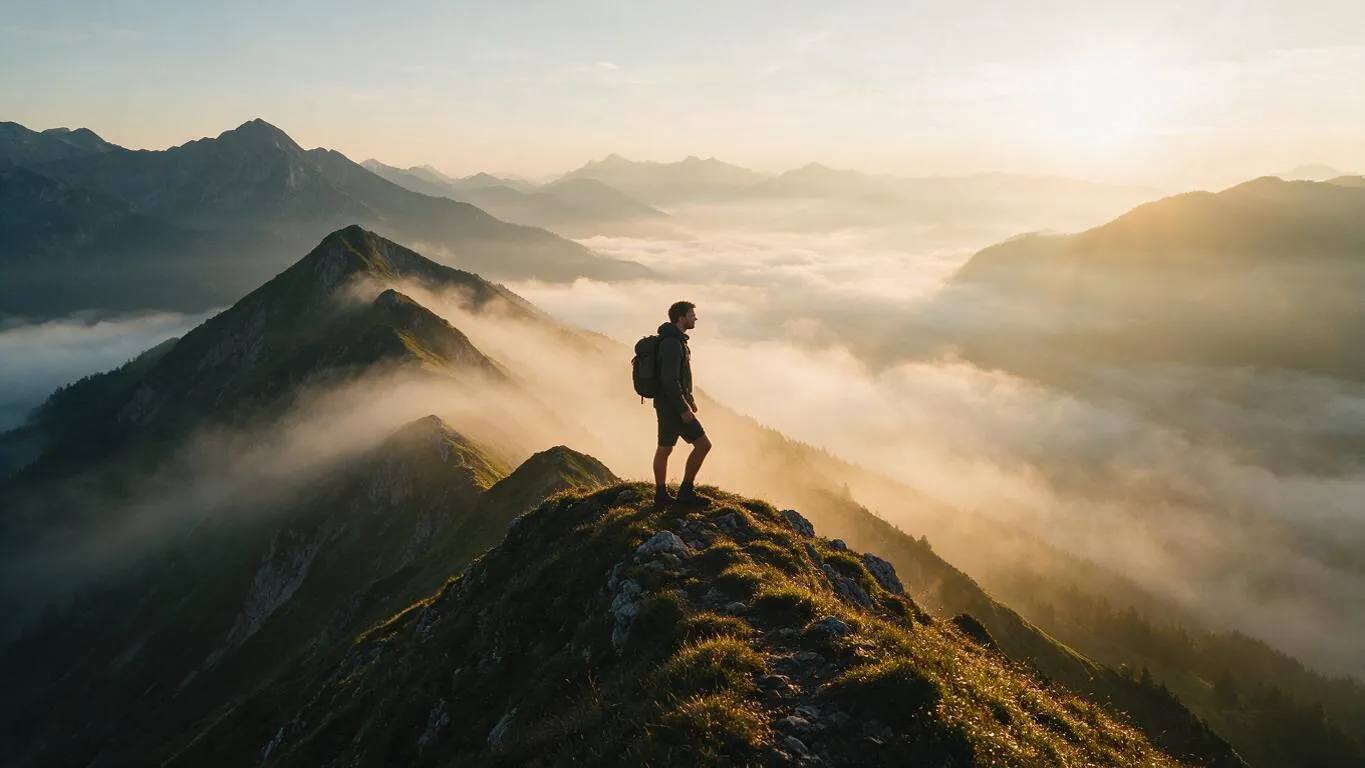
On this page
On this page
Best Wan Prompts Guide
The 4 Rules of Cinematic Wan 3.0 Prompting
How filmmakers and animators achieve fluid physics, steady orbits, and minimal pixel deformation.
Apply the 5-Part Wan Formula
Format every prompt with this structure: `[Subject] + [Scene/Environment] + [Action/Motion] + [Camera Movement] + [Style/Lighting]`. Providing all 5 anchors removes most random AI hallucinations.
Advantage: Optimal length: 80–120 descriptive words
Command Specific Cinematic Camera Trajectories
Instead of generic terms, write precise directorial cues: `Slow 360-degree orbital arc around subject`, `Smooth low-angle tracking shot alongside wheels`, or `Dynamic drone pull-back revealing expansive horizon`.
Advantage: Enforces true 3D spatial camera movement
Anchor with Image-to-Video (I2V)
Generate a high-resolution keyframe still first, then use Wan 3.0 to animate only the motion. The starting frame acts as a strong visual anchor, keeping faces and environments consistent.
Advantage: Reduces facial drift & morphing
Describe the Result, Not Just the Command
When commanding complex motions, describe the visual outcome: `Camera slowly tilts up, revealing the massive glowing neon spires of neo-Tokyo piercing the rain clouds above.`
Advantage: Guides neural interpolation more precisely
Wan AI vs Other AI Video Engines
Side-by-side comparison of camera control, monthly pricing and how credits work.
| Platform | Camera Control | Monthly Pricing | Credits |
|---|---|---|---|
| Kenerate AI (Wan 2.2 – Wan 3.0) | ✅ Camera moves written in the prompt, plus image-to-video start frames | ✅ No subscription required | One-time packs that never expire |
| Runway Gen-4.5 | Manual motion brush | $15.00 to $95.00/mo | Tokens expire monthly |
| Luma Dream Machine | Prompt-based | $29.99 to $99.99/mo | Tokens reset monthly |
| Kling 3.0 | Prompt-based, good human kinematics | $10.00 to $60.00/mo | Monthly credit resets |
| ZenCreator | Wan presets (Wan 2.7 Standard) | $19.99/mo | Monthly plan |
| Pika Labs 2.0 | Pikaffects effects | $10.00 to $70.00/mo | Monthly reset |
Prompts
Curated Wan 3.0 Motion Showcases
Compare alpine drone pull-backs, cyberpunk drift spray physics, runway orbital arcs, and the 5-part infographic formula.
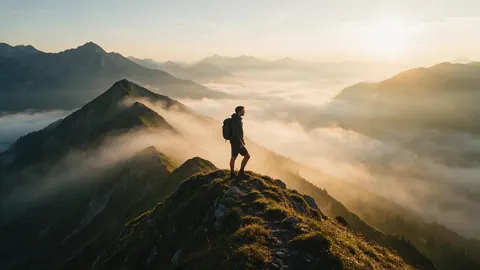
Alpine Ridge Drone Pull-Back Mist Horizon Sunrise
Cinematic video still of lone hiker walking along misty alpine mountain ridge at sunrise with drone pull-back, 16:9.
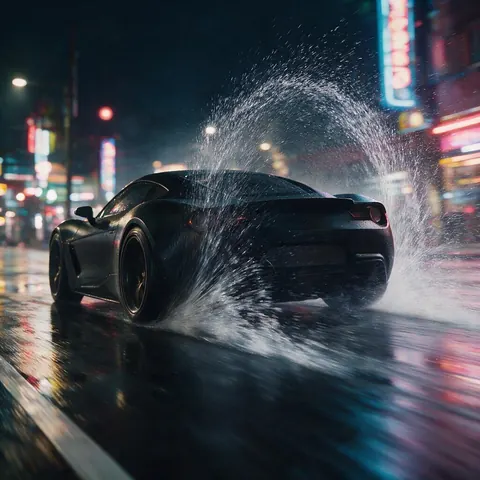
Cyberpunk Sports Car Wet Asphalt Drift Spray Physics
Cyberpunk sports car drifting on rain-slicked neon street with realistic water spray physics, 16:9.
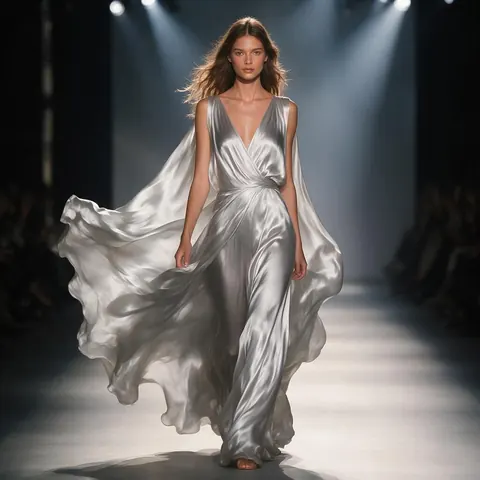
Runway Catwalk Orbital Camera Arc Fabric Flow
High-fashion model walking along runway with orbital camera arc and dynamic fabric movement, 16:9.
Wan 5-Part Prompt Architecture Infographic Formula
5-part Wan prompt architecture infographic showing Subject, Scene, Action, Camera, and Lighting formula, 16:9.
Real results
Curated Wan 3.0 Motion Showcases
Compare alpine drone pull-backs, cyberpunk drift spray physics, runway orbital arcs, and the 5-part infographic formula.
How it works
How it works in the app
Step 1
Describe the scene
Open Video Studio in Text to Video mode and write the shot — subject, action, camera move and light.
Step 2
Or start from an image
Switch to Image to Video and add a start frame; an end frame is optional.
Step 3
Pick a video model
Open the model card to choose the video model and version that fits your shot.
Step 4
Set ratio and length, then Create
Pick the aspect ratio and clip length, turn audio on or off, and press Create.
See it in the app

Open Video Studio in Text to Video mode and write the shot — subject, action, camera move and light.


FAQ
Frequently Asked Questions
7 questions

What are Wan 2.1 and Wan 3.0 good at?
Wan models are strong at spatio-temporal coherence: they handle real-world physical dynamics (water spray, wind through hair, fabric momentum and camera momentum) with little melting or background warping during camera pans. Kenerate AI runs Wan 2.2 through Wan 3.0 (not Wan 2.1 itself), and the same prompt formula works on them.
Link to this answerWhy should I keep my Wan video prompts between 80 and 120 words?
Prompts under 30 words leave too much ambiguity, causing the AI to invent unwanted chaotic motion. Prompts over 150 words cause token dilution where the model ignores camera commands. 80–120 words is a good working density for prompt adherence.
Link to this answerHow do I make the camera orbit around a character without distorting their face?
Use an Image-to-Video starting frame combined with the cue: `Slow smooth 180-degree orbital arc at eye level, keeping subject centered, cinematic depth of field, steady camera motion`. This instructs the model to rotate the virtual camera while anchoring subject biometrics.
Link to this answerWhat content rules apply to Wan video prompts?
Kenerate AI allows action stunts, cinematic drama and romance within its content rules: no illegal or non-consensual content, nothing involving minors, and no real people without their consent.
Link to this answerDo credits on Kenerate AI expire at the end of the month?
No! All credits purchased on Kenerate AI remain permanently in your balance with zero expiration dates.
Link to this answerIs there a free trial available to test Wan 3.0 prompts?
Not for video. Kenerate AI is free to start, and the sign-up credits cover images and tools, so you can make a start frame first; Wan 3.0 video needs a one-time credit pack. Packs never expire, and there is no subscription required.
Link to this answerCan I use Wan AI for free?
Free to start, but Wan video needs a one-time credit pack. Kenerate AI runs Wan 2.2, 2.5, 2.6, 2.7 and Wan 3.0 in the browser, so there is nothing to download, and new accounts get starter credits for images and tools. There is no subscription required, and credit packs never expire.
Link to this answer


By the Kenerate AI teamLast updated and reviewed

Generate Cinematic Wan 3.0 Videos Today
Free to start: create images free; video runs on a one-time credit pack. No watermark, no subscription required, and credits that never expire.
Tried it? Tell us how it went