AI University 2026 • Seedance 2.5 & Wan 3 Couple Video Masterclass
How to Make an AI Kiss Video — Kissing & Couple Clips with Seedance 2.5 & Wan 3
Learn how to create realistic, cinematic AI kissing and romantic couple videos: start from a clean still, keep both faces distinct, write a 5-part motion prompt and animate it with Seedance 2.5 or Wan 3. Couples are always fictional characters you design.
By Kenerate AIUpdated 3 min read
Try it in Kenerate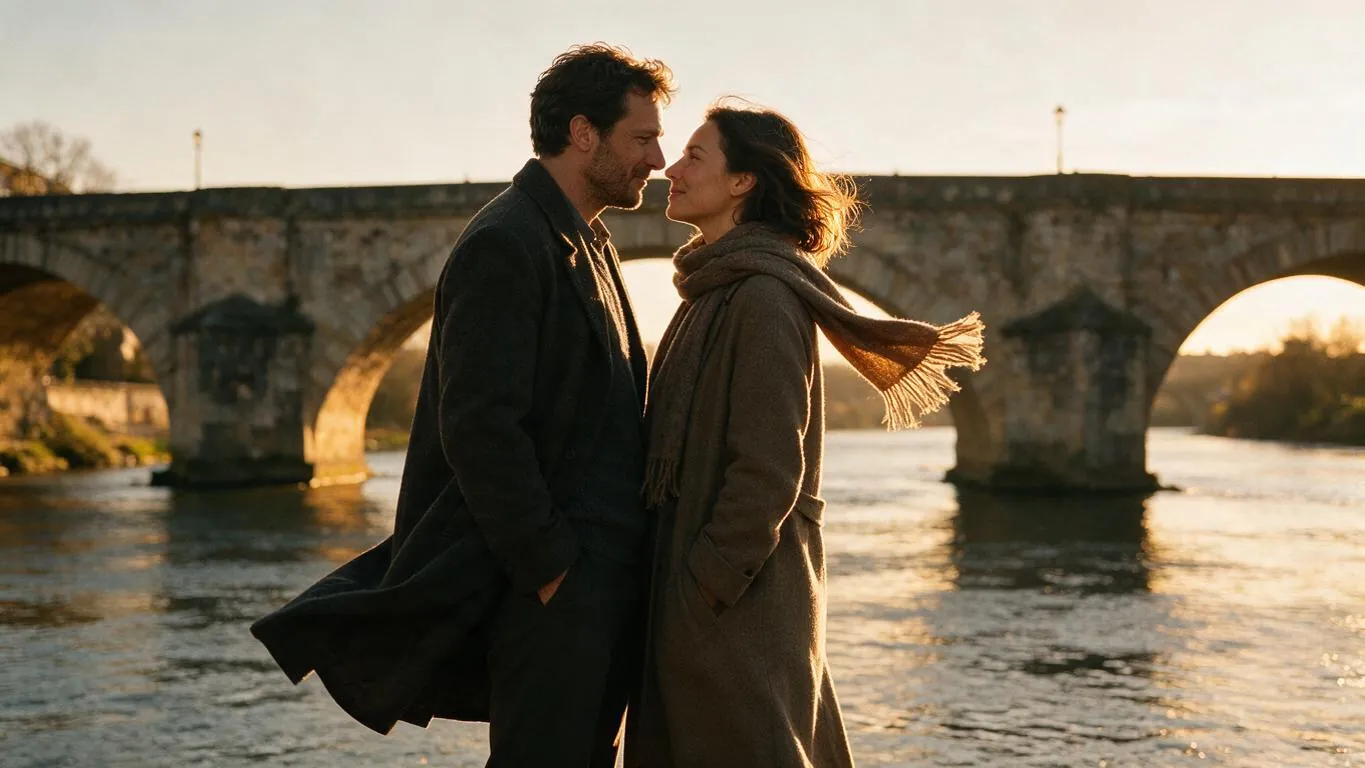
On this page
Quick answer
What is an AI kiss video?
An AI kiss video is a short clip in which two fictional characters lean in and kiss, animated by an image-to-video model from a still you make first. On Kenerate AI you create the pre-kiss still of your own characters, write a 5-part motion prompt and render it with Seedance 2.5 or Wan 3. Never real people.
Key facts
- Workflow
- Still → video
- Motion Models
- Seedance 2.5 + Wan 3
- Generation Speed
- Fast cloud GPUs
On this page
AI Kiss Video Guide
How to make an AI kiss video in 4 steps
How filmmakers and creators get cleaner couple interactions with less facial warping.
Generate a High-Resolution Keyframe Still
Start with an image-to-video workflow instead of pure text-to-video. Generate a high-resolution image of the couple in a romantic 'pre-kiss' pose (faces close, gazing softly at each other).
Key Advantage: Reduces facial warping
Keep Both Faces Distinct
Describe each person separately and clearly (hair, age, clothing), or build the still from reference images of both characters with a model that takes several references, such as MiniMax H3 Image (up to 9), so the two faces don't blend.
Key Advantage: Two distinct faces
Apply the 5-Part Romantic Motion Prompt Formula
Structure your motion prompt as: [Subject Description] + [Subtle Action: gentle lean-in, soft head tilt] + [Emotional Context: tender romantic intimacy] + [Camera Motion: slow cinematic orbit] + [Lighting: warm golden hour backlighting].
Key Advantage: Subject + Motion + Emotion + Camera + Light
Select Seedance 2.5 or Wan 3
Choose Seedance 2.5 for delicate facial expressions and soft hair movement, or Wan 3 for camera orbits and fluid body motion.
Key Advantage: Smoother motion
AI kiss video: mainstream tools vs Kenerate
How each option handles romantic couple clips and pricing. Competitor plans change, so check their own sites.
| Tool | Couple & kissing clips | Pricing model |
|---|---|---|
| Kenerate AI (Seedance 2.5 + Wan 3) | Image-to-video from your own pre-kiss still; multi-reference stills on MiniMax H3 Image | Free to start; video needs a paid plan or one-time credit pack |
| Runway | Text and image to video | Monthly plans |
| Kling AI | Text and image to video | Monthly plans |
| Pika | Text and image to video | Monthly plans |
Prompts
Curated Couple & Kissing Video Showcases
Compare Paris sunset bridges, candlelit forehead touches, beach blue hour embraces, and prompt architecture guides.
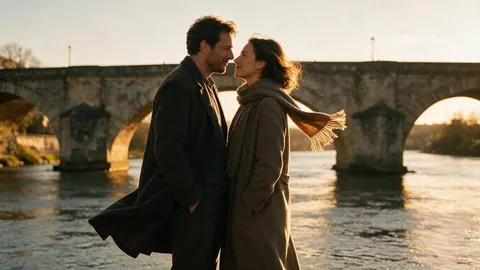
Paris Bridge Sunset Romantic Cinematic Kiss
Cinematic romantic adult couple in their 30s kissing in golden hour sunset on a Paris bridge, photorealistic filmic look, 16:9.
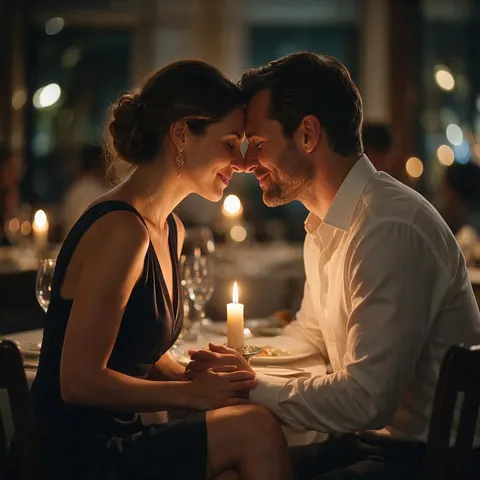
Candlelit Dinner Tender Forehead Touch Moment
Cosy candlelit dinner romance still of an adult couple in their 30s showing tender forehead touch moment with soft bokeh, 16:9.
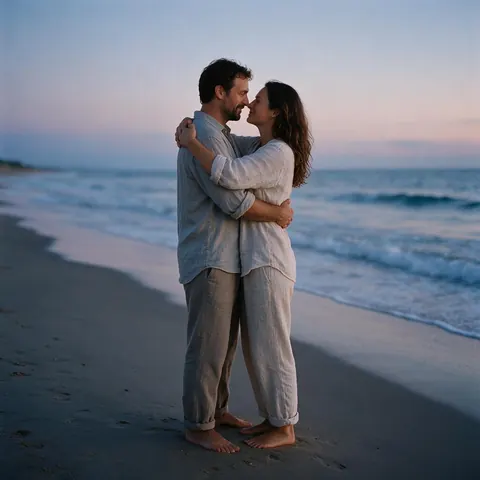
Beach Surf Twilight Couple Embrace
Beach waves video still of an adult couple in their 30s in light summer clothes embracing at the water's edge during blue hour, 16:9.
Seedance & Wan 3 Prompt Architecture Guide
Step-by-step prompt architecture guide for Seedance 2.5 and Wan 3 kissing video generation, 16:9.
Real results
Curated Couple & Kissing Video Showcases
Compare Paris sunset bridges, candlelit forehead touches, beach blue hour embraces, and prompt architecture guides.
How it works
How it works in the app
Step 1
Describe the scene
Open Video Studio in Text to Video mode and write the shot — subject, action, camera move and light.
Step 2
Or start from an image
Switch to Image to Video and add a start frame; an end frame is optional.
Step 3
Pick a video model
Open the model card to choose the video model and version that fits your shot.
Step 4
Set ratio and length, then Create
Pick the aspect ratio and clip length, turn audio on or off, and press Create.
See it in the app

Open Video Studio in Text to Video mode and write the shot — subject, action, camera move and light.


FAQ
Frequently Asked Questions
8 questions
Why do most AI generators fail or create distorted faces during kissing scenes?
When two faces get close, video models struggle with occlusion and boundaries, often fusing lips, sharing noses or melting skin together. Starting from a clean pre-kiss still and describing each person separately helps a lot, because image-to-video models such as Seedance 2.5 and Wan 3 then only have to animate the motion.
Link to this answerCan I make an AI lesbian kiss video?
Yes, with fictional characters. An AI lesbian kiss video works like any couple clip: make a pre-kiss still of two women you designed, describe each one separately so their faces stay distinct, then animate the lean-in with Seedance 2.5 or Wan 3. Never use photos of real people.
Link to this answerCan I make an AI kiss video from a photo of two real people?
No. Kenerate AI is for kiss videos of fictional characters you create, not for making real people kiss. Don't upload photos of real people, such as exes, friends or celebrities: no images of real people without their consent, and content involving minors is blocked. Design both characters in the image studio first, then animate the still.
Link to this answerWhy should I use Image-to-Video instead of Text-to-Video for couple scenes?
Text-to-video generators must hallucinate both the characters' identities AND their complex 3D motion simultaneously, resulting in unpredictable quality. By generating a high-quality pre-kiss still image first, the video model only needs to compute natural forward motion (leaning in, closing eyes, and touching lips), yielding much cleaner results.
Link to this answerAre there content rules for AI kissing videos?
Yes. Cinematic romance works well: a gentle kiss, a forehead touch, an embrace on a bridge or a beach. Keep scenes SFW and within our content rules: no images of real people without their consent, and content involving minors is blocked.
Link to this answerCan I download watermark-free video files?
Yes! All couple and kissing videos generated on Kenerate AI download without watermarks, at up to 4K depending on the model, and you own your results and can use them commercially.
Link to this answerDo credits on Kenerate AI expire at the end of the month?
No. Credits come in one-time packs that never expire, so they stay in your balance until you use them. There is no subscription required, and new accounts start with free starter credits.
Link to this answerIs there a free trial available to make my first AI kissing video?
Not for video. Kenerate AI is free to start, and the sign-up credits cover the free image models and tools, so you can make the pre-kiss still first; image-to-video needs a paid plan or a one-time credit pack whose credits never expire; no subscription required.
Link to this answerCreate Your First AI Kissing Video
Generate cinematic romantic scenes of fictional characters from a start image. Free to start: create images free; video needs a paid plan or a one-time credit pack.
Tried it? Tell us how it went