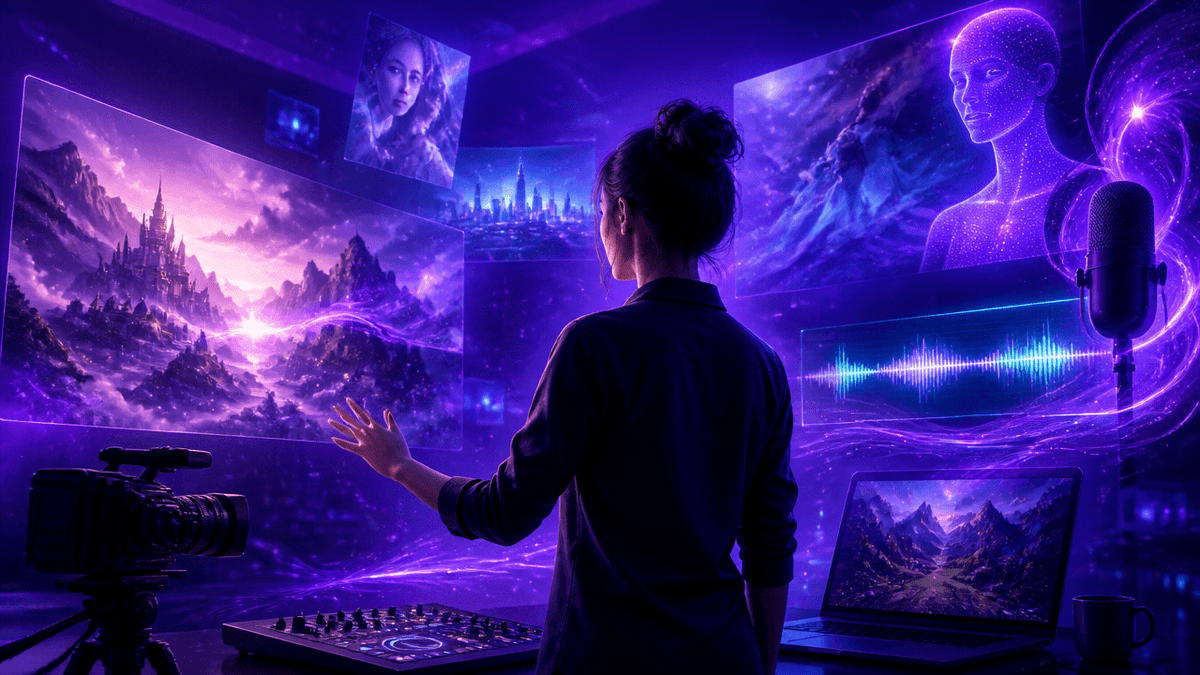
Most creators don't need just an image tool or just a video tool anymore — they need one place that does both, plus voice and music, without stitching together five subscriptions. The tools below all promise that in some form, but "all-in-one" hides real differences in what's actually unlimited, what still burns credits on every generation, and what a free tier lets you do before you hit a wall.
A quick warning: almost every "unlimited" claim on this list is partial. It's common for a plan to offer unlimited access to a handful of specific models while every video generation, every premium model, and every high-resolution export still draws down your credit balance — read the fine print on any "unlimited" badge before you budget around it.
🎬 Try image, video & audio generation free
Why This Comparison Matters
- Credits are the real currency, not the plan price. Two platforms can list the same monthly fee and deliver wildly different output volume once you account for how many credits a video costs versus an image.
- "Unlimited" almost always has an asterisk. Several tools in this list advertise unlimited generation that applies only to a short list of specific models — premium video models like Veo or Sora typically still consume credits regardless of tier.
- Multimodal doesn't mean equally capable in every mode. A platform that generates image, video, and audio in one workspace may still be noticeably stronger in one of those three than the others.
- Annual billing discounts vary a lot. Some platforms cut 40% off for yearly commitment, others offer closer to 15-20% — worth comparing before you commit to a year upfront.
- Credits usually expire at the end of the billing cycle. Unused monthly credits typically don't roll over, while separately purchased top-up credits often do — that distinction changes how much a subscription is actually worth to you.
The Best AI Generators for Image, Video & Audio in 2026
1. Kenerate AI — Best Starting Point for All Three
Kenerate AI's whole premise is not making you choose between an image tool, a video tool, and an audio tool — you get access to 500+ models covering all three from one account. Where most of the platforms below charge a recurring monthly fee that resets your credits every cycle, Kenerate AI Pricing is built around a one-time $15 payment, so you're not restarting a subscription clock every month just to keep using the tool you already paid for. For anyone comparing this list because they're tired of juggling separate bills for image, video, and voice generation, this is the most direct fix.
2. Magnific (formerly Freepik)
Magnific — the April 2026 rebrand of Freepik — bundles image, video, and audio generation across 30+ outside models (Google, OpenAI, ByteDance, Runway, and more) on top of its 250-million-asset stock library. Premium+ and Pro tiers include unlimited generation on roughly ten specific image models, but video generation and higher-end image models like Veo 3.1 and GPT Image 2.0 always consume credits, and annual plan credits don't roll over to the next year. Magnific is the strongest pick here if you also need stock photos, vectors, and templates alongside AI generation in the same workspace. (Several of the models available through Magnific are also accessible inside Kenerate AI.)
3. ImagineArt
ImagineArt runs Image, Video, Edit, Upscale, and Audio studios from one dashboard, with over 50 models total and a daily free-credit refresh — a real advantage over platforms that only give you a one-time trial balance. Commercial rights are included even on ImagineArt's free tier, which is unusually generous, though paid plans still start around $15/month for meaningful monthly volume (roughly 300 images and 36 videos on the entry Basic tier). ImagineArt's node-based canvas for chaining models into repeatable workflows is a genuine differentiator for anyone building the same type of asset repeatedly.
✨ Generate your first image or video
4. Higgsfield
Higgsfield aggregates 15+ video and image models — Sora 2, Veo 3.1, Kling 3.0, Seedance 2.0 among them — under a credit system with a "365-day unlimited" badge that mostly applies to image models rather than the premium video engines people usually sign up for. Its Cinema Studio and Soul ID character-consistency tools are genuinely distinctive for narrative or brand video work, but budget carefully: Sora 2 and Veo 3.1 generations can run 40-70 credits each even on paid tiers. Higgsfield is best suited to creators who specifically want camera and character control over raw model access.
5. Krea
Krea's real-time canvas renders a photorealistic image from a rough sketch in under 50 milliseconds, which makes it stand out for visual ideation before you commit to a full prompt. The free tier gives a renewable 100 compute units per day with no card required, but video generation is limited on Free and Basic — full access to models like Veo 3, Kling, and Runway needs the Pro tier and up. Krea doesn't have a dedicated audio/music generation tool, so it's a two-modality (image + video) platform rather than a true image-video-audio all-in-one.
6. Luma
Luma's Dream Machine (Ray model series) is widely regarded for natural camera motion and physics-accurate movement, and the platform has expanded into Luma Agents, which can also call out to Veo, Kling, Seedance, and ElevenLabs audio from one interface. The free tier is real but tight — a small recurring generation allowance at draft quality, watermarked, non-commercial — and commercial rights require at minimum the Plus tier (~$30/month). Luma is the strongest choice on this list specifically for cinematic B-roll and establishing shots. (Luma's underlying Ray models are among the engines accessible inside Kenerate AI.)
7. Leonardo.Ai
Leonardo.Ai focuses on image generation with its own Phoenix and Lucid Origin models, plus access to outside models like Veo and Seedream — but it doesn't offer native audio generation, so it's an image-and-video tool rather than a full three-modality platform. It includes a daily free-token allowance and a tutorial library aimed at newer users, plus SOC 2 accreditation that matters if you're evaluating it for a business account. It's a solid pick specifically if audio isn't part of your workflow and image quality is your main priority.
5 More Platforms Worth Knowing About
- Recraft — Best known for vector-format output (logos, icons, scalable graphics) and a custom style system; video is limited to its higher Pro tier, and it doesn't generate audio.
- NightCafe — A community-driven AI art platform with daily challenges and social features; strong for image generation and casual video, without a dedicated audio tool.
- Civitai — A marketplace for open-source models, LoRAs, and embeddings that creators can download or run on-platform — the deepest catalog here for anyone who wants to fine-tune their own model rather than use a closed one.
- Invideo — A video-first platform built around an AI agent that can assemble longer video from a single prompt, plus stock footage integration; strongest for structured video projects rather than quick single-image generation.
- Artlist — Combines AI generation with a licensed library of music, sound effects, and stock footage, making it a strong pick specifically when the audio and stock-footage side matters as much as AI generation itself.
How to Get More Out of Any Multimodal AI Platform
- Generate at draft or lower resolution first, especially for video — confirming the composition and motion works before spending premium credits on a full-quality render saves the most money on every platform above.
- Check which specific models are actually "unlimited" on your plan before you build a workflow around one — it's very common for that badge to apply to a short list of image models only.
- Write specific, structured prompts rather than a single adjective-heavy sentence — subject, setting, lighting, and camera movement all separately specified produce more consistent first-try results across every model in this list.
- Batch your generations during off-peak hours where the platform offers it — several tools here (Krea's Max tier, Vidu, Higgsfield) offer slower but uncapped generation outside peak hours.
Free vs. Paid: When to Upgrade
Consider upgrading once any of these apply:
- You need commercial rights — nearly every free tier on this list is licensed for personal or evaluation use only.
- The watermark is visible enough to matter for the final export.
- You're regularly running out of your daily or monthly credit allowance before finishing a project.
Most platforms on this list ask for an ongoing $15-$50/month subscription, and the credits reset every cycle whether you used them or not. Kenerate AI's one-time $15 payment gets you lasting access across image, video, audio, and character generation instead of adding another recurring line to your budget.
Frequently Asked Questions
1. What is the best all-in-one AI generator for image, video, and audio? It depends on what you weigh most: Magnific and ImagineArt both cover all three modalities with the widest model selection, while Kenerate AI is the most direct option if you specifically want to avoid a recurring monthly subscription.
2. Is there a free AI tool that generates both images and videos? Yes — ImagineArt, Krea, Higgsfield, and Luma all offer free tiers that include some video generation, though free-tier video is typically watermarked, resolution-capped, and restricted to non-commercial use.
3. How do AI image, video, and audio generators actually work? Each modality uses a different underlying model architecture — diffusion models for images and much of video, and separate audio models (often licensed from providers like ElevenLabs) for voice and music — with the platform's interface routing your prompt to the right model and stitching the credit cost together.
4. Can I legally sell AI-generated images and videos? Generally yes on a paid, commercially licensed plan, but the exact terms vary by platform and by which underlying model generated the output — always check the specific tool's commercial-use terms before selling or publishing client work.
5. Which AI platform is best for image and video generation specifically, without audio? Krea, Leonardo.Ai, and Recraft are all strong two-modality options if audio generation isn't something you need, each with a different specialty — Krea for real-time iteration, Leonardo.Ai for its own image models, and Recraft for vector output.