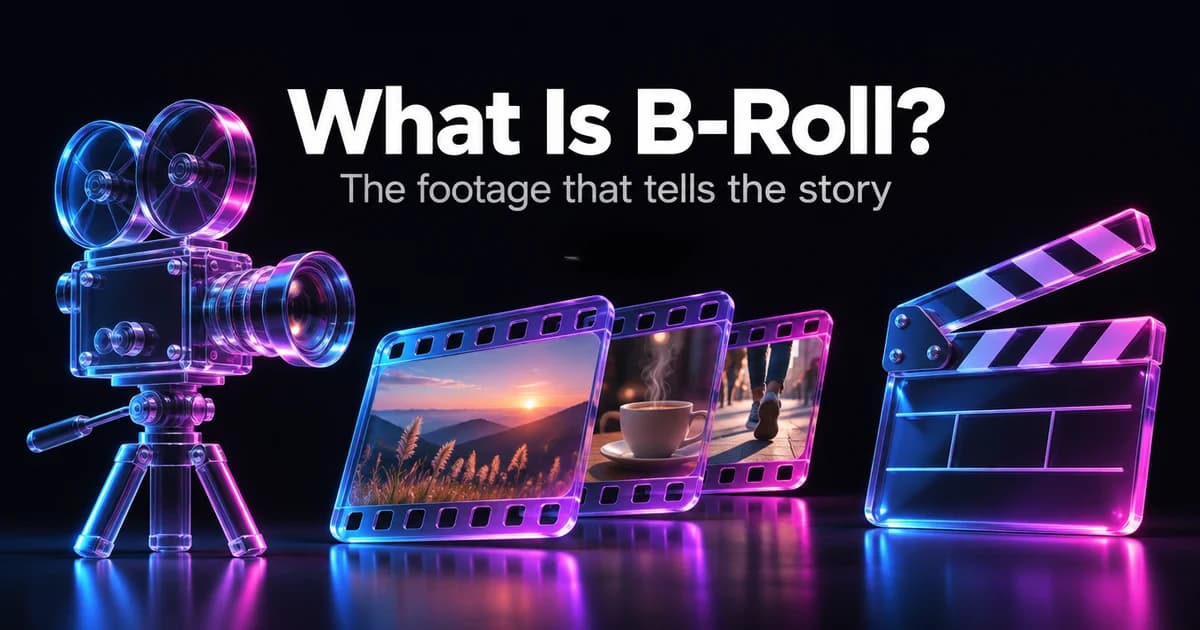
What is B-roll? B-roll is the supporting footage you cut to while the main shot's audio keeps playing — the shop front, the hands at work, the product on the shelf — instead of staying on a person talking. The main footage, usually an interview or a presenter, is the A-roll. B-roll shows what the speaker is describing, sets the scene, covers edits and keeps a video moving. If you've watched a documentary, a news report or a YouTube explainer, most of what you saw between the talking heads was B-roll.
Updated 12 November 2026.
What does B-roll mean?
Wikipedia defines B-roll as "supplemental or alternative footage intercut with the main shot", usually shown without its own sound so the main audio carries on underneath. Adobe's guide puts it more simply: it's all the footage that isn't the main action, used to establish a scene, smooth a transition or add meaning.
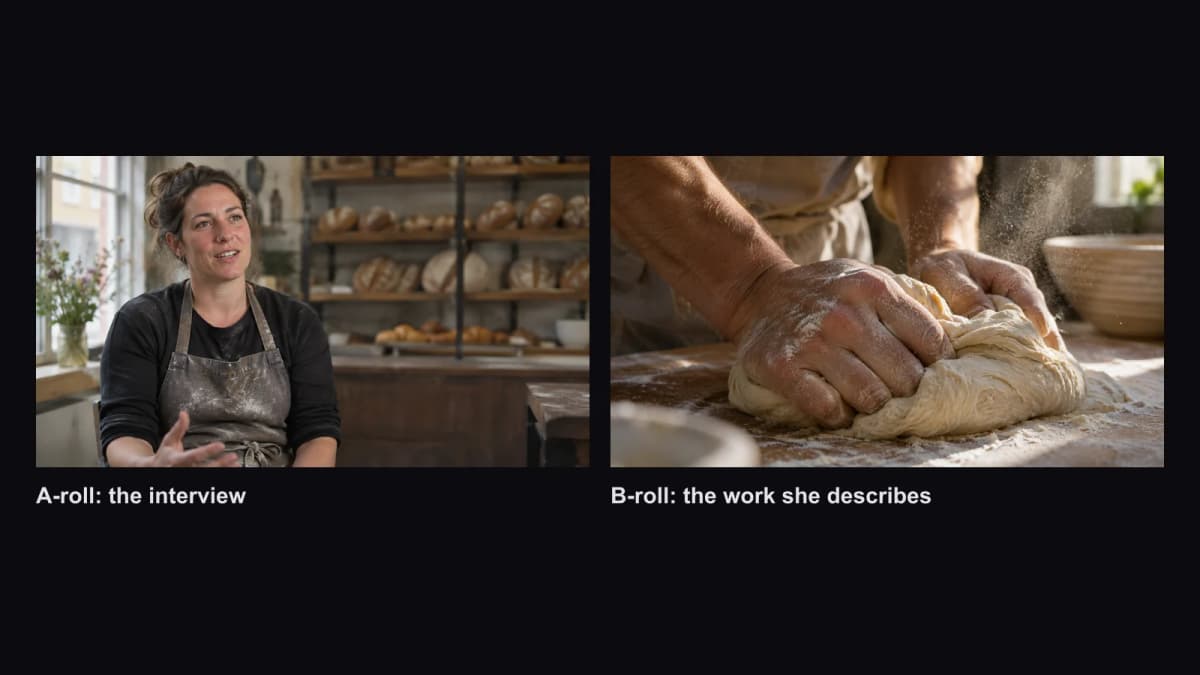
Example stills for a short bakery story, made with GPT Image 2.6 on Kenerate. Left: the A-roll interview. Right: B-roll of the work she describes.
Why is it called B-roll?
The name comes from film editing. When editors cut 16 mm film, the splices could show on screen because the frame is so small. The workaround was to split the shots across two rolls — odd-numbered shots on the A roll, even-numbered shots on the B roll — each padded with black leader, and print them together. In the 1980s the term carried over to video editing with two tape decks, where the "B" deck held the supplementary footage and the "A" deck the main sound.
Today nobody needs two physical rolls, but the names stuck: A-roll is the main story, B-roll is everything you lay over it.
What's the difference between A-roll and B-roll?
| A-roll | B-roll | |
|---|---|---|
| What it is | The primary footage: interview, presenter, dialogue | Supporting shots cut in over or between the A-roll |
| Audio | Its sound drives the edit | Usually muted, or low ambient sound |
| Job | Tells the story in words | Shows the story, adds context, hides cuts |
| Where it sits in an edit | The main video and audio tracks | A video track above the A-roll |
| Typical sources | Shot on the day with the subject | Shot on location, stock or archive footage, second unit, AI-generated clips |
What are the main types of B-roll?
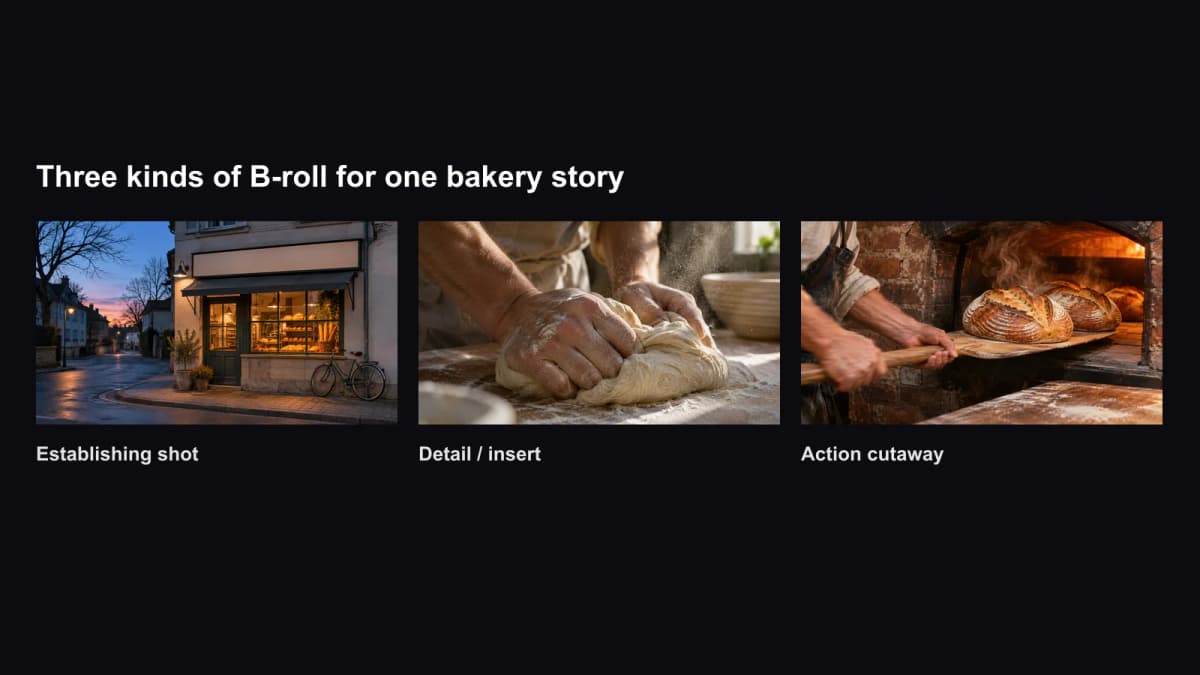
Most B-roll falls into a few kinds of shot:
- Establishing shots — a wide view of the place, so viewers know where they are.
- Detail or insert shots — close-ups of hands, tools, ingredients, a screen, a product label.
- Action cutaways — the subject or someone else doing the thing being talked about.
- Atmosphere shots — the street, the crowd, the weather, the room tone.
- Stock and archive footage — licensed clips or historical material you didn't shoot.
- Re-enactments — staged scenes, common in true-crime and docudrama.
How is B-roll used in an edit?
In a non-linear editor such as Premiere Pro, DaVinci Resolve or CapCut, the interview sits on the main video track (V1) with its audio (A1). B-roll clips go on the track above (V2). Wherever there's a clip on V2, viewers see it; everywhere else they see the interview. The voice never stops.
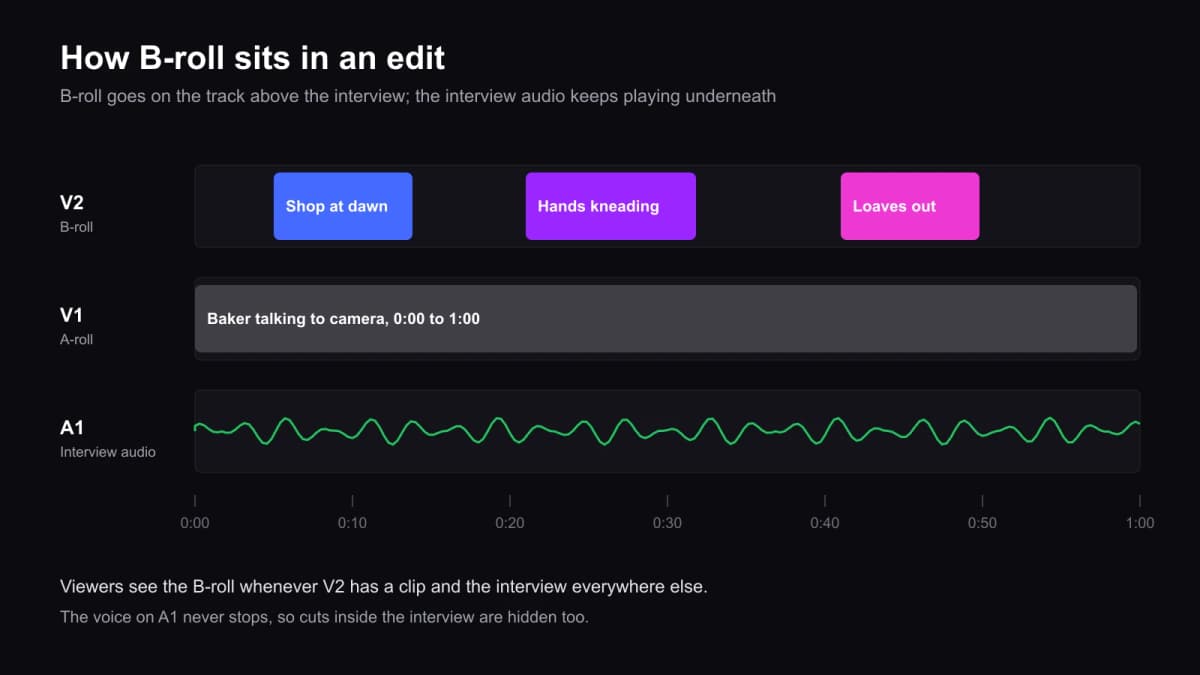
That layout gives you four practical uses:
- Illustrate — show the thing as it's mentioned ("we start at 4 a.m." over the dark shop front).
- Hide cuts — trim a stumble or join two answers, then lay B-roll over the join so there's no jump.
- Set the pace — break up a long talking shot every few seconds on social video.
- Add information — a product close-up or a screen recording says what words can't.
How do you shoot good B-roll?
- Write a shot list from the script. Every concrete noun the speaker says is a possible shot.
- Shoot more than you need. Hold each shot well past the moment you think you have it; Adobe's guide recommends holding shots long enough to edit them to the pace of the dialogue.
- Vary the size. Get a wide, a medium and a close-up of each action.
- Add movement. A slow push-in, a pan or a slider move makes a still subject feel alive.
- Match the look. Keep white balance and frame rate consistent with the A-roll so cuts feel seamless.
- Record clean ambient sound even if you plan to mute it — a little room tone helps transitions.
Where can you get B-roll if you didn't shoot it?
- Stock footage libraries — paid and free sites license generic clips such as city views, offices and nature. Check the licence before commercial use.
- Archive footage — for history and news, from broadcasters and public archives.
- AI video generators — text-to-video and image-to-video models can now make short cutaways, especially establishing shots, product shots and abstract backgrounds. Adobe has added prompt-based B-roll generation to Firefly, and other studios do the same.
AI B-roll works best for shots that don't need to be factually real: a generic street at dawn, steam rising off a coffee cup, a slow orbit around your own product. Don't use it to show real events, real places as they are today or real people — that's where viewers expect documentary footage, and a generated clip can mislead them.
On Kenerate, the AI b-roll generator shows real cutaway clips with their prompts, and the AI video generator runs models such as Seedance 2.5, Kling v3 Pro, Veo 3.1 and Wan 3.0 from one prompt box, and image-to-video animates a still you already have — handy for turning a product photo into a cutaway. A prompt for a B-roll clip should describe one shot, the camera move and the light, and say there's no talking:
AI Prompt RecipeFlux.1 Pro16:9“Cinematic B-roll, 5 seconds: slow push-in on a baker's floured hands shaping a sourdough loaf on a wooden bench, morning light through a window, flour dust in the air, shallow depth of field, no faces, no talking, no text.”
Video models on Kenerate need a paid credit pack; packs are one-time purchases from $15 and the credits don't expire.
The short version
B-roll is the footage that shows what the A-roll says. It comes from a 16 mm editing trick, sits on the track above your interview, and does three jobs at once: illustrate, hide cuts and keep the pace up. Plan it from the script, shoot plenty of it in varied sizes, and fill gaps with stock or AI clips only where viewers don't expect real footage.