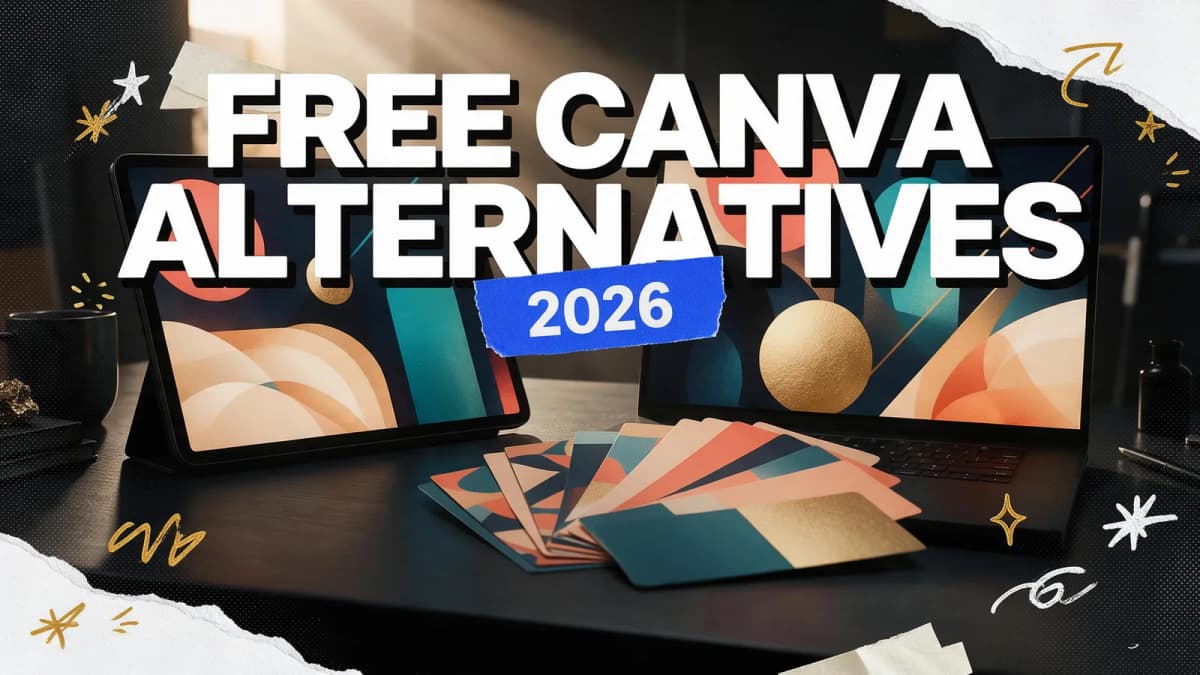
The best free Canva alternative for template-based social graphics is Adobe Express, which has a free plan with a large template library and daily generative AI use. For professional print and brand work, Affinity (now free for individuals) is the strongest option. Kittl suits typography-heavy designs, Penpot suits web and app layouts, and Kenerate AI is the pick when you want original AI visuals and ad creatives instead of starting from a template.
Canva is popular for good reason: it's fast, friendly and has a template for almost anything. People look for a Canva alternative when they hit a paid feature, need more control than drag-and-drop allows, or want their designs to look less like everyone else's. This guide covers what Canva Free does and doesn't include, then compares five free alternatives by the kind of design you actually make.
What Canva Free includes, and where it stops
Canva Free is genuinely usable. You get templates, a drag-and-drop editor, collaboration and a mobile app. The limits show up in a few specific places, according to Canva's own help center:
- Background Remover is a paid-plan feature. Canva's background remover help page lists it under "paid plans only."
- AI tools share a monthly allowance. On Canva Free, even Standard AI tools such as the Image Upscaler and image generation draw from a monthly AI allowance that resets on the first of each month (Canva AI usage guide).
- Premium and Ultra AI tools (such as Magic Layers and Canva's newest image and video generation) need a paid plan.
If those limits don't touch your work, Canva Free may be all you need. If they do, the alternatives below each solve a different piece. For the background-removal gap specifically, see how to remove a background in Canva and our Canva background remover alternatives.
Free Canva alternatives at a glance
| Tool | Runs on | Best for | Free plan highlights | Watch out for |
|---|---|---|---|---|
| Adobe Express | Browser, phone | Social posts, flyers, short videos | 100,000+ templates, 5 GB storage, free daily AI generations | One-click resize and brand tools are premium |
| Affinity (by Canva) | Windows, Mac | Print, branding, pro layouts | Every Pixel, Vector and Layout tool free | Generative AI needs a Canva paid plan |
| Kittl | Browser | Typography, merch, logos | Curated templates and tools | Free plan is personal use only |
| Penpot | Browser, self-hosted | Web and app UI, design systems | Open source, free to sign up | Not built for social templates |
| Kenerate AI | Browser | Original AI visuals and ad creatives | 25 free credits on sign-up, credits never expire | No drag-and-drop template marketplace |
The 5 best free Canva alternatives in 2026
1. Adobe Express: best all-round Canva alternative
What it is: Adobe's quick-design app for social posts, images, videos, flyers and PDFs, which works across your desktop browser and phone with synced files (Adobe Express).
Best for: anyone who uses Canva for social media graphics and wants the closest like-for-like swap.
Strengths:
- The free plan lists 100,000+ templates, a large library of royalty-free Adobe Stock assets, 4,000+ Adobe Fonts and 5 GB of storage (Adobe Express pricing).
- Free daily generations for Firefly features like Insert & Remove Objects.
- Social scheduling for one account per network on the free plan.
Limits: one-click resize, the full stock library, brand management, video background removal and longer videos are premium features.
2. Affinity by Canva: best for professional design work
What it is: the professional suite formerly sold as Affinity Photo, Designer and Publisher, now one app. Canva acquired Affinity and made it free for individuals; per affinity.studio, it runs on Mac and Windows, with iPad coming soon, and you download it with a Canva login.
Best for: brand designers, print work, magazines, packaging and anyone who has outgrown templates.
Strengths:
- Vector, photo and page layout tools in one app and one file.
- Imports PSD, AI, IDML and DWG files while keeping layers.
- Precise typography and press-ready output.
Limits: it's a pro tool with a real learning curve, and there's no template-first workflow. Generative AI features in Affinity are Premium AI tools that aren't available on Canva Free.
3. Kittl: best for typography and merch designs
What it is: a browser-based design tool known for text effects, illustrations and print-on-demand style designs. Its pricing page describes the free plan as a starting point with a hand-picked selection of templates and tools.
Best for: t-shirt designs, logos, badges and posters where type is the hero.
Strengths: strong text and vector styling, plus curated templates aimed at merch and branding.
Limits: Kittl states its free plan is for personal use only, with no commercial rights. If you sell what you design, check their paid plans.
4. Penpot: best for web and app layouts
What it is: an open-source, browser-based design platform for teams, with an option to self-host (penpot.app).
Best for: people who use Canva for website mockups, landing pages or app screens and need real layout tools.
Strengths: wireframes, interactive prototypes, CSS Grid and Flex layouts, design tokens and shared libraries. Free to sign up, and self-hosting gives you full control.
Limits: it's a UI design tool, not a social-template app. Don't expect Instagram post templates.
5. Kenerate AI: best for original AI visuals and ad creatives
What it is: an AI studio for images, video, music, voice, avatars and 3D. Instead of starting from a template, you describe the visual and generate it in the Image Studio with models such as Seedream 5.0 Pro, GPT Image 2, Ideogram v4 and Recraft V4.1. The Edit Studio adds background removal, layers and filters, and the Ads Studio is built for ad creatives.
Best for: creators and small brands who want visuals no one else has, such as campaign images, product scenes, YouTube thumbnails and poster artwork.
Strengths:
- Original images rather than shared templates.
- Background removal, upscaling, layers and filters next to generation.
- The same account covers short video, music and voiceovers for social posts.
- 25 free credits on sign-up, and credits never expire.
Limits: no drag-and-drop template marketplace or team brand kit like Canva's. Generation needs an account and uses credits. Many people generate the artwork in Kenerate, then finish the layout in Adobe Express, Affinity or Canva.
Prompt examples for template-free design artwork
When you generate artwork for a design, leave space for your text and describe the layout, not just the subject. Add your headline later in your layout tool.
AI Prompt RecipeFlux.1 Pro16:9“Minimal product poster background: a matte black water bottle standing on a pale stone plinth, soft window light from the left, sage green backdrop, generous empty space in the top third for a headline, clean editorial look, 4:5.”
AI Prompt RecipeFlux.1 Pro16:9“YouTube thumbnail artwork: a close-up of a vintage film camera on a dark wooden table, dramatic orange rim light, shallow depth of field, empty space on the right side for title text, high contrast, 16:9.”
AI Prompt RecipeFlux.1 Pro16:9“Instagram carousel background set: soft abstract gradient shapes in coral, cream and deep teal, subtle paper grain, calm and modern, consistent style across five 1:1 frames, no text.”
For more ideas, see the AI poster generator and AI thumbnail generator pages.
How to choose the right Canva alternative
| If you mostly make... | Start with | Why |
|---|---|---|
| Social posts and stories from templates | Adobe Express | Closest workflow to Canva, generous free plan |
| Print, branding and multi-page layouts | Affinity | Pro vector, photo and layout tools, free |
| Typography-led merch and logos | Kittl | Text effects and vector styling |
| Website and app mockups | Penpot | Real UI layout and prototyping |
| Original images, ads and thumbnails | Kenerate AI | Generates visuals instead of reusing templates |
A few practical tips before you switch:
- Export your Canva work first. Download important designs as PDF or PNG so you have them regardless of where you go next.
- Check commercial-use terms on any free plan before you sell what you design.
- Pair tools. A layout tool plus an AI image tool covers more ground than any one app alone.
- Test with a real project. Rebuild one recent design in two alternatives and keep the one that felt faster.
If your work leans more toward photo editing than layout, read our best free Photoshop alternative guide. For quick phone edits, see the best free Picsart alternatives, and for AI retouching tools, our free AI image editor guide.
Bottom line
Adobe Express is the closest free Canva alternative for everyday social graphics. Affinity is the free upgrade for professional print and brand work, Kittl suits type-led merch, and Penpot handles web and app layouts. If your designs keep looking like everyone else's, generating original artwork in Kenerate AI and finishing the layout in your favorite tool is a simple way to stand out.