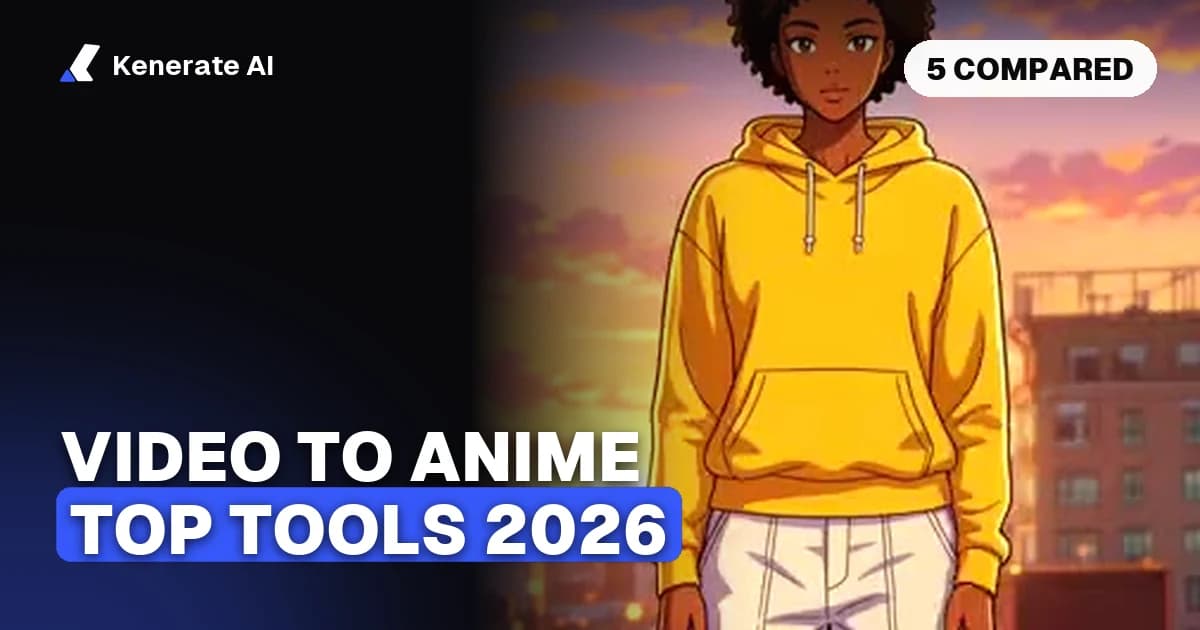
The best video to anime AI tools in 2026 are Kenerate AI (Restyle Video, up to 30-second clips, motion and faces kept), GoEnhance AI (up to 60 seconds per conversion on monthly token plans), Komiko (anime and comic platform priced in Zaps) and DomoAI (template-driven video-to-video). LensGo, long a staple of these lists, has rebranded to Lovino and no longer offers video-to-video style transfer at all. All facts below were checked on each tool's own site as of 28 October 2026.
What does a video to anime AI actually do?
A video to anime converter takes footage you already shot — a phone clip, a dance video, a product shot — and redraws every frame in an anime or animation style while keeping the original motion, camera path and timing. It's often called AI video style transfer or video-to-video (v2v).
That last part is what separates real video-to-anime tools from anime filters. A filter overlays a look on top of your pixels; a style-transfer model regenerates the frames, so hair gets cel shading, skies get painted gradients and outlines become clean line art, yet your subject still moves exactly the way it was filmed. If you want the full workflow explained step by step, the video to anime page walks through it with before/after examples.
Which video to anime AI tools are worth using in 2026?
Five names dominate this category's search results, but as of 28 October 2026 only four of them still convert video. Here is how they compare on the things that actually matter: styles, clip length, resolution, pricing model and watermarks.
| Tool | Anime styles | Max clip per run | Max resolution | Pricing model | Watermark |
|---|---|---|---|---|---|
| Kenerate AI | Anime + hand-drawn anime among 22 presets, or your own look from up to 4 reference images | 3–15 s (Kenerate Restyle) · 4–30 s (Seedance 2.5) | Up to 4K on Seedance 2.5 | One-time credit packs from $15 for 1,300 credits — no subscription | No watermark |
| GoEnhance AI | Video-to-video anime styles; its converter page claims "50+ art styles" in one section and "over 30" in another | Up to 60 s | Up to 4K (via upscaling) | Monthly token plans (Basic–Mega); free trial with some tokens | Not stated on its converter page |
| Komiko | Video-to-video within an anime/comic platform (OC sheets, Comics Canvas, colorization) | Not stated on pricing page | Not stated | Zaps: free 80/day (expire at midnight), Starter $9.99/mo for 5,000 | Watermark on the free tier |
| DomoAI | Anime video generator plus style transfer from a text or image reference | Not stated on homepage | Not stated for video | Free plan with credits; paid subscriptions | Not stated |
| LensGo → Lovino | None — video-to-video was dropped in the rebrand; anime tools are image-only now | — | — | Free 3 credits/day; Plus $7.99/mo | Watermark on free outputs |
A note on sourcing: GoEnhance's pricing page returned an error to our fetcher the same day, and third-party price lists for it conflict, so this table quotes only what its own converter page states. DomoAI's homepage doesn't state video length or resolution limits.
Kenerate AI — best for keeping your original shot intact
Kenerate's Restyle Video redraws a clip in 22 preset looks — including Anime and Hand-drawn anime — or in a custom look you define with up to 4 reference images and a description of up to 1,500 characters. The restyle prompt is built to preserve motion, camera path, framing, timing, poses and faces, which is the hard part of video-to-anime: most tools drift off-model mid-clip.
Clip limits depend on the engine: the Kenerate Restyle tiers take 3–15 seconds (longer uploads are trimmed to the first 15), while Seedance 2.5 takes 4–30 seconds and renders up to 4K. Uploads are capped at 100 MB, there's a keep-sound switch so your original audio survives the conversion, and a before/after compare slider shows exactly what changed.
Pricing is the structural difference from everything else on this list: one-time credit packs from $15 for 1,300 credits instead of a monthly subscription, with commercial use allowed on every pack under the Terms. New accounts get 25 free credits; video tools unlock with any pack.
GoEnhance AI — best for longer single conversions
GoEnhance is the most-searched name in this category and its video-to-animation converter is genuinely capable: up to 60 seconds per conversion (longer footage must be split into segments), output up to 4K via its upscaler, and a wide style library — though the converter page itself can't decide whether that's "50+ art styles" or "over 30."
The trade-offs are the pricing model and the usage rights. Everything runs on monthly token plans (Basic, Standard, Pro and Mega), the free trial includes an unstated number of tokens, and commercial use requires the Standard plan or higher — the Free and Basic tiers are personal-use only. If the subscription model is the sticking point, the GoEnhance alternative comparison covers the differences line by line.
Komiko — best if you also make comics
Komiko is an anime-and-comics platform first and a video converter second: its headline tools are OC character sheets, a Comics Canvas for multi-panel layouts, line-art colorization and keyframe in-betweening, with video-to-video alongside them. If your end product is a comic or a consistent original character, that toolset is the draw.
Its currency is Zaps. The free tier gives 500 sign-up Zaps plus 80 daily Zaps that expire at local midnight, with a watermark on free outputs. Paid plans run $9.99/month (5,000 Zaps), $19.99 (15,000) and $49.99 (50,000), with 17% off annually. For an anime art stack priced in one-time credits instead, see the Komiko alternative breakdown.
DomoAI — best for template-driven edits
DomoAI built its reputation on Discord-era anime video edits and now runs as a web app with quick-app templates: an AI anime video generator, a cartoonize-video tool and a style transfer that works from a text or image reference, so you can push footage toward "anime, realistic, or any style by your reference."
Its homepage states that generated content can be used commercially and that there's a free plan with credits, but it doesn't publish maximum video length or output resolution for video-to-video — you find those limits in the app. The DomoAI alternative page compares it against doing the same edits with one-sentence prompts.
LensGo (now Lovino) — no longer a video-to-anime tool
This one matters because LensGo still appears in most "best video to anime" roundups. As of 28 October 2026, lensgo.ai redirects to lovino.ai, and the rebranded product's anime features are image-only: photo-to-anime and image style transfer. Its video tools are text-to-video and image-to-video generation — there is no video-to-video style transfer in the lineup. Lovino's free tier gives 3 credits per day with watermarked outputs; paid plans start at $7.99/month. If a 2026 listicle still ranks "LensGo" for converting video to anime, it was written before the rebrand.
How do you turn a video into anime, step by step?
The workflow is nearly identical across tools. Using Kenerate Restyle Video as the example:
- Pick a clip 3–30 seconds long. Style transfer works best on one continuous shot with a clear subject. Trim before uploading — every tool charges by clip length.
- Upload it (up to 100 MB on Kenerate) and pick the Anime or Hand-drawn anime preset — or upload up to 4 reference images to define your own look.
- Describe what must stay in the optional detail line: outfit colors, a logo, a prop. The engine already preserves motion, camera and faces.
- Choose the engine for the length you need: Kenerate Restyle for 3–15 s clips, Seedance 2.5 for 4–30 s and 4K output.
- Keep or drop the sound with the keep-sound switch, run it, and check the before/after compare.
- Upscale if needed. A 720p anime conversion can go to 4K afterwards with the anime video upscaler.
For a softer, non-anime look — Pixar-style, claymation, flat design — the same restyle flow covers those presets too; the video to cartoon page shows that side of the style grid.
What should you check before paying for one of these tools?
Four things trip people up, and none of them show in demo reels:
- Commercial rights. GoEnhance reserves commercial use for Standard plans and up; Kenerate's Terms allow it on every pack; DomoAI states commercial use is allowed. If you're converting client footage, check this first.
- Watermarks on the free tier. Komiko and Lovino watermark free outputs. Factor the real cost of a clean export.
- Expiring allowances. Komiko's daily Zaps vanish at midnight and GoEnhance's tokens reset monthly. One-time credits (Kenerate's model) don't expire that way.
- Per-clip length caps. A "3-minute anime video" is really 6–12 separate conversions on any of these tools. GoEnhance caps a single run at 60 seconds, Kenerate at 30 with Seedance 2.5 — budget credits accordingly.
Which video to anime AI should you pick?
As of 28 October 2026: pick Kenerate if you want motion and faces preserved, no subscription, and commercial rights on any pack from $15. Pick GoEnhance if you need 60-second single conversions and don't mind monthly tokens with commercial use gated to Standard+. Pick Komiko if comics and original characters are the real project. Pick DomoAI for quick template-driven edits. And strike LensGo off your shortlist — it's Lovino now, and the video-to-video feature didn't survive the rebrand.