

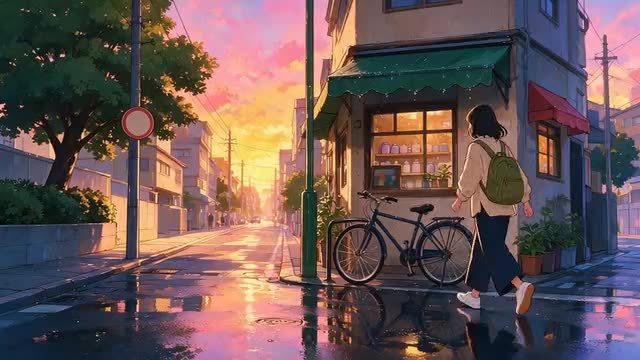
Anime + Hand-drawn anime presets · motion kept · up to 4K
Turn a video into anime — same motion, redrawn frame by frame
Film it on your phone, watch it come back as an anime scene. Restyle Video redraws every frame of your clip in an anime look — cel shading, bold outlines, painted skies — while the movement, camera path and timing stay exactly as you shot them.
- Two anime presets
- Motion and camera kept
- Clips up to 30 s
- Original sound kept
Updated by the Kenerate AI team
Made with Kenerate
On this page
Quick answer
Updated
How do you turn a video into anime with AI?
To turn a video into anime, upload a 3–15 second clip to Kenerate Restyle Video, pick the Anime or Hand-drawn anime preset and run it. Every frame is redrawn in that look while the motion, camera path and timing stay as filmed. Seedance 2.5 takes clips up to 30 seconds and renders up to 4K.
Key facts
- Anime presets
- Anime · Hand-drawn anime
- Other looks
- 20 more presets, or your own
- Clip length
- 3–15 s (Kenerate tiers) · 4–30 s (Seedance 2.5)
- Kept
- Motion, camera path, framing, timing
- Look references
- Up to 4 images
- Output
- 480p–1080p · 4K on Seedance 2.5
Real demo
Rainy street to hand-drawn anime
A live-action clip of a red tram in the rain, run through the Hand-drawn anime preset. Wet cobbles, umbrellas and street lights come back painted; the tram's path and the camera are the original's.
- Hand-drawn anime. Preset only, no extra prompt: motion, camera and timing kept.
Kenerate Restyle at 720p — an unedited result from the app's example gallery, shown next to its source clip.
Try Hand-drawn animeReal demo
One shot, three looks
The same 3-second clip of a person on a rooftop, as it appears in the style picker: the Anime preset, the Hand-drawn anime preset and, for comparison, Comic book.
- Anime. Clean cel shading, bold ink outlines, expressive eyes and saturated colour.
- Hand-drawn anime. Soft watercolour backgrounds, warm painterly light and a nostalgic feature-film mood.
- Comic book. Bold black outlines, halftone dots and flat colours — closer to a printed comic than to anime.
Style-preview clips from Restyle Video's preset grid — real Restyle outputs of one short source shot.
Pick an anime presetReal results
Shots that suit an anime look
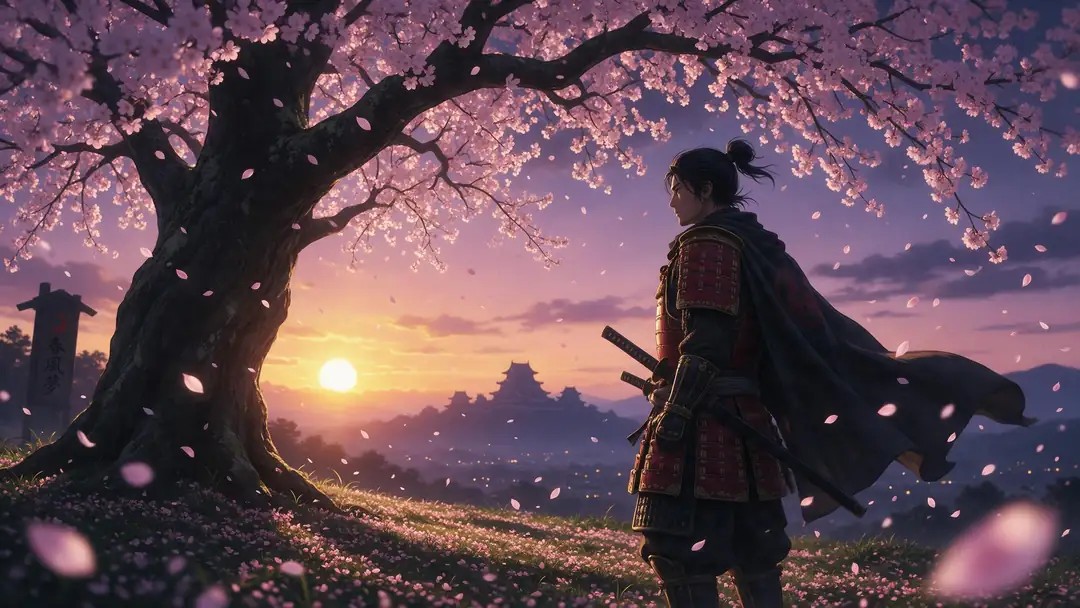
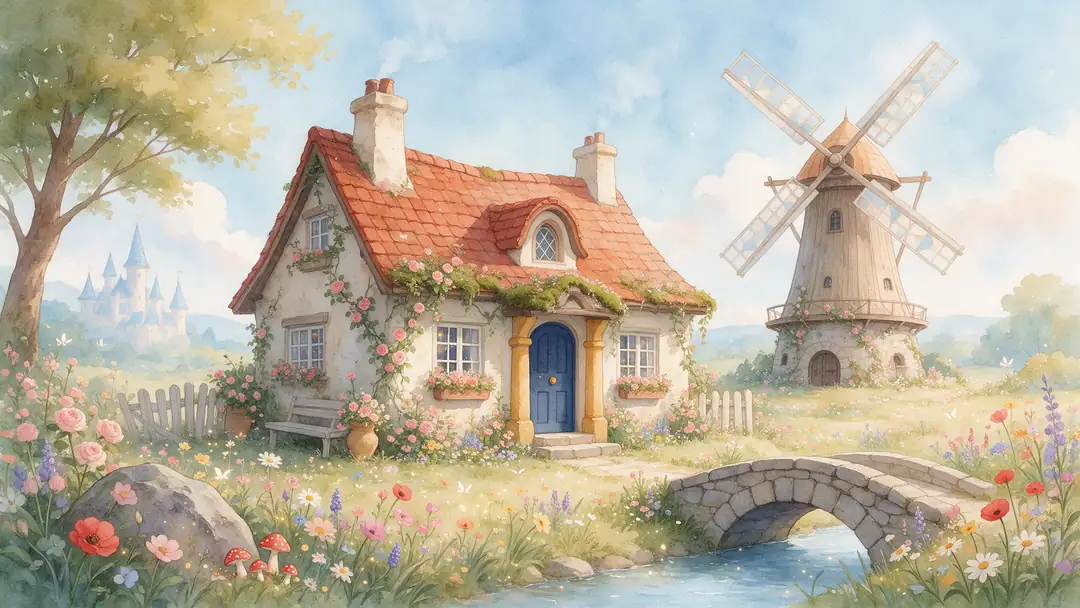
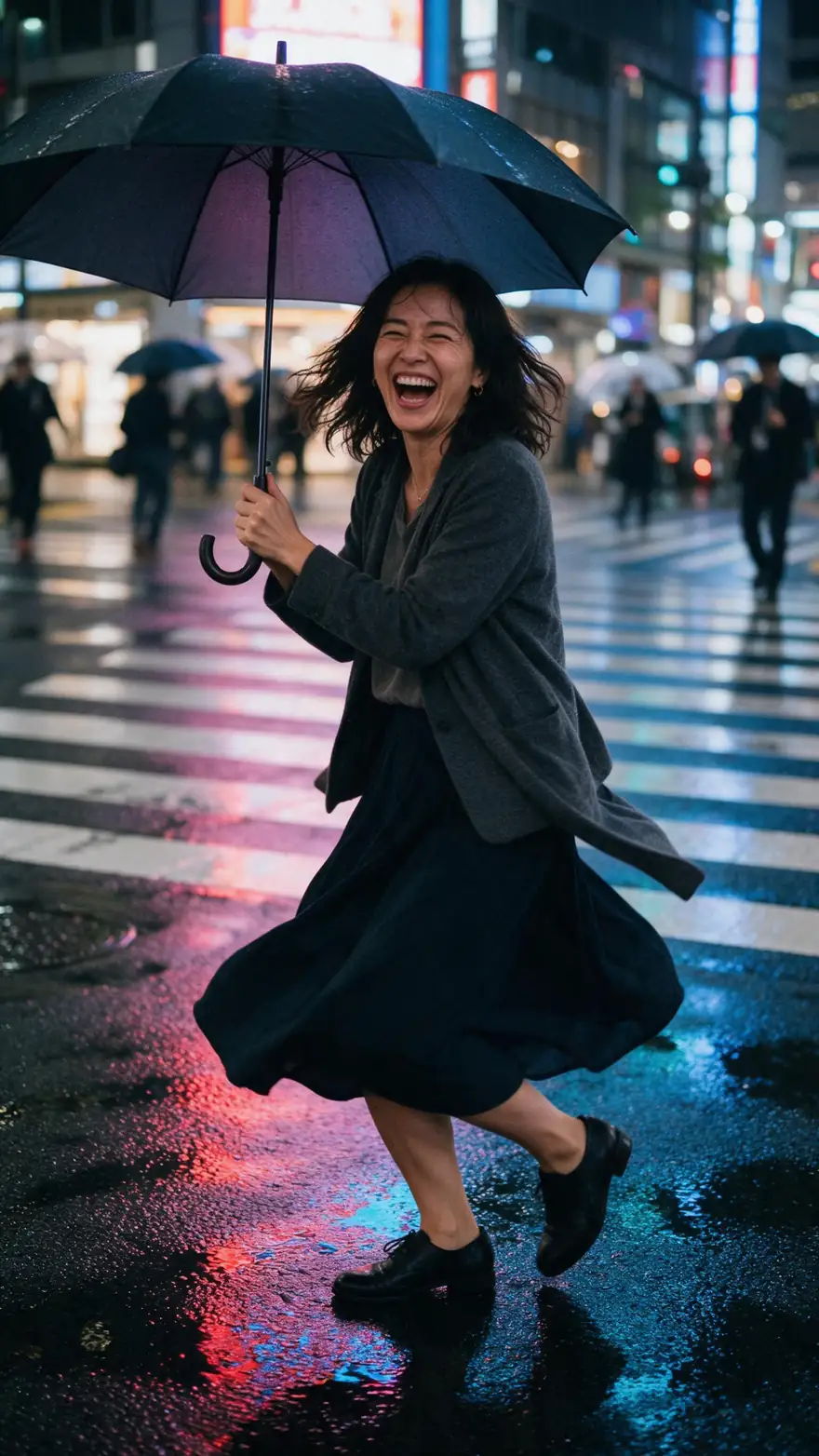
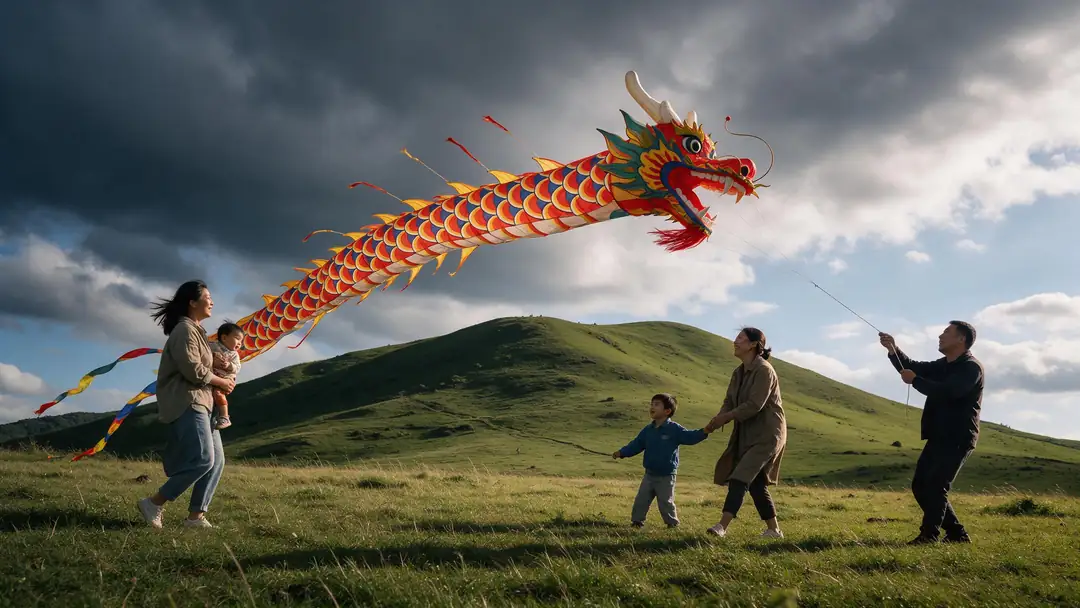
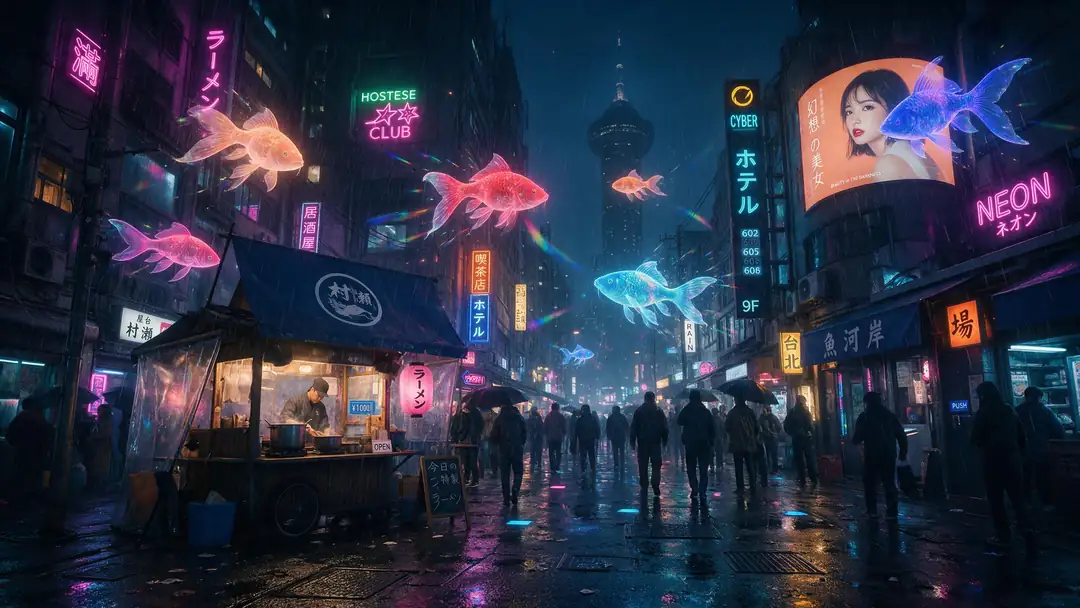
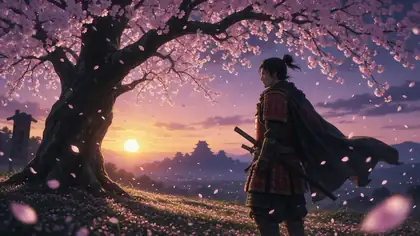
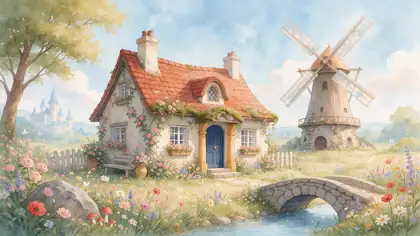
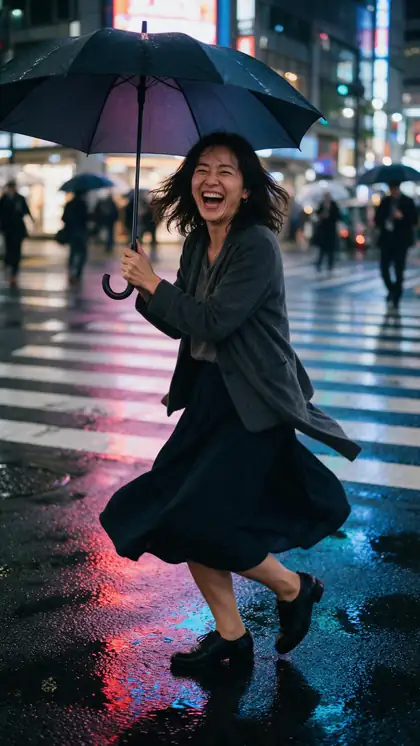
A samurai under cherry blossom, a painted cottage, a rainy Tokyo crosswalk, a kite on a windy hill and a neon street — the moods anime does best.
Example clips from our Genjutsu pages: image-to-video generations with the model on each card, not Restyle outputs. The two demos above are real Restyle results.
How to
How to turn a video into anime
- Time needed
- Steps
- 4 steps
Step 1
Open Restyle Video
It opens on the Anime preset. Sign in to run it; everything happens in the browser.
Step 2
Add your clip
Upload a video up to about 100 MB, or pick one from your History or Library. The Kenerate tiers read 3–15 s; Seedance 2.5 reads 4–30 s.
Step 3
Pick Anime or Hand-drawn anime
Anime gives a TV-series look; Hand-drawn anime a softer, painterly feature-film look.
Step 4
Add a detail (optional)
A line such as "autumn colours, golden-hour light", or up to 4 look references of the anime style you want.
See it in the app

Open Restyle Video and upload a clip, or pick one from your history, library or a link.


Watch the tour · 1:14
Add a clip, pick one of 22 looks, detail or reference art, engines, before / after in sync, examples & chat
Chapters
Checked 6 October 2026
Which anime option is best for you?
Restyle Video's two anime presets, its free-form look, and Kenerate's photo filter for stills, compared.
| Anime preset | Hand-drawn anime preset | Your own look (prompt + references) | Anime filter (photos) | |
|---|---|---|---|---|
| Look | TV-series anime: cel shading, bold outlines, saturated colour | Feature-film anime: watercolour backgrounds, warm painterly light | Whatever you describe or show in up to 4 references | Anime looks for a single image |
| Input | A video clip | A video clip | A video clip + a description and/or references | A photo |
| Motion | Kept from your clip | Kept from your clip | Kept from your clip | None — it's a still |
| Best for | Action, dance, city and night shots | Travel, nature, slow and cosy moments | Matching a particular studio-style look or palette | Profile pictures and posters |
All four are Kenerate tools. Look descriptions are taken from the presets' own instructions in the app.
Sources: Kenerate Restyle Video
Engines
Which engine for video to anime
All three apply the same anime presets. Start on Kenerate Restyle; switch for longer clips, 4K or finer texture.
- Default
Kenerate
Kenerate Restyle
- Input
- Clip 3–15 s + up to 4 look references
- Output
- 480p, 720p or 1080p · ~2–4 min
Quick anime restyles that keep every move and camera path
Open Kenerate Restyle Kenerate
Kenerate Restyle Pro
- Input
- Clip 3–15 s + up to 4 look references
- Output
- 480p, 720p or 1080p · ~3–6 min
Richer texture and cleaner line work on the same motion
Open Kenerate Restyle Pro- Up to 30 s

ByteDance
Seedance 2.5
- Input
- Clip 4–30 s + up to 4 look references
- Output
- 480p to 4K · ~4–8 min
Longer clips and 4K, with strong style transfer that keeps faces and motion
Open Seedance 2.5
On the Kenerate tiers, a clip longer than 15 s is trimmed: only the first 15 s are restyled. Seedance 2.5 refuses clips outside 4–30 s.
Tips
Clips that convert well to anime
Restyle keeps your footage's motion, so good footage gives good anime.
Clear subjects and steady framing read best once redrawn.
Faces that are well lit stay recognisable from frame to frame.
Rain, neon, sunsets and skies look great in both anime presets.
Use the detail line for mood: season, time of day, palette.
Add a look reference to match a specific anime style.
Only restyle footage you shot or have the right to use.
Example uses
How creators use video to anime
Illustrative examples of typical workflows, not customer reviews.
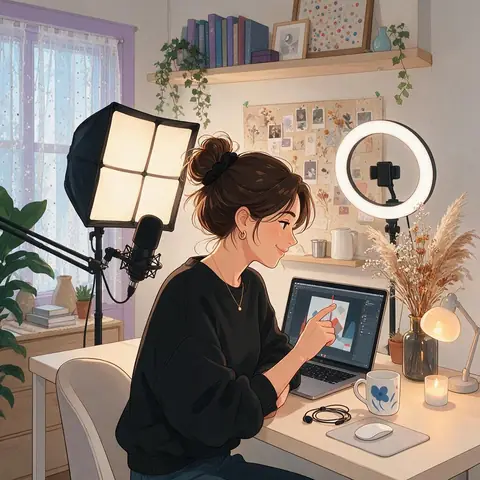
Content creator
A content creator could turn a 10-second street clip into anime with the Anime preset and post both versions side by side.
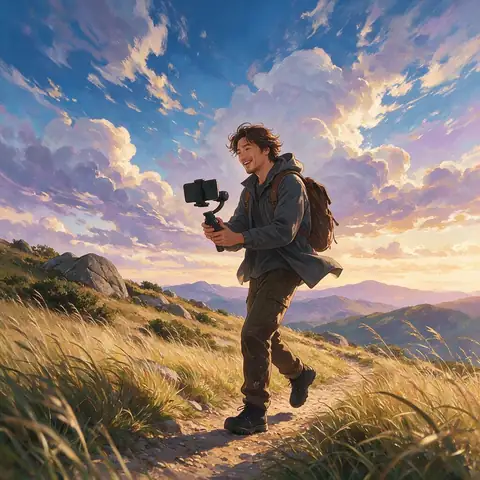
Travel vlogger
A travel vlogger could restyle a hillside walk with Hand-drawn anime for a soft, painterly intro to a trip video.
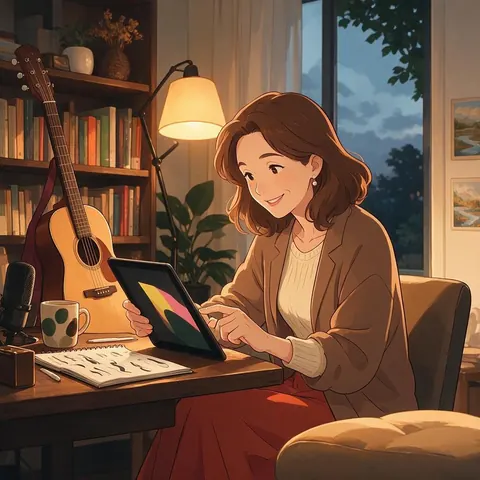
Music teacher
A music teacher could restyle a short recital clip as anime to make a playful end-of-term video for students' families.
FAQ
Video to anime — questions
7 questions
Can AI turn a real video into anime?
Yes. Restyle Video redraws every frame of a live-action clip in an anime look and keeps the original motion, camera movement, framing and timing. You pick the Anime or Hand-drawn anime preset; people stay recognisable and keep the same poses, gestures and expressions — only the visual style changes.
Link to this answerWhat's the difference between the two anime presets?
Anime is a vibrant TV-series look: clean cel shading, bold ink outlines, expressive eyes and saturated colour. Hand-drawn anime is softer and more painterly, with watercolour backgrounds, warm light and a nostalgic feature-film mood. Try the same clip in both — the right one depends on the footage.
Link to this answerHow long can my video be?
Kenerate Restyle and Restyle Pro read clips of 3–15 seconds; a longer clip is trimmed and only its first 15 seconds are restyled. Seedance 2.5 takes 4–30 seconds. For a longer video, split it into scenes and restyle each one with the same preset.
Link to this answerCan I match a specific anime style?
You can steer it. Add a line in the detail box — palette, era, season, lighting — or add up to 4 look references, such as your own artwork or a mood board. The engine takes only the style from references, not their content. Don't use references you don't have the right to use.
Link to this answerIs the sound kept?
Yes, by default. The clip's own audio stays on the result. If you switch it off, the engine creates new sound to match the new look.
Link to this answerDoes the result keep the same resolution?
You choose the output: 480p, 720p or 1080p on the Kenerate tiers, and up to 4K on Seedance 2.5. You can also send a finished anime clip to Video Upscale afterwards.
Link to this answerCan I turn a video into a cartoon instead?
Yes — Restyle Video also has cartoon looks such as 3D animated, Claymation, Comic book, Brick toy and Paper craft. Our video to cartoon page compares them.
Link to this answerIn depth
Video to anime, explained
What gets redrawn, what stays, and how to shoot for an anime result.
On this page
What changes and what stays
Restyle's instruction is strict: keep the same motion, camera movement, framing, composition, timing, poses, gestures, expressions and number of subjects; change only the visual style. That's why an anime restyle looks like your clip, animated — not a new scene inspired by it.
Shooting for an anime result
The anime presets exaggerate light and colour, so moody footage often looks better than flat midday light.
- Stable framing: a tripod or a slow, smooth move.
- One or two clear subjects rather than a crowd.
- Good light on faces.
- Strong mood: rain, dusk, neon, wind in hair or trees.
- 3–15 seconds for the Kenerate tiers, up to 30 s for Seedance 2.5.
From one clip to a short
Restyle works one clip at a time. For a longer piece, cut your footage into scenes, restyle each with the same preset and detail line so the look stays consistent, then edit them together. Restyle Video can also hand a finished clip to Video Upscale, Subtitles or Dubbing.
Convert video to anime style
Pick a preset and run it: that's the whole conversion. The preset tells the engine to apply the anime look to every frame and everything in it — people, objects and background alike — so the style doesn't drift halfway through the clip.
How to turn a video into anime
Start with a short, well-lit clip with a clear subject. Upload it to Restyle Video, choose Anime or Hand-drawn anime, and compare the result with the original. If you want a different mood, add a line like "cherry blossom season, soft pink light" and run it again.
Video to anime converter vs anime filter
An anime filter usually works on a photo or overlays an effect on live video. Restyle redraws the whole clip, so outlines, shading and backgrounds become anime while the motion stays real — closer to rotoscoped animation than to a filter.
Explore
Every Kenerate video tool
Generators, tools, models and guides — all in one studio.
Your footage, drawn as anime
Pick Anime or Hand-drawn anime and keep every move. Only on footage you have the right to use.
Tried it? Tell us how it went