

Komiko alternative · anime studio
Komiko Alternative
Komiko is an anime and comic platform: OC sheets, a Comics Canvas and video tools, paid in Zaps on monthly plans. Kenerate is an anime-capable studio: Seedream 5.0 Pro, Prefect Pony XL and Neta Lumina plus OC tools, photo-to-anime and video-to-anime, with one-time credit packs and no subscription.


- Free to start
- 80+ models
- No subscription required
- No watermark
Checked
Made with Kenerate



On this page
Quick answer
What is the best Komiko alternative?
The best Komiko alternative for anime art without a subscription is Kenerate AI: anime models such as Seedream 5.0 Pro, Prefect Pony XL and Neta Lumina, an OC maker, photo-to-anime and video-to-anime in one account, with one-time credit packs from $15 instead of monthly Zaps. New accounts get 25 credits. Komiko remains the better pick if you lay out multi-panel comics — its Comics Canvas has no equivalent on Kenerate.
Key facts
- Komiko currency
- Zaps — monthly plans
- Kenerate anime models
- Seedream 5.0 Pro, Pony XL, Neta Lumina
- Free start
- 25 sign-up credits
- Checked
- 28 Oct 2026
Side by side
Komiko vs Kenerate
What each offers, from Komiko's own pages and Kenerate's code.
| Komiko | Kenerate | |
|---|---|---|
| What it is | Anime, comic and OC platform with character-driven tools | Curated generator and editor with anime models |
| Currency | Zaps: 500 free on sign-up, 80 daily Zaps that expire at midnight; plans from $9.99/mo | Credits — one-time packs from $15 for 1,300 credits, no expiry games |
| Subscription | Starter $9.99, Plus $19.99, Premium $49.99 monthly (annual saves 17%) | None — no subscription required |
| Anime models | Platform's own anime pipeline | Seedream 5.0 Pro, Prefect Pony XL (Pony tags), Neta Lumina (anime tags), Flux 2 and more |
| Characters / OCs | OC sheets, consistent characters across panels | OC maker; reference images keep a character consistent — GPT Image 2 takes up to 16 |
| Comics | Comics Canvas: multi-panel pages with speech bubbles | No comic layout tool — single images only |
| Video | Keyframe in-betweening, video-to-video | Video-to-anime restyle (anime + hand-drawn presets), image-to-video with Seedance 2.5 / Wan 3.0 up to 30 s (paid plan) |
| Watermark | On free outputs; paid plans remove it | No watermark on generations |
| Ownership | — | Terms give you ownership, commercial use allowed |
Komiko facts checked 28 October 2026. Plans change; confirm on their site.
Sources: Komiko
Honest verdict
Kenerate or Komiko: which should you pick?
Komiko is a good product. Here is when each one is the better choice.
Pick Kenerate if…
- No Zap maths
- Named anime models, your choice
- Photo and video to anime
- Editing in the same account
When to pick Komiko
- You lay out multi-panel comics or webtoons — Komiko's Comics Canvas with speech bubbles has no Kenerate equivalent.
- You want keyframe in-betweening for 2D animation.
- You like one platform tuned only for anime and manga workflows.
Why people switch
Why try Kenerate instead of Komiko
No Zap maths
Komiko's free daily Zaps expire at midnight. Kenerate credits come in one-time packs from $15 for 1,300 credits and don't reset.
Named anime models, your choice
Pick Seedream 5.0 Pro for detailed art, Prefect Pony XL for Pony-style tag prompts or Neta Lumina for clean anime line work — the model is always shown, never a black box.
Photo and video to anime
Turn a photo into anime art, or restyle a filmed clip with the anime and hand-drawn-anime presets while the motion stays yours.
Editing in the same account
One-sentence edits, up to 16 reference images for a consistent character, background removal and anime upscaling to 4K or 8K.
Gallery
What Kenerate makes
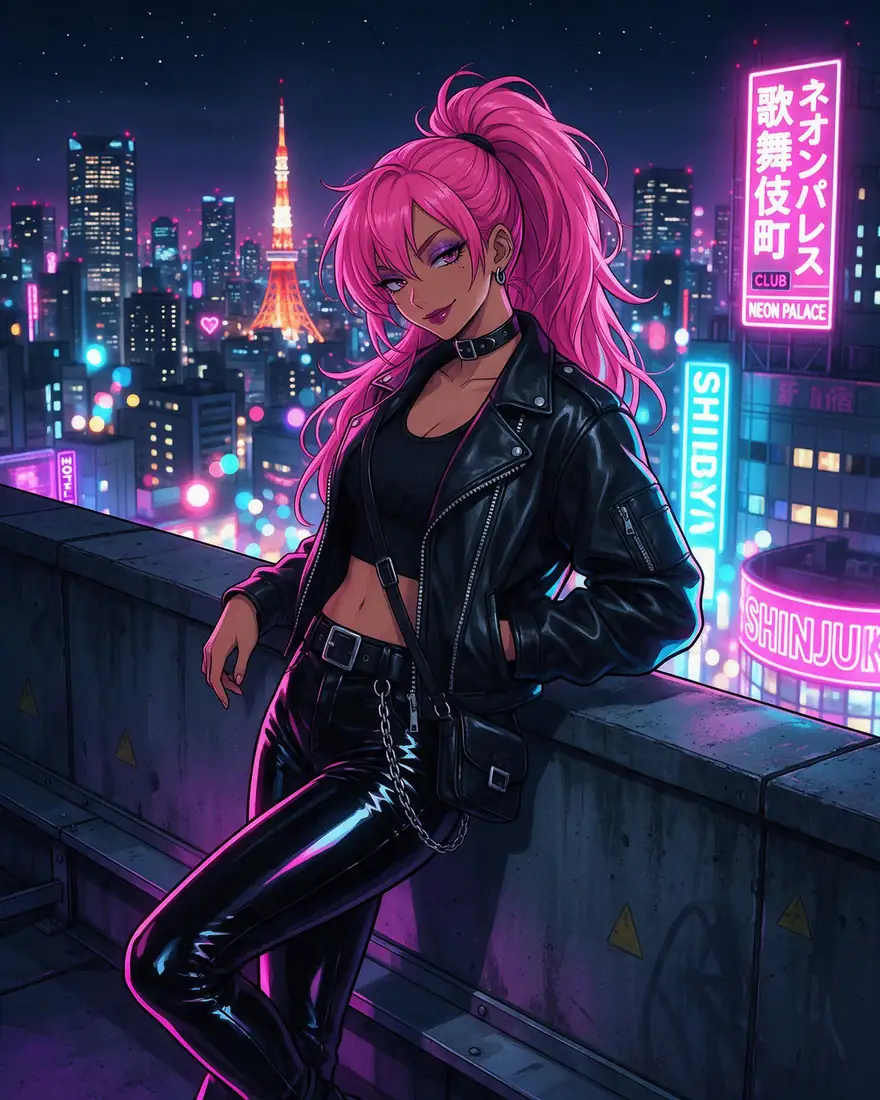
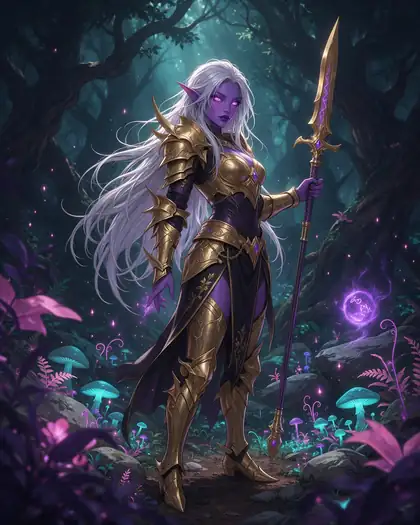
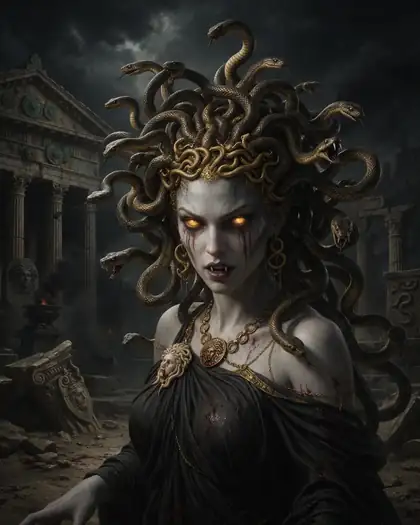
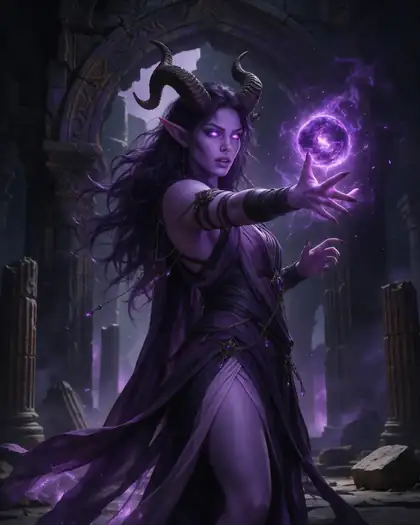
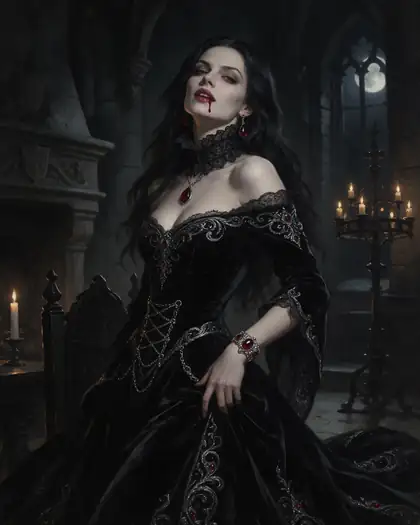
Real, SFW outputs from Kenerate. Open any image to copy its prompt and run it yourself.
Switching
How to switch from Komiko
Bring your prompts and start free.
Step 1
Sign in free
One click with Google, GitHub or Discord — 25 credits are added.
Step 2
Pick an anime model
Seedream 5.0 Pro for detailed illustration, Prefect Pony XL for tag prompts, Neta Lumina for clean character art.
Step 3
Bring your OC
Upload reference images — GPT Image 2 takes up to 16 — or build one in the OC maker and reuse it across scenes.
Step 4
Animate or upscale
Restyle a clip into anime, animate an image with Seedance 2.5 (paid plan), or upscale line art to 4K.
See it in the app

Open Image Studio and type what you want to see — subject, style, lighting and mood.


Watch the tour · 1:23
Prompts, styles, references, edit, Arena & chat
Chapters
FAQ
Komiko alternative questions
8 questions
What is the best Komiko alternative?
Kenerate AI, if you want anime generation without a subscription: Seedream 5.0 Pro, Prefect Pony XL and Neta Lumina, an OC maker, photo-to-anime and video-to-anime in one account, with one-time credit packs from $15. If your work is multi-panel comics, Komiko's Comics Canvas is still the stronger tool — Kenerate generates single images, not comic layouts.
Link to this answerIs Komiko free?
Partly. Komiko gives new users 500 free Zaps and 80 daily Zaps, but the daily Zaps expire at midnight and free outputs carry a watermark; paid plans start at $9.99 a month (checked 28 Oct 2026). Kenerate's free start is 25 sign-up credits for the free-plan models, and paid credits come as one-time packs from $15 that don't expire daily.
Link to this answerWhat are Komiko Zaps?
Zaps are Komiko's site currency: plans include a monthly allowance (5,000 on Starter at $9.99 up to 50,000 on Premium at $49.99) and free users claim a small daily amount that resets at midnight. Kenerate has no site currency cycle — you buy plain credits once and spend them on any model, with the cost shown before you generate.
Link to this answerCan Kenerate keep my character consistent like Komiko?
Yes, with reference images instead of a character database: upload your OC's art and GPT Image 2 reads up to 16 references, so the same character carries across new scenes and outfits. The OC maker builds a character sheet you can reuse. Komiko's approach is built around its own OC system; both work, Kenerate's is model-driven.
Link to this answerCan Kenerate make comics or manga pages?
Not as layouts. Kenerate generates and edits single images — including manga-style art with Neta Lumina or Pony XL — but it has no multi-panel canvas or speech-bubble editor. If you assemble full comic pages in one tool, that's a reason to stay on Komiko.
Link to this answerCan Kenerate turn a video into anime like Komiko's video-to-video?
Yes. Restyle Video redraws a filmed clip with anime or hand-drawn-anime presets while keeping your motion, camera path and timing; clips run 3–15 seconds per pass. Image-to-video with Seedance 2.5 or Wan 3.0 goes up to 30 seconds on a paid plan.
Link to this answerDoes Kenerate watermark free images?
No. Generations are not watermarked on any plan, including images made with the 25 sign-up credits. On Komiko, removing the watermark is a paid-plan feature.
Link to this answerCan I use Kenerate images commercially?
Yes. Kenerate's Terms say you own what you generate and can use it for commercial work.
Link to this answerIn depth
Komiko vs Kenerate, in depth
How we compared, and what matters when you choose.
A comic platform vs an anime studio
Komiko is built around a workflow: design an OC, draw it into comic panels on the Comics Canvas, then animate. Kenerate is built around models: you pick Seedream 5.0 Pro, Prefect Pony XL or Neta Lumina per job, keep a character consistent with reference images, and move the result into editing, upscaling or video in the same account. If the comic page is the product, Komiko fits; if the art itself is, Kenerate gives you more control per image.
Zaps vs one-time credits
Komiko prices everything in Zaps: a sign-up bonus, a daily free allowance that expires at midnight, and monthly plans from $9.99 to $49.99 that grant bigger allowances. Kenerate prices every model in plain credits from one-time packs — from $15 for 1,300 credits — with the cost shown before you generate and nothing resetting overnight.