

6 cartoon presets · motion kept · up to 4K
Turn a video into a cartoon — claymation, 3D animated and more
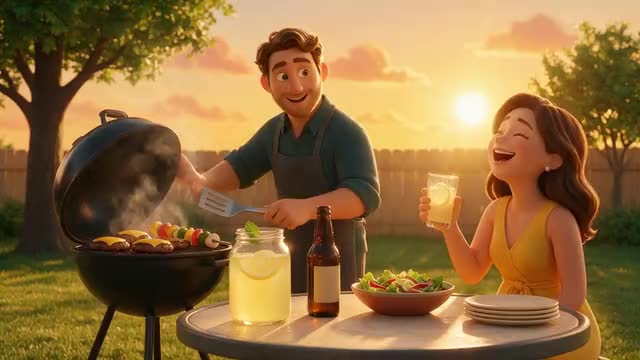
Your kitchen as a stop-motion set, your vlog as an animated film, your street as a comic panel. Restyle Video redraws every frame of a clip in a cartoon look while the movement, camera path and timing stay exactly as you shot them.
- 3D animated, claymation, comic
- Motion and camera kept
- Clips up to 30 s
- Original sound kept
Updated by the Kenerate AI team
Made with Kenerate

On this page
Quick answer
Updated
How do you turn a video into a cartoon with AI?
To turn a video into a cartoon, upload a 3–15 second clip to Kenerate Restyle Video and pick a cartoon preset — 3D animated, Claymation, Comic book, Brick toy, Paper craft or Knitted. Each frame is redrawn in that look while the motion, camera and timing stay as filmed; Seedance 2.5 handles clips up to 30 seconds.
Key facts
- Cartoon presets
- 3D animated · Claymation · Comic book · Brick toy · Paper craft · Knitted
- Other looks
- Anime, paintings, pixel art — 22 presets in all
- Clip length
- 3–15 s (Kenerate tiers) · 4–30 s (Seedance 2.5)
- Kept
- Motion, camera path, framing, timing
- Look references
- Up to 4 images
- Output
- 480p–1080p · 4K on Seedance 2.5
Real demo
Latte pour to claymation
A live-action latte pour run through the Claymation preset: cup, milk and table come back as sculpted plasticine, and the pour keeps its exact timing.
- Claymation. Preset only, no extra prompt: motion, camera and timing kept.
Kenerate Restyle at 720p — an unedited result from the app's example gallery, shown next to its source clip.
Try ClaymationReal demo
Selfie vlog to 3D animated
A vertical talking-to-camera clip in the 3D animated preset: rounded features, soft skin and glossy materials, with the same gestures and head movement.
- 3D animated. Preset only, no extra prompt: motion, camera and timing kept.
Kenerate Restyle at 720p — an unedited result from the app's example gallery, shown next to its source clip.
Try 3D animatedReal demo
One shot, four cartoon looks
The same 3-second rooftop clip from the style picker, in four cartoon presets.
- 3D animated. Stylised rounded characters, soft skin, glossy materials and cinematic light.
- Claymation. Plasticine surfaces with fingerprints and tool marks, miniature sets.
- Comic book. Bold ink outlines, halftone dots and flat saturated colours.
- Brick toy. A world of plastic toy bricks with minifigure-style characters.
Style-preview clips from Restyle Video's preset grid — real Restyle outputs of one short source shot.
Pick a cartoon presetReal results
Everyday moments that want to be cartoons
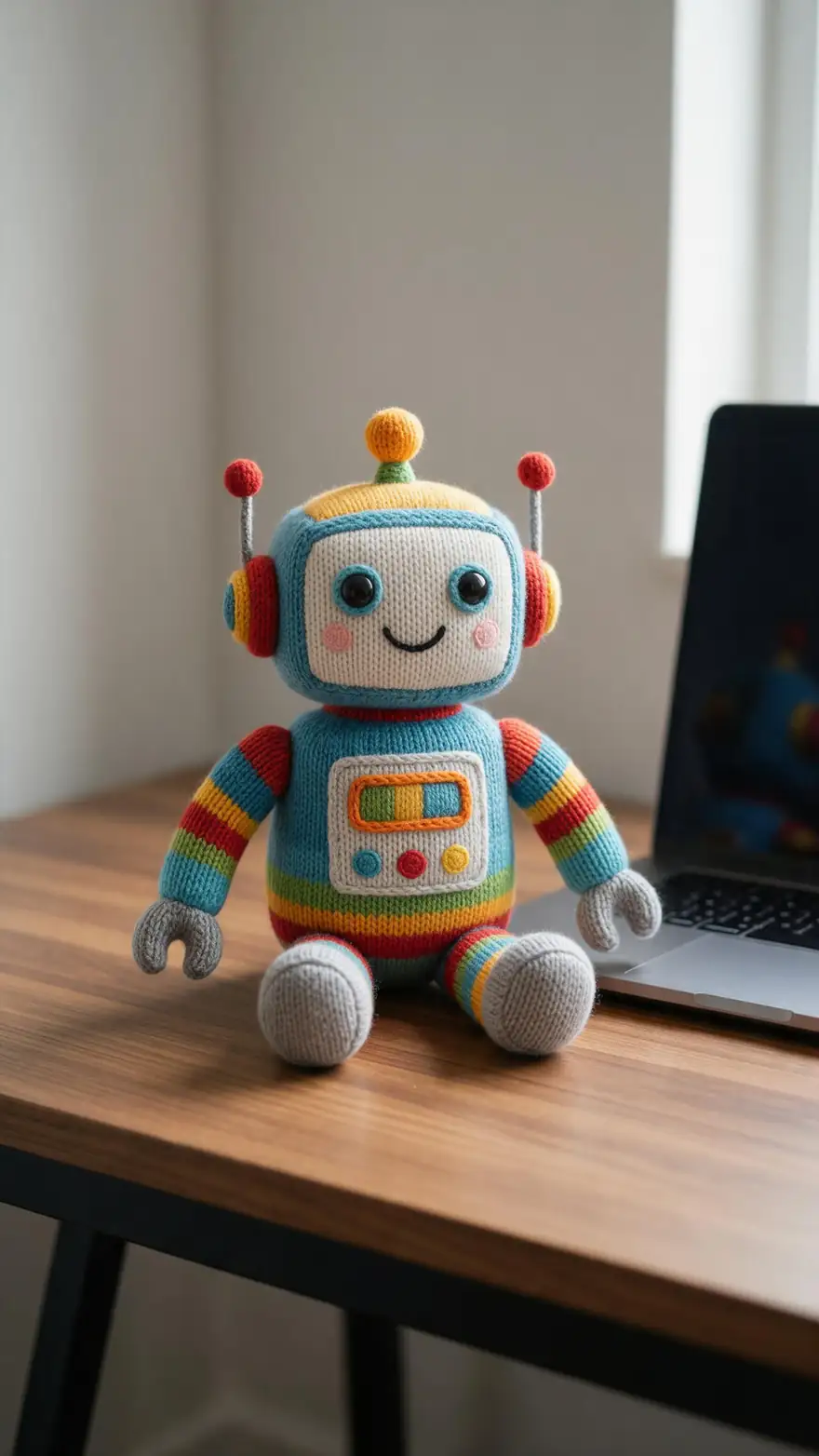
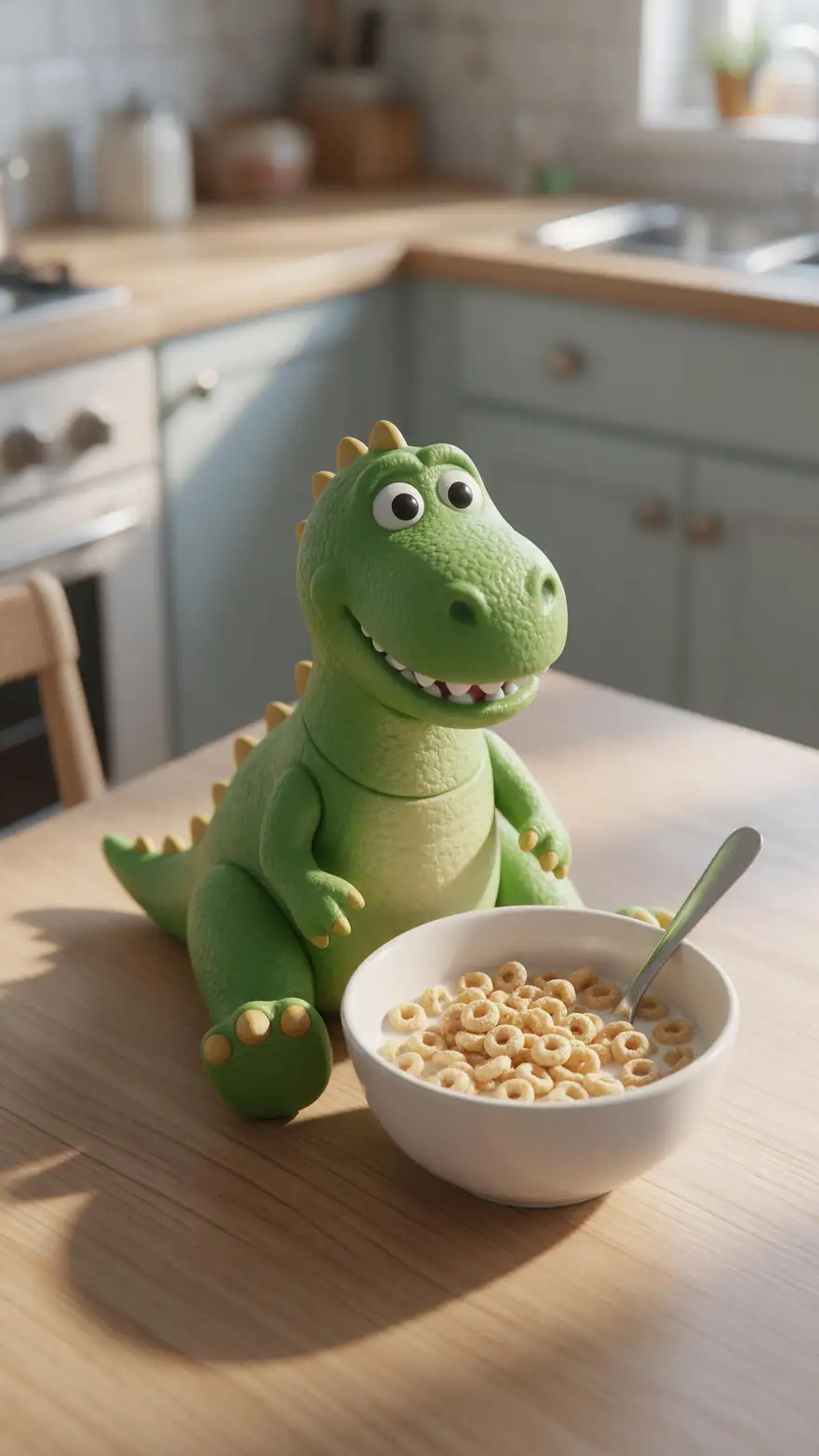
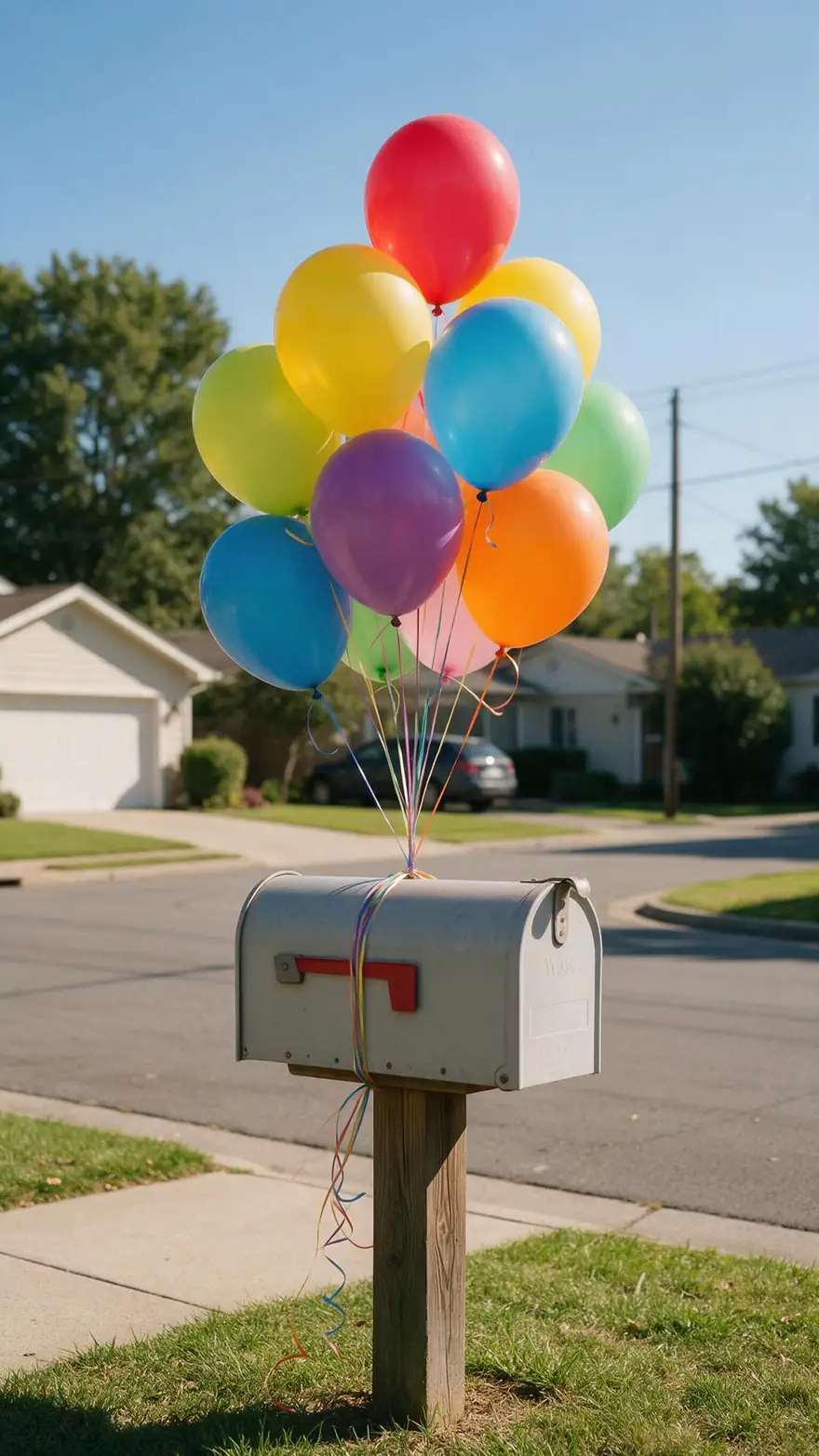
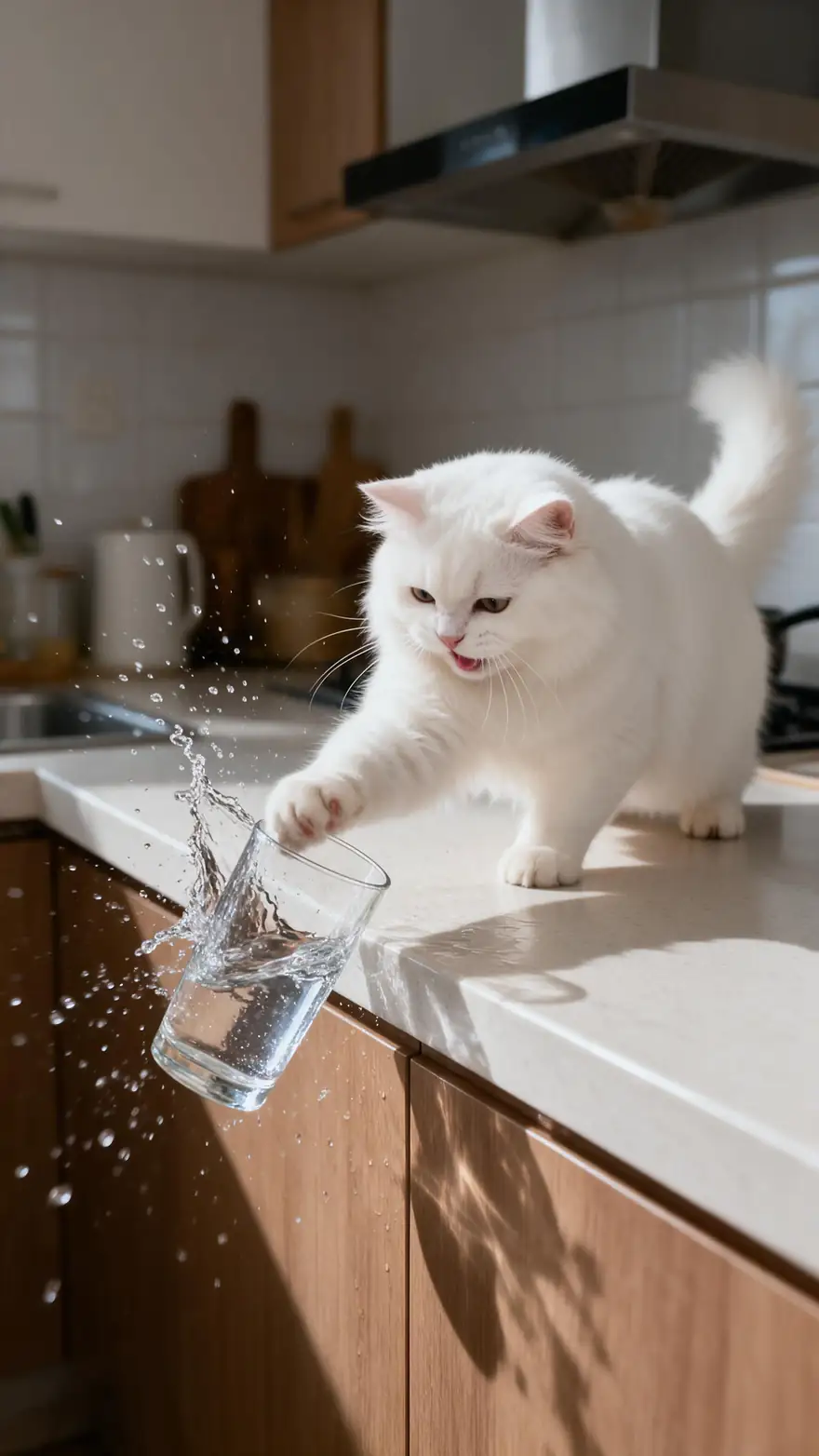
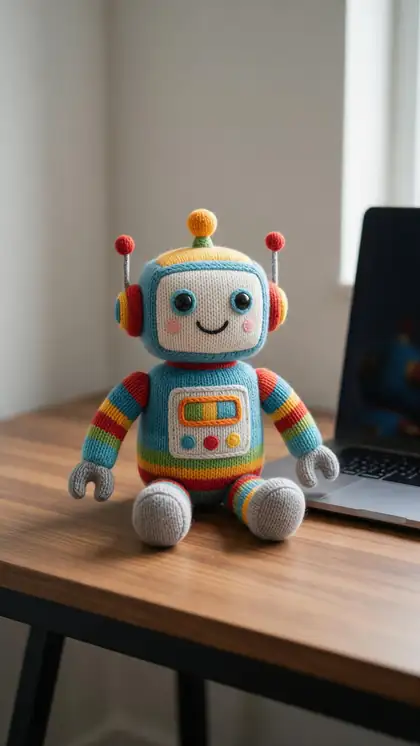
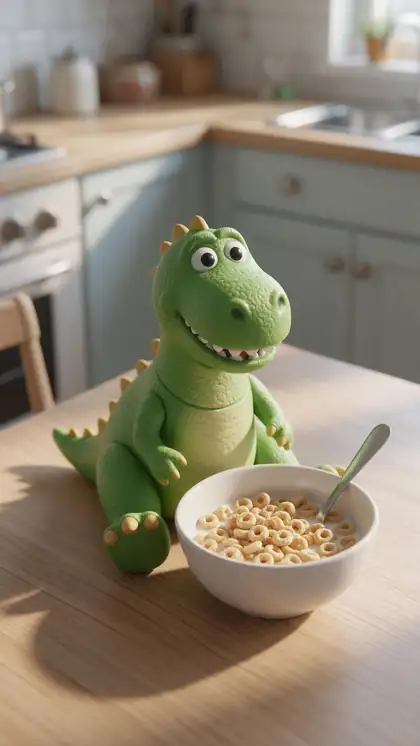
A knitted robot, a breakfast dinosaur, a cat in sunglasses, a runaway balloon and a cat with a glass — playful clips that suit a cartoon look.
Example clips from our Genjutsu pages: image-to-video generations with the model on each card, not Restyle outputs. The demos above are real Restyle results.
How to
How to turn a video into a cartoon
- Time needed
- Steps
- 4 steps
Step 1
Open Restyle Video
Sign in to run it; everything happens in the browser.
Step 2
Add your clip
Upload a video up to about 100 MB, or pick one from your History or Library. The Kenerate tiers read 3–15 s; Seedance 2.5 reads 4–30 s.
Step 3
Pick a cartoon preset
3D animated, Claymation, Comic book, Brick toy, Paper craft or Knitted — open "All styles" to see them all.
Step 4
Add a detail (optional)
A line such as "bright pastel colours, sunny morning", or up to 4 look references of the cartoon style you want.
See it in the app

Open Restyle Video and upload a clip, or pick one from your history, library or a link.


Watch the tour · 1:14
Add a clip, pick one of 22 looks, detail or reference art, engines, before / after in sync, examples & chat
Chapters
Checked 6 October 2026
Which cartoon style is best for your video?
Restyle Video's cartoon presets, compared by look and by the footage they suit. Descriptions come from each preset's own instruction in the app.
| 3D animated | Claymation | Comic book | Brick toy · Paper craft · Knitted | |
|---|---|---|---|---|
| Look | Polished animated-film look, rounded characters, glossy materials | Stop-motion plasticine with fingerprints and miniature sets | Bold outlines, halftone dots, flat saturated colour | Toy bricks, layered cut paper or yarn and stitches |
| Feels like | A family animated feature | A handmade stop-motion short | A printed comic panel in motion | A craft or toy-photography set |
| Best for | Vlogs, talking-to-camera, people | Food, products, tabletop scenes | Action, sport, dramatic moments | Playful social clips and kids' party videos |
| Preset id in the link | ?style=3d-toy | ?style=claymation | ?style=comic | ?style=brick-toy · paper-craft · crochet |
All are presets of Kenerate Restyle Video; for anime looks see the video to anime page.
Sources: Kenerate Restyle Video
Engines
Which engine for video to cartoon
All three apply the same cartoon presets. Start on Kenerate Restyle; switch for longer clips, 4K or finer texture.
- Default
Kenerate
Kenerate Restyle
- Input
- Clip 3–15 s + up to 4 look references
- Output
- 480p, 720p or 1080p · ~2–4 min
Quick cartoon restyles that keep every move and camera path
Open Kenerate Restyle Kenerate
Kenerate Restyle Pro
- Input
- Clip 3–15 s + up to 4 look references
- Output
- 480p, 720p or 1080p · ~3–6 min
Richer clay, plastic and paper texture with cleaner edges
Open Kenerate Restyle Pro- Up to 30 s

ByteDance
Seedance 2.5
- Input
- Clip 4–30 s + up to 4 look references
- Output
- 480p to 4K · ~4–8 min
Longer clips and 4K, with strong style transfer that keeps faces and motion
Open Seedance 2.5
On the Kenerate tiers, a clip longer than 15 s is trimmed: only the first 15 s are restyled. Seedance 2.5 refuses clips outside 4–30 s.
Tips
Clips that make good cartoons
The motion comes from your footage, so simple, readable action works best.
Clear, readable action: a wave, a pour, a jump.
One or two subjects rather than a busy crowd.
Bright, even light suits 3D animated and claymation.
Comic book loves strong contrast and dramatic angles.
Try the same clip in two presets before a long run.
Only restyle footage you shot or have the right to use.
Example uses
How creators use video to cartoon
Illustrative examples of typical workflows, not customer reviews.
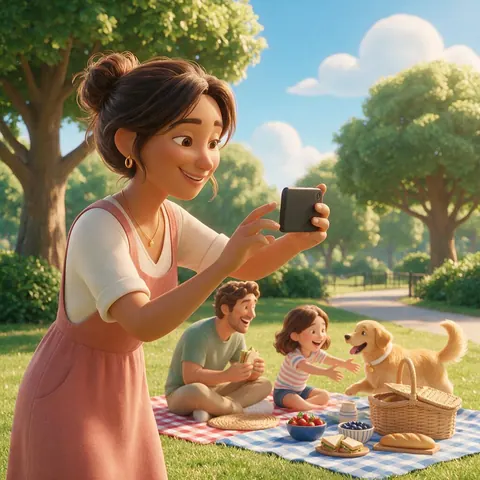
Parent
A parent could turn a short picnic clip into a 3D animated scene to share with family, with every wave and laugh kept.
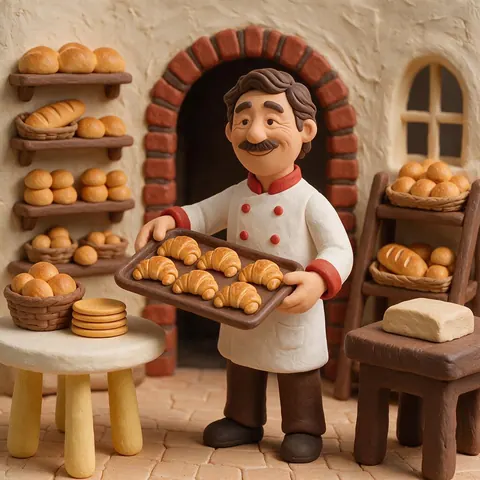
Bakery owner
A bakery owner could restyle a 5-second shot of fresh croissants as claymation for a playful social post.
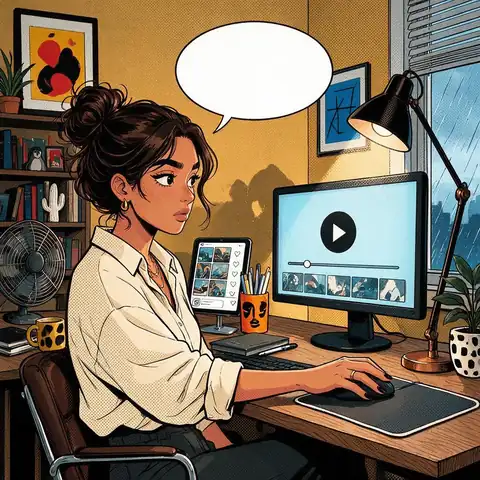
Social media manager
A social media manager could run the same product clip in Comic book and Brick toy and keep whichever suits the campaign.
FAQ
Video to cartoon — questions
7 questions
Can AI turn a video into a cartoon?
Yes. Restyle Video redraws every frame of your clip in a cartoon look — 3D animated, claymation, comic book and more — and keeps the original motion, camera movement, framing and timing. People stay recognisable and keep the same poses, gestures and expressions; only the visual style changes.
Link to this answerWhich cartoon styles are there?
Six cartoon-type presets: 3D animated, Claymation, Comic book, Brick toy, Paper craft and Knitted. Restyle Video has 22 presets in all, including anime, painting and retro-game looks, and a "Your own look" option where you describe the style or add references.
Link to this answerHow long can my video be?
Kenerate Restyle and Restyle Pro read clips of 3–15 seconds; a longer clip is trimmed and only its first 15 seconds are restyled. Seedance 2.5 takes 4–30 seconds. For a longer video, split it into scenes and use the same preset on each.
Link to this answerIs this different from a cartoon filter?
Yes. A cartoon filter usually works on a single photo or overlays an effect. Restyle re-renders the whole clip, so surfaces, lighting and backgrounds become clay, plastic or ink while the movement stays real. For photos, Kenerate's cartoon filter is the better fit.
Link to this answerCan I make my own cartoon style?
Yes. Choose "Your own look" and describe it — "flat 2D Saturday-morning cartoon, thick outlines, bright primary colours" — or add up to 4 look references. The engine takes only the style from references, not their content. Use references you have the right to use.
Link to this answerIs the sound kept?
Yes, by default. The clip's own audio stays on the result. If you switch it off, the engine creates new sound to match the new look.
Link to this answerWhat about anime?
Anime and hand-drawn anime are separate presets in the same tool. Our video to anime page covers them.
Link to this answerIn depth
Video to cartoon, explained
What gets redrawn, what stays, and how to choose a cartoon style for your footage.
On this page
What changes and what stays
Restyle keeps the same motion, camera movement, framing, composition, timing, poses, gestures, expressions and number of subjects, and changes only the visual style. A cartoon restyle looks like your clip, animated — not a new scene based on it.
Choosing a cartoon style
When in doubt, run 3–5 seconds in two presets and compare before restyling a longer clip.
- People talking or vlogging: 3D animated.
- Food, products, hands at work: Claymation.
- Sport, action, dramatic angles: Comic book.
- Playful, kid-friendly clips: Brick toy, Paper craft or Knitted.
- Something else: Your own look, with a description or references.
From one clip to a cartoon short
Restyle works one clip at a time. Cut your footage into scenes, restyle each with the same preset and detail line so the look stays consistent, then edit them together. A finished clip can go straight on to Video Upscale, Subtitles or Dubbing.
Turn a video into a cartoon
Upload, pick a preset, run. The preset tells the engine to apply the cartoon look to every frame and everything in it — people, objects and background — so the style doesn't flicker or drift during the clip.
Video to cartoon converter
Restyle Video works like a converter with a choice of cartoon outputs. Run one short clip in two or three presets and keep the one that suits it; the motion is the same in each, so the comparison is fair.
Make a video look like a 3D animated film
Pick 3D animated. It gives stylised rounded characters, soft skin, glossy materials and cinematic light. Bright, even footage of people talking or moving works especially well.
Explore
Every Kenerate video tool
Generators, tools, models and guides — all in one studio.

Your footage, as a cartoon
Claymation, 3D animated, comic book and more — every move kept. Only on footage you have the right to use.
Tried it? Tell us how it went