Happy Horse 1.1 is Alibaba's AI video generator, released on June 22, 2026 as the upgrade to HappyHorse 1.0. It creates 3- to 15-second clips at up to 1080p from text, a starting image, or up to nine reference images, and Alibaba lists audio among its outputs. The 1.1 update focuses on better consistency with reference images, smoother motion, stronger instruction following, richer visual detail and tighter audio-visual sync. You can use it through Alibaba's own channels or in Kenerate's Video Studio.
This guide covers who makes it, what changed in 1.1, the specs, how to prompt it, and how to use the Happy Horse 1.1 AI video generator on Kenerate.
Who makes Happy Horse 1.1?
Happy Horse comes from Alibaba. Alibaba's news site Alizila reported in April 2026 that HappyHorse 1.0 entered limited beta, developed by the Alibaba Token Hub (ATH) business unit and offered through the HappyHorse website, the Alibaba Cloud Model Studio API and the Qwen App. Alizila then announced the HappyHorse 1.1 release on June 22, 2026, available to individuals and businesses through happyhorse.com and Model Studio.
Alibaba describes 1.0 as supporting text-to-video, image-to-video and subject-to-video, with up to 15 seconds of 1080p video, multiple shots, and synchronized audio-visual output including lip-synced dialogue and ambient sound. Alizila notes the model has been used for short-form dramas, e-commerce advertising, brand marketing and game cinematic trailers.
What's new in Happy Horse 1.1
According to Alibaba's announcement, 1.1 improves five areas:
- Reference consistency. The model is better at interpreting and combining information from multiple reference images, so products, characters and scenes stay closer to your references in reference-to-video tasks.
- Motion expressiveness. Improved motion modeling and temporal consistency give smoother, more coherent movement in complex action.
- Instruction following. Better understanding of what your prompt asks for.
- Visual quality. Richer detail and more lifelike imagery.
- Audio-visual sync. Alibaba says improved audio capabilities give precise synchronization between sound and picture.
On the technical side, Alibaba's Model Studio model list shows 1.1 adding a 480P option alongside 720P and 1080P. The 1.0 family also includes a video-editing model, which isn't listed for 1.1.
Happy Horse 1.1 specs
| Spec | Alibaba Model Studio | In Kenerate's Video Studio |
|---|---|---|
| Modes | Text-to-video, first-frame image-to-video, reference-to-video | Text-to-video, image-to-video, reference-to-video, video extend |
| Clip length | 3-15 seconds | 3-15 seconds |
| Resolution | 480P, 720P, 1080P | 720p, 1080p |
| Aspect ratios | 16:9, 9:16, 1:1, 4:3, 3:4, 4:5, 5:4, 9:21, 21:9 (image-to-video follows the first frame) | 16:9, 9:16, 1:1, 4:3, 3:4 |
| Reference images | 1-9 | Up to 9 |
| Audio | Listed as an output for all three modes | Same model |
| Prompt length | Up to 5,000 non-Chinese characters | Same model |
Model Studio figures come from Alibaba's text-to-video, image-to-video and reference-to-video API references. For image-to-video, Alibaba accepts JPEG, PNG or WEBP start frames at least 300 pixels on each side, with an aspect ratio between 1:2.5 and 2.5:1.
How to use Happy Horse 1.1 on Kenerate
- Sign in and open the Video Studio. New accounts get 25 free credits, and credits never expire.
- Choose Happy Horse 1.1 in the model picker.
- Pick a mode. Text-to-video for ideas from scratch, image-to-video to animate a still, or reference-to-video to keep a product, character or location consistent.
- Set length, resolution and aspect ratio. Draft short clips at 720p, then render final takes at 1080p. Use 9:16 for Reels and Shorts, 16:9 for YouTube.
- Write the prompt (see the structure below) and generate.
- Extend or upscale if needed. Use video extend to lengthen a good take, or run finished clips through the AI video upscaler for 2K or 4K delivery.
Try Happy Horse 1.1 in the Video Studio
Prompting Happy Horse 1.1
Alibaba's own sample prompts are long and specific: they describe the setting, the light, each subject's action, the camera, and any spoken lines in quotes. That structure works well because 1.1 is tuned for instruction following.
A reliable order:
- Shot and camera: "Slow dolly-in, eye level, 35mm."
- Subject and action: who or what, doing what, in what order.
- Setting and light: location, time of day, light source.
- Sound: ambience, effects, music mood, and any dialogue in quotation marks.
- Style: film look, color palette, depth of field.
Product shot (text-to-video)
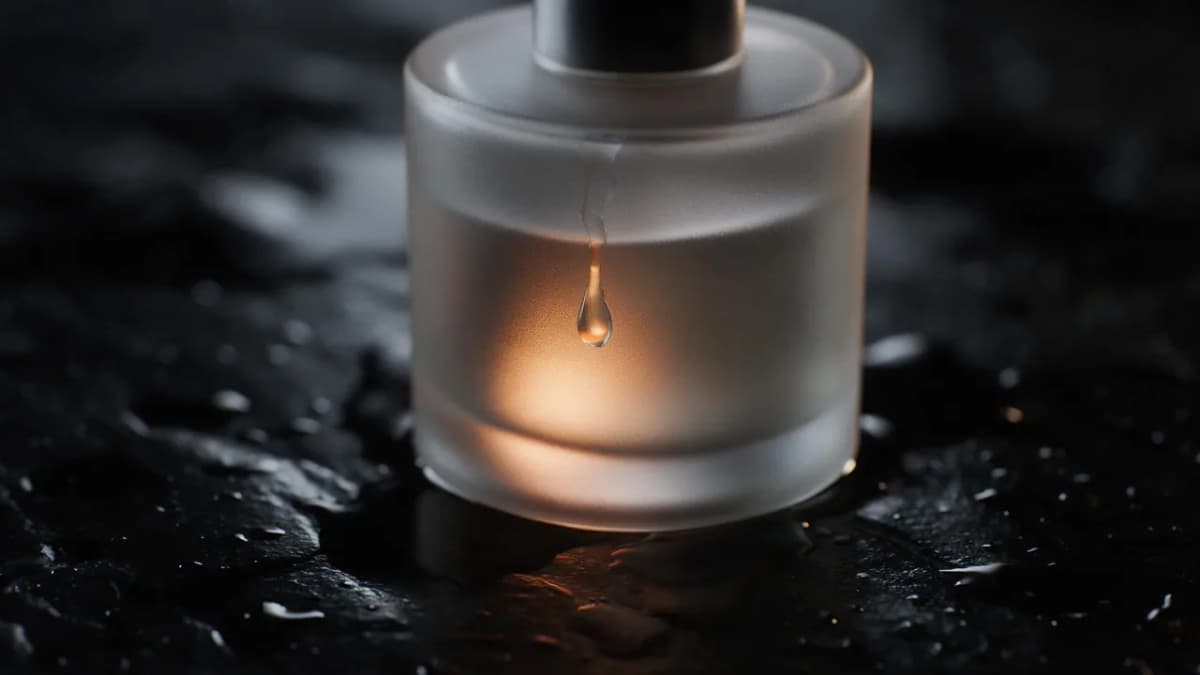
AI Prompt RecipeFlux.1 Pro16:9“Slow macro dolly-in on a frosted glass perfume bottle resting on wet black stone. A single water droplet slides down the glass and catches warm amber light. Soft studio lighting, deep shadows, shallow depth of field. Sound: quiet room tone, a soft drip as the droplet falls, a low ambient synth pad. Premium commercial look, 1080p.”
Dialogue scene (text-to-video)
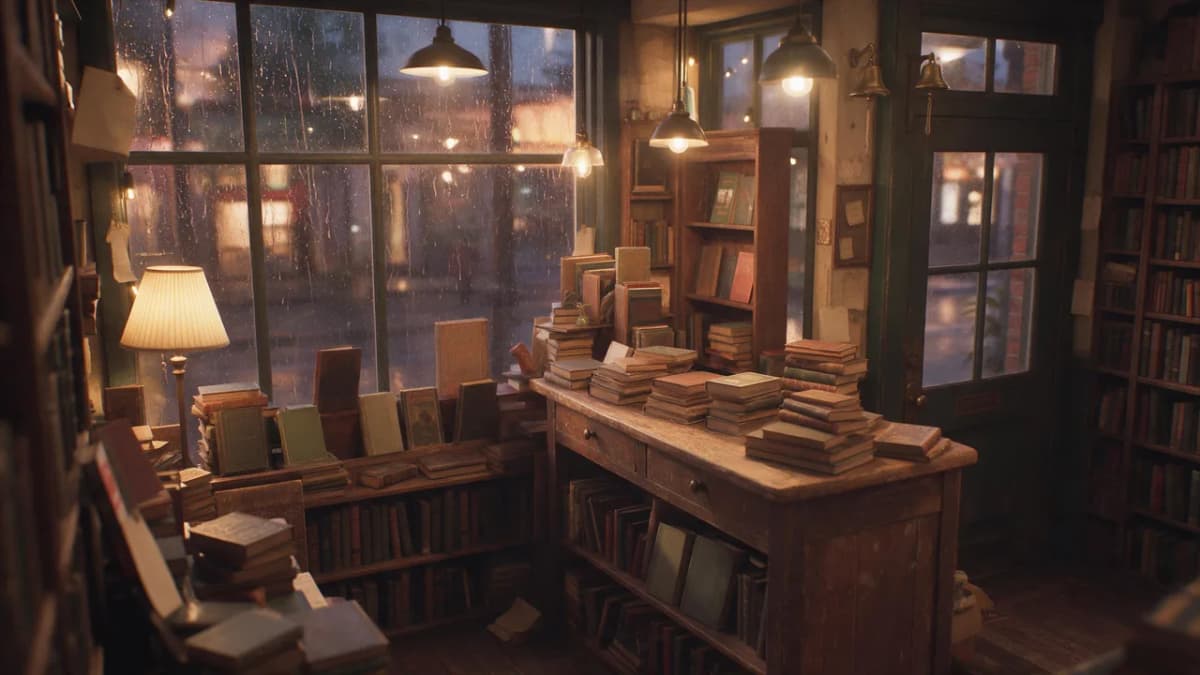
AI Prompt RecipeFlux.1 Pro16:9“Medium two-shot in a cozy bookshop at dusk, warm lamp light and rain on the window. An elderly shopkeeper in a cardigan hands a wrapped book across the counter to a young woman in a yellow raincoat. He smiles and says: "This one found its way back to you." She laughs softly and replies: "Then I'll take good care of it." Sound: rain on glass, a faint bell over the door. Gentle handheld camera, film grain, warm palette.”
Reference-to-video with numbered images
Alibaba's reference-to-video docs let you refer to references by order, as [Image 1], [Image 2] and so on, matching the order you upload them.
AI Prompt RecipeFlux.1 Pro16:9“The sneaker from [Image 1] sits on the concrete ledge from [Image 2] at sunrise. The camera orbits slowly around the shoe, keeping its colors and logo-free design exactly as in [Image 1]. Light dust drifts through the frame. Sound: distant city ambience and a soft bass pulse. Clean commercial look, 9:16.”
Image-to-video
AI Prompt RecipeFlux.1 Pro16:9“Animate this photo: the lighthouse beam sweeps slowly across the evening sea, waves roll in against the rocks, gulls drift across the sky. The camera holds steady, then pushes in slightly. Sound: crashing surf and wind.”
Tips for better Happy Horse results
- Keep one main action per shot. Two or three clear beats in 10 seconds beat a long list of events.
- Put dialogue in quotes and keep it short. One or two short lines per character fit a 10-15 second clip.
- Use clean references. For reference-to-video, use well-lit images with the subject clearly visible. Product shots on plain backgrounds hold their details best.
- Match aspect ratio to your start frame. In image-to-video, the output follows your image's shape, so crop it first.
- Draft at 720p. Iterate on motion and timing cheaply, then re-render the winner at 1080p.
- Avoid real people and brand marks. Use original characters and unbranded products, and get permission for any reference photos of people.
When to choose Happy Horse 1.1 vs other video models
Kenerate's Video Studio carries many models, so Happy Horse 1.1 is one option among several. It's a good fit when you need consistent products or characters from several reference images, 3-15 second clips at 1080p, and sound in the same generation. If you want Kenerate's own model, Ken 1 also renders 1080p clips up to 15 seconds from text or an image. For native sound from Google, look at Veo 3.1; for Alibaba's other video family, see Wan. For more about this model on Kenerate, the Happy Horse 1.1 page has examples.

Bottom line
Happy Horse 1.1 is Alibaba's June 2026 upgrade to its HappyHorse video model, with clips of 3 to 15 seconds at up to 1080p, text, image and multi-reference inputs, and audio in the same pass. The update targets the things creators struggle with most: keeping products and characters consistent, smooth motion, and prompts that are followed closely. Write structured prompts with clear camera, action, sound and dialogue, draft at 720p, and finish at 1080p or upscale for bigger screens.