How do you make a sticker? Make or pick a design, give it a clean edge (a transparent background and, for a classic die-cut look, a white border), then choose how it will be used: print it on printable sticker paper and cut it out with scissors, print it on printable vinyl and let a cutting machine cut it, or export it as a 512 × 512 px image for WhatsApp or Telegram. A first sheet of paper stickers takes under an hour; a digital sticker takes a few minutes.
Updated 15 November 2026.
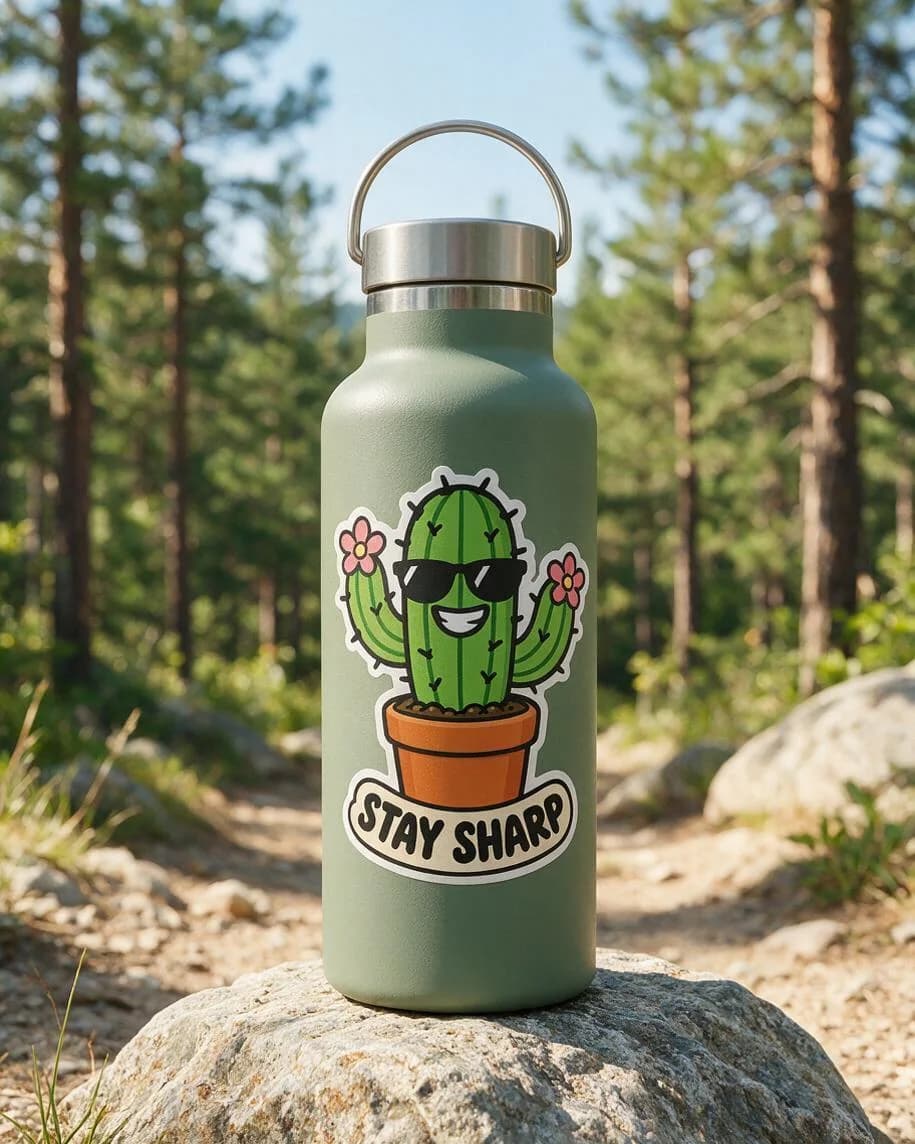
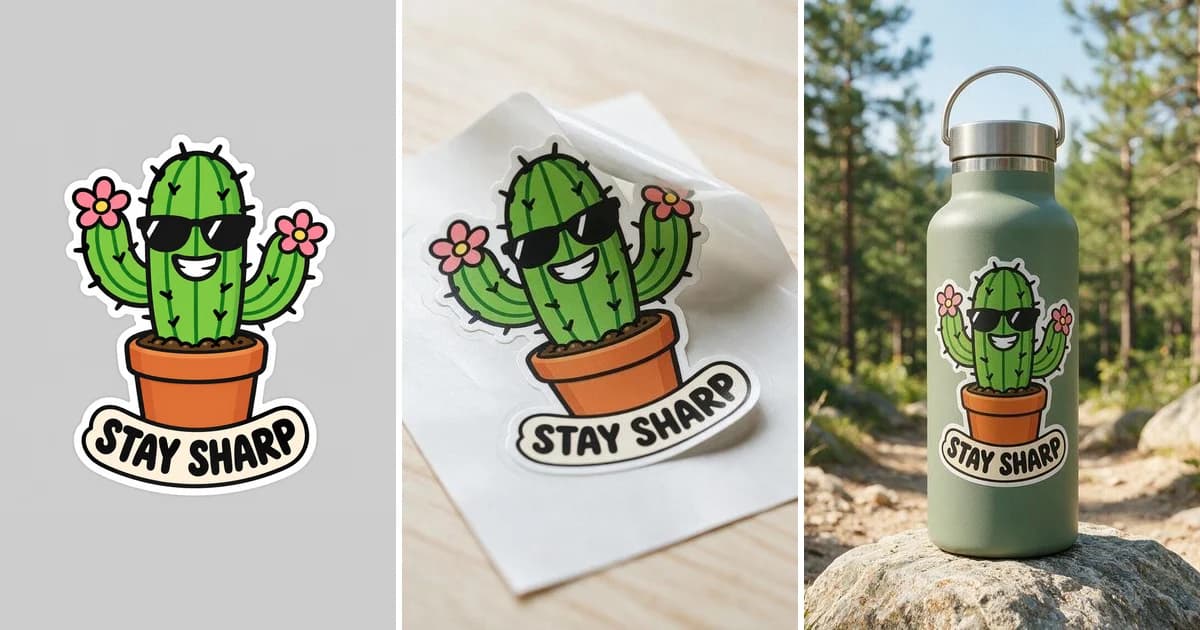
The sticker we made for this guide, shown on a water bottle. The design and the photo were both made on Kenerate; the full prompts are on the sticker mockup generator page.
The three ways to make a sticker
| Printable sticker paper | Vinyl + cutting machine | Digital sticker | |
|---|---|---|---|
| What you need | Inkjet or laser sticker paper, a printer, scissors or a craft knife | Printable vinyl, a printer, a cutting machine (Cricut, Silhouette or similar) | A phone and WhatsApp or Telegram |
| Best for | Planners, gift tags, party favours, a first try | Laptop, bottle and shop stickers that need to last | Chat stickers and sticker packs |
| Waterproof? | No; a clear laminate makes it splash-resistant | Water-resistant vinyl; add laminate for more | Not needed |
| Shape | Cut by hand: simple shapes work best | Exact die-cut outline, cut by the machine | Any shape on a transparent background |
| Time for a first batch | 30–60 minutes | About an hour once the machine is set up | A few minutes |
All three start the same way: with a design that has a clean edge.
Step 1: Make or choose the design
A sticker reads at a few centimetres across, so keep the design simple:
- One subject. A character, an object or a short word. Busy scenes turn to mush at sticker size.
- Thick outlines and flat colours. They stay sharp when printed small and when cut.
- Short text, if any. One to three words, big and bold. "STAY SHARP" on our cactus is the most text we'd put on a 3-inch sticker.
- High resolution. For print, plan on 300 pixels per inch: a 3-inch sticker needs about 900 × 900 px, a 2-inch one about 600 × 600 px.
You can draw it yourself, use your own photo, or generate it. On Kenerate, the AI Sticker tool in Edit Studio makes a sticker from a short description on a transparent background, and the AI sticker generator page has example prompts. If the design has words, use a model that renders text well and read every letter before you print.
Step 2: Give it a clean edge
A sticker needs a background you can cut around or drop away:
- Remove the background. A transparent background maker cuts the subject out of a photo or drawing and saves a PNG with a transparent background.
- Add a white border (optional). The thick white outline around most die-cut stickers hides small cutting errors and makes the design stand out on dark surfaces. The outline image tool adds an even white border that follows the shape of your design.
- Save as PNG. JPG has no transparency, so the background would come back as a white box.
How to make stickers with printable sticker paper
This is the cheapest way to start, and all you need is a home printer.
- Buy the right paper for your printer. Sticker paper is sold for inkjet or for laser printers; the wrong type smears or doesn't fuse. Matte paper is easy to write on; glossy paper makes colours brighter.
- Lay out a sheet. Place several copies of your PNG on a US Letter or A4 page in any document or design app, at the size you want them printed. Leave at least a few millimetres between stickers so you can cut around each one.
- Print a test on plain paper first. Check size and colour, then print on the sticker sheet with the printer set to the sticker or glossy paper type and its best quality.
- Let the ink dry. Give inkjet prints a few minutes before you touch them.
- Protect them (optional). A self-adhesive clear laminate sheet over the print makes paper stickers resist smudges and splashes.
- Cut them out. Scissors for simple shapes, a craft knife on a cutting mat for tight corners. Cut through the sticker and the backing, following the white border.
How to make vinyl stickers with a cutting machine
For stickers that go on laptops, bottles and cars, or that you sell, printable vinyl and a cutting machine give a clean die-cut edge.
- Load your PNG into the machine's software (Cricut Design Space, Silhouette Studio or similar) and set the final size.
- Use the print-then-cut feature. The software adds an offset (the border) and registration marks around your design, sends the page to your home printer, and then the machine reads those marks to cut exactly around each sticker.
- Print on printable vinyl with your printer's best quality setting, and let it dry.
- Laminate (optional). A clear overlay makes vinyl stickers more scratch and water resistant; apply it before cutting so the machine cuts both layers.
- Pick kiss cut or die cut. A kiss cut cuts through the vinyl but not the backing, so you get a sheet of stickers to peel. A die cut goes through both, so each sticker is a single shape with its own backing.
- Cut and weed. Run the cut, then peel away the waste vinyl around kiss-cut stickers.
Check your machine's own guide for its maximum print-then-cut area and the materials it supports; they differ between models.
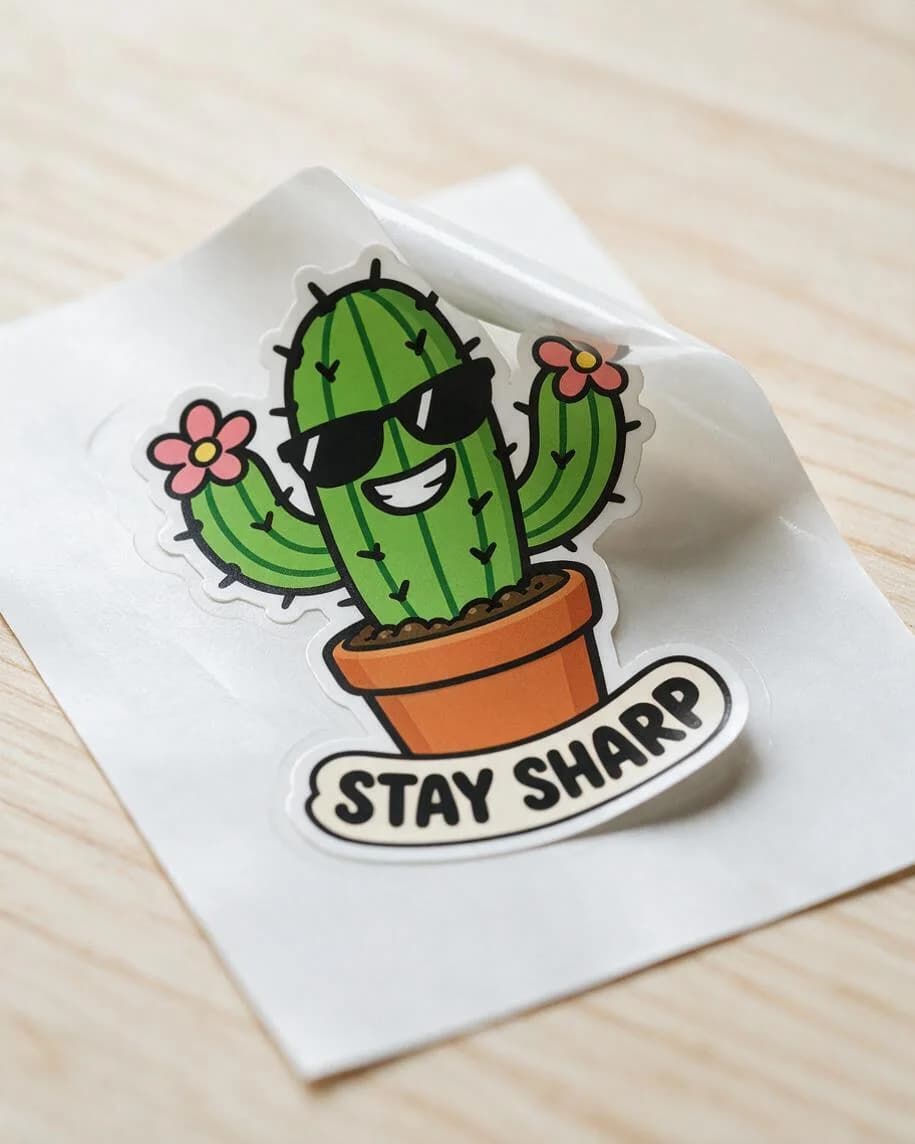
A die-cut sticker peeled from its backing. Mockups like this one let you show a sticker in your shop before you print a batch.
How to make digital stickers for WhatsApp and Telegram
Digital stickers skip the printer: you need a transparent PNG or WebP at the right size.
- In the app: WhatsApp has a built-in sticker maker. On Android, open the sticker tray in a chat and go to Create > Recents > See more > Photos, pick an image, then add text, emoji or drawings and send it.
- As a sticker pack (for app makers): WhatsApp's official sticker guide asks for stickers that are exactly 512 × 512 pixels in WebP format, at most 100 KB each (500 KB for animated stickers, up to 10 seconds long), with 3 to 30 stickers per pack and a 96 × 96 px tray icon of at most 50 KB. It recommends an 8 px white stroke around each sticker.
Telegram
- In the app: open the sticker panel in any chat and tap + to use the sticker editor, or use the @Stickers bot or mini app to create and manage packs.
- Size and format: static stickers are PNG or WebP with one side exactly 512 px and the other 512 px or less. Video stickers are WEBM (VP9), up to 3 seconds, 256 KB and 30 frames per second, with no sound. Custom emoji are 100 × 100 px.
To get a design to the right size, export a square PNG with a transparent background and resize it to 512 × 512 px; Telegram also accepts a non-square sticker as long as the longer side is 512 px.
Show the sticker before you print a batch
If you sell stickers, buyers want to see them in use, not as a flat file. A sticker mockup generator takes your design and returns a photo of it on a laptop lid, a water bottle or a notebook, or half peeled from its backing. Check the lettering in every mockup against your file before you post it.
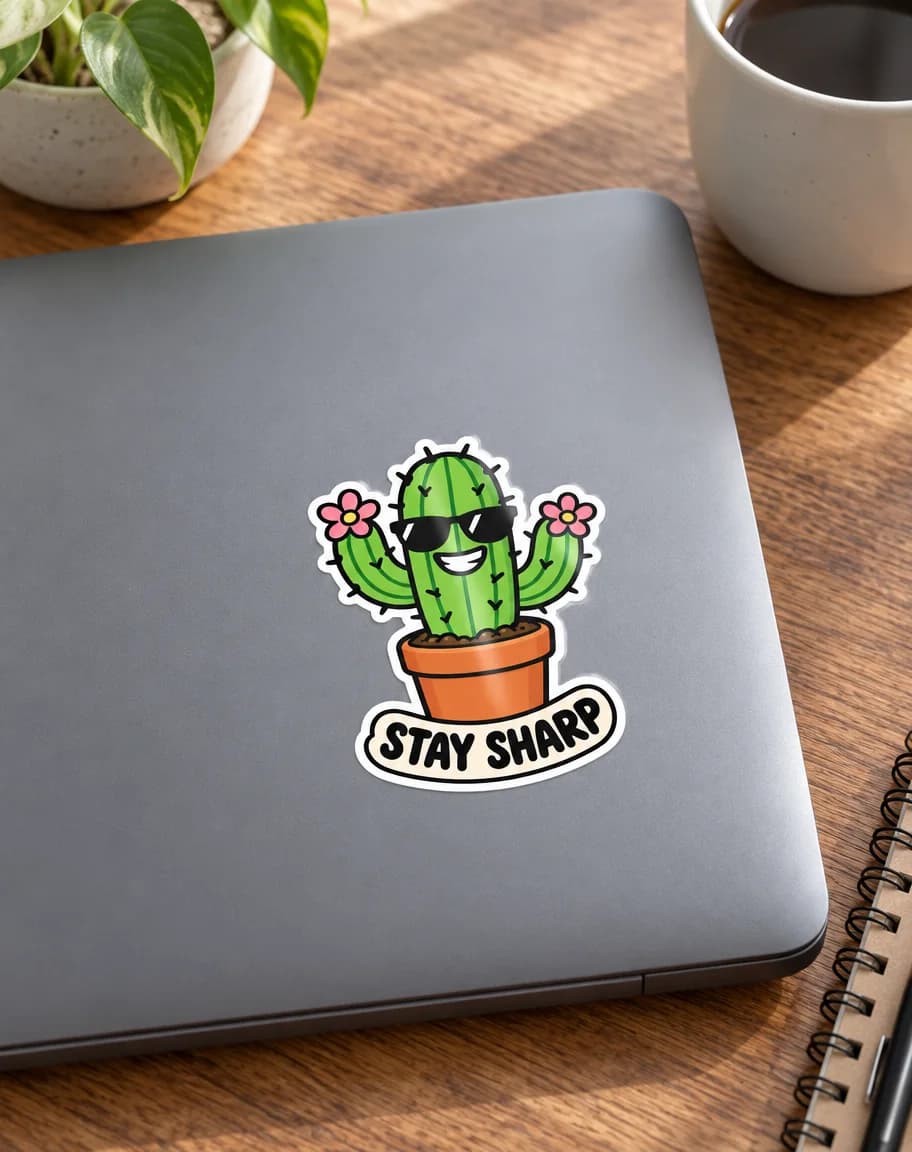
A laptop sticker mockup made from the same design with GPT Image 2.5 Sunburst.
How Kenerate helps you make stickers
| Step | Kenerate tool | What it does |
|---|---|---|
| Design | AI sticker generator | Makes a sticker from a description on a transparent background (AI Sticker tool in Edit Studio) |
| Clean edge | Transparent background maker | Removes the background from a photo or drawing and saves a transparent PNG |
| Die-cut border | Outline image | Adds an even white outline that follows the shape of the design |
| Preview | Sticker mockup generator | Shows the finished sticker on a laptop, a bottle or a notebook |
A new account gets 25 credits when you sign in with Google, GitHub or Discord. A turbo AI Sticker costs 9 credits and a Seedream 5.0 Pro mockup at 1K costs 13.5.
Common sticker-making mistakes
- Too much detail. Thin lines and small text disappear at 2 or 3 inches. Simplify before you print.
- Low resolution. A 300 × 300 px image printed at 3 inches looks soft. Aim for about 300 pixels per inch.
- No border. Without a white outline, every small cutting slip cuts into the design.
- Wrong paper for the printer. Inkjet sticker paper in a laser printer, or the other way round, smears or peels.
- Skipping the test print. One sheet of plain paper shows size and colour problems before you waste sticker paper.
- Expecting paper stickers to be waterproof. Use vinyl, a laminate, or both for bottles and laptops.
The short version
Make a simple design with bold outlines, remove the background and add a white border, then pick a method: print on sticker paper and cut by hand, print on vinyl and let a cutting machine cut it, or export a 512 × 512 px transparent image for WhatsApp or Telegram. Kenerate can do the design, the clean edge, the border and the product photo; the printing and cutting happen at home or at a print shop.