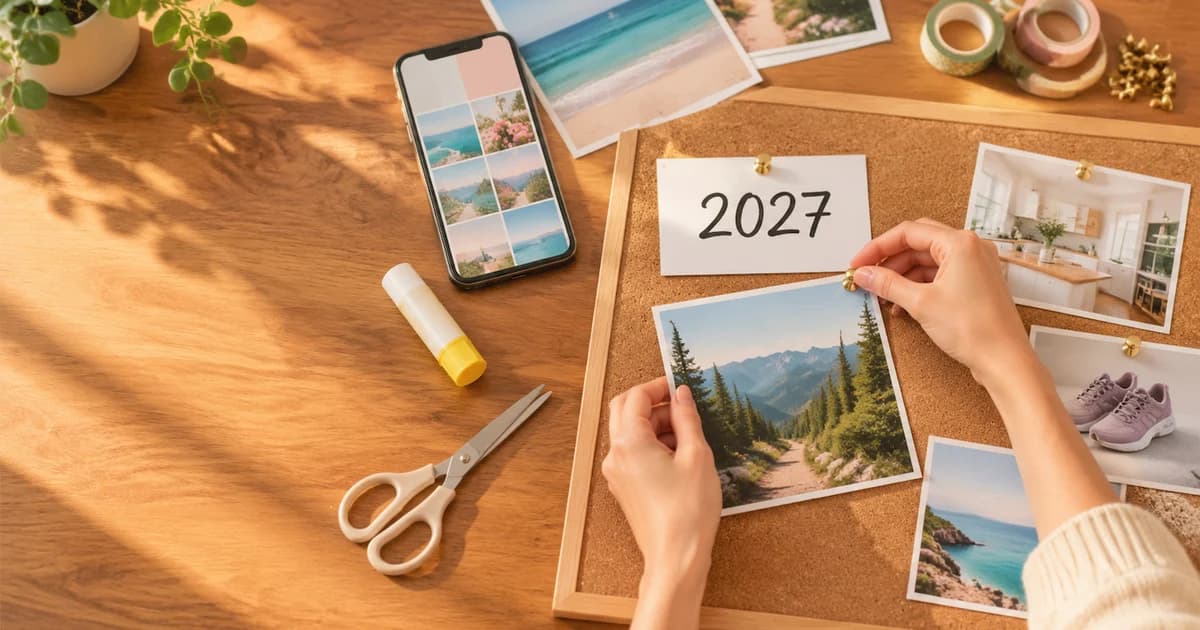
How do you make a vision board? Pick three to eight goals for the year, find one picture that shows each goal already achieved, add a few short words, and arrange them on one surface you'll see every day: a cork board or poster board for a physical board, or a phone or desktop wallpaper for a digital one. A good board takes about an hour by hand, or a few minutes with an AI vision board maker. The seven steps below work for both.
Updated 14 November 2026.
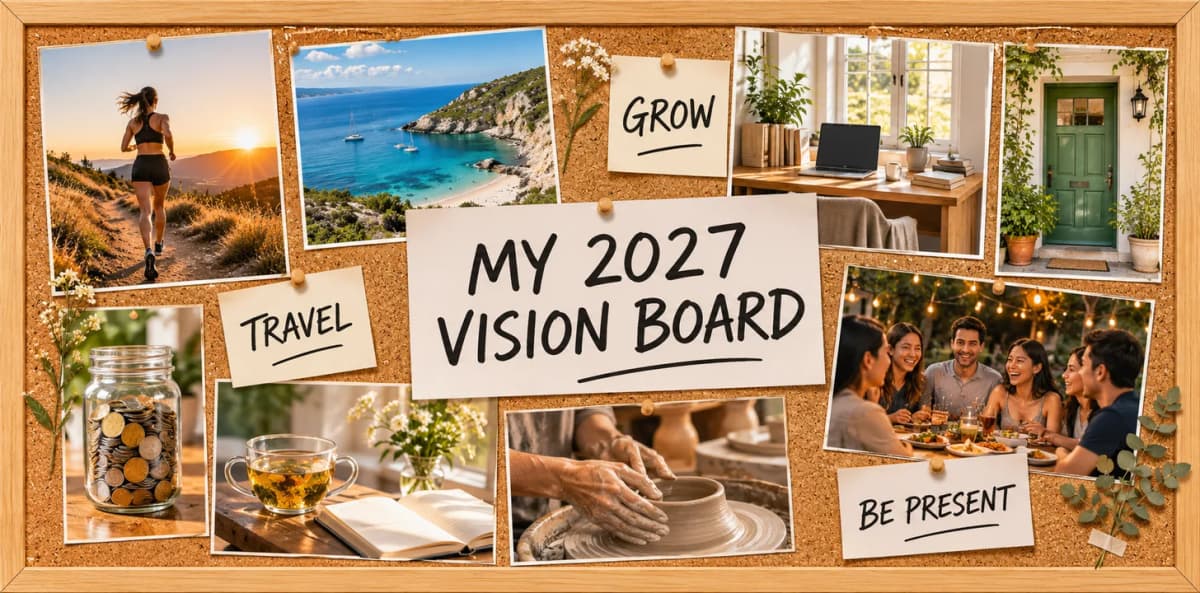
A whole-year board we made for this guide. Every board in this article was generated on Kenerate from a typed list of goals; the prompts are on the vision board maker page.
What is a vision board?
A vision board is a single collage of pictures and words that stand for your goals: the race you want to finish, the city you want to see, the kitchen you want to cook in. It isn't a to-do list. It's a reminder you look at every day, so the goals stay in front of you instead of in a notebook you open in March.
Most boards mix three things:
- Pictures that show the result, not the effort: the finish line, not the alarm clock.
- Words: short goals ("Run a half marathon") or affirmations ("Small steps, every day").
- Space: a board with room to breathe is easier to read at a glance than one covered edge to edge.
How to make a vision board in 7 steps
1. Choose 3 to 8 areas of your life
Start with the areas that matter to you this year. Common ones are health and fitness, travel, career, home, money, wellness, creativity and relationships. Fewer is better: three to five areas make a board you can take in at a glance.
2. Write one goal for each area, as if it's done
For each area, write one specific goal in a few words: "See 3 new countries" rather than "travel more", "Debt free" rather than "be better with money". If a goal has a deadline, put it on a 2027 calendar too; the board keeps it visible, the calendar keeps it on time.
3. Turn each goal into a picture and a phrase
Ask: what would I see if this goal were already true? A medal and a trail at sunrise. A tram on a Lisbon street. A green front door with your keys in it. Then cut the goal down to a phrase of five words or fewer. That phrase is what goes on the board.
4. Decide: physical or digital
| Physical vision board | Digital vision board | |
|---|---|---|
| What you need | Cork, foam or poster board, magazines or printed photos, scissors, glue or pins | A phone or computer and a vision board maker or design app |
| Where it lives | A wall, a desk, inside a wardrobe door | Your phone lock screen or desktop wallpaper |
| Easy to change | Move a pin | Regenerate or swap a picture |
| Best for | People who like making things by hand | People who check their phone more than their wall |
You don't have to choose only one. Many people make the board once and keep two copies: a print on the wall and a wallpaper on the phone.
5. Gather the pictures
For a physical board, cut pictures from magazines or print your own photos. For a digital board, use your own photos, or generate the pictures. On Kenerate you can describe the whole board, pictures and lettering included, and get it as one image (see below).
6. Arrange the board
Put your most important goal in the centre, or a title card like "MY 2027 VISION BOARD". Group the pictures by area so each corner of the board tells one story. Leave some background showing. Then add your phrases next to the pictures they belong to. Glue or pin only once you like the layout: take a phone photo of a few versions first and compare them.
7. Put it where you'll see it every day
A board you don't see doesn't do its job. Hang it by your desk or mirror, or set it as your lock screen. Look at it once a month and ask one question: what's the next small step for each picture? Swap a picture out when a goal is done.
How to make a physical vision board
You need a board, pictures, words and something to stick them with:
- Board: cork board, foam board or poster board. A common 22 × 28 in poster board gives plenty of room; a 16 × 20 in cork board fits a desk wall.
- Pictures: magazine cut-outs, printed photos or printed AI images.
- Words: letters cut from magazines, hand lettering on cards, or printed labels.
- Tools: scissors, a glue stick, pins or washi tape.
Lay everything out loose first, then fix it down. Pins and tape let you change the board through the year; glue makes it permanent.
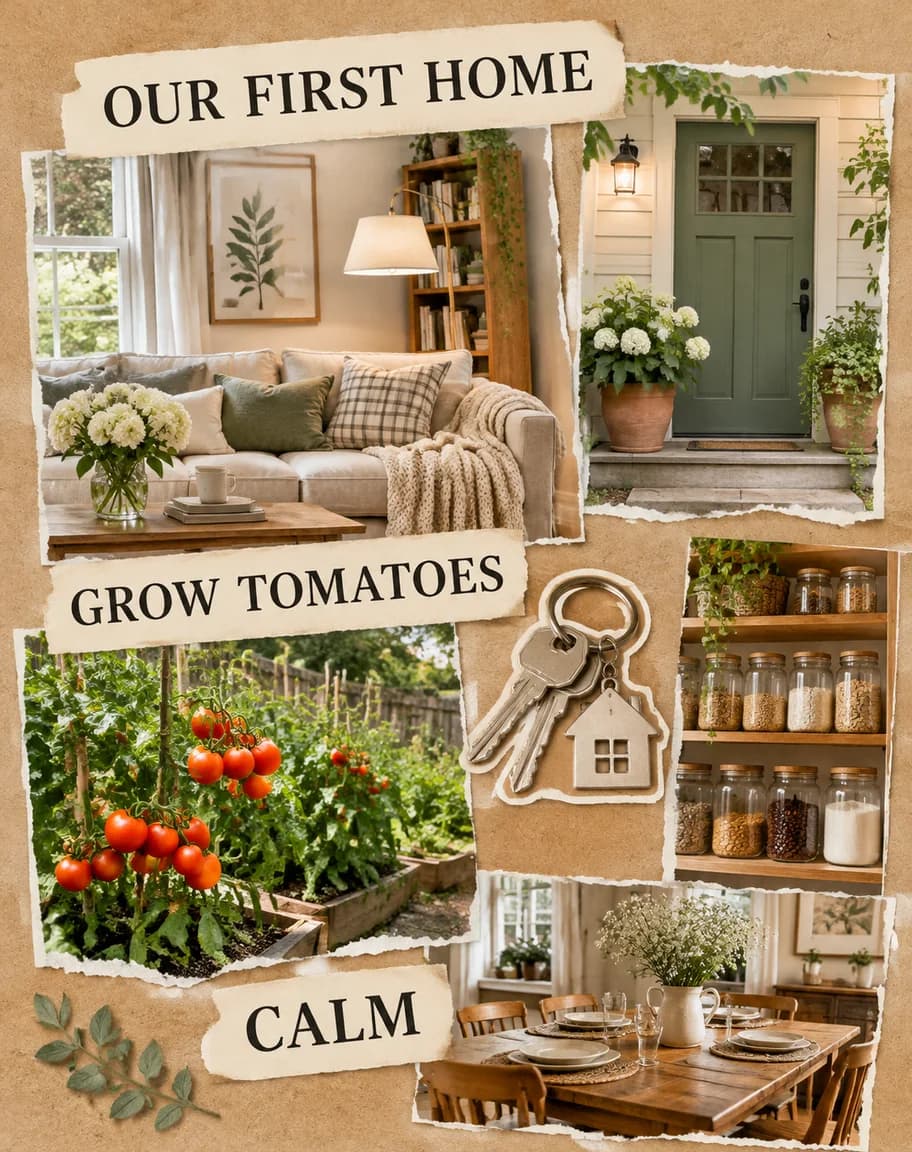
A magazine-collage style board for home goals. To make it physical, print the pictures and glue them to kraft paper or card.
How to make a digital vision board
A digital vision board is one image you set as your wallpaper. Pick the shape first:
- Phone lock screen: tall, 9:16. Keep the top third plain so the clock stays readable.
- Desktop wallpaper: wide, 16:9. Keep the centre calm so icons and windows don't cover your words.
- Print: 4:3 or 3:2 landscape, at 2K or 4K.
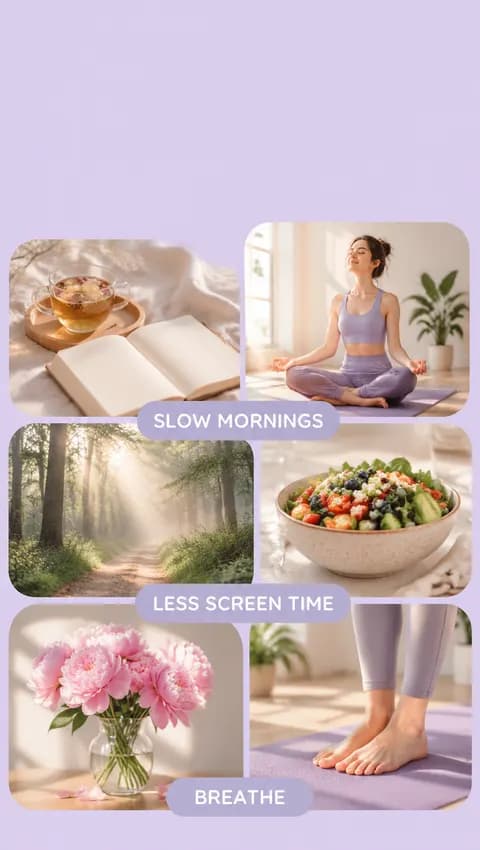
A 9:16 wellness board made as a phone lock screen. The empty top third leaves room for the clock.
You can build a digital board three ways:
- With your own photos, free: in Kenerate's collage maker, add 2 to 9 photos, pick one of 8 layouts and a size such as Story / Reel (1080 × 1920), press Make collage, then add your words as text layers. It uses no credits and needs no account.
- With AI, from a list of goals: describe the board and let an image model draw the pictures and the lettering together.
- With AI, from your own photos: attach your photos as references and ask for them pinned to a board with your words.
How to make a vision board with AI
An AI vision board maker turns a written list of goals into a finished board in one step. On Kenerate:
- Open Image Studio and choose GPT Image 2.6 Sunburst, a model built for exact text.
- Describe the surface (cork board, kraft paper or a clean digital grid), one picture per goal, and your phrases in quotes.
- Pick the shape (9:16, 16:9 or 4:3) and generate.
- Read every word, then download. There's no watermark.
A prompt that works:
A finished 2027 fitness vision board, photographed straight on: a cork board with printed photos pinned with brass pins: an adult woman running a forest trail at sunrise, a pair of trail running shoes, a bowl of oatmeal with berries, a rolled-up yoga mat, a steel water bottle, a finisher's medal on a ribbon. Small white paper cards with bold black hand lettering. The only words on the board, each spelled exactly: "2027", "RUN A HALF MARATHON", "STRONG", "SLEEP 8 HOURS". No other text anywhere.
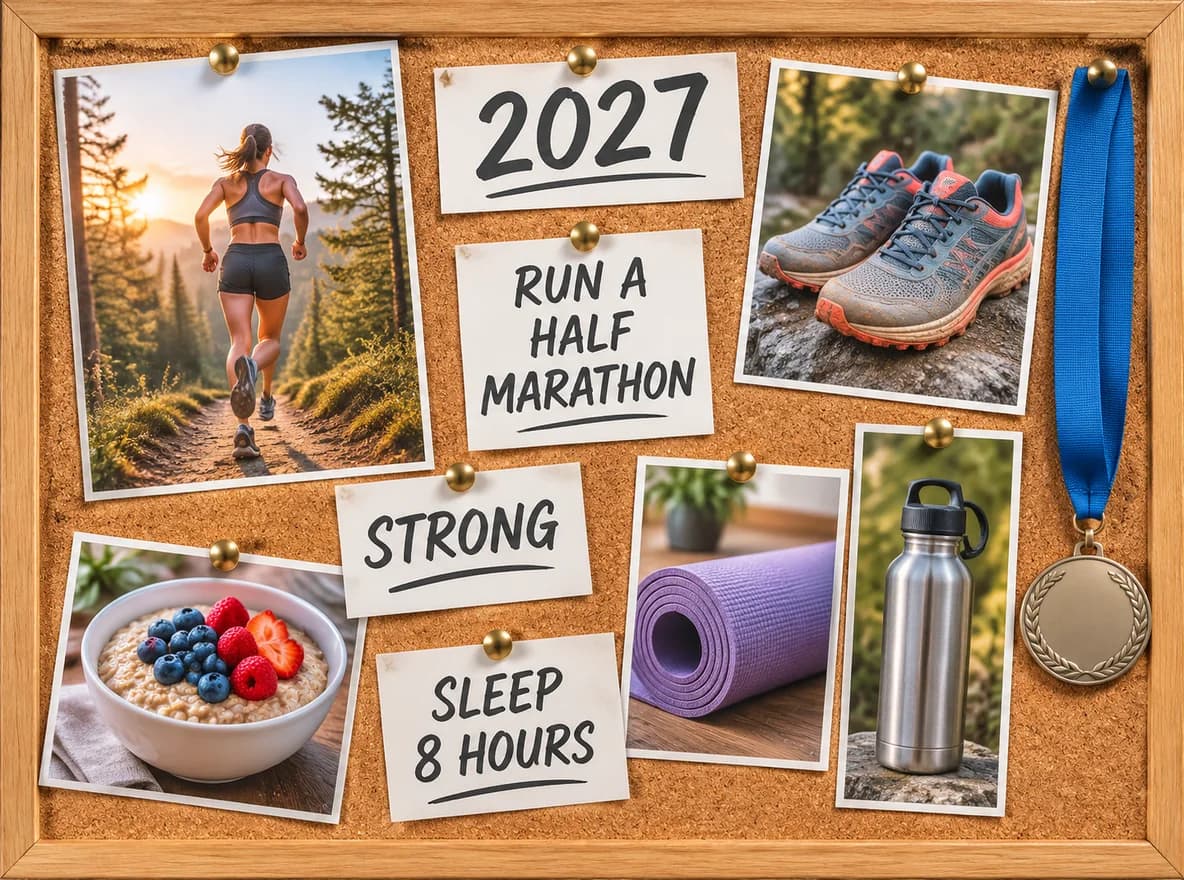
The board that prompt made, on the first try.
Three habits kept the words right on all ten boards we made for the vision board maker page:
- Put each phrase in quotes and add "each spelled exactly", then "no other text anywhere".
- Keep each phrase to five words or fewer, and use three or four of them.
- Ask for "no writing" on objects that usually carry text: medals, jars, laptop screens, notebooks.
If one word still comes out wrong, fix just that word with Kenerate's Edit Text in Image tool instead of regenerating the whole board.
Vision board ideas for 2027
One picture and one phrase per area, to copy or change:
- Health: a trail at sunrise, a medal. "Run a half marathon."
- Travel: a street or coastline you want to see, a passport. "See 3 new countries."
- Career: you presenting, a calm desk by a window. "Lead the big project."
- Home: a front door, a vegetable bed. "Our first home."
- Money: a coin jar, a quiet beach. "Debt free."
- Wellness: tea and a journal, a misty forest path. "Slow mornings."
- Creativity: a pottery wheel, a typewriter. "Finish my novel."
- Relationships: a long dinner table with friends. "Be present."
Short affirmations work well as the words on a board: "Small steps, every day", "I finish what I start", "I make room for rest".
Common vision board mistakes
- Too many goals. Twenty pictures turn into wallpaper you stop seeing. Keep it to three to eight.
- Vague pictures. "Success" is hard to picture; "a corner office with a plant" is easy.
- Long sentences. They're hard to read from across a room, and on AI boards they're harder to spell.
- Hiding it. A board in a drawer does nothing. Put it where your eyes already go.
- Never updating it. Swap pictures when goals are done or change.
The short version
Pick three to eight goals, find one picture and one short phrase for each, arrange them with the most important goal in the centre, and put the board where you'll see it daily. Make it by hand with magazines and a cork board, or digitally as a phone or desktop wallpaper. To skip the cutting and gluing, describe your goals in Kenerate's vision board maker and download a finished board, then put the dates on a printable 2027 calendar.