

Goals in, board out · phone, desktop or print · your own words
Vision board maker: a finished 2027 board from your goals
List your goals for 2027 and the few words you want to see every day. The AI draws the whole board, photos and lettering included, as a print, a phone lock screen or a desktop wallpaper. Prefer your own photos? Lay them out in the free collage tool.
- Your goals, your words
- Phone, desktop or print
- Your own photos as references
- No watermark
Updated by the Kenerate AI team




Made with Kenerate
On this page
Quick answer

How do you make a vision board with AI?
A vision board is one picture of your goals: photos of the life you want plus a few words. Kenerate's vision board maker does it in three steps: list your goals with the words in quotes, generate with GPT Image 2.6 Sunburst, and download. Each board below took one try at 15 credits (1K), and every word came out spelled right. Using your own photos in a collage costs nothing.
Key facts
- Model used here
- GPT Image 2.6 Sunburst (OpenAI)
- Words per board
- 3–4 short phrases, all spelled right first try
- Shapes
- 15 ratios: 9:16 phone, 16:9 desktop, 4:3 print
- Size
- 1K, 2K or 4K
- Your own photos
- Up to 16 as references
- Without AI
- Collage: 2–9 photos, 8 layouts, add text on top
- Watermark
- None
Gallery
10 finished 2027 vision boards
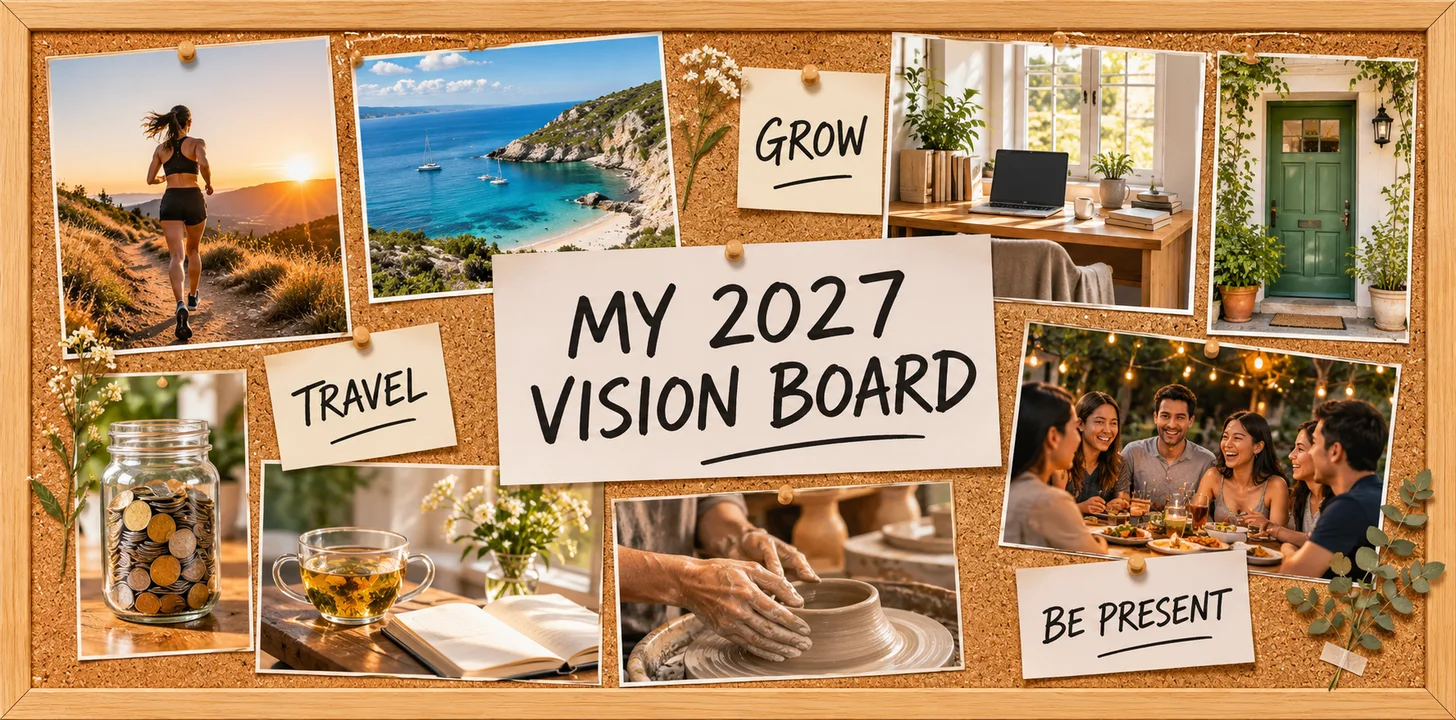
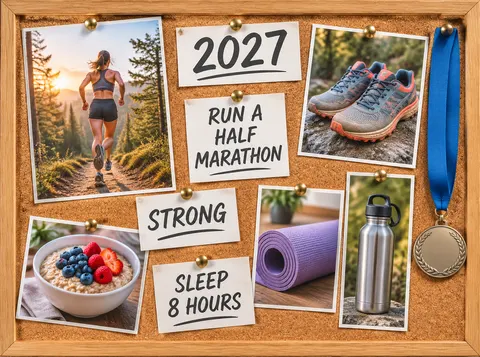
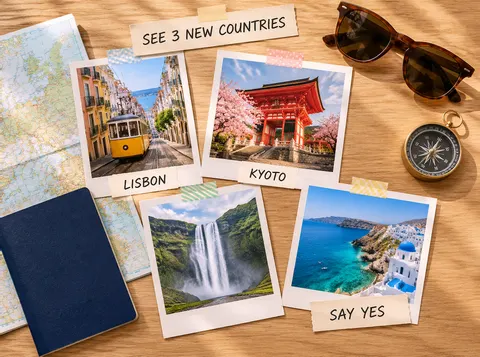
Real vision board outputs, one try each, made on 14 November 2026: nine from a typed list of goals on GPT Image 2.6 Sunburst and one from four photos on Nano Banana 2.1. We read every word on every board before publishing; none needed a fix. Open a board to copy its prompt and swap in your own goals.
How to
How to use the vision board maker
- Time needed
- Steps
- 4 steps
Step 1
List 3–5 goals
Write down three to five goals for 2027 and one short phrase for each, five words or fewer. Those phrases are the only words that go on the board.
Step 2
Describe the board
Open Image Studio at /app/image and pick GPT Image 2.6 Sunburst. Describe the surface (cork board, kraft paper, a clean digital grid), one photo idea per goal, and your phrases in quotes. Sign in free for starter credits.
Step 3
Choose the shape and generate
Pick 9:16 for a phone, 16:9 for a desktop or 4:3 to print, then generate. To use your own photos instead, attach them as references and ask for them pinned on the board.
Step 4
Check the words and download
Read every word. Fix a misspelled one with Edit Text in Image, then download with no watermark and print it or set it as your wallpaper.
See it in the app

Open Image Studio and type what you want to see — subject, style, lighting and mood.


Watch the tour · 1:23
Prompts, styles, references, edit, Arena & chat
Chapters
Tips
Get the words right on the first try
Lettering is where AI boards go wrong. On our ten boards these habits kept every word correct.
Put each phrase in quotes and add “each spelled exactly”. Then say “no other text anywhere” so the model doesn't invent captions.
Keep phrases to five words or fewer, and use three or four of them. A board full of sentences is harder to read and harder to spell.
Name one photo per goal (“a trail runner at sunrise”, “a jar of coins”), not the goal itself. Pictures carry the goal; words are reminders.
Ask for “no writing” on things that usually carry text: medals, jars, laptop screens, notebooks, passports.
Pick the shape before you generate: 9:16 for a phone lock screen (leave the top third plain for the clock), 16:9 for a desktop, 4:3 or 3:2 to print.
Read every letter after it renders. If one word is off, fix just that word with Edit Text in Image instead of regenerating the board.
Models
Which AI model makes the best vision board?
What each model is good at. Open any one straight in the generator.
OpenAI
GPT Image 2.6 Sunburst
- Reference images
- Up to 16
- Output
- 1K–4K · 15 ratios
Open GPT Image 2.6 SunburstBest for
Made nine boards here; exact short lettering
Google
Nano Banana 2.1
- Reference images
- Up to 14
- Output
- Up to 4K · 14 ratios
Open Nano Banana 2.1Best for
Boards from your own photos; made the photo board here

OpenAI
GPT Image 2.5 Sunburst
- Reference images
- Up to 16
- Output
- 1K–4K · 15 ratios
Open GPT Image 2.5 SunburstBest for
Cheaper drafts with text rendering
- Free plan

Alibaba
Qwen Image 3.0
- Reference images
- Up to 3
- Output
- 1K · 2K
Open Qwen Image 3.0Best for
Free plan — try a layout first
FAQ
Vision Board Maker questions
9 questions

How do I make a vision board online?
Write three to five goals and a short phrase for each, then describe the board in Kenerate's Image Studio: the surface (cork board, kraft paper or a digital grid), one photo per goal and your phrases in quotes. Generate with GPT Image 2.6 Sunburst, read every word, and download. It takes a few minutes, and the prompts under each board above work as templates.
Link to this answerCan I make a vision board with my own photos?
Yes, two ways. Free: open Edit Studio, choose Collage, add 2 to 9 photos, pick one of 8 layouts and press Make collage, then add your words as text layers; there's no credit cost and no account needed. With AI: attach your photos as references (up to 16 on GPT Image 2.6 Sunburst, up to 14 on Nano Banana 2.1) and ask for them pinned on a board with your words, as in the photo board above.
Link to this answerIs the vision board maker free?
The collage route is free: Edit Studio's Collage uses no credits and needs no account. AI boards use credits: GPT Image 2.6 Sunburst is 15 credits at 1K, 30 at 2K and 54 at 4K, and Nano Banana 2.1 is 21 at 1K. A new account gets 25 credits on sign-up, Qwen Image 3.0 is on the free plan, and credit packs are one-time and never expire. Downloads have no watermark.
Link to this answerWill the AI spell the words on my board correctly?
With short phrases, usually yes. On our ten boards, 3–4 phrases each, every word came out right on the first try with GPT Image 2.6 Sunburst and Nano Banana 2.1. Still read every letter: long sentences and many small labels raise the chance of a slip. If one word is wrong, fix only that word with Edit Text in Image.
Link to this answerWhat should I put on a vision board?
One picture for each goal and a few words to remind you of it. Cover three to eight areas (health, travel, career, home, money, wellness, creativity, relationships) and pick pictures that show the result: the finish line, the city, the kitchen. Add short phrases or affirmations, and leave some empty space so the board is easy to read.
Link to this answerHow do I make a digital vision board for my phone?
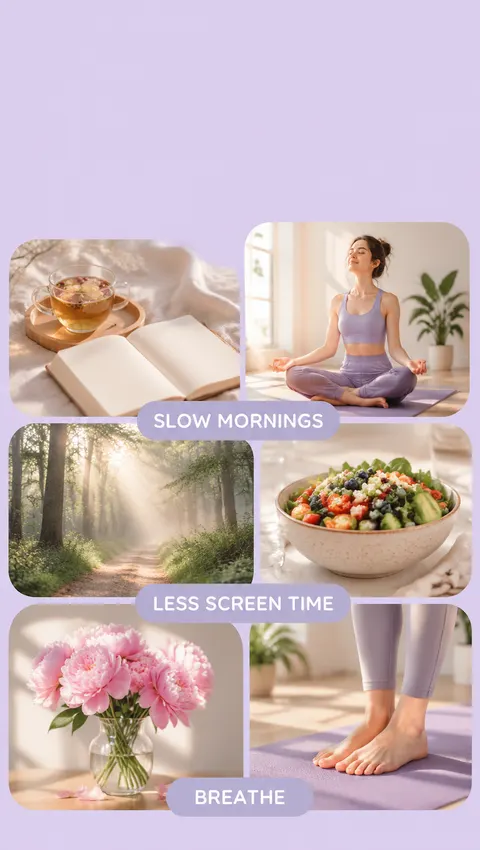
Pick the 9:16 ratio and say “phone lock-screen wallpaper, keep the top third plain so the clock stays readable”, as in the wellness board above. For a computer, use 16:9 and keep the middle clear of desktop icons. Download the image and set it as your wallpaper. With your own photos, the free Collage tool has a Story / Reel size of 1080 × 1920.
Link to this answerWhat size should a printed vision board be?
Print it at the size you'll see every day, from a letter-size sheet on the fridge to an 18 × 24 in poster. Generate at 4:3 or 3:2 and at 2K or 4K for print, or enlarge a finished board with Kenerate's Image Upscaler (up to 8K). For a physical board, print the photos separately and pin them to cork or foam board.
Link to this answerIs there a vision board template?
Yes. Every prompt on this page is a template: keep the surface and layout words and swap in your own goals and phrases. For your own photos, Edit Studio's Collage has 8 layouts, from 2 side by side to a 3 × 3 grid, and 8 canvas sizes, including Story / Reel 1080 × 1920 and Poster (A4) 1240 × 1754.
Link to this answerDo I need an app to make a vision board?
No. Kenerate runs in your phone or desktop browser, so there's nothing to install. Make the board, download it and set it as your phone or desktop wallpaper, or send it to a printer.
Link to this answerIn depth
Vision Board Maker, explained
What works, what to avoid, and how to pick a model.
On this page
Three ways to make a vision board on Kenerate
Pick the route that matches what you have: a list of goals, your own photos, or both.
- From a list of goals (AI): describe the board in Image Studio and GPT Image 2.6 Sunburst draws the photos and the lettering in one image. This made nine of the boards above.
- From your own photos (free, no AI): Edit Studio → Collage. Add 2–9 photos, pick a layout such as 3 × 3 or 1 big + 2, press Make collage, then add your words with the Text tool and download a PNG, JPG or WebP.
- From your own photos (AI): attach up to 16 photos to GPT Image 2.6 Sunburst or up to 14 to Nano Banana 2.1 and ask for them pinned to a board with your words. This made the photo board above from four photos.
- Physical board: print the board, or print single pictures and pin them to a cork or foam board. Many people keep a printed copy and a phone-wallpaper copy of the same board.
2027 vision board ideas by area of life
A picture to generate for each goal, with a short phrase that fits it:
- Health and fitness: a trail runner at sunrise, a medal, a bowl of oats. Phrase: “Run a half marathon”.
- Travel: a street, a temple or a coastline you want to see, a map, a passport. Phrase: “See 3 new countries”.
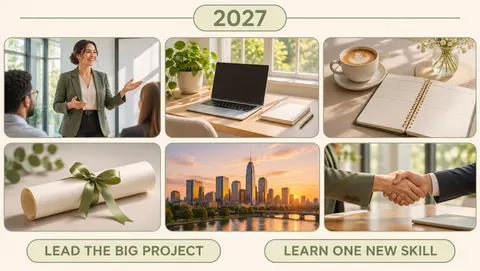
- Career: you presenting, a calm desk by a window, a handshake. Phrase: “Lead the big project”.
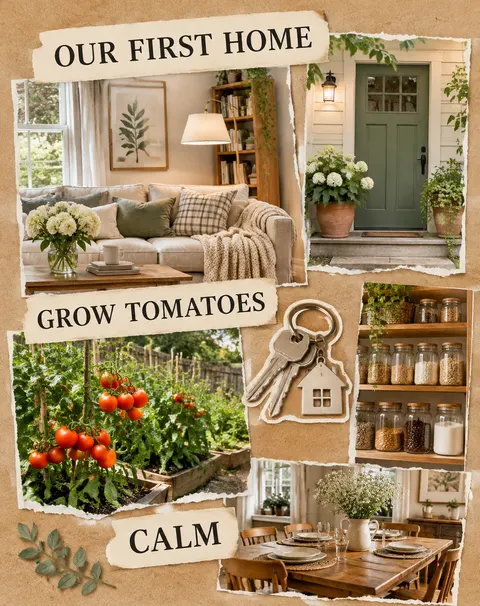
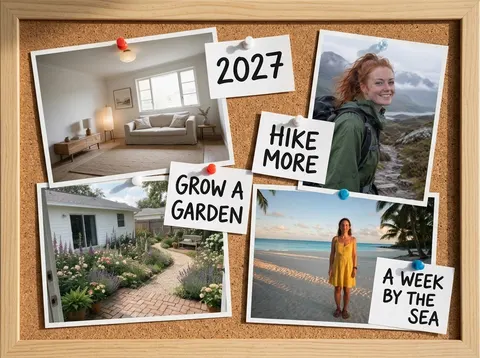
- Home: a front door, a reading corner, a vegetable bed. Phrase: “Our first home”.
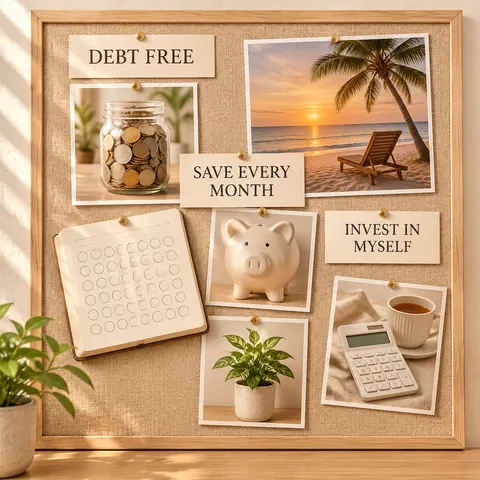
- Money: a coin jar, a savings tracker, a quiet beach. Phrase: “Debt free”.
- Wellness: tea and a journal, a misty forest path, a yoga mat. Phrase: “Slow mornings”.
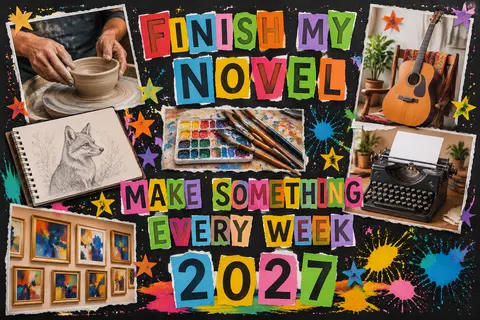
- Creativity: a pottery wheel, a guitar, a typewriter. Phrase: “Finish my novel”.
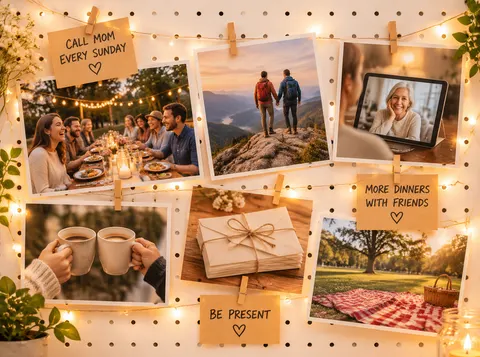
- Relationships: a long dinner table with friends, a video call home, a picnic. Phrase: “Be present”.
- Learning: a stack of books, a language notebook, a lecture hall. Phrase: “Read 24 books”.
Vision board quotes and affirmations
Short lines to put on a board, written for this page rather than borrowed from anyone. Keep one to three per board, and put each in quotes in your prompt:
- Small steps, every day.
- I keep the promises I make to myself.
- Done is better than perfect.
- My body is strong and getting stronger.
- I say yes to new places.
- I am building a home that feels calm.
- Every month, a little more saved.
- I make room for rest.
- I finish what I start.
- I make something every week.
- The people I love come first.
- This is my year to grow.
Vision board templates and sizes
Choose the shape first; it decides how the board is laid out.
- Phone lock screen: 9:16. Keep the top third plain for the clock (see the wellness board).
- Desktop wallpaper: 16:9. Keep the centre calm so icons and windows don't cover the words (see the career board).
- Print on letter or A4: 4:3 or 3:2 landscape, or 3:4 portrait. Use 2K or 4K, or upscale.
- Square for sharing: 1:1 (see the money board).
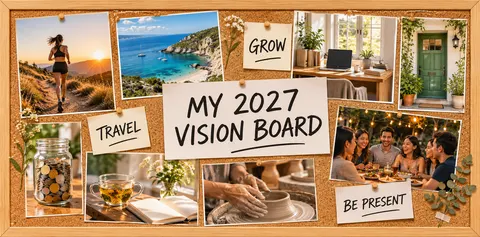
- Wide banner or whole-year board: 2:1 (see the whole-year board at the top).
- Your own photos in the free Collage tool: Story / Reel 1080 × 1920, Insta post 1080 × 1080, Pinterest pin 1000 × 1500 or Poster (A4) 1240 × 1754.
By the Kenerate AI teamLast updated and reviewed
We build and run the Kenerate generator. Every example is a real output of the model named under it; models and presets were checked against the app's code.
Sources: Kenerate Image Studio · Kenerate Edit Studio (Collage, Text, Edit Text in Image) · Kenerate collage maker: layouts and sizes
