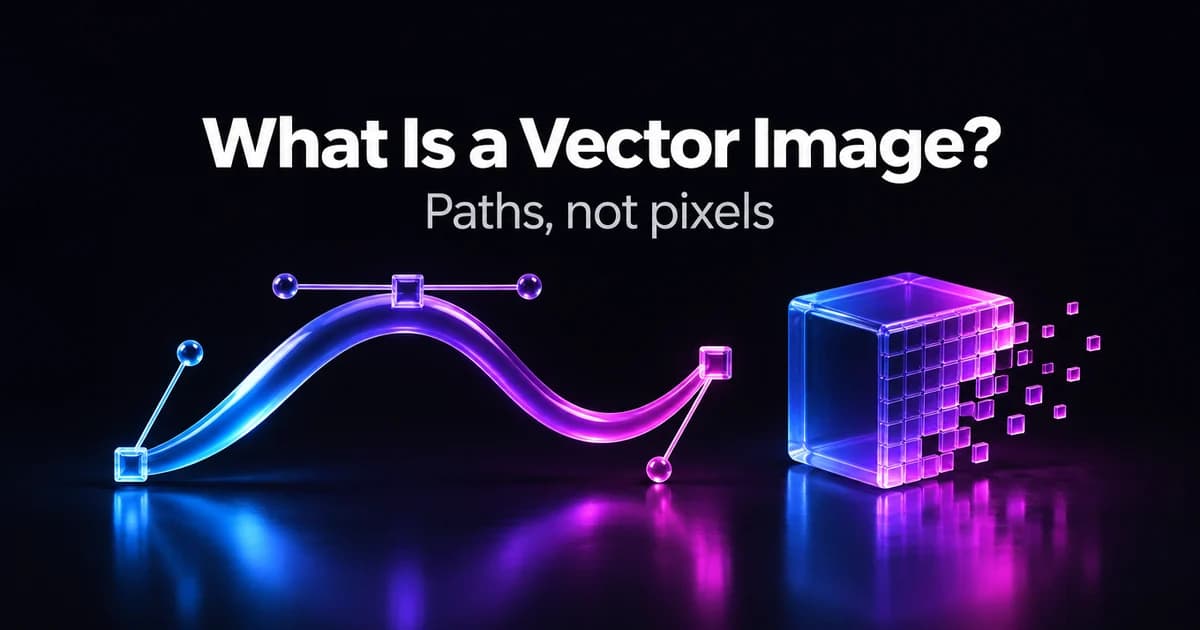
What is a vector image? It's a picture stored as geometry — points, lines, curves and shapes described by coordinates and formulas — rather than as a grid of coloured pixels. Because the computer redraws those shapes every time you open or resize the file, a vector image stays perfectly sharp at any size, from a favicon to a billboard. Logos, icons, fonts and illustrations are usually vectors; photographs are not. The most common vector format on the web is SVG, the W3C standard for vector graphics.
Updated 12 November 2026.
What is a vector image, in plain terms?
Think of a raster image (a JPG or PNG) as a mosaic: thousands of tiny coloured tiles, fixed in number. A vector image is closer to a set of instructions: "start here, curve to there, fill the shape purple". When you zoom in on a mosaic you eventually see the tiles. When you zoom in on instructions, the computer simply follows them again at the new size.
That one difference explains almost everything else about vectors: why they scale, why their files are small, why they're easy to recolour, and why they're the wrong choice for photos.
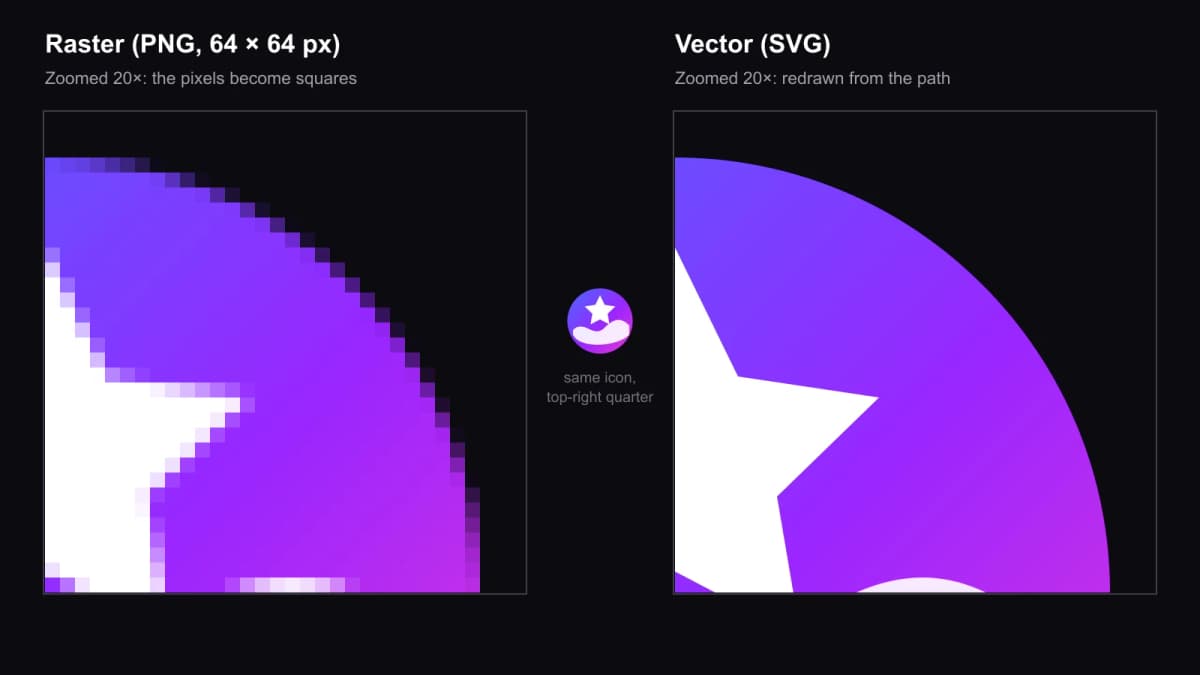
We drew one icon as an SVG, saved a 64 × 64 PNG copy, then enlarged the same quarter of each 20 times. The PNG turns into squares; the SVG is redrawn from its path.
How is a vector image made?
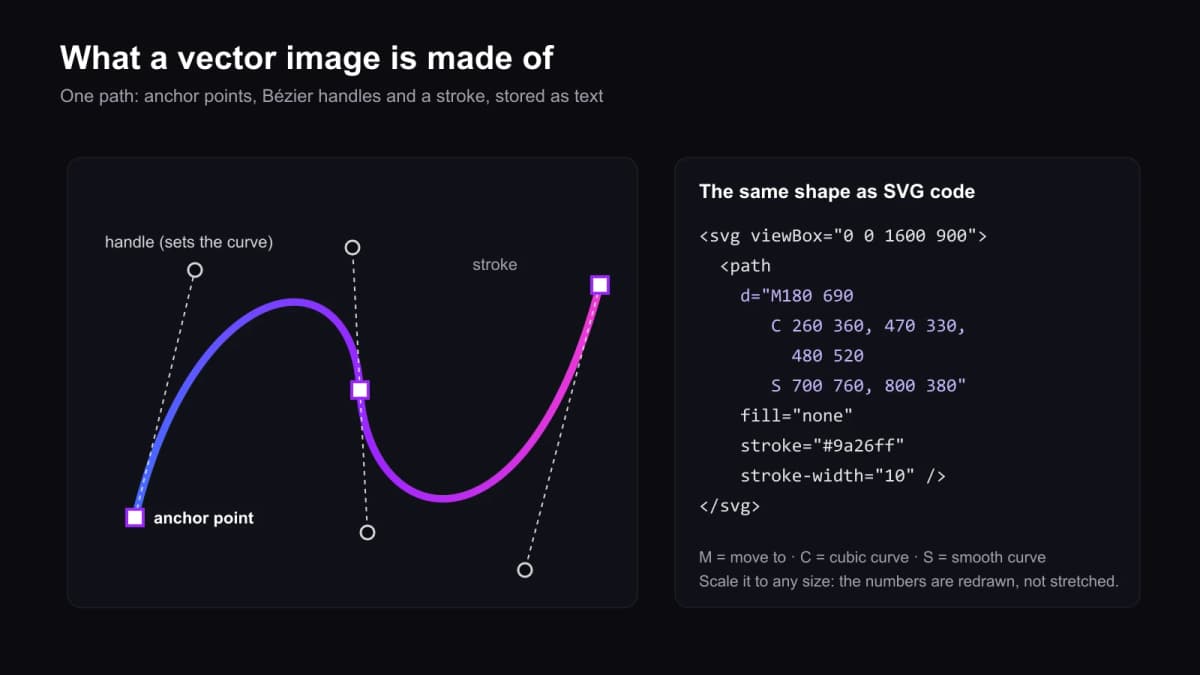
Every vector shape is built from a few parts:
- Anchor points — the fixed points a line passes through.
- Paths — the lines or curves between anchor points. Curves are usually Bézier curves, steered by handles that pull the line in a direction.
- Stroke — the outline: its colour, width and style.
- Fill — the colour, gradient or pattern inside a closed shape.
In an SVG file all of this is plain text. The d attribute of a path is a list of commands: M moves to a point, C draws a cubic curve, S continues it smoothly, Z closes the shape. You can open an SVG in a text editor and read it.
Vector vs raster: what's the difference?
| Vector | Raster (bitmap) | |
|---|---|---|
| Stored as | Shapes, paths and formulas | A fixed grid of pixels |
| Scaling | Sharp at any size | Blurs or pixelates when enlarged |
| File size depends on | Number of shapes | Number of pixels |
| Best for | Logos, icons, type, diagrams, illustrations, cutting and print graphics | Photos, painterly art, textures, screenshots |
| Editing | Move, reshape or recolour each object | Paint or retouch pixels |
| Common formats | SVG, EPS, PDF, AI, EMF | JPG, PNG, GIF, WEBP, TIFF, PSD |
Adobe's own rule of thumb is a good test: enlarge the image. If it turns blurry or blocky, it's raster.
Two caveats are worth knowing. A PDF can hold vectors, pixels or both, so "it's a PDF" doesn't guarantee a vector. And every screen is a raster device: a vector file is always converted to pixels (rasterised) at the moment it's displayed or printed — you just get to pick the size each time.
What are the most common vector file formats?
- SVG (Scalable Vector Graphics) — the open W3C standard, written in XML. Works natively in every modern browser and opens in Figma, Illustrator and Inkscape. The default choice for the web.
- AI — Adobe Illustrator's working file.
- EPS — an older PostScript-based format still requested by some printers.
- PDF — often used to hand over print-ready vector artwork.
- EMF / WMF — Windows vector formats used in Office documents.
- DXF / DWG — CAD formats used by engineers, and by laser cutters and plotters.
If someone asks you for "a vector file" with no format named, SVG for screens and PDF or EPS for print are the safe answers.
When should you use a vector image?
Use a vector when the image is made of clean shapes and will be shown at more than one size:
- Logos and brand marks — one file for a business card, a website header and a shop sign.
- Icons and UI graphics — crisp on standard and high-density screens.
- Illustrations and infographics with flat colours and clear edges.
- Print, cutting and engraving — vinyl cutters, laser engravers and embroidery software follow paths, not pixels.
- Charts and diagrams that need editing later.
Stick to raster for photographs and anything with continuous tones, soft lighting or fine texture. Vectors can imitate these with many gradients, but the file gets large and still rarely looks photographic.
Can you convert a raster image into a vector?
Partly. Going from vector to raster is easy — every export does it. Going the other way means tracing: software (Illustrator's Image Trace, Inkscape's Trace Bitmap and similar tools) detects edges and colour regions and draws new paths around them. It works well for simple, high-contrast artwork such as a black-and-white logo, and poorly for photos, which become thousands of blotchy shapes. Expect to clean up a trace by hand.
A cleaner route for new artwork is to start in vector in the first place — in a design app, or with an AI model that outputs SVG directly.
Can AI make a vector image?
Yes, but most AI image generators produce raster images (PNG, JPG or WEBP), even when the style looks flat and "vector-like". A file only counts as a vector if it's actually stored as paths.
OpenAI's GPT Image 2.6 (November 2026) can export SVG from a text prompt — not from an uploaded photo. On Kenerate you can pick SVG as the output format in the Image Studio; see our AI SVG generator page for examples and prices. Prompts that work best describe flat shapes, a small palette and no photographic detail:
AI Prompt RecipeFlux.1 Pro16:9“A flat vector logo of a fox head made of simple geometric shapes, orange and cream on a transparent background, three colours only, no gradients, no text, clean even strokes.”
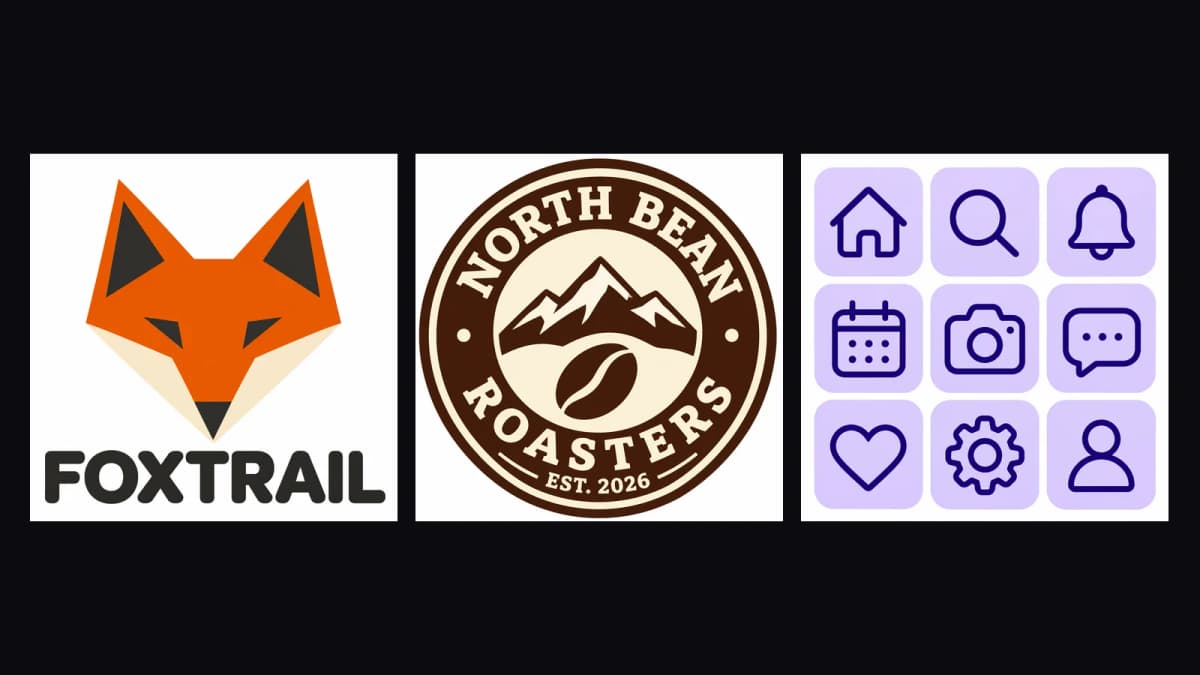
Flat, logo-style prompts suit SVG output. Shown here as WebP previews.
Check an AI SVG the same way you'd check a trace: open it in a vector editor, look for stray or overlapping shapes, and simplify paths before you send it to a printer or cutter. For a logo, our ChatGPT logo generator and AI logo generator guides cover prompting in more detail.
The short version
A vector image is a set of drawing instructions, not a grid of pixels, so it scales without losing quality, stays small and is easy to edit. Use vectors (usually SVG) for logos, icons, type and illustrations; use raster formats for photos. If you need a vector from an existing picture, trace it and tidy it up — or generate it as SVG from the start.