Text to b-roll · silent or with sound · 16:9 and 9:16
AI B-Roll Generator — the cutaway shot you need, from one sentence
Describe the cutaway — a coffee pour, a skyline at dusk, hands on a keyboard — and get a 2–30 second clip to drop under your voice-over or interview. Silent by default, up to 1080p, no watermark.
- Silent b-roll or native sound
- 2–30 s per clip on Wan 3.0
- 16:9 for YouTube, 9:16 for Shorts
- Animate your own product photo
Updated by the Kenerate AI team




Made with Kenerate
On this page
Quick answer

What is an AI b-roll generator?
B-roll is the supporting footage you cut to over your main shot (the A-roll): a coffee pour, a city skyline, hands typing — shots that show what the speaker is talking about and hide jump cuts. An AI b-roll generator makes those cutaways from a text prompt instead of a stock library or a shoot. On Kenerate AI, Wan 3.0 makes a silent 5-second b-roll clip at 720p for 150 credits, 2–30 seconds long, in 16:9, 9:16 or 1:1; the Video Studio needs a paid plan.
Key facts
- Default model
- Wan 3.0 (Alibaba), picked for silent b-roll
- Clip length
- 2–30 s per clip
- Resolution
- 480p · 720p · 1080p, 4K with the video upscaler
- Sound
- Off or on, same price on Wan 3.0
- Ratios
- 16:9 · 9:16 · 1:1 · 4:3 · 3:4
- From your own image
- Image to video from a product photo or a frame
- Watermark
- None
- Plan
- Video Studio needs a paid plan
Real results
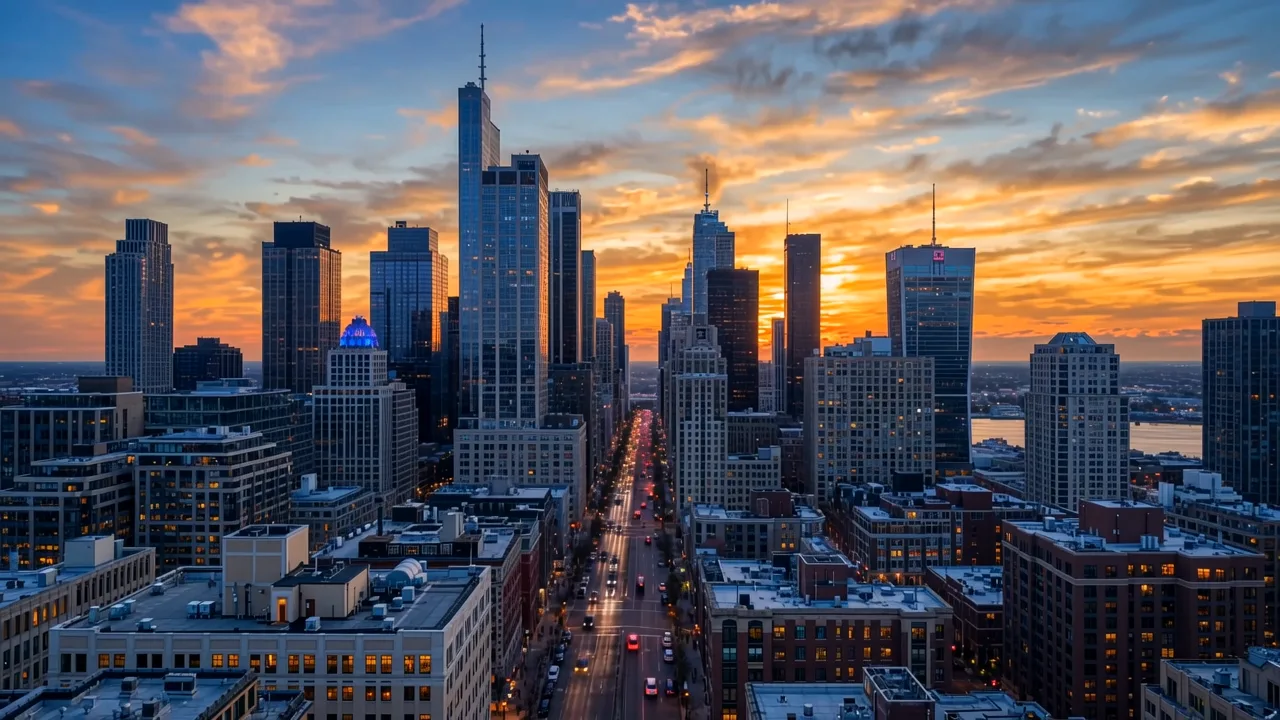
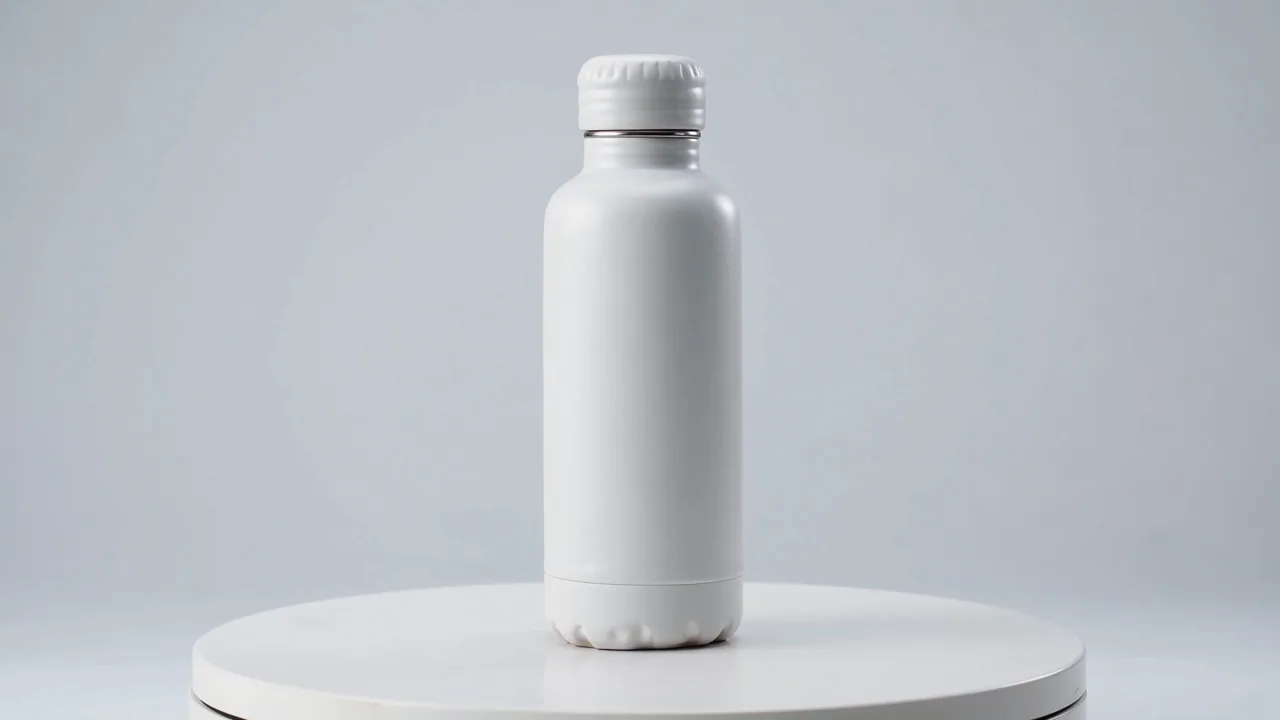
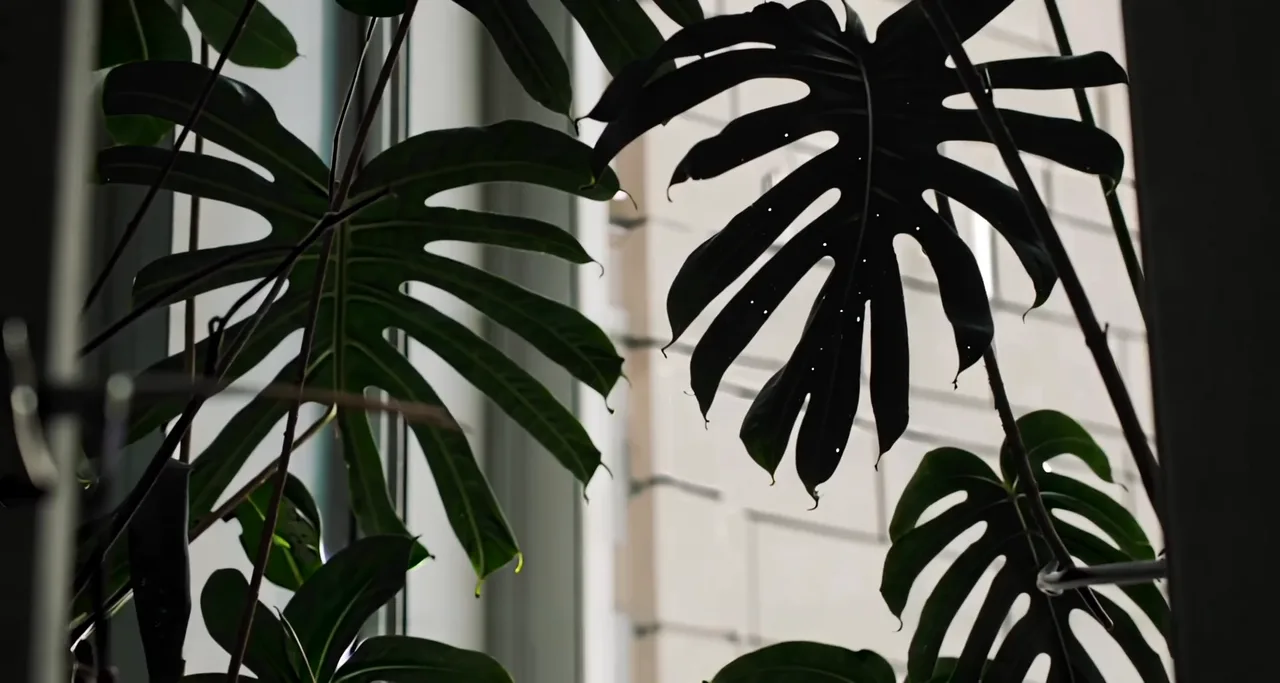
Six classic b-roll shots, generated
The cutaways editors reach for most, each made from one text prompt. Captions say what didn't work, too.
Real, unedited text-to-video clips made on Kenerate on 12 November 2026 — five on Wan 3.0, one on LTX 2.3. Open one to copy the prompt.
How to
How to make b-roll with AI
- Time needed
- Steps
- 4 steps
Step 1
Mark the gaps in your edit
Go through your A-roll and note every line that needs a picture, every jump cut to hide and every long talking stretch. Each gap becomes one b-roll shot.
Step 2
Describe one shot per prompt
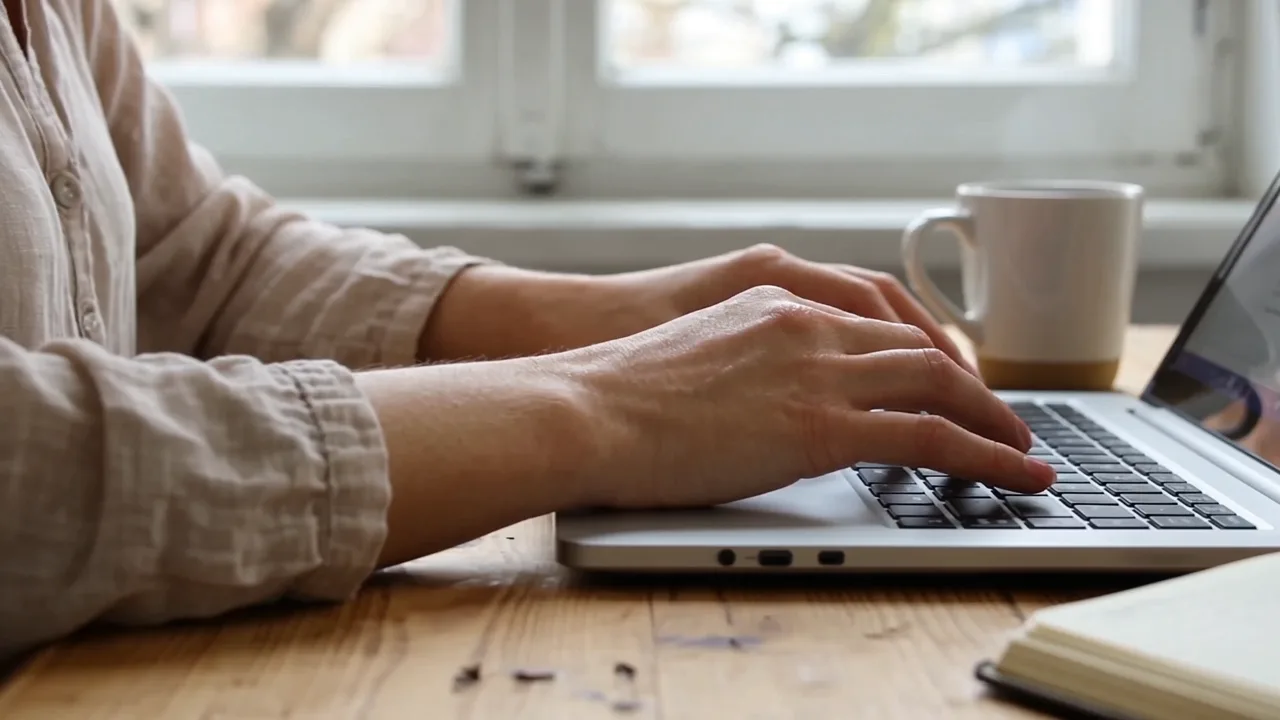
Subject, action, one camera move, light and lens: "close-up of hands typing on a laptop by a window, soft daylight, slow sideways slide". One idea per clip cuts better than a busy scene.
Step 3
Pick the frame and length
16:9 for YouTube and websites, 9:16 for Shorts, Reels and TikTok. Most cutaways are 2–5 seconds on screen, so generate 5 s and trim. Turn sound off unless you want the model's ambience.
Step 4
Generate, then keep or retry
Watch the clip once at full size. Keep it, or change one thing in the prompt and run it again — our coffee and turntable shots needed a second look.
See it in the app

Open Video Studio in Text to Video mode and write the shot — subject, action, camera move and light.


Watch the tour · 1:19
Text, image & reference to video, models, edit, extend & chat
Chapters
Checked 12 November 2026
AI b-roll, stock footage or a shoot?
Three ways to fill a cutaway. AI wins when the shot is generic but specific to your script; real footage wins when it has to be a real place, person or product.
| AI b-roll on Kenerate | Stock footage library | Shoot it yourself | |
|---|---|---|---|
| You get | The shot you describe, in your frame | The closest clip someone already filmed | Exactly your subject, real |
| Time per shot | A few minutes to generate | Minutes to hours of searching | Hours to days |
| Vertical 9:16 | Generated in 9:16 | Often cropped from 16:9 | If you film it that way |
| Real places and people | Not real — label realistic scenes | Real, licence decides use | Real, with releases |
| Your own product | From your photo (image to video) | Not available | Yes |
| Consistency across shots | Hard; reuse a start image | Hard across different clips | Easy |
| Watermark | None | Until licensed | None |
Compared on 12 November 2026. Stock licences and prices vary by library; check each library's terms.
Sources: Kenerate Video Studio · YouTube Help — Disclosing altered or synthetic content · Kenerate AI terms of service
Engines
Video models that make good b-roll
From Kenerate's live model list, 12 November 2026. Wan 3.0 is the default for silent b-roll; the others are for 4K, sound or cheap drafts.
- Default for b-roll
Alibaba
Wan 3.0
- Input
- Text, image or 10 refs
- Output
- 2–30 s · up to 1080p · sound on or off
Open Wan 3.0Best for
Everyday silent b-roll, vertical or wide
ByteDance
Seedance 2.5
- Input
- Text, image or 30 refs
- Output
- 4–30 s · up to 4K · sound
Open Seedance 2.5Best for
Cinematic hero cutaways in 4K
Google DeepMind
Veo 3.1
- Input
- Text, image or 3 refs
- Output
- 4/6/8 s · up to 4K · sound
Open Veo 3.1Best for
Shots with matching ambience
Kuaishou
Kling v3 Pro
Lightricks
LTX 2.3
- Input
- Text or image
- Output
- 5–20 s · up to 1080p
Open LTX 2.3Best for
Cheap drafts to test an idea
The clips above are unedited outputs of Wan 3.0 and LTX 2.3. Every model here runs in the same Video Studio.
Tips
What we learned making these clips
Notes from our own runs on 12 November 2026 — the clips above are the results.
Simple, physical actions work best: typing, waves, a slow drone glide all came out right on the first try.
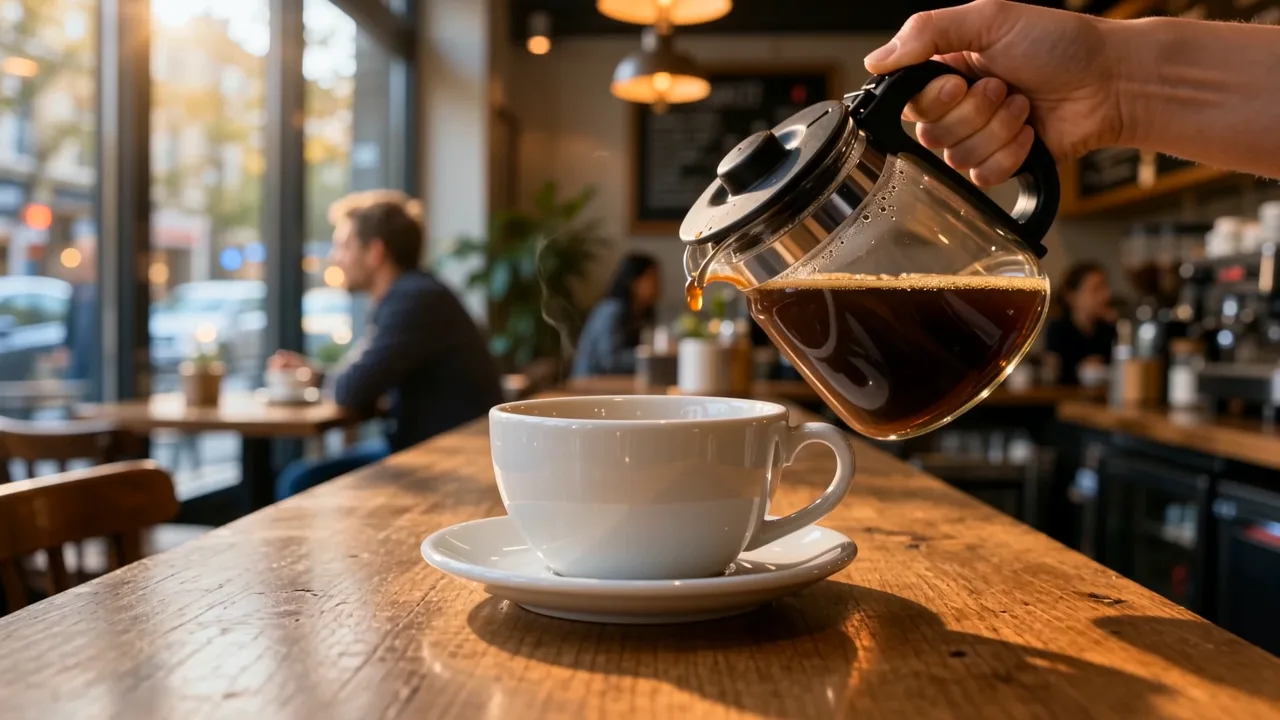
Liquids are hard. Our coffee pour tipped and dripped but never filled the cup; plan a cut before the pour lands.
Time-lapses are the weakest shot: neither model turned day into night in 5 seconds. Shoot or generate the start and end looks separately.
Say "no text, no logo" for products. A cheap model invented a brand name on our bottle; Wan 3.0 kept it blank.
Cheapest isn't always cheapest: two low-cost drafts were unusable, so the retry cost more than one good run.
Keep b-roll silent and add music or voice-over in the edit — native ambience rarely matches your A-roll.
For your own product, start from a real photo (image to video) instead of describing it.
Realistic AI footage of a real place may need YouTube's altered or synthetic content label.
FAQ
AI B-Roll Generator questions
10 questions

What is b-roll?
B-roll is supporting footage that plays over or between your main footage (the A-roll). In a YouTube video the A-roll is you talking to camera; the b-roll is the cutaways — the product, the place, hands at work — that show what you're describing, keep the pace up and hide cuts in the talking track.
Link to this answerWhat is an AI b-roll generator?
A tool that makes b-roll clips from a text prompt (or from a photo) instead of searching a stock library or filming. On Kenerate you describe one shot, pick the model, length and frame, and get an MP4 to drop into your editor.
Link to this answerWhich model should I use for AI b-roll?
Wan 3.0 for everyday silent b-roll: 2–30 s, up to 1080p, wide or vertical. Seedance 2.5 or Veo 3.1 when you need 4K or the model's own ambient sound, Kling v3 Pro for people in motion, and LTX 2.3 only for cheap drafts — two of our LTX and Seedance 1 Pro Fast drafts weren't usable.
Link to this answerHow much does AI b-roll cost?
On Wan 3.0 a 5-second clip costs 75 credits at 480p, 150 at 720p and 300 at 1080p, with or without sound. LTX 2.3 is 60 credits for 5 s at 1080p but missed our prompts more often. The six clips on this page plus two failed drafts used 942 credits. One-time packs start at $15 for 1,300 credits.
Link to this answerIs there a free AI b-roll generator?
Not for video on Kenerate: the Video Studio needs a paid plan, and the 25 credits a new account gets are not enough for a clip. There's no watermark on paid clips.
Link to this answerCan I use AI b-roll on YouTube?
Yes. YouTube asks creators to disclose realistic altered or synthetic content — its examples include a realistic scene that didn't happen and AI-generated extra footage of a real place. Generic or clearly non-realistic cutaways, and AI used for scripts or outlines, don't need the label. When in doubt, tick the disclosure box in YouTube Studio.
Link to this answerHow long should a b-roll clip be?
Most cutaways are on screen for 2–5 seconds. Generate 5 s and trim, or 8–10 s for a slow establishing shot. Wan 3.0 goes up to 30 s per clip if you need one long take.
Link to this answerCan I make vertical b-roll for Shorts, Reels and TikTok?
Yes — pick 9:16 before you generate, so the shot is composed for a phone screen instead of cropped from a wide clip.
Link to this answerCan I make b-roll of my own product?
Yes. Upload a clean product photo and use image to video, describing only the motion ("slow turntable spin, soft studio light"). The model keeps your product's look instead of inventing one — when we described a bottle in words, a cheap model invented a brand name on it.
Link to this answerDoes AI b-roll have sound?
Only if you want it. Wan 3.0 has a sound switch at the same price; Veo 3.1, Seedance 2.5 and Kling generate ambience too. For b-roll under a voice-over, silent clips plus your own music usually mix better.
Link to this answerIn depth
AI B-Roll Generator, explained
On this page
B-roll in one minute
Film and video editors split footage into A-roll — the main shot that carries the story, usually someone talking — and b-roll, the supporting shots cut in over it. B-roll shows what the speaker describes, covers jump cuts and mistakes in the talking track, and changes the picture often enough to keep viewers watching.
Classic b-roll is generic on purpose: an establishing shot of a city, a close-up of hands, a product on a table, nature moving in the background. That's exactly the kind of shot a video model can make from a sentence.
Our test: six b-roll shots on Kenerate
We generated the six shots in the gallery on 12 November 2026 — 16:9, 5 seconds, text only, unedited. What happened:
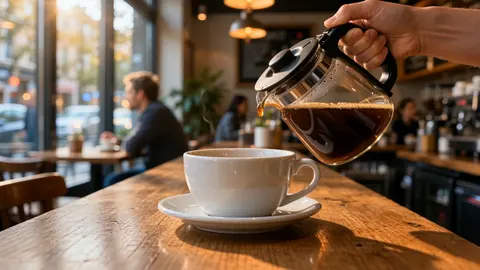
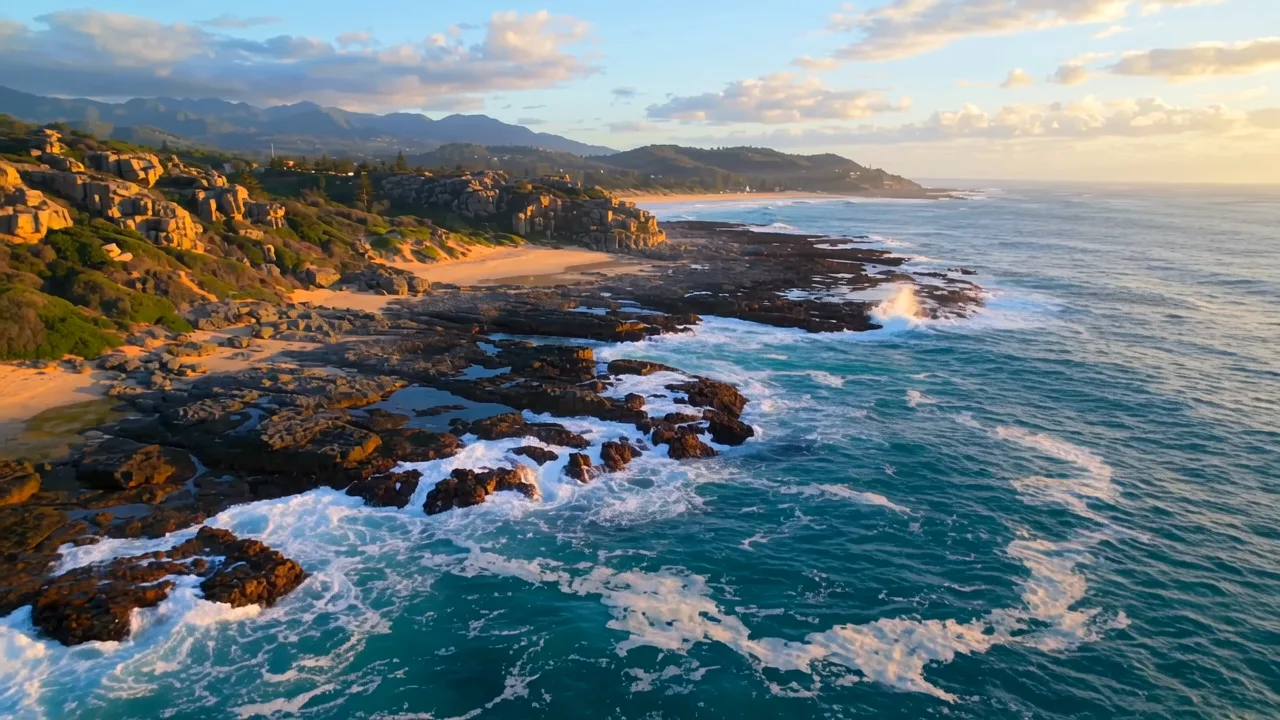
- Worked first time (Wan 3.0, 150 credits each at 720p): hands typing on a laptop, the coastline aerial and the café scene — though the coffee only drips from the carafe and never reaches the cup.
- Needed a second run: the city time-lapse on LTX 2.3 (60 credits at 1080p) was almost static with an invented sign on a tower; the Wan 3.0 retry gave a good dusk skyline with drifting clouds, but still no day-to-night change. The turntable on Seedance 1 Pro Fast (72 credits) didn't rotate and gained a made-up label; the Wan 3.0 retry kept the bottle blank.
- Kept with a caveat: the LTX 2.3 leaves came out darker and stiller than the prompt asked — usable as a moody cutaway, not as a sunny one.
- Total for the page: 942 credits for the clips, including 132 credits of drafts we didn't use.
When AI b-roll is the wrong tool
Generated footage is invented. Use real footage when:
- The shot has to be a specific real place, person, event or product someone will recognise.
- You need the same subject across many shots — models drift between clips unless you start each one from the same image.
- The b-roll is evidence (news, reviews, before-and-after): realistic AI scenes that didn't happen need YouTube's synthetic-content label and can mislead viewers.
Writing b-roll prompts that cut well
One subject, one action, one camera move. Name the light ("soft morning window light", "golden hour") and the lens ("close-up", "wide establishing shot", "shallow depth of field"). Add "no text, no logos" for anything with surfaces a model might write on.
Match your A-roll: if you film warm and handheld, ask for warm light and a gentle handheld drift, so the cutaways don't look like they came from another video.
Explore
Every Kenerate video tool
Generators, tools, models and guides — all in one studio.
By the Kenerate AI teamLast updated and reviewed
Sources: Kenerate Video Studio · YouTube Help — Disclosing altered or synthetic content · Kenerate AI terms of service

Make the b-roll your edit is missing
One sentence per shot. Silent clips ready for your timeline. No watermark.
Tried it? Tell us how it went