Perchance AI video alternative
Perchance AI Video Generator Alternative Text-to-Video and Image-to-Video with Seedance, Kling and Veo 3.1
Perchance AI Video Generator Alternative — Perchance is best known for free, no-sign-up text-to-image generators. Kenerate AI makes video from text prompts or images with 57 video models such as Seedance 2.5, Kling, Wan and Veo 3.1, with upscaling up to 4K and no watermark. Video needs an account and a one-time credit pack.
- Video models
- 57, incl. Seedance 2.5, Kling v3, Veo 3.1
- Inputs
- Text · image · reference
- Longest clip
- Up to 30 s
- Upscaling
- Up to 4K
- Access
- Account + one-time credit pack for video
- Free to start
- No Watermarks
- Image and video models
- No subscription required
Updated by the Kenerate AI team




On this page
Real results
Perchance AI video generator alternative — examples
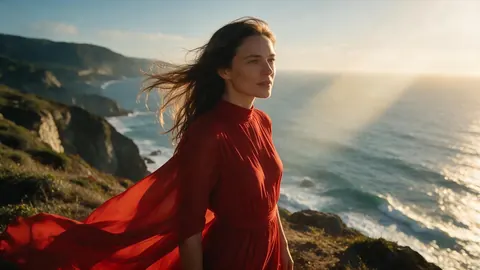
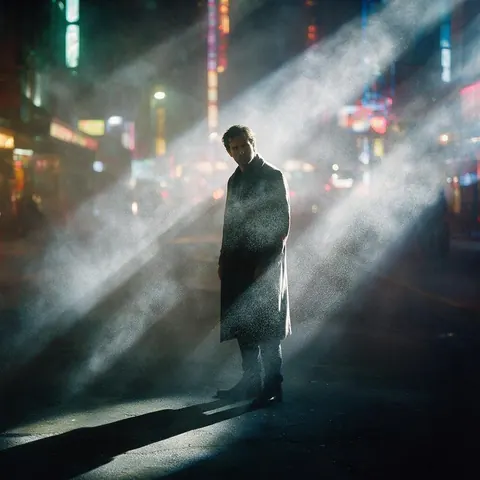
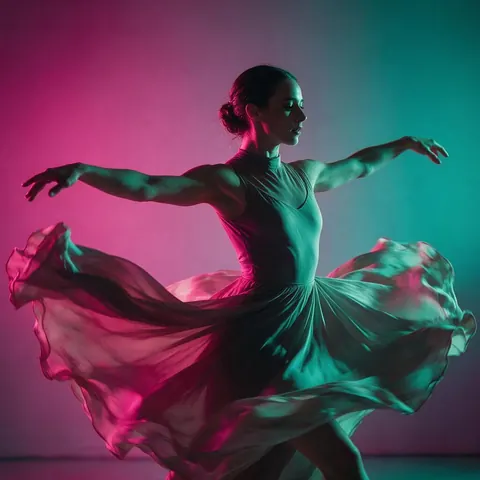
Generated with the AI models in Kenerate. No watermarks.
AI video on Kenerate, for Perchance users
Text to video
Describe a shot and generate it with Seedance 2.5, Kling v3, Wan 3.0, Veo 3.1 or another model.
Image to video
Start from a picture — including one from an image generator — and animate it, with start and end frames on many models.
Clips up to 30 seconds
Wan 3.0 and Seedance 2.5 make clips of up to 30 seconds; Veo 3.1 and Kling add native sound.
Upscale to 4K
Take any 5–60 second clip to 1080p, 2K or 4K with the video upscaler.
Your history, saved
Every clip is saved to your Video Studio history under your account.
No watermark
Downloads carry no watermark or Kenerate branding.
Comparison
Kenerate AI vs Perchance
What each is built for.
| Feature | Kenerate AI | Perchance |
|---|---|---|
| Main job | AI video from text or images | Free text-to-image and random generators |
| Sign-up | Account needed to generate | Not needed for its image generators |
| Cost | Free credits for images; video needs a one-time credit pack | Free |
| Video models | 57, incl. Seedance, Kling, Wan, Veo 3.1 | Varies by community generator |
| Watermark | None | Varies by generator |
How it works
How it works in the app
Step 1
Describe the scene
Open Video Studio in Text to Video mode and write the shot — subject, action, camera move and light.
Step 2
Or start from an image
Switch to Image to Video and add a start frame; an end frame is optional.
Step 3
Pick a video model
Open the model card to choose the video model and version that fits your shot.
Step 4
Set ratio and length, then Create
Pick the aspect ratio and clip length, turn audio on or off, and press Create.
See it in the app

Open Video Studio in Text to Video mode and write the shot — subject, action, camera move and light.


FAQ
Frequently Asked Questions

Can Perchance AI make videos?
Perchance is known for free text-to-image generators built by its community; video generators there vary and change often. If you want dependable AI video, Kenerate AI runs 57 video models, including Seedance 2.5, Kling and Veo 3.1, for text-to-video and image-to-video, with saved history and no watermark.
Link to this answerIs there a Perchance AI video generator alternative with no sign up?
Not on Kenerate AI. You can open the Video Studio and browse the models without an account, but generating needs a free account and, for video, a one-time credit pack. Perchance's image generators don't need an account, which is their main advantage.
Link to this answerHow do I make a video from text?
Open the Kenerate Video Studio, pick a text-to-video model such as Seedance 2.5 or Kling v3, and describe the subject, action, setting and camera move. Choose the length and aspect ratio, then generate. Start with five to ten seconds and refine the prompt before you make longer clips.
Link to this answerDoes Kenerate AI save my videos?
Yes. Every clip you make is saved to your Video Studio history under your account, where you can download it again, upscale it or use its last frame to start a new clip. Switch on Private to keep a generation out of the public feed.
Link to this answerIs the Kenerate video generator free?
Free to start, not for video. A new Kenerate AI account gets free credits for images and tools such as the video upscaler; generating video needs a one-time credit pack. There is no subscription required, packs never expire, and downloads have no watermark.
Link to this answerIn depth
Perchance AI Video Generator Alternative, explained
Perchance AI text to video generator alternative: how to start
Write the shot, not the story. Video models work best with one subject, one action and one camera move — “a fox trotting through snow, low tracking shot” — rather than a whole plot.
Start short. Generate five to ten seconds, refine the prompt, then make the longer version. Wan 3.0 and Seedance 2.5 go up to 30 seconds.
The honest trade-off. Perchance's image generators are free and need no account. Kenerate needs an account, and video needs a one-time credit pack, but it gives you 57 video models, 4K upscaling and saved history.
By the Kenerate AI teamLast updated and reviewed

Make your first AI video
Free credits to start. No watermarks. No subscriptions.
Tried it? Tell us how it went