

Copy-ready prompts · studio, lifestyle and photoshoot
AI Prompts for Product Photography — copy-ready studio and lifestyle shots
Copy tested AI prompts for product photography: perfume on obsidian, skincare on travertine, floating headphones, coffee steam and more. Each one names the surface, props, light and lens, so you can swap in your product.
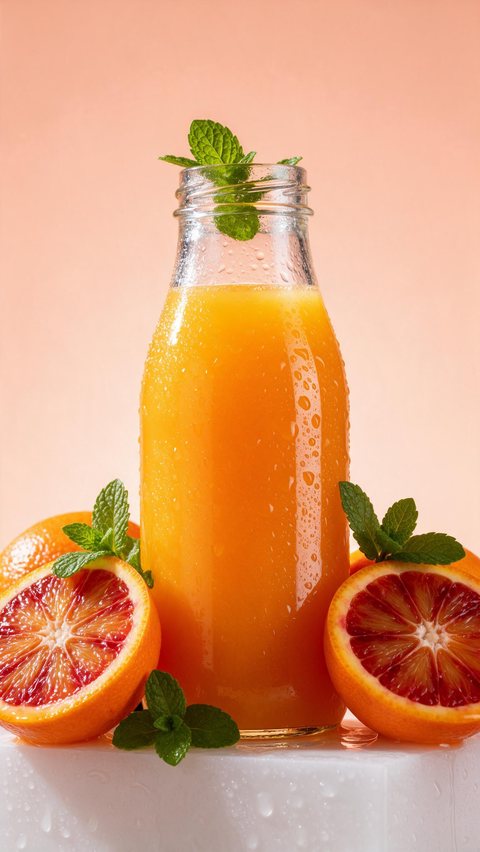
- Cold-pressed juice showcase
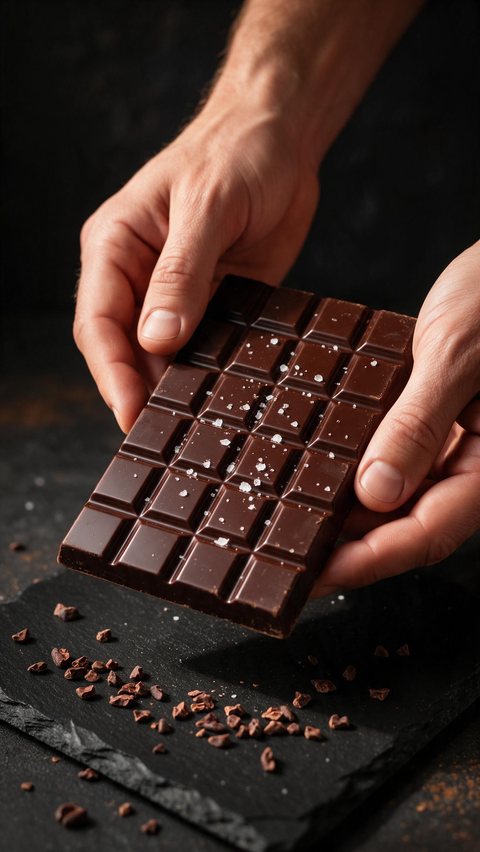
- Chocolate bar snap ASMR
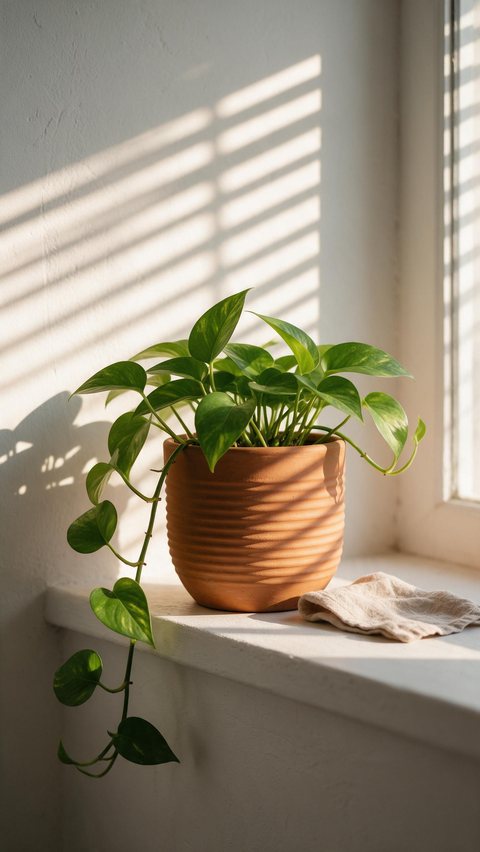
- Terracotta planter sun shadows
Made in Marketing Studio · Seedream 5.0 Pro + Wan 3.0
Updated by the Kenerate AI team
On this page
Quick answer
Updated
What are AI prompts for product photography?
AI prompts for product photography are short written briefs that tell an image model how to shoot a product: the product, the surface, the props, the light and the lens. Copy one into Kenerate AI's Image Studio and swap in your product. With your own product photo, the Marketing Studio's Product shot styles keep it exact.
Key facts
- Prompt order
- Product · surface · props · light · camera
- Run them in
- Image Studio (free models to start)
- Your own product
- Marketing Studio › Product shot
- Products
- Fictional and unbranded
Ad showcase
5 ad videos made with Kenerate AI
Short ads of fictional, unbranded products: each starts as a Seedream 5.0 Pro frame and is animated with Wan 3.0. Open one to see the prompt and the Marketing Studio style it matches.
Prompts
AI product photography prompts: studio showcases
Four studio looks to start from. Click one to open it in the Image Studio.
Perfume on an obsidian podium
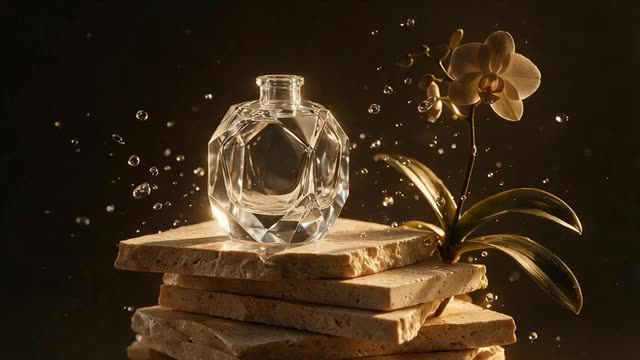
Luxury perfume bottle on a polished obsidian stone podium surrounded by dark orchids, water splash droplets frozen in the air, dramatic golden studio rim lighting, no text, no logos.
Skincare jar on travertine
Minimalist skincare cream jar on a travertine pedestal, soft morning window light casting palm leaf shadows, clean off-white background, e-commerce quality, no text, no logos.
Headphones in neon light
Wireless headphones floating mid-air at a 45-degree angle, magenta and cyan light trails swirling around the earcups, metallic reflections, dark studio, no text, no logos.
Sneaker on seamless white
A white running sneaker in three-quarter view centred on a pure white seamless background, soft contact shadow, even softbox lighting, every detail sharp, no props, no text.
Prompts
Product photography AI prompts by category
Copy and paste these formulas, then swap in your product.
Amber perfume, gold splash · Beauty
Commercial studio photograph of a geometric amber glass perfume bottle with a plain gold cap on a wet black obsidian pedestal, crystal-clear water droplets suspended mid-air, dark orchids behind, golden rim lighting, 100mm macro, no text, no logos
Frosted jar, palm shadow · Skincare
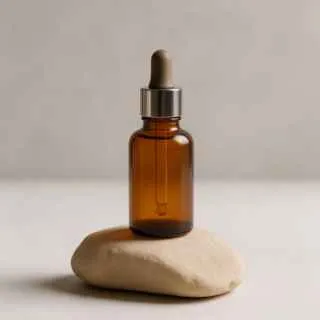
Minimalist e-commerce photograph of a frosted glass cream jar with a wooden lid on a raw beige travertine slab, soft morning sunlight casting monstera leaf shadows, clean off-white background, no text, no logos
Ceramic mug, morning steam · Home
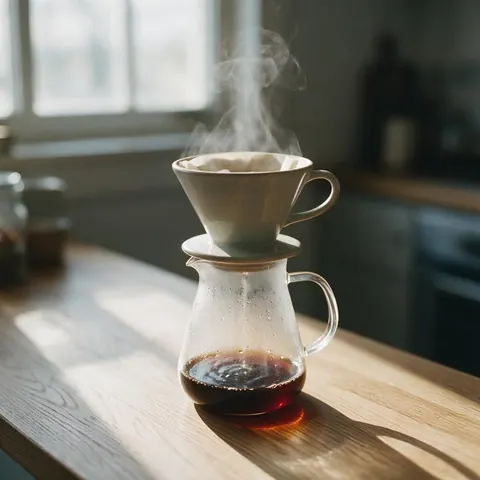
Lifestyle product photograph of a handmade matte black ceramic mug on a rustic oak table, steam rising from espresso, blurred warm café background, soft directional window light, no text, no logos
Leather handbag, concrete blocks · Fashion
Product photograph of a structured cognac leather handbag with brass hardware on white concrete geometric blocks, crisp softbox lighting, clean shadows, catalogue style, no text, no logos
More prompts (2)
Citrus soda, ice and splash · Drinks
Beverage photograph of a sleek glass bottle of ruby grapefruit soda surrounded by ice cubes and grapefruit slices, bubbles spraying outwards, sunny backlight, high-speed capture, no text, no logos
Candle, linen and dried grasses · Home
Calm product photograph of a lit soy candle in an amber jar on folded linen by an open window, dried grasses, soft morning light, gentle depth of field, no text, no logos
Prompts
AI photoshoot prompts with a model
Product photoshoots with a fictional adult, face kept out of frame so the product stays the hero.
Hands with a serum · Faceless
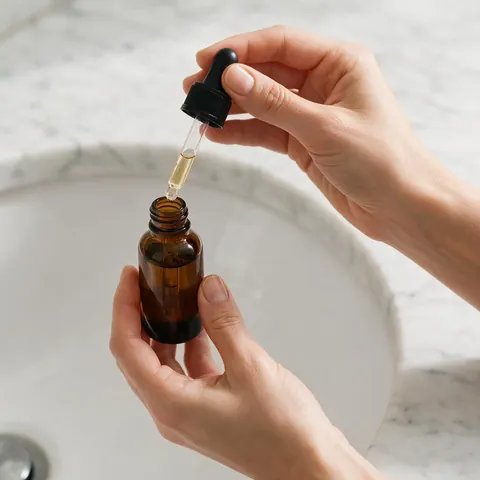
Close-up of a fictional adult woman's hands holding a small glass serum bottle over a marble bathroom counter, cropped at the wrists, soft window light, no face, no text, no logos
Sneakers mid-stride · Full body
Full-body photo of a fictional adult man in his thirties walking across a city crosswalk at golden hour in white sneakers, 35mm at hip height, the shoes sharp, no text, no logos
Tote on the shoulder · Lifestyle
A fictional adult woman carrying a natural canvas tote bag in a sunny bookshop, cropped at the chin, the bag in focus, soft daylight, no text, no logos
How to
How to use these product photography prompts
From a copied prompt to a finished shot.
- Time needed
- Steps
- 4 steps
Step 1
Copy a prompt
Pick the look closest to your product and copy it, or click it to open the Image Studio.
Step 2
Swap in your product
Change the product, its material and colour. Keep the surface, light and lens.
Step 3
Change one detail at a time
Try a new prop or light direction per run, so you can see what each change does.
Step 4
Keep a real product exact
With your own product photo, use a Marketing Studio Product shot style so it stays unchanged.
See it in the app

Open Marketing Studio and pick Image for product shots and posters, or Video for UGC and motion ads.


Watch the tour · 1:23
Prompts, styles, references, edit, Arena & chat
Chapters
AI prompts for photoshoot lighting and sets
Four rules behind every prompt on this page.
Name the surface
Travertine, polished obsidian, oak or concrete blocks read as real; 'premium background' does not.
Add one moving element
Water droplets, rising steam or a leaf shadow gives a still shot energy.
Describe the light
Golden rim light, soft morning window light or hard afternoon sun, with a direction.
Pick a lens
100mm macro for detail, 50mm for lifestyle, 35mm at hip height for full body.
Which style to use
Have the product already? Which Marketing Studio style to use
The prompts above invent a product. To keep your real one exact, use the matching Product shot style.
Studio white
The sneaker-on-white prompt: an e-commerce hero on seamless white.
Closeup
The perfume and glass prompts: macro detail, a drop or a texture.
Editorial
The handbag and concrete prompt: art-directed props and hard light.
Natural
The candle and mug prompts: calm daylight and natural materials.
Faceless
The hands-with-serum prompt: a person with the product, no face in frame.
Color pop
Saturated colour blocks and hard shadows for a bold feed image.
Real results
Made with Kenerate AI
Real results
Already have a product photo? Clean it up first
The prompts above create new scenes. For a photo you already shot, cut the product out, put it on white and upscale it — real Kenerate results, paid per image.
 BeforeAfter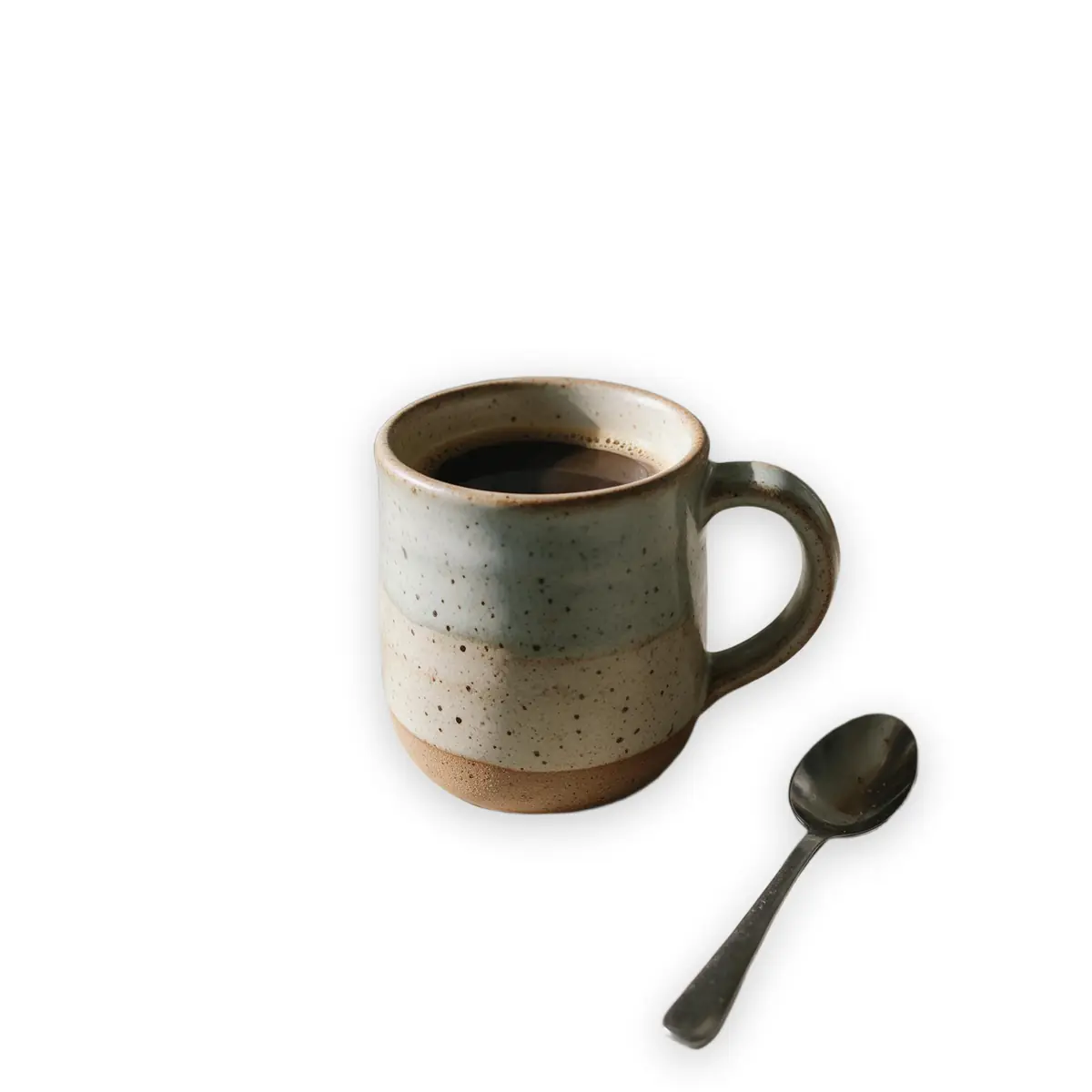
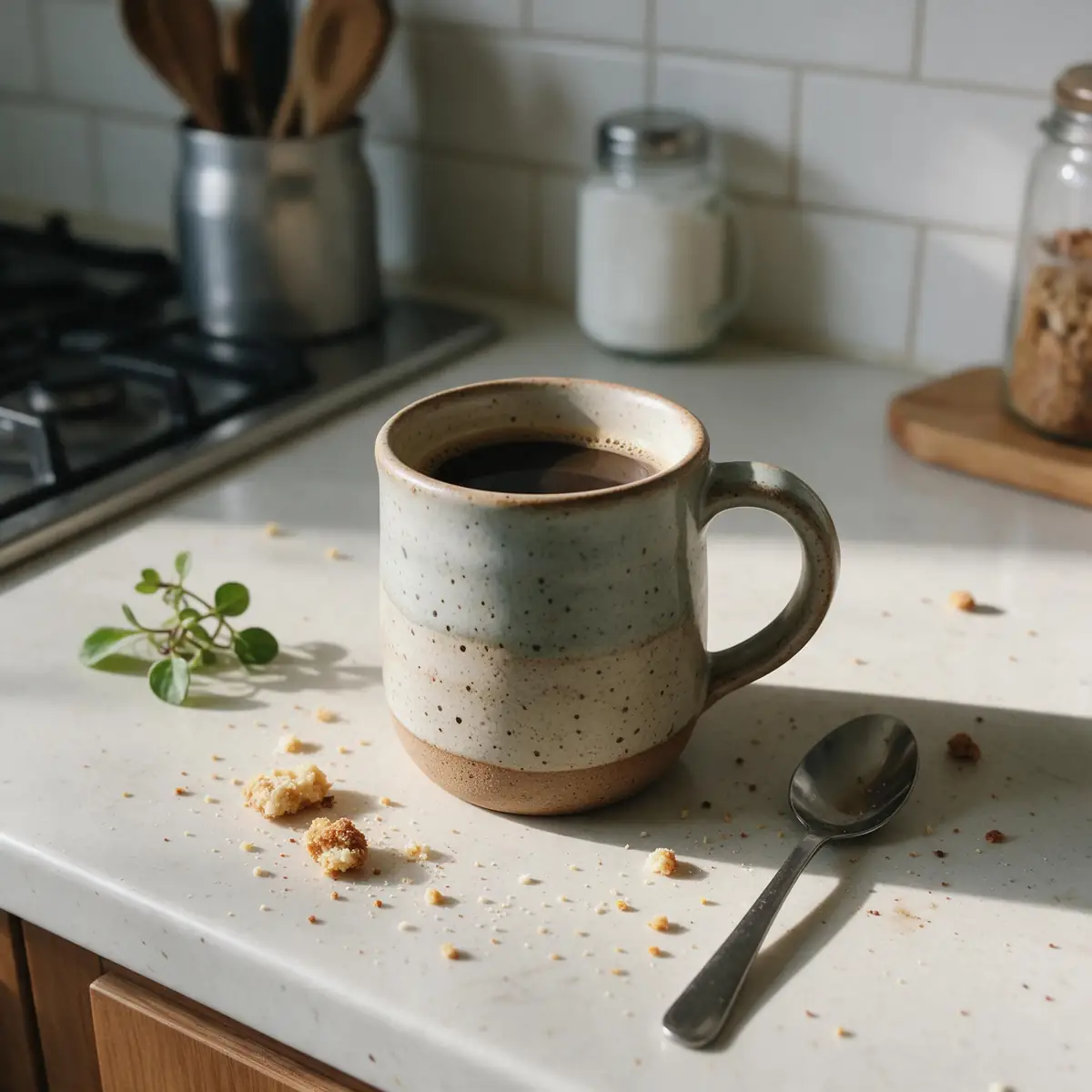
White background
Messy counter to marketplace white
A handmade mug cut out and placed on pure white — the standard for Amazon, Etsy and Shopify listings.
Kenerate Cutout
 BeforeAfter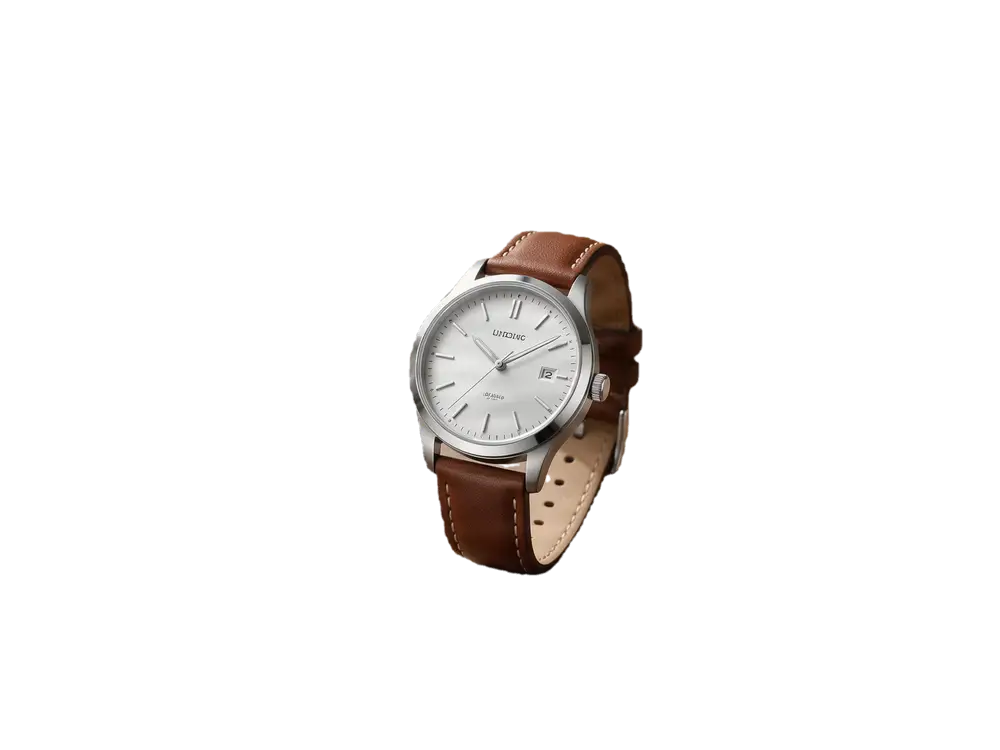
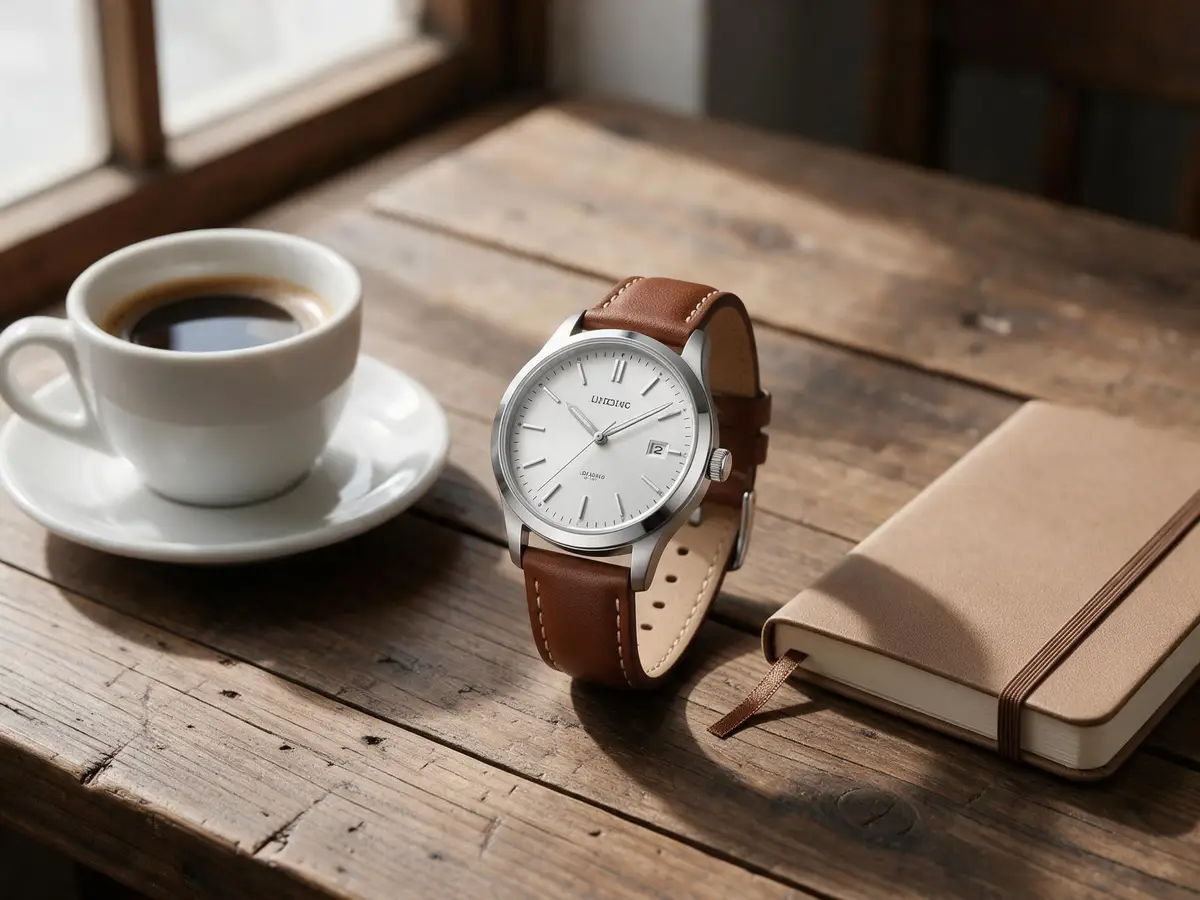
Object Pick
Keep only the product
Name what to keep — “the wristwatch” — and the cup and notebook beside it are removed.
Kenerate Object Pick
 BeforeAfter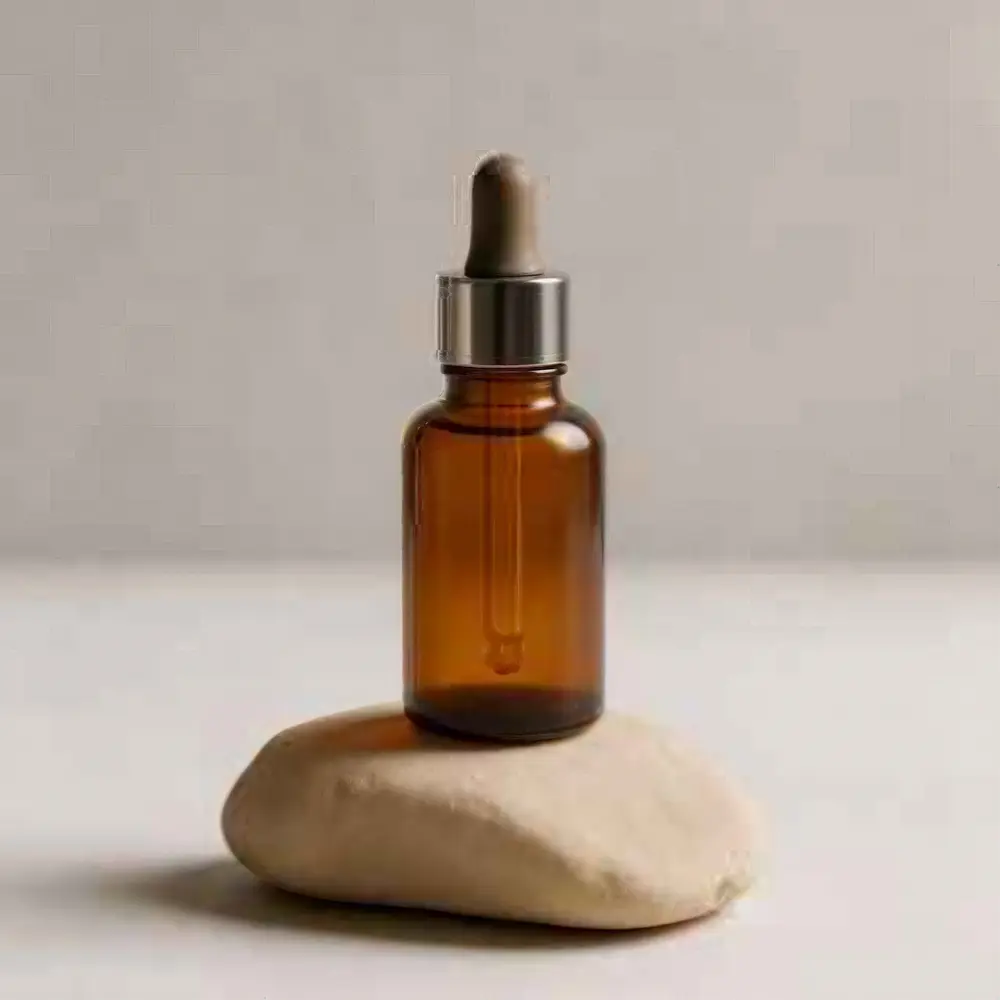
Upscale
Supplier photo to 4K
A 320 px product shot enlarged to 4K, sharp enough for hover-to-zoom.
Image Upscaler · 320 px JPEG → 4K · 4096 px
FAQ
Product photography prompt questions
What are AI prompts for product photography?
AI prompts for product photography are short written briefs that tell an image model how to shoot a product: the product, the surface, the props, the light and the lens. A good one reads like a photographer's shot list. Copy any prompt on this page into the Image Studio, swap in your product, and change one detail at a time.
Link to this answerHow do I write an AI product photography prompt?
Use one order every time: the product and its material, the surface or pedestal, one or two props, the light, then the camera. For example, a frosted glass jar on travertine, dried grasses, soft morning window light, 100mm macro. Name real materials rather than adjectives like premium, and keep the props few so the product stays the hero.
Link to this answerWhat is a good AI photoshoot prompt?
A good AI photoshoot prompt describes one shot, not a whole shoot: who or what is in frame, what they are doing, the setting, the light and the framing. For product photoshoots with a person, keep the face out of frame or describe a clearly fictional adult, and say how the product is held or worn so it stays visible.
Link to this answerCan I use these prompts with my own product photo?
Yes. In the Image Studio, upload your product photo to an edit-capable model and add 'keep the product exactly the same' to the prompt. The Marketing Studio's Product shot styles, such as Studio white, Closeup and Editorial, do this for you and keep the product exact; they need a paid plan or a one-time credit pack.
Link to this answerAre these product photography prompts free to use?
Yes. Every prompt here is free to copy, and the free image models in the Image Studio are free to start with a Kenerate account, so you can test a prompt before paying anything. The Marketing Studio, which keeps your real product exact in each shot, needs a paid plan or a one-time credit pack, with no subscription required.
Link to this answerHow do I prompt for glass, liquid and reflections?
Name the optics: clear glass with amber liquid refraction, ice cubes with caustic light patterns, crisp reflections on a polished surface. Add one light source with a direction, such as a golden rim light from behind, so the glass has an edge. Keep the background dark or plain so reflections read, and check labels for warped text.
Link to this answer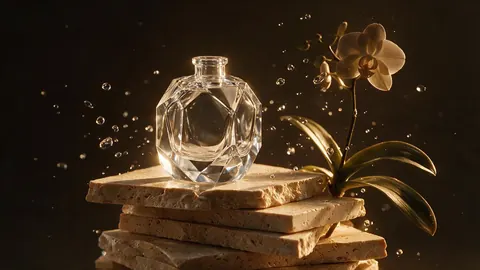


Shoot your real product with these looks
Prompts run free to start in the Image Studio. Marketing Studio keeps your product exact on a paid plan or a one-time credit pack.
Tried it? Tell us how it went