Hate shooting a great video only to realize it is ruined by bad lighting or heavy grain?
For a long time, fixing bad video meant paying an expensive editor or spending hours learning complex color correction tools. Even then, the results were usually muddy.

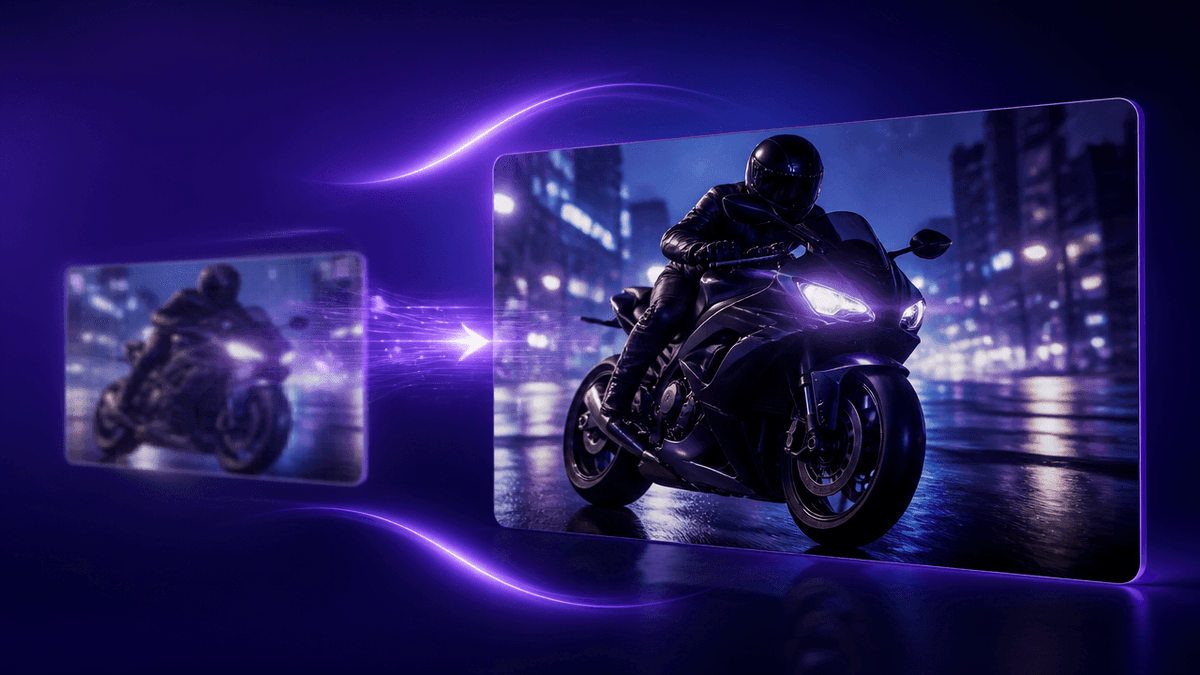
Generative AI changes the math. You can now take a blurry, pixelated clip and turn it into a crisp, cinematic 4K video instantly. Here is exactly how it works, and how you can do it for free right in your browser.
🚀 Upscale Your First Video Free
What is an AI Video Enhancer?
An AI video enhancer is software that uses machine learning to automatically upscale resolution, remove digital noise, and sharpen details in low-quality footage. Instead of just stretching existing pixels like older editing tools, an AI enhancer generates missing pixels to drastically improve video clarity.
How AI Fixes Broken Footage
Traditional upscaling relies on basic math to stretch an image. It guesses what the new pixels should look like based on the old ones. This causes soft, fuzzy edges.
Generative AI solves three specific problems that traditional editors cannot touch:
1. Removing Compression and Noise
Digital noise happens in low light. Compression artifacts happen when apps like WhatsApp or Zoom crush your video size. An AI video enhancer analyzes every frame, separates the subject from the noise, and strips the grain away while keeping faces and edges perfectly sharp.
2. Generative 4K Upscaling
Because AI models train on millions of high-resolution videos, they know what human skin, clothing, and landscapes are supposed to look like. When you upload a 720p clip, the AI paints in the missing details. The result is true 4K output, not just a stretched video.
3. Motion Stabilization
Shaky handheld footage makes your video look cheap. AI analyzes the motion of the camera and calculates the perfect crop and warp to steady the shot. It gives you gimbal-smooth movement without the expensive hardware.

4 Ways to Use AI Video Enhancement
This technology goes beyond basic YouTube editing. Here are the most common ways professionals use AI enhancement today:
- Unblur CCTV Footage: Security cameras shoot in low resolution. AI sharpens faces and license plates, recovering crucial details from dark surveillance videos.
- Restore Old VHS Tapes: Bring old family home movies back to life. AI removes color bleeding, tracking lines, and analog grain to upscale memories to 1080p.
- Enhance Concert Videos: Smartphone videos shot in clubs are usually muddy. AI isolates the stage lighting, brightens the subjects, and drops the noise floor to zero.
- Upscale Anime: Standard upscaling blurs the hard outlines of animation. Specialized AI models preserve flat colors and sharp ink lines perfectly.
How to Upscale a Low Resolution Video to 4K Online
You do not need to install heavy software or own a fast computer. Here is the step-by-step process to enhance your video online:
- Upload your footage: Open the Kenerate AI Video Enhancer and import your low-resolution or noisy video.
- Select your enhancement: Choose your target resolution (up to 4K) and pick your fixes, such as Noise Reduction or Face Sharpening.
- Export the result: Preview the crystal-clear results and download the MP4 directly to your device with zero watermarks.
Stop settling for bad video quality. Turn your worst clips into your best assets today.