Upscaling a low-resolution video used to mean two things: spending $299 on a desktop software license, and leaving your computer running overnight just to render a three-minute clip.
If you don't own a $2,000 graphics card, running local AI models is a frustrating, sluggish experience.

You should not have to buy new hardware just to clean up a noisy video. Generative cloud technology has changed the game, giving you professional-grade restoration directly in your web browser.
🚀 Upscale Your First Video Free
What is the Best Topaz Video AI Alternative?
Kenerate AI is widely considered the best Topaz Video AI alternative online. While Topaz forces you to buy expensive desktop software and rely on your own local GPU to process footage, Kenerate operates entirely in the cloud. It allows you to upscale video to 4K instantly from any standard browser.
The Problem with Local AI Rendering
Topaz Labs builds incredible models. But their delivery method is stuck in the past. Here is what happens when you rely on heavy local software:
- Hardware Bottlenecks: To get acceptable render times, you need a high-end Nvidia RTX graphics card. If you are editing on an older MacBook or a standard work laptop, expect your system to crash or overheat.
- Wasted Time: Local rendering ties up your machine. You cannot comfortably edit other projects, play games, or browse heavily while your GPU is maxed out rendering a 4K upscale.
- Expensive Updates: Software licenses often require paid upgrades to access the latest generative models.
Why a Cloud Alternative Wins
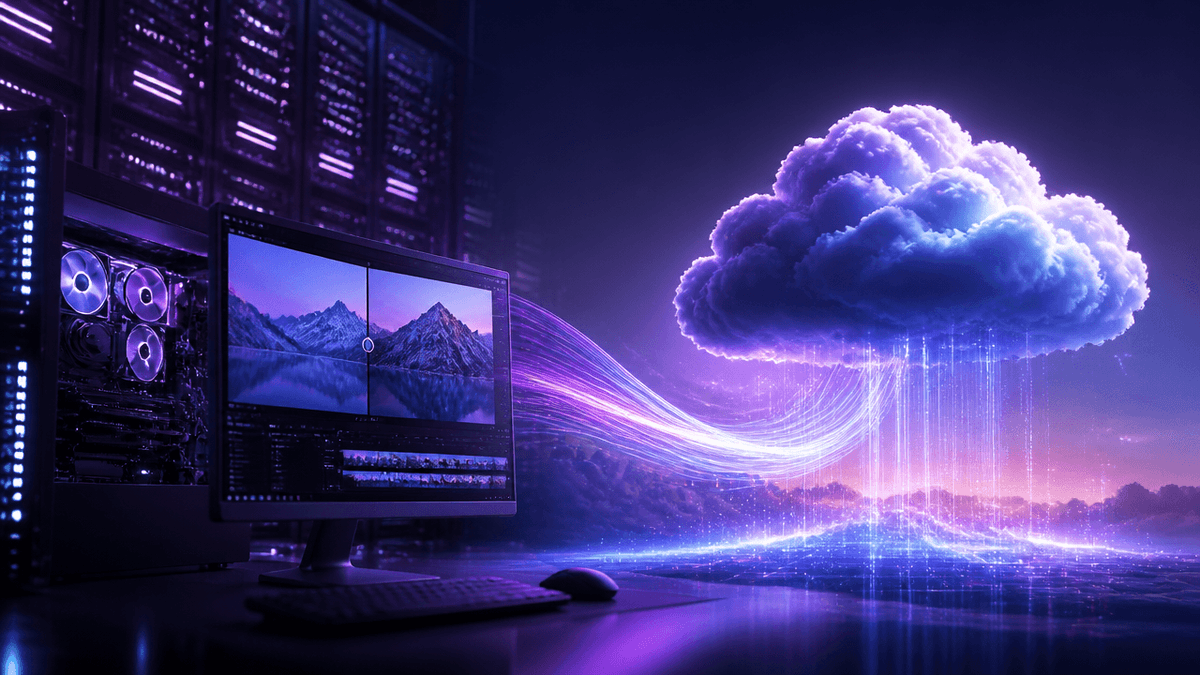
Instead of downloading 10GB of AI models to your hard drive, a cloud alternative shifts the massive computational load to a server cluster.
Here is exactly how cloud-based video enhancement changes your workflow:
1. Blazing Fast Rendering
When you upload a blurry or noisy video to a cloud platform, it is distributed across multiple enterprise-grade GPUs. This parallel processing means a render that takes two hours on your home PC might take just ten minutes in the cloud.
2. Zero Hardware Requirements
Because the browser is only acting as a control panel, you can literally initiate a massive 4K video upscale from your iPad while sitting at a coffee shop.
3. Pay for What You Use
Instead of dropping $299 upfront for a license, modern alternatives use flexible credit systems. You only pay for the exact seconds of video you process, and your credits never expire.

Top Use Cases for a Browser-Based Enhancer
Our users switch to cloud upscaling for three specific reasons:
- Unblurring Security Footage: Instantly sharpen dark, pixelated CCTV footage to read license plates without needing to install forensic software.
- Restoring Old VHS Tapes: Upload digitized analog tapes and let the generative AI remove the tracking lines and grain, outputting a clean 1080p MP4.
- Mac-Friendly Anime Upscaling: Preserve the hard ink lines of low-res animation without worrying about Apple Silicon compatibility issues.
How to Get Topaz Quality for Free Online
You do not need to deal with software trials or watermarks. Here is how to enhance your video online right now:
- Upload your footage: Open Kenerate AI in your browser and import your noisy or low-resolution clip.
- Select your enhancement: Choose to upscale to 4K, remove digital grain, or stabilize shaky motion.
- Export instantly: Our cloud GPUs handle the heavy lifting. Preview the pristine results and download your video.
Stop letting your hardware dictate the quality of your content. Let the cloud do the work.