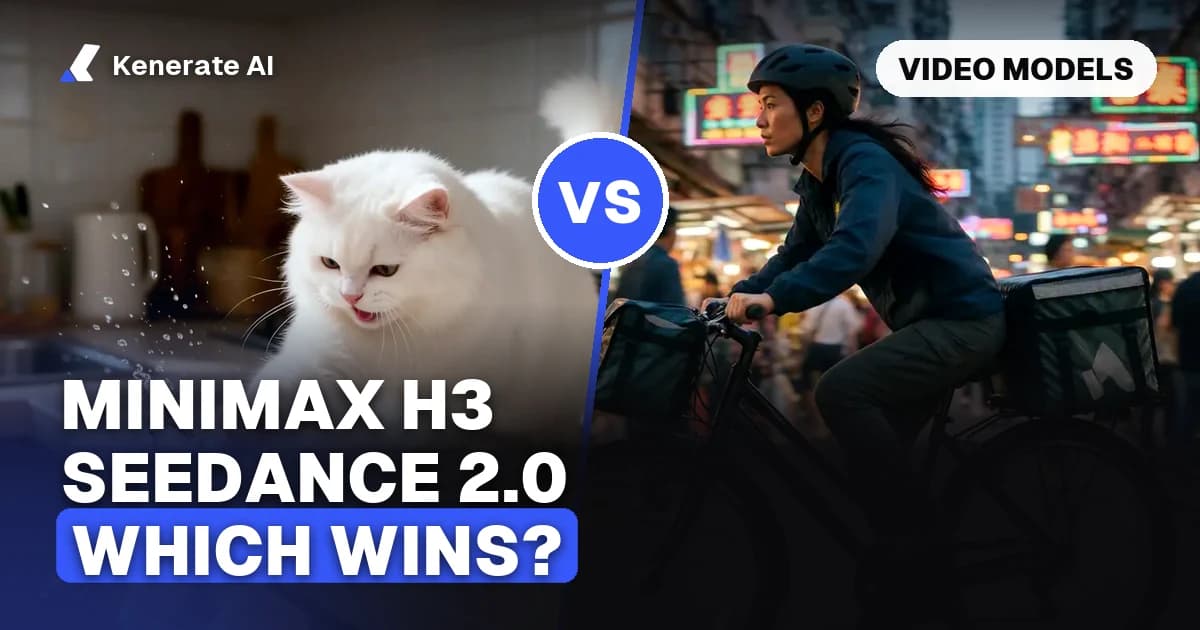
MiniMax H3 is the cheaper, more flexible pick: it costs 10–42 credits a second on Kenerate AI, renders up to 2K, and its weights are public. Seedance 2.0 costs more (36–360 credits a second) but adds 1080p and 4K output, clip editing and extension, and stronger complex motion. Draft and run reference-heavy jobs on H3; send hero shots with lots of physical action, or clips you need to edit or extend, to Seedance 2.0.
This guide compares the two models as of 20 October 2026, using the specs and credit prices from Kenerate's own model config and the makers' published information. We have not run a formal side-by-side benchmark, so where we talk about quality we say whose claim it is.
What are MiniMax H3 and Seedance 2.0?
MiniMax H3 is the third generation of MiniMax's Hailuo video line (people also call it Hailuo 3.0). MiniMax announced it on 31 July 2026 as a general-purpose multimodal model that "understands unified context across text, images, video, and audio" and returns up to 15 seconds of video with native stereo sound (MiniMax). Weights followed on Hugging Face on 3 August 2026 as MiniMaxAI/MiniMax-H3, a 33B-parameter model (NYU Shanghai RITS).
Seedance 2.0 is ByteDance's audio-video model from its Seed team, released in China in early February 2026. It takes text, image, audio and video inputs and generates sound and picture together (ByteDance Seed). It is a closed model: you use it through apps and APIs, not downloaded weights.
Both models answer the same question ("can I direct a short clip with several reference files?"), which is why they get compared so often. Where they differ is price, resolution ceiling, editing tools and how they are licensed.
How do the specs compare?
These numbers come from Kenerate's video model config (video-models.ts) as of 20 October 2026. Kenerate runs two H3 versions (H3 and H3 Pro) and three Seedance 2.0 versions (2.0, 2 Fast and 2.0 Mini); the table shows the full models.
| MiniMax H3 | MiniMax H3 Pro | Seedance 2.0 | |
|---|---|---|---|
| Maker | MiniMax | MiniMax | ByteDance |
| Released | 31 Jul 2026 | 31 Jul 2026 | Feb 2026 |
| Modes on Kenerate | Text, image, reference to video | Text, image, reference to video | Text, image, reference to video, video edit, video extend |
| Clip length | 3–15 s | 4–15 s | 4–15 s |
| Resolution | 480p, 768p | 768p, 2K | 480p, 720p, 1080p, 4K |
| Aspect ratios | 16:9, 9:16, 1:1, 4:3, 3:4, 21:9, 9:21 | 21:9, 16:9, 4:3, 1:1, 3:4, 9:16 | 16:9, 9:16, 4:3, 3:4, 1:1, 21:9 |
| References | 9 images, 3 clips, 3 audio | 9 images, 3 clips, 3 audio | 9 images, 3 clips, 3 audio |
| Reference clip / audio budget | 15 s each | 15 s each | 15 s each |
| Sound | Native stereo | Native stereo | Joint audio-video, can be switched off |
| Credits per second | 10 (480p) · 20 (768p) | 30 (768p) · 42 (2K) | 36 (480p) · 72 (720p) · 180 (1080p) · 360 (4K) |
| Weights | Public (community licence) | Public (community licence) | Closed |
Two things stand out. First, the reference limits are identical: 9 images, 3 video clips and 3 audio clips, with a 15-second budget for clips and for audio. Second, the price gap is large. MiniMax's own launch post claims its 2K price is "less than a third of mainstream models", and on Kenerate the full Seedance 2.0 at 720p costs more than three times what H3 costs at 768p.
How much does each cost on Kenerate AI?
Kenerate prices video per second of output. Here is what common clip lengths cost, worked out from the per-second rates above.
| Clip | MiniMax H3 (768p) | MiniMax H3 Pro (768p) | MiniMax H3 Pro (2K) | Seedance 2.0 (720p) | Seedance 2.0 (1080p) |
|---|---|---|---|---|---|
| 5 s | 100 | 150 | 210 | 360 | 900 |
| 10 s | 200 | 300 | 420 | 720 | 1,800 |
| 15 s | 300 | 450 | 630 | 1,080 | 2,700 |
For drafts, the cheapest options are MiniMax H3 at 480p (10 credits a second, so 50 credits for 5 seconds) and Seedance 2.0 Mini at 480p (18 credits a second). Seedance 2 Fast costs 60 credits a second at 720p, and Seedance 2.0 Mini 36, if you want to stay in the Seedance family and spend less.
How are references billed?
References change the maths, and the two models bill them differently:
- MiniMax H3: any reference moves the job to the reference rate, 12.5 credits a second at 480p or 31.25 at 768p, plus 5 credits per reference image. Reference clip seconds are added to the output seconds.
- MiniMax H3 Pro: same 30 or 42 credits a second, the first 5 reference images are free and each extra image costs 15 credits. Clip seconds are added to the output seconds.
- Seedance 2.0: reference images alone keep the normal rate (72 credits a second at 720p). When you attach a reference clip, you pay for clip seconds plus output seconds at the lower reference rate, 45 credits a second at 720p.
Example: an 8-second clip with three reference images costs 265 credits on H3 at 768p (8 × 31.25 + 3 × 5), 240 on H3 Pro at 768p and 576 on Seedance 2.0 at 720p. Add a 5-second motion clip and it becomes 422, 390 and 585 credits.
Which one has better quality?
There is no independent, like-for-like benchmark of the two yet, so treat any quality verdict with care. What we can say:
- Leaderboards: NYU Shanghai RITS reported that H3 ranked third in image-to-video on Artificial Analysis shortly after launch, behind Seedance 2.0 and Gemini Omni Flash, and called those early rankings indicative rather than settled (NYU Shanghai RITS).
- Resolution: H3 Pro renders 2K. Seedance 2.0 on Kenerate goes up to 1080p and 4K, at a much higher price.
- Motion: most comparison write-ups give Seedance 2.0 the edge on complex human motion, physical interaction and multi-shot storytelling, and give H3 the edge on price and openness. These are reviewers' opinions, not measurements.
The practical answer: if a shot has a lot of fast body movement, contact between objects or several characters interacting, try Seedance 2.0. If it is a talking shot, a product turn, a stylised scene or a reference-led edit, H3 usually gets you there for far fewer credits.
Which should you use for each job?
| Job | Pick | Why |
|---|---|---|
| Cheap drafts and prompt testing | MiniMax H3 (480p) | 10 credits a second, the lowest rate of the two families |
| Character from several photos | MiniMax H3 Pro | Same reference limits as Seedance, first 5 images free |
| 2K final at a low price | MiniMax H3 Pro (2K) | 42 credits a second |
| 1080p or 4K delivery | Seedance 2.0 | H3 tops out at 2K; Seedance offers 1080p and 4K |
| Fast action, sports, dance | Seedance 2.0 | Commonly rated stronger on complex motion |
| Edit or extend an existing clip | Seedance 2.0 | Video edit and extend modes on Kenerate; H3 has neither there |
| Silent b-roll | Seedance 2.0 (sound off) or H3 | Seedance lets you switch sound off at the same price |
| Ultra-tall 9:21 vertical | MiniMax H3 | The only one of the three with 9:21 |
| Running the model yourself | MiniMax H3 | Weights are public; Seedance 2.0 is API-only |
A common workflow is to block out the shot on H3 at 480p, lock the prompt and references, then render the final on H3 Pro at 2K, or on Seedance 2.0 if the motion falls apart.
How do you run MiniMax H3 and Seedance 2.0 on Kenerate AI?
- Open the AI video generator or go to the video studio and open the model list.
- Pick MiniMax H3, MiniMax H3 Pro, Seedance 2.0, Seedance 2 Fast or Seedance 2.0 Mini.
- Choose the mode: text to video, image to video (a start frame), or references (images, clips, audio).
- Set length, resolution and aspect ratio. The credit cost updates before you generate.
- Write the prompt in playback order: look, reference roles, opening frame, action, one camera move, sound, ending.
- Generate a short, low-resolution draft first, then re-run the keeper at full resolution.
For prompt structure, our MiniMax H3 prompt guide covers reference syntax ("Image 1 is the lead's face, Video 1 sets the camera move") and 12 copy-paste prompts. For Seedance, read how to use Seedance 2.0.
Can you use the same prompt on both?
Mostly yes. Both read plain-English shot descriptions and numbered references, so a prompt written for one usually runs on the other. Two adjustments help:
- Seedance 2.0 tolerates more action in one shot; on H3, keep one subject, one action and one main camera move per clip.
- H3 rewards very explicit reference roles ("Image 2: the café interior only"). Say what each upload controls and what must stay the same.
What about the licence and running H3 locally?
H3's weights are public, but the MiniMax H3 Community License is not an open-source licence in the OSI sense. According to NYU Shanghai RITS, the licence's territory excludes the European Union, the United Kingdom, South Korea and the United States, and products earning more than US$20 million a year need separate written permission from MiniMax (NYU Shanghai RITS). ComfyUI added native H3 support on the day the weights landed (ComfyUI Wiki).
Running a 33B video model locally also needs a lot of GPU memory and disk space. If you only want the clips, a hosted service is simpler. Using H3 through Kenerate AI does not require you to download or license the weights yourself; you pay credits per second like any other model. Seedance 2.0 has no public weights at all.
How do the two compare to other models?
If neither fits, the nearest alternatives on Kenerate are:
- Seedance 2.5, ByteDance's newer model, for clips up to 30 seconds and up to 30 reference images (108 credits a second at 720p). See the Seedance 2.0 model page for how the versions line up.
- Kling 3.0 and Veo 3.1, compared in our Seedance 2.0 vs Kling 3.0 guide.
- MiniMax H3 Image for still images of the same character, covered on the MiniMax model page.
The verdict
Pick MiniMax H3 when price matters, when you work from several reference files, or when 2K is enough. H3 Pro at 768p costs 30 credits a second against 72 for Seedance 2.0 at 720p, with the same reference limits.
Pick Seedance 2.0 when the shot depends on complex motion, when you need 1080p or 4K, or when you want to edit or extend a clip instead of starting over.
A sensible split is H3 for drafts and the bulk of shots, Seedance 2.0 for the handful of shots where motion has to be right first time. Prices and specs above are as of 20 October 2026 and can change.