

Characters · environments · props · keyframes
AI Concept Art Generator — characters, worlds and props for your game or film
Sketch a world in words and get painted concepts back: characters, environments, props and keyframes. Iterate variations fast, then keep the look consistent with reference images and hand off a turnaround.
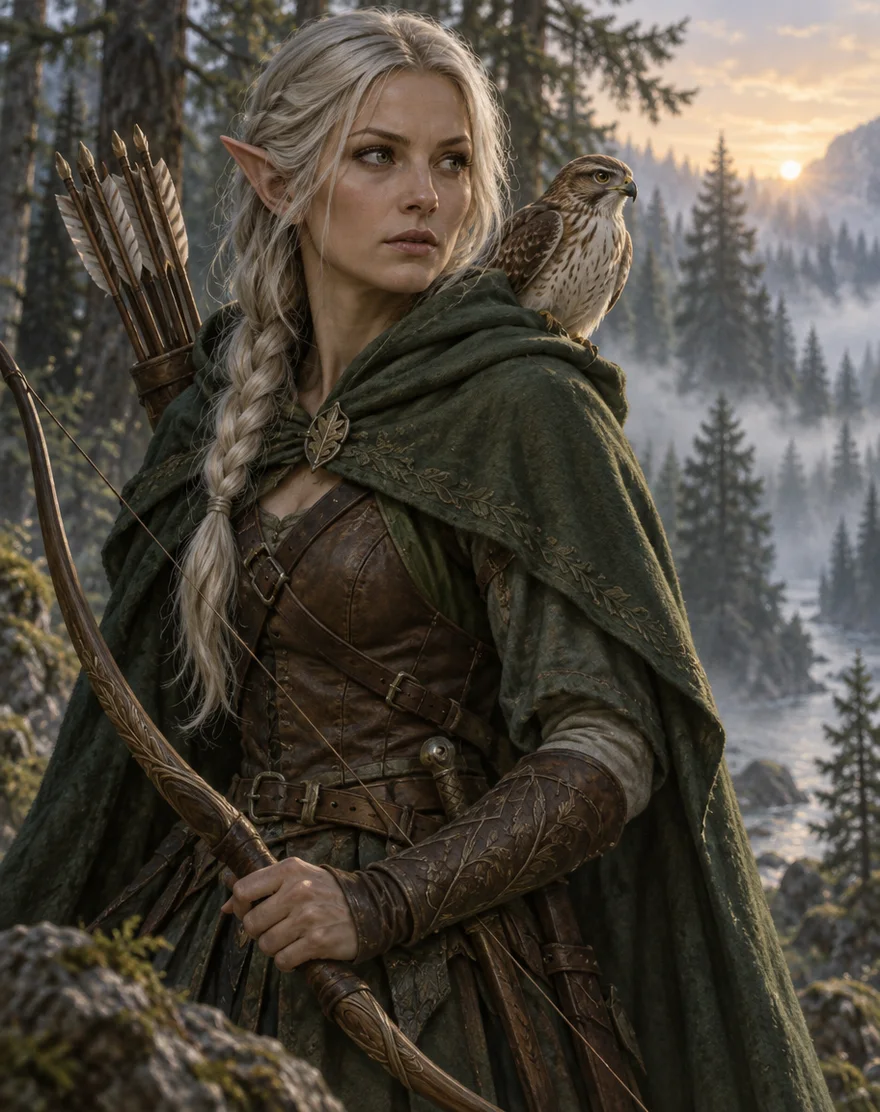
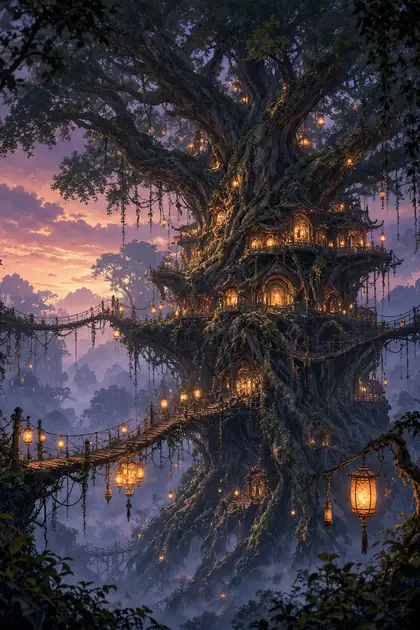
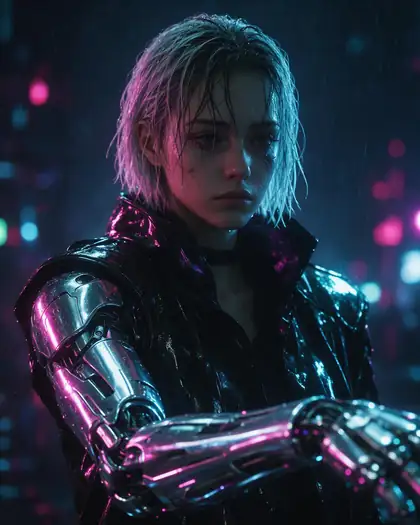
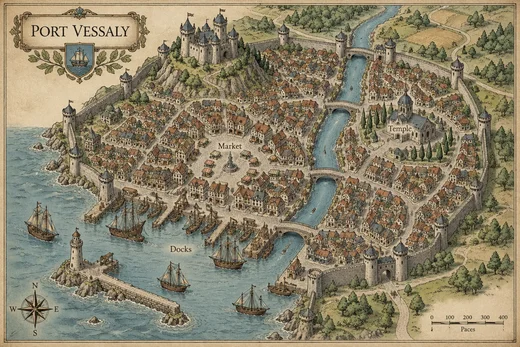
- Characters, environments, props
- Variations from one prompt
- Same character across shots
- No watermark
Updated by the Kenerate AI team
Made with Kenerate
On this page
Quick answer
What is an AI concept art generator, and how do concept artists use it?
An AI concept art generator turns a written brief into painted concept images — characters, environments, props and keyframes — so you can explore many directions before anyone paints or models the final asset. On Kenerate AI you work in the Image studio: Seedream 5.0 Pro for painterly illustration (13.5 credits at 1K), GPT Image 2.5 Sunburst for fine detail and labelled callouts (7.2 credits at 1K), and Nano Banana 2.1 to keep the same character across shots from up to 14 reference images. It speeds up ideation; a concept artist still picks, fixes and finishes.
Key facts
- Best for
- Thumbnails, variations, mood frames, character and prop exploration
- Same character across shots
- Nano Banana 2.1 · up to 14 reference images
- Turnaround
- Front, right, back, left from one image (Camera Angle tool)
- Watermark
- None
Gallery
Concept art made on Kenerate
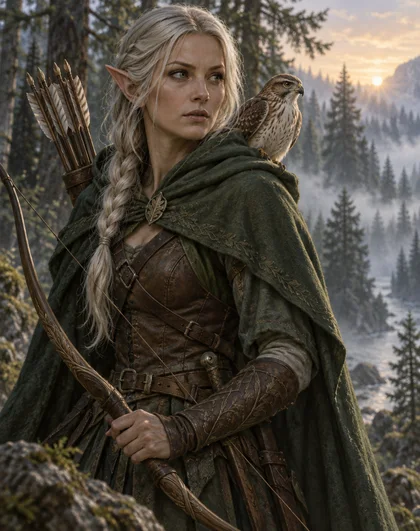
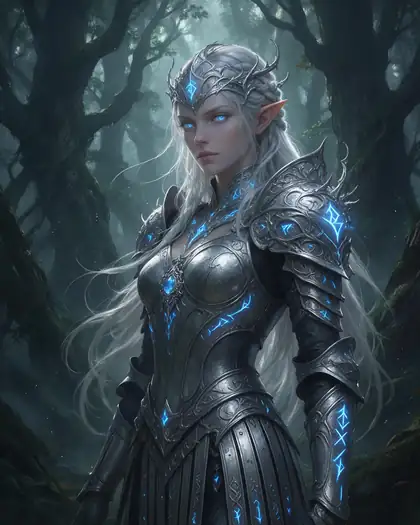
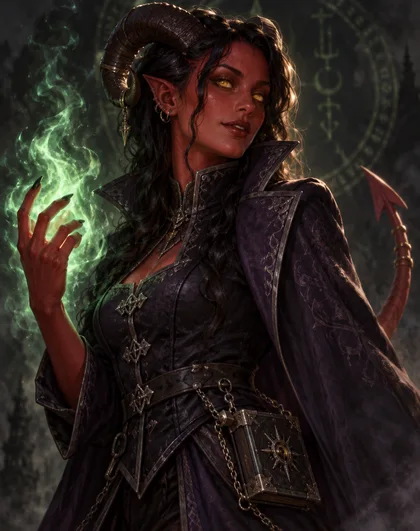
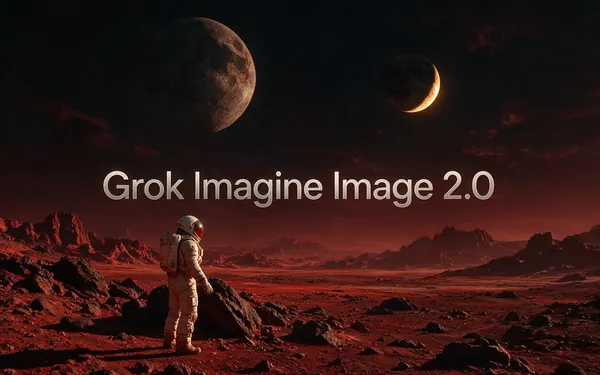
Real outputs from the Image studio, each labelled with the model that made it: GPT Image 2.5 Sunburst, Seedream 5.0 Pro and Grok Imagine Image 2.0. Open any one to copy the full prompt and run it again.
How to
How to use the AI concept art generator
- Time needed
- Steps
- 4 steps
Step 1
Write the brief
Open the Image studio and describe one subject: role, shape, materials, mood and medium. Sign up free for 25 credits.
Step 2
Explore directions
Run the prompt on Seedream 5.0 Pro for painterly looks and GPT Image 2.5 Sunburst for detail; change one thing per run.
Step 3
Lock the design
Pick the winner and attach it as a reference; Nano Banana 2.1 keeps the same character in new poses and scenes.
Step 4
Hand it off
Make a turnaround with the Camera Angle tool, upscale the keepers and download without a watermark.
See it in the app

Open Image Studio and type what you want to see — subject, style, lighting and mood.


Watch the tour · 1:23
Prompts, styles, references, edit, Arena & chat
Chapters
Tips
How to write a concept art prompt
Concept art is a brief, not a wish. These habits get usable images faster.
Name the deliverable: "character concept", "environment keyframe", "prop sheet" or "mood frame".
Give the design one job: who the character is, what the place is for, what the prop does.
Describe shape and silhouette first, then materials, then colour and light.
Name the medium: painterly digital, matte painting, ink and wash, flat cel shading.
Ask for a plain or grey background on characters and props so the design reads clearly.
Once a design works, attach it as a reference for every next image instead of re-describing it.
Models
Best AI image generator for concept art
What each model is good at. Open any one straight in the generator.

ByteDance
Seedream 5.0 Pro
- Reference images
- Up to 10
- Output
- 1K–2K
Open Seedream 5.0 ProBest for
Painterly illustration, characters and environments

OpenAI
GPT Image 2.5 Sunburst
- Reference images
- Up to 16
- Output
- 1K–4K
Open GPT Image 2.5 SunburstBest for
Fine detail, labelled callouts and maps
Google
Nano Banana 2.1
- Free plan

FAQ
AI Concept Art Generator questions
8 questions
What is an AI concept art generator?
It is a text-to-image tool used for visual development: you describe a character, place, prop or scene and get painted concept images back. Artists use it to explore many directions quickly — silhouettes, palettes, moods — before choosing one to refine, paint over or model in 3D.
Link to this answerWhat is the best AI image generator for concept art?
It depends on the stage. On Kenerate, Seedream 5.0 Pro gives the most painterly illustration, GPT Image 2.5 Sunburst handles fine detail and readable labels on callout sheets and maps, and Nano Banana 2.1 is the one to use once a design is locked, because it keeps the same character across new shots from up to 14 reference images.
Link to this answerIs there a free AI concept art generator?
You can start free. A new Kenerate account gets 25 credits on sign-up, and the free plan includes Qwen Image 3.0 and the Flux 2 models. Seedream 5.0 Pro, GPT Image 2.5 Sunburst and Nano Banana 2.1 use credits from a plan or a one-time pack. Downloads have no watermark.
Link to this answerCan AI make character concept art?
Yes. Describe the character's role, build, costume, materials and the medium, and ask for a plain background so the silhouette reads. For a model sheet, take the design you like into the Camera Angle tool to get front, right, back and left views from one image.
Link to this answerHow do I keep a character consistent across images?
Attach your chosen design as a reference image instead of describing it again. Nano Banana 2.1 takes up to 14 references and GPT Image 2.5 Sunburst up to 16, so you can add the character, a costume detail and a location together and change only the pose or scene.
Link to this answerCan it make environment and prop concepts too?
Yes. For environments, name the place, its scale, the time of day and the camera distance ("wide establishing shot"). For props, ask for one object on a neutral background, or a sheet with several variations in a grid, and say what it is made of.
Link to this answerWill AI replace concept artists?
No. It is good at fast ideation and mood exploration; it is weak at design intent, consistency over hundreds of assets, production-ready callouts and the judgement of what fits a game or film. Studios that use it typically treat outputs as thumbnails that an artist then refines or paints over.
Link to this answerCan I use AI concept art commercially?
You can use the images you generate on Kenerate in your projects. Avoid prompts that copy a living artist's style or another studio's characters, and check the rules of the publisher, store or contest you submit to, since some ask you to disclose AI use.
Link to this answerIn depth
AI Concept Art Generator, explained
What works, what to avoid, and how to pick a model.
On this page
Where AI fits in the concept art pipeline
Concept art moves from many rough ideas to one clear design. AI is strongest at the wide, early end of that funnel and weakest at the narrow, final end:
- Thumbnails and mood: dozens of quick directions for a place or a character — strong.
- Variations: the same subject with a different silhouette, palette or material — strong.
- Keyframes: one moment of the story with lighting and composition — good, with a clear prompt.
- Callout sheets and turnarounds: the details a modeller needs — usable as a start, check every view.
- Final production art: an artist's job; use AI output as reference or a paint-over base.
Character concepts
Start with function: who the character is and what they do decides the costume and the silhouette. Write the role, build and age (adults only), costume layers and materials, one signature prop, and the medium. Ask for a three-quarter view on a plain background so the shape reads. When one version works, keep it as the reference for everything after it, and send it to the Camera Angle tool for front, right, back and left views.
Environment concepts
Environments need scale and light more than detail. Say how big the place is, what it is used for, the time of day and the weather, and the camera: a wide establishing shot, an eye-level street view or a top-down layout. Asking for layered depth — a foreground frame, a mid-ground subject and a background fading into haze — gives the matte-painting feel most concept art briefs want.
Prop and vehicle concepts
Ask for one object on a neutral grey background, and say what it is made of and how it is used. For a variation sheet, ask for a grid ("six variations of a sci-fi supply crate, 2 rows of 3"). GPT Image 2.5 Sunburst is the better pick when the sheet needs short labels. When the design is final, the 3D Studio can turn a prop image into a mesh — see the AI game asset generator.
Honest limits
AI concept art can drift: hands, straps, buckles and mechanical parts change between images, text on signs or sheets can misspell, and a design can look right from the front and wrong from the side. Check every view before you hand it to a modeller, prefer reference images over long re-descriptions, and keep a human pass at the end.