glTF 2.0 · .gltf + .bin + textures · nothing uploaded
Free online glTF viewer
Open a .gltf the way it was exported: select it together with its .bin and texture files and see the model with its own materials. Embedded .gltf and single-file .glb open too.
- Pick the .gltf, .bin and textures together
- Missing files are named, not guessed
- Draco + Meshopt compression decoded
- Free — the files stay on your device
Updated by the Kenerate AI team




On this page
Quick answer

What is a glTF viewer?
A glTF viewer is a tool that opens glTF 2.0 files: a .gltf JSON scene with its .bin buffer and texture images, or the single-file .glb. Kenerate's free glTF viewer runs in your browser with three.js — select the .gltf with its side files, orbit the model, check clay and wireframe, read its triangle count and save it as one GLB. Nothing is uploaded.
Key facts
- Price
- Free, no account
- Opens
- .gltf (external .bin + PNG / JPEG / WebP textures, or embedded data: URIs), .glb
- Compression
- Draco and Meshopt meshes decoded on your device
- Views
- Textured · Clay · Wire · Normals
- Save as
- GLB, STL, 3MF, OBJ, PLY, USDZ
- Privacy
- Parsed locally — no upload
Why this tool
A .glTF is a folder, not a file — this viewer reads all of it
Blender, Unity and many asset packs export glTF as a JSON file that points to a binary buffer and image files. Most single-file uploaders choke on that; here you select the whole set.

The .gltf with its side files
Select or drop the .gltf, its .bin and its textures at once. Each URI in the JSON is matched to a file you picked by name, so folders like textures/ don't matter.
Try it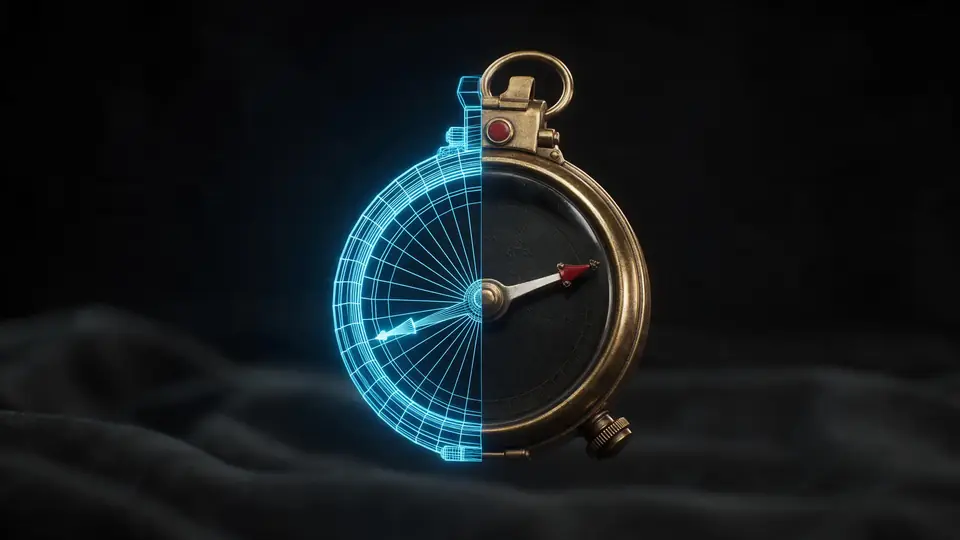
Strip it to the mesh
Clay and wireframe modes show the real topology under the textures — useful before rigging, printing or shipping to a game.
Try it
Also
What else it does
Told exactly what's missing
If the .bin or a texture wasn't picked, the viewer lists the file names it needs instead of failing silently or showing a grey model.
Embedded .gltf and .glb too
A .gltf with its buffer as a base64 data: URI opens on its own, and so does a single .glb.
Compressed meshes
Draco and Meshopt compressed glTF files decode in the page, the way web engines load them.
One file out
Save the loaded scene as a single GLB — or as STL, 3MF, OBJ, PLY or USDZ.
How it works
How the glTF viewer opens a .glTF
The three.js glTF loader runs in your tab; your files never leave it.
Read the JSON
The .gltf is parsed and every buffer and image URI is listed.
Match side files
Each URI is matched by file name to the .bin and textures you picked; data: URIs are decoded in place.
Decode
Draco or Meshopt compressed meshes are decoded on your device.
Inspect
Orbit, switch shading, read the stats, take a PNG or save as GLB.
How to
How to use the glTF Viewer
- Time needed
- Steps
- 4 steps
Step 1
Select the files
Click the box above and select the .gltf, its .bin and its textures together (Ctrl or Cmd-click), or drag them all in. Or try the sample astronaut.
Step 2
Orbit around it
Drag to rotate, scroll or pinch to zoom, right-drag to pan.
Step 3
Inspect the mesh
Switch between Textured, Clay, Wire and Normals and read the triangle and vertex counts.
Step 4
Save one file
GLB is selected — download it to get the whole scene in a single file, or pick another format.
Watch the tour · 1:48
Text, photo or multi-view to a textured GLB, nine engines, the viewer & lighting, compare engines, gallery, download & chat
Chapters
Who uses it
Who opens .glTF files
Blender users
Check a “glTF Separate” export before it goes to a client or a web page.
Web and three.js developers
See whether an asset's buffers and textures resolve before wiring it into a scene.
Game artists
Inspect asset-pack models and their polycount without opening an engine.
Reviewers and clients
Open a delivered .gltf folder with no install.
Compare
.glTF vs .GLB
Same glTF 2.0 data, packed two ways.
| glTF | GLB | |
|---|---|---|
| Files | JSON + .bin + images (or base64 inside the JSON) | One binary file |
| Human-readable | Yes — the scene is JSON | No |
| Size | Embedded base64 adds about a third | Smallest |
| Best for | Editing, diffing, swapping textures | Sharing, web, AR, AI tools |
| Opens here | Yes, with its side files | Yes |
File formats
The formats this tool reads and writes
What each file can hold, what it can't, and where it opens. Facts link to the format's own spec or reference page.
| .gltf · glTF | .glb · GLB | |
|---|---|---|
| Full name | GL Transmission Format | glTF 2.0 Binary |
| Made by | Khronos Group, 2017 (2.0) | Khronos Group, 2017 (glTF 2.0) |
| Kind | JSON scene + .bin + textures | Single-file scene with PBR materials |
| Holds | Meshes and PBR materials, Animation and skins | Meshes and PBR materials, Textures in the same file, Animation and skins |
| No | Single-file convenience (use GLB) | Units beyond metres, CAD precision |
| Best for | Web and real-time engines | Web, AR and real-time apps — the “JPEG of 3D” |
| Opens in | Browsers, Blender, Unity, Unreal, Godot | Browsers (three.js, model-viewer), Blender, Unity, Unreal, Godot |
Sources: Khronos Group — glTF
No file yet?
Make the model first — from one photo
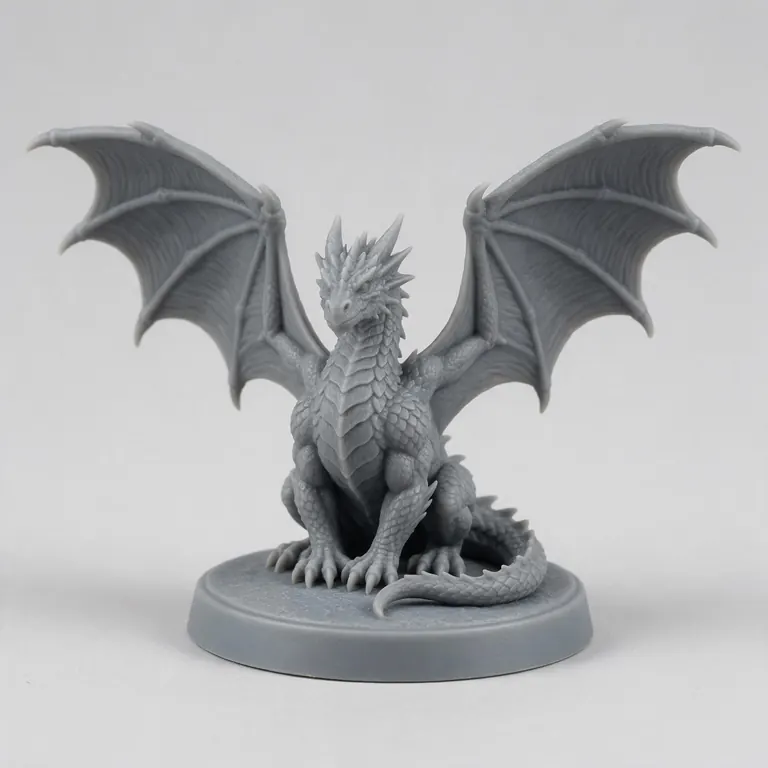
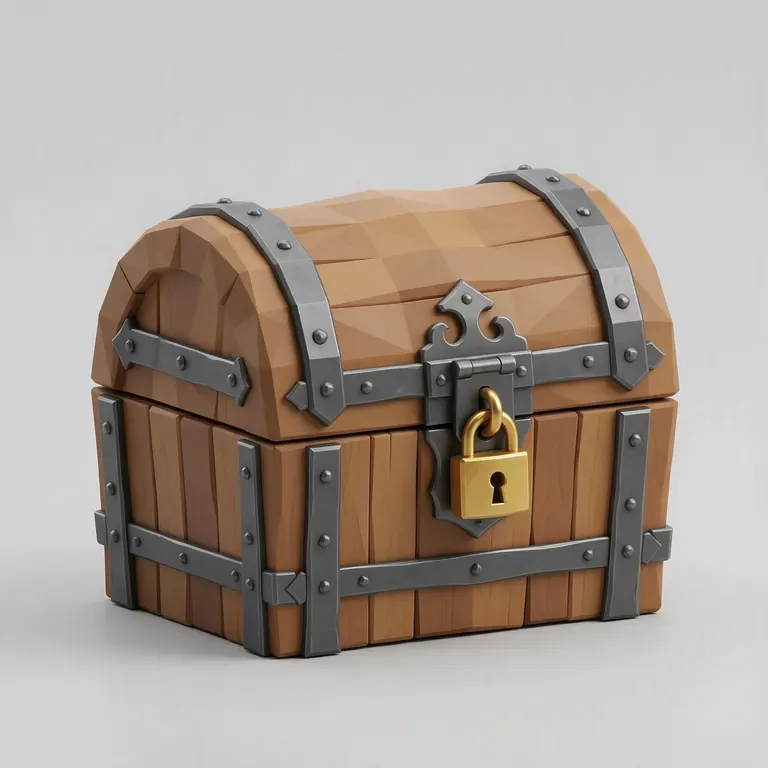
Every sample in the tool above began as a single picture and was turned into a 3D model in the Kenerate 3D Studio. The engine is named on each one.
FAQ
glTF Viewer questions
9 questions

How do I open a .gltf file online?
Click the box above and select the .gltf together with its .bin file and textures — hold Ctrl (Cmd on a Mac) to pick several, or drag them all in at once. The viewer matches each file the glTF points to by name and shows the model. It runs in your browser.
Link to this answerWhy does my .gltf say a file is missing?
A .gltf is a JSON file that usually points to a separate .bin buffer and image textures. If you only pick the .gltf, those can't be read — the viewer lists the exact names it needs so you can add them.
Link to this answerDo the files have to be in the same folder?
No. Files are matched by name, so a texture referenced as textures/wood.png is found whether you pick it from that folder or anywhere else. Names must match the ones in the .gltf.
Link to this answerIs my glTF uploaded anywhere?
No. The JSON, buffers and textures are read and rendered in your browser tab. Only the sample model comes from our server.
Link to this answerDoes it support Draco and Meshopt compression?
Yes. Draco and Meshopt (EXT_meshopt_compression) meshes are decoded on your device, along with quantized attributes. Textures in KTX2 / Basis Universal aren't supported yet.
Link to this answerWhat's the difference between .gltf and .glb?
Both are glTF 2.0. A .gltf keeps the scene as readable JSON with separate binary and image files (or embeds them as base64); a .glb packs everything into one binary file. GLB is easier to share, .gltf easier to edit by hand.
Link to this answerCan I convert .gltf to .glb here?
Yes. Open the .gltf with its files and download GLB. The mesh, UVs, materials and textures go into one file. Mesh compression isn't re-applied, so a Draco or Meshopt source can come out larger — our 2.6 MB sample became a 9.3 MB GLB.
Link to this answerDoes the viewer play animations?
Not yet — the model is shown in its rest pose, and exports contain the static mesh only.
Link to this answerHow do I export glTF from Blender?
Use File → Export → glTF 2.0 and choose a format: glTF Binary (.glb) for one file, or glTF Separate (.gltf + .bin + textures). Either opens here; with Separate, select all the exported files together.
Link to this answerIn depth
glTF Viewer, explained
What the formats really store, what changes when you convert, and how to avoid the usual print and import problems.
On this page
What's inside a .gltf
glTF 2.0 is the Khronos Group's royalty-free format for real-time 3D, published as the international standard ISO/IEC 12113:2022 [4]. A .gltf file is JSON: it lists scenes, nodes, meshes, materials and textures, and points to the heavy data — vertex buffers and images — by URI [8].
Those URIs can be relative paths to a .bin and image files next to the .gltf, or data: URIs that carry the bytes as base64 inside the JSON [8]. Base64 makes the data about a third larger, which is one reason GLB exists.
Why a .gltf needs its side files
Because the geometry lives in the .bin and the colours in the images, a .gltf on its own has nothing to draw. That's why this viewer asks for the whole set and reports the exact names the JSON references when one is missing, rather than showing an empty or grey model.
Units, axes and materials
When to use GLB instead
For sharing, uploading to a website or an AI tool, or viewing in AR, a single .glb is simpler. Keep .gltf when you want to edit the JSON, swap a texture file, or keep a project under version control [4].
Keep going
Other 3D viewers and converters
- 3D Model ViewerOpen STL, OBJ, FBX, GLB, 3MF, PLY
- STL ViewerView STL files online
- GLB ViewerglTF / GLB with PBR materials
- OBJ ViewerWavefront OBJ in your browser
- FBX ViewerAutodesk FBX, no install
- PLY ViewerPoint clouds and coloured scans
- 3D Model ConverterAny format to STL, OBJ, GLB, 3MF, USDZ
- 3MF to STLSlicer projects to plain STL
By the Kenerate AI teamLast updated and reviewed
We build the Kenerate 3D Studio and these free tools. They run on three.js in your browser, so files stay on your device; every sample model is a real output of the AI engine named on it. Technical facts link to their specs and manuals.
Sources: Wikipedia — STL (file format) · Wikipedia — Wavefront .obj file · Wikipedia — FBX · Khronos Group — glTF · 3MF Consortium — 3MF specification · Wikipedia — Universal Scene Description (USD / USDZ) · Wikipedia — PLY (file format) · Khronos Group — glTF 2.0 specification · Apple — AR Quick Look · three.js — documentation · Prusa Knowledge Base — Modeling with 3D printing in mind · Prusa Blog — lithophanes and filament transparency · Polymers (2024) 16(20):2862 — FFF parameters and translucency of PLA · Wikipedia — Lithophane · W3C — CSS Values and Units Level 3 (absolute lengths) · Adobe Substance 3D — OpenGL vs DirectX normal maps · Blender Manual — Normal Map node · Wikipedia — Normal mapping · SIL Open Font License · Paul Bourke — PLY: Polygon File Format

Try the glTF Viewer
Free and private — your files never leave your device. Want to make models with AI? That's the 3D Studio, on any paid plan or credit pack.
Tried it? Tell us how it went