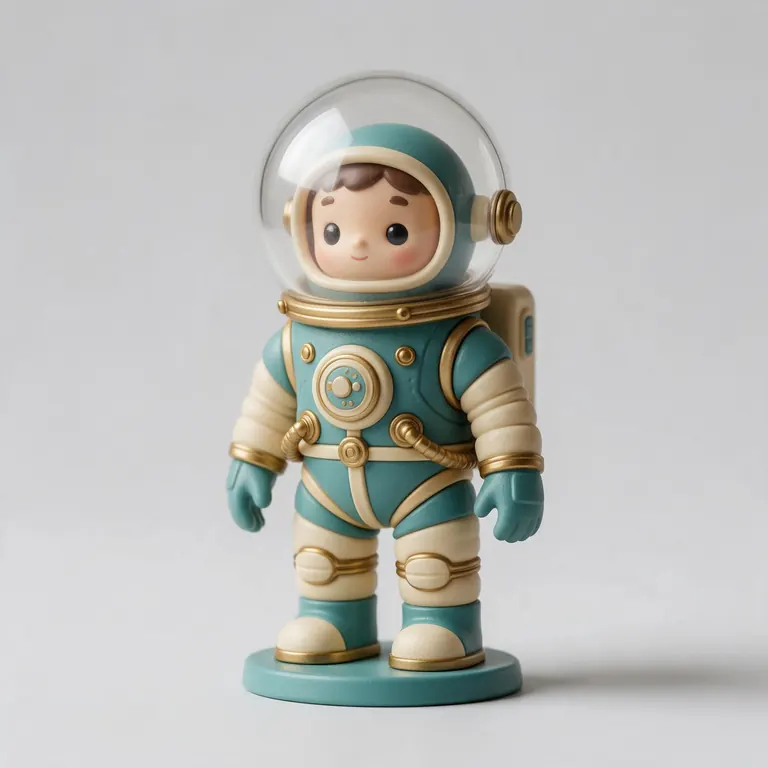
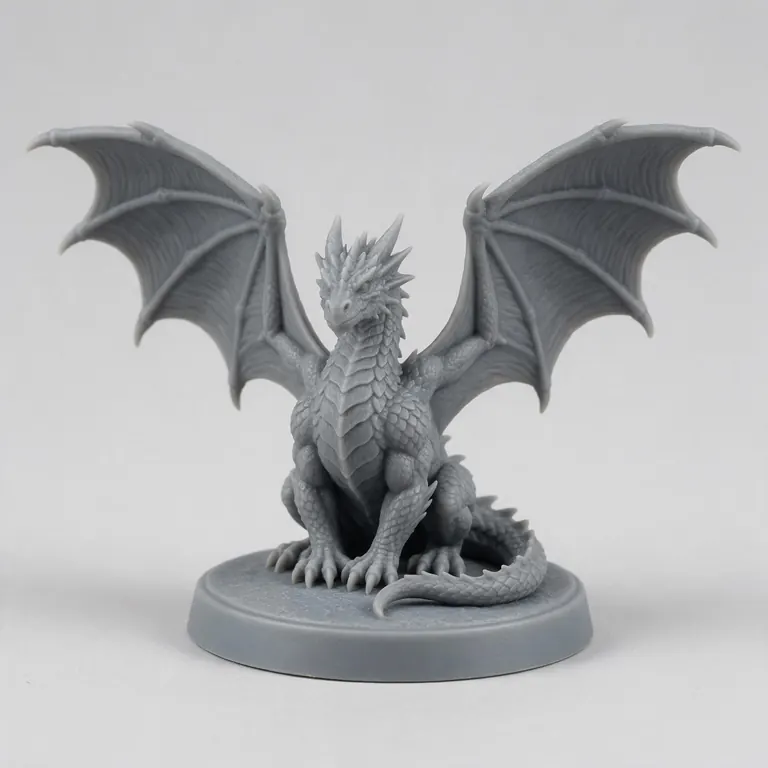
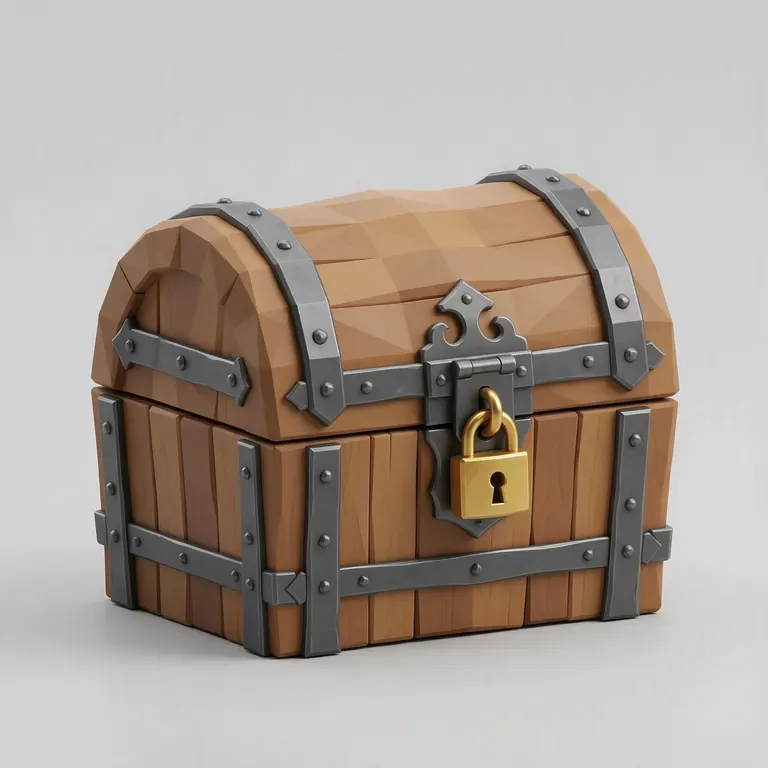
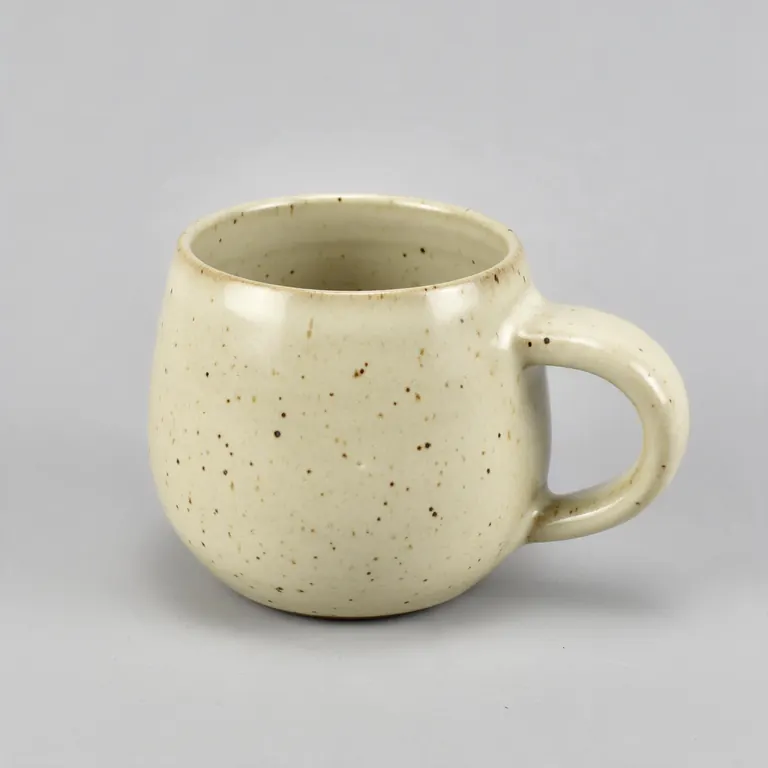
OBJ + MTL + textures → one GLB · nothing uploaded
Convert OBJ to GLB with its materials
An OBJ is three things: the mesh, a .mtl material file and the texture images. Select them together and download one GLB with the textures inside — ready for the web, AR and game engines.
- Reads the .mtl and its texture images
- Textures packed into the GLB
- Preview before you download
- Private: runs on your device
Updated by the Kenerate AI team




On this page
Quick answer

How do you convert OBJ to GLB?
To convert OBJ to GLB, load the .obj together with its .mtl and texture images, then write the mesh, UVs, materials and textures into one glTF 2.0 binary. Kenerate's free converter does it in your browser: select the files, check the preview and download a GLB with the textures embedded. Without the .mtl you still get the mesh in a neutral material. Nothing is uploaded.
Key facts
- Price
- Free, no account
- Converts
- Wavefront OBJ (+ .mtl + PNG / JPEG / WebP textures) → GLB
- Kept
- Mesh, UVs, normals, diffuse colour (Kd), diffuse texture (map_Kd)
- Changed
- Phong shine (Ks, Ns) → matte PBR; quads → triangles
- Without .mtl
- Mesh in a neutral grey material
- Privacy
- Converted locally — no upload
Why this tool
Why turn an OBJ into a GLB
OBJ is the classic interchange mesh, but it spreads one model across several files. GLB packs it into one — the format browsers, AR viewers and AI tools expect.
Also
What else it does
Materials read from the .mtl
Each usemtl group keeps its diffuse colour, and map_Kd textures are embedded. Pick the texture files with the .obj — a map whose image wasn't picked is skipped, the colour stays.
Smaller than text
OBJ is plain text; GLB stores the same numbers in binary. Our 4,032-triangle teapot went from 497 KB to 388 KB.
How it works
How OBJ becomes GLB
All on your device.
Parse
Vertices, UVs, normals and faces are read from the OBJ text; quads and n-gons become triangles.
Materials
The .mtl named by mtllib is read: diffuse colours and the texture images you picked are applied.
Preview
The model appears with its materials; Clay and Wire show the bare mesh.
Write
Mesh, materials and textures are written into one binary glTF file and downloaded.
How to
How to use the OBJ to GLB Converter
- Time needed
- Steps
- 4 steps
Step 1
Select the files
Click the box above and select the .obj, its .mtl and its texture images together (Ctrl or Cmd-click), or drag them all in. The .obj alone works too.
Step 2
Preview
Orbit it, check the materials and read the triangle count.
Step 3
Keep GLB selected
GLB is the default output on this page.
Step 4
Download
Click Download GLB.
Watch the tour · 1:48
Text, photo or multi-view to a textured GLB, nine engines, the viewer & lighting, compare engines, gallery, download & chat
Chapters
Who uses it
Who converts OBJ to GLB
Web developers
Load a model in three.js, Babylon.js or model-viewer, which all prefer glTF.
AR and e-commerce
Product models for web AR viewers and 3D product pages.
Game developers
Bring old OBJ asset packs into Godot, Unity or Unreal as glTF.
3D scanning
Photogrammetry often exports OBJ + MTL + JPEG; GLB makes it one shareable file.
Compare
OBJ vs GLB
Both store a mesh with UVs; GLB carries the materials and textures inside.
| OBJ | GLB | |
|---|---|---|
| Files | .obj + .mtl + images | One .glb |
| Encoding | Text | Binary |
| Materials | Phong-style .mtl (Kd, Ks, Ns, map_Kd) | PBR metallic-roughness |
| Units | None | Metres |
| Animation | No | Yes |
| Typical use | Moving meshes between 3D apps | Web, AR, game engines, AI tools |
File formats
The formats this tool reads and writes
What each file can hold, what it can't, and where it opens. Facts link to the format's own spec or reference page.
| .obj · OBJ | .glb · GLB | |
|---|---|---|
| Full name | Wavefront OBJ | glTF 2.0 Binary |
| Made by | Wavefront Technologies, 1980s | Khronos Group, 2017 (glTF 2.0) |
| Kind | Plain-text mesh | Single-file scene with PBR materials |
| Holds | Vertices, faces, UVs and normals, Materials via a separate .mtl file | Meshes and PBR materials, Textures in the same file, Animation and skins |
| No | Animation and rigs, Embedded textures | Units beyond metres, CAD precision |
| Best for | Moving static meshes between 3D apps | Web, AR and real-time apps — the “JPEG of 3D” |
| Opens in | Blender, Maya, 3ds Max, ZBrush, most slicers | Browsers (three.js, model-viewer), Blender, Unity, Unreal, Godot |
No file yet?
Make the model first — from one photo
Every sample in the tool above began as a single picture and was turned into a 3D model in the Kenerate 3D Studio. The engine is named on each one.
FAQ
OBJ to GLB Converter questions
9 questions

Is OBJ to GLB conversion free?
Yes. It runs in your browser with no account and no watermark.
Link to this answerDo I need the .mtl file?
Only if you want the materials. With the .mtl (and its textures) the GLB keeps colours and texture maps; with just the .obj you get the mesh in a neutral grey material.
Link to this answerHow do I include the textures?
Select the .obj, the .mtl and the image files together — hold Ctrl (Cmd on a Mac) in the file picker, or drag them all in at once. Files are matched by name, so a map_Kd path like textures/wood.jpg finds wood.jpg wherever you picked it.
Link to this answerWhy is my GLB grey or missing a texture?
Either the .mtl wasn't picked, or a texture image it names wasn't among the files. Open them again together; the preview shows the materials before you download.
Link to this answerIs my OBJ uploaded?
No — the files are read and converted on your device.
Link to this answerWill the GLB look exactly like my OBJ?
Shape, UVs, colours and diffuse textures carry over. OBJ's Phong shine settings (Ks, Ns) have no glTF equivalent, so surfaces come out matte; adjust metalness and roughness in Blender if you need shine.
Link to this answerMy GLB is huge or tiny in other viewers — why?
OBJ has no units, while glTF reads every number as metres. A model built in centimetres or millimetres will look 100× or 1,000× too big — scale it in your 3D app before converting.
Link to this answerCan I convert OBJ to glTF instead of GLB?
This tool writes GLB, the single-file binary form of glTF 2.0. It holds the same data as a .gltf and opens anywhere glTF does.
Link to this answerHow do I convert OBJ to GLB in Blender?
Import with File → Import → Wavefront (.obj), check the materials, then File → Export → glTF 2.0 and choose glTF Binary (.glb). Or skip Blender and select the files here.
Link to this answerIn depth
OBJ to GLB Converter, explained
What the formats really store, what changes when you convert, and how to avoid the usual print and import problems.
On this page
Why an OBJ is several files
OBJ stores geometry as text — v lines for positions, vt for texture coordinates, vn for normals and f for faces [2]. Materials live in a separate .mtl file named by mtllib; usemtl switches material for the faces that follow [2].
The .mtl itself only sets values such as the diffuse colour Kd and points to image files with map_Kd [2], so a textured OBJ is at least three files. GLB packs the mesh, materials and images into one binary file [8].
From Phong to PBR
Units and orientation
Keep going
Other 3D viewers and converters
- 3D Model ConverterAny format to STL, OBJ, GLB, 3MF, USDZ
- 3MF to STLSlicer projects to plain STL
- GLB to STLAI models ready to print
- OBJ to STLMeshes for any slicer
- STL to OBJPrint files into 3D apps
- STL to 3MFUnits and a modern print format
- GLB to OBJglTF into classic 3D apps
- FBX to OBJStatic meshes from FBX
By the Kenerate AI teamLast updated and reviewed
We build the Kenerate 3D Studio and these free tools. They run on three.js in your browser, so files stay on your device; every sample model is a real output of the AI engine named on it. Technical facts link to their specs and manuals.
Sources: Wikipedia — STL (file format) · Wikipedia — Wavefront .obj file · Wikipedia — FBX · Khronos Group — glTF · 3MF Consortium — 3MF specification · Wikipedia — Universal Scene Description (USD / USDZ) · Wikipedia — PLY (file format) · Khronos Group — glTF 2.0 specification · Apple — AR Quick Look · three.js — documentation · Prusa Knowledge Base — Modeling with 3D printing in mind · Prusa Blog — lithophanes and filament transparency · Polymers (2024) 16(20):2862 — FFF parameters and translucency of PLA · Wikipedia — Lithophane · W3C — CSS Values and Units Level 3 (absolute lengths) · Adobe Substance 3D — OpenGL vs DirectX normal maps · Blender Manual — Normal Map node · Wikipedia — Normal mapping · SIL Open Font License · Paul Bourke — PLY: Polygon File Format

Try the OBJ to GLB Converter
Free and private — your files never leave your device. Want to make models with AI? That's the 3D Studio, on any paid plan or credit pack.
Tried it? Tell us how it went