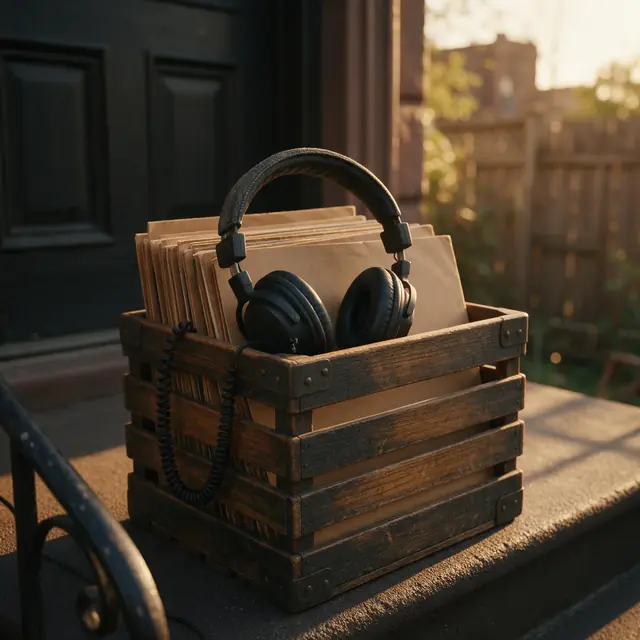
Boom-bapInstrumental80 BPM
Stoop Session
Made with Ken Music 1.5 · Tap the snare or the kick
—
PromptLaid-back boom-bap hip-hop instrumental at 80 bpm, dusty drums, deep bass, mellow Rhodes chords, head-nod groove


Free · tap or spacebar · no account needed
Tap the pad or press the spacebar on each beat of any song. The BPM updates with every tap, and you can play the result back as a click to check it against the music.
BPM
Tap along with the beat
Updated by the Kenerate AI team
On this page
Quick answer
Tap tempo finds a song's speed from the time between your taps. It averages the gaps and turns that into beats per minute: 60,000 divided by the average gap in milliseconds. Taps 500 ms apart read 120 BPM. This tool averages your last 16 taps and starts a new reading after a 3-second pause. Tap at least 8 beats: one published guide calls under 4 taps unreliable, and more taps give a steadier reading.
Listen first
Real AI generations. Play one, tap along and compare your reading with the tempo the prompt asked for. Engines don't always land exactly on it, so a small difference is normal.
Made with Ken Music 1.5 · Tap the snare or the kick
PromptLaid-back boom-bap hip-hop instrumental at 80 bpm, dusty drums, deep bass, mellow Rhodes chords, head-nod groove
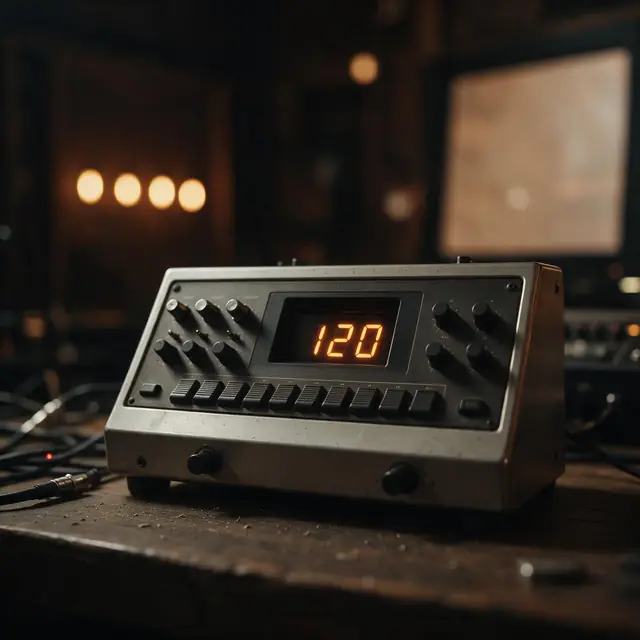
Made with MiniMax Music 3.0 · Four-on-the-floor: the easiest to tap
PromptGroovy house instrumental at exactly 120 bpm, four-on-the-floor kick, warm bassline, piano chords, steady and danceable
Made with ElevenLabs Music v2.5 · Tap the kick through the drop
PromptEuphoric progressive house instrumental, big supersaw drop, rolling bass, uplifting piano chords, festival energy, 126 bpm
Made with Ken Music 1.5 · Half-time feel: you may read 71, then press ×2
PromptUK drill beat, sliding 808 bass, skippy hi-hats, dark piano melody, eerie strings, 142 bpm
How to
Step 1
Use any source: a stream, a record, a band in the room. Start on a section with a steady beat.
Step 2
Tap the pad or press the spacebar on every beat. The kick or snare is easier to follow than the melody.
Step 3
The BPM updates on every tap. Stop when the number has settled.
Step 4
If the number feels too slow or too fast for the song, press ×2 or ÷2.
See it in the app

Open Music Studio and pick a song from a prompt, a song from your lyrics, or an instrumental.
Prompt & lyrics to song, instrumentals, models, your tracks & chat
Chapters
Checked 4 November 2026
Tap when you can hear the song but don't have the file. Use the finder when you have the file and want the key too.
| Tap tempo | Automatic (BPM & key finder) | |
|---|---|---|
| What you need | Any music you can hear: a stream, the radio, a live band | An audio file: MP3, WAV, M4A or OGG |
| How it works | Averages the gaps between your taps | Estimates the tempo from the drum hits |
| What you get | Tempo only | Tempo, key, Camelot code and relative key |
| Half or double time | You decide by ear with ÷2 and ×2 | Shows both alternatives |
| Free-tempo music | You can follow the pulse you feel, but the reading moves | Harder: no steady drum hits to detect |
| Your privacy | Times your taps only; no audio involved | Runs in your browser; the file isn't uploaded |
Both give an estimate. If they disagree by exactly half or double, the difference is how the beat is counted.
Sources: Another Producer — BPM counter and tap tempo tool · The Ghost Production — BPM tapper · Mubert — BPM tapper and genre tempos · Ableton Learning Music — Tempo and genre · Musical U — typical BPM by genre · Kenerate Music Studio — engine list and modes
Engines
Facts from the app's engine list.

Kenerate
Best for
Default engine: full songs with vocals in any language; can take an image as inspiration
MiniMax
Best for
Follows [Verse]/[Chorus] section tags closely
ElevenLabs
Best for
Set the exact duration; clean studio mix
Mureka
Best for
Writes its own lyrics from a prompt; style chips; MP3/WAV/FLAC
Prompt recipe
Swap in your own number. Each one opens the Music Studio with the tempo in the prompt.
80 BPM
Lo-fi hip-hop beat at 80 bpm, dusty drums, jazzy Rhodes, vinyl crackle
100 BPM
Bouncy hip-hop beat at 100 bpm, punchy drums, soulful chops, deep bass
124 BPM
House instrumental at 124 bpm, four-on-the-floor kick, warm bassline, piano stabs
140 BPM
Dark trap beat at 140 bpm, hard 808s, rolling hi-hats, eerie bells
Tempo
Typical ranges from published tempo guides, to spot a half- or double-time reading. Any single song can sit outside its genre's range.
60–80 BPM · Musical U, Mubert
70–90 BPM · Mubert
60–100 BPM · Ableton
130–170 BPM · Mubert; often felt at half that
Tips
Small habits that give a better reading.
Listen for a bar or two before your first tap, so you start on the beat.
Tap the kick or snare rather than the vocal or melody.
If you miss a beat, press Reset. One wrong gap stays in the average until it leaves the last 16 taps.
Pausing for 3 seconds starts a new reading, which helps when a song changes section.
Keep an even, relaxed motion and let the number settle before you read it.
Round the reading to a whole number before you set it in a DAW.
FAQ
10 questions
Tap tempo is a way to set or measure a tempo by tapping along with the beat. The tool times the gaps between your taps and shows the result in beats per minute (BPM). Metronomes, delay pedals and DAWs often have the same feature.
Link to this answerThis tool shows a first reading after 2 taps, but aim for at least 8. Another Producer calls fewer than 4 taps unreliable and expects about ±2–3 BPM after 8–12 taps; The Ghost Production says about 1 BPM after 16 steady taps. Those are their figures, and your own timing matters most.
Link to this answerPlay the song, then tap the pad or press the spacebar on each beat for 8 taps or more. Read the BPM, then press Play click to check that it stays with the song.
Link to this answerYou may have tapped every second beat, or every half beat. Many grooves can be counted either way, and trap and drill are often felt at half time. Press ×2 or ÷2 and pick the number that matches how the song is usually counted.
Link to this answerYes. The spacebar taps while the pad is on screen, and holding it down counts as one tap. On a phone, tap the pad with your finger.
Link to this answerPress Reset, or stop tapping for 3 seconds. The next tap then starts a new reading.
Link to this answerIt's as steady as your timing. The average of the gaps depends on the first and last taps in the window, so a longer run shrinks the effect of a slip: a 20 ms slip at 120 BPM moves the reading about 1.6 BPM over 4 taps and about 0.3 BPM over 16.
Link to this answerThey do different jobs. Tap tempo needs no file, so it works on anything you can hear. The BPM & key finder reads an audio file and also gives you the key. If you have the file, use the finder and tap to confirm.
Link to this answerYes. Press Play click to hear your reading as a click with an accent every 4 beats, from 40 to 240 BPM. For time signatures, 8th-note clicks and WAV downloads, use the free online metronome.
Link to this answerNo to both. It never uses your microphone and only times your taps, so there's nothing to upload. It's free with no sign-up.
Link to this answerIn depth
What works, what to avoid, and how the pieces fit.
Each tap stores a time. The tool takes the last 16 taps, averages the 15 gaps between them, and divides 60,000 by that average. Taps 500 ms apart read 120 BPM, and taps 750 ms apart read 80 BPM.
A rolling window means the reading can follow you if you correct your timing, and old taps stop counting once they leave the last 16.
When you add up the gaps, the taps in the middle cancel out. The average is simply the time from the first tap to the last, divided by the number of gaps. So a slip on an end tap is spread across every gap in the window. Here is the arithmetic for a true tempo of 120 BPM with one 20 ms slip, chosen as an example:
Pick a section with a clear beat, listen for a bar or two, then tap the kick or snare rather than the melody [2]. Tap every beat, not every bar. Songs with a live drummer or free tempo can drift, so tap one section at a time and pause for 3 seconds to start a new reading for the next one.
The same groove can be counted two ways. Trap is often written at 130–170 BPM but felt at half that [3], so tapping the snare can read 71 on a 142 BPM beat. Neither reading means you tapped badly. Press ×2 or ÷2, then compare the result with the genre ranges above.
Tapping needs only your ears, so it works on a stream, a radio or a band. A detector needs the file, but it also finds the key. The BPM & key finder runs in your browser and shows half- and double-time options. A good habit is to run the finder, then tap to confirm the count feels right.
Set it on a metronome to practise with the song, use the BPM changer to move a track to a new tempo with the pitch kept, or make something new: write the tempo in a Music Studio prompt and Ken Music 1.5 returns a track of up to about 3 minutes for 30 credits. A tempo in a prompt is a direction rather than a locked click, so tap the result to check it.
By the Kenerate AI teamLast updated and reviewed
We build and run the Kenerate Music Studio. Every demo on this page is a real output of the engine named on it, made from the prompt shown; engine facts were checked against the app's code.
Sources: Another Producer — BPM counter and tap tempo tool · The Ghost Production — BPM tapper · Mubert — BPM tapper and genre tempos · Ableton Learning Music — Tempo and genre · Musical U — typical BPM by genre · Kenerate Music Studio — engine list and modes

Free to start. No watermark. Download every track.
Tried it? Tell us how it went