Photo or prompt · spoken lines · 9:16 for Reels
AI meme video generator — funny clips from a photo or a one-line idea
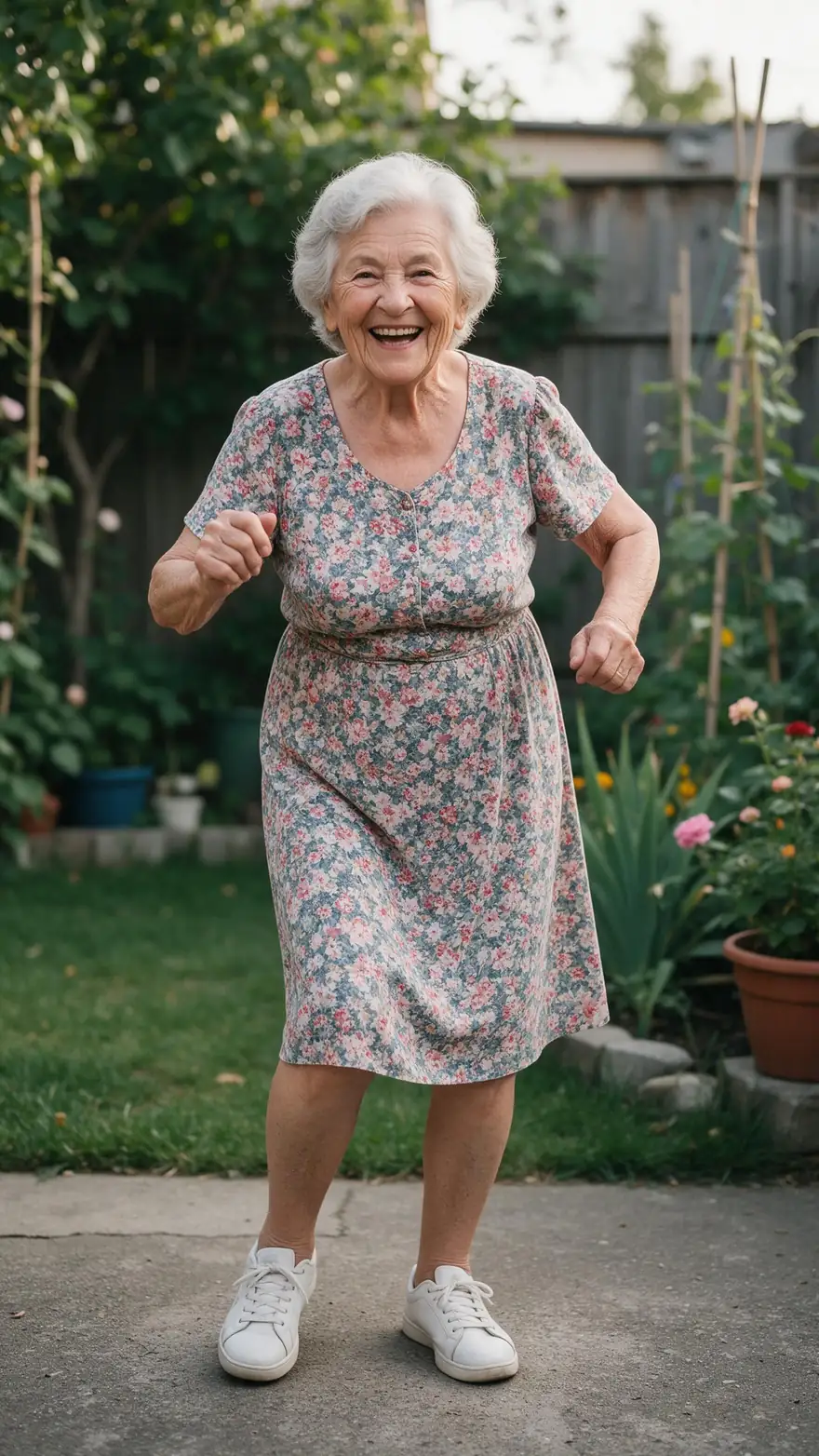
A meme video is a joke that lands in five seconds: a cat that knocks the glass off, a wizard who complains, a grandma who out-dances everyone. Here is how to make those with AI — animate a funny still, write a skit with one spoken line, then add captions for the feed.
- From a photo or a prompt
- Spoken lines and sound
- 9:16 · 1:1 · 16:9
- No watermark
Updated by the Kenerate AI team
Made with Kenerate
On this page
Quick answer
What is an AI meme video generator?
An AI meme video generator turns a funny idea into a short clip: you upload a still or type the joke, and a video model animates it — with sound and a spoken line on models such as Wan 3. Kenerate's video studio makes 2–30 s clips in 9:16, 1:1 or 16:9, and its Auto Subtitles tool adds captions.
Key facts
- Start from
- A funny photo, a meme image or a text prompt
- Clip length
- 2–30 s on Wan 3
- Formats
- 9:16, 16:9, 1:1, 4:3, 3:4
- Sound
- Effects, music and a spoken line in quotes
- Captions
- Auto Subtitles, 10 styles, clips up to 4 min
- Watermark
- None
Real results
Meme-style clips made with AI
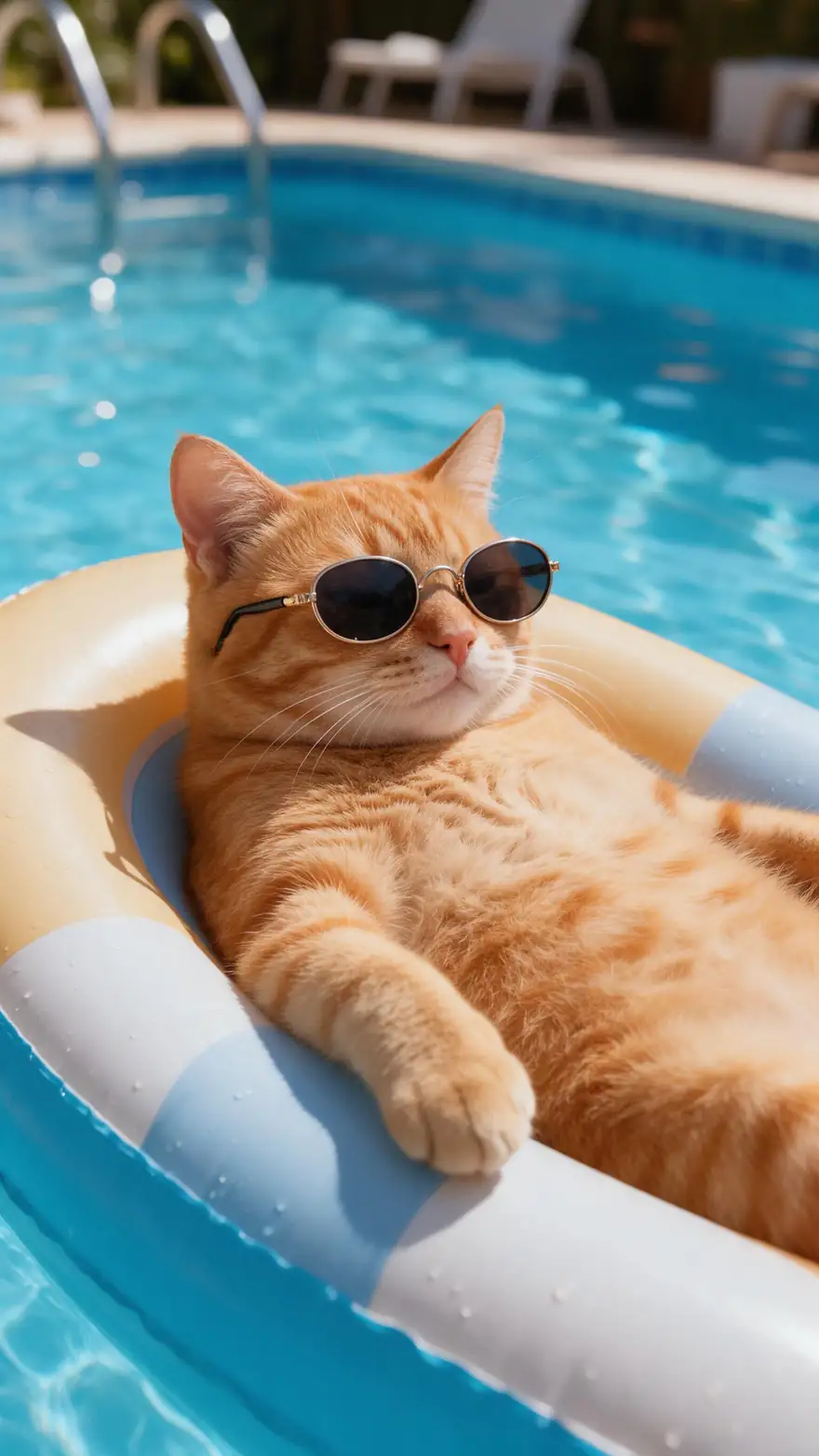
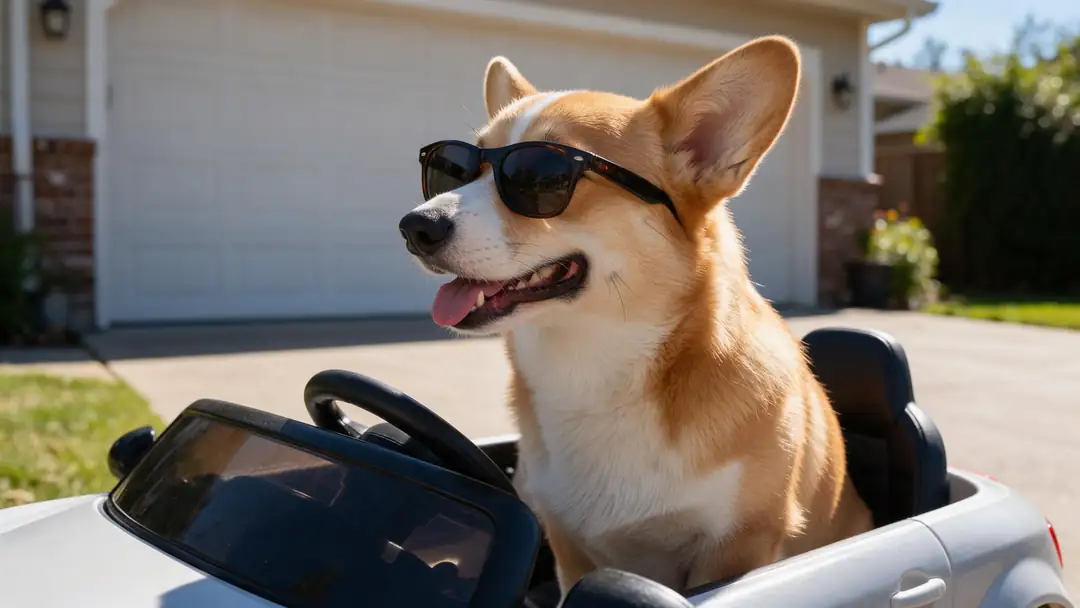
Filter by kind of joke: animals doing human things, a character with one spoken line, or an unexpected dance. Real 5-second clips, each from one still image.
Every clip is an unedited output of the model named on it, made from a fictional AI image; open one to see its prompt.
How to
How to make a meme video with AI
- Time needed
- Steps
- 4 steps
Step 1
Pick the joke
One idea per clip: an animal doing something human, a character with a deadpan line, an everyday moment that goes wrong. Five seconds is enough for one punchline.
Step 2
Start from a still or a prompt
Upload a funny photo or AI image as the start frame, or make one first with the AI meme generator. You can also type the whole scene as a prompt.
Step 3
Write the punchline into the motion
Say what happens and when: "the cat looks at the camera, then knocks the glass off". For a talking skit, put the line in quotes.
Step 4
Choose the format
9:16 for TikTok, Reels and Shorts; 1:1 for feeds; 16:9 for YouTube. Generate a 5-second test on Wan 3 before going longer.
See it in the app

Open Video Studio in Text to Video mode and write the shot — subject, action, camera move and light.


Watch the tour · 1:19
Text, image & reference to video, models, edit, extend & chat
Chapters
Checked 24 October 2026
Meme video formats and how to prompt them
Common formats, what to put in the image, and what to put in the motion prompt.
| Format | Image | Motion prompt |
|---|---|---|
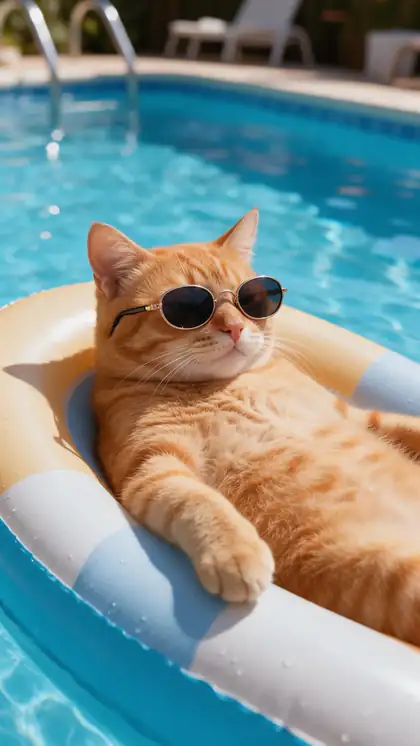
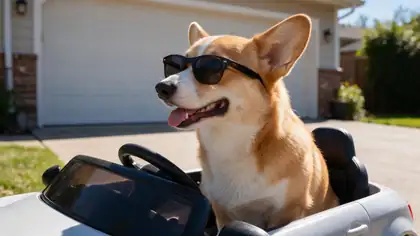
| Animal does a human thing | Pet in a human setting — a car, a desk, a pool float | "turns the steering wheel", "lowers its sunglasses and looks at the camera" |
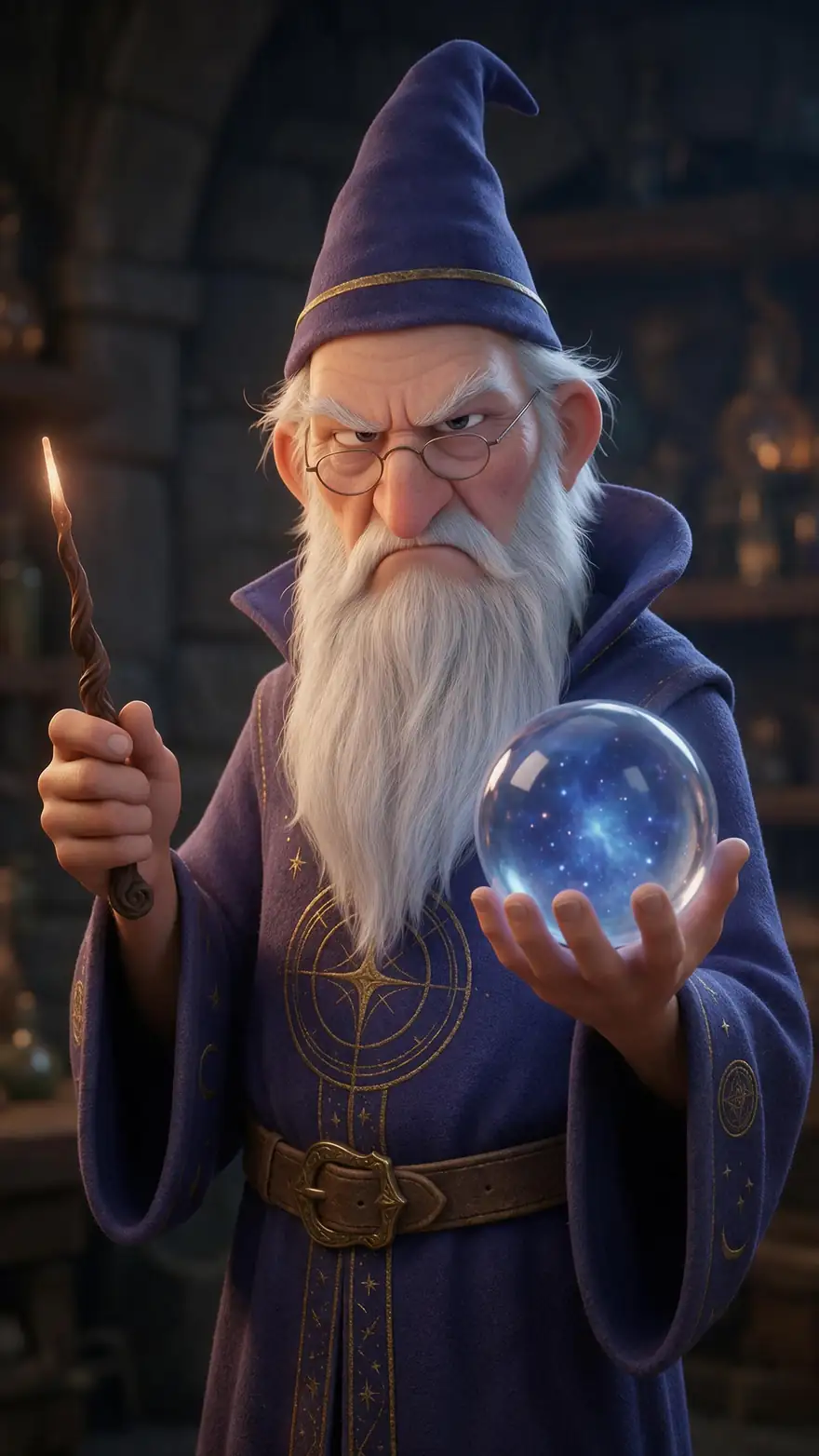
| Deadpan talking character | Cartoon or fictional character facing the camera | One short line in quotes + the voice: "grumbles: 'Not again.' deep voice" |
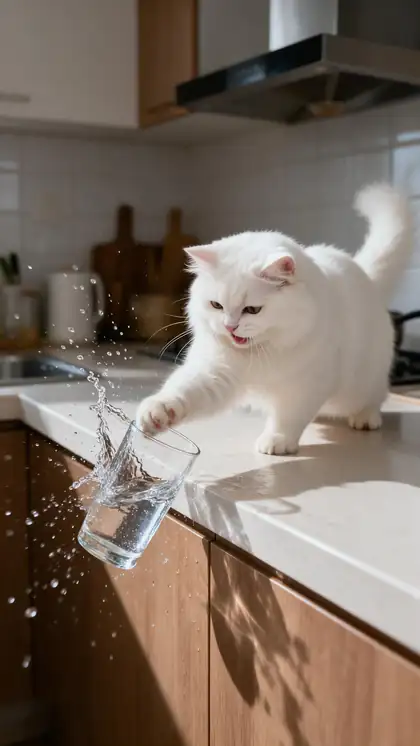
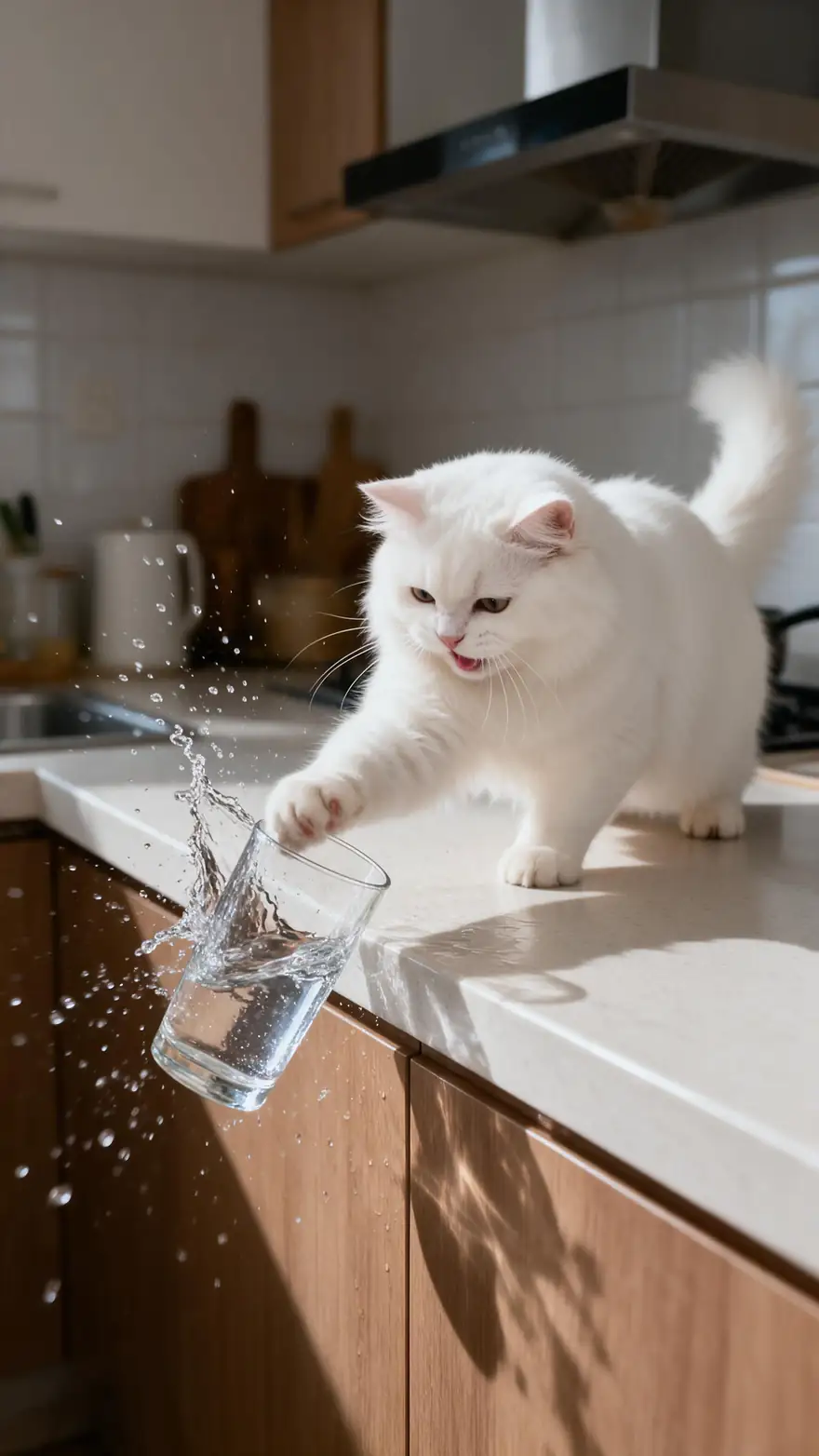
| The slow-motion fail | A frozen moment just before it goes wrong | "slowly pushes the glass to the edge, then knocks it off, water splashing" |
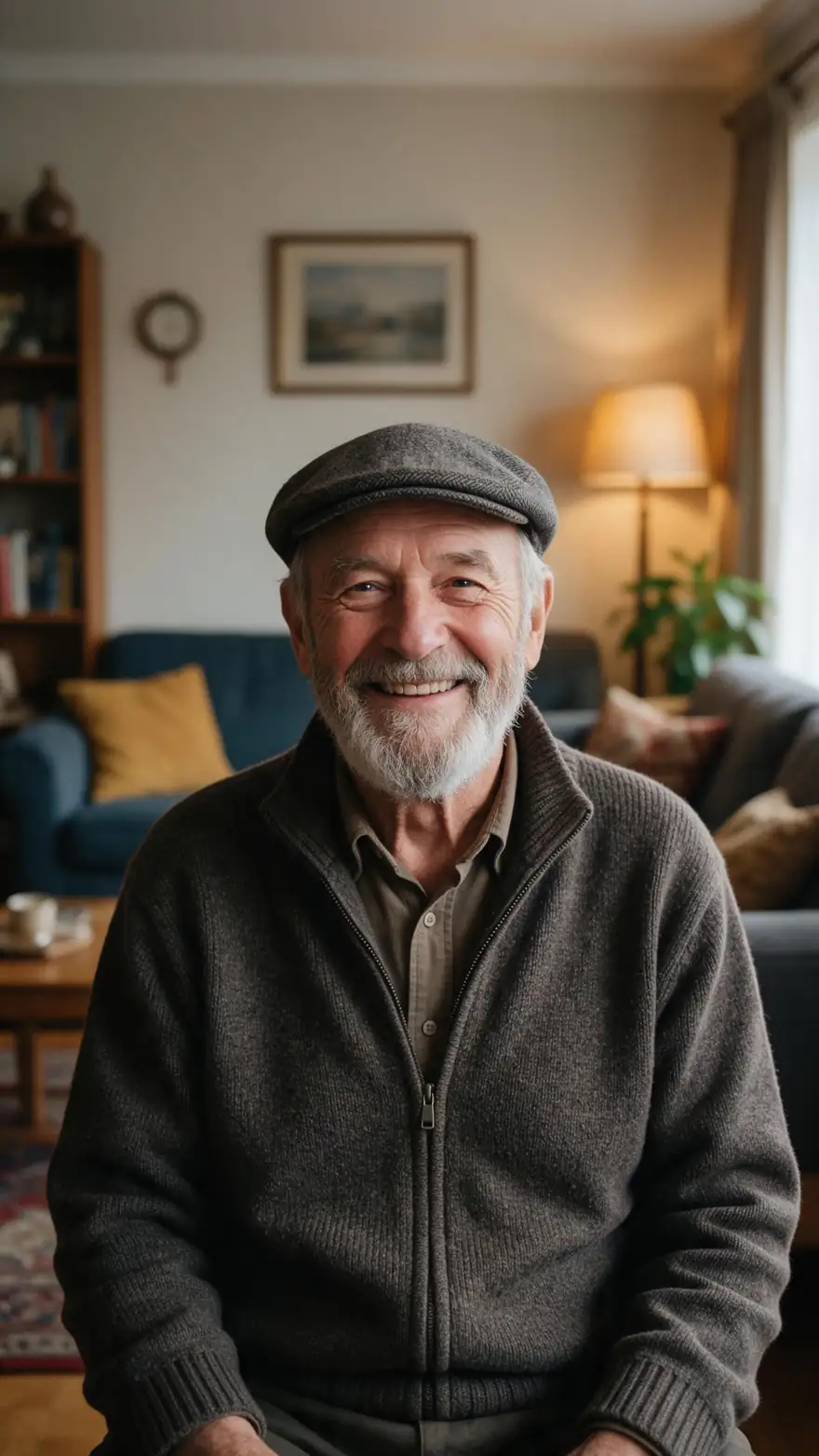
| Unexpected dance | Someone you wouldn't expect to dance — a fictional grandma, a robot | "dances happily, shimmying and laughing, upbeat swing music" |
| Reaction clip | A face or animal mid-expression | "stares at the camera, blinks once, slowly raises an eyebrow" |
| Animated still meme | Your own meme image, made with the AI meme generator | Move one thing, keep the text area still: "static camera, only the cat moves" |
Use your own images and fictional characters — not copyrighted meme templates or real people's faces.
Sources: Kenerate video studio · Kenerate Auto Subtitles · Internet meme — Wikipedia
Engines
Which model for which kind of meme
All of these take a still as the first frame or work from a prompt; pick by the kind of joke.
- Most examples

Alibaba
Wan 3
- Input
- Image or text (+ optional end frame)
- Output
- 2–30 s · 480p–1080p · sound
Open Wan 3Best for
Talking skits, dances and longer bits
xAI
Grok Imagine 1.5
- Input
- Image or text
- Output
- 1–15 s · 480p–1080p · sound
Open Grok Imagine 1.5Best for
Quick reaction clips and animal gags
MiniMax
MiniMax H3 Pro
- Input
- Image or text
- Output
- 4–15 s · 768p or 2K · sound
Open MiniMax H3 ProBest for
Physical comedy with props and splashes
Kuaishou
Kling 3.0 Pro
- Input
- Image (+ optional end frame)
- Output
- 3–15 s · sound
Open Kling 3.0 ProBest for
Bigger body motion — people and animals
Lengths and resolutions are from the video studio's own model list. The examples above name the model that made each clip.
Tips
What makes an AI meme video land
Comedy rules that also help the model.
Look at the camera: a pause and a stare before the punchline reads as deliberate.
One action per clip — a setup and a payoff, not three gags.
Keep spoken lines short: under ten words fits a 5-second clip.
Name the sound: "water splashes", "record scratch", "deadpan voice".
Animals and cartoon characters are safe, reusable stars; skip real people and celebrities.
Leave room for the caption: centre the subject so text at the top or bottom doesn't cover the face.
FAQ
AI meme videos — questions
8 questions
How do I make a meme video with AI?
Upload a funny still or type the scene, describe what happens and the punchline in the motion prompt, pick 9:16 for TikTok or Reels and generate a 5-second clip. In Kenerate's video studio Wan 3 adds sound and spoken lines; Auto Subtitles adds captions afterwards.
Link to this answerCan I turn a meme image into a video?
Yes, if the image is yours — for example one you made with the AI meme generator. Add it as the start frame and say what moves. Text in the picture can warp when it moves, so ask for a static camera or add the caption afterwards with Auto Subtitles.
Link to this answerCan the characters talk?
Yes, on sound models. Put the line in quotes in the motion prompt, add the voice ("deep voice", "deadpan"), and keep it short — under ten words fits a 5-second clip, as in the grumpy wizard example.
Link to this answerWhat size should a meme video be?
9:16 vertical for TikTok, Instagram Reels and YouTube Shorts, 1:1 square for feeds, 16:9 for YouTube and X. Wan 3 supports 16:9, 9:16, 1:1, 4:3 and 3:4 at 480p, 720p or 1080p.
Link to this answerHow long can an AI meme video be?
Wan 3 makes clips from 2 to 30 seconds; Grok Imagine 1.5 and MiniMax H3 Pro go up to 15 seconds. Most memes work best at 5 to 8 seconds: one setup, one punchline.
Link to this answerHow do I add captions to a meme video?
Open the clip in Auto Subtitles: it transcribes the speech and burns in captions in one of 10 styles, at the top, middle or bottom of the frame, for clips up to 4 minutes.
Link to this answerCan I use celebrities or real people in AI meme videos?
Stick to fictional characters, cartoons, animals and your own original images. Putting a real person or celebrity into a meme without permission can break platform rules and likeness laws — and an original character makes a better recurring meme star anyway.
Link to this answerDo the videos have a watermark?
No. Downloads are MP4 files without a Kenerate watermark.
Link to this answerIn depth
Meme videos, explained
On this page
Why short video memes work
An internet meme is an idea, joke or format that spreads by being copied and changed [1]. Video memes follow the same pattern: a recognisable format — the stare, the fail, the unexpected dance — with a new star. AI makes the new star cheap to produce, so you can test several variations of one joke.
Image first, or prompt first?
Starting from a still gives you control over the setup: the character, the room, the framing. A prompt-only clip is faster but less predictable. For a recurring meme character, make one good image and reuse it as the start frame for every clip.
- Image first: recurring characters, precise setups, your own meme images
- Prompt first: quick ideas, one-off gags, testing a format
Keep it original
Recreating a famous meme with a real person's face, or uploading a copyrighted template, can break platform rules and copyright. Fictional characters, animals and your own images avoid that — and an original character can become a meme of its own.
AI meme video maker
Same job, different words: start from a still or a prompt, write the punchline into the motion, export vertical.
Funny AI video generator
Any video model can be funny — the joke is in the prompt. Animals doing human things and deadpan talking characters are the most reliable.
Meme video maker with text
Add text after generating, with Auto Subtitles for speech, rather than asking the video model to keep text steady in the frame.
Animate a meme
Use your own meme image as the start frame and move one element, with a static camera so the composition holds.
Explore
Every Kenerate video tool
Generators, tools, models and guides — all in one studio.