

Nano Banana 2.1 + image to video · Wan 3.0 · Seedance · Kling
Nano Banana video generator — make the image, then make it move
Nano Banana makes images, not videos. The way to a Nano Banana video is two steps: create the still with Nano Banana 2.1, then animate it with an image-to-video model. Here are six real clips made exactly that way, each next to its source image.
Step 1: image with Nano Banana 2.1. Step 2: animate it in Video Studio.
- 6 real still → clip pairs
- Both prompts shown
- Image and video in one app
- No watermark
Updated by the Kenerate AI team
On this page
Quick answer
Updated
Can Nano Banana generate videos?
Nano Banana can't generate videos on its own — Google's docs list its output as images and text. To make a "Nano Banana video", create the image with Nano Banana 2.1 (released 6 October 2026), then animate it with an image-to-video model such as Wan 3.0, Seedance or Kling. On Kenerate both steps run in one account.
Key facts
- Nano Banana outputs
- Images and text (no video)
- Step 1
- Image with Nano Banana 2.1, 1K–4K
- Step 2
- Image to video in /app/video
- Video models
- Wan 3.0, Seedance, Kling and more
- Clip length
- Up to 30 s with Wan 3.0
- Where
- Kenerate Image Studio + Video Studio
Real clips
Six Nano Banana images, turned into video
Left: the still Nano Banana 2.1 made. Right: the same still animated with Wan 3.0. Each clip plays muted when you scroll to it.
Perfume orbit
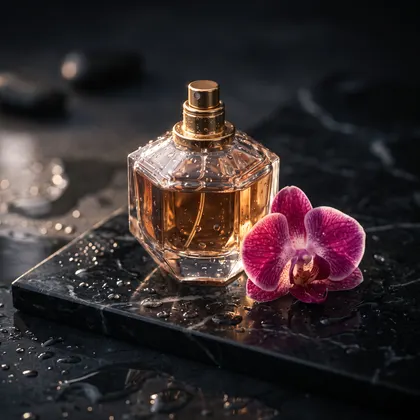
1. Image · Nano Banana 2.1 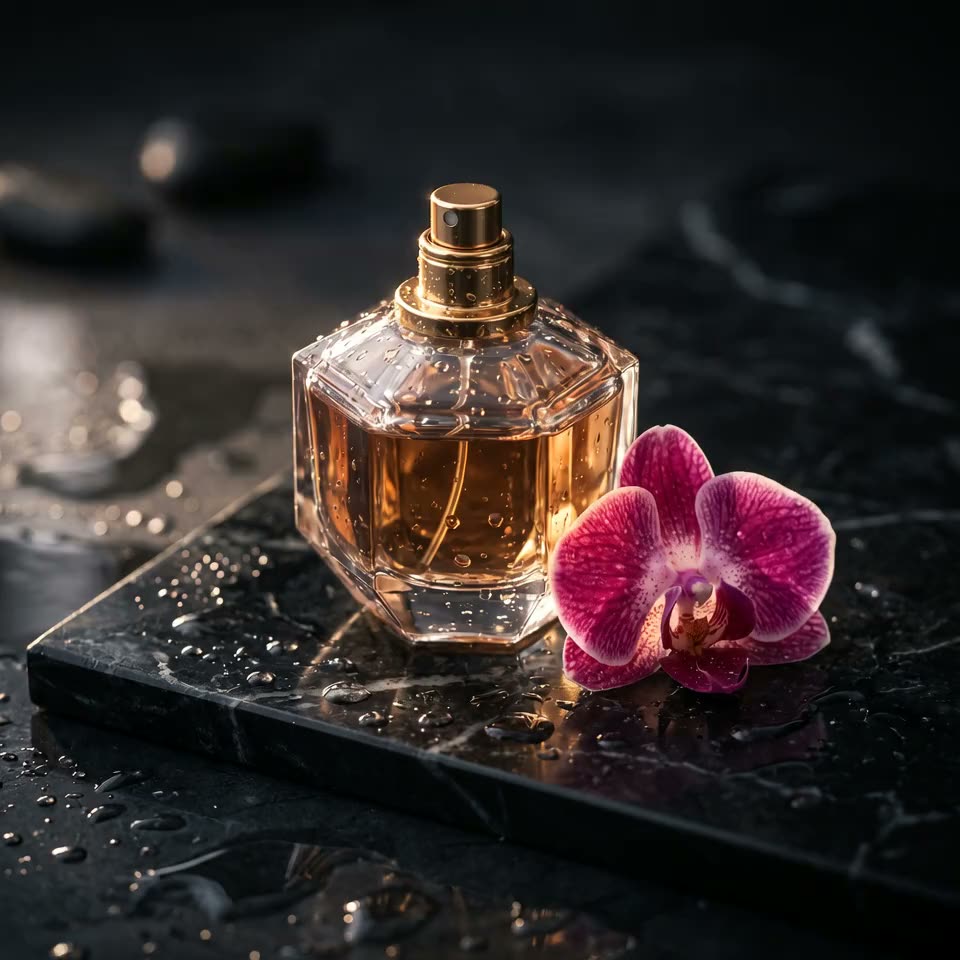
2. Video · Wan 3.0 Image promptLuxury perfume bottle on a wet black marble slab, single orchid, dramatic rim light, droplets, high-end product photography
Motion promptslow orbit around the perfume bottle, water droplets glisten, light sweeps across the glass
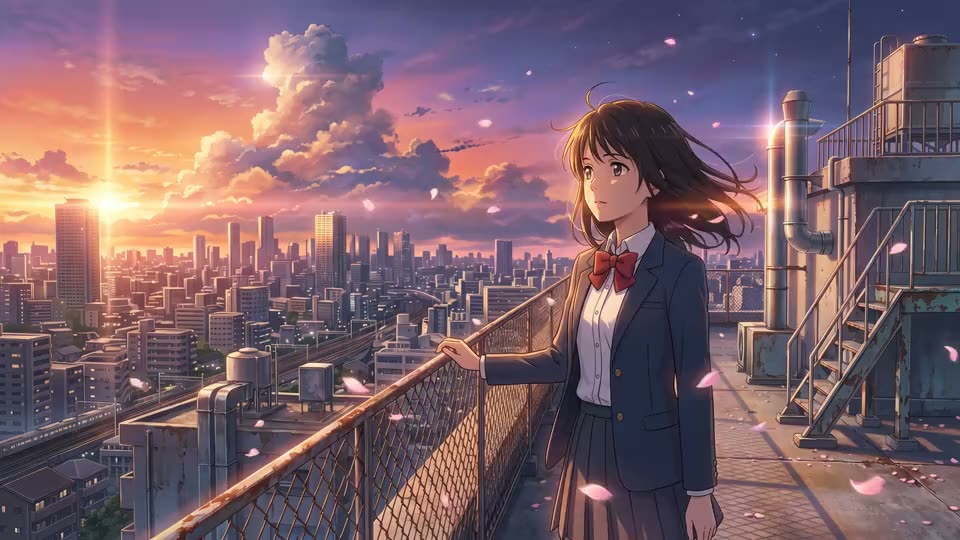
Anime rooftop in the wind
1. Image · Nano Banana 2.1 2. Video · Wan 3.0 Image promptAnime key visual of a girl on a rooftop at sunset over a city, wind in her hair, cherry petals, cinematic Makoto Shinkai lighting
Motion prompther hair and skirt blow in the wind, cherry petals drift past, clouds move over the sunset
Floating castle push-in
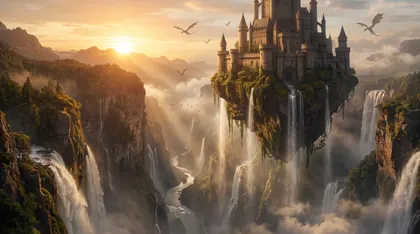
1. Image · Nano Banana 2.1 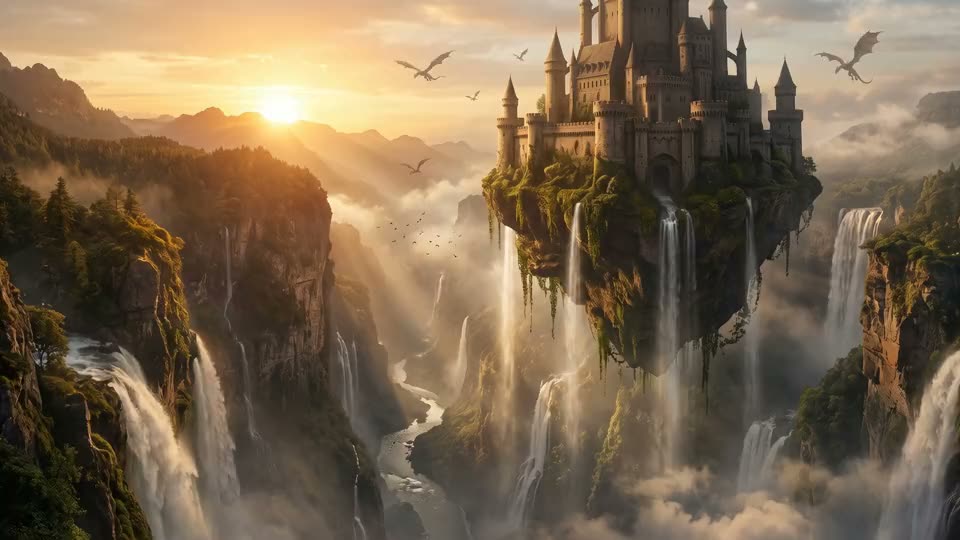
2. Video · Wan 3.0 Image promptEpic fantasy landscape: a floating castle above a waterfall canyon at sunrise, dragons in the distance, volumetric light, matte painting
Motion promptslow cinematic push-in, the waterfall flows, dragons glide across the sky, mist drifts
Fashion walk
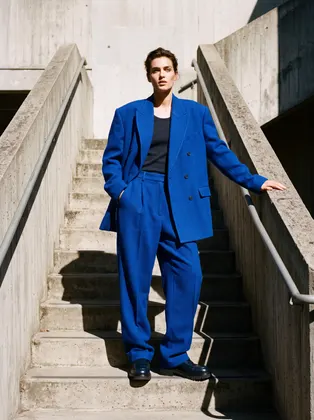
1. Image · Nano Banana 2.1 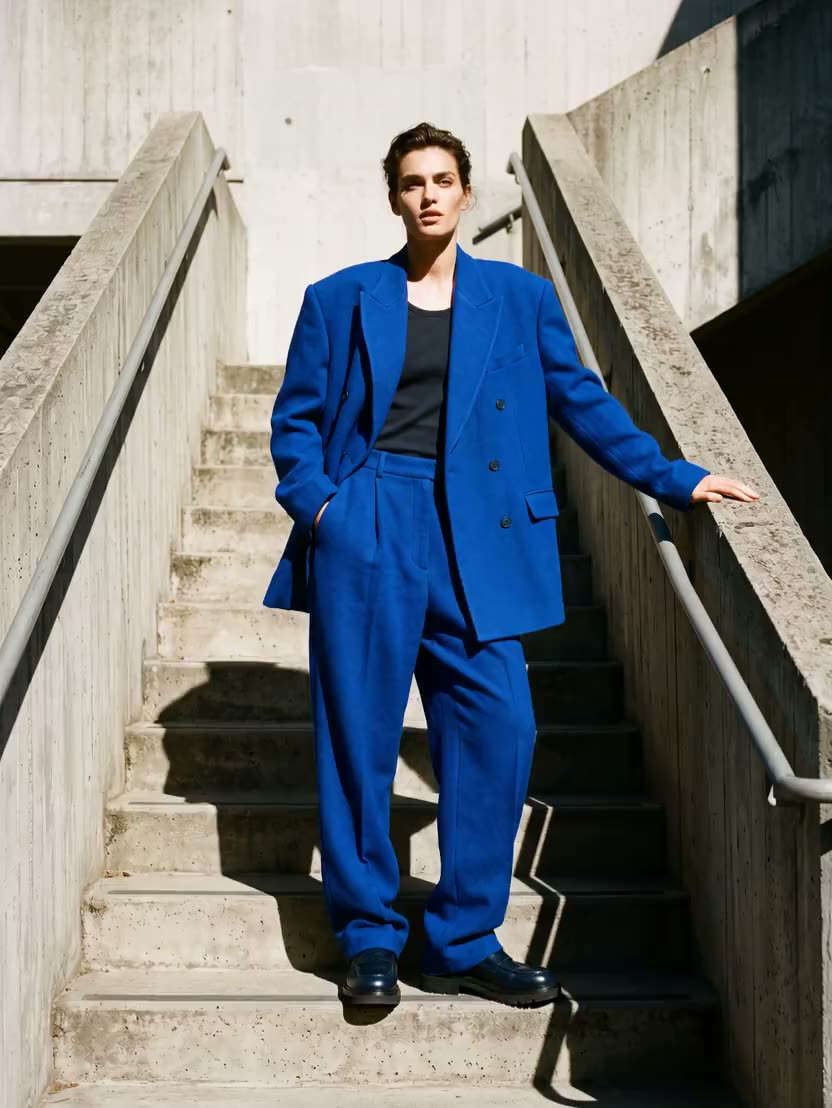
2. Video · Wan 3.0 Image promptEditorial fashion photo of a model in an oversized cobalt-blue suit on a minimal concrete staircase, hard sunlight and long shadows, Vogue style
Motion promptthe model walks down two steps and turns to the camera, the suit moves naturally
Syrup pour
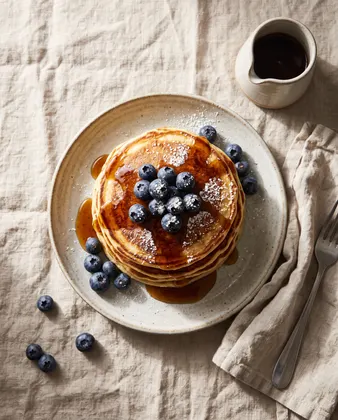
1. Image · Nano Banana 2.1 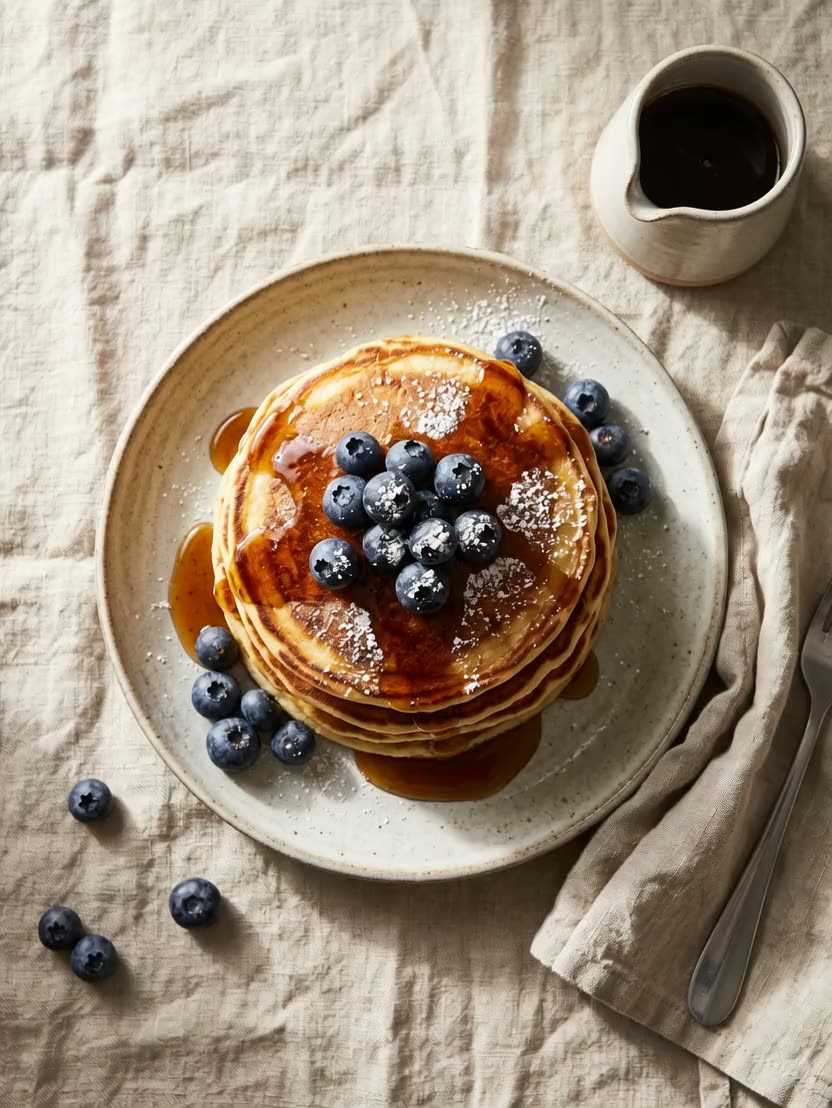
2. Video · Wan 3.0 Image promptOverhead food photo of a stack of fluffy pancakes with blueberries, maple syrup drip and powdered sugar on a linen table, morning light
Motion promptmaple syrup slowly pours over the pancakes and drips down the sides, steam rises
Figurine turntable
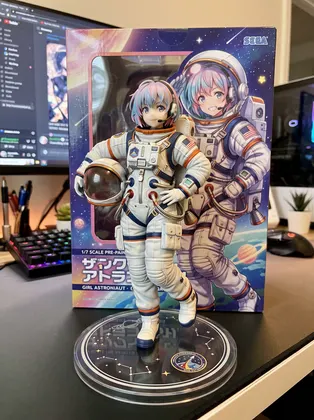
1. Image · Nano Banana 2.1 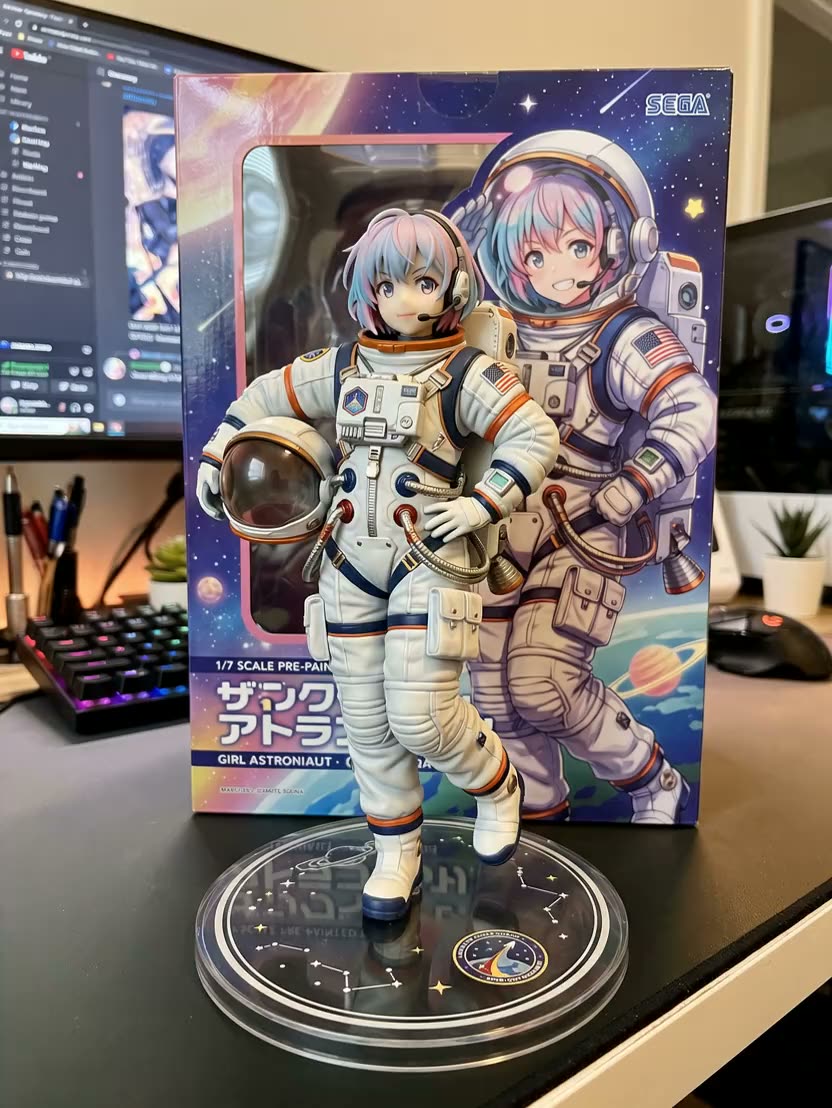
2. Video · Wan 3.0 Image promptCollectible 1/7 scale figurine of a girl astronaut on a round acrylic base on a computer desk, figure box with illustration behind it, realistic product photo
Motion promptslow turntable rotation of the figurine on its base, desk lamp light glints on it
How to
How to use the nano banana video generator
- Time needed
- Steps
- 4 steps
Step 1
Make the image
Open /app/image with Nano Banana 2.1, pick the clip's ratio and 1K, 2K or 4K, and generate the still.
Step 2
Send it to video
Open /app/video, choose an image-to-video model (Wan 3.0, Seedance or Kling) and add the still as the start frame.
Step 3
Describe the motion
Write only what moves and how the camera moves, e.g. 'slow orbit around the bottle, droplets glisten'.
Step 4
Generate and download
Pick length and resolution, generate, and download the clip without a watermark.
See it in the app

Open Video Studio in Text to Video mode and write the shot — subject, action, camera move and light.


Watch the tour · 1:23
Prompts, styles, references, edit, Arena & chat
Chapters
Tips
Tips for Nano Banana stills that animate well
What made the six clips on this page work.
Make the still in the clip's ratio — 16:9 for YouTube, 9:16 for Reels and TikTok, 1:1 or 4:5 for feeds.
Leave room to move: a figure with space around it, a landscape with sky, a product with a clean background.
Describe only the motion in the video prompt; the image already fixes the look.
One main motion per clip: an orbit, a push-in, hair in the wind, syrup pouring.
Slow camera moves (orbit, push-in, turntable) keep faces and products stable.
Generate the still at 2K when the clip will be shown large.
Models
Image-to-video models for your Nano Banana stills
Each one takes your Nano Banana still as the start frame.
Alibaba
Wan 3 Prime
- Reference images
- Start image
- Output
- Up to 30 s
Made every clip on this page
Open Wan 3 Prime
ByteDance
Seedance 2.5
- Reference images
- Start image
- Output
- Image to video
ByteDance's video model
Open Seedance 2.5Kuaishou
Kling v3 Pro
Nano Banana guides
More on Nano Banana
The model itself, prompts with real outputs, photo edits and free access.
FAQ
Nano Banana video generator questions
Can Nano Banana generate videos?
No. Google's Gemini API docs list Nano Banana 2.1's outputs as image and text; it can read video as input but doesn't make video. A "Nano Banana video" is a Nano Banana image animated by a separate image-to-video model.
Link to this answerWhat is the Nano Banana video generator?
It's a two-step workflow, not a single model: Nano Banana 2.1 creates the picture, then an image-to-video model such as Wan 3.0, Seedance or Kling animates it. On Kenerate you do both in one account — Image Studio for the still, Video Studio for the clip.
Link to this answerHow do I turn a Nano Banana image into a video?
Generate the still in /app/image with Nano Banana 2.1, then open /app/video, pick an image-to-video model, add the still as the start frame and describe the motion. The six clips on this page were made this way with Wan 3.0.
Link to this answerWhich video model works best with Nano Banana images?
We used Wan 3 Prime for every clip here; it supports image-to-video up to 30 seconds. Seedance and Kling are good alternatives — try the same still on two models and keep the better clip.
Link to this answerIs the Nano Banana AI video generator free?
Not on the free plan: Nano Banana 2.1 and the video step both use credits on Kenerate. Every new account gets 25 free credits to try it, and one-time credit packs never expire. See our Nano Banana free page for every way to use it.
Link to this answerWhat's the best ratio for a Nano Banana video?
Make the still in the ratio you'll post: 16:9 for YouTube, 9:16 for Reels, Shorts and TikTok, 1:1 or 4:5 for feeds. Nano Banana 2.1 offers 14 ratios on Kenerate, so the clip never has to be cropped.
Link to this answerIn depth
Nano Banana video generator, explained
What works, what to avoid, and how to pick a model.
Why Nano Banana itself doesn't make video
Google describes Nano Banana 2.1 as an image generation and editing model; its inputs are text, image, video and PDF, and its outputs are image and text [1]. So any page that promises a "Nano Banana video generator" is pairing it with a video model — we say which one and show both steps.
Why start from a Nano Banana still
Sources
Sources
Model facts come from Google; the stills and clips are our own, made on 7 October 2026.