For saved Sora 2 clips · 720p → 4K
Sora video enhancer — upscale Sora 2 clips to 1080p, 2K or 4K
Sora 2 saved most clips at 720p, and OpenAI has shut Sora down, so you can't re-render them bigger. Upload the MP4 you kept and the AI rebuilds every frame at 1080p, 2K or 4K — same length, same frame rate, same shape.
- 720p Sora clips to 1080p–4K
- Vertical 9:16 stays vertical
- No watermark added
Updated by the Kenerate AI team
Made with Kenerate
On this page
Quick answer
How do I enhance Sora AI video quality?
Upload the Sora clip to an AI video upscaler and choose a bigger size. Sora 2 only made 720 × 1280 or 1280 × 720 video (Sora 2 Pro went up to 1080p), and OpenAI shut the Sora API down on 24 September 2026, so upscaling the file you saved is the only way to sharpen it. Kenerate's AI Video Upscaler takes clips up to 5 minutes and 100 MB and outputs 1080p, 2K or 4K for 9–24 credits per second.
Key facts
- Sora 2 output
- 720 × 1280 or 1280 × 720
- Sora 2 Pro max
- 1080 × 1920 / 1920 × 1080
- Upscale to
- 720p · 1080p · 2K · 4K
- Credits per second
- 6 · 9 · 15 · 24
- Clip limit
- 5 min · 100 MB
- Sora status
- Shut down 24 Sep 2026
Real demo
What the upscaler does to a soft AI clip
Drag the line. Left: a real 480p AI clip. Right: the upscaler's 1080p output. A 720p Sora clip starts sharper and goes up the same way.
- Original 480p. 480p source — soft signs and faces.
- Upscaled 1080p. 1080p output — sharper signs, steam and faces.
Unedited outputs shown at the same size. 2K and 4K run the same engine at a larger pixel budget.
Upscale a Sora clipReal results
720p AI clips, like the ones Sora made
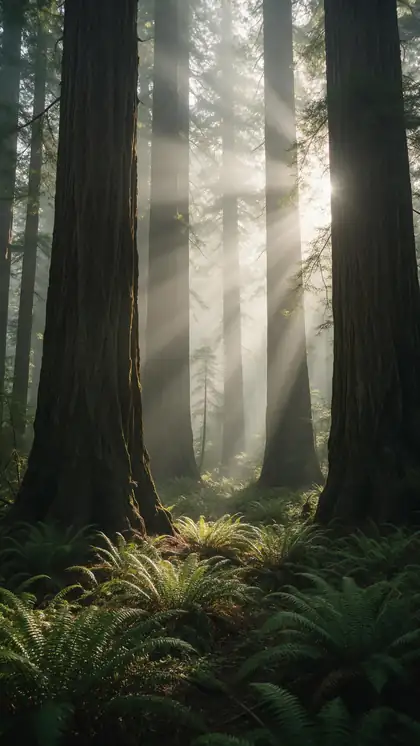
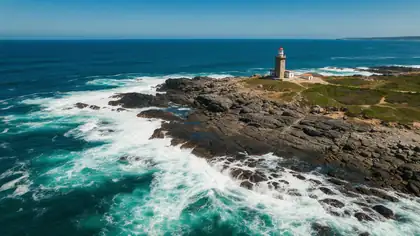
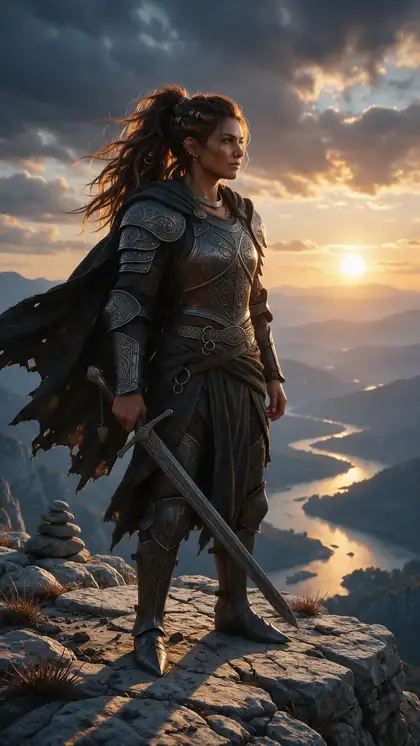
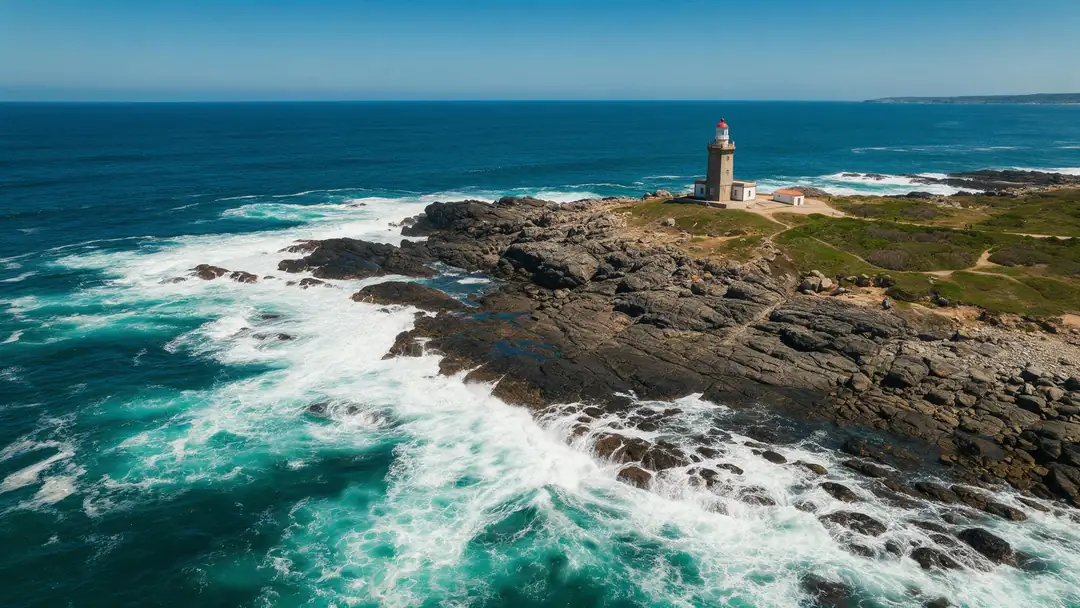
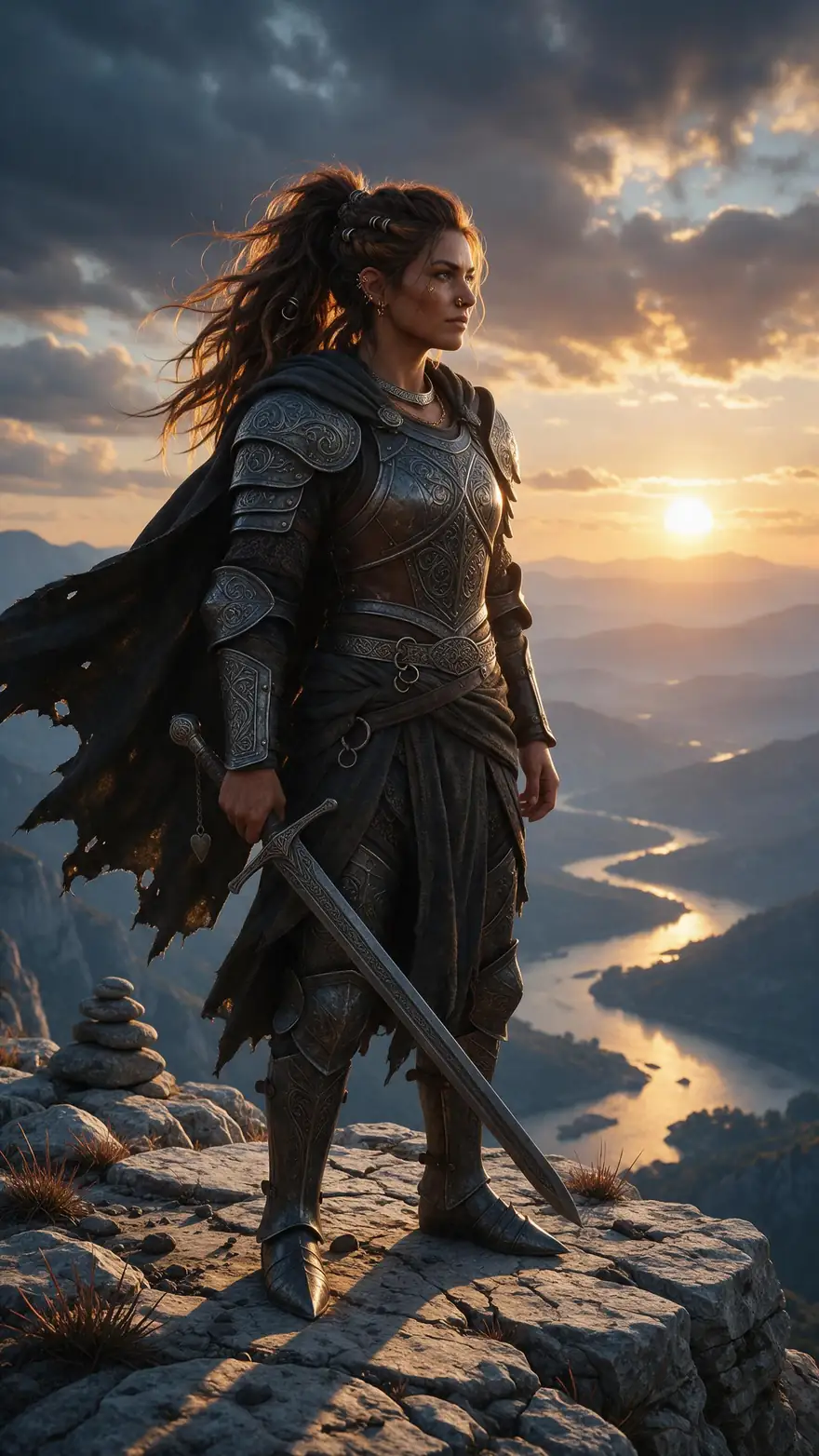
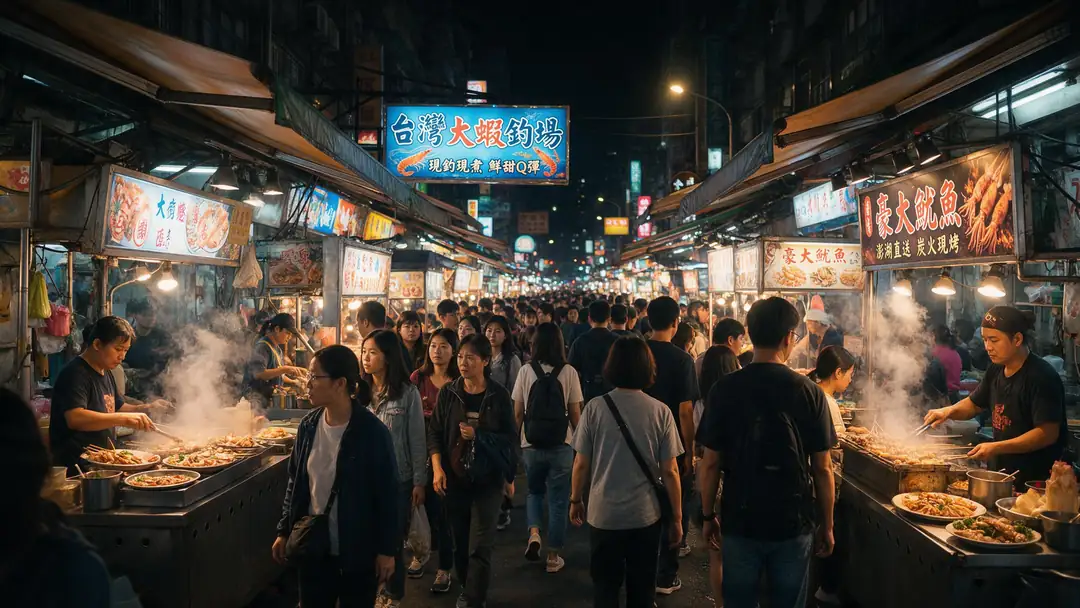
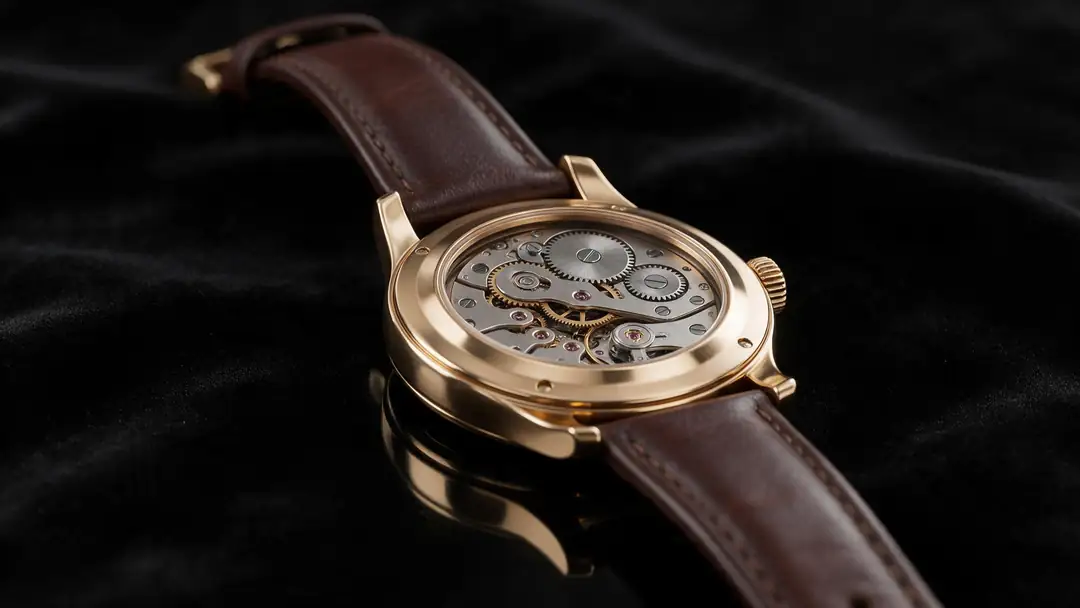
Vertical and widescreen 720p clips with fine detail — mist, foam, armour, neon and gears — the kind of AI footage that gains most from an upscale.
Example clips are AI-generated with Wan 3 at 720p, not Sora. The slider above shows the upscaler's own output.
How to
How to upscale a Sora video
- Time needed
- Steps
- 4 steps
Step 1
Find your saved Sora clip
Use the original MP4 you downloaded from Sora, not a re-download from TikTok or Instagram — those are compressed again.
Step 2
Upload it to the Video Upscaler
MP4, MOV or WebM up to 5 minutes and 100 MB. The length is read from the file and the price shows before you start.
Step 3
Choose 1080p, 2K or 4K
Sizes are a pixel budget: a 9:16 Sora clip at 1080p comes out about 1080 × 1920, at 4K about 2160 × 3840.
Step 4
Compare and download
Check the before/after viewer, then download the MP4. Kenerate adds no watermark of its own.

Open Video Upscaler and upload a clip, or pick one from your library or a link.


Watch the tour · 1:19
Text, image & reference to video, models, edit, extend & chat
Chapters
Engines
Which size for a Sora clip?
All four sizes run the same engine. Sora 2 clips start at 720p, so 720p only cleans them up — the jump starts at 1080p.
AI Video Upscaler
720p · 6 credits/s
- Input
- Sora clip up to 5 min / 100 MB
- Output
- Same size as Sora 2, cleaner
Open 720p · 6 credits/sBest for
Compression clean-up only
- Default
AI Video Upscaler
1080p · 9 credits/s
- Input
- Sora clip up to 5 min / 100 MB
- Output
- ≈ 1080 × 1920 for 9:16
Open 1080p · 9 credits/sBest for
TikTok, Reels, Shorts and YouTube
AI Video Upscaler
2K · 15 credits/s
- Input
- Sora clip up to 5 min / 100 MB
- Output
- ≈ 1440 × 2560 for 9:16
Open 2K · 15 credits/sBest for
Edits and QHD screens
AI Video Upscaler
4K · 24 credits/s
- Input
- Sora clip up to 5 min / 100 MB
- Output
- ≈ 2160 × 3840 for 9:16
Open 4K · 24 credits/sBest for
4K TVs, 4K timelines, Sora 2 Pro 1080p sources
Tips
Before you upscale a Sora clip
Small choices that decide how good the result looks.
Start from the first-generation file — every re-upload to a social app adds compression.
For social, 1080p is usually enough; 720p → 1080p is a 1.5× step the AI handles cleanly.
Pick 4K only if the clip goes to a 4K screen or a 4K edit — it costs 24 credits per second.
Trim to the shot you need first: you pay per second, and shorter clips finish faster.
Your frame rate is kept, so set it in your editor, not here.
Sora's visible watermark stays in the picture — upscaling sharpens it along with everything else.
FAQ
Sora video upscaler — questions
9 questions
How do I enhance Sora AI video quality?
Upscale the clip you saved. Upload the original Sora MP4 to Kenerate's AI Video Upscaler, choose 1080p, 2K or 4K and download the result. The AI rebuilds detail across frames instead of stretching pixels, and keeps the clip's length, frame rate and shape. You can't re-render the clip at a higher resolution in Sora any more, because OpenAI shut it down.
Link to this answerWhat resolution were Sora 2 videos?
According to OpenAI's model page, Sora 2 made 720 × 1280 (vertical) or 1280 × 720 (widescreen) video. Sora 2 Pro also offered 1024 × 1792, 1792 × 1024, and 1080 × 1920 / 1920 × 1080. Most Sora clips people saved are therefore 720p, which is why they look soft on big screens.
Link to this answerCan I still use Sora 2 to make a higher-resolution version?
No. OpenAI closed the Sora apps on 26 April 2026 and says the Sora 2 models and Videos API were shut down on 24 September 2026. Existing files can only be improved by upscaling them. For new clips, see Kenerate's Sora 2 alternatives page, which compares Veo 3.1, Kling 3.0, Seedance 2.5 and Wan 3.
Link to this answerIs there a free Sora video enhancer?
Kenerate runs in the browser with nothing to install, and new accounts get starter credits to try the upscaler on their own clip. After that it is paid per second with credits — 6 per second at 720p, 9 at 1080p, 15 at 2K and 24 at 4K — with no subscription required and no watermark added.
Link to this answerHow much does it cost to upscale a Sora clip?
It depends on length and size, billed per whole second. A 10-second Sora clip costs 60 credits at 720p, 90 at 1080p, 150 at 2K and 240 at 4K. The exact price shows in the tool after the length is read from your file, before you start.
Link to this answerDoes upscaling remove the Sora watermark?
No, and Kenerate doesn't offer watermark removal. The upscaler only adds resolution and repairs compression, so anything in the picture — including Sora's moving watermark — stays and gets sharper along with the rest of the frame.
Link to this answerShould I upscale a Sora clip to 1080p or 4K?
For TikTok, Reels, Shorts and most YouTube uploads, 1080p is enough and costs 9 credits per second. 4K (24 per second) makes sense for 4K edits and TVs, or for Sora 2 Pro clips that were already 1080p. From a 720p source, 4K is a 3× jump in each direction, so fine texture is partly reconstructed.
Link to this answerWill a vertical Sora video stay vertical?
Yes. Each size is a pixel budget, not a fixed frame, so a 720 × 1280 Sora clip at 1080p comes out at about 1080 × 1920 and at 4K at about 2160 × 3840 — no black bars and no cropping.
Link to this answerHow long does a Sora upscale take?
A few minutes for a short clip at 720p or 1080p. 2K and 4K take much longer because the AI rebuilds many more pixels in every frame; in Kenerate's own test, 4 seconds at 4K took about 4.7 minutes. Trim the clip first to save time and credits.
Link to this answerIn depth
Sora clips and upscaling, in numbers
On this page
Why Sora 2 clips look soft
Standard Sora 2 rendered only 720 × 1280 or 1280 × 720; the 1080p sizes were Sora 2 Pro only [1]. On a phone that looks fine, but a 1080p feed, a 4K timeline or a TV stretches it, and social apps compress it again on upload.
Why you can't fix it in Sora
What an AI upscaler adds
Resizing in an editor interpolates new pixels from old ones, so the picture gets bigger but stays soft. Video super-resolution uses neighbouring frames to rebuild plausible detail [3], and Kenerate's engine also removes compression blocking.
Sora 2 720p to 1080p
A 1.5× step on each side [1]. The cleanest result and the cheapest useful size — 9 credits per second.
Sora 2 720p to 4K
Three times each side. Sharper, but fine texture is partly reconstructed; compare it with 2K before you pay for 4K on long clips.
Sora 2 Pro 1080p to 4K
Twice each side, from Sora 2 Pro's top size [1]. The best case for 4K: plenty of real detail to build on.
Re-downloaded Sora clips
A Sora clip saved from TikTok or Instagram has been compressed twice. The upscaler repairs blocking, but the first-generation file always wins.
Explore
Every Kenerate video tool
Generators, tools, models and guides — all in one studio.