

Sketch, doodle or storyboard in · 2–30 s clip out
Sketch to Video AI — animate your drawing
Upload a drawing as the first frame and describe what should move. Keep the hand-drawn look, or turn the sketch into a finished picture first and animate that. Line art, doodles, concept art and storyboard panels all work.
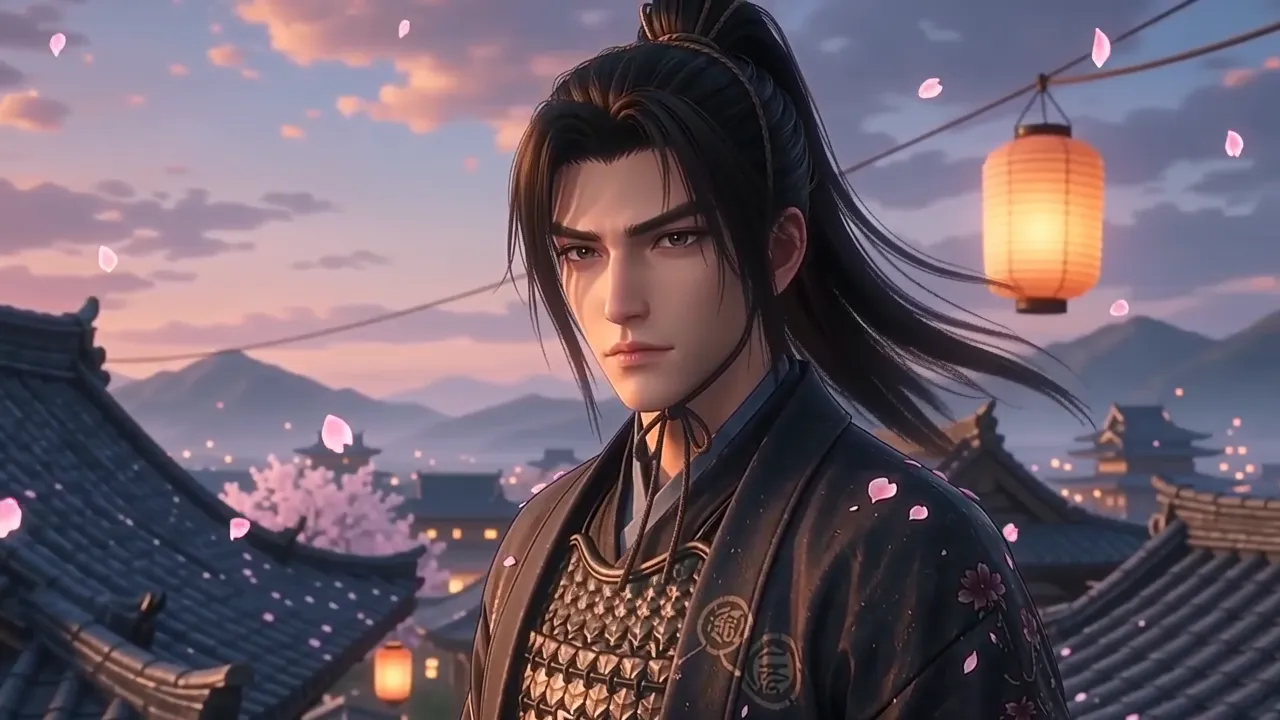
- Sketch as the first frame
- Keep the drawn look or go realistic
- Start + end frame for storyboards
- 2–30 s with sound
Updated by the Kenerate AI team
Made with Kenerate

On this page
Quick answer
How do you turn a sketch into a video with AI?
Sketch to video AI animates a drawing: you upload the sketch as the first frame of an image-to-video model, describe the motion and the camera, and the model generates the frames that follow. There are two routes. Animate the sketch directly to keep the pencil or ink look, or first turn it into a finished image with sketch to image (Seedream 5.0 Pro) and animate that. In Kenerate's Video Studio, Wan 3.0 makes 2–30 s clips from 75 credits for a 5-second test at 480p.
Key facts
- Input
- A sketch, doodle, line art or storyboard panel
- Two routes
- Animate it as drawn, or finish it first, then animate
- Storyboards
- Start + end frame on every model listed
- Length
- 2–30 s, by model
- Sound
- Generated with the clip, or off
Real results
From sketch to finished frame to moving clip
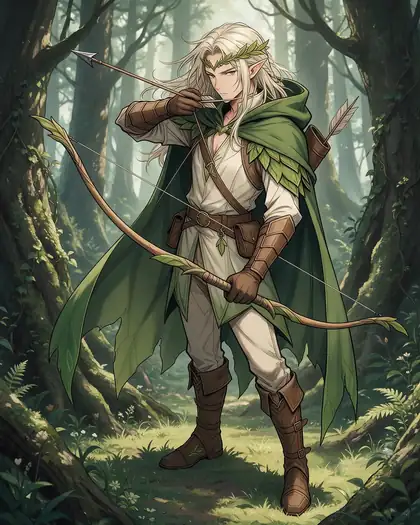
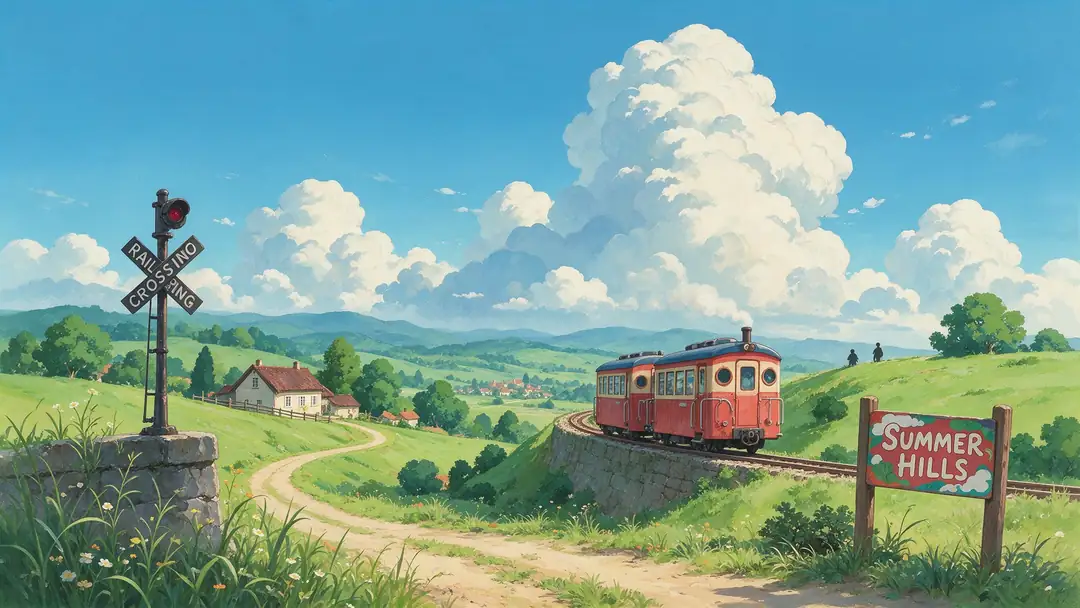
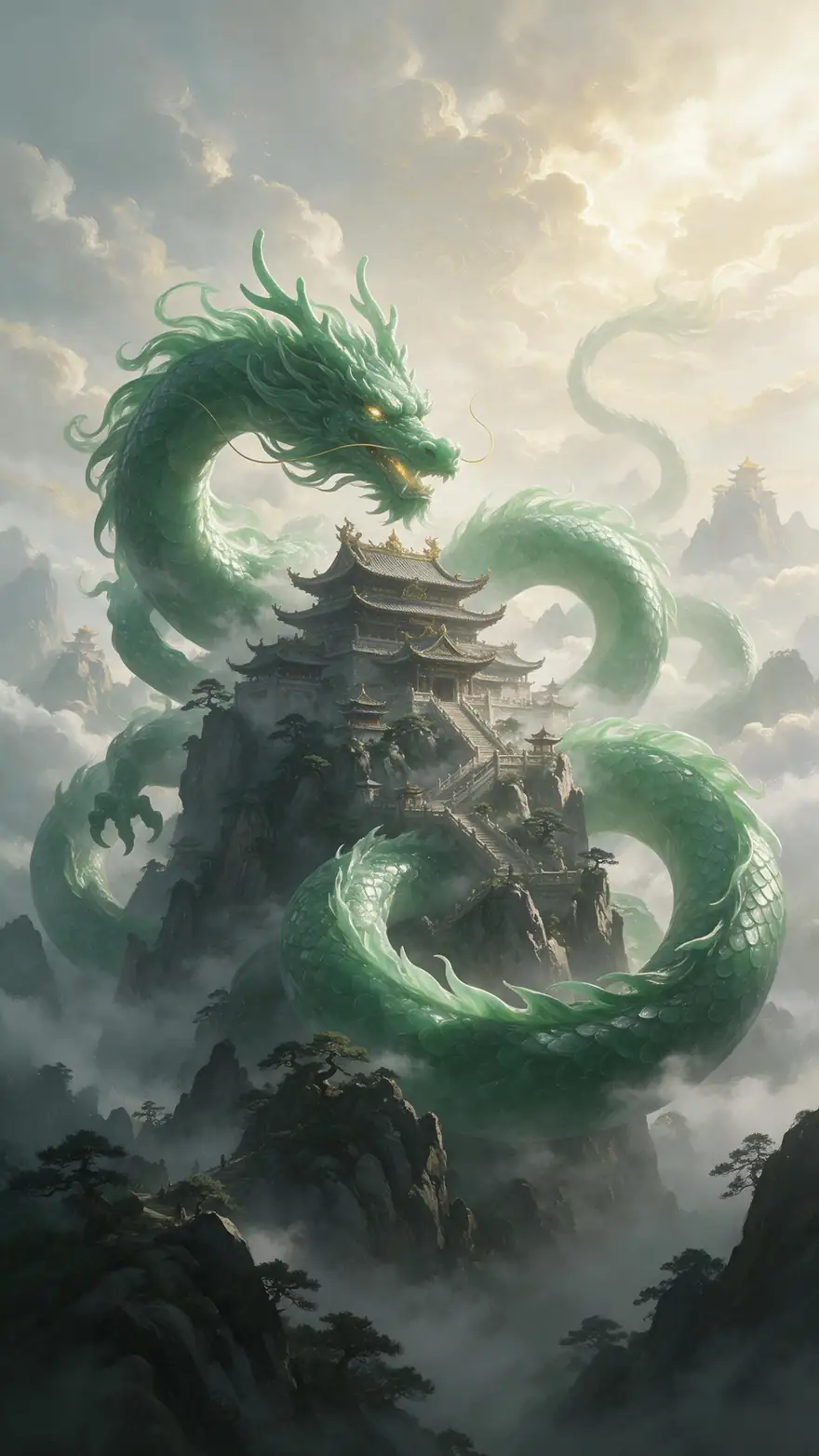
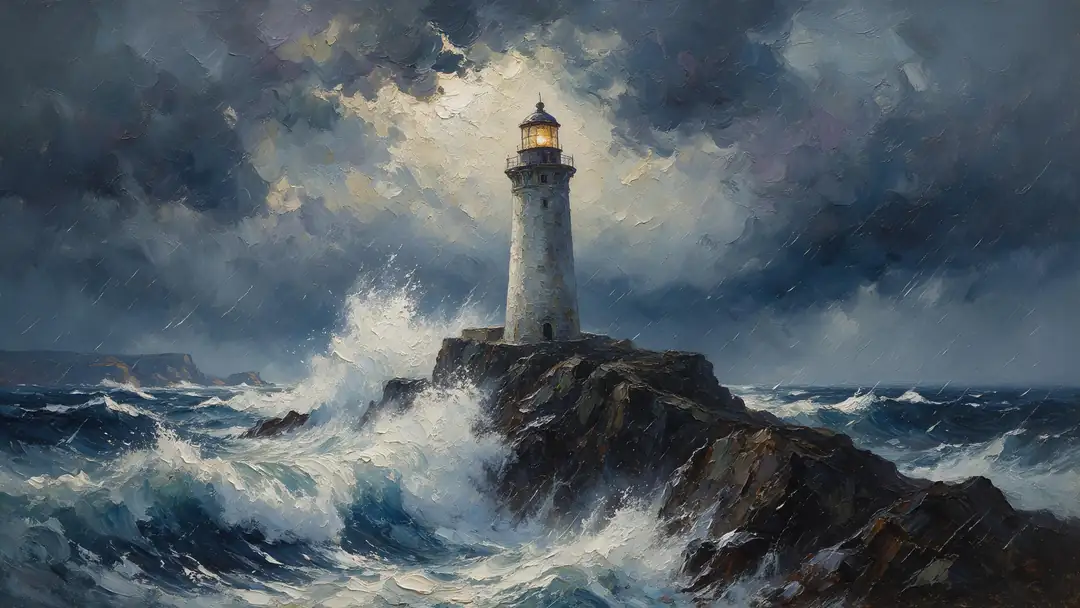
The two halves of the workflow, with real outputs: sketches turned into finished frames with Seedream 5.0 Pro (drag the slider), and illustrated stills animated with Wan 3.0.
The clips start from illustrations made for /image-to-video-ai, not from the three sketches above — they show what the animate step does with drawn and painted art. Every result is unedited, one try each.
How to
How to use the sketch to video AI
- Time needed
- Steps
- 4 steps
Step 1
Scan your sketch
Photograph or scan the drawing flat and crop it. Match the crop to the clip shape you want: 16:9 for YouTube, 9:16 for Reels and TikTok.
Step 2
Optional: finish it first
For a realistic or fully coloured video, open sketch to image, upload the drawing and describe the finished look. Seedream 5.0 Pro keeps your lines and proportions.
Step 3
Open Video Studio in image-to-video
Upload the sketch (or the finished frame) as the start frame. For a storyboard, add the next panel as the end frame on Wan 3.0.
Step 4
Describe the motion and the style
What moves, how the camera moves, and whether the drawn look should stay — for example "keep the ink line art style, the knight raises his sword, slow push in, wind".
See it in the app

Open Video Studio in Text to Video mode and write the shot — subject, action, camera move and light.


Tips
Getting a sketch to move well
What a model needs from a drawing to animate it cleanly.
Scan or photograph the sketch flat, in even light, with the paper edges cropped off.
Clear outlines beat faint pencil: go over the main lines in ink or a darker pencil first.
Say how it should look: "keep the pencil sketch style, lines stay hand-drawn" or "turn it into a realistic scene".
Animate one or two things: a character turns, hair and cloak blow, the camera pushes in slowly.
For rough doodles, finish them in sketch to image first — models invent less when the frame is clear.
For storyboards, put panel 1 as the start frame and panel 2 as the end frame, and let the model fill the move.
Models
Video models that animate sketches
Every model below takes your sketch as the start frame. Credits are for a 5-second clip.
Alibaba
Wan 3.0
- Reference images
- Start + end frame
- Output
- 2–30 s · 1080p
Open Wan 3.0Best for
Cheapest tests, storyboards with an end frame

ByteDance
Seedance 2.0
- Reference images
- Start + end frame
- Output
- 4–15 s · up to 4K
Open Seedance 2.0Best for
Anime, comics and character motion

ByteDance
Seedance 2.5
- Reference images
- Start + end frame
- Output
- 4–30 s · up to 4K
Open Seedance 2.5Best for
Longer, multi-shot animatics
Kuaishou
Kling v3 Pro
Google
Veo 3.1
- Reference images
- Start + end frame
- Output
- 4, 6 or 8 s · up to 4K
Open Veo 3.1Best for
Short cinematic shots from finished frames
FAQ
Sketch to Video AI questions
9 questions
What is sketch to video AI?
Sketch to video AI turns a drawing into a short video. The sketch becomes the first frame of an image-to-video model, and the model generates the following frames from your motion prompt. It works with pencil sketches, ink line art, doodles, concept art, comic panels and storyboard frames.
Link to this answerHow do I animate my drawing with AI?
Scan or photograph the drawing, open Kenerate's Video Studio in image-to-video mode and upload it as the start frame. Describe what should move and how the camera moves, choose a length — 5 seconds is a good first test — and generate. Download the MP4 when the motion looks right.
Link to this answerWill the video keep my hand-drawn style?
It can. Say so in the prompt — "keep the pencil sketch style, the lines stay hand-drawn, no colour" — and keep the motion small. Without that instruction, some models drift toward a cleaner, coloured look as the clip goes on. If you want a finished look anyway, colour or render the sketch first with sketch to image.
Link to this answerShould I turn my sketch into an image first?
For rough doodles and when you want a realistic or fully coloured video, yes. A clear finished frame gives the video model less to guess. Sketch to image with Seedream 5.0 Pro keeps your lines and proportions and costs 27 credits at 2K. For clean line art you want to keep as line art, animate the sketch directly.
Link to this answerCan I turn a storyboard into a video?
Yes. Animate each panel as its own short shot, or on Wan 3.0 put one panel as the start frame and the next as the end frame, so the model fills the move between them. Join the shots in any editor to get an animatic. Seedance 2.5 makes clips up to 30 seconds for longer shots.
Link to this answerWhich AI model is best for animating sketches?
Wan 3.0 is the cheapest place to test (75 credits for 5 s at 480p) and supports an end frame for storyboards. Seedance 2.0 suits anime, comic and character art; Seedance 2.5 goes up to 30 s and 4K; Kling v3 Pro handles expressive characters; Veo 3.1 makes short cinematic shots from a finished frame. Try two models on the same sketch.
Link to this answerCan I animate my child's drawing?
Yes — kids' drawings are a popular use. Photograph the drawing flat, then either animate it as drawn ("the crayon cat waves and jumps, keep the crayon style") or turn it into a 3D toy with sketch to image first and animate that.
Link to this answerHow long can a sketch-to-video clip be?
It depends on the model: 2–30 s on Wan 3.0, 4–30 s on Seedance 2.5, 4–15 s on Seedance 2.0, 3–15 s on Kling v3 Pro and 4, 6 or 8 s on Veo 3.1. Short clips stay closest to the drawing.
Link to this answerIs sketch to video free?
You can open Video Studio and set everything up without paying, and a free account's starter credits work for sketch to image. Generating video uses credits from a credit pack; packs are one-time, never expire and there's no subscription. Credits are shown before you generate.
Link to this answerIn depth
Sketch to Video AI, explained
What works, what to avoid, and how to pick a model.
On this page
What the model does with a sketch
An image-to-video model treats the sketch as frame one and predicts what happens next from your prompt. A drawing leaves more open than a photo — no texture, no lighting, sometimes no colour — so the model fills those gaps. That is why a style instruction matters more here than with photos: tell it whether the lines should stay drawn or become a real scene.
Two routes: keep the drawing, or finish it first
Pick by the result you want:
- Animate as drawn: upload the sketch straight to Video Studio and say "keep the pencil / ink / crayon style". Best for clean line art, comics and kids' drawings you want to see moving as they are.
- Finish first, then animate: turn the sketch into a coloured illustration, a 3D render or a photo with sketch to image, then animate that frame. Best for rough doodles, product and architecture sketches, and realistic videos.
Storyboards and animatics
An animatic is a storyboard timed out as a rough video, used to test pacing and camera moves before production. With AI you can make each panel move: one panel per shot, or two panels as start and end frame on Wan 3.0 so the model draws the move between them. Keep each shot short and join them in an editor.
Architecture and product sketches
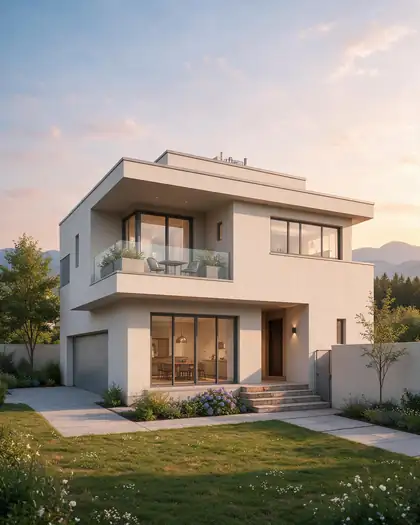
Concept sketches of buildings and products usually read best as a finished render first — our house sketch became a golden-hour render with the same shape and windows — then a slow camera orbit or push-in in Video Studio. Ask for "static subject, only the camera moves" so the design doesn't change shape.
Try the sketch to video AI
Upload a sketch, see the credits before you generate.
Tried it? Tell us how it went