One photo · a dance prompt · a short clip
AI Dancing Dog Generator — make your dog's photo dance with one prompt
Upload a photo of your dog, describe the dance — a bounce, a wiggle, a paw wave to the beat — and an image-to-video model turns it into a few seconds of video with music. Here's which photos and prompts work, which model to pick, and what this can and can't do.
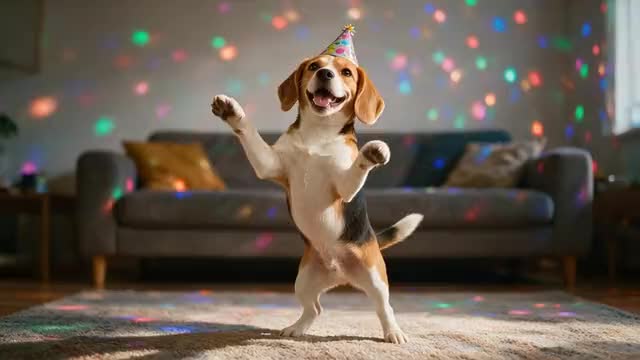
- One dog photo per clip
- Dance moves from your prompt
- Music and sound
- No watermark
Updated by the Kenerate AI team
Made with Kenerate
On this page
Quick answer
Updated
How does an AI dancing dog generator work?
An AI dancing dog generator turns 1 photo of your dog into a short dancing clip: upload it to an image-to-video model, describe the dance in a prompt — "bounces on its back legs, wiggles to the beat" — and generate about 5 seconds. In Kenerate's video studio, Wan 3 adds the music too; results vary from run to run.
Key facts
- How it works
- Image to video: your dog photo + a dance prompt
- Photos in
- 1 per clip
- Clip length
- 2–30 s on Wan 3 — 5–8 s suits a dance loop
- Sound
- Yes — name the music in the prompt
- Camera presets
- 9 — pan, zoom, tilt, orbit, drone, handheld
- Not included
- Copying a dance from a reference video onto a dog
Real results
Dog photos and dance prompts, animated
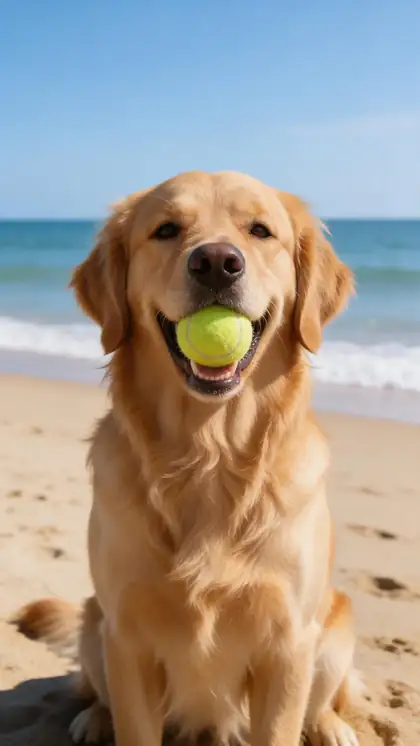
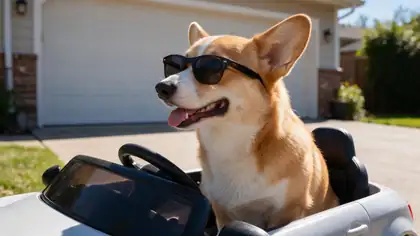
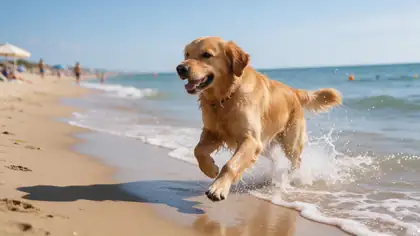
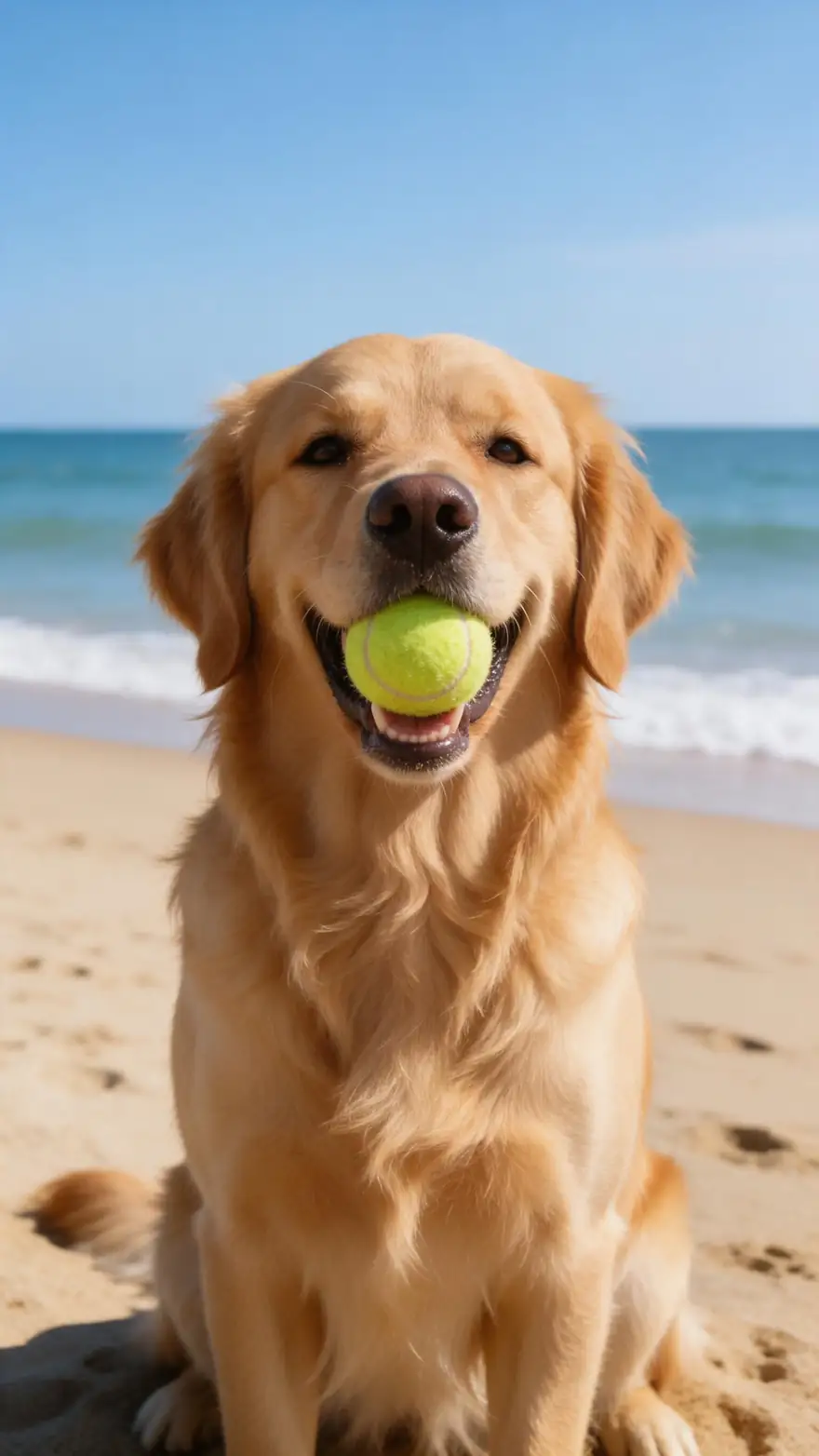
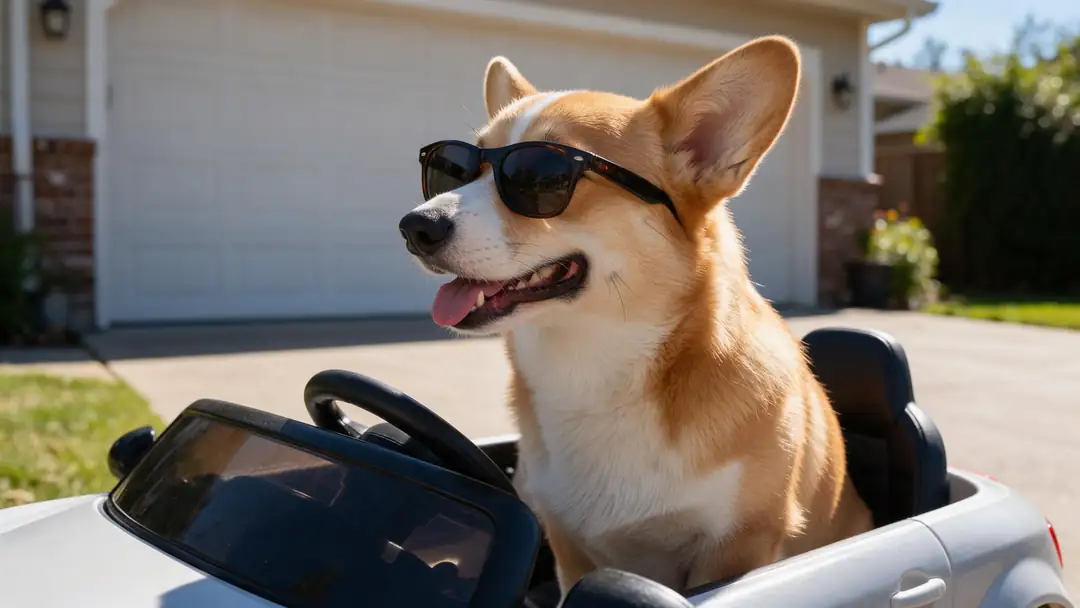
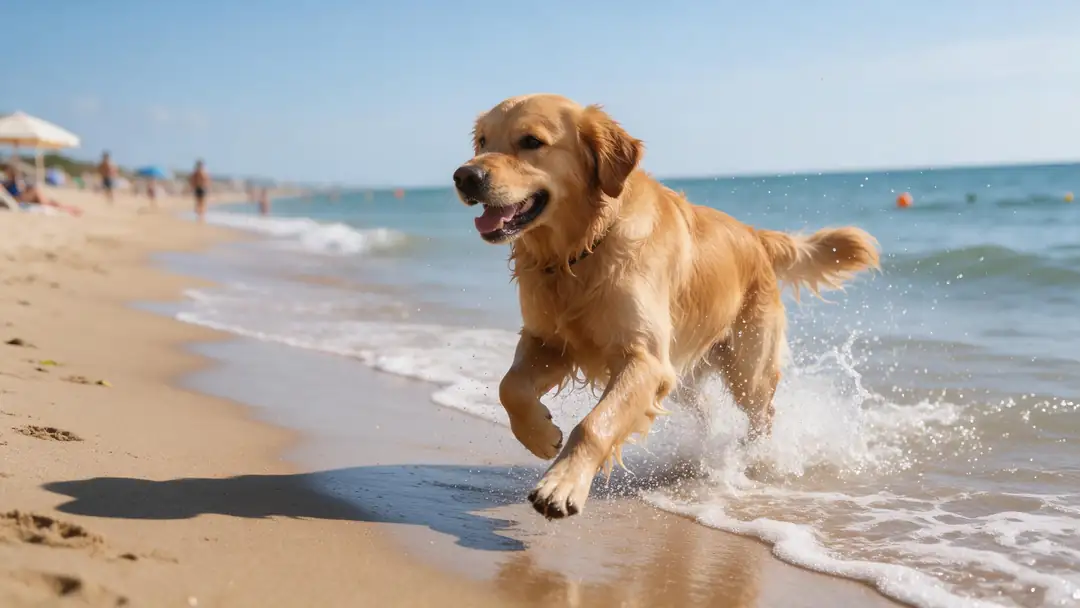
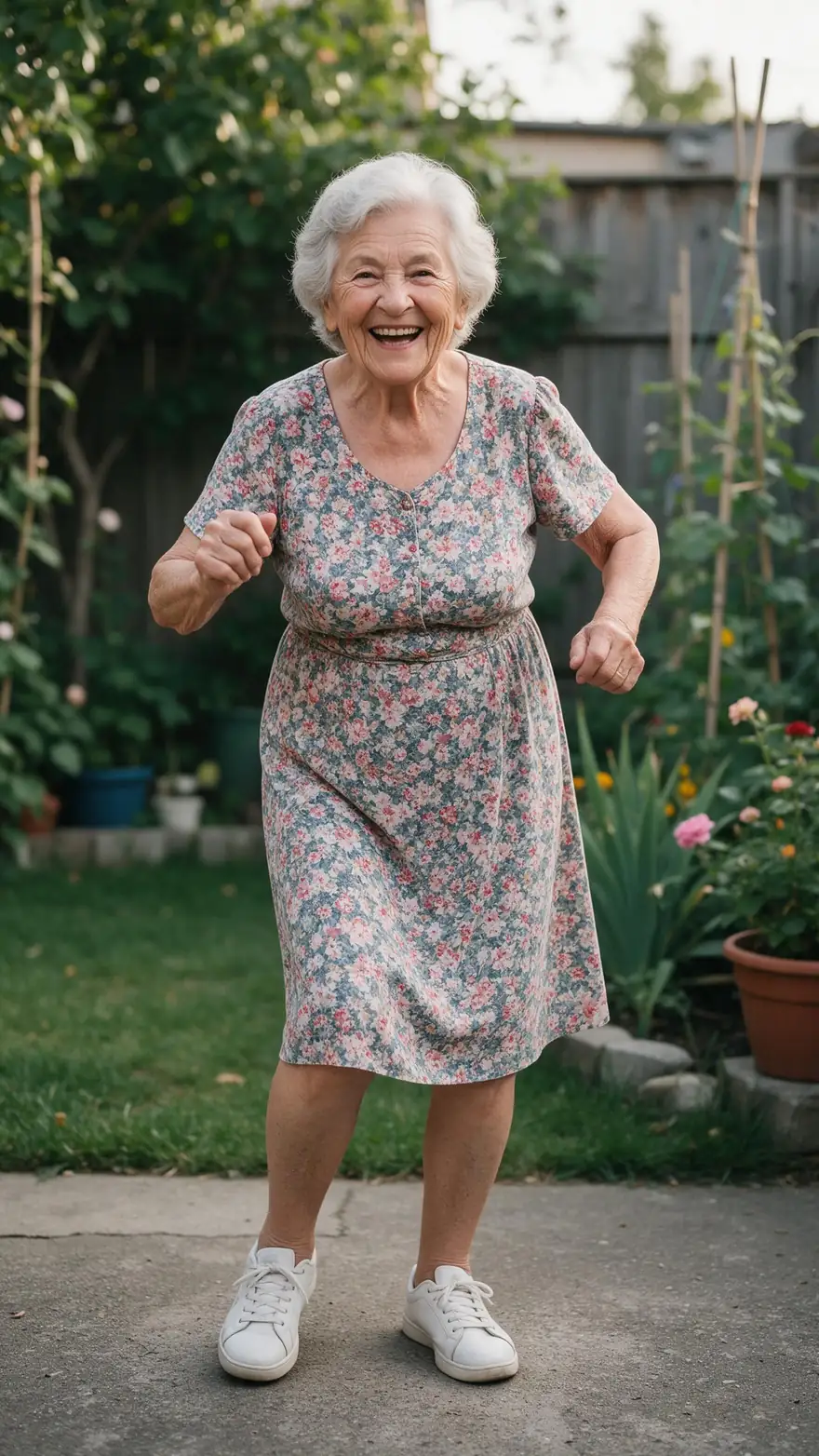
Real 5-second Wan 3 clips at 720p with sound, each from a single photo (made with Seedream 5.0 Pro for these pages). Open one to see its exact prompt.
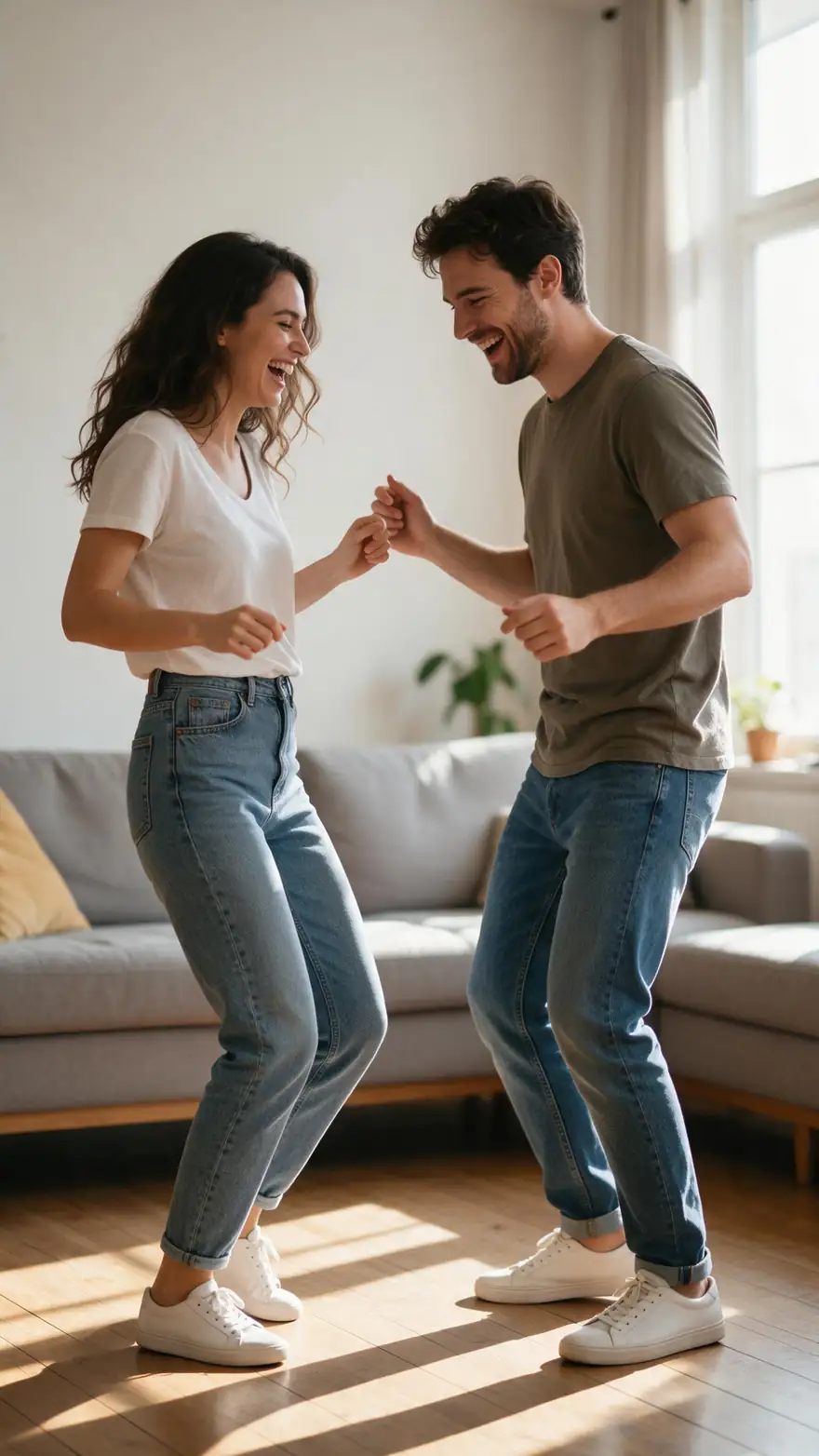
Every clip is an unedited Wan 3 output. The first three show dogs moving from one photo; the last two show how a dance prompt plays out, on people. None of these is a dog dancing — swap in your dog and a dance prompt from the list below.
How to
How to make your dog's photo dance in 5 steps
- Time needed
- Steps
- 4 steps
Step 1
Pick a clear photo of your dog
Sharp, well lit, with the whole dog in frame — paws included — and some space around it. Standing or sitting up works better than lying down.
Step 2
Open the video studio in image-to-video mode
Upload the photo as the start frame. Choose 9:16 for Reels and Shorts, or the ratio closest to the photo so nothing gets cropped.
Step 3
Write a dance prompt
Name two or three moves, the music and a camera — for example "the dog bounces on its back legs and wiggles its hips to upbeat pop music, static camera".
Step 4
Pick a model and keep it short
Wan 3 for clips with music, Kling 3.0 Pro for bigger body motion. Start at about 5 seconds — short dances stay on-model.
See it in the app

Open Video Studio in Text to Video mode and write the shot — subject, action, camera move and light.


Watch the tour · 1:19
Text, image & reference to video, models, edit, extend & chat
Chapters
Checked 6 October 2026
Image to video vs motion control — which is best for a dancing dog
Two ways to make a photo dance. Only one is a fit for dogs today.
| Image to video (this page) | Motion control | |
|---|---|---|
| How the dance is made | Invented by the model from your words | Copied from a reference dance video |
| You provide | One dog photo and a dance prompt | One photo and a video of the dance |
| Dogs | Yes — any subject the model can see in the photo | Not listed — the engines are described for characters and people |
| Best for | Funny pet clips, birthday posts, Reels and Shorts | A person copying an exact routine step by step |
| On Kenerate | Video studio (Wan 3, Kling 3.0, Seedance 2.5…) | Motion Control tool |
Image to video doesn't follow a specific choreography; describe the moves you want and generate a few takes.
Sources: Kenerate video studio
Engines
Which model to make a dog dance with
From the video studio's own model list — each takes your dog photo as the first frame and follows your dance prompt.
- Used here

Alibaba
Wan 3
- Input
- Photo (+ optional end frame)
- Output
- 2–30 s · 480p–1080p · sound
Dance clips with music, short or long
Open Wan 3 
Kuaishou
Kling 3.0 Pro
- Input
- Photo (+ optional end frame)
- Output
- 3–15 s · sound
Bigger, more expressive body motion
Open Kling 3.0 Pro
ByteDance
Seedance 2.5
- Input
- Photo or reference images
- Output
- 4–30 s · sound
Longer dance clips and multi-shot scenes
Open Seedance 2.5
Alibaba
Happy Horse 1.1
- Input
- Photo
- Output
- 3–15 s · 720p or 1080p
Quick tests of a dance idea
Open Happy Horse 1.1
The examples above were made with Wan 3. Results vary by photo and prompt — try two models on the same photo and keep the one you like.
Tips
Dance prompts that work for dogs
Short, playful and physically possible for a dog. Copy one and swap in your dog's breed.
"The dog bounces up and down on its back legs and wiggles its hips to upbeat pop music, static camera."
"The puppy bobs its head to the beat and taps one front paw, disco lights flash, funky music."
"The dog spins in a circle, then sits and waves a paw at the camera, cheerful music."
"The dog sways side to side with its ears flopping, slow zoom in, happy party music."
Legs blur or multiply: ask for fewer, slower moves, or use a photo where all four paws are clear.
The dog changes breed or colour: keep the motion smaller and the camera static.
Example uses
How creators use AI Dancing Dog generator
Illustrative examples of typical workflows, not customer reviews.
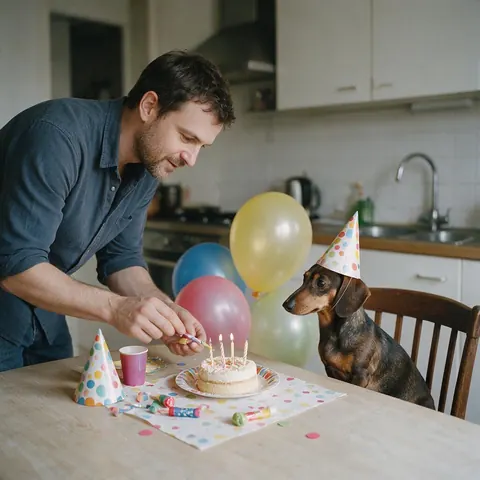
Dog owner planning a party
A dog owner could animate their dachshund in a party hat bobbing its head to a birthday tune and send the clip to friends as an invitation.
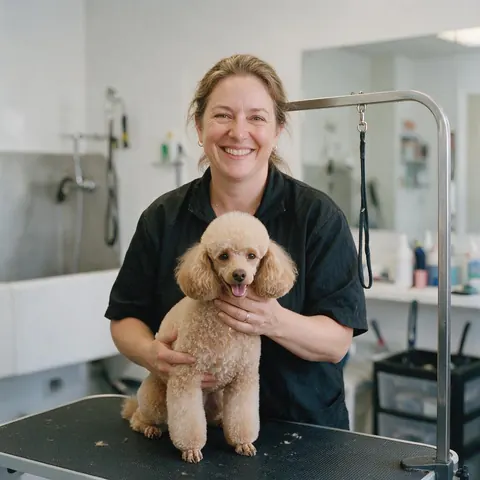
Dog groomer
A dog groomer could make a short clip of a freshly groomed poodle swaying to music from an after photo, for a fun salon post.
FAQ
Dancing dog AI — questions
8 questions
How do I make my dog dance with AI?
Upload a clear photo of your dog to the video studio's image-to-video mode, write a dance prompt such as "the dog bounces on its back legs and wiggles to upbeat music, static camera", pick Wan 3 and generate about 5 seconds. Run it two or three times and keep the best take.
Link to this answerCan it copy a specific dance, like a TikTok trend, onto my dog?
Not reliably. This is image to video: the model invents the moves from your words, so you can describe a style of dance but not copy exact choreography. Copying a routine from a reference video is what motion control does, and Kenerate's motion engines are described for characters and people, not animals.
Link to this answerWhat kind of dog photo works best?
A sharp, well-lit photo with the whole dog in frame, paws visible, and a bit of space around it. A dog standing or sitting up gives the model more to work with than one curled up asleep. Busy backgrounds and dogs half hidden behind furniture lead to more warping.
Link to this answerHow long should a dancing dog clip be?
About 5–8 seconds. Short clips keep the dog looking like your dog and loop well on social media. Wan 3 can go from 2 to 30 seconds, Seedance 2.5 up to 30, Kling 3.0 Pro up to 15, and Veo 3.1 makes 4, 6 or 8 seconds.
Link to this answerWhy does my dog look different in the video?
Big, fast moves make the model invent views of your dog the photo doesn't show, such as its back or underside. Ask for fewer, slower moves, keep the camera static, and use a photo where the dog is large and sharp in the frame.
Link to this answerCan I add music to the dancing dog video?
Yes. Name the music in the prompt — "upbeat pop music", "funky disco beat" — and Wan 3, Kling 3.0 Pro, Seedance 2.5 or Veo 3.1 can add sound. You can also turn sound off and add your own track in an editor.
Link to this answerDoes it work on cats and other pets?
Yes. Image to video animates whatever is in the photo, so a cat, rabbit or parrot works the same way. Keep the moves believable for the animal and the clip short.
Link to this answerIs the AI dancing dog generator free?
Image to video in the video studio uses one-time credit packs that never expire, with no subscription, and clips download without a watermark. New Kenerate accounts get starter credits for the free tools, such as talking photos.
Link to this answerIn depth
Making a dog dance with AI — what's happening and how to steer it
On this page
What this is, and what it isn't
An AI dancing dog generator here is image to video with a motion prompt. The model takes your dog photo as the first frame and predicts the frames that follow, guided by the dance you describe. It is not motion transfer: it doesn't watch a dance video and copy the steps. That means you can't order an exact routine, but you can steer the style — bouncing, spinning, head-bobbing — and the music.
A dance prompt formula
The model can already see your dog, so spend the words on what changes:
- Moves: "bounces on its back legs and wiggles its hips"
- Rhythm: "to the beat", "in time with the music"
- Music: "upbeat pop music", "funky disco beat"
- Camera: "static camera" or one preset — the Camera button adds pan, zoom, tilt, orbit, drone or handheld
Why short clips work best
Every second of dance is more motion the model has to invent. Around 5 seconds, a dog usually keeps its markings and shape; longer clips drift more. Make several short clips and join them in an editor if you want a longer video.
Getting a funnier result
Props and setting help: a dog in sunglasses, a party hat or under disco lights already looks like it's about to dance. Pick a photo like that, or edit one in first, then keep the dance prompt simple. Expect some runs to miss — generating two or three takes and keeping the best is part of the process.
Other people's dogs
Use photos of your own pets, or ask the owner first before animating and posting someone else's dog.
Make my dog dance
Use your own dog's photo in image-to-video mode and describe two or three moves plus the music. A sharp, full-body photo gives the best results.
Dancing dog video from a photo
One photo makes one clip. The model treats the photo as the first frame and generates the dance from your prompt, so the background and lighting come from your picture.
Dancing dog meme
For a meme, go short and silly: a 5-second clip in 9:16 with one big move — a spin, a head bob — and loud music works better than a long routine.
Dancing puppy AI
Puppies work the same way. Pick a photo where the puppy is awake and sitting up, and keep the moves small — bobbing, wiggling, a paw tap.
Explore
Every Kenerate video tool
Generators, tools, models and guides — all in one studio.