

Matrix bullet-time tag · Orbit 360° · photo or text to video
Bullet Time AI — freeze the moment, orbit the camera
Freeze a jump, a splash or a punch in mid-air and let the camera circle around it, like the Matrix. Start from one photo or a line of text, add the Matrix Bullet-Time tag, and get a 4–30 second clip.
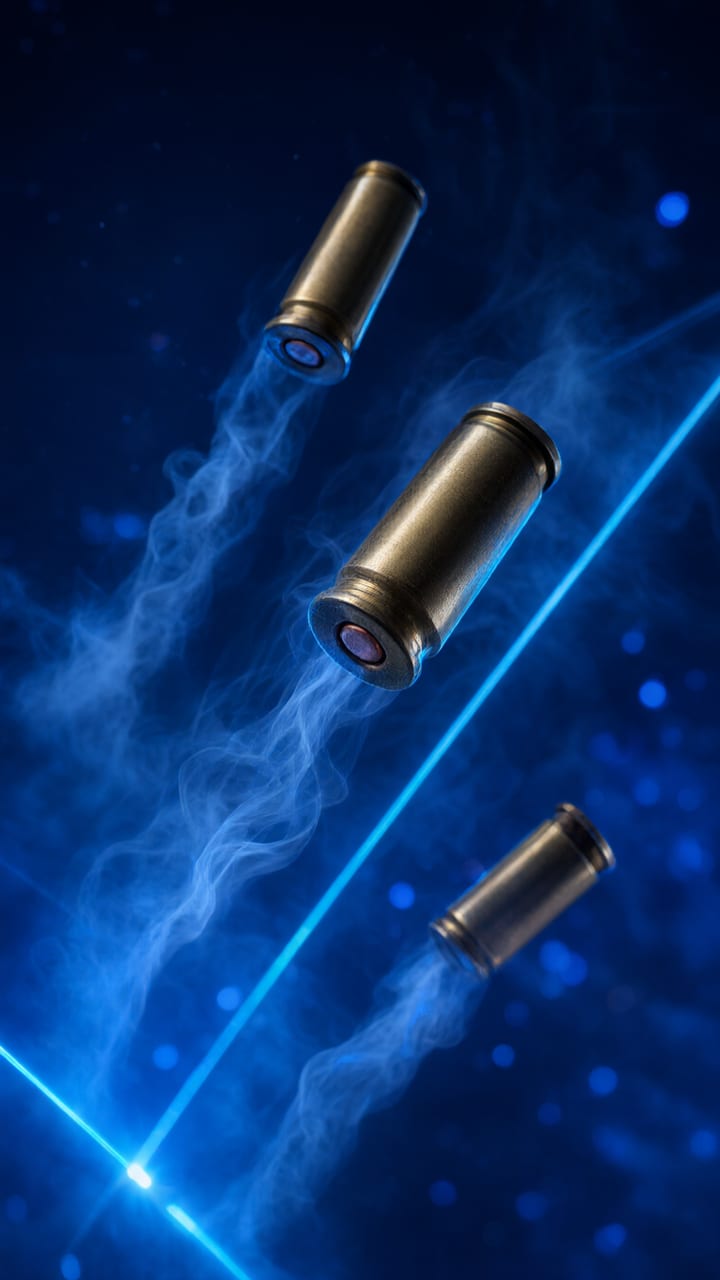
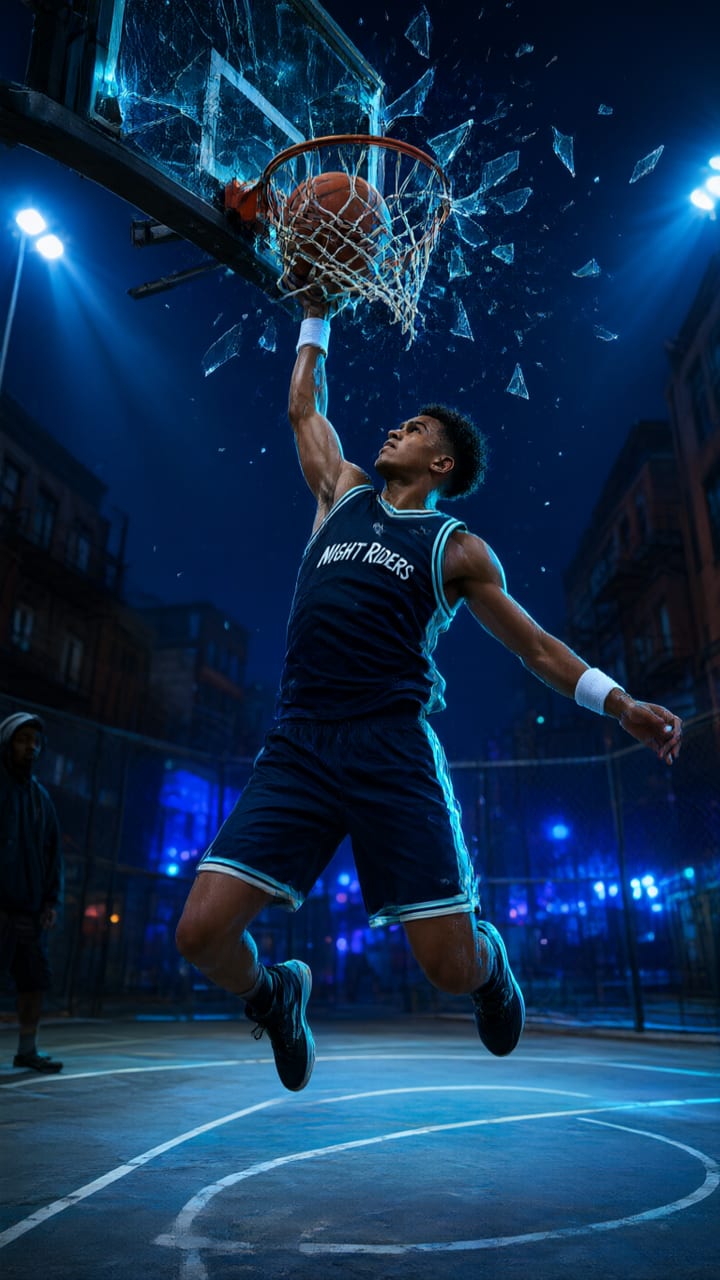
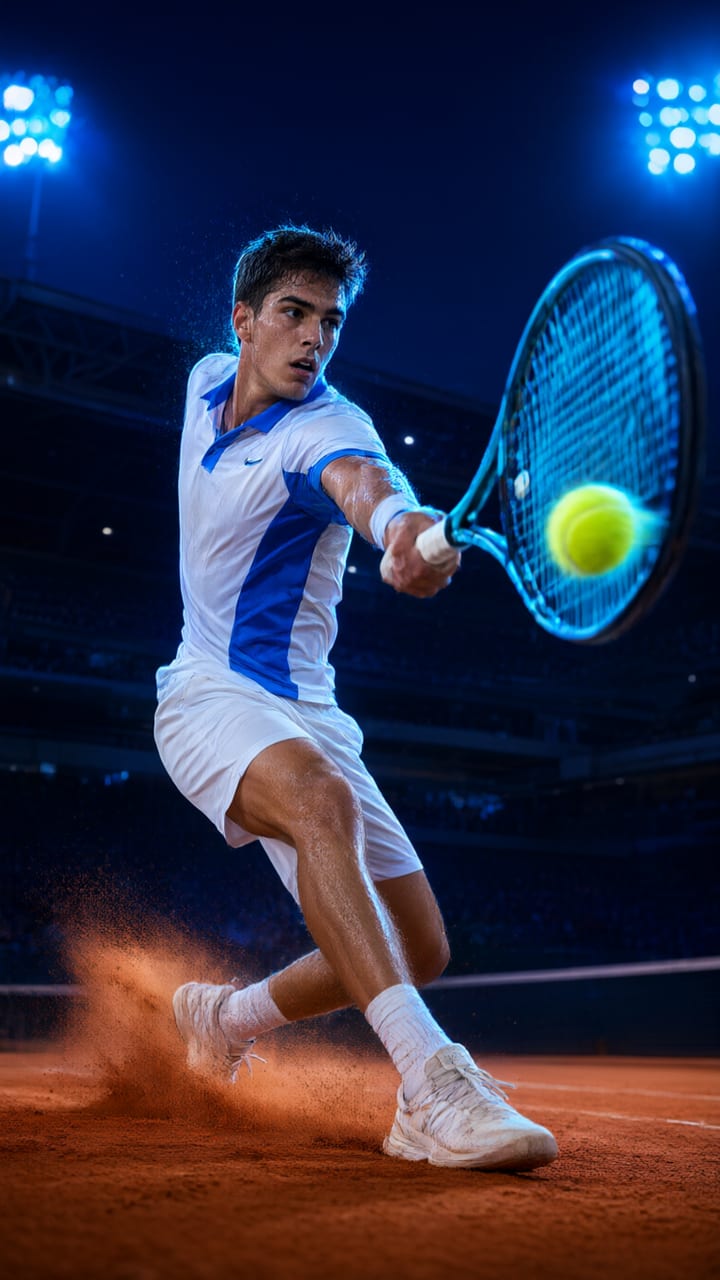
- One-click Matrix Bullet-Time tag
- Photo or text to video
- Orbit 360° camera preset
- Up to 30 s and 4K
Updated by the Kenerate AI team
On this page
Quick answer
How do you make a bullet time effect with AI?
Bullet time is the frozen-moment shot made famous by The Matrix (1999): the action stops — a jump, a splash, a dodge — while the camera keeps moving around the subject. Film crews needed a ring of still cameras; an AI video model can do it from one photo or a text prompt. In Kenerate's Video Studio you pick a model, add a start frame or describe the scene, and click the Matrix Bullet-Time tag, which adds "time-freeze matrix bullet-time effect, frozen droplets in mid-air while camera travels around" to your prompt. A 5-second test on Wan 3.0 at 480p costs 75 credits.
Key facts
- Effect
- Subject frozen, camera orbits 180–360°
- One-click tag
- Matrix Bullet-Time (Tags › Speed & Physics)
- Camera preset
- Orbit 360°
- Ready-made preset
- Bullet Time Slow-Mo in Viral Presets (Action)
- Input
- A start-frame photo or a text prompt
- Length
- 2–30 s, by model
- Sound
- Generated with the clip on sound models, or off
Presets
Bullet-time presets in the app
Card art of the ready-made Viral Presets that use a frozen moment. These are preset cards, not outputs: add your own photo and the preset makes your clip.
How to
How to use the bullet time AI video
- Time needed
- Steps
- 4 steps
Step 1
Open Video Studio
Go to Video Studio and pick a model — Seedance 2.0 for orbit shots with a start frame, Wan 3.0 for cheap drafts, Seedance 2.5 for longer or 4K clips.
Step 2
Add a photo or describe the scene
Upload a start frame (your photo, a product, a pet) for image-to-video, or write the scene for text-to-video: who is frozen, doing what, where.
Step 3
Add the bullet-time tag
Open Tags, search "bullet" and click Matrix Bullet-Time. For a full circle, also open Camera and pick Orbit 360°.
Step 4
Set length, size and sound
5 seconds is enough for one orbit. Pick 9:16 for Reels and TikTok or 16:9 for YouTube, and choose whether the model adds sound.
See it in the app

Open Video Studio in Text to Video mode and write the shot — subject, action, camera move and light.


Tips
Prompt tips for a clean bullet-time shot
What the effect needs to read as bullet time and not as a slow pan.
Freeze one clear action at its peak: mid-jump, mid-kick, a drink mid-splash, hair flying.
Give the air something to hold: droplets, dust, sparks, confetti or shell casings make the frozen time visible.
Name the camera move: "camera orbits 180 degrees around her" — or add the Orbit 360° camera preset.
Keep the background simple and lit from the side, so the parallax of the orbit is easy to see.
Use a start frame for faces and products: image-to-video keeps the subject closer to your photo.
Test at 480p for 5 seconds, then remake the take you like at 1080p or 4K.
Models
Video models for bullet-time shots
Every model below takes a start frame and the Matrix Bullet-Time tag. Credits are for a 5-second clip.

ByteDance
Seedance 2.0
- Reference images
- Start frame
- Output
- 4–15 s · up to 4K
Open Seedance 2.0Best for
Image-to-video orbits and action, with sound

ByteDance
Seedance 2.5
- Reference images
- Start frame
- Output
- 4–30 s · up to 4K
Open Seedance 2.5Best for
Longer, cinema-grade takes
Alibaba
Wan 3.0
Kuaishou
Kling v3 Pro
Google
Veo 3.1
- Reference images
- Start frame
- Output
- 4, 6 or 8 s · up to 4K
Open Veo 3.1Best for
Short, polished hero shots
FAQ
Bullet Time AI Video questions
9 questions
What is bullet time?
Bullet time is a visual effect where time seems to stop or slow to a crawl while the camera keeps moving around the subject. It became famous with The Matrix (1999), where it was made with a ring of still cameras fired in sequence. AI video models now fake that camera ring from a single image or prompt.
Link to this answerCan AI make a bullet time effect from one photo?
Yes. Upload the photo as the start frame in Video Studio (image-to-video), describe the frozen action, and add the Matrix Bullet-Time tag. The model invents the views the camera passes on its orbit, so check faces and hands in the result and remake if needed.
Link to this answerWhat prompt makes a Matrix bullet-time shot?
Name the frozen moment, what hangs in the air and the camera move — for example: "a dancer frozen mid-leap, water droplets suspended in mid-air, camera orbits 180 degrees around her, side lighting, dark studio". The Matrix Bullet-Time tag adds "time-freeze matrix bullet-time effect, frozen droplets in mid-air while camera travels around" for you.
Link to this answerWhich AI video model is best for bullet time?
Pick by budget and length. Wan 3.0 is the cheapest for testing (75 credits for 5 s at 480p); Seedance 2.0 and Seedance 2.5 handle image-to-video orbits and go up to 4K, with Seedance 2.5 reaching 30 s; Kling v3 Pro suits fast sports action; Veo 3.1 makes short 4–8 s hero shots. Results vary per prompt, so try two models on the same frame.
Link to this answerIs there a one-click bullet time preset?
Yes, two. In Video Studio the Matrix Bullet-Time tag (Tags › Speed & Physics) adds the effect to any prompt. In Viral Presets, Bullet Time Slow-Mo (Action) is a full template — the subject frozen mid-action, a 180-degree orbit and a speed-ramp back to real time — so you only add a photo.
Link to this answerHow is bullet time different from slow motion?
Slow motion slows the action but the camera usually stays put or moves at the same slowed pace. In bullet time the action is frozen or nearly frozen while the camera moves at normal speed around it, which is what gives the 3D "stopped world" look. The 120fps Slow-Motion tag is there if you only want slow motion.
Link to this answerHow much does a bullet-time AI video cost?
It depends on the model, length and resolution. A 5-second clip costs 75 credits on Wan 3.0 at 480p, 180 on Seedance 2.0 at 480p, 270 on Seedance 2.5 at 480p and 600 on Veo 3.1. Credits are shown before you generate.
Link to this answerIs it free?
You can open Video Studio and build the prompt without paying. Generating video uses credits from a credit pack; a free account's starter credits are meant for images.
Link to this answerCan I use photos of other people?
Use photos of yourself, of people who have agreed, and of products and pets you have the right to use. Don't make clips of real people without their consent or present an AI clip as real footage.
Link to this answerIn depth
Bullet Time AI Video, explained
What works, what to avoid, and how to pick a model.
On this page
How the original bullet-time effect worked
On film, bullet time was made with dozens of still cameras placed in an arc around the actor and fired one after another, sometimes with a high-speed camera at each end. Played in sequence, the frames look like one camera flying around a frozen moment. An AI video model doesn't need the rig: it generates the in-between views from your start frame and prompt.
Three ways to make it on Kenerate
Pick the route that fits how much control you want:
- Video Studio + Matrix Bullet-Time tag: any model, your own prompt, your own frame. Most control.
- Video Studio + Orbit 360° camera preset: adds "smooth 360 degree orbit camera rotation" for a full circle instead of an arc.
- Viral Presets › Bullet Time Slow-Mo: no prompt — add 1–2 photos and the template handles the freeze, orbit and speed-ramp.
Image-to-video or text-to-video
Use image-to-video when the subject must look like a real photo — you, a product, a pet. The photo is the first frame and the model orbits from there. Use text-to-video for scenes you don't have a picture of, such as a samurai mid-strike in falling rain.
What can go wrong
AI orbits are invented, not captured, so the far side of a face or product may drift from the photo, hands can blur, and some takes move the subject instead of freezing it. Short clips (5 s), one clear action and a plain background help. If the subject keeps moving, say "completely frozen, only the camera moves" in the prompt.
Try the bullet time AI video
Build the prompt for free, see the credits before you generate.
Tried it? Tell us how it went