9:16 Reels · 3:4 and 1:1 feed · sound · no watermark
AI video generator for Instagram — Reels, feed and Stories clips with sound
Instagram shows video in three places — Reels, the feed and Stories — and each wants a slightly different shape. Here is how to make all three with AI: pick the right aspect ratio, generate clips with sound from a prompt or a photo, add captions, choose a cover frame and post.
- 9:16 for Reels and Stories
- 3:4 or 1:1 for the feed
- Clips up to 30 s with sound
- No watermark
Updated by the Kenerate AI team
Made with Kenerate
On this page
Quick answer
What is the best AI video generator for Instagram?
An AI video generator for Instagram turns a prompt or a photo into a clip shaped for Reels, the feed or Stories. On Kenerate, Wan 3 is the all-round pick: 2–30 s per clip with native sound, 480p–1080p, and 9:16, 3:4 or 1:1 output, from 15 credits a second at 480p. Use 9:16 for Reels and Stories and 3:4 (taller feed) or 1:1 for feed posts; there is no 4:5 setting. Seedance 2.5 is the cinematic option up to 4K. Reels can run up to 3 minutes, so longer Reels are several clips joined in an editor. Add captions with Reels captions, and turn on Meta's AI label for photorealistic clips. Video needs a paid plan.
Key facts
- Reels and Stories
- 9:16 vertical — Wan 3, Seedance 2.5, Pixverse v6, Veo 3.1 Fast
- Feed posts
- 3:4 or 1:1 on Wan 3, Seedance 2.5 and Pixverse v6 (no 4:5)
- Clip length
- 2–30 s per generation (Wan 3, Seedance 2.5)
- Reels limit
- Up to 3 minutes (Instagram, January 2025)
- Sound
- Native effects, music and spoken lines in quotes
- Captions
- Reels captions: Middle position, 10 styles, clips up to 4 min
- Plan needed
- Paid plan for video; no watermark
Real results
Clips made for Reels and Stories
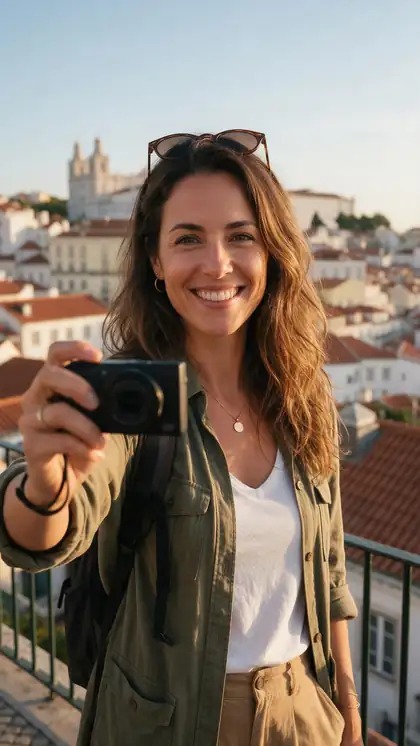
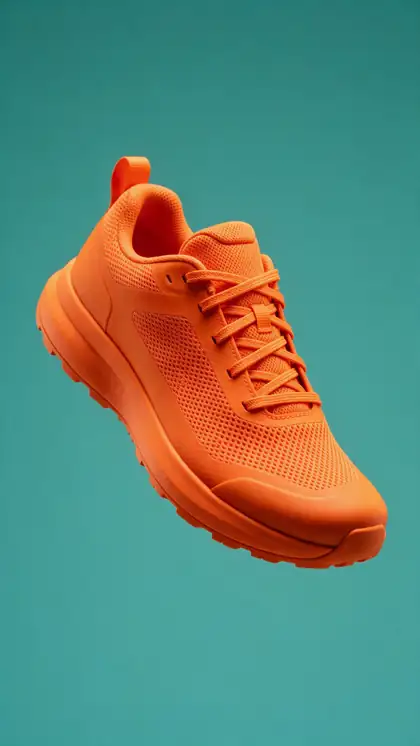
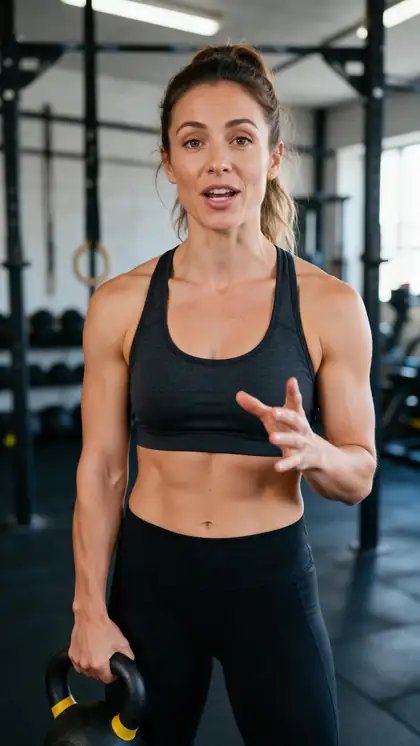
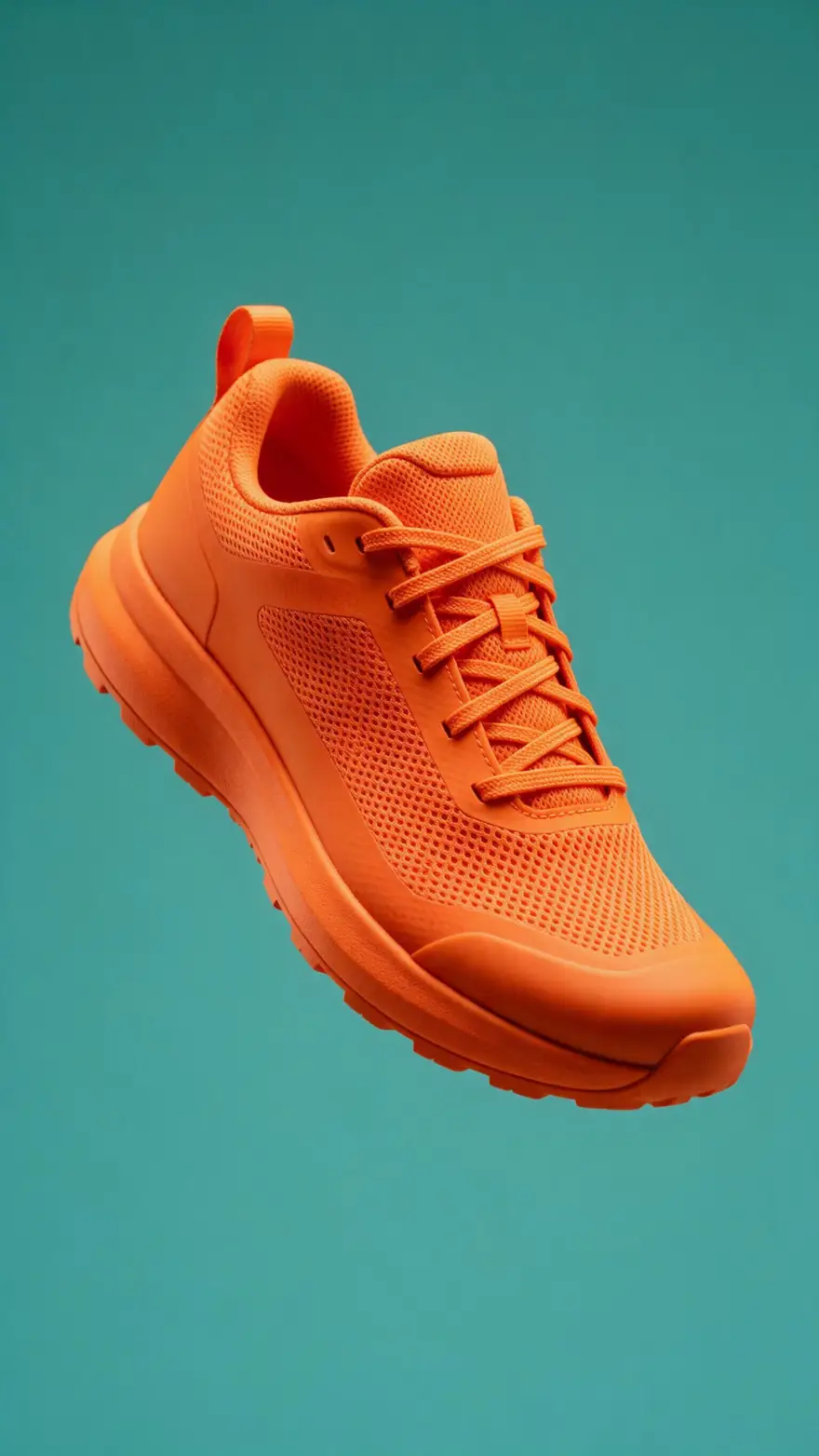
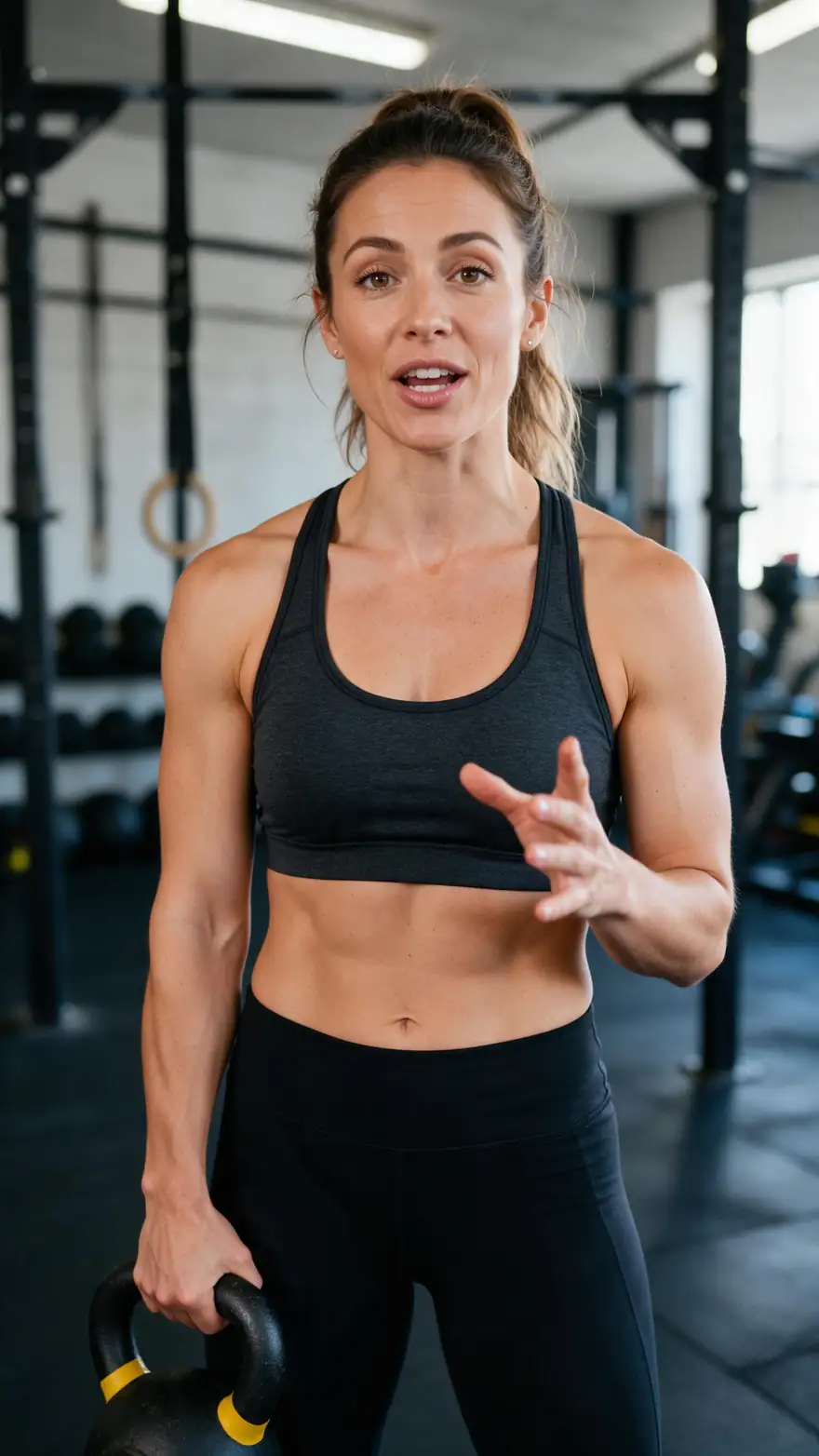
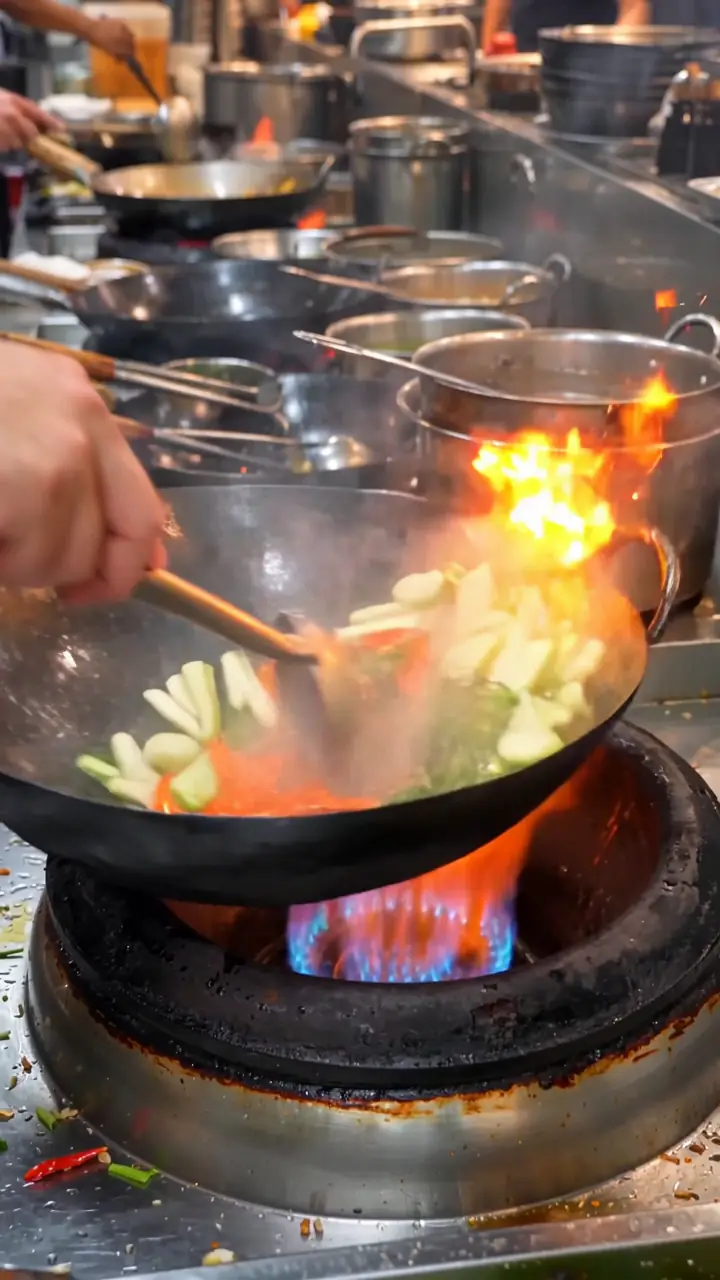
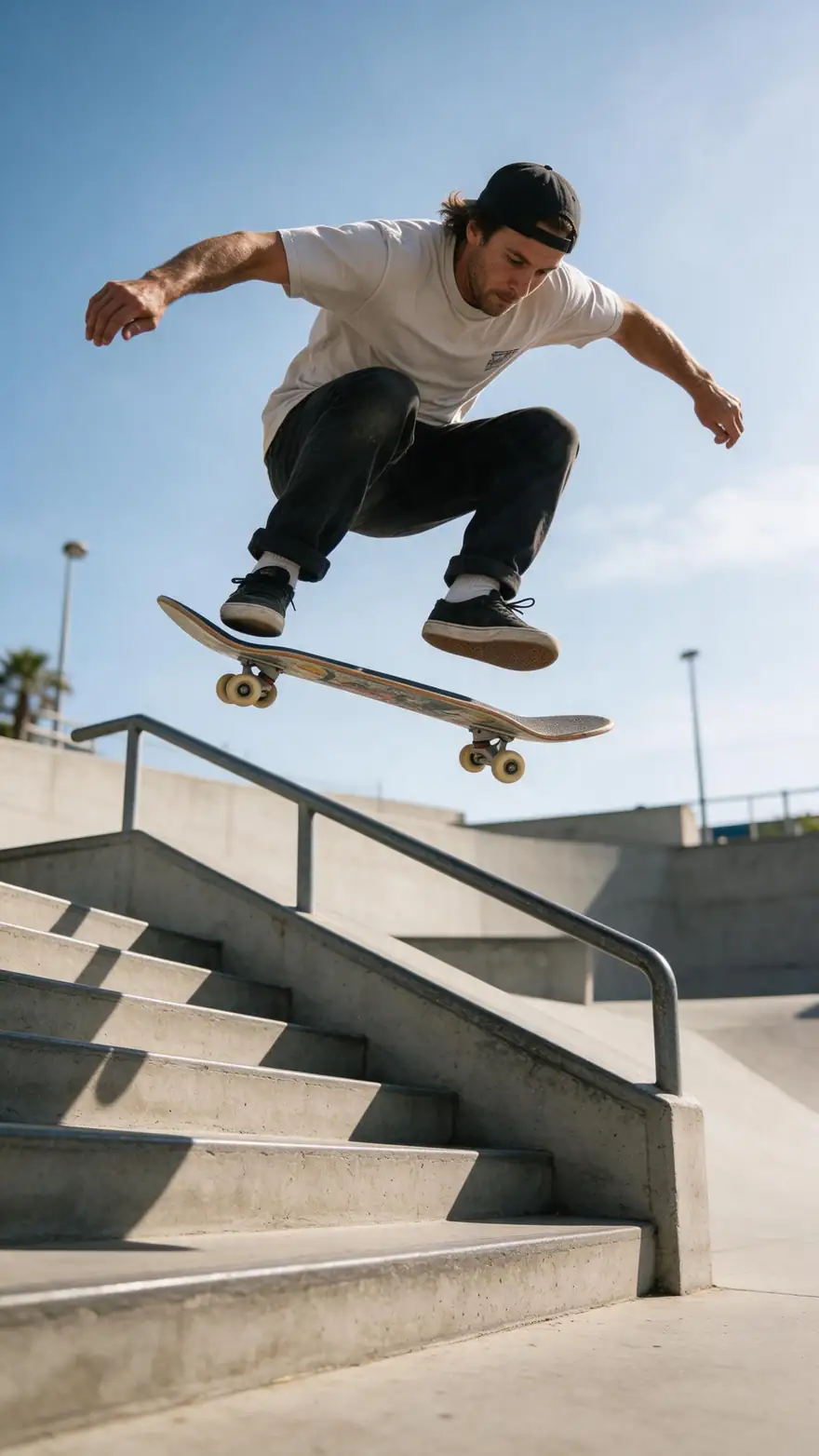
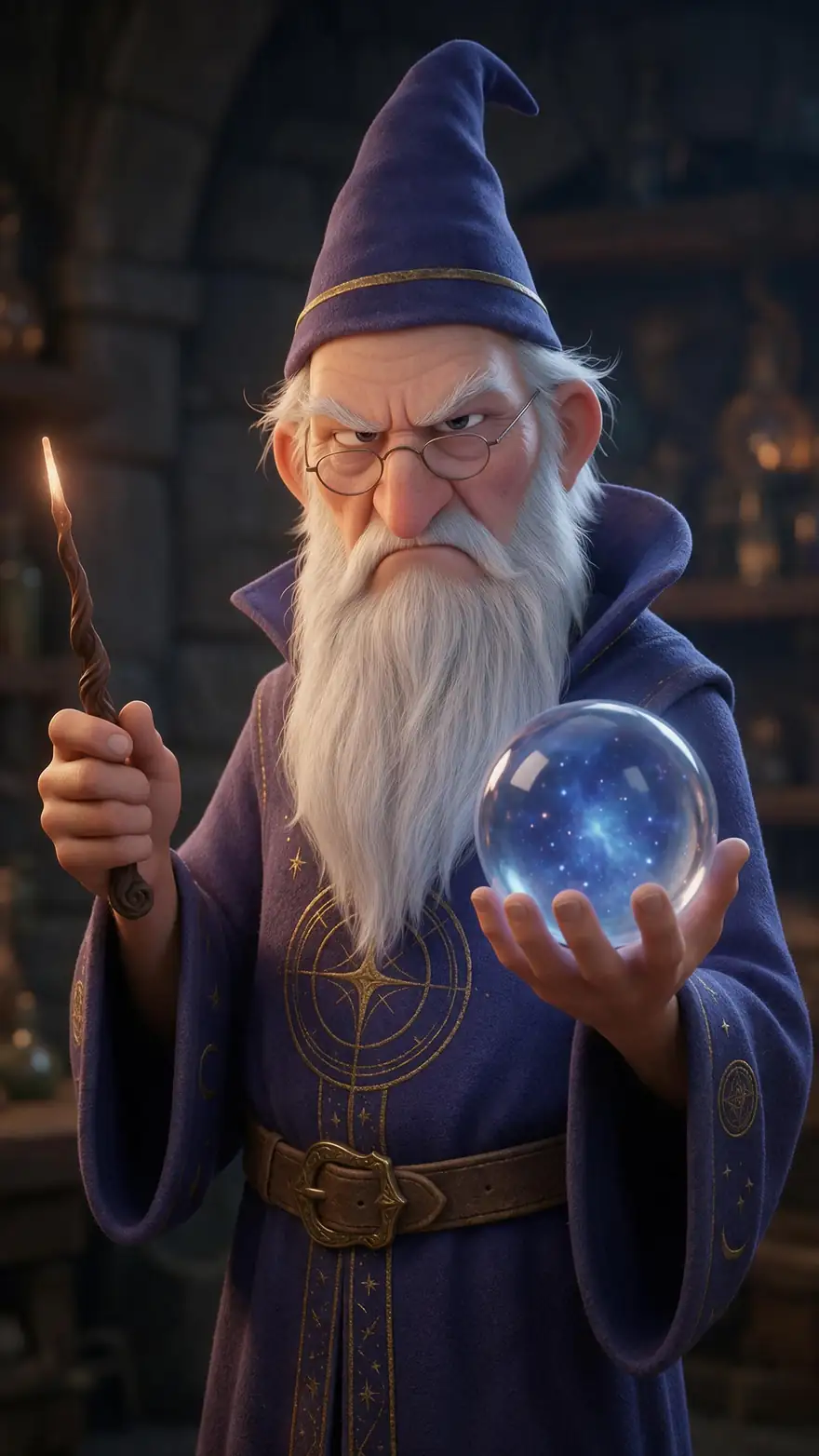
Filter by style: captioned talking clips, product loops, faceless b-roll, a cinematic action shot and an animated character. Real 9:16 outputs, five seconds each.
Every clip is an unedited output of the model named on it (the two captioned clips then went through Auto Subtitles), made from a fictional AI image or a text prompt; open one to see its prompt.
How to
How to make an Instagram video with AI
- Time needed
- Steps
- 4 steps
Step 1
Pick the placement and shape
Reels and Stories: 9:16. Feed post: 3:4 for the taller profile grid, or 1:1 for a square post. Decide first — the aspect ratio is set before you generate, and cropping later cuts off the subject.
Step 2
Make a start frame (optional)
For a product, a brand character or a presenter who must stay the same, make a still with the AI image generator or upload your own photo. For faceless b-roll, skip this and type the scene as a prompt.
Step 3
Generate the clips
Open the video studio, choose Wan 3, set the aspect ratio and 5 seconds, and describe the action and the sound. Put any spoken line in quotes. Draft at 480p, then re-render the keepers at 1080p.
Step 4
Add captions
Run the clip through Reels captions and choose the Middle position, which keeps the words clear of Instagram's buttons and caption bar. Pick one of 10 styles.
See it in the app

Open Video Studio in Text to Video mode and write the shot — subject, action, camera move and light.


Watch the tour · 1:19
Text, image & reference to video, models, edit, extend & chat
Chapters
Checked 2 November 2026
Instagram placements and how to make each one
Which shape to set in the studio, and what to put in the prompt, for each place a video can show on Instagram.
| Placement | Shape to set | What to make |
|---|---|---|
| Reels | 9:16 | A hook in the first second, one idea per Reel, captions in the Middle position |
| Stories | 9:16 | Short single clips — a product reveal, a behind-the-scenes moment; leave room at the top and bottom for stickers |
| Feed video post | 3:4 or 1:1 | A loop or a slow reveal that still reads when muted; render separately rather than cropping a 9:16 clip |
| Carousel with video | 1:1 or 3:4 | Match the shape of the images in the carousel — make them with the AI Instagram post generator |
| Product ad creative | 9:16 and 1:1 | Your product photo as the start frame: "spins slowly, studio light, upbeat music" |
| Animated series | 9:16 | The same cartoon character image as the start frame of every episode |
Use fictional characters, your own photos and your own products — not real people's faces or copyrighted clips.
Sources: Kenerate video studio · Meta Help — How to identify AI content on Meta products · Engadget — Instagram adds 3-minute Reels and a rectangular profile grid (January 2025)
Engines
Which video model for which Instagram video
Credits are for a 5-second clip at the model's default resolution. Shapes are the aspect ratios each model offers that fit Instagram.
- Most examples
Alibaba
Wan 3
- Input
- Image or text (+ optional end frame) · 9:16, 3:4, 1:1
- Output
- 2–30 s · 480p–1080p · sound · 150 credits / 5 s at 720p
Open Wan 3Best for
Talking Reels, product loops, faceless b-roll
ByteDance
Seedance 2.5
- Input
- Image, text or references · 9:16, 3:4, 1:1
- Output
- 4–30 s · up to 4K · sound · 540 credits / 5 s at 720p
Open Seedance 2.5Best for
Cinematic Reels and multi-shot scenes
Pixverse
Pixverse v6
- Input
- Image, text or references · 9:16, 3:4, 1:1
- Output
- 1–15 s · 360p–1080p · sound · 68 credits / 5 s
Open Pixverse v6Best for
Budget Stories and quick tests
Google
Veo 3.1 Fast
- Input
- Image or text · 9:16 only (no square or 3:4)
- Output
- 4, 6 or 8 s · up to 4K · sound · 225 credits / 5 s
Open Veo 3.1 FastBest for
Short Reel hooks with a spoken line
Lengths, resolutions and credits are from the video studio's own model list (1 Nov 2026); aspect ratios from the same config (2 Nov 2026). The examples above name the model that made each clip.
Tips
What makes an AI Reel work on Instagram
Instagram habits that also help the model.
Move in the first second: start the prompt mid-action, not with a slow establishing shot.
Keep the subject in the centre: Reels buttons sit on the right and the caption bar at the bottom.
Plan the cover: the grid shows a cropped frame, so keep the face or product in the middle of the shot.
Name the sound in the prompt — "sizzling pan", "crowd cheering" — or keep it ambient if you'll add trending audio in Instagram.
Reuse one start frame for a series so the character or product looks the same in every Reel.
Make one 9:16 master for Reels and Stories, and a separate 3:4 or 1:1 render for the feed rather than cropping.
FAQ
AI videos for Instagram — questions
9 questions
How do I make an Instagram Reel with AI?
Write a one-line hook, then in Kenerate's video studio pick Wan 3, set 9:16 and 5 seconds, and describe the action and the sound. Generate, add captions with Reels captions in the Middle position, download the MP4 and upload it as a Reel. For a Reel longer than one clip, generate one clip per beat and join them in an editor.
Link to this answerWhat aspect ratio should an AI video for Instagram be?
9:16 for Reels and Stories. For a feed post, 3:4 matches the taller profile grid and 1:1 makes a square post. Wan 3, Seedance 2.5 and Pixverse v6 render all three; Veo 3.1 Fast renders 9:16 but not square or 3:4. None of the models has a 4:5 setting, so use 3:4 for a tall feed post.
Link to this answerHow long can an AI Reel be?
Instagram allows Reels up to 3 minutes (since January 2025). One AI generation is 2–30 seconds on Wan 3 and Seedance 2.5, up to 15 on Pixverse v6 and 8 on Veo 3.1 Fast, so a Reel longer than that is several clips joined together.
Link to this answerDo I have to label AI videos on Instagram?
Sometimes. Meta may require an AI label when a post has photorealistic video or realistic-sounding audio that was digitally created or altered, and says there may be penalties for leaving it off. The rule does not apply to images. Content that Meta detects as AI-made can also get an "AI info" label automatically. Clearly animated or cartoon clips are lower-risk, but labelling realistic AI video is the safe default.
Link to this answerIs there a free AI video generator for Instagram?
Not on Kenerate: video needs a paid plan, and new accounts get free credits for images. The cheapest clip with sound is Wan 3 at 480p — 15 credits a second, so 75 credits for 5 seconds; Pixverse v6 is 68 credits per 5 seconds. Downloads have no watermark.
Link to this answerCan the people in my Reel talk?
Yes, on sound models such as Wan 3, Seedance 2.5 and Veo 3.1 Fast. Put the line in quotes in the prompt and say how it's said — "excited", "calm", "deep voice". Keep it under about ten words per 5-second clip.
Link to this answerCan I use trending Instagram audio with an AI clip?
Yes. Generate the clip with only ambient sound, or describe no music in the prompt, then add the track from Instagram's audio library when you post. If the clip already has speech, the native audio and the trending track will compete, so pick one.
Link to this answerHow do I keep my product or character the same across Reels?
Use the same image as the start frame for every clip — your own product photo, or one AI image of the character. Wan 3 and Seedance 2.5 also take reference images, which helps the look stay consistent across a series.
Link to this answerCan I make the same video for Instagram and TikTok?
Yes — both use 9:16, so one vertical master works for Reels, Stories and TikTok. Make the feed version separately at 3:4 or 1:1 instead of cropping it.
Link to this answerIn depth
AI video and Instagram, explained
On this page
One shape or three?
Instagram moved its profile grid from squares to a taller rectangle and raised the Reels limit to 3 minutes in January 2025 [1]. Reels and Stories fill the screen at 9:16; feed posts look best taller than square. Because the model composes the shot for the shape you set, a separate 3:4 render keeps the subject framed, where cropping a 9:16 clip often cuts off heads or products.
- Reels and Stories: one 9:16 master
- Feed: a 3:4 or 1:1 render of the same idea
Meta's AI label
Meta may require creators to label photorealistic video and realistic-sounding audio that was digitally created or altered, and content it detects as AI-made can get an "AI info" label [2]. The rule is about realism, not about using AI at all: a cartoon wizard is a different case from a realistic person saying something they never said.
Keep it original
Use fictional characters, your own photos and your own products. Putting a real person or celebrity into a Reel without permission can break Instagram's rules and likeness laws, and Kenerate refuses content of minors, sexual content of real people and illegal content.
Instagram Reels AI video generator
Same job: generate 9:16 clips with sound, add captions, pick a cover and post. Set the shape before you generate.
AI reel maker
Most "reel makers" stitch stock footage to a script. Here each shot is generated from your prompt or photo, so the footage is new.
AI video for Instagram feed
Render at 3:4 for the taller grid or 1:1 for a square post on Wan 3, Seedance 2.5 or Pixverse v6 — there is no 4:5 option.
AI Instagram Story video
9:16, usually a single short clip. Pixverse v6 is the budget pick at 68 credits per 5 seconds.
Explore
Every Kenerate video tool
Generators, tools, models and guides — all in one studio.
Try Kenerate AI Video Generator for Instagram
One studio for images and video.
Tried it? Tell us how it went