Video Joiner · 2–4 clips · Agent montage up to 20
Merge videos online — join 2 to 20 clips into one video
Upload your clips, put them in order and get one MP4 back. The Video Joiner in Kenerate's video studio stitches 2–4 clips with AI and no prompt; for up to 20 clips, trims, music or a voiceover, ask Kenerate Agent for a montage.
- 2–4 clips per join
- No prompt needed
- Up to 20 clips with Agent
- No watermark
Updated by the Kenerate AI team
Made with Kenerate


On this page
Quick answer
How do you merge videos online?
To merge videos online in Kenerate AI, open the video studio, choose Join clips (the Video Joiner), add 2 to 4 clips in the order they should play and press Create — no prompt is needed. A join costs 40 credits for 2 clips, 80 for 3 and 120 for 4. For longer edits, ask Kenerate Agent for a montage: 2–20 clips, up to 3 minutes, with trims, fades, music or a voiceover, from 3 credits.
Key facts
- Video Joiner
- 2–4 clips per join, no prompt
- Joiner credits
- 40 (2 clips) · 80 (3) · 120 (4)
- Agent montage
- 2–20 clips, up to 3 minutes
- Montage credits
- 3 for 2 clips, +1 per extra clip
- Montage frame
- 16:9, 9:16 or 1:1 at 30 fps
- Watermark
- None
Real results
Five clips, one travel reel
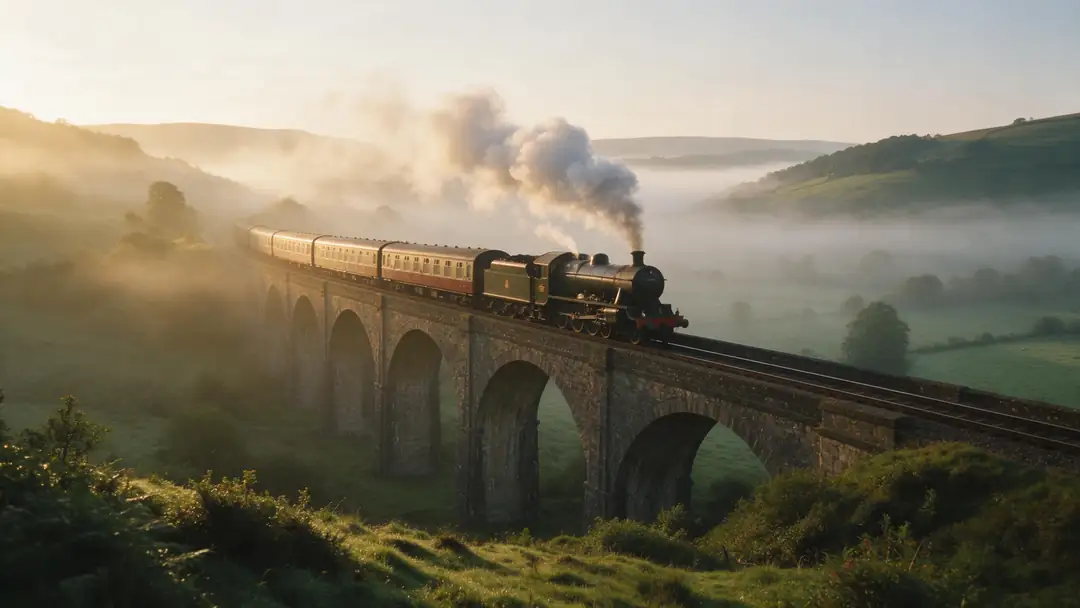
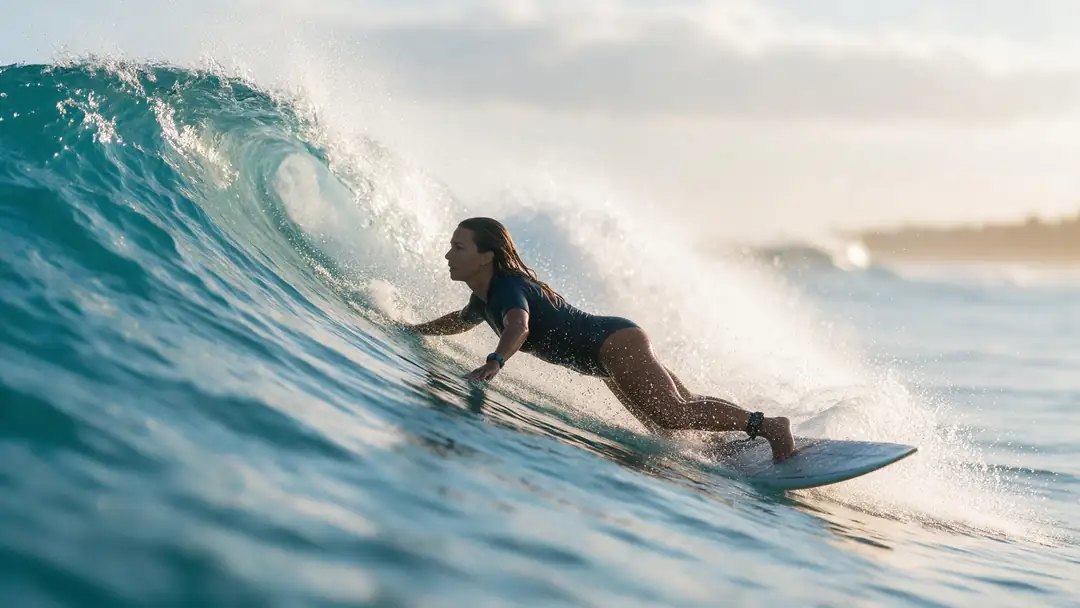
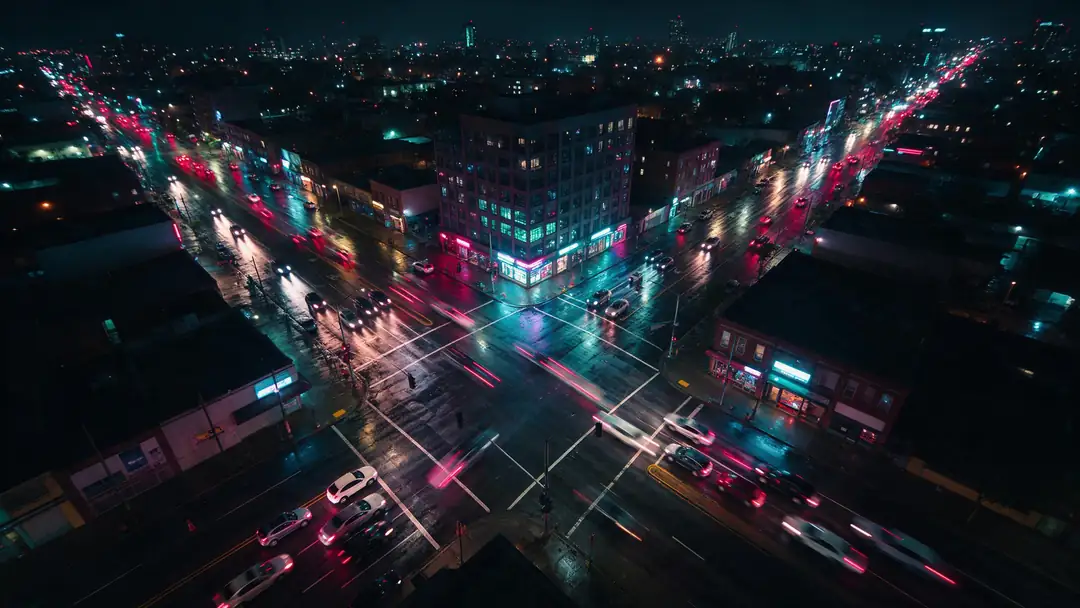
Real 5-second Wan 3 clips, all 16:9 and 720p — the kind of matching set that merges cleanly. Join any 4 with the Video Joiner, or all 5 with an Agent montage.
These are the separate source clips, not a merged result. Open one to see the prompt it was made from.
How to
How to merge videos online with Kenerate
- Time needed
- Steps
- 4 steps
Step 1
Open the video studio
Go to Video and pick Join clips — the Video Joiner. It needs no prompt, so the prompt box disappears.
Step 2
Add 2–4 clips
Upload MP4s or pick clips you already made in the studio. Add them in the order they should play; the studio asks for at least 2.
Step 3
Check the price and create
40 credits for 2 clips, 80 for 3, 120 for 4. The job runs in the background and lands in your Video history.
Step 4
Download the merged MP4
Open the result and download it — no watermark is added.
See it in the app

Open Video Studio in Text to Video mode and write the shot — subject, action, camera move and light.


Watch the tour · 1:19
Text, image & reference to video, models, edit, extend & chat
Chapters
Checked 23 October 2026
Video Joiner or Agent montage?
Both give you one MP4; they differ in how many clips and how much control.
| Video Joiner | Agent montage | |
|---|---|---|
| Clips | 2–4 | 2–20, up to 3 minutes total |
| Credits | 40 · 80 · 120 | 3 for 2 clips, +1 per extra clip |
| Trim clips | No | Yes, start and end in seconds |
| Music / voiceover | No | Yes, mixed under or over the clips |
| Transitions | AI join | 0.35 s fades or hard cuts |
| Where | Video studio | Kenerate Agent chat |
The montage scales and pads every clip to one frame (1280×720, 720×1280 or 1080×1080), so mixed sizes still join; each clip can be up to 250 MB.
Sources: Kenerate video studio · imageonline.io — Merge videos online · Clipchamp — Merge video online
Engines
Ways to merge videos in Kenerate
From the video studio's model list and Kenerate Agent's montage tool, 23 Oct 2026. Credits are charged when the job starts and returned if it fails.
- Default
Kenerate AI
Video Joiner
- Input
- 2–4 clips, no prompt
- Output
- One MP4 · 40 / 80 / 120 credits
Open Video JoinerBest for
Quick AI join of a few clips
Kenerate AI
Agent montage
- Input
- 2–20 clips + optional trims, music, voiceover
- Output
- Up to 3 min · 16:9, 9:16 or 1:1 · 30 fps · 3 credits + 1 per extra clip
Open Agent montageBest for
Longer edits with music or narration
Wan 3 and 16 more
Video extender
- Input
- 1 clip + prompt
- Output
- +2 to 30 s per step on Wan 3
Open Video extenderBest for
Making one shot longer instead of joining two
The video studio is part of the paid plans; the free plan sees video tools locked.
Tips
Merges that don't look stitched
What makes separate clips play as one video.
Match the aspect ratio before you join — mixing 9:16 and 16:9 leaves bars or crops.
Keep the resolution and frame rate the same where you can; the montage fits everything to one frame at 30 fps.
Order clips by action: wide establishing shot, then closer action, then a closing shot.
Trim dead frames at the start and end of each clip (Agent montage takes trims in seconds).
Use soft fades between unrelated shots and hard cuts on matching action.
Make clips with the same model and lighting when they should feel like one scene.
FAQ
Merge videos online — questions
9 questions
How do I merge videos online?
In Kenerate's video studio choose Join clips, add 2–4 clips in playing order and press Create. You get one MP4 in your Video history. For more than 4 clips, ask Kenerate Agent for a montage of up to 20.
Link to this answerHow many videos can I merge at once?
The Video Joiner takes 2 to 4 clips per join. Kenerate Agent's montage takes 2 to 20 clips, up to 3 minutes in total. You can also merge a merged video again with new clips.
Link to this answerCan I merge videos online for free?
Not in Kenerate. The Video Joiner costs 40–120 credits and the video studio is on the paid plans; an Agent montage costs 3 credits for 2 clips plus 1 per extra clip. Browser editors such as Clipchamp or CreatorKit offer free merging if you don't need AI.
Link to this answerWill the merged video have a watermark?
No. Kenerate doesn't add a watermark to merged videos or montages.
Link to this answerCan I merge videos without signing up?
No — merging spends credits, so you need a Kenerate account. Your merged videos are saved to your Video history.
Link to this answerCan I trim and merge videos online?
Yes, with an Agent montage: give each clip a start and end time in seconds and it trims before joining. The Video Joiner uses the clips as they are, so trim them first if needed.
Link to this answerCan I add music when merging videos?
Not in the Video Joiner. An Agent montage can mix a music track and a voiceover under the clips — make the track in Kenerate's music studio first or upload your own, then ask the agent to use it.
Link to this answerWhat if my clips have different sizes?
The montage scales and pads every clip to one frame — 16:9, 9:16 or 1:1 — at 30 fps, so mixed sizes still join, with black bars where shapes differ. For the cleanest result, make or crop all clips to the same ratio first.
Link to this answerIs merging the same as extending a video?
No. Merging joins clips you already have. An AI video extender generates new footage that continues one clip — use it when a single shot needs to run longer.
Link to this answerIn depth
What makes merged clips look like one video
On this page
Matching clips merge best
Clips with the same resolution and frame rate join without jumps in sharpness or motion [1]. Kenerate's montage fits every clip to one frame at 30 fps so a mix of models and shapes still plays, but black bars appear where a clip's shape differs from the frame.
Order is the edit
A merge has no story of its own — the order does the work. A common pattern is wide, medium, close, then a closing shot; clips that continue the same action (a rider, then the same rider closer) read as one scene.
- Open with a wide or establishing shot
- Cut on movement, not on a still moment
- End on a calm shot so the video doesn't stop abruptly
Sound across the joins
Each clip's own sound changes at every join. A single music track or voiceover across the whole video hides those changes, which is why the Agent montage mixes one soundtrack over the clips when you give it one.
Merge videos online without watermark
Both the Video Joiner and Agent montages download as plain MP4s with no Kenerate watermark.
Merge videos online and add music
Ask Kenerate Agent for a montage with a music track: it lowers the music under a voiceover automatically and fades it out at the end.
Trim and merge videos online
Agent montages take a start and end time for each clip, so you can cut dead frames and join in one step.
AI video merger vs a timeline editor
A timeline editor gives frame-level control; an AI merger is faster when you just need clips in order — upload, order, done.
Explore
Every Kenerate video tool
Generators, tools, models and guides — all in one studio.