Seedance 2.5 · Kling 3.0 · Wan 3 · Veo 3.1 · Sora 2 Pro · Kling 2.6
MindVideo AI alternative — the newest video models, credits that never expire
MindVideo AI is an all-in-one creative site that puts video models such as Kling 2.6, Wan 2.6, Veo 3.1 and Sora 2 behind one account. Kenerate AI runs those families too, plus the newer Seedance 2.5, Kling 3.0 and Wan 3 — 57 video models in all, paid with one-time credits that never expire.
- 57 video models
- Seedance 2.5, Kling 3.0, Wan 3
- Clips up to 30 s, up to 4K
- No subscription required
Updated by the Kenerate AI team
Made with Kenerate

On this page
Quick answer
What is MindVideo AI, and what is a good alternative?
MindVideo AI is an all-in-one creative platform for video, images and audio: text and image to video, image generation, AI music, effects and templates, with video models such as Kling 2.6, Wan 2.6, Veo 3.1, Seedance 1.0 Pro and Sora 2. A good MindVideo AI alternative is Kenerate AI: 57 video models, including those families and the newer Seedance 2.5, Kling 3.0 and Wan 3, with clips up to 30 seconds and 4K, paid with one-time credits that never expire. MindVideo still suits you if you want one-click effect templates or a free tier for video (checked 23 October 2026).
Key facts
- MindVideo AI
- Video, image and audio tools; effects and templates
- MindVideo free use
- Sign-up credits, daily check-ins; commercial use on paid plans
- Kenerate video models
- 57
- Longest clip
- 30 s (Seedance 2.5, Wan 3)
- Top resolution
- 4K (Seedance 2.5, Veo 3.1, Kling 3.0)
Real demo
One prompt, four video models
The same text prompt on Veo 3.1, Kling 3.0, Seedance 2.5 and Wan 3. Turn the sound on and switch — this is how you pick a model before you spend on a long clip.
- Veo 3.1. 6 s at 720p with sound (Veo makes 4, 6 or 8 s).
- Kling 3.0. 5 s with sound (Kling sets its own resolution).
- Seedance 2.5. 5 s at 720p with sound.
- Wan 3. 5 s at 720p with sound.
Prompt: "A golden retriever puppy in a tiny yellow raincoat splashes through puddles on a cobblestone street in the rain, slow motion, cinematic, rain and happy barks". Unedited outputs.
Run your own promptReal results
One real clip from each model family
Six unedited clips made in Kenerate's video studio: Seedance 2.5, Kling 3.0 Pro, Veo 3.1, MiniMax H3 Pro, PixVerse v6 and Vidu Q3 Pro.
Each card names the model and settings. Open one to copy the prompts.
How to
How to switch from MindVideo AI to Kenerate
- Time needed
- Steps
- 4 steps
Step 1
Sign in free
One click with Google, GitHub or Discord — 25 starter credits for images. Video runs on any one-time credit pack.
Step 2
Pick the model you used on MindVideo — or its successor
Kling 2.6, Kling 2.1 Master, Wan 2.6, Veo 3.1, PixVerse v5, Seedance 1 Pro and Sora 2 Pro are all in /app/video, next to Kling 3.0, Wan 3 and Seedance 2.5.
Step 3
Paste your prompt or add a start image
Prompts carry over; image to video keeps a product or face exactly as in your frame.
Step 4
Choose length and resolution
Up to 30 s on Seedance 2.5 and Wan 3; up to 4K on Seedance 2.5, Veo 3.1 and Kling 3.0. The cost shows before you run.
See it in the app

Open Video Studio in Text to Video mode and write the shot — subject, action, camera move and light.


Watch the tour · 1:19
Text, image & reference to video, models, edit, extend & chat
Chapters
Checked 23 October 2026
MindVideo AI vs Kenerate
MindVideo AI facts from mindvideo.ai and its text-to-video page, read 23 October 2026. Kenerate is our product.
| Kenerate AI | MindVideo AI | |
|---|---|---|
| What it is | Image and video studio with 57 video and 80+ image models, plus dubbing, avatars, music and 3D | All-in-one creative platform for video, images and audio |
| Video models named | Seedance 2.5, Kling 3.0, Wan 3, Veo 3.1, Sora 2 Pro, MiniMax H3, PixVerse v6, Vidu Q3, LTX 2.5 and more | Kling 2.6, Wan 2.6, Veo 3.1, PixVerse V5, Seedance 1.0 Pro, Kling 2.1 Master, Sora 2, HappyHorse 1.0, Pollo AI, Fotor AI |
| Models on both | Kling 2.6 and 2.1 Master, Wan 2.6, Veo 3.1, PixVerse v5, Seedance 1 Pro, Sora 2 (Pro) | Same |
| Resolution | Up to 4K on Seedance 2.5, Veo 3.1 and Kling 3.0 | Text-to-video FAQ says 1080p by default; a 4K upscaler is offered |
| Effects and templates | No one-click effect templates; you describe the motion | Dance, anime, Ghibli-style and other one-click effects and templates |
| Free use | 25 starter credits for images; video needs a pack | Free credits at sign-up plus daily check-ins and invites; commercial rights on paid plans only |
| Pricing | One-time credit packs from $15 (1,300 credits); no subscription required | Plans on its pricing page; not quoted here |
| Credits | Never expire | See MindVideo's pricing page |
MindVideo's pricing page didn't show prices when we checked, so none are quoted; confirm plans on mindvideo.ai.
Sources: MindVideo AI — homepage · MindVideo AI — text to video · MindVideo AI — pricing · Kenerate video studio
Engines
Video models you can switch to
Ten of the 57 video models in Kenerate's studio, with specs from its own model list.
- Default here

ByteDance
Seedance 2.5
- Input
- Text, image or 30 references
- Output
- 4–30 s · up to 4K · sound
Open Seedance 2.5Best for
Multi-shot action and references
Kuaishou
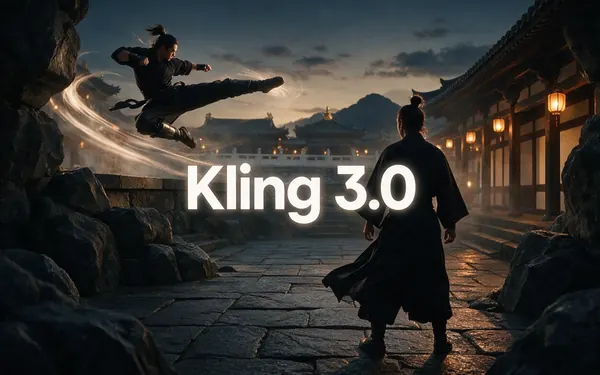
Kling 3.0
- Input
- Text or image
- Output
- 3–15 s · up to 4K · sound
Open Kling 3.0Best for
Expressive motion, martial arts, dance

Alibaba
Wan 3
- Input
- Text, image or 10 references
- Output
- 2–30 s · up to 1080p · sound
Open Wan 3Best for
Long clips; edit and extend
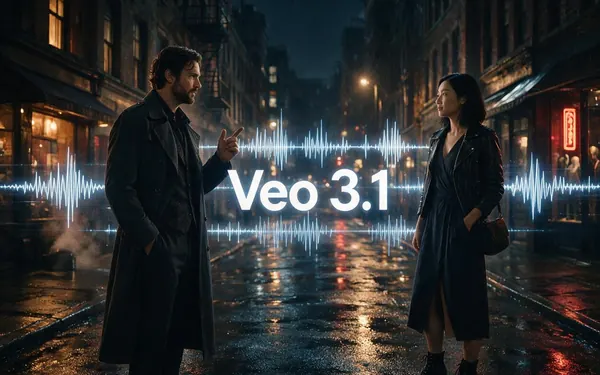
Google
Veo 3.1
- Input
- Text, image or 3 references
- Output
- 4, 6 or 8 s · up to 4K · sound
Open Veo 3.1Best for
Dialogue and cinematic sound
OpenAI
Sora 2 Pro
- Input
- Text or image
- Output
- 4–20 s · 720p or 1080p · sound
Open Sora 2 ProBest for
Long, story-like single shots
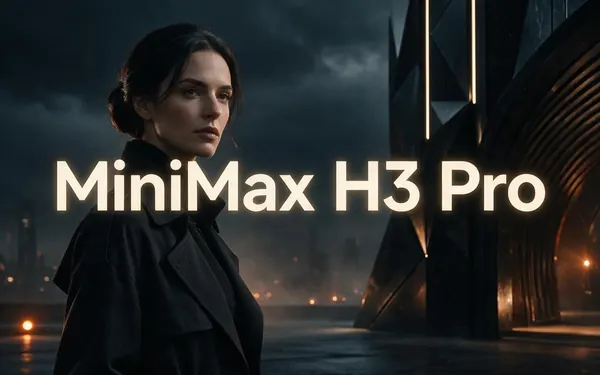
MiniMax
MiniMax H3 Pro
- Input
- Text, image or 9 references
- Output
- 4–15 s · up to 2K
Open MiniMax H3 ProBest for
2K clips from references
All models (10)
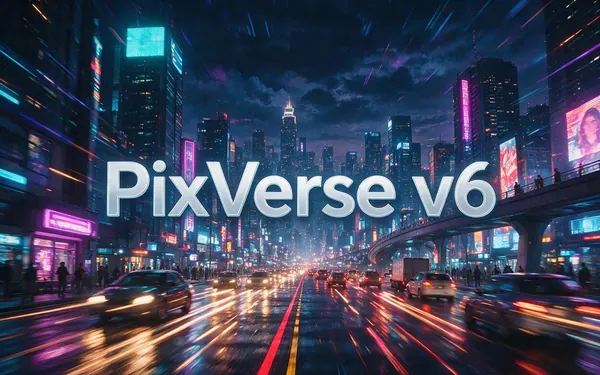
PixVerse
PixVerse v6
- Input
- Text, image or 10 references
- Output
- 1–15 s · up to 1080p · sound
Open PixVerse v6Best for
Punchy social-style motion
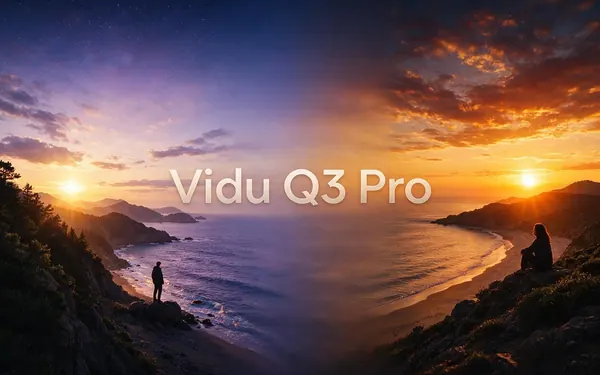
ShengShu (Vidu)
Vidu Q3 Pro
- Input
- Text or image
- Output
- 1–16 s · up to 1080p · sound
Open Vidu Q3 ProBest for
Consistent characters, anime-friendly

Alibaba
Happy Horse 1.1
- Input
- Text, image or 9 references
- Output
- 3–15 s · 720p or 1080p · sound
Open Happy Horse 1.1Best for
Expressive, character-led motion
Lightricks
LTX 2.5 & 2.3
- Input
- Text or image
- Output
- 5–20 s · up to 4K
Open LTX 2.5 & 2.3Best for
Long, fluid clips
Inputs, lengths and resolutions as set in Kenerate's video studio in October 2026. Older versions (Kling 2.6, Wan 2.6, Seedance 1 Pro, PixVerse v5) are in the studio too.
Tips
Moving your MindVideo work
What carries over and what doesn't.
Download your clips and start frames; reuse the frames as start images.
Prompts carry over on the same model family (Kling, Wan, Veo, Seedance).
Try the newer version of the model you liked: Kling 2.6 → Kling 3.0, Wan 2.6 → Wan 3, Seedance 1.0 → Seedance 2.5.
Template effects don't carry over — describe the motion in your prompt instead.
Draft at 480p or 720p, then upscale the keeper.
Real people need their permission.
FAQ
MindVideo AI Alternative questions
8 questions
What is MindVideo AI?
MindVideo AI (mindvideo.ai) is an all-in-one creative platform for video, images and audio. It offers text and image to video, image generation, AI music, a video editor, an upscaler, a video extender, and one-click effects and templates, using third-party models such as Kling, Wan, Veo, Seedance and Sora.
Link to this answerWhat is the best MindVideo AI alternative?
If you want the newest video models and credits that don't run out, Kenerate AI runs 57 video models — the families MindVideo lists (Kling 2.6, Wan 2.6, Veo 3.1, Seedance 1 Pro, Sora 2) plus Seedance 2.5, Kling 3.0 and Wan 3 — on one-time credits that never expire. MindVideo stays the better pick for one-click effect templates.
Link to this answerIs MindVideo AI free?
MindVideo says most of its tools are open to free users: new accounts get free credits, with more for daily check-ins and invites. Commercial rights are for paid users only. On Kenerate a new account gets 25 starter credits for images; video runs on a one-time credit pack.
Link to this answerWhich video models does MindVideo use?
On 23 October 2026 its homepage named Kling 2.6, Wan 2.6, Veo 3.1, PixVerse V5, Seedance 1.0 Pro, Kling 2.1 Master, Sora 2, HappyHorse 1.0, Pollo AI and Fotor AI. Kenerate has the same Kling, Wan, Veo, PixVerse, Seedance and Sora families, plus their newer versions.
Link to this answerDoes Kenerate have the same models as MindVideo?
Most of them: Kling 2.6 and 2.1 Master, Wan 2.6, Veo 3.1, PixVerse v5, Seedance 1 Pro and Sora 2 Pro. Kenerate adds Seedance 2.5, Kling 3.0, Wan 3, Happy Horse 1.1, MiniMax H3, Vidu Q3 and LTX 2.5. It doesn't run the Pollo AI or Fotor AI models.
Link to this answerCan I make 4K or 30-second clips?
Yes. Seedance 2.5 and Wan 3 make clips up to 30 seconds, and Seedance 2.5, Veo 3.1 and Kling 3.0 render up to 4K. MindVideo's text-to-video FAQ says it renders 1080p by default and offers a separate 4K upscaler.
Link to this answerHow much does a video cost on Kenerate?
It depends on the model, length and resolution, and the exact cost shows before you generate. For example, Wan 3 costs 30 credits a second at 720p — 150 credits, about $0.50, for a 5-second clip — and 15 credits a second at 480p. Packs start at $15 for 1,300 credits, and 300 credits equal $1.
Link to this answerDoes Kenerate have effect templates like MindVideo?
No. Kenerate has no one-click effect templates; you write the motion in a sentence and pick the model. If you mainly use trend effects, MindVideo's templates are faster. For your own shots, product clips and longer scenes, model choice matters more.
Link to this answerIn depth
MindVideo AI vs Kenerate, in depth
How we compared, and what matters when you choose.
On this page
Same model families, different versions
MindVideo AI and Kenerate are both aggregators: neither trains Kling, Wan, Veo or Seedance, so on a given model the clip quality is the model's, not the site's. What differs is which versions each one carries.
MindVideo's homepage lists Kling 2.6, Wan 2.6 and Seedance 1.0 Pro. Kenerate runs those and their successors — Kling 3.0, Wan 3 and Seedance 2.5 — which add sound, longer clips (up to 30 s on Wan 3 and Seedance 2.5) and 4K on Seedance 2.5 and Kling 3.0.
What you give up by switching
Be honest about the trade:
- No one-click effect templates — you describe the motion yourself.
- No Pollo AI or Fotor AI models.
- No free video: Kenerate's starter credits are for images; video needs a pack.
- Every clip is paid per second, priced before you run it.
What you gain
Newer model versions, credits that stay in your account, 80+ image models for start frames, and finishing tools in the same account: a video extender, auto subtitles, dubbing, lip sync, video upscaling, music and voice.
MindVideo AI free
Free credits at sign-up, extra credits for daily check-ins and invites, and most tools open to free users, per its homepage. Commercial rights need a paid plan.
MindVideo AI models
Kling 2.6, Wan 2.6, Veo 3.1, PixVerse V5, Seedance 1.0 Pro, Kling 2.1 Master, Sora 2, HappyHorse 1.0, Pollo AI and Fotor AI for video; GPT Image 2.5, Seedream 5.0 and Nano Banana for images.
MindVideo AI resolution
Its text-to-video FAQ says videos are 1080p by default, and it sells a separate enhancer that upscales to 4K.
Sites like MindVideo
Other multi-model studios include Kenerate AI, Pollo AI, Higgsfield and Krea. Compare the model versions each one actually runs, whether credits expire, and whether you need templates.
Explore
Every Kenerate video tool
Generators, tools, models and guides — all in one studio.