News script → anchor voice → presenter → captions
AI news video generator — script, anchor voice and presenter
Write or paste a news script, turn it into an anchor voice, give that voice to an AI presenter and add captions. Four steps in one Kenerate account, with an AI-made presenter or your own face, never a real journalist's.
- News-anchor voices
- AI presenter up to 10 min
- News-anchor direction preset
- Auto captions in 10 languages
Updated by the Kenerate AI team




On this page
Quick answer

What is an AI news video generator?
An AI news video generator turns a written news script into a video of a presenter reading it. On Kenerate you do it in 4 steps: read the script in Voice Studio with a news-anchor voice, animate a presenter in Avatar Talk (up to 10 minutes per clip), steer it with the "serious news-anchor delivery" preset, then add captions. A one-minute bulletin at 720p costs about 525 credits. It reads your script; it doesn't write or check the news.
Key facts
- Steps
- Voice → presenter → captions
- Longest presenter clip
- 10 min
- Presenter
- AI-made or your own face, with consent
Real results
Presenters for different kinds of news
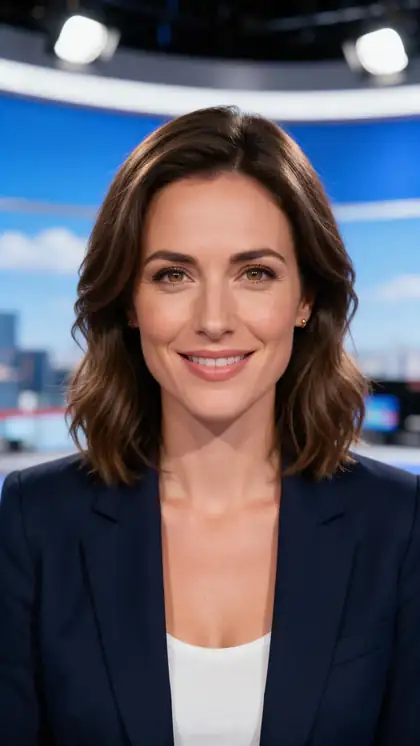
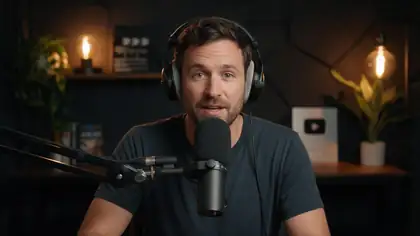
An evening-update anchor, a business briefing, a news podcast host and an internal team update: real Wan 3 clips of AI-made presenters. In Avatar Talk the voice is your own script, read in Voice Studio.
AI-generated people. None of them is a real journalist. Open a clip to copy both prompts.
How to
How to make an AI news video
- Time needed
- Steps
- 4 steps
Step 1
Write and check the script
Write the bulletin yourself or start from a source you trust, and check every name, number and date before it becomes audio. About 150 spoken words, roughly 900 characters, is one minute.
Step 2
Read it in a news-anchor voice
Paste the script into Voice Studio and pick a steady newsreader voice such as ElevenLabs Multilingual v2. One clip takes up to 10,000 characters; download the take you like.
Step 3
Give the voice to a presenter
Open Avatar Talk, upload an AI-made anchor image or your own photo, add the voice file and choose the "Serious news-anchor delivery, minimal movement, steady eye contact" direction.
Step 4
Add captions and label it
Run the video through Auto Subtitles (10 styles, up to 4 minutes per clip) and say on screen or in the caption that the presenter is AI-generated.
See it in the app

Open Video Studio in Text to Video mode and write the shot — subject, action, camera move and light.


Watch the tour · 1:19
Text, image & reference to video, models, edit, extend & chat
Chapters
Checked 24 October 2026
What a one-minute bulletin costs
Worked from the app's own rates for a 60-second script of about 900 characters.
| Setup | Credits | What you get |
|---|---|---|
| Kenerate Avatar 720p + voice + captions | ≈ 525 (450 + 54 + 20) | The everyday choice for social news clips |
| Kenerate Avatar 1080p + voice + 1080p captions | ≈ 905 (810 + 54 + 40) | Sharper video for YouTube or a website |
| InfiniteTalk 480p + voice + captions | ≈ 615 (540 + 54 + 20) | A more expressive head, lower resolution |
| HeyGen Presenters + voice + captions | ≈ 2,235 (2,160 + 54 + 20) | No image to prepare, up to 4K |
Engines
Engines for news presenters
Four of Avatar Talk's engines, picked for long, steady talking-head takes. Credits are per second of speech.
- Default
Kenerate
Kenerate Avatar
- Input
- Image + up to 10 min · body-language prompt
- Output
- 720p (7.5 cr/s) or 1080p (13.5 cr/s)
Open Kenerate AvatarBest for
Long bulletins with natural presenter movement
WaveSpeed
InfiniteTalk
- Input
- Image + up to 10 min · prompt
- Output
- 480p (9 cr/s) or 720p (18 cr/s)
Open InfiniteTalkBest for
Expressive talking heads over long takes
- No photo
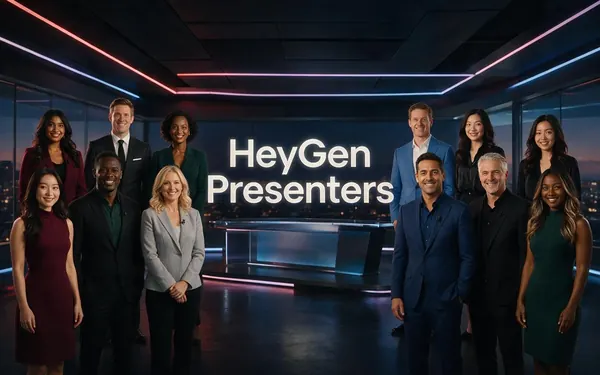
HeyGen
HeyGen Presenters
- Input
- Audio + one of 500 stock presenters
- Output
- 720p, 1080p or 4K · 16:9 or 9:16 · 36 cr/s
Open HeyGen PresentersBest for
A presenter without preparing an image (office and desk looks, no news set)
- 2 speakers
WaveSpeed
InfiniteTalk Duo
- Input
- Image of two + one track each
- Output
- 480p (9 cr/s) or 720p (18 cr/s)
Open InfiniteTalk DuoBest for
Two co-anchors or an interview
From Avatar Talk's engine list (src/lib/avatar-models.ts). The gallery clips were made with Wan 3 image to video.
Tips
News videos people can trust
A synthetic presenter is fine. A synthetic presenter that viewers mistake for a real reporter is not.
Use an AI-made presenter or your own face, never a real journalist, anchor or celebrity.
Label the video as AI-generated in the frame or the caption, and follow your platform's AI-content rules.
Name your sources on screen or in the description.
Keep one master anchor image so every bulletin has the same host.
Keep the direction prompt about delivery: steady, minimal movement, eye contact.
Use 9:16 for Shorts and Reels, 16:9 for YouTube and websites.
FAQ
AI news video generator — questions
8 questions

How do I make an AI news video?
Write and check the script, read it in a news-anchor voice in Voice Studio, upload a presenter image and that voice file to Avatar Talk, choose the news-anchor direction, then add captions in Auto Subtitles. Each step's output is the next step's input.
Link to this answerCan I make an AI news anchor?
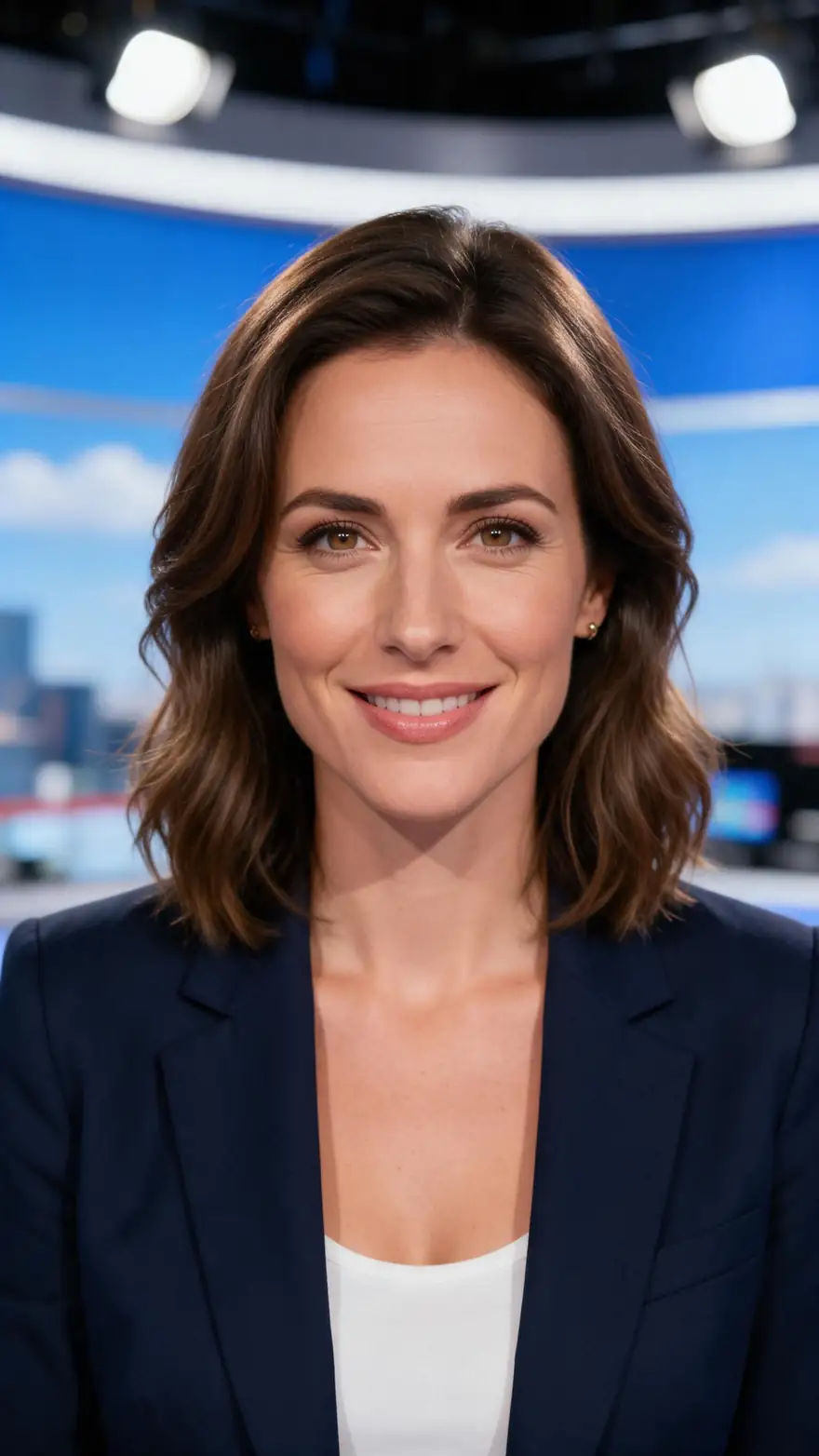
Yes. Generate a presenter image in Image Studio (for example an adult anchor in a blazer at a news desk) or use your own photo, then animate it in Avatar Talk. Keep that image as your master anchor so every bulletin has the same host.
Link to this answerCan I use a real news anchor or journalist?
No. Use an AI-made presenter, your own face, or someone who has agreed to be animated. Making a real reporter, anchor or celebrity appear to read news they never read is impersonation, and it misleads viewers.
Link to this answerDoes it write the news for me?
No. The tools read, animate and caption the script you give them; they don't fetch headlines or check facts. Write the script yourself or from sources you trust, and check it before you generate.
Link to this answerHow long can an AI news video be?
Kenerate Avatar, InfiniteTalk and HeyGen Presenters each take up to 10 minutes of speech per clip. One voice clip holds up to 10,000 characters, about 11 minutes of speech, and Auto Subtitles captions up to 4 minutes per run.
Link to this answerHow much does a one-minute news video cost?
About 525 credits at 720p with Kenerate Avatar: 450 for the presenter, about 54 for a 900-character voice read and 20 for captions. At 1080p it's about 905.
Link to this answerCan it make news videos in other languages?
Yes. ElevenLabs Multilingual v2 reads 29 languages and Eleven v3 reads 70, and the presenter lip-syncs to whatever audio you give it. Auto Subtitles transcribes 10 spoken languages or detects the language itself.
Link to this answerShould I label an AI news video as AI?
Yes. Say in the frame or the caption that the presenter is AI-generated. YouTube, TikTok and Meta all ask creators to disclose realistic AI-made content, and viewers trust a labelled bulletin more than one they later find out about.
Link to this answerIn depth
AI news videos, explained
On this page
What the AI does and what you do
The AI does production: it reads your script aloud, animates a face to match the audio, and writes captions from the speech. You do journalism: choosing the story, checking facts, naming sources and deciding what goes out. That split is what keeps an AI news video useful instead of misleading.
Directing a news presenter
News delivery is calmer than most talking-avatar content. Start from Avatar Talk's preset and adjust it:
- Serious news-anchor delivery, minimal movement, steady eye contact.
- Calm and confident, subtle hand gestures (for explainers and features).
- Warm and friendly, gentle nods (for community or company news).
Labelling AI news as AI
A realistic AI presenter reading real-looking news is exactly the content platforms ask you to disclose. Put a small "AI-generated presenter" line on screen or in the first line of the caption, keep your sources visible, and never make the presenter look like a real outlet or a real reporter.
AI video news
Usually people looking for a tool that turns news into video. This page covers that workflow; for the voice alone, see the news voice generator.
AI news reporter video
The same workflow with a reporter-style presenter: a standing shot, a location-style background in your presenter image, and a slightly more energetic direction prompt.
Explore
Every Kenerate video tool
Generators, tools, models and guides — all in one studio.
By the Kenerate AI teamLast updated and reviewed
Sources: Kenerate Avatar Talk · Kenerate Voice Studio · Kenerate Auto Subtitles · YouTube Help: disclosing altered or synthetic content