PixVerse · Kling · Vidu · Runway · Pika · Gemini · Luma · Kenerate
Best free AI video generators — 8 free tiers, checked at the source
What each AI video app really gives you for free in November 2026 — allowance, watermark, resolution and commercial use — taken from its own pricing page. Kenerate is our product, and its video models are not free.

- 8 apps compared
- From each pricing page
- Watermark and licence noted
- Kenerate video is paid
Updated by the Kenerate AI team




Made with Kenerate


On this page
Quick answer

What is the best free AI video generator?
The best free AI video generator in November 2026 is PixVerse for a daily allowance — 60 credits at sign-up plus 30 a day, up to 540p with a watermark — and Kling AI for monthly free credits, without 1080p or commercial use. Run one test prompt on both and keep the better clip. Kenerate AI isn't free for video: its models need purchased credits.
Key facts
- Apps compared
- 8
- Checked
- 17 Nov 2026, on each app's own page
- Free daily allowance
- PixVerse
- Free monthly allowance
- Kling AI
- No free video
- Google Gemini, Luma, Kenerate
Real demo
One prompt, four models
Free tiers lock you into one app's model. Here is one prompt on four: "A golden retriever puppy in a tiny yellow raincoat splashes through puddles on a cobblestone street in the rain, slow motion, cinematic, rain and happy barks"
- Veo 3.1. Veo 3.1 text to video, 6 s, 720p, with sound.
- Kling 3.0. Kling 3.0 Pro text to video, 5 s, 1080p, with sound.
- Seedance 2.5. Seedance 2.5 text to video, 5 s, 720p, with sound.
- Wan 3. Wan 3 text to video, 5 s, 720p, with sound.
Unedited outputs from Kenerate's video studio (paid credits).
Run your promptReal results
Clips from the same labs' models
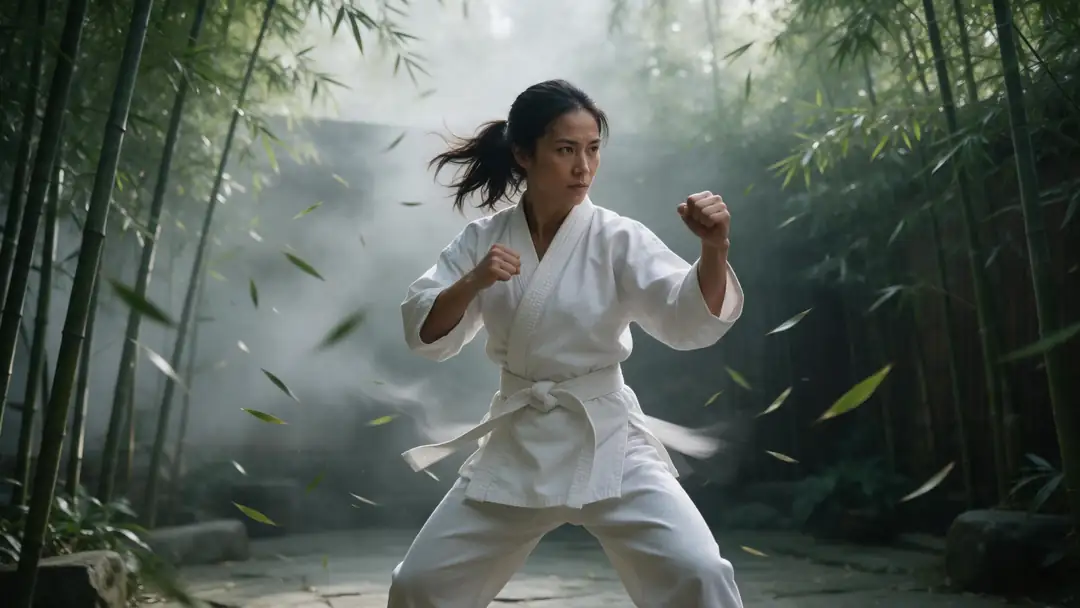
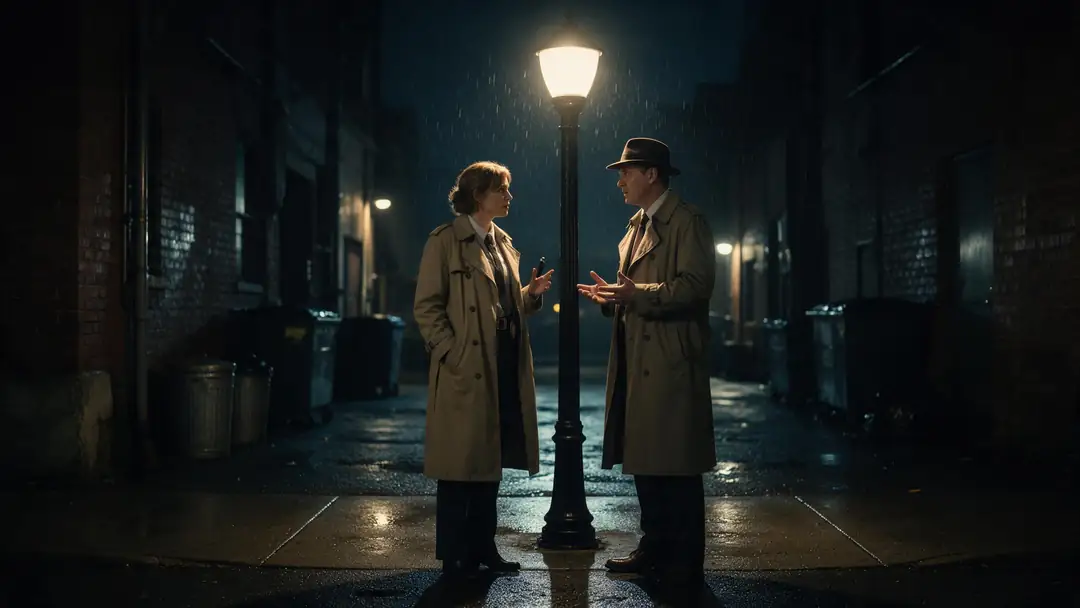
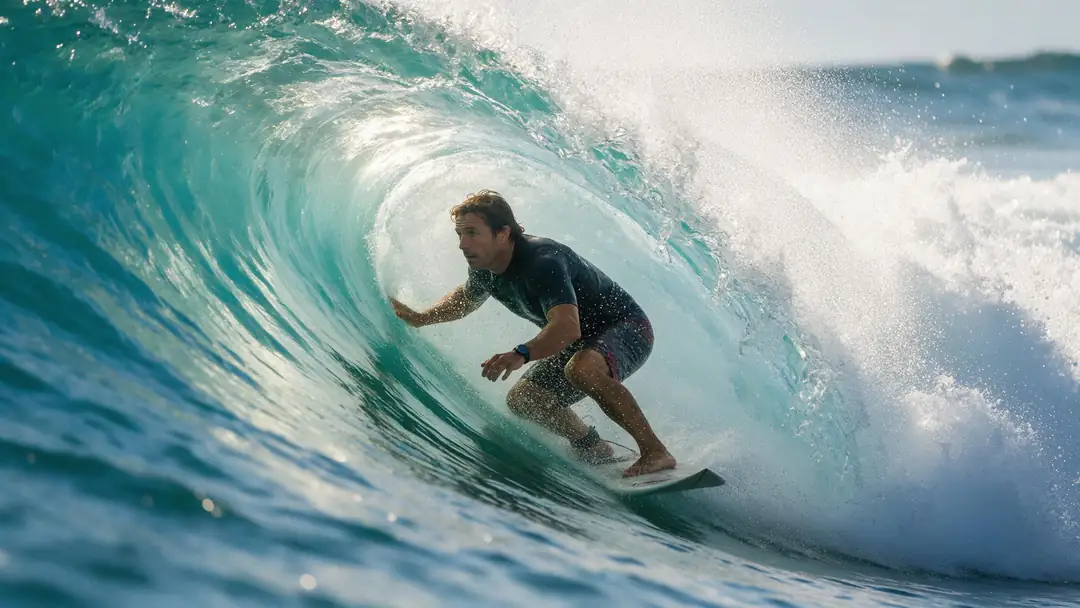
Not made on a free AI video generator tier: these six clips come from PixVerse v6, Kling 3.0, Vidu Q3 Pro, Veo 3.1, MiniMax H3 and Seedance 2.5 in Kenerate's studio, on paid credits — so you can see each model before you spend a free allowance on it.
Real, unedited Kenerate clips (5–6 s, image to video). Open one to copy the prompts and try them on any free tier.
How to
How to pick a free AI video generator
- Time needed
- Steps
- 4 steps
Step 1
Write one test prompt
Subject, action, camera and the sound you want — keep it the same everywhere.
Step 2
Run it on two free tiers
PixVerse's daily allowance and Kling's monthly one are the easiest to repeat.
Step 3
Check the fine print
Watermark, resolution and commercial use before you post the clip.
Step 4
Pay only when it matters
Compare models side by side on Kenerate, with no subscription.
See it in the app

Open Video Studio in Text to Video mode and write the shot — subject, action, camera move and light.


Watch the tour · 1:19
Text, image & reference to video, models, edit, extend & chat
Chapters
Checked 17 November 2026
Free tiers side by side
Each cell comes from the app's own pricing or product page, checked 17 Nov 2026. "Not stated" means the page doesn't say.
| Free allowance | Watermark on free | Free resolution | Commercial use on free | |
|---|---|---|---|---|
| PixVerse | Sign-up credits plus a daily top-up | Yes — watermark-free is a paid feature | Up to 540p | Not stated |
| Kling AI | Monthly credits, claimed at login | Yes — removal is a paid feature | 1080p and 4K are paid | No — paid plans only |
| Vidu | Sign-up trial and daily-login credits | Not stated | Not stated | Not stated |
| Runway | One-time credits, no expiry | Not stated — "no watermarks" is listed on paid plans | Not stated | Not stated |
| Pika | None included; credit packs only | No watermark | Not stated | No commercial licence |
| Google Gemini | No video on the free plan | — | — | — |
| Luma Dream Machine | No free plan listed | — | — | — |
| Kenerate AI | Sign-up credits for images and tools; no free video | No watermark (paid video) | Up to 4K (paid video) | Yes, on paid video |
Free tiers change often; the dated sources are listed below. Prices and credit amounts are in the FAQ.
Sources: PixVerse — subscription plans (17 Nov 2026) · Kling AI — membership plans (17 Nov 2026) · Vidu — homepage FAQ (17 Nov 2026) · Vidu — pricing FAQ (17 Nov 2026) · Runway — pricing (17 Nov 2026) · Pika — pricing (17 Nov 2026) · Google Gemini — US subscriptions (17 Nov 2026) · Luma AI — pricing (17 Nov 2026) · Kenerate video studio
Engines
8 AI video apps, ranked by what you get free
Ranked by how much video you can make for nothing, from each app's own pricing page on 17 Nov 2026.
PixVerse
PixVerse
- Input
- Text, image, templates
- Output
- Free: sign-up and daily credits · up to 540p · watermark
Open PixVerseBest for
A fresh allowance every day
Kuaishou
Kling AI
- Input
- Text or image
- Output
- Free: monthly credits · no 1080p · watermark
Open Kling AIBest for
Kling's own models for free, personal use only
ShengShu
Vidu
- Input
- Text, image, references, templates
- Output
- Free: sign-up and daily-login credits
Open ViduBest for
Hug, kiss and other one-click templates
Runway
Runway
- Input
- Text, image, video
- Output
- Free: one-time credits that don't expire
Open RunwayBest for
A one-off test of Runway's tools
Pika
Pika
- Input
- Text, image
- Output
- Free: account only, no included credits · no watermark
Open PikaBest for
No watermark, if you buy a credit pack
Google
Google Gemini (Veo)
- Input
- Text prompt
- Output
- Free: no video on the free plan
Open Google Gemini (Veo)Best for
Veo 3.1 starts on paid Google AI plans
All models (8)
Luma AI
Luma Dream Machine
- Ours
Kenerate (us)
Kenerate AI
- Input
- Text, image or references
- Output
- Free: sign-up credits for images only · video is paid
Open Kenerate AIBest for
After the free tiers: 57 models, no subscription
Left out: Hailuo (plans behind sign-in) and Bing Video Creator (its video page now opens Bing Image Creator), because their free video tiers couldn't be checked.
Tips
Before you post a free clip
What free tiers usually hold back.
Watermark: PixVerse and Kling remove it only on paid plans.
Resolution: PixVerse's free tier stops at 540p.
Licence: Kling Basic and Pika Free don't include commercial use.
Allowance: daily credits on PixVerse expire every day.
Allowance: Runway's free grant is one-time, not monthly.
Real people in a clip need their permission.
FAQ
Best Free AI Video Generator questions
9 questions

What is the best free AI video generator?
PixVerse, for the most repeatable free allowance: 60 credits at sign-up and 30 more each day, up to 540p with a watermark. Kling AI is second, with free credits each month for non-subscribers, but 1080p, watermark removal and commercial use are paid. Vidu also gives sign-up and daily-login credits, without public amounts. All were checked on their own pages on 17 November 2026.
Link to this answerIs there a free AI video generator with no watermark?
Not fully free. Pika's pricing page says free-plan exports have no watermark, but the free plan includes 0 monthly credits, so you still buy a credit pack, and it has no commercial licence. PixVerse and Kling list watermark removal as a paid feature, and Runway lists "no watermarks" on its paid Standard plan.
Link to this answerIs Kenerate's AI video generator free?
No. Kenerate gives 25 free credits on sign-up, but they work on images and tools; every video model needs purchased credits. What Kenerate offers instead is choice and no subscription: 57 video models, including PixVerse v6, Kling 3.0, Vidu Q3, Veo 3.1 and Seedance 2.5, on one-time credit packs. Wan 3, one of the cheapest, costs 15 credits a second at 480p.
Link to this answerHow many free credits does PixVerse give?
60 at sign-up plus 30 a day, according to PixVerse's subscription page (17 Nov 2026). Daily credits reset each day, and free videos go up to 540p. The Standard plan is $10 a month ($7.20 a month billed yearly) and adds watermark-free videos up to 720p and 1,200 credits every 30 days.
Link to this answerDoes Kling AI have a free plan?
Yes, Basic at $0. Kling's membership page says non-subscribers can claim monthly free credits on login, valid for 31 days. Basic makes 1 video per generation, and 1080p or 4K output, watermark removal and commercial use are listed only on paid plans; Standard is $10 a month, with the first month at $6.99 (17 Nov 2026).
Link to this answerCan I use Google Veo for free?
Not in the Gemini app's free plan, which doesn't list video generation. On Google's US plans page (17 Nov 2026), video generation comes with Google AI Plus at $4.99 a month and up; Google AI Pro at $19.99 includes a limited Veo 3.1 Lite trial, and Ultra from $99.99 lists video generation with Veo 3.1. Kenerate runs Veo 3.1 on purchased credits with no subscription.
Link to this answerDoes Runway have a free plan?
Yes: 125 one-time credits that don't expire, plus 5 GB of storage, per runway.com/pricing (17 Nov 2026). The page lists no watermarks and 4K upscaling under the paid Standard plan, not under Free.
Link to this answerIs Luma Dream Machine free?
Not any more, going by Luma's pricing page on 17 Nov 2026: it lists only paid individual plans — Plus at $30 a month ($25 billed yearly), Pro and Ultra — and no free plan.
Link to this answerCan I use videos from a free AI video generator commercially?
Check each app. Kling's Basic plan and Pika's Free plan exclude commercial use; PixVerse, Vidu and Runway don't state it on the pages we checked. Kenerate's Terms say you own what you generate and can use it commercially, but its video is paid.
Link to this answerIn depth
Best Free AI Video Generator, explained
On this page
What "free" means in each app
Free AI video comes in three shapes. A daily allowance that expires at the end of the day (PixVerse: 30 credits a day on top of 60 at sign-up). A monthly allowance (Kling AI's free credits for non-subscribers, valid 31 days). And a one-time grant (Runway's 125 credits, which don't expire). Pika's free plan is an account with no included credits, and Google Gemini, Luma and Kenerate have no free video at all.
The limits that matter after the allowance are the watermark, the resolution and the licence. PixVerse caps free videos at 540p; Kling keeps 1080p, watermark removal and commercial use for paid plans; Pika leaves out the commercial licence.
How we checked
Every fact on this page comes from the app's own pricing, plan or product page, read on 17 November 2026 — several of them only render in a browser, so we read the rendered page. Where a page doesn't state something, the table says "Not stated" rather than repeating third-party figures. Two apps are left out: Hailuo, because its plans show only after sign-in, and Bing Video Creator, because bing.com/create/video opened Bing Image Creator instead of a video tool when we checked.
Where Kenerate fits
Kenerate isn't a free video generator: sign-up gives 25 credits for images and tools, and video needs purchased credits. It fits the step after the free tiers, when you know which look you want and don't want a subscription: one studio with 57 video models — PixVerse v6, Kling 3.0, Vidu Q3, Veo 3.1, MiniMax H3, Seedance 2.5 and more — on one-time credits, with no watermark.
- Stay on a free tier for practice, social tests and personal clips.
- Pay when you need 1080p or 4K, no watermark, commercial use or a specific model.
This table vs our full guide
This page does one job: the free tier of each hosted AI video app — allowance, watermark, resolution and licence — read from its own pricing page on one date and laid side by side. For the wider field, read our full guide, Best Free AI Video Generators 2026 (linked below): short reviews of free tools this table leaves out, such as YouTube Shorts, Dreamina and Adobe Firefly, open-weight models like Wan 2.2 and LTX-2 that you can run on your own GPU, prompt examples and tips for stretching free credits.
Explore
Every Kenerate video tool
Generators, tools, models and guides — all in one studio.
By the Kenerate AI teamLast updated and reviewed
Sources: PixVerse — subscription plans (17 Nov 2026) · Kling AI — membership plans (17 Nov 2026) · Vidu — homepage FAQ (17 Nov 2026) · Vidu — pricing FAQ (17 Nov 2026) · Runway — pricing (17 Nov 2026) · Pika — pricing (17 Nov 2026) · Google Gemini — US subscriptions (17 Nov 2026) · Luma AI — pricing (17 Nov 2026) · Kenerate video studio