Joyfun alternative · SFW · Wan 3 · Kling 3.0 · Veo 3.1 · Seedance
Joyfun alternative — dance clips, photo to video and photo edits
Joyfun AI is a no-sign-up site for face swaps, dance clips and photo-to-video effects. Kenerate AI covers the safe-for-work jobs — dance videos, photo to video, text to video, hair colour and image edits — with 50+ named video models and no watermark, but no face swap.
- 50+ named video models
- Clips up to 30 s
- Dance from a photo or a video
- SFW only, no face swap
Updated by the Kenerate AI team




Made with Kenerate



On this page
Quick answer

What is the best Joyfun alternative?
For safe-for-work clips, the closest Joyfun alternative is Kenerate AI: upload a photo, describe the dance or motion, and Wan 3 returns a 5-second 720p clip with sound (150 credits), or pick Kling 3.0, Veo 3.1 or Seedance 2.5. Clips run up to 30 s, versus Joyfun's 10 s. Joyfun stays the pick for face swap, which Kenerate doesn't offer.
Key facts
- Joyfun video length
- Up to 10 s, up to 1080p
- Kenerate video length
- 2–30 s on Wan 3 and Seedance 2.5
- Kenerate video models
- 50+
- Face swap
- Joyfun yes · Kenerate no
- Sign-up
- Joyfun: not required · Kenerate: required
- Content
- Kenerate is SFW only
Real demo
Joyfun's video models, side by side
Joyfun lists Veo 3.1 and Seedance among its models; Kenerate runs them too, next to Kling 3.0 and Wan 3. Same text prompt on four: "A golden retriever puppy in a tiny yellow raincoat splashes through puddles on a cobblestone street in the rain, slow motion, cinematic, rain and happy barks"
- Veo 3.1. Veo 3.1 text to video, 6 s, 720p, with sound.
- Kling 3.0. Kling 3.0 Pro text to video, 5 s, 1080p, with sound.
- Seedance 2.5. Seedance 2.5 text to video, 5 s, 720p, with sound.
- Wan 3. Wan 3 text to video, 5 s, 720p, with sound.
Unedited outputs from Kenerate's video studio.
Run your promptReal results
Joyfun-style clips, made on Kenerate
Three dance clips and three photo-to-video clips, each from one image and one line of motion with Wan 3 (5 s, 720p) — no template, no face swap.
Real, unedited Kenerate clips. Open one to copy the image prompt and the motion prompt.
How to
How to switch from Joyfun to Kenerate
- Time needed
- Steps
- 4 steps
Step 1
Sign in
Google, GitHub, Discord or email. Unlike Joyfun, Kenerate needs an account.
Step 2
Upload a photo
A full-body photo for dance, any photo for motion — one you have the right to use. Or start from text.
Step 3
Describe the move
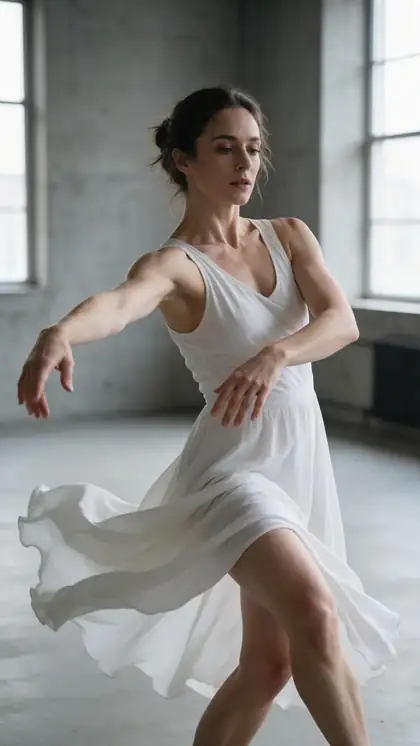
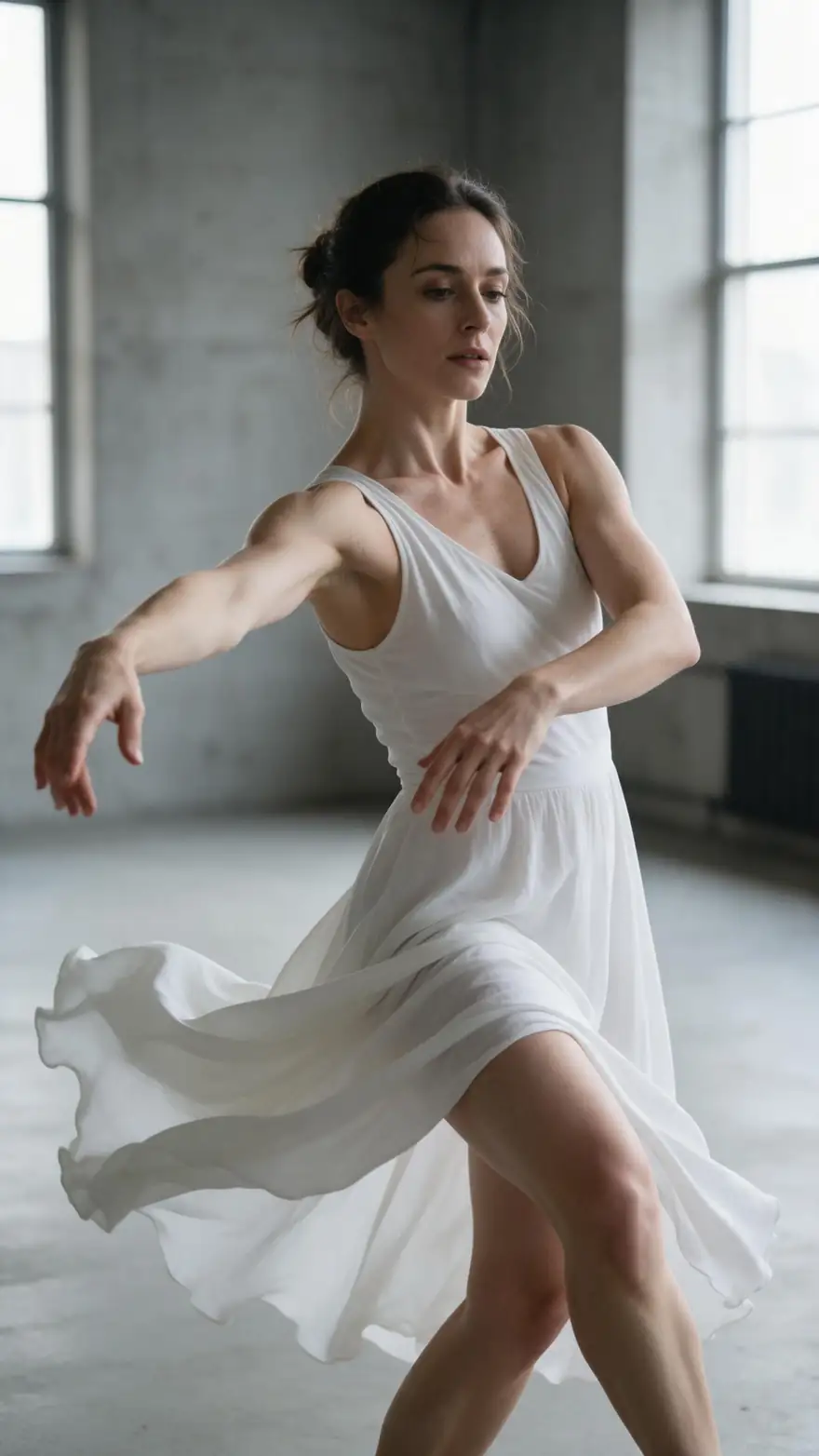
One line: “She performs a flowing contemporary dance, a slow spin, soft piano music.”
Step 4
Pick a model and download
Wan 3 for 2–30 s, Kling 3.0 for fast dance, Veo 3.1 for speech; download with no watermark.
See it in the app

Open Video Studio in Text to Video mode and write the shot — subject, action, camera move and light.


Watch the tour · 1:19
Text, image & reference to video, models, edit, extend & chat
Chapters
Checked 18 November 2026
Joyfun vs Kenerate
Safe-for-work features only, from joyfun.ai's homepage and pricing page, checked 18 Nov 2026. Kenerate is our product.
| Kenerate AI | Joyfun AI | |
|---|---|---|
| Dance videos | From a photo and a prompt, or copied from a video with Motion Control | AI Dance Video tool |
| Image to video | 50+ video models incl. Wan 3, Kling 3.0, Veo 3.1, Seedance 2.0 and 2.5 | Image to Video; lists Kling 3.0 Omni, Veo 3.1, Seedance 2.0 |
| Clip length | 2–30 s (Wan 3, Seedance 2.5) | Up to 10 s |
| Resolution | Up to 1080p; 4K on Veo 3.1 and Seedance 2.5, 4K upscaler | Up to 1080p |
| Face swap | Not offered (banned by Kenerate's terms) | Photo and video face swap |
| Hair colour | Photo edit from a prompt | AI Hair Color Changer |
| Image models | 80+ incl. GPT Image 2.6, GPT Image 2, Nano Banana 2.1, Seedream 5.5 | Text to image and image to image; lists GPT Image 2 |
| Sign-up | Required | Not required (its claim) |
| Paying | One-time credit packs that never expire; video needs purchased credits | Homepage says free and unlimited; pricing page sells one-time credit packs that don't expire, face swap as a subscription |
| Watermark | None | Watermark-free (its claim) |
Joyfun's homepage and pricing page disagree on whether it uses credits, and the pricing page shows no prices. Check joyfun.ai before you pay.
Sources: Joyfun AI — homepage · Joyfun AI — pricing and refunds · Kenerate video studio · Kenerate Motion Control · Kenerate Terms of Service
Engines
Kenerate tools for each Joyfun job
Named models instead of effect buttons.
- Used here
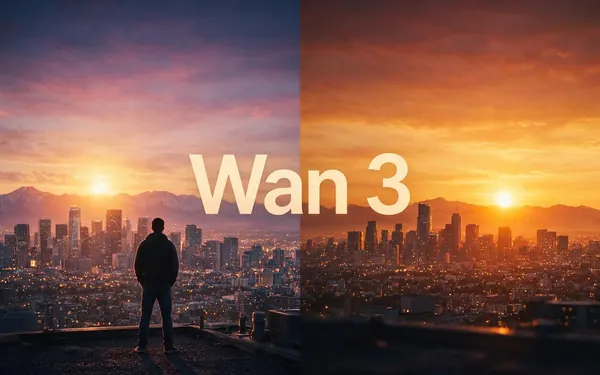
Alibaba
Wan 3
- Input
- Photo or text
- Output
- 2–30 s · up to 1080p · sound
Open Wan 3Best for
Dance and photo-to-video clips
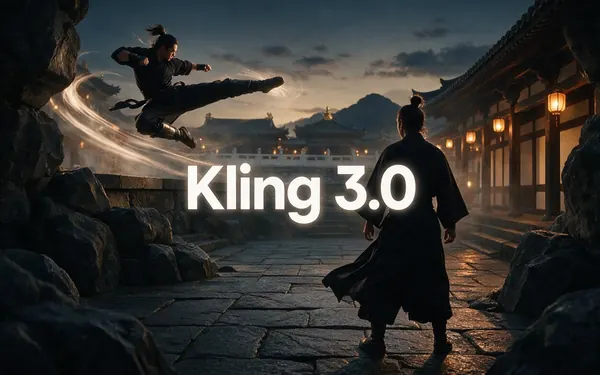
Kuaishou
Kling 3.0
- Input
- Photo or text
- Output
- 3–15 s · 1080p · sound
Open Kling 3.0Best for
Fast dance and action
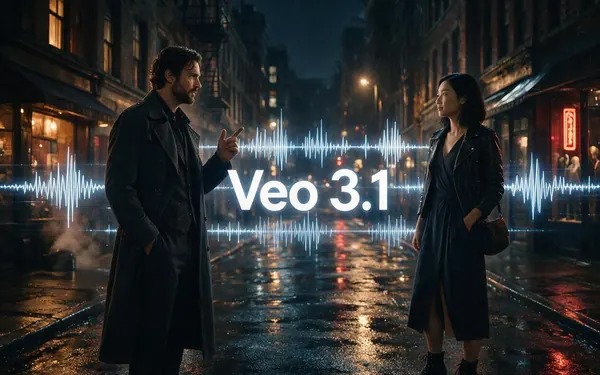
Google
Veo 3.1
- Input
- Text, photo or 3 references
- Output
- 4–8 s · up to 4K · sound
Open Veo 3.1Best for
Speech and lip sync
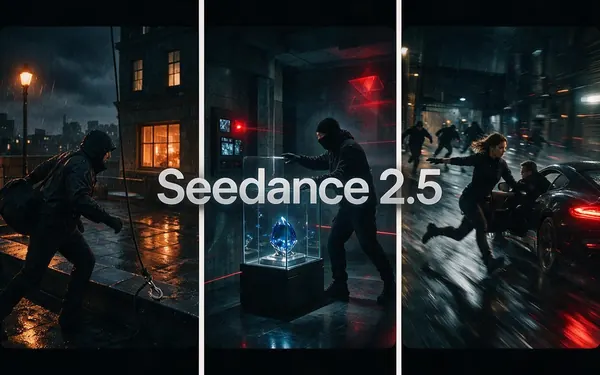
ByteDance
Seedance 2.5
- Input
- Text, photo or 30 references
- Output
- 4–30 s · up to 4K · sound
Open Seedance 2.5Best for
Longer, cinematic clips
12 engines
Motion Control
- Input
- Photo + a reference video
- Output
- Follows your clip, up to 2 min
Open Motion ControlBest for
Copy an exact dance

ByteDance
Seedream 5.0 Pro
- Input
- Photo + one sentence
- Output
- Edited image
Open Seedream 5.0 ProBest for
Hair colour and photo edits
Face swap is not offered: Kenerate's terms ban it.
Tips
Moving from Joyfun
What carries over, and what doesn't.
No one-tap effects: describe the dance or motion in one sentence instead.
For an exact routine, use Motion Control with a reference dance video.
Full-body photos with space around the person dance best.
Name the music or sound — Wan 3, Kling 3.0, Veo 3.1 and Seedance add it.
Hair colour is a photo edit: upload, name the shade, add “same haircut”.
No face swap on Kenerate; edit the photo you already have instead.
FAQ
Joyfun Alternative questions
8 questions

What is the best Joyfun alternative?
For safe-for-work dance and photo-to-video clips, Kenerate AI. It runs 50+ named video models — Wan 3, Kling 3.0, Veo 3.1, Seedance 2.5 — with clips up to 30 s, Motion Control for copying a dance from a video, and photo edits such as hair colour. It has no face swap; if that is what you need, Joyfun is the closer fit.
Link to this answerIs Joyfun AI free?
Its own pages disagree. The joyfun.ai homepage says it is free and unlimited with no subscriptions or credit systems, while its pricing page (checked 18 Nov 2026) sells one-time credit packs that don't expire, lists face swap as a subscription and shows no prices. Kenerate gives 25 free credits on sign-up for images and tools; video needs purchased credits, and a 5-second 720p Wan 3 clip costs 150 credits.
Link to this answerCan Kenerate make AI dance videos like Joyfun?
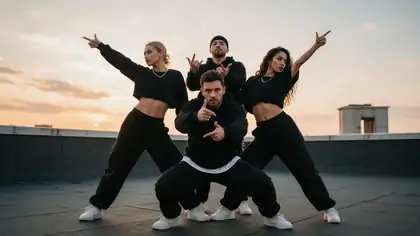
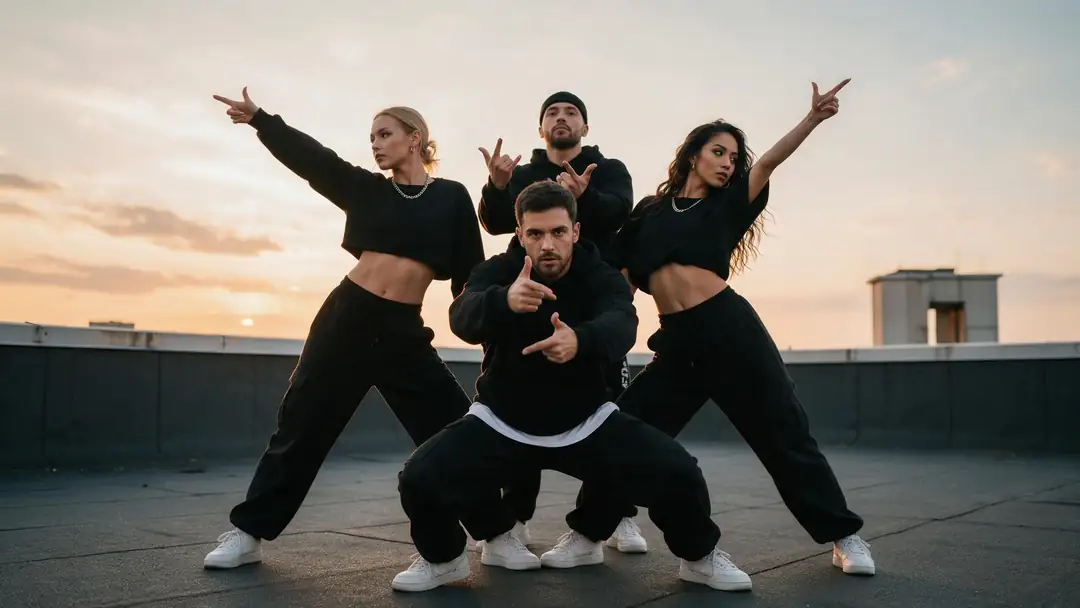
Yes, two ways. Upload a full-body photo and describe the dance — “The four dancers hit a sharp synchronized K-pop routine” made the rooftop clip on this page with Wan 3 — or use Motion Control to copy the exact moves from a dance video of up to 2 minutes.
Link to this answerDoes Kenerate have face swap like Joyfun?
No. Kenerate's terms ban face swapping — replacing or merging a real person's face into another image or video, with or without consent. You can edit the photo you already have (hair, outfit, background) or animate it.
Link to this answerIs there a Joyfun alternative without sign-up?
Not Kenerate: it needs an account (Google, GitHub, Discord or email). Joyfun says it needs no sign-up. An account is what lets Kenerate keep your clips, credits and history.
Link to this answerHow long can AI videos be compared with Joyfun?
Joyfun's homepage says up to 10 seconds at up to 1080p. On Kenerate, Wan 3 and Seedance 2.5 go to 30 seconds, Kling 3.0 to 15, Veo 3.1 to 8, and Veo 3.1 and Seedance 2.5 reach 4K.
Link to this answerCan I change hair colour in a photo like Joyfun's hair color changer?
Yes. Upload the photo in Image Studio, name the shade — “copper red, same haircut” — and Seedream 5.0 Pro recolours the hair and keeps the face and background. Our AI hair color changer page shows real results.
Link to this answerDoes Joyfun AI give refunds?
Yes, within limits: its pricing page (18 Nov 2026) offers a full refund if you ask within 48 hours of purchase and have used 100 credits or fewer, by emailing support@joyfun.ai. Kenerate credit packs are one-time purchases that never expire, so unused credits stay on your account.
Link to this answerIn depth
Joyfun Alternative, explained
What Joyfun offers (the safe-for-work part)
Joyfun AI is a browser site with one-tap tools: photo and video face swap, image to video, text to video, image to image, text to image, an AI hair color changer and AI dance videos. Its homepage says clips run up to 10 seconds at up to 1080p without a watermark, that no sign-up is needed, and that it uses third-party models including Kling 3.0 Omni, Veo 3.1, Seedance 2.0 and GPT Image 2 (joyfun.ai, 18 Nov 2026).
On paying, its pages conflict: the homepage says free and unlimited with no credit system; the pricing page sells one-time credit packs that never expire, puts face swap on a subscription and offers refunds within 48 hours if 100 credits or fewer were used.
Where Kenerate differs
Kenerate has no effect buttons. You pick a named model and describe the motion, which takes one more step but gives longer clips (up to 30 s), 4K on Veo 3.1 and Seedance 2.5, and the same prompt on several models. A 5-second 720p Wan 3 clip with sound costs 150 credits; credit packs are one-time and never expire.
- Pick Kenerate for named models, 30-second clips, Motion Control, photo edits, commercial use and an SFW-only studio.
- Pick Joyfun for face swap, one-tap effects and use without an account.
Explore
Every Kenerate video tool
Generators, tools, models and guides — all in one studio.
By the Kenerate AI teamLast updated and reviewed
Sources: Joyfun AI — homepage · Joyfun AI — pricing and refunds · Kenerate video studio · Kenerate Motion Control · Kenerate Terms of Service