Side-by-side · facts from both sites · 1 Nov 2026
PixelDojo vs Kenerate AI — which one fits how you work?
PixelDojo and Kenerate are both multi-model studios for AI images and video, and many of their models are the same. The real differences are how you pay, LoRA training, developer access and a handful of models only one of them runs. Here is a row-by-row comparison, with a verdict for each.
- Monthly plans vs one-time credits
- Where each one wins
- Models on both, and on one only
- Facts cited from both sites
Updated by the Kenerate AI team
Made with Kenerate


On this page
Quick answer
PixelDojo or Kenerate AI: which should you use?
Pick PixelDojo if you generate every day and want LoRA training, its unlimited-use models (FLUX 3 Klein, Qwen Image 2.1, MiniMax H3 Turbo), a REST API or models like Kling 4.0 and Nano Banana Pro, on plans of $10, $25 or $50 a month. Pick Kenerate AI if you generate in bursts: one-time credit packs from $15 that never expire, 25 free sign-up credits for real image generations and native 4K video on Seedance 2.5, Veo 3.1, Kling 3 4K and LTX 2.5. Most headline models, from GPT Image 2.5 to Seedance 2.5, are on both.
Key facts
- Credit expiry
- PixelDojo: roll over while subscribed · Kenerate: never
- LoRA training
- PixelDojo only
- Longest clip
- 30 s on both
- Checked
- 1 Nov 2026
Real results
Models both studios run — real Kenerate clips
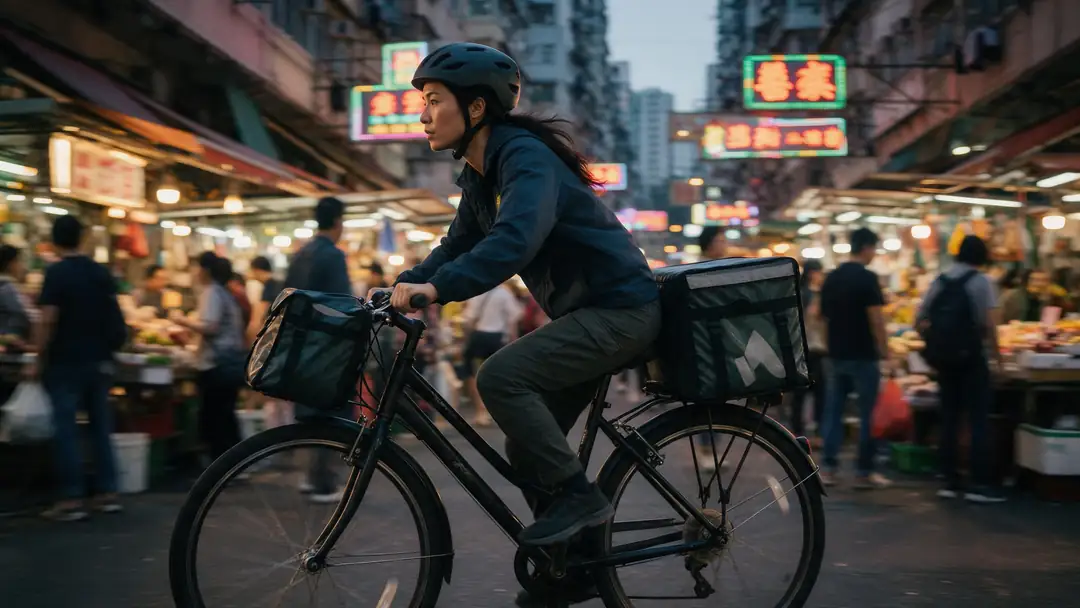
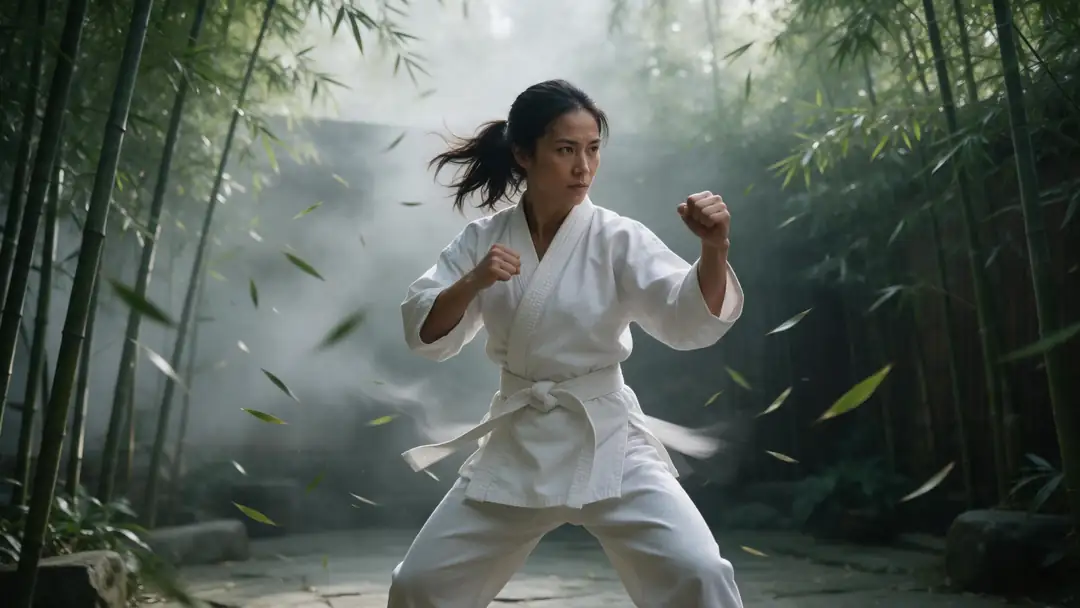
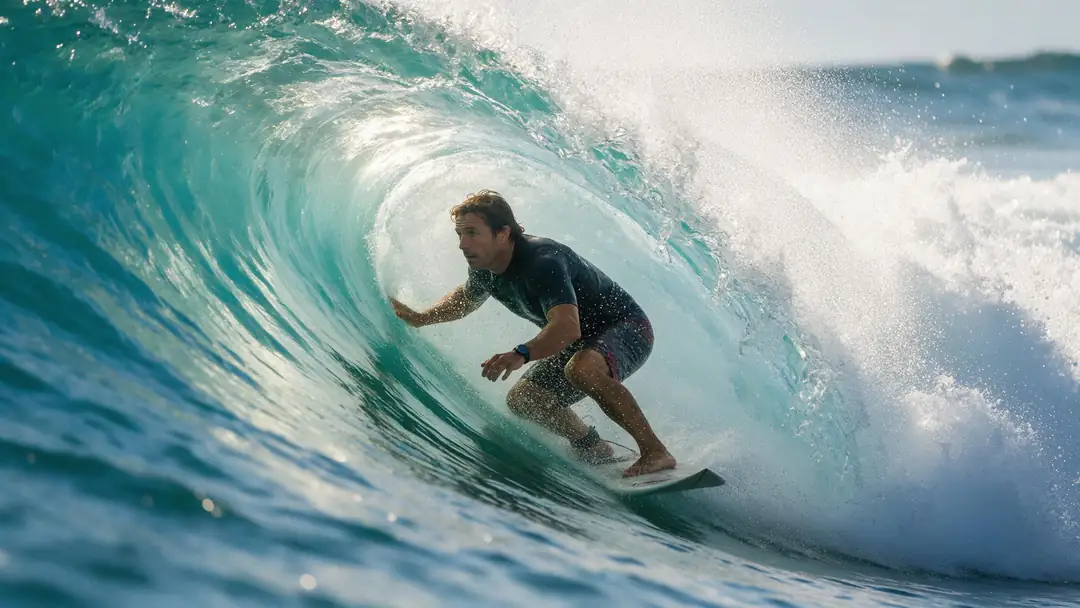
Seedance 2.5, Veo 3.1, Kling 3, Wan 3.0 and MiniMax H3 are on both PixelDojo's and Kenerate's model lists. These five clips were made in Kenerate's video studio; open one to copy its prompts.
Unedited Kenerate outputs. Run the same prompt on PixelDojo to compare.
How to
How to use Kenerate Video Studio
- Time needed
- Steps
- 4 steps
Step 1
Sign in free
One click with Google, GitHub or Discord adds 25 credits to your Kenerate account.
Step 2
Make the start image
Use a free-plan model such as Flux 2 or Qwen Image, or Seedream 5.0 Pro or Nano Banana 2.1 on paid credits.
Step 3
Animate it on a shared model
Pick Seedance 2.5, Veo 3.1, Kling 3 or Wan 3.0 in the video studio (paid plan) and use the same prompt you'd use on PixelDojo.
Step 4
Compare cost and result
Kenerate shows the credit cost before you generate. Set it against what the same clip costs you on your PixelDojo plan.
See it in the app

Open Image Studio and type what you want to see — subject, style, lighting and mood.


Watch the tour · 1:19
Text, image & reference to video, models, edit, extend & chat
Chapters
Checked 1 November 2026
PixelDojo vs Kenerate AI, row by row
PixelDojo facts from its pricing page and llms.txt, read 1 November 2026. Kenerate is our product; its facts come from its own studio and pricing.
| PixelDojo | Kenerate AI | Edge | |
|---|---|---|---|
| How you pay | Monthly plans: Lite $10 (160 credits), Pro $25 (500), Pro Max $50 (1,100); prepaid 6 or 12 months | One-time credit packs from $15 for 1,300 credits; no subscription | Depends: daily use suits a plan, occasional use suits packs |
| Credit expiry | Plan credits roll over while you stay subscribed; add-on packs last while the account is in good standing | Credits never expire, with or without buying again | Kenerate |
| Free option | 3 video or photo effects a day, small watermark, no card | 25 sign-up credits for image models such as Flux 2 and Qwen Image; video needs a paid plan | Depends: PixelDojo for free effects, Kenerate for free image generations |
| Unlimited-use models | FLUX 3 Klein, Qwen Image 2.1 and MiniMax H3 Turbo with no credits on every plan, plus effects | None; every image and clip shows its credit cost first | PixelDojo |
| Model list | 80+ image and 60+ video models, plus audio and 3D | 80+ image and 50+ video models, plus music, speech and 3D studios | PixelDojo (more video models) |
| Only on one side | Kling 4.0, Nano Banana Pro, FLUX 3 Image | LTX video, Kling 3 4K | Depends on the model you need |
| Longest clip | 30 s per request on Kling 4.0, Seedance 2.5 and WAN 3.0 | 30 s on Seedance 2.5 and Wan 3.0 | Tie |
| Native 4K video | 4K listed for Gemini Omni Flash and its video upscalers; Seedance 2.5 and Kling 4.0 listed at 1080p | Seedance 2.5, Veo 3.1, Kling 3 4K, LTX 2.5 and Gemini Omni 1.1 Flash, plus a video upscaler | Kenerate |
| Custom models | LoRA training on your own photos | No LoRA training; reference images instead (16 on GPT Image 2.5, 14 on Nano Banana 2.1, 30 on Seedance 2.5) | PixelDojo |
| Image upscaling | Clarity Pro up to 16x and 64 MP, Magnific and others | Image upscaler up to 4K | PixelDojo |
| Developer access | REST API and MCP server on the same credits | MCP server for Claude, ChatGPT, Cursor and other clients; no public REST API | PixelDojo |
| Commercial use | Included on every plan, Lite too | Terms claim no ownership of your outputs; commercial use allowed | Tie |
Plans and model lists change often — check pixeldojo.ai for the current ones. The two sites' credits are different units, so we don't compare price per credit.
Sources: PixelDojo — pricing · PixelDojo — llms.txt (model list, API, MCP) · Kenerate — pricing · Kenerate — video studio · Kenerate — MCP server
Engines
Video models you'll find on both
Kenerate's specs, from its own studio model list. PixelDojo lists the same model families.
- On both
ByteDance
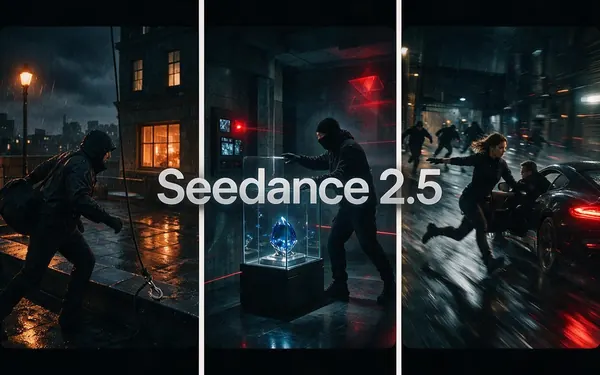
Seedance 2.5
- Input
- Text, image or up to 30 reference images
- Output
- 4–30 s · 480p to 4K
Open Seedance 2.5Best for
Long multi-shot clips
- On both
Alibaba
Wan 3.0
- Input
- Text, image or up to 10 reference images
- Output
- 2–30 s · up to 1080p
Open Wan 3.0Best for
Long clips, extend and edit
- On both
Google
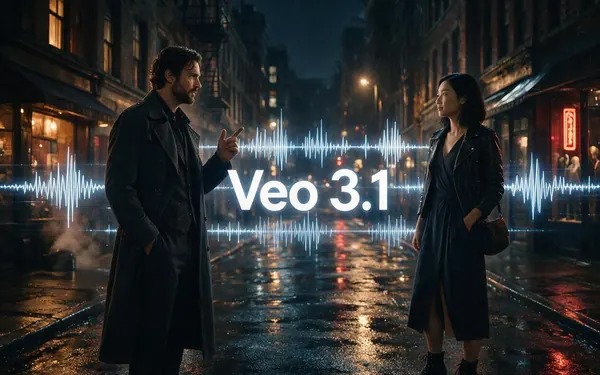
Veo 3.1
- Input
- Text, image or 3 reference images
- Output
- 4–8 s · up to 4K
Open Veo 3.1Best for
Dialogue with sound
- On both
Kuaishou
Kling v3 Pro
- On both
MiniMax
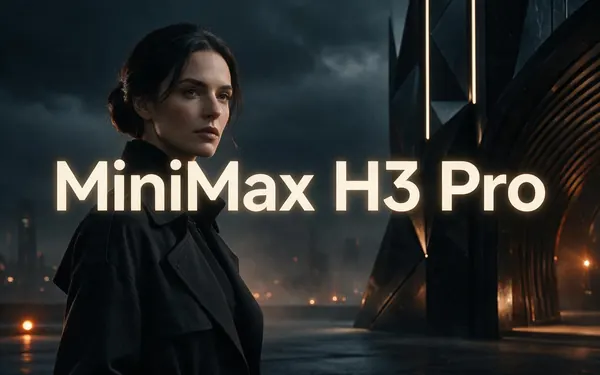
MiniMax H3 Pro
- Input
- Text, image or 9 reference images
- Output
- 4–15 s · 768p or 2K
Open MiniMax H3 ProBest for
2K clips from references
PixelDojo runs Kling V3 Pro and MiniMax H3; its own pages give the lengths it offers.
Tips
Who should pick which
Based on what each site offers today, not on ratings.
You generate every day in volume: PixelDojo, whose unlimited-use models cost no credits.
You train LoRAs on your own photos: PixelDojo.
You call models from your own code: PixelDojo's REST API.
You need Kling 4.0, Nano Banana Pro or FLUX 3 Image: PixelDojo.
You make things now and then and don't want a monthly bill: Kenerate, whose credits never expire.
You want native 4K video on Seedance 2.5, Veo 3.1 or Kling 3 4K: Kenerate.
You want LTX video or Kling 3 at 4K: Kenerate.
You work from Claude, ChatGPT or Cursor: both offer an MCP server.
FAQ
PixelDojo vs Kenerate AI questions
9 questions
Is PixelDojo better than Kenerate AI?
Neither is better for everyone. PixelDojo is the stronger pick for daily, high-volume work thanks to its unlimited-use models, for LoRA training, for its REST API and for models Kenerate doesn't run, such as Kling 4.0. Kenerate is the stronger pick if you'd rather not pay monthly: its one-time credits never expire, and it renders native 4K video on Seedance 2.5, Veo 3.1 and Kling 3 4K.
Link to this answerWhich is cheaper, PixelDojo or Kenerate?
It depends on how often you generate. PixelDojo costs $10, $25 or $50 a month and includes some models with no credit cost. Kenerate has no monthly fee: one-time packs start at $15 for 1,300 credits. The two sites' credits are different units, so compare the cost of the image or clip you actually make — both show it before you generate.
Link to this answerIs PixelDojo free?
PixelDojo's free tier gives 3 video or photo effects a day with a small watermark, with no card needed. Kenerate gives 25 credits on sign-up for real image generations with free-plan models such as Flux 2 and Qwen Image; video on Kenerate needs a paid plan.
Link to this answerDo PixelDojo and Kenerate credits expire?
PixelDojo plan credits roll over month to month while your subscription is active, and its add-on packs don't expire while the account is in good standing. Kenerate credits never expire and don't depend on a subscription.
Link to this answerDo PixelDojo and Kenerate have the same models?
Many overlap: GPT Image 2.5, Nano Banana 2.1, Seedream 5 Pro, Krea 2, Flux 2, Recraft V4.1, Ideogram, Veo 3.1, Kling 3, Seedance 2.5, Wan 3.0, MiniMax H3, Hailuo 2.3, Vidu Q3, PixVerse V6 and Gemini Omni Flash are on both. Only PixelDojo lists Kling 4.0, Nano Banana Pro and FLUX 3 Image; only Kenerate runs LTX video and a 4K Kling 3.
Link to this answerWhich makes longer or sharper videos?
Both reach 30-second clips in one request — PixelDojo on Kling 4.0, Seedance 2.5 and WAN 3.0, Kenerate on Seedance 2.5 and Wan 3.0. For native 4K, Kenerate runs Seedance 2.5, Veo 3.1, Kling 3 4K, LTX 2.5 and Gemini Omni 1.1 Flash at 4K; PixelDojo lists 4K on Gemini Omni Flash and through its video upscalers, with Seedance 2.5 and Kling 4.0 at 1080p.
Link to this answerCan Kenerate train LoRAs like PixelDojo?
No. Kenerate has no LoRA training. You keep a face, product or style consistent with reference images instead — up to 16 on GPT Image 2.5, 14 on Nano Banana 2.1 and 30 on Seedance 2.5. If LoRAs are central to your work, PixelDojo is the better fit.
Link to this answerDo they have an API or MCP server?
PixelDojo has both a REST API and an MCP server, on the same credits as the web app. Kenerate has an MCP server that lets Claude, ChatGPT, Cursor and other MCP clients generate images, video, music and speech on your account, but no public REST API.
Link to this answerCan I use the images and videos commercially?
Yes on both. PixelDojo includes commercial use on every plan, Lite included. Kenerate's Terms claim no ownership of what you generate and allow commercial use, subject to the Terms and the law.
Link to this answerIn depth
PixelDojo vs Kenerate AI, explained
On this page
How this comparison was made
Every PixelDojo fact on this page comes from PixelDojo's own pricing page and its llms.txt model list, read on 1 November 2026. Kenerate's facts come from its own studio, pricing and Terms. There are no star ratings, review counts or benchmark scores here, and we don't compare the price of a credit, because a PixelDojo credit and a Kenerate credit buy different amounts.
The real difference: subscription vs pay-once
PixelDojo is built for people who generate every day. A plan gives you a fixed number of credits each month, they roll over while you stay subscribed, and three models (FLUX 3 Klein, Qwen Image 2.1 and MiniMax H3 Turbo) plus the effects cost nothing extra. The more you use it, the better that deal gets.
Kenerate is built for project-by-project use. You buy credits once, they never expire, and nothing renews. Each image or clip shows its cost before you generate, so you can spend a pack over a week or over a year.
What's the same on both
Most headline models are on both lists, so a prompt usually moves between them unchanged:
- Image: GPT Image 2.5, Nano Banana 2.1, Seedream 5 Pro, Krea 2, Flux 2, Qwen Image, Recraft V4.1, Ideogram
- Video: Veo 3.1, Kling 3, Seedance 2.5, Wan 3.0, MiniMax H3, Hailuo 2.3, Vidu Q3, PixVerse V6, Gemini Omni Flash
- Both: image and video editing, upscalers, music and speech, 3D, an MCP server, commercial use
Already leaning towards switching?
If you're on PixelDojo now and mainly want to stop paying monthly, the PixelDojo alternative page walks through moving your prompts and replacing LoRAs with reference images. If you're happy with LoRAs and unlimited-use models, staying on PixelDojo makes sense.
Explore
Every Kenerate video tool
Generators, tools, models and guides — all in one studio.