Same start + end frame · 20+ models · no watermark
Seamless loop video AI — turn one image into a video that never ends
A seamless loop ends exactly where it began, so it can play forever without a jump. The simplest way to get one from AI is to give an image-to-video model the same picture as its first and its last frame — then pick motion that can come back to where it started.
- Start + end frame
- Wan 3, Seedance, Kling, Veo
- 2–30 s clips
- No watermark
Updated by the Kenerate AI team
Made with Kenerate
On this page
Quick answer
How do you make a seamless loop video with AI?
To make a seamless loop video with AI, upload your image as the start frame and again as the end frame in an image-to-video model, then prompt motion that can return to where it began — drifting water, swaying lanterns, a slow turntable spin — with a locked-off camera. Kenerate's video studio takes an end frame on more than 20 models, including Wan 3, Seedance 2.0, Kling 3.0 and Veo 3.1. Check the join over 5+ plays and trim or crossfade if it still jumps.
Key facts
- Method
- Same image as start and end frame
- Models with an end frame
- Wan 3, Seedance 2.0 / 2.5, Kling 3.0, Veo 3.1, Vidu Q3 Pro and more
- Clip length
- 2–30 s on Wan 3
- Watermark
- None
Real results
Which motion loops — and which fights you
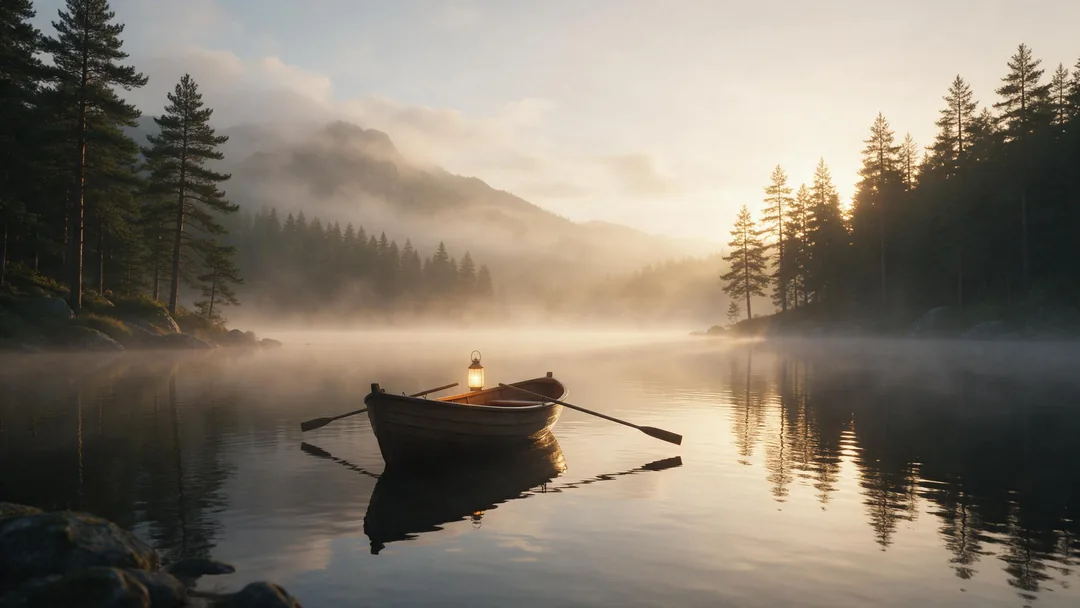
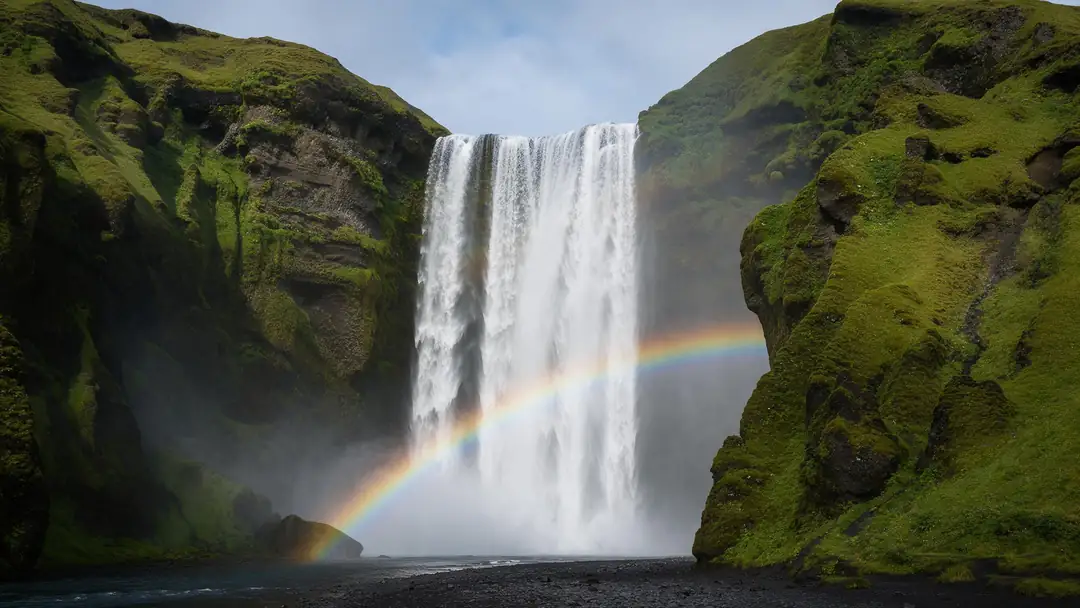
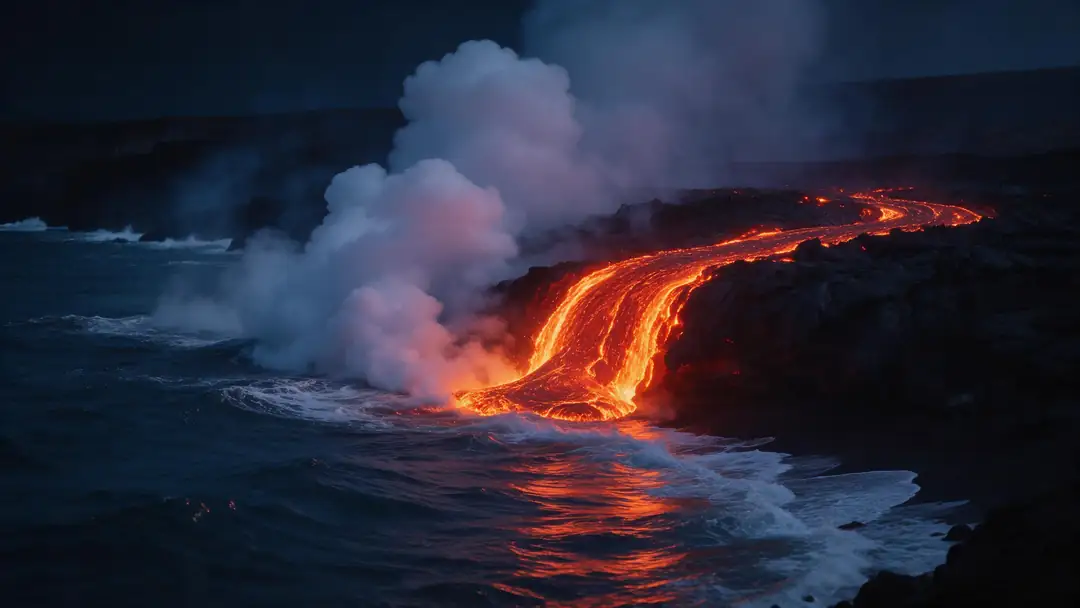
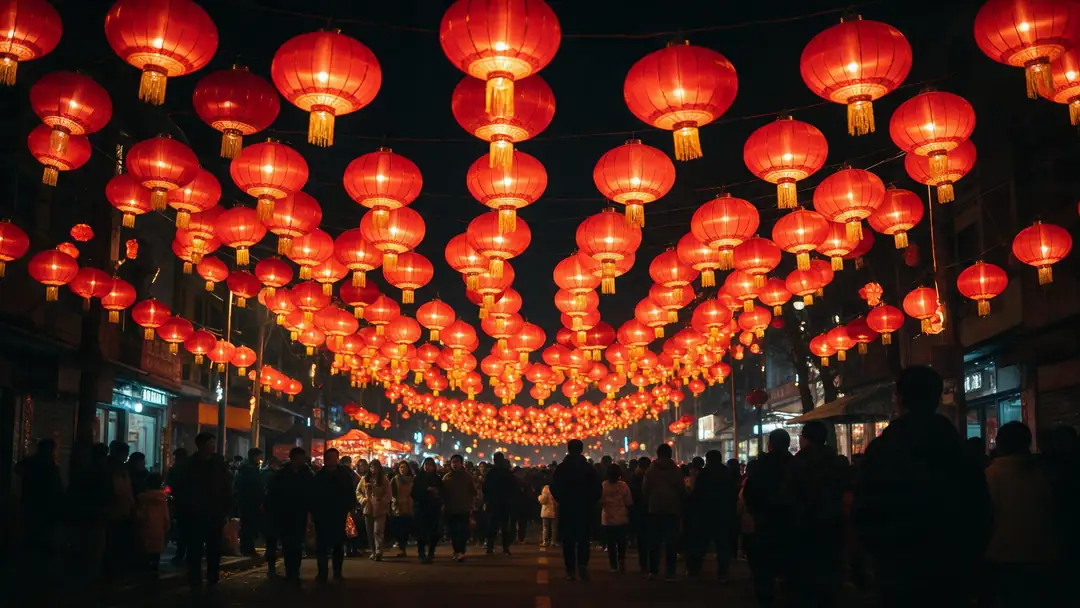
Six real clips grouped by how easily their motion closes into a loop: drifting, pulsing motion loops easily; a moving camera or a one-way event needs more work.
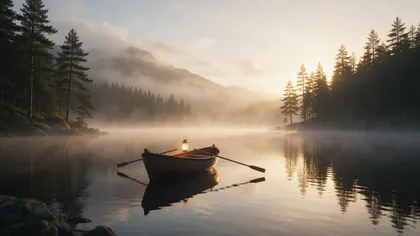
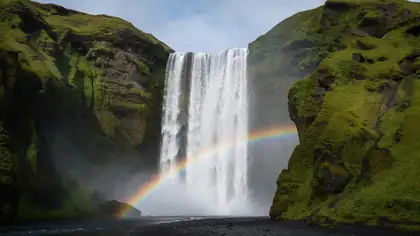
These are unedited single-pass clips made from a start frame only — not loops. They show the kind of motion to aim for; open one to see its prompt.
How to
How to make a seamless loop video with AI
- Time needed
- Steps
- 4 steps
Step 1
Pick a picture with cyclical motion
Water, clouds, smoke, flames, foliage, floating objects, a product on a turntable — things that can move and end up where they started. Avoid one-way events like a glass breaking.
Step 2
Add it as start AND end frame
Open the video studio in image-to-video mode. Drop the image in the Start frame slot and the same image in the End frame slot. Choose a model that shows both slots (Wan 3, Seedance, Kling 3.0, Veo 3.1…).
Step 3
Prompt motion that returns
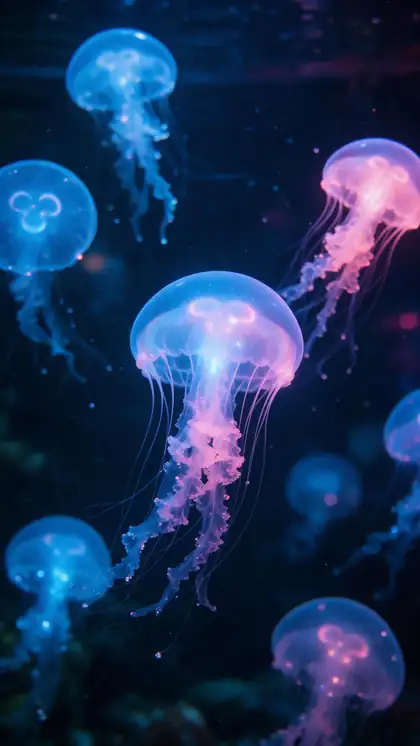
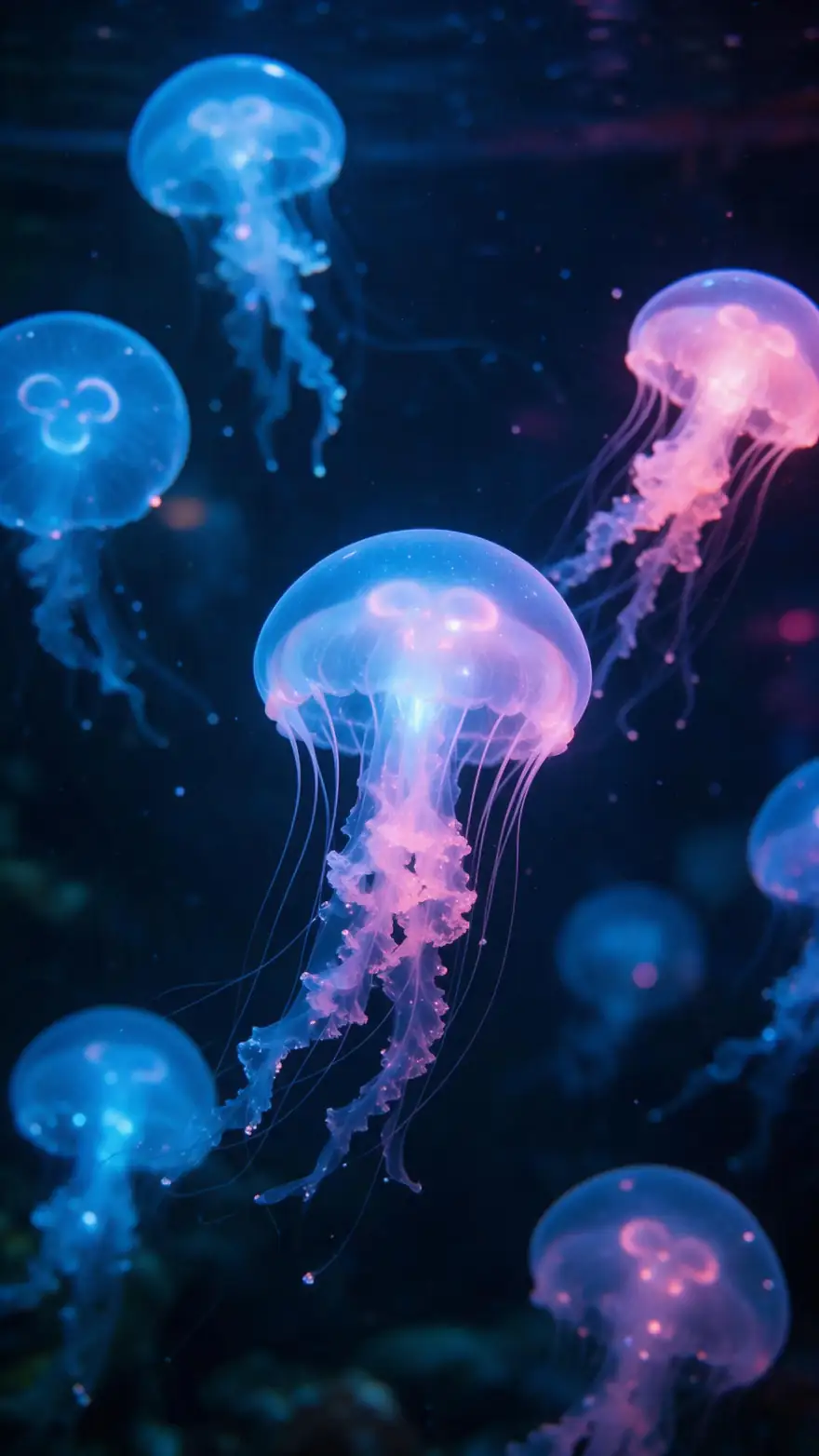
Describe a cycle, not a journey: "the jellyfish pulse and drift, then settle back, static camera". Add the Seamless Infinite Loop tag if you like — it asks for a matching first and last frame.
Step 4
Generate a short test
Start with 4–6 seconds at 480p; Wan 2.2 Ultra Fast costs 15 credits for 5 s. Leave the ratio to match the image so nothing is cropped.
See it in the app

Open Video Studio in Text to Video mode and write the shot — subject, action, camera move and light.


Watch the tour · 1:19
Text, image & reference to video, models, edit, extend & chat
Chapters
Checked 22 October 2026
Fixing the seam: trim, crossfade or ping-pong
If the clip still jumps at the join, pick the repair that suits the motion.
| Fix | How it works | Best for |
|---|---|---|
| Same start + end frame | The model is asked to finish on your first frame | Any loop — do this first |
| Trim | Cut to two near-identical moments inside the clip | Clips that almost close on their own |
| Crossfade | Blend the last 0.3–1 s into the first | Water, clouds, smoke — soft textures hide the blend |
| Ping-pong | Play forward, then reversed | Gentle sway and pulses; looks wrong on walking, falling water or smoke |
| "Seamless Infinite Loop" tag | Adds a prompt asking the first and last frame to match | A nudge on top of the end frame, not a guarantee |
Trim, crossfade and ping-pong are done in any video editor after download; the studio generates the clip.
Sources: Kenerate video studio · Spotify for Artists — Canvas guidelines · Magic Hour — How to make seamless AI video loops
Engines
Models that take an end frame
Every model here has both a start-frame and an end-frame slot in image-to-video. Credits are for a silent clip with both frames, from the studio's own price list on 22 Oct 2026.
- Default

Alibaba
Wan 3
- Input
- Start + end frame
- Output
- 2–30 s · 480p–1080p · 75 credits for 5 s at 480p
Open Wan 3Best for
All-round loops, long ambient clips
ByteDance
Seedance 2.0 Mini
- Input
- Start + end frame
- Output
- 4–15 s · up to 4K · 90 credits for 5 s at 480p
Open Seedance 2.0 MiniBest for
Wide ratios incl. 21:9 hero banners
Kuaishou
Kling 3.0 Standard
- Input
- Start + end frame
- Output
- 3–15 s · 126 credits for 5 s
Open Kling 3.0 StandardBest for
People and animals that move and settle back
Google
Veo 3.1 Fast
- Input
- Start + end frame
- Output
- 4, 6 or 8 s · up to 4K · 180 credits for 6 s at 720p
Open Veo 3.1 FastBest for
Cinematic, photoreal ambient loops
Vidu
Vidu Q3 Pro
- Input
- Start + end frame
- Output
- 1–16 s · 540p–1080p · 75 credits for 5 s at 540p
Open Vidu Q3 ProBest for
Very short loops (1–3 s)
Alibaba
Wan 2.2 Ultra Fast
- Input
- Start + end frame
- Output
- 5 or 8 s · 480p / 720p · 15 credits for 5 s at 480p
Open Wan 2.2 Ultra FastBest for
Cheap tests of a loop idea
More than 20 models in the studio accept an end frame; models marked "no end frame on this model" in the studio can't close a loop this way.
Tips
Loops that don't jump
What separates a clean loop from a visible restart.
Lock the camera: write "static camera, tripod shot" — a push-in can't return to where it started.
Keep the motion small and repeating: pulses, sways, ripples, a slow spin.
Same image at both ends, same lighting: don't ask for a sunset in a loop.
Shorter is easier — the model has less time to wander away from the frame.
Turn sound off or replace it: native audio rarely loops; add a loopable track later.
Judge by repeat playback, not by the first watch.
FAQ
Seamless loop video AI — questions
8 questions
How do I make an AI video loop seamlessly?
Use the same image as the start frame and the end frame in an image-to-video model, prompt motion that returns to where it began, and keep the camera static. Then play the result on repeat; if the join still shows, trim a few frames or add a short crossfade.
Link to this answerWhich AI video models support an end frame?
In Kenerate's video studio more than 20 image-to-video models take an end frame, including Wan 3, Wan 2.2, Seedance 2.0 and 2.5, Kling 3.0, Veo 3.1, Vidu Q3 Pro and Gemini Omni 1.1 Flash. Models without one show "no end frame on this model" under the start-frame slot.
Link to this answerIs the loop guaranteed to be perfect?
No. Matching first and last frames make a clean loop much more likely, but the motion in between can still speed up or wobble near the end. Calm, repeating motion with a locked camera gives the best results.
Link to this answerHow long should a loop be?
As short as one full cycle of the motion. 4–8 seconds suits most ambient loops; Spotify Canvas needs 3–8 seconds in 9:16. Shorter clips stay closer to the start frame, so they close more cleanly.
Link to this answerCan I make a Spotify Canvas loop?
Yes. Spotify asks for a 3–8 second vertical 9:16 MP4, 720–1080 px tall. Generate a 9:16 clip of 4–8 s from your cover art used as both frames, at 720p or 1080p, and keep the motion gentle.
Link to this answerWhat kind of motion loops best?
Motion that naturally repeats: water ripples, drifting clouds, smoke, flames, floating particles, swaying plants or lanterns, breathing, a slow turntable spin. One-way events — something breaking, a person walking out of frame — can't return to the start.
Link to this answerShould a loop have sound?
Usually not from the model. Generated sound rarely loops with the picture, so turn audio off and add a loopable music or ambience track in an editor, or leave the loop silent for website backgrounds.
Link to this answerCan I turn the loop into a GIF or a website background?
Yes. Download the MP4 with no watermark, then export it as a GIF or WebP, or use it as a muted, autoplaying, looping video on your site.
Link to this answerIn depth
Why some AI clips loop and others don't
On this page
The seam is where a loop lives or dies
A loop only works if the last frame flows into the first: same position, angle, light and direction of motion [1]. Giving the model your image as both the start and end frame fixes the position part. The prompt has to fix the rest, by describing motion that can return rather than motion that travels.
Cyclical vs one-way motion
Ambient subjects — water, fire, smoke, clouds, plants in wind — loop most convincingly because their motion already repeats. A moving camera is the most common reason a loop fails: a push-in or a drone path ends somewhere new, so the model has to snap back.
- Loops easily: ripples, pulses, sway, flicker, slow spin
- Needs care: waterfalls and steam with a fixed camera
- Hard: camera moves, walking, anything that breaks or leaves frame
Where loops are used
Website hero backgrounds (silent, autoplay), Spotify Canvas (3–8 s, 9:16) [2], phone and desktop live wallpapers, product turntables, and short social posts that replay on their own.
AI video loop maker
Any image-to-video model with an end-frame slot works as a loop maker: same image in both slots, cyclical motion in the prompt.
Turn an image into a looping video
Upload the image twice — start and end frame — and keep the camera still so the last frame can match the first.
Looping video for a website hero
Go silent, 16:9 or 21:9, 5–8 s, slow ambient motion. Seedance 2.0 Mini covers 21:9 for wide banners.
Live wallpaper loop
Make the still with an AI wallpaper generator at your screen's ratio, then loop it here with the same image at both ends.
Explore
Every Kenerate video tool
Generators, tools, models and guides — all in one studio.