Product photo in · promo clip out · music · no watermark
AI Promo Video Maker — a promo clip from one product photo
Upload a product photo, describe the moves, and get a 5–30 second promo clip with music. For a full promo with a narrator, benefits and a call to action, Director's Promo Video Quick Start builds 15–60 seconds from a short brief.
- Starts from your own product photo
- Music and sound generated with the clip
- 15–60 s narrated promos in Director
- 16:9, 9:16 or 1:1
Updated by the Kenerate AI team




On this page
Quick answer

What is an AI promo video maker?
An AI promo video maker turns a product photo or a short brief into a promotional video, without a shoot or a template. On Kenerate AI, Wan 3.0 animates your product photo into a 2–30 second clip with music (150 credits for 5 s at 720p), and Director's Promo Video Quick Start makes a 15–60 second narrated promo that ends on your call to action.
Key facts
- Quick promo clip
- Wan 3.0 image to video, 2–30 s, with sound
- Full promo
- Director Promo Video: 15–60 s, narrator, music, CTA card
- Input
- A product, app or venue photo + a prompt or brief
- Tones (Director)
- Energetic · Premium · Playful · Minimal
- Frames
- 16:9 · 9:16 · 1:1
- Watermark
- None
- Plan
- Video and Director need a paid plan
Real results
A promo clip made with the promo video maker
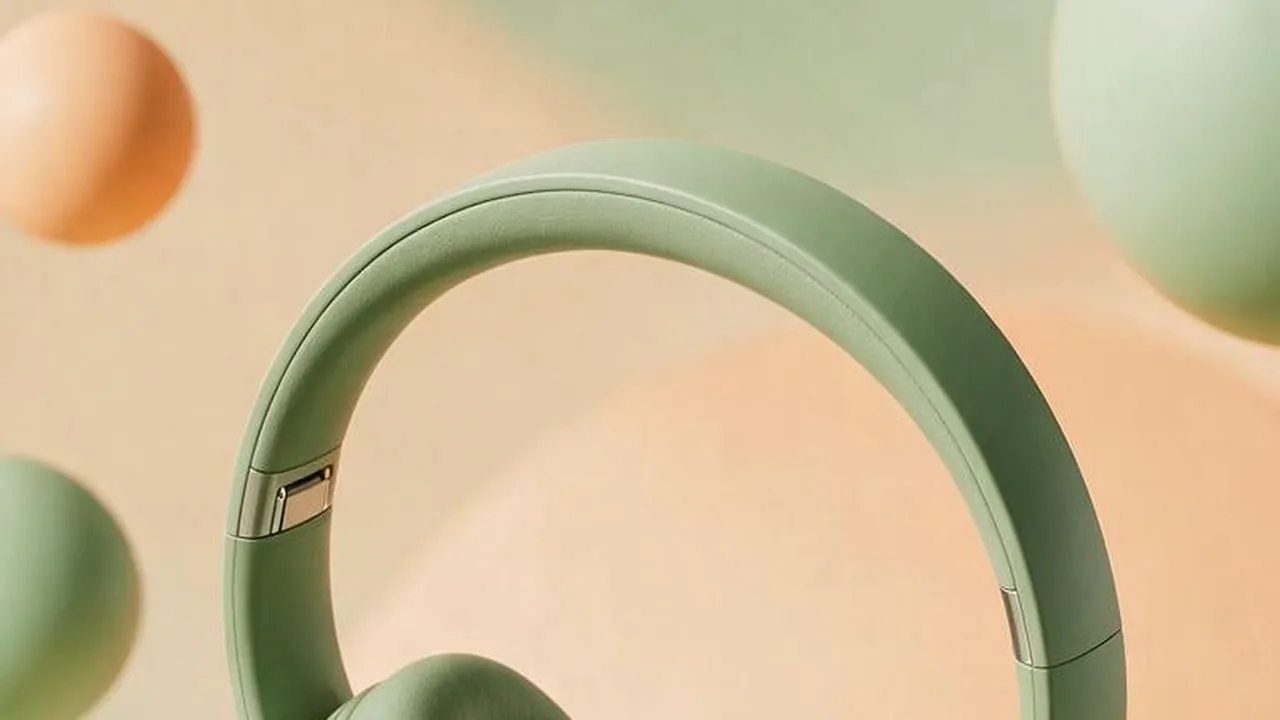
One run of the promo video maker: a Seedream 5.0 Pro product photo animated by Wan 3.0 from the prompt shown. The model cut it into four shots and added the music itself.
Real, unedited output from 17 November 2026, first try. We didn't set a ratio, so the vertical photo came back 16:9: pick the ratio before you generate. Open it to copy the prompts.
How to
How to make a promo video with AI
- Time needed
- Steps
- 4 steps
Step 1
Start from a clean photo
The product on a plain or styled background, sharp, no clutter. Your own photo keeps the real product; you can also make the set with an image model first.
Step 2
Pick the route
One promo clip: Video Studio on Wan 3.0 with image to video. A full promo with a narrator, benefits and a call to action: Director's Promo Video Quick Start.
Step 3
Write the moves and the music
List 2–4 moves in order ("lifts off, rotates, push-in to the detail, settles back"), say what must not change ("keeps its exact shape and colour, no text") and name the music.
Step 4
Set the ratio, then generate
9:16 for Reels, TikTok and Stories, 1:1 for feeds, 16:9 for YouTube and websites. 5 s at 720p is enough to check the clip.
See it in the app

Open Video Studio in Text to Video mode and write the shot — subject, action, camera move and light.


Watch the tour · 1:19
Text, image & reference to video, models, edit, extend & chat
Chapters
Checked 17 November 2026
AI promo video maker vs template promo editors
Template editors swap your text into stock footage. An AI promo video maker generates the footage from your own product.
| Kenerate (Wan 3.0 / Director) | Template promo editors | |
|---|---|---|
| Footage | Generated from your product photo | Stock clips and your uploads |
| Your product on screen | Yes, animated from the photo | Only if you filmed it |
| Script and narrator | Director writes and narrates from a brief | You type it; text-to-speech in some apps |
| Music | Generated with the clip or by Director | Stock music library |
| Text and logo | Added in your edit or a Director title card | Built into the template |
Template editor details vary by app; check each app's current features. Kenerate is our product.
Sources: Kenerate Video Studio · Kenerate Director · Kenerate AI terms of service
Engines
Kenerate tools for promo videos
From Kenerate's live model list and Director's Quick Starts, 17 November 2026.
- Used here
Alibaba
Wan 3.0
- Input
- Product photo + prompt
- Output
- 2–30 s · up to 1080p · music and sound
Open Wan 3.0Best for
A promo clip from one photo
Kenerate
Director — Promo Video
- Input
- What you promote, details and CTA, tone, up to 6 images
- Output
- 15–60 s · narrator · music · CTA title card
Open Director — Promo VideoBest for
A complete narrated promo
Kenerate
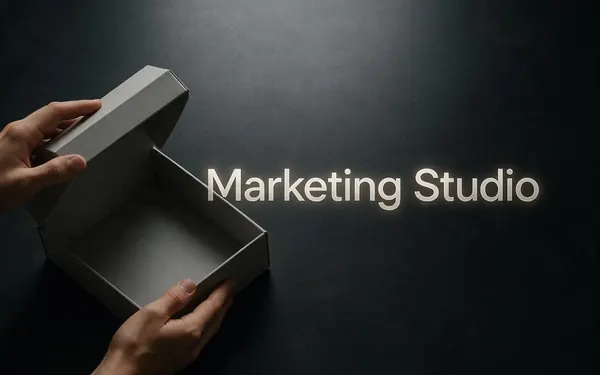
Marketing Studio
- Input
- 1–9 product photos or a product link
- Output
- Showcase, 360 spin, unboxing and more
Open Marketing StudioBest for
Product video styles in a few clicks
ByteDance
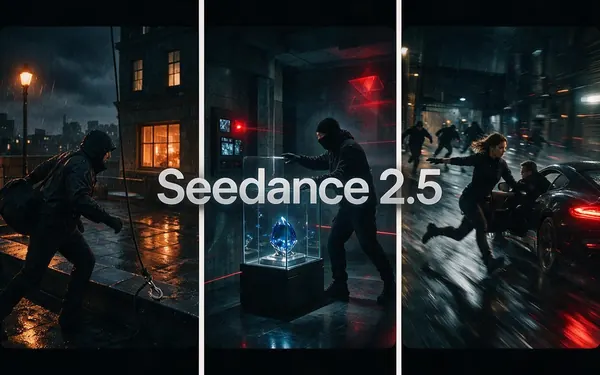
Seedance 2.5
- Input
- Product photo + prompt
- Output
- 4–30 s · up to 4K · sound
Open Seedance 2.5Best for
4K hero promos
The example above is an unedited Wan 3.0 clip. Director, Marketing Studio and Seedance 2.5 are the routes for longer or 4K promos.
Tips
What we learned making the promo clip
Notes from our run on 17 November 2026.
A list of moves in one prompt can come back as several shots: Wan 3.0 cut ours into four on its own.
Set the aspect ratio. Left empty, our 9:16 photo was cropped to 16:9 and the first frame shows only the headband.
Say what must stay the same. The headphones kept their shape and colour; the pedestal, which we didn't mention, changed from cream to sage.
"No text, no logo" kept the product blank. Add your brand and offer in the edit, not in the prompt.
Name the music and sound effects ("upbeat electronic music, a soft whoosh on each move"): Wan 3.0 generates them with the picture.
Generate at 720p to judge the moves, then rerun the keeper at 1080p or upscale it.
FAQ
Promo Video Maker questions
8 questions

How do I make a promo video with AI?
Upload a product photo to Kenerate's Video Studio, choose Wan 3.0 image to video, list the moves and the music in the prompt, set the ratio and generate. For a full promo with a narrator and a call to action, use Director's Promo Video Quick Start instead.
Link to this answerCan I make a promo video from a product photo?
Yes. Our headphones example started as one product photo; Wan 3.0 animated it into a 5-second promo with music and kept the product's shape and colour.
Link to this answerHow long should a promo video be?
Most social promos run 15 to 30 seconds, with the hook in the first two seconds. Wan 3.0 makes 2–30 s clips; Director's Promo Video Quick Start makes 15–60 s.
Link to this answerHow much does an AI promo video cost?
On Wan 3.0 a 5-second clip costs 75 credits at 480p, 150 at 720p and 300 at 1080p. Our example cost 150 credits plus 13.5 for the product photo. Director charges for each shot, the narrator and the music, plus 15 credits per started minute to export.
Link to this answerIs there a free promo video maker?
Not for AI video on Kenerate: the Video Studio and Director need a paid plan. There's no watermark on paid videos.
Link to this answerCan the promo video include my logo and price?
Add them in your editor or as a Director title card. Video models often warp logos and small text, so we ask for "no text, no logo" in the clip and put the words on top afterwards.
Link to this answerCan I make promo videos for an app or an event?
Yes. Director's Promo Video Quick Start is built for launches, events and offers: you enter what you're promoting, the key details and the call to action, pick a tone and add up to 6 screenshots or photos.
Link to this answerDoes the promo video have music?
Yes. Wan 3.0 generated the music and whooshes in our example from the prompt; Director adds a score under the narrator.
Link to this answerIn depth
Promo Video Maker, explained
On this page
What makes a promo video work
Director's Promo Video preset follows the structure most short promos use:
- A hook in the first seconds: motion, a bold close-up or a question.
- The offer: what it is, in one line.
- Two or three benefits, shown rather than told.
- Social context: people using it, a place, a moment.
- A clear call-to-action card: where to buy, download or sign up.
Our test: a 5-second headphones promo
On 17 November 2026 we made one product photo with Seedream 5.0 Pro (13.5 credits) and animated it with Wan 3.0 at 720p with sound (150 credits). What happened:
- Wan 3.0 turned our list of moves into four shots: the headband, the headphones floating, a macro of the ear cushion, and the headphones back on the pedestal.
- The headphones kept their shape, colour and blank surfaces; no text or logo appeared.
- The pedestal changed from cream to sage between shots, because the prompt only protected the headphones.
- We left the ratio empty, so the 9:16 photo came back 16:9 and the first frame is a crop. Set the ratio for vertical promos.
Clip, Director or Marketing Studio?
Use a single Wan 3.0 clip when you need a 5–15 second loop for a feed, a website hero or an ad variant. Use Director's Promo Video when the promo needs words: a narrator, benefits and a call-to-action card, 15–60 seconds. Use Marketing Studio when you want ready product styles such as a 360 spin or an unboxing.
Explore
Every Kenerate video tool
Generators, tools, models and guides — all in one studio.
By the Kenerate AI teamLast updated and reviewed
Sources: Kenerate Video Studio · Kenerate Director · Kenerate AI terms of service

Make your promo video
Your product photo, a few moves, a clip with music. No shoot, no template, no watermark.
Tried it? Tell us how it went