One pet photo · your voice or a generated one · up to 5 min
Talking animals AI: make your pet talk from one photo
Upload a photo of your dog, cat or any animal, add a voice, and the AI moves its mouth and head to the words. Here's the engine that lists animal support, how to pick the photo and write a funny line, and what to expect from a muzzle instead of lips.
- One animal photo
- Your voice or a generated one
- Up to 5 min of speech
- Starts on the free plan
Updated by the Kenerate AI team




Made with Kenerate
On this page
Quick answer

How do you make an animal talk with AI?
To make an animal talk with AI, you upload 1 clear photo and a voice track, and a talking-photo engine moves the mouth and head to the audio. In Kenerate's Avatar Talk, Kling Avatar 2 is the pick because its docs list animals as a supported subject. It takes up to 5 minutes of speech at 16.8 credits per second. Expect a funny talking pet rather than perfect lip sync: Kling's own pet guide warns that lip sync is built for human faces.
Key facts
- Best engine for animals
- Kling Avatar 2 (docs list animals)
- Photo in
- 1 animal, facing the camera, up to 20 MB
- Voice in
- MP3 or WAV up to 50 MB, mic or library
- Longest speech
- 5 min on Kling Avatar 2
- Watch out for
- Mouth timing is looser on a muzzle than on a human face
Real results
Animal photos brought to life
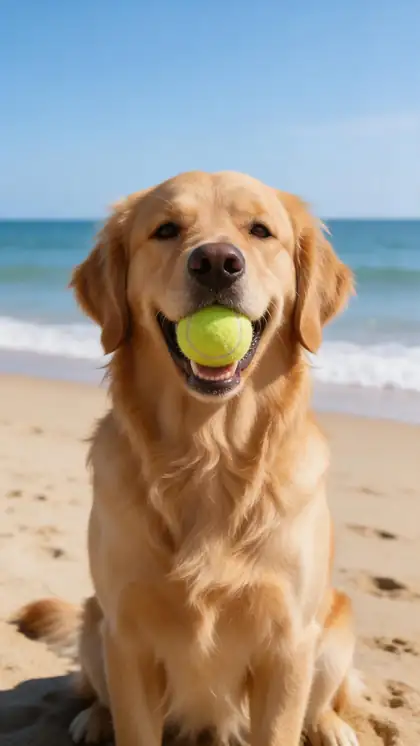
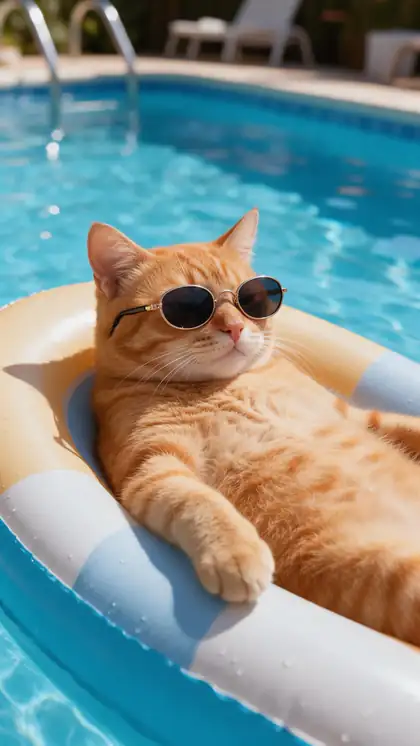
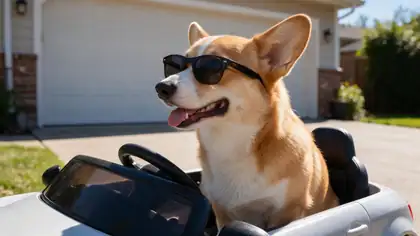
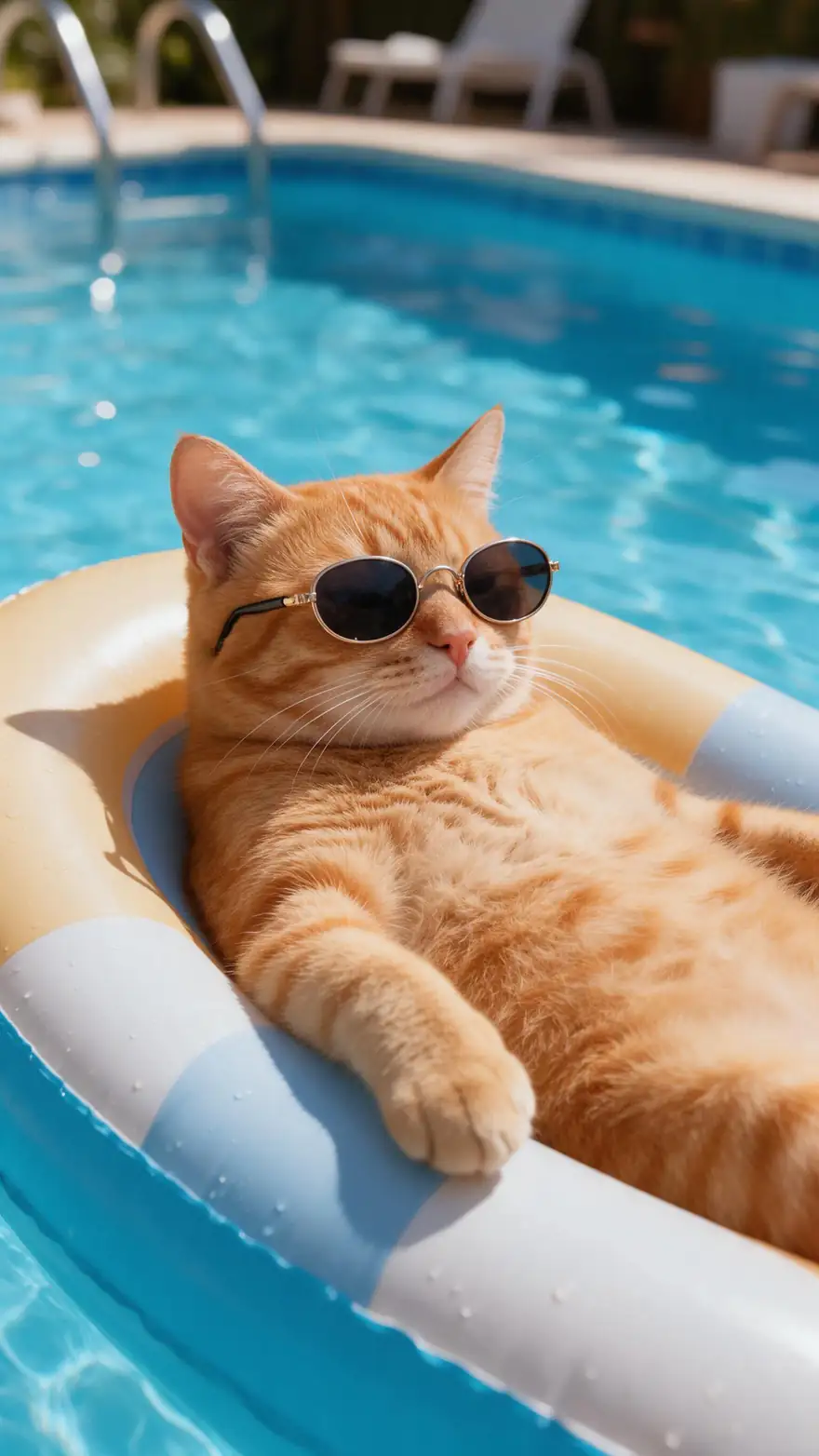
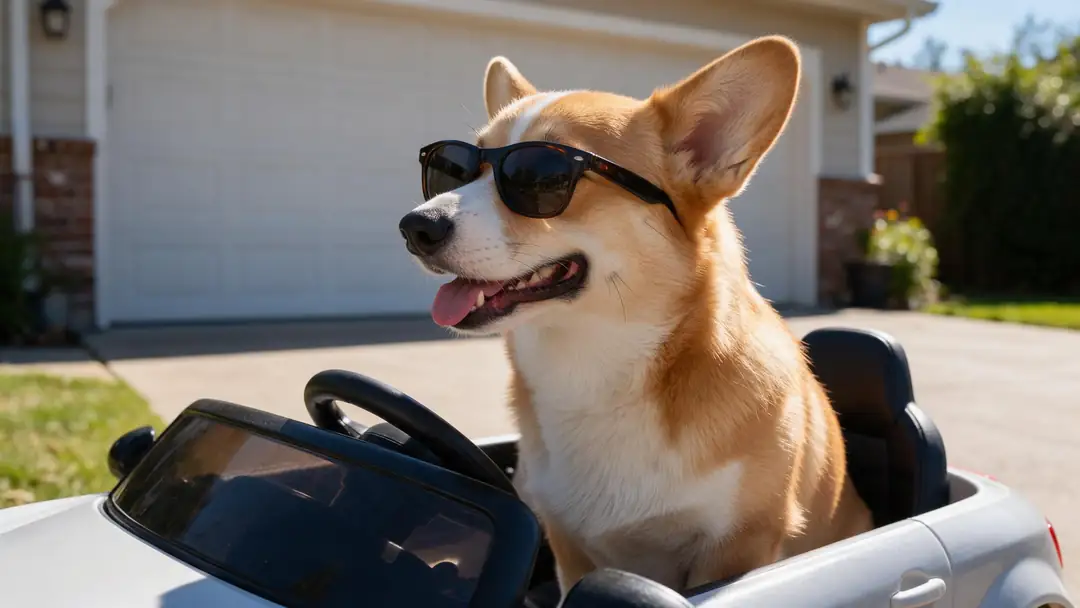
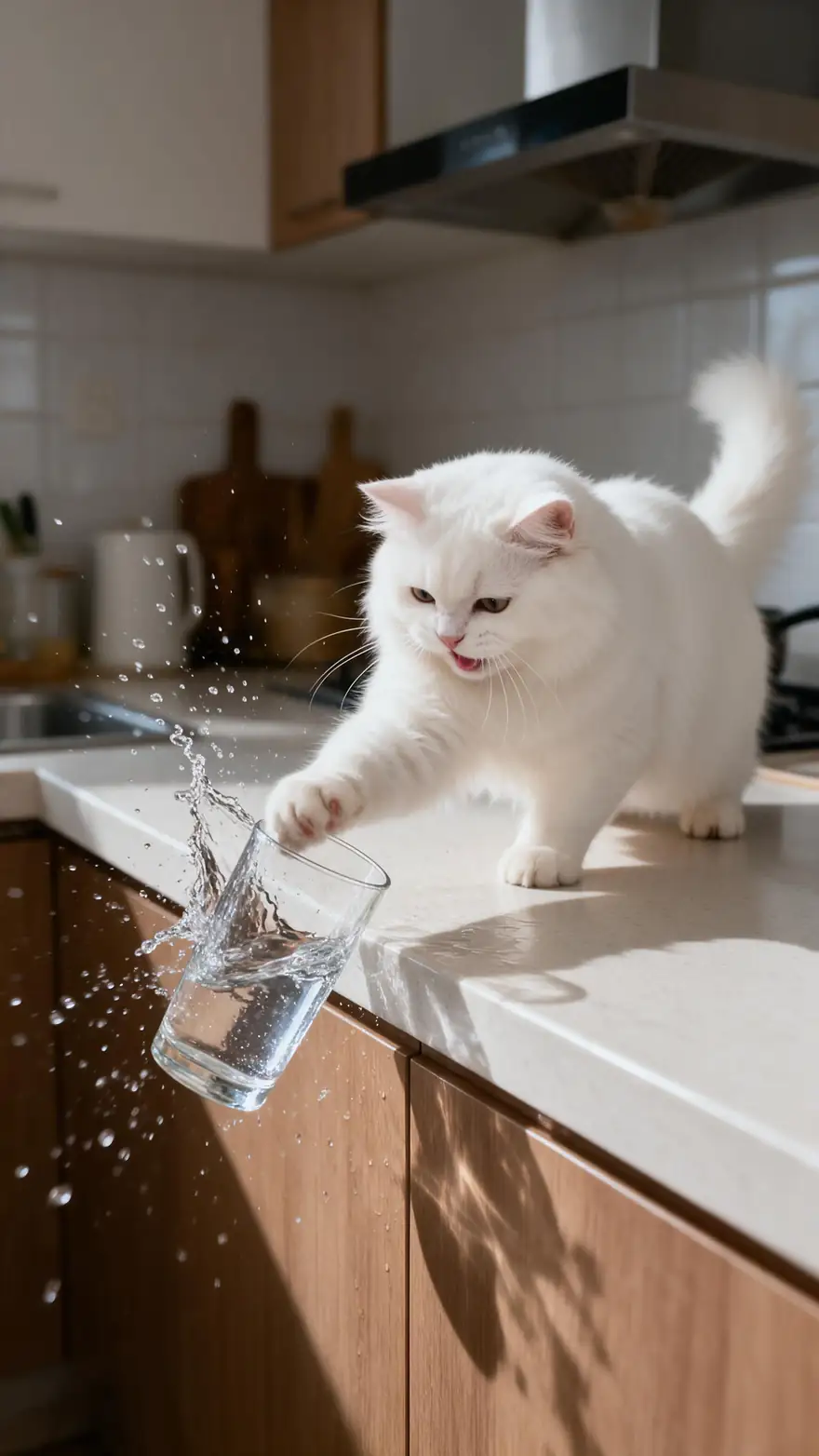
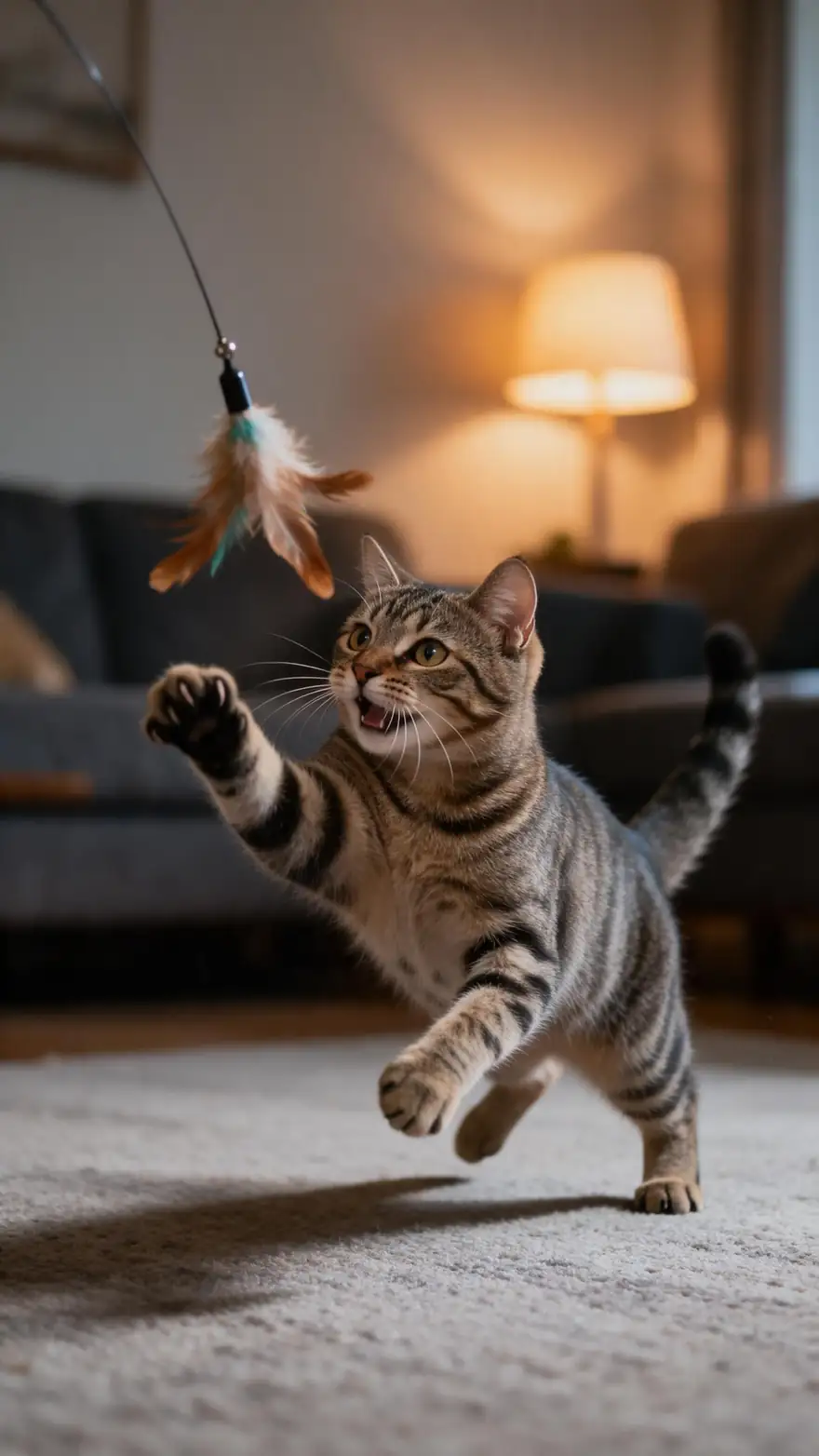
Real 5-second Wan 3 clips at 720p with sound, each from a single photo (made with Seedream 5.0 Pro for these pages). Open one to see its exact prompt.
None of these animals is speaking. They show how pets move and keep their look when a single photo is animated. We haven't published a talking-animal test yet, so use the steps below and judge the first short clip yourself.
How to
How to make an animal talk in 5 steps
- Time needed
- Steps
- 4 steps
Step 1
Pick a clear, front-on photo
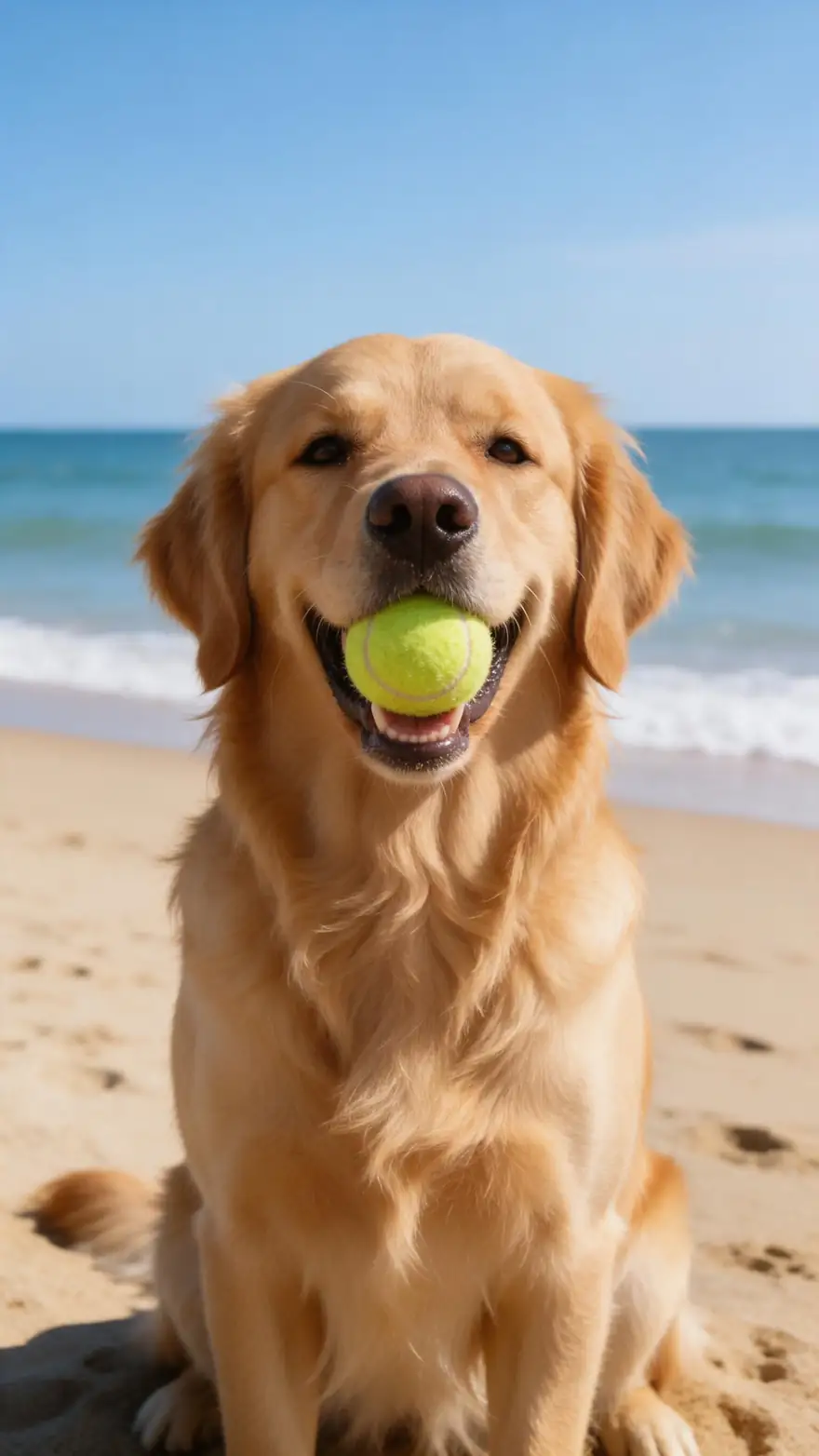
One animal, facing the camera, muzzle fully visible, even light and a plain background. Head and shoulders is the best framing. Keep it under 20 MB.
Step 2
Open Avatar Talk and choose Kling Avatar 2
Sign in and upload the photo. Kling Avatar 2 is the engine whose docs list animals, and it takes a prompt, so you can add "the dog talks to the camera, tilting its head".
Step 3
Write a short line
Start with 3 to 5 seconds, one idea and one punchline. Short lines cost less and are easy to redo if the mouth misses.
Step 4
Add the voice
Record yourself on the mic, upload an MP3 or WAV up to 50 MB, or make a character voice in Voice Studio and pick it from your library. Keep music out of the voice track.
See it in the app

Open Avatar Talk, pick Talking photo, script to video or lip sync, and choose the engine.


Watch the tour · 2:23
Talking photos, script to video, engines, any language, presenters, lip sync & chat
Chapters
Checked 4 November 2026
Avatar Talk vs image to video for a talking animal
There are two ways to get a talking pet. One follows your audio, the other invents the performance.
| Avatar Talk (this page) | Image to video | |
|---|---|---|
| What drives the mouth | Your audio track | Your prompt |
| You provide | One photo and a voice track | One photo and a prompt with the line in quotes |
| Exact words | Yes, the words are your audio | Not guaranteed, the model voices the line itself |
| Length | Up to 5 min on Kling Avatar 2 | 2–30 s on Wan 3 |
| Plan | Works on the free plan with credits | Needs a paid plan |
Use Avatar Talk when the script matters. Use image to video when the whole animal should move, not just its head.
Sources: WaveSpeed — Kling V2 AI Avatar Standard docs · OmniHuman-1 project page · Kling — make a pet talk with AI · Kenerate Avatar Talk
Engines
Which engine to use for a talking animal
Engine limits come from Avatar Talk's own list. Animal support comes from each vendor's docs, checked 4 November 2026.
- Our pick
Kuaishou
Kling Avatar 2
- Input
- Animal photo + up to 5 min audio
- Output
- 16.8 credits per second
Open Kling Avatar 2Best for
Docs list animals, and it takes a prompt
ByteDance
OmniHuman 1.5
- Input
- Animal photo + up to 60 s audio
- Output
- 48 credits per second
Open OmniHuman 1.5Best for
Short hero clips; the OmniHuman project page lists animals
Kenerate
Kenerate Avatar
- Input
- Photo + up to 10 min audio
- Output
- 7.5 credits per second at 720p
Open Kenerate AvatarBest for
Lower-cost trial; built for presenters, animals not listed
WaveSpeed
InfiniteTalk Duo
- Input
- Photo of two + two voices
- Output
- 480p or 720p
Open InfiniteTalk DuoBest for
Trying two animals; built for two people, animals not listed
Alibaba
Wan 3
- Input
- Photo + a prompt with the line in quotes
- Output
- 2–30 s · sound · paid plan
Open Wan 3Best for
Generating the voice and motion from one prompt
Only the first two engines have vendor docs naming animals. Kling Avatar 2 Pro's docs describe a person, so we don't list it here. The others are built for people: test a few seconds before paying for a long clip.
Tips
Funny lines for talking animals
Pets are funniest when they sound like they've had enough. Copy one and swap in your pet's name.
Cat, at 3 a.m.: "I'm not hungry. I just want you awake."
Dog, at the door: "You were gone nine minutes. I thought you had died."
Cat, next to a glass: "You saw nothing. Neither did the glass."
Dog, at the vet: "We said the park. This is not the park."
Parrot, to a guest: "They talk about you when you leave."
Rabbit, to the camera: "I chewed the charger. I'd do it again."
FAQ
Talking animals AI: questions
9 questions

How do I make my pet talk with AI?
Open Avatar Talk, upload a clear front-on photo of your pet, choose Kling Avatar 2, add a voice track and generate. Start with a line of 3 to 5 seconds so you can check the result before making a longer clip.
Link to this answerDoes AI lip sync really work on animals?
Partly. Kling Avatar 2's docs list animals as supported and the OmniHuman project page does too, but Kling's own pet guide warns that lip sync is built for human faces. Treat it as a funny talking pet, not a precise match to every syllable. We haven't published our own test yet.
Link to this answerWhich animals can talk?
The vendor docs say animals in general and don't publish a species list. A clear face and a visible mouth matter most, so dogs and cats facing the camera are the safest start. Birds, reptiles and fish have mouths that move very differently, so try a short clip first.
Link to this answerWhat kind of animal photo works best?
One animal looking at the camera, with the muzzle fully visible, even light and a plain background. Side profiles, hidden mouths, cluttered scenes and several animals in one frame make the mouth motion harder to read.
Link to this answerCan I use my own voice for my pet?
Yes. Record on the mic or upload an MP3 or WAV up to 50 MB. For a character voice, make one in Voice Studio and pick it from your library. Clean speech with no music under it works best.
Link to this answerCan two animals talk to each other?
Avatar Talk's two-speaker engines, InfiniteTalk Duo and LongCat 1.5 Duo, take two voices, but they're built for two people and don't list animals. The simpler route is two single clips, one per animal, joined in an editor.
Link to this answerHow long can a talking animal video be?
Up to 5 minutes on Kling Avatar 2 and 60 seconds on OmniHuman 1.5. Funny pet clips usually work best under 15 seconds, and at 16.8 credits per second a short line also costs far less.
Link to this answerIs the talking animals generator free?
Avatar Talk works on the free plan with your 25 sign-up credits, but those cover only about 1.5 seconds on Kling Avatar 2 or about 3 seconds on Kenerate Avatar at 720p. A 5-second line on Kling Avatar 2 costs 84 credits, so most clips need a credit pack.
Link to this answerCan I make someone else's pet talk?
Use photos of your own pets, animals you generated, or photos you have permission to use. Ask the owner before you animate and post their pet.
Link to this answerIn depth
Making animals talk with AI: what's happening and how to steer it
On this page
Why a muzzle is harder than a mouth
Talking-photo engines learn from video of people, whose lips form clear shapes for each sound. A dog or cat has a long jaw, little lip movement and fur that hides the edges. So the engine has less to work with, and the result tends to look like a jaw opening and closing in time with the audio. That suits comedy well, but don't plan on perfect syllable-by-syllable timing.
Picking the voice
The voice decides the joke. A few directions that suit different pets:
- Deadpan and tired: cats judging their owners
- Excited and breathless: dogs who just heard the word walk
- Overly formal: a rabbit or parrot with strong opinions
- Your own voice, slowed or raised in an editor: the cheapest custom character
Write for the ear
Short sentences with a pause before the punchline give the mouth clear starts and stops. Long, fast lines blur together on a muzzle. Read the line aloud once, cut anything you stumble on, and put the funny word last.
When to use image to video instead
Avatar Talk keeps your exact words but mostly moves the face and head. If the joke needs the whole animal to move, such as a cat lowering its sunglasses before it speaks, image to video on a paid plan can do that from a prompt. You trade exact words for bigger motion, and the clip tops out at 30 seconds on Wan 3.
Make animals talk with AI
Any animal photo goes in the same way: one clear face, one voice track, one engine. The animal's mouth has to be visible for the audio to have something to move.
Funny talking animals
The joke comes from the script, not the render. Give the pet a strong opinion, keep it to one line, and use a deadpan or overly posh voice. A photo with a good expression does half the work.
AI animal talking generator from text
Type your script in Voice Studio to get the audio, then use that file in Avatar Talk. If you'd rather skip the audio step, a paid plan lets you put the line in quotes in a Wan 3 prompt.
AI animal pictures to start from
No pet photo? Generate an animal in the image studio, facing the camera with its mouth closed, then make it talk. The animal portrait generator is a good place to get a clean, front-on picture.
Explore
Every Kenerate video tool
Generators, tools, models and guides — all in one studio.
By the Kenerate AI teamLast updated and reviewed
Sources: WaveSpeed — Kling V2 AI Avatar Standard docs · OmniHuman-1 project page · Kling — make a pet talk with AI · Kenerate Avatar Talk