

xAI, the company behind Grok; Grok Imagine is its image and video generation line
Grok Imagine Video 1.5
xAI's Grok Imagine Video 1.5 in your browser: 1–15 second clips with native sound from text, a start image or up to 7 reference images, at 480p, 720p or 1080p — no SuperGrok plan and no API key.
- Release
- Preview from late May 2026; generally available on the Imagine API on 16 June 2026, when the preview was retired. A faster Video 1.5 Fast build ships in the Grok web and mobile apps
- What changed from 1.0
- xAI says motion and physics hold together over the whole clip, with fewer warps and more believable weight, and that sound, ambience and speech are clearer and better synced
- Modes on Kenerate
- Text to video, image to video (start frame) and reference to video with up to 7 images — no end frame, no edit or extend (those stay on Grok Imagine 1.0)
- Length and size
- Any whole length from 1 to 15 seconds; 480p, 720p or 1080p, with reference to video capped at 720p

- Real outputs
- Official sources
- Free to start
- No watermark
Updated by the Kenerate AI team
Made with Kenerate


On this page
What is Grok Imagine Video 1.5?
What is Grok Imagine Video 1.5?
Grok Imagine Video 1.5 is xAI's video model, generally available on the Imagine API since 16 June 2026 as grok-imagine-video-1.5. It makes 1–15 second clips with sound, effects and dialogue generated in the same pass, from text, a start image or up to 7 reference images. On Kenerate AI it costs 24 credits a second at 480p, 42 at 720p and 75 at 1080p, plus 3 credits per input image — a 5-second 720p image-to-video clip is 213 credits.
Key facts
- Official name
- Grok Imagine Video 1.5
- API ID
- grok-imagine-video-1.5
- Maker
- xAI
- Generally available
- 16 June 2026
- Clip length
- 1–15 s
- Resolution
- 480p · 720p · 1080p
- Aspect ratios
- 16:9 · 9:16 · 1:1 · 3:2 · 2:3
- Inputs
- Text, start image, up to 7 references
- Sound
- Native, same pass
Real clips
Real Grok Imagine Video 1.5 clips
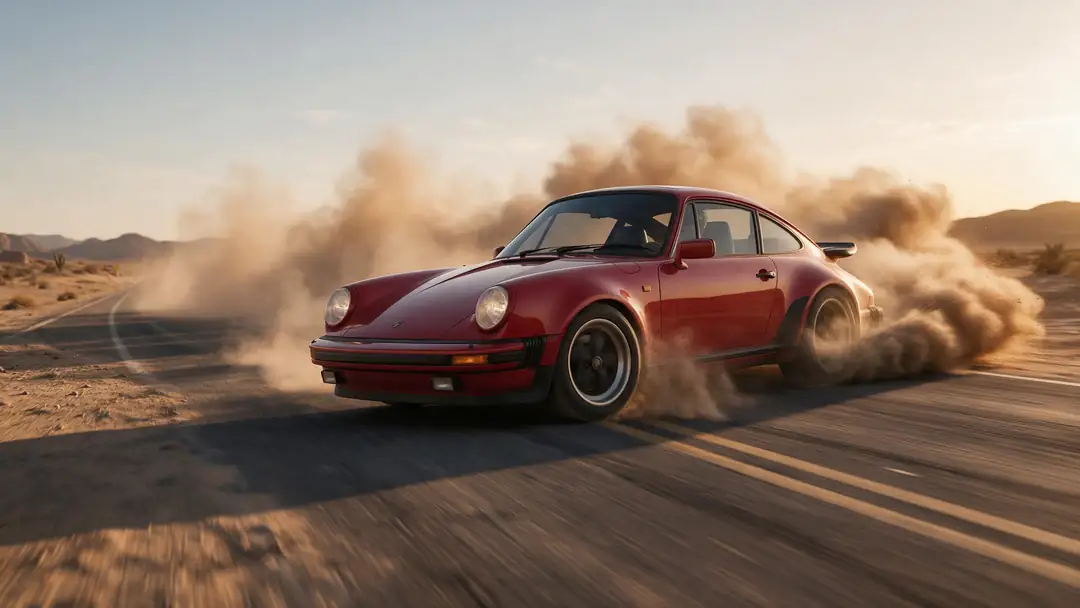
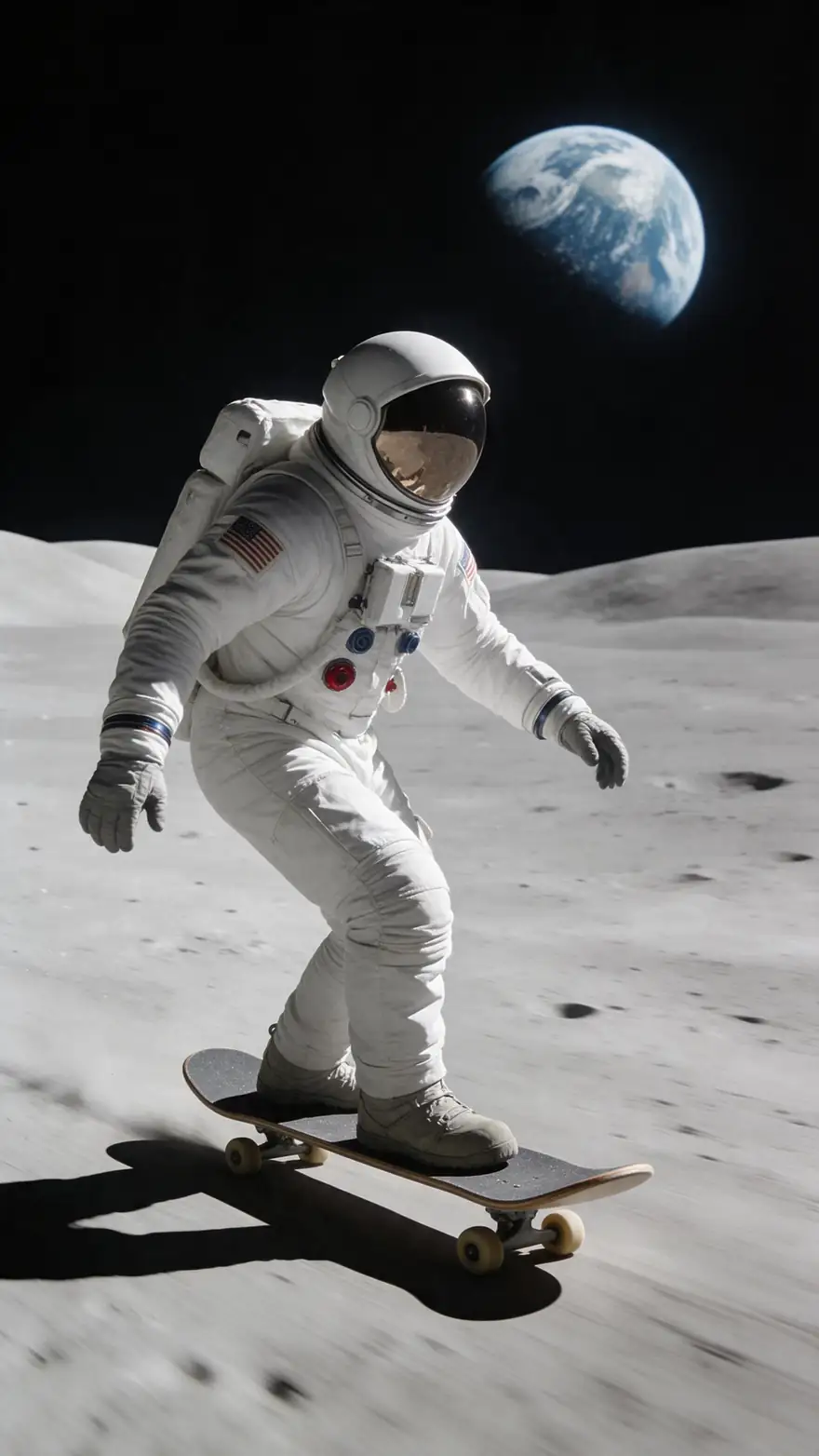
Five unedited Grok Imagine 1.5 image-to-video clips from Kenerate's studio, 5 seconds at 720p with native sound, each animated from a still.
Models
Grok Imagine Video 1.5 on Kenerate
Every version in the generator, and what each is good at.

xAI
Grok Imagine 1.5
- Reference images
- Start image or up to 7
- Output
- 1–15 s · up to 1080p
Open Grok Imagine 1.5Best for
This model — longest clips, sharpest output
xAI
Grok Imagine 1.0
- Reference images
- Start image or up to 7
- Output
- 6 or 10 s · 480p/720p
Open Grok Imagine 1.0Best for
Cheaper, and the one that edits and extends clips
From our tests
Strengths and limits
Good at
- Sound in the same render — effects, ambience and spoken lines, so a clip is usable without a separate audio step.
- Any length from 1 to 15 seconds, so you pay for exactly the seconds you need (1.0 only offers 6 or 10).
- Up to 7 reference images to keep a character, product or style across several clips.
- Native 1080p for text and image to video, a step up from 1.0's 720p ceiling.
Limits
- Not on Kenerate's free plan: video needs any one-time credit pack (from $15 for 1,300 credits). The 25 sign-up credits cover images only.
- No end frame, and no video edit or extend on 1.5 — use Grok Imagine 1.0 for those.
- Reference to video tops out at 720p; 1080p is for text and image to video only.
- The faster Video 1.5 Fast build lives in xAI's Grok apps, not on the API, so it isn't in the Kenerate studio.
How to
How to use Grok Imagine Video 1.5 on Kenerate
Step 1
Open the video studio
Go to /app/video and pick Grok Imagine 1.5 (the button on this page selects it). Video needs any one-time credit pack.
Step 2
Choose a mode
Text to video from a prompt alone, image to video from one start image, or reference to video with up to 7 images of a character, product or style.
Step 3
Describe the shot and the sound
Write subject, action, camera move and mood, then name the sounds you want. Put spoken lines in quotes and say who speaks.
Step 4
Pick length, ratio and resolution
Choose 1–15 seconds, an aspect ratio and 480p, 720p or 1080p. The credit cost updates before you generate.
See it in the app

Open Video Studio in Text to Video mode and write the shot — subject, action, camera move and light.


Watch the tour · 1:19
Text, image & reference to video, models, edit, extend & chat
Chapters
FAQ
Grok Imagine Video 1.5 questions
10 questions
What is Grok Imagine Video 1.5?
Grok Imagine Video 1.5 is xAI's AI video model and the successor to Grok Imagine 1.0. It turns a text prompt, a start image or reference images into clips of up to 15 seconds, with sound effects, ambience and dialogue generated in the same pass. Its API name is grok-imagine-video-1.5.
Link to this answerWhen was Grok Imagine 1.5 released?
A preview appeared at the end of May 2026, and xAI made Grok Imagine Video 1.5 generally available on its Imagine API on 16 June 2026, retiring the preview. At the same time xAI rolled out a faster Video 1.5 Fast build in the Grok web, iOS and Android apps.
Link to this answerIs Grok Imagine 1.5 free?
Not on Kenerate's free plan — video needs a paid plan, which means any one-time credit pack (from $15 for 1,300 credits, no subscription). New accounts get 25 credits for images. In xAI's own Grok apps, free and paid limits are set by xAI; check grok.com for its current terms.
Link to this answerHow do I use Grok Imagine 1.5 without SuperGrok?
Open Kenerate's video studio at /app/video, pick Grok Imagine 1.5, add a prompt (and a start image or references if you want), choose length and resolution, and generate. You pay per clip in credits — no Grok subscription and no xAI API key.
Link to this answerHow much does Grok Imagine 1.5 cost per second?
On Kenerate it's 24 credits a second at 480p, 42 at 720p and 75 at 1080p, plus 3 credits for each input image. A 5-second 480p text-to-video clip costs 120 credits, a 5-second 720p image-to-video clip 213, and a full 15-second 1080p clip 1,125.
Link to this answerGrok Imagine vs Grok Imagine 1.5 — what's the difference?
1.5 makes any length from 1 to 15 seconds and goes up to 1080p; 1.0 offers 6 or 10 seconds at 480p or 720p. xAI says 1.5 has steadier motion and physics and clearer, better-synced sound. 1.0 is cheaper (15 credits a second on Kenerate) and is the one that can edit and extend an existing clip.
Link to this answerHow long can Grok Imagine 1.5 videos be?
1 to 15 seconds per clip, in whole seconds. For longer pieces, generate several clips — using a frame from the end of one as the start image of the next keeps the look consistent — and join them in an editor.
Link to this answerDoes Grok Imagine 1.5 make sound?
Yes. xAI generates sound effects, ambience and dialogue in the same pass as the video, so the audio follows the action. Describe the sounds in your prompt and put any spoken line in quotes.
Link to this answerCan Grok Imagine 1.5 do 1080p?
Yes, for text to video and image to video. Reference to video, where you give it up to 7 images, is limited to 480p or 720p. 1080p costs 75 credits a second on Kenerate, so draft at 480p first.
Link to this answerWhat is the Grok Imagine 1.5 API pricing?
Kenerate prices Grok Imagine 1.5 from the provider's per-second rate of $0.08 at 480p, $0.14 at 720p and $0.25 at 1080p, plus $0.01 per input image, at 300 credits per dollar. xAI's own API console shows its current list price; you don't need an API key to use it on Kenerate.
Link to this answerIn depth
Grok Imagine Video 1.5, in depth
Background, how to prompt it, and when to pick something else.
On this page
What a Grok Imagine 1.5 clip costs
Kenerate bills Grok Imagine 1.5 per second at the resolution you pick, plus 3 credits for each image you feed it, rounded up per clip. Some typical clips:
- 5 s text to video at 480p — 120 credits. The cheapest way to test a prompt.
- 5 s image to video at 720p — 213 credits (210 + 3 for the start image).
- 10 s text to video at 720p — 420 credits.
- 5 s reference to video at 720p with 7 images — 231 credits.
- 15 s text to video at 1080p — 1,125 credits.
Prompting Grok Imagine 1.5 for motion and sound
xAI describes 1.5 as an image-to-video model first: give it a start frame, describe the motion, and choose resolution and duration [1]. Keep one clear action per clip, name the camera move (push-in, pan, handheld), and describe the sounds you want — rain, engine roar, a crowd — because the audio is generated with the video. Put spoken lines in quotes and say who speaks.
Grok Imagine 1.5 on Kenerate vs xAI's apps
Kenerate runs the API model, grok-imagine-video-1.5, for text, image and reference to video [2]. xAI's Grok apps also offer Video 1.5 Fast, which xAI says makes a 6-second 720p clip in about 25 seconds instead of 40-plus [1][3], along with projects and library search. If you want Grok Imagine next to Seedance, Kling and Wan on one credit balance with no subscription, use Kenerate; if you live in the Grok app, that's where the Fast build is.