People · pets · landscapes · products · art · 2–30 s
Animate a photo with AI — the AI image animator for any picture
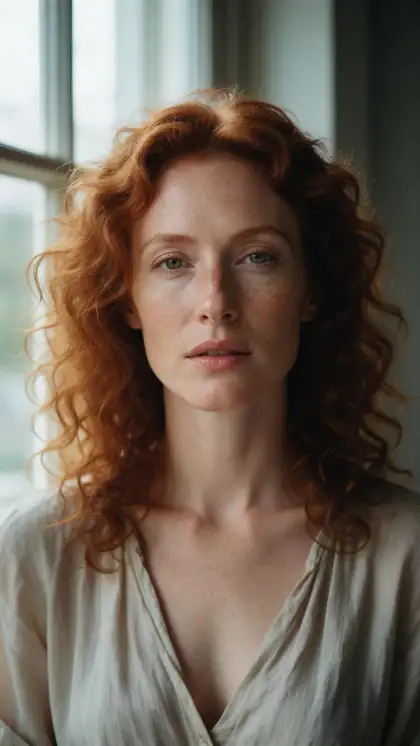
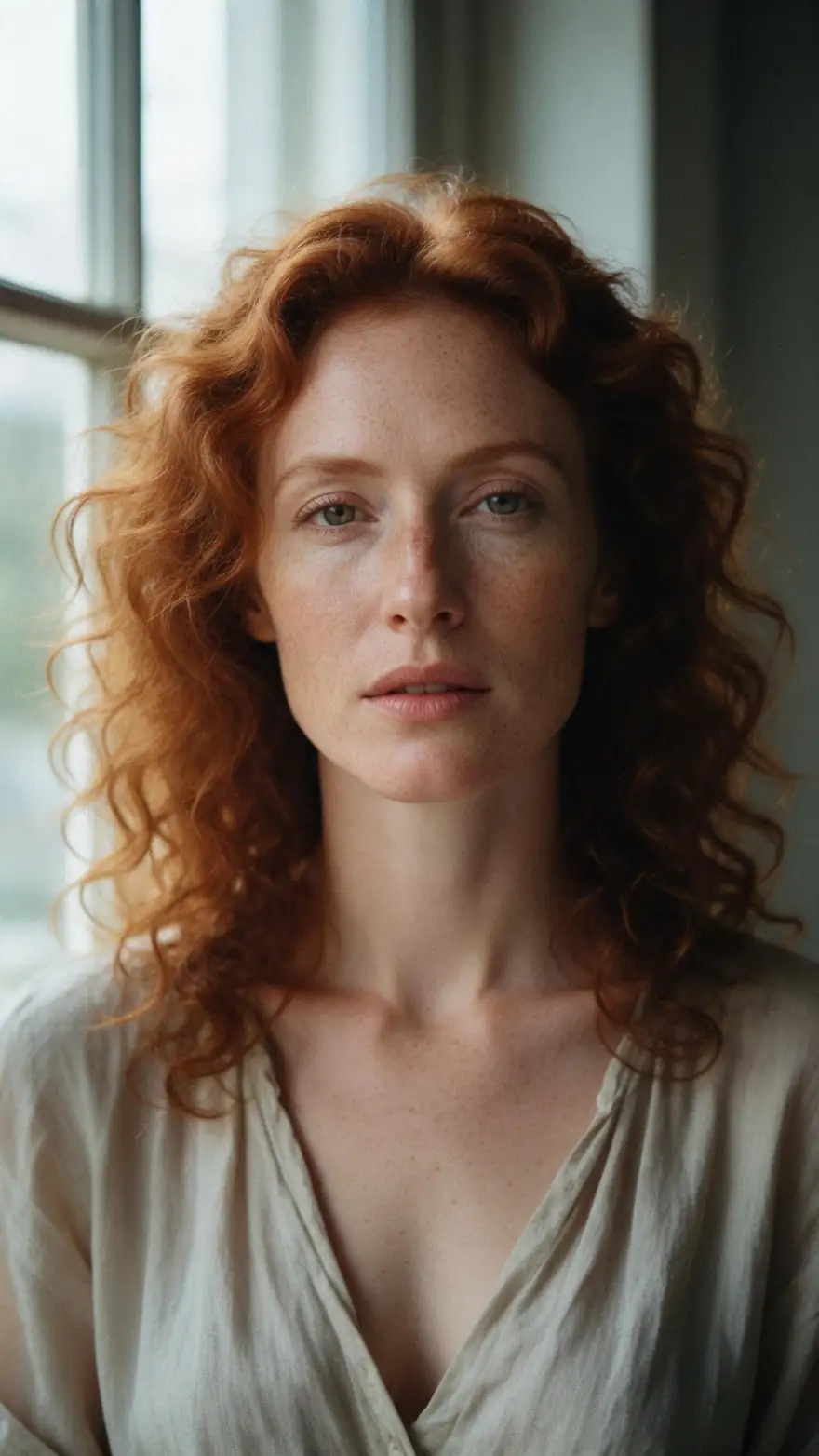
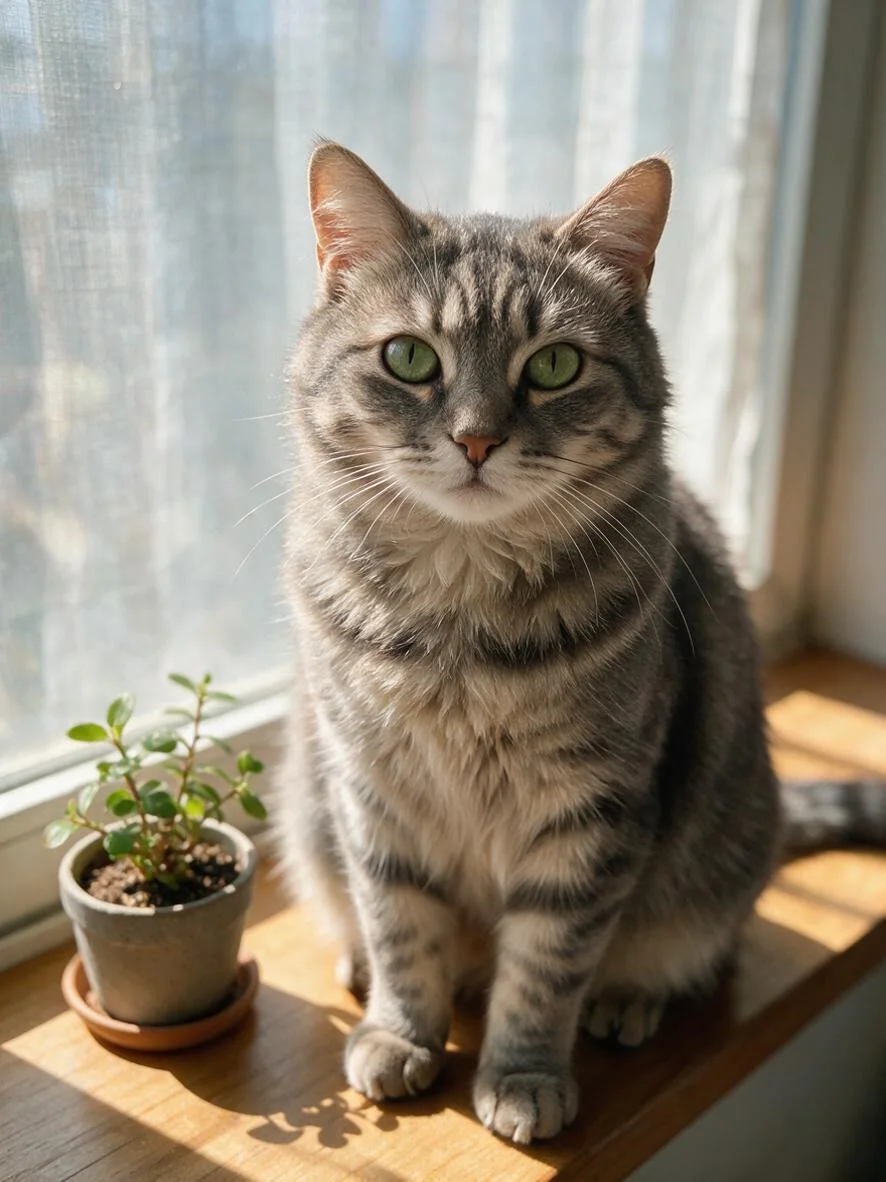
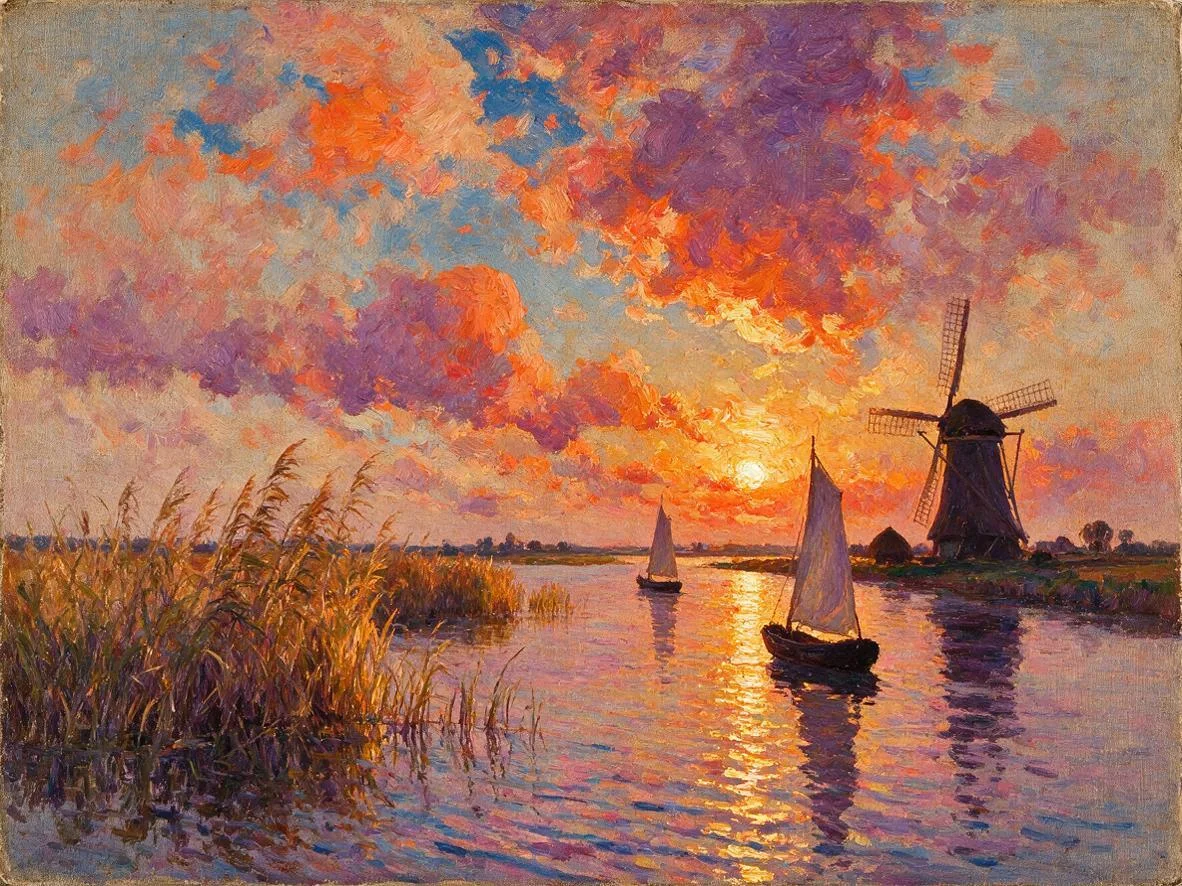
Upload a photo or picture, describe what should move, and get a short video: a portrait that looks up, a cat that turns to the window, mist over a lake, a painted windmill turning. Below, real clips of each, including a run that went wrong. New to it? Our how to animate a photo guide walks through it step by step.
- Any still: photo, product shot, painting
- You write the motion
- Wan 3.0 keeps products intact
- Native sound or silent
Updated by the Kenerate AI team




Made with Kenerate
On this page
Quick answer

How do I animate a photo or picture online?
To animate a photo or picture online, upload it to Kenerate's AI image animator (Video Studio, image to video), describe what should move, such as “she looks up and smiles” or “mist drifts across the lake”, and generate. Wan 3.0 makes 2–30 s clips up to 1080p with sound, 150 credits for 5 s at 720p; Seedance 1.5 Fast is cheaper.
Key facts
- Input
- One image + a motion prompt
- Default model
- Wan 3.0 (Alibaba)
- Clip length
- 2–30 s on Wan 3.0 · 4–12 s on Seedance 1.5 Fast
- Resolution
- 480p–1080p on Wan 3.0, up to 4K on Seedance 2.5
- Sound
- Generated with the clip, or off
- Ratios
- Keep the image's shape, or 16:9 · 9:16 · 1:1 · 4:3 · 3:4
- Plan
- Video Studio needs a paid plan
Real results
Animate a photo: real examples
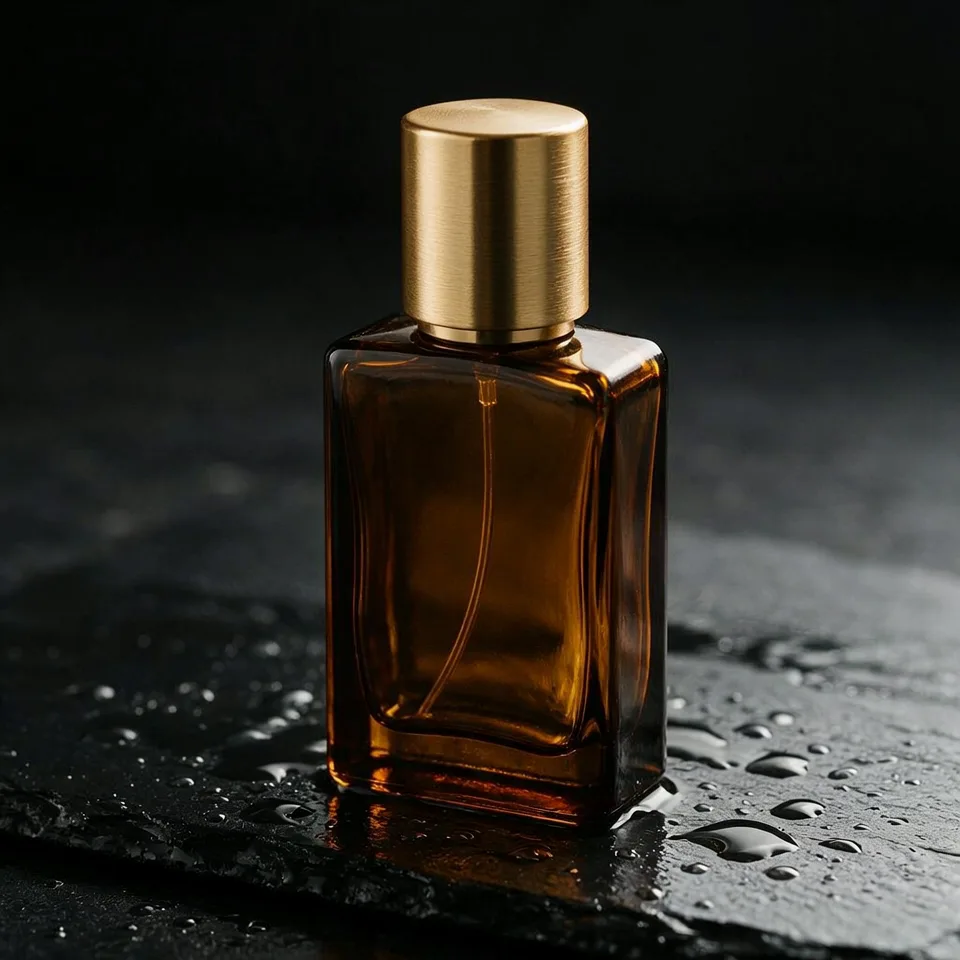
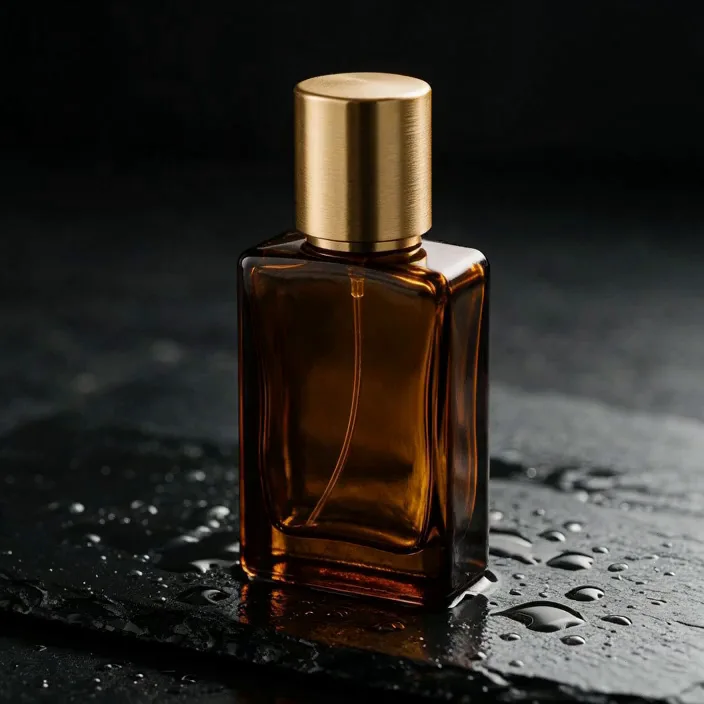
Five kinds of picture people animate, each a Seedream 5.0 Pro still: a landscape, a portrait, a cat, a painting and a product shot, the last one on two models side by side.
Real, unedited image-to-video clips made on Kenerate: the lake and perfume clips on 17 November 2026, the cat and the painting on 18 November 2026, the portrait earlier for our old-photos guide. Open one to copy both prompts.
How to
How to animate an image with AI
- Time needed
- Steps
- 4 steps
Step 1
Pick a sharp image
A clear subject and some space around it. Landscapes, product shots, paintings and portraits of adults all work; small busy details tend to drift.
Step 2
Open the Video Studio and upload it
Choose Image to Video. Leave the ratio empty to keep the image's shape, or pick 9:16, 1:1 or 16:9 for where it will be posted.
Step 3
Describe what moves
Name the moving parts and one camera move: "mist drifts across the lake, clouds move, slow forward dolly". For products add "the bottle keeps its exact shape, no text".
Step 4
Choose the model and length
Wan 3.0 for products and anything that must stay the same; Seedance 1.5 Fast for cheaper scenery. 5 s is enough to judge the motion.
See it in the app

Open Video Studio in Text to Video mode and write the shot — subject, action, camera move and light.


Watch the tour · 1:19
Text, image & reference to video, models, edit, extend & chat
Chapters
Checked 19 November 2026
Effect-template animators vs a prompt-based image animator
Template apps apply one preset motion to any image. A prompt-based animator lets you say exactly what moves and what must stay still.
| Kenerate Video Studio | Effect-template apps | |
|---|---|---|
| Motion | Written in your prompt | A preset effect (zoom, sway, hug, dance) |
| Models | Wan 3.0, Seedance, Kling, LTX and more in one studio | Usually the app's own model |
| Length | 2–30 s on Wan 3.0 | Set by the effect |
| Sound | Generated with the clip, or off | Often music only |
| Product safety | Pick a model that keeps the product intact | No choice |
Template app details vary by app; check each app's current features. Kenerate is our product.
Sources: Kenerate Video Studio · Kenerate AI terms of service
Engines
Image animator models in the Video Studio
From Kenerate's live model list, 17 November 2026. Every model here animates an uploaded image.
- Used here
Alibaba
Wan 3.0
- Input
- Image + prompt (+ end frame)
- Output
- 2–30 s · up to 1080p · sound on or off
Open Wan 3.0Best for
Products and anything that must stay the same
- Used here
ByteDance
Seedance 1.5 Fast
- Input
- Image + prompt
- Output
- 4–12 s · 720p or 1080p · sound
Open Seedance 1.5 FastBest for
Cheap scenery and nature motion
ByteDance
Seedance 2.5
- Input
- Image + prompt (+ end frame)
- Output
- 4–30 s · up to 4K · sound
Open Seedance 2.5Best for
4K hero shots
Kuaishou
Kling v3 Pro
Lightricks
LTX 2.3
- Input
- Image + prompt
- Output
- 5–20 s · up to 1080p · silent
Open LTX 2.3Best for
Cheapest drafts
The clips above are unedited outputs of Wan 3.0 and Seedance 1.5 Fast.
Tips
What we learned animating these stills
Notes from our runs on 17 November 2026.
Nature animates easily: mist, water, clouds and leaves moved well on the cheaper Seedance 1.5 Fast.
Products need the stronger model. Seedance 1.5 Fast turned our "water droplet" into gold liquid pouring over the cap; Wan 3.0 kept the bottle untouched.
Don't ask for liquids on a product unless that's the point: the model may invent them in the wrong place.
Say what must not change ("the bottle and cap keep their exact shape") as well as what moves.
One camera move per clip. Orbits are subtle on 5-second clips; a push-in reads more clearly.
Use "no text, no logo" on product shots, or a model may invent a brand name.
Sound is generated with the picture: describe it (birdsong, ambient music) or switch it off.
FAQ
AI Image Animator questions
12 questions

How do I animate a photo?
Upload the photo to Kenerate's Video Studio in Image to Video mode, describe one or two things that move (“she looks up toward the window and smiles, static camera”), pick Wan 3.0 and generate 5 seconds. Check faces and edges, then download the MP4. Our step-by-step guide on how to animate a photo covers prompts in more detail.
Link to this answerHow do I animate a picture online without an app?
Use the Video Studio in your browser: nothing to install. Upload the picture, write the motion, generate. It works the same for photos, drawings, paintings and AI images.
Link to this answerCan I animate a photo of my pet or a painting?
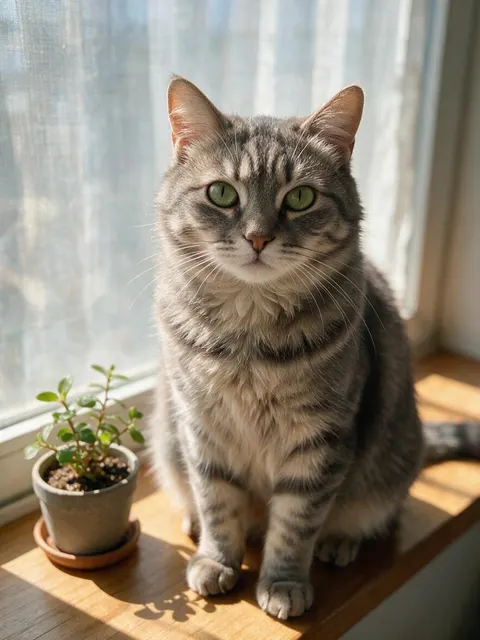
Yes. On this page a cat photo turns its head to the window and a painted windmill turns its sails, both on Wan 3.0. Our animate pet photo and animate painting pages show more prompts for each.
Link to this answerHow do I animate an image with AI?
Upload the image to Kenerate's Video Studio in Image to Video mode, describe what should move ("mist drifts across the lake, slow forward dolly"), pick a model such as Wan 3.0 and generate. A 5-second clip takes a few minutes.
Link to this answerWhich AI image animator keeps products looking the same?
In our test Wan 3.0 did: the perfume bottle and cap stayed exactly as in the photo. Seedance 1.5 Fast, a cheaper model, poured gold liquid over the cap and bent its shape. Use Wan 3.0 or Seedance 2.5 for products.
Link to this answerHow much does it cost to animate an image?
On Wan 3.0 a 5-second clip costs 75 credits at 480p, 150 at 720p and 300 at 1080p. Seedance 1.5 Fast cost 60 credits for 5 s at 720p. The three lake and perfume clips cost 270 credits plus 27 for their two stills; the cat and windmill clips cost 75 each at 480p.
Link to this answerHow do I make a picture move?
Upload the picture to Kenerate's Video Studio in Image to Video mode, describe small motion that fits it ("steam rises from the cup, slow push-in, everything else stays still") and generate a 5-second clip on Wan 3.0. The picture becomes the first frame, so the more you say about what must not change, the closer the clip stays to it.
Link to this answerCan I animate a picture for free?
Not on Kenerate: there's no free AI image animator here, because animating a picture is video generation and that needs a paid plan (the free plan shows the video models locked). On a paid plan a 5-second Wan 3.0 clip costs 75 credits at 480p, and there's no watermark on the result.
Link to this answerCan I animate a painting or illustration?
Yes. Upload the artwork and describe gentle motion that fits it ("the clouds drift, the water ripples, the brush texture stays"). Keep the camera move small so the style doesn't change.
Link to this answerHow long can an animated image be?
2 to 30 seconds per clip on Wan 3.0 and 4 to 12 seconds on Seedance 1.5 Fast. For a loop, keep it short and ask for subtle motion.
Link to this answerDoes the animated image have sound?
It can. Wan 3.0 and Seedance generate sound with the clip; describe it (birdsong, ambient music) or switch sound off on Wan 3.0 at the same price.
Link to this answerCan I animate a photo of a person?
Yes, with their consent and only adults. For faces and family photos see our photo to video and animate old photos guides; celebrities and people who haven't agreed are off limits.
Link to this answerIn depth
Animate a picture with AI: how to make a picture move
To animate a picture, an image-to-video model takes it as the first frame and draws the frames after it from your prompt, so the prompt should say what moves and what stays. Kenerate's Video Studio does this on Wan 3.0, Seedance, Kling and more, in clips of 2 to 30 seconds. Below: how it works, our test, which pictures move best, and the common questions.
On this page
How AI image animation works
An image-to-video model takes your picture as the first frame and predicts the frames after it, guided by the prompt. Anything the prompt names moves; anything it doesn't name usually stays close to the photo. That is why the prompt should say both what moves and what must not change.
Cheaper, faster models predict less carefully. Scenery forgives that (mist and clouds have no fixed shape), but products, text and hands don't.
Our test: two stills, three clips
On 17 November 2026 we animated two Seedream 5.0 Pro stills, 5 seconds each, 720p, sound on, unedited:
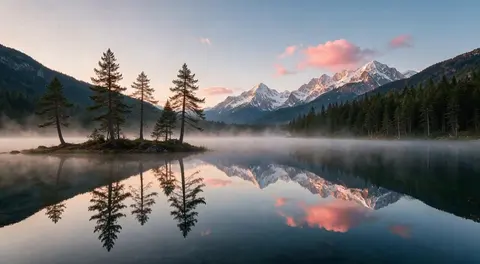
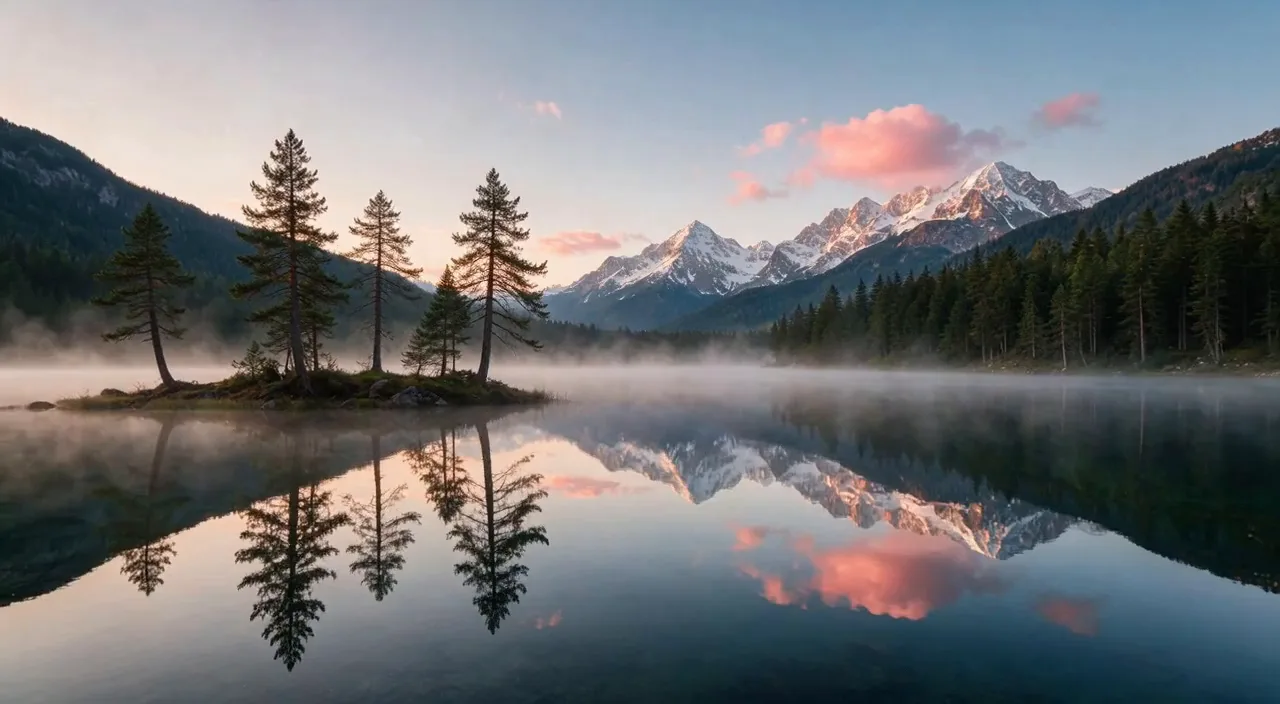
- Alpine lake on Seedance 1.5 Fast (60 credits): mist drifted, the pink clouds moved and the camera slid sideways; the reflections stayed clean. First try.
- Perfume bottle on Seedance 1.5 Fast (60 credits): we asked for one water droplet down the glass. It poured gold liquid over the cap, bent the cap's shape and filled the frame with smoke, and the orbit never happened.
- Same bottle on Wan 3.0 (150 credits) with "the bottle and cap keep their exact shape, no liquid on the cap": the bottle stayed untouched while light glints moved across it. This is the one to use.
- Total: 297 credits including the two stills.
Which images animate best
Images with a clear subject and natural motion potential give the cleanest clips:
- Landscapes with water, sky, fog or foliage.
- Product shots on a plain background, animated with light and camera moves rather than changes to the product.
- Paintings and illustrations with simple shapes.
- Avoid tiny text, crowded scenes and hands holding things if you need a perfect result.
Animate a picture
A picture can be a photo, a drawing, a painting or an AI image; the AI image animator treats them all as the first frame. Name what moves and, for art, add “keep the brush strokes” or “keep the flat 2D look” so the style stays.
How to animate a picture
In short: upload the picture in Image to Video, write one or two motions plus what must stay still, generate 5 seconds and check the edges and faces. The full walkthrough, with prompt examples for each type of picture, is our how to animate a photo guide; it works the same for drawings and AI images.
Make a picture move
To make a picture move without changing it, name small motions that fit the scene: hair in the wind, steam, ripples, a blink, a slow push-in. Add what must stay the same ("keep her face exactly the same"). Big actions, like walking away or turning around, change the picture much more.
Animate a picture for free
Kenerate doesn't animate pictures for free: image to video is a paid-plan feature, and on the free plan the studio shows every video model locked. Paid clips have no watermark, and the FAQ below lists what a clip costs.
Create moving pictures
For a living-photo effect that loops, ask for slow, small motion (mist, hair, water, a blink) with a static camera and keep the clip at 5 seconds. Our animated wallpaper maker page covers loops for screens.
Motion in a picture
Say what moves and what must stay. In our tests anything the prompt named moved; products stayed intact only on the stronger Wan 3.0, so name the parts that must not change too.
Explore
Every Kenerate video tool
Generators, tools, models and guides — all in one studio.
By the Kenerate AI teamLast updated and reviewed
Sources: Kenerate Video Studio · Kenerate AI terms of service

Animate your image
Upload a still, describe the motion, get a clip with sound. No watermark.
Tried it? Tell us how it went